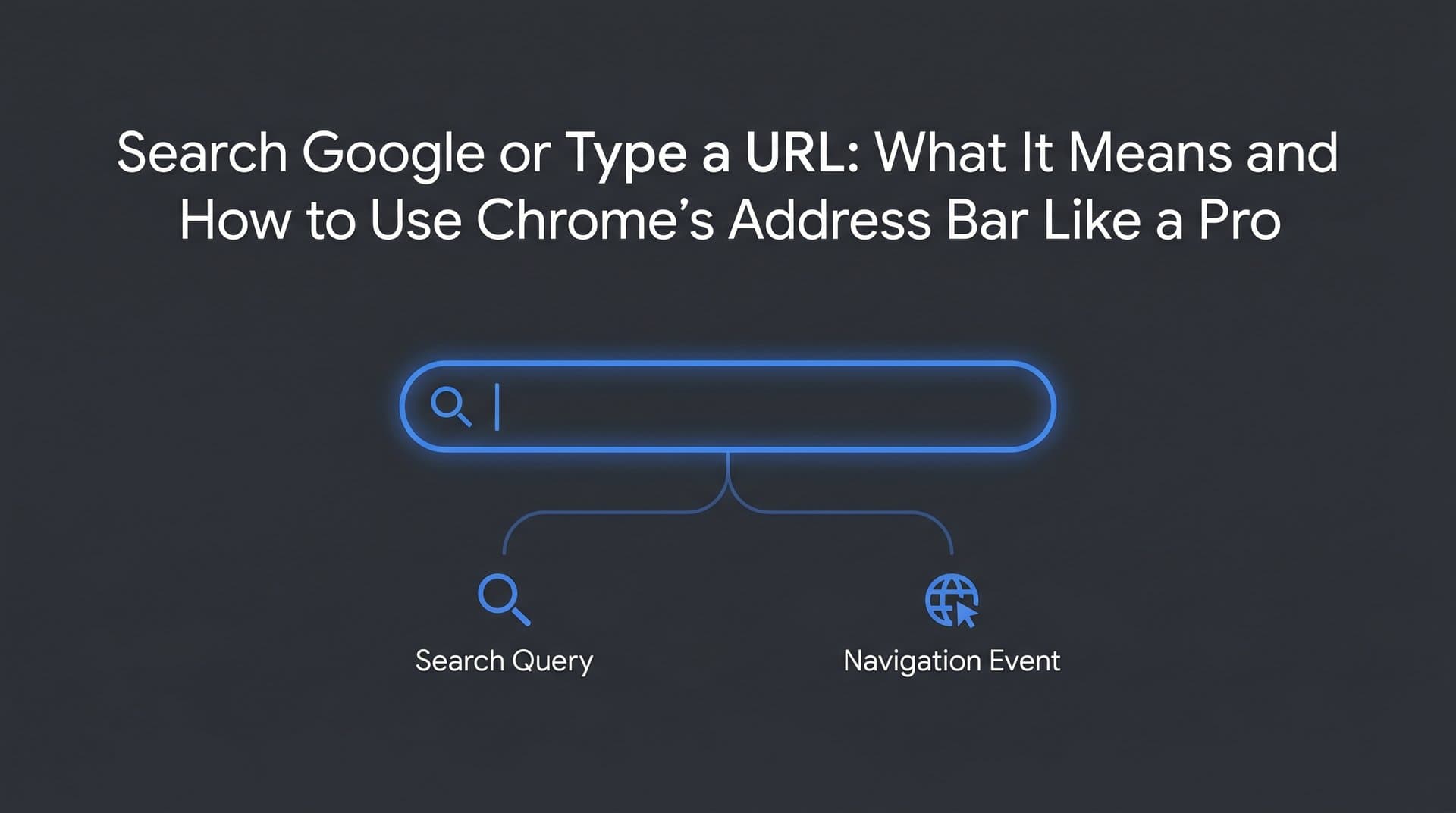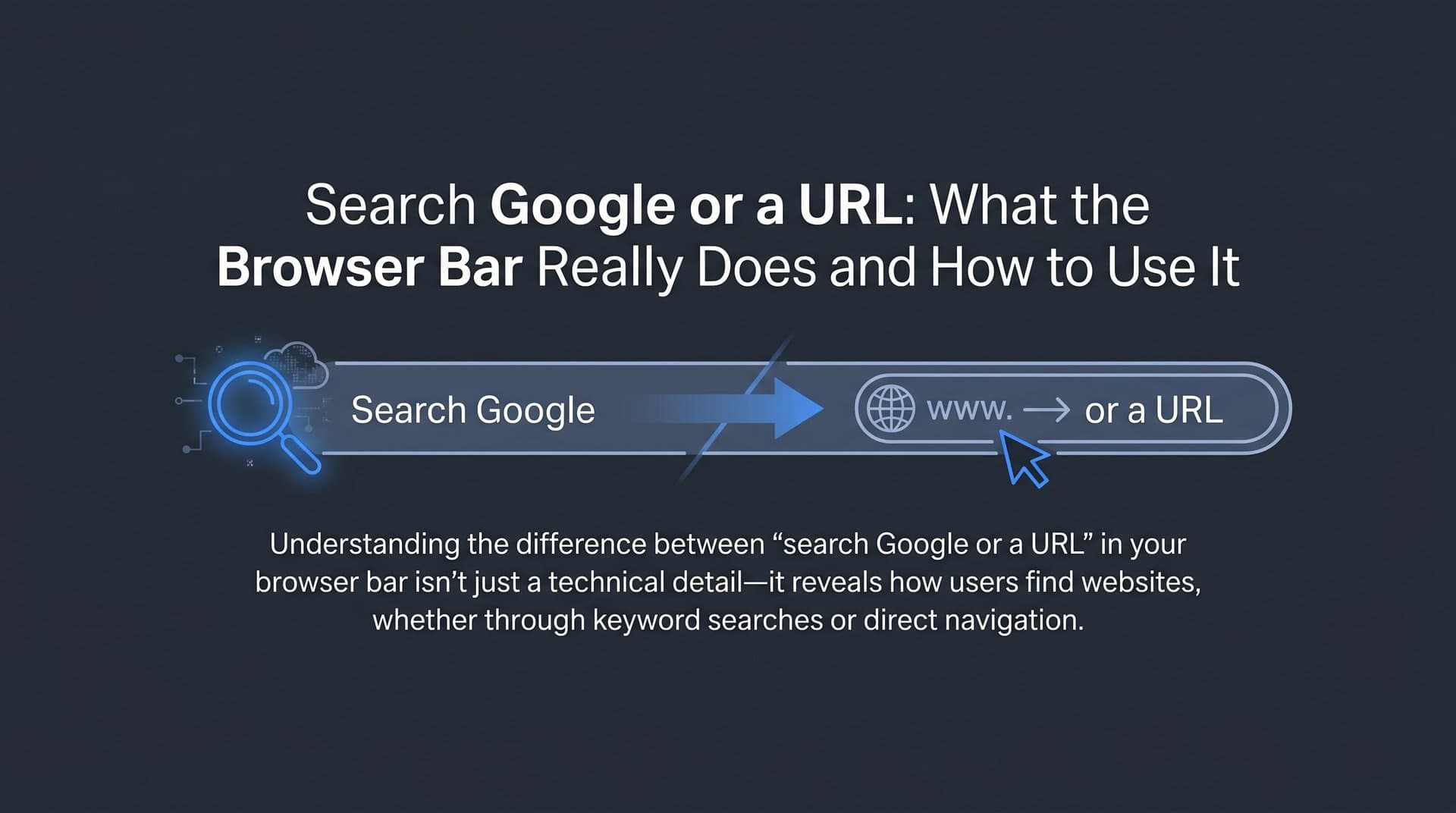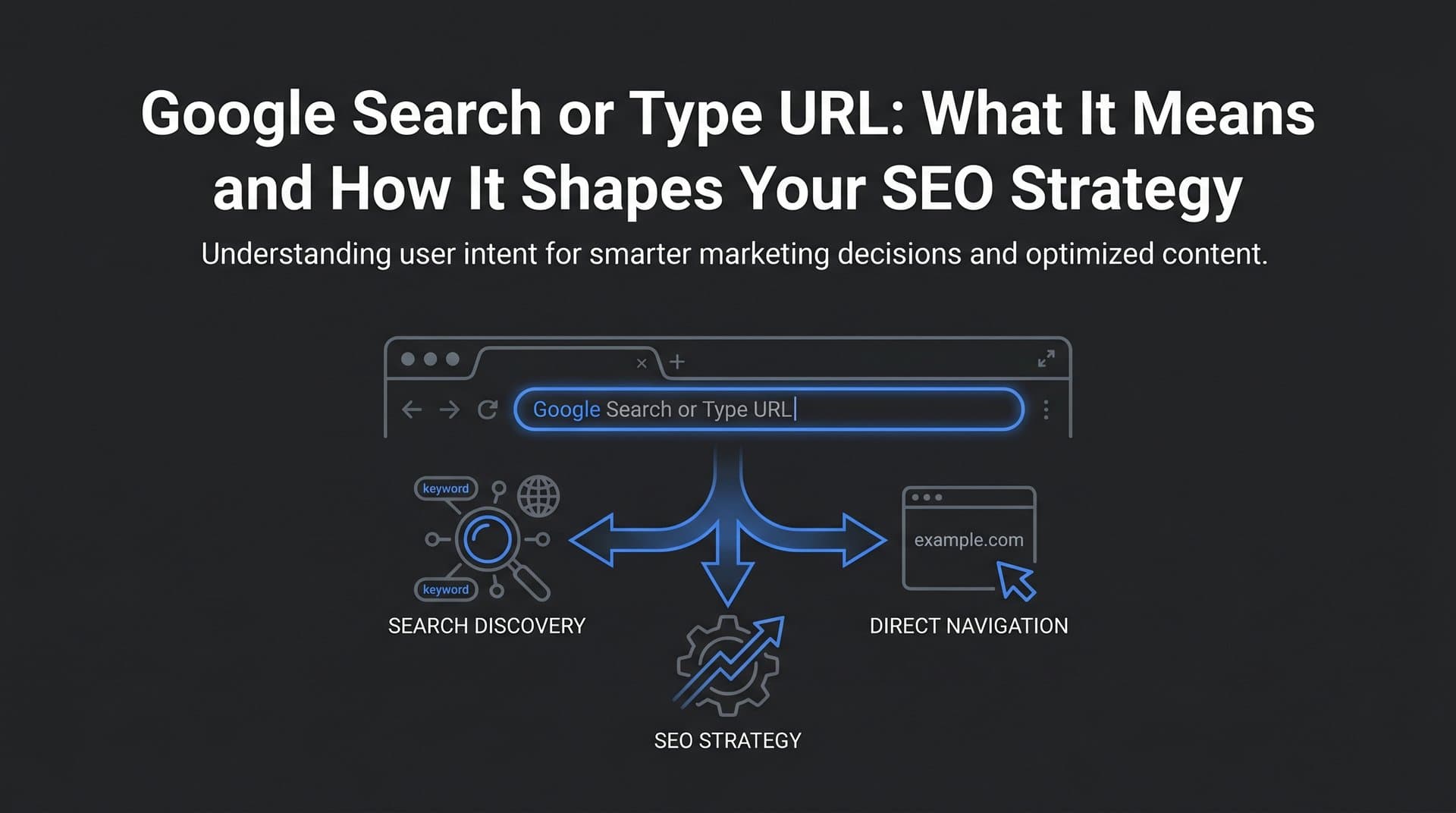
Every time you open a new tab in Chrome, the same quiet invitation appears: "Search Google or type a URL." Most people glance past it without a second thought, treating the address bar as a simple box where you put stuff to go places. But that single line of placeholder text actually represents two completely different ways of navigating the internet, and understanding the distinction between them has real implications for how you research, how your audience finds you, and how modern search strategy works.
For marketers, founders, and agency professionals, this isn't just a technical curiosity. The path a user takes to reach your website, whether they type your URL directly or discover you through a search query, tells a story about brand recognition, content discoverability, and organic reach. And in 2026, with AI-powered search reshaping how people find information entirely, that story is getting more complex by the day.
This article breaks down exactly what happens when users interact with Chrome's address bar, why the "search or type a URL" distinction matters for SEO and content strategy, and how the rise of AI search is creating an entirely new layer of discoverability that sits above the traditional browser bar altogether. Whether you're optimizing content, auditing your indexing, or trying to understand where your traffic actually comes from, this is the foundation worth understanding.
Decoding Chrome's Omnibox: More Than a Simple Text Field
Chrome's address bar has a formal name that most people have never heard: the omnibox. Google introduced it when Chrome launched in September 2008, and it was genuinely novel at the time. Before Chrome, browsers like Firefox and Internet Explorer maintained two separate input fields: one for entering web addresses and another for running searches. Chrome collapsed both into a single intelligent field, and the design was so effective that every major browser eventually followed suit.
The omnibox isn't just a cosmetic simplification. It's a decision engine. Every time you type something and press Enter, Chrome runs a quick analysis to determine whether your input looks like a web address or a search query, and then routes it accordingly. Understanding search intent at this level is fundamental to how the modern web works.
Here's how that detection works in practice. Chrome looks for specific signals that indicate a URL:
Protocol presence: If your input starts with "http://", "https://", or "ftp://", Chrome treats it as a direct web address without question.
Recognized top-level domains: If your text ends with a known TLD like .com, .org, .net, .io, or hundreds of others, Chrome interprets it as a URL attempt. Type "trysight.ai" and Chrome knows you're heading somewhere specific, not searching for something.
IP address format: Strings that match IP address patterns (four numbers separated by dots) are treated as direct navigation targets.
Everything else: If your input doesn't match any of these patterns, Chrome treats it as a search query and sends it to your default search engine.
That last part is important: your default search engine setting controls where non-URL queries go. Chrome defaults to Google, but users can configure it to use Bing, DuckDuckGo, Yahoo, or even custom search engines. For most users globally, "searching" from the omnibox means searching Google. But that assumption doesn't hold universally, which matters if you're thinking about search engine optimization across different user segments.
There's also a layer of intelligence built on top of this routing logic. As you type, Chrome's suggestion dropdown begins populating with a blend of results: pages from your browsing history, bookmarked URLs, open tabs, and predictions pulled from Google's Autocomplete API. The omnibox is constantly making educated guesses about where you're trying to go or what you're trying to find, often surfacing the right destination before you've finished typing.
This combination of routing logic and predictive suggestions is what makes the omnibox feel seamless. It handles the messy middle ground between "I know exactly where I'm going" and "I have no idea what I'm looking for" with surprisingly little friction. Understanding how it makes those decisions is the first step toward understanding how users actually navigate the web.
Two Different Journeys: What Actually Happens Behind the Scenes
The omnibox routes your input in one of two directions, and those two paths involve very different technical processes. The distinction matters because it affects everything from page load speed to how your analytics platform attributes traffic.
When you type a search query, here's the chain of events that unfolds. Chrome sends your input to Google's search infrastructure (assuming Google is your default engine), which processes the query against its index of billions of pages, applies its ranking algorithms, and returns a Search Engine Results Page. That SERP is itself a web page that Chrome then loads and renders. You're not going directly to a destination; you're going to a directory that points toward possible destinations. Along the way, Chrome may have already started DNS prefetching based on your partial input, speeding up the eventual page load once you click a result.
When you type a direct URL, the journey skips the SERP entirely. Chrome takes your address, resolves it through DNS to find the corresponding server's IP address, establishes a TCP connection, completes a TLS handshake if the site uses HTTPS (which virtually all modern sites do), and then requests the specific page from the server. The page loads directly. No intermediary, no results page, no ranking algorithm deciding whether you should see it.
From an analytics perspective, these two paths show up differently. Search query traffic typically appears as organic search in tools like Google Analytics. Direct URL entry shows up as direct traffic. The distinction affects how you interpret your traffic sources and understand where your audience is coming from. Knowing how to check your position in Google search helps you understand which path users are more likely taking to find you.
The hybrid scenarios are where things get interesting. Type "trysight" without a TLD and Chrome has to make a judgment call: is this a search for the word "trysight" or an attempt to navigate to a website? Chrome's suggestion engine kicks in, blending your history and bookmarks with search predictions to offer its best guess. Misspelled domains follow a similar logic; Chrome may recognize common misspellings and suggest the correct URL, or it may treat the input as a search query and let Google handle the correction.
Partial URLs, domain shortcuts, and Chrome's @tabs, @bookmarks, and @history shortcuts add another layer of navigation efficiency. Type "@bookmarks" followed by a space in the omnibox and Chrome switches into a mode where it searches only your saved bookmarks. The same works for @history and @tabs. These features transform the address bar from a simple navigation tool into a command interface for your entire browsing session.
Why the Search-vs-URL Distinction Matters for SEO
For anyone working on organic growth, the difference between a user typing your URL and a user searching for you represents two fundamentally different relationships with your brand.
Direct URL traffic is navigational by nature. When someone types your domain directly into the omnibox, they already know you exist. They've either visited before, seen your URL somewhere, or heard about you through word of mouth. This kind of traffic is a signal of brand recognition and trust. Search engines take note of it: strong direct traffic patterns often correlate with domain authority because they indicate that real users actively seek out your specific website rather than stumbling upon it through a query.
Search query traffic is discovery traffic. These are users who don't yet know your URL or who are exploring a topic where your content might be relevant. They type a question or keyword into the omnibox, Google surfaces a SERP, and your page either appears or it doesn't. This is where traditional SEO does its work: keyword research, on-page optimization, content quality, backlink authority, and technical health all determine whether your page earns a visible position on that results page.
Here's the critical connection between the two: you cannot capture search query traffic if your pages aren't indexed. When Google's crawlers haven't discovered and indexed a page, it simply doesn't exist in the search results. A user typing a relevant query will never see it. This is why search engine indexing optimization isn't just a technical checkbox; it's the prerequisite for organic discoverability. Pages that are published but not indexed are invisible to every user who finds content through the omnibox search path.
The practical implication for content strategy is that you need to optimize for both traffic types simultaneously. Build brand recognition so users eventually type your URL directly. Create well-optimized, properly indexed content so users discover you through search queries. These aren't competing goals; they reinforce each other. A user who first finds you through a search query might become a user who later types your URL directly, which strengthens your direct traffic signals over time.
Understanding this cycle is foundational to building sustainable organic growth rather than chasing short-term ranking wins.
Power User Moves: Getting More From the Chrome Address Bar
Most people use the omnibox at about ten percent of its actual capability. If you're doing research, competitive analysis, or content work regularly, these features can meaningfully speed up your workflow.
Custom search engine shortcuts: Chrome lets you set up site-specific search shortcuts directly in the omnibox. Go to Chrome Settings, then "Search engine," then "Manage search engines and site search." You can add any site with a search function and assign it a keyword. For example, set "mdn" as a shortcut for MDN Web Docs, and typing "mdn flexbox" in the omnibox searches that site directly. Marketers often set up shortcuts for their analytics platform, internal wikis, or frequently referenced databases.
Quick calculations and unit conversions: Type "145 * 12" or "50 miles in kilometers" directly into the omnibox and Chrome (via Google) returns the answer in the suggestion dropdown before you even press Enter. For quick research tasks, this saves the step of loading a full search results page.
Tab and bookmark search: The @tabs, @bookmarks, and @history shortcuts mentioned earlier are genuinely useful for anyone who works with many open tabs or an extensive bookmark library. Instead of hunting through your browser, type what you're looking for directly into the omnibox with the appropriate prefix.
Autocomplete as a research tool: The suggestions Chrome surfaces as you type in the omnibox reflect a blend of your personal history and Google's Autocomplete API, which is built on aggregate search behavior. When you start typing a topic and watch what autocomplete suggests, you're seeing a real-time window into what people commonly search for. Marketers and content strategists use this as a lightweight, zero-cost way to identify trending queries, understand how users phrase their questions, and spot content gaps that their existing material doesn't address. For a more structured approach, dedicated keyword research for organic SEO takes these insights much further.
This last point connects directly to keyword research. The autocomplete suggestions aren't random; they reflect genuine search patterns. A suggestion that appears consistently when you type a partial query represents a real audience need, which is exactly the kind of insight that should inform your content calendar.
From the Browser Bar to AI Search: A Shifting Landscape
The "search Google or type a URL" prompt assumes a world where finding information means either knowing a destination or querying a search engine. That world is changing faster than most people realize.
Google's AI Overviews, which launched broadly in 2024, now appear at the top of many search results pages, providing synthesized answers to queries before users ever see a list of links. ChatGPT's browsing capabilities allow users to ask questions and receive answers drawn from live web content. Perplexity AI has built an entire search product around AI-generated responses with citations. The common thread across all of these: users increasingly get answers without clicking through to any website at all. Understanding how AI search engines work is essential for adapting to this new reality.
This creates a new challenge for discoverability that sits entirely outside the traditional omnibox paradigm. Your page might be perfectly indexed, ranking on the first page of Google, and still receive fewer clicks than it used to because an AI-generated summary at the top of the SERP answered the user's question before they needed to visit you. The traffic path from "user types query" to "user visits your page" now has a new off-ramp: the AI answer that satisfies the query without requiring a click.
The logical response to this shift is to think about discoverability at a new level: not just whether your page ranks, but whether AI models mention, recommend, or cite your brand when answering relevant questions. This is what AI search engine optimization means in practice. When someone asks ChatGPT about the best tools for tracking AI brand mentions, does your product appear in the response? When Perplexity answers a question about SEO content generation, does it reference your platform?
These AI-generated mentions are becoming a meaningful channel for brand discovery, operating entirely outside the traditional browser address bar workflow. A user might never type your URL or search for your brand name on Google; they might simply encounter your brand name in an AI response and then navigate directly to you. Understanding and optimizing for this channel requires a different kind of tracking than traditional SEO analytics provides.
Platforms like Sight AI are built specifically for this emerging need, monitoring how AI models like ChatGPT, Claude, and Perplexity reference your brand, tracking sentiment, and identifying the content opportunities that can increase your presence in AI-generated responses.
Building a Discoverability Strategy That Works Across Every Channel
Pull the threads together and a clear picture emerges. Users find content in three fundamentally different ways: they type a URL directly (navigational), they search with a query (discovery via search engine), or they encounter your brand in an AI-generated response (discovery via AI). A complete discoverability strategy needs to address all three.
For direct URL traffic: Build brand recognition through consistent content, partnerships, and presence in the places your audience spends time. The goal is for your brand name to become the kind of thing people remember and type directly.
For organic search traffic: Create well-structured, properly optimized content that targets the queries your audience is actually typing into the omnibox. Ensure every page you publish gets indexed promptly. Understanding how to get indexed by search engines faster can accelerate the time between publication and indexing, so your content starts competing in search results sooner.
For AI visibility: Understand how AI models currently talk about your brand and your category. Identify the prompts and questions where your brand should appear but doesn't. Create content specifically structured to be cited and referenced by AI systems, optimizing for what's sometimes called GEO (Generative Engine Optimization) alongside traditional SEO.
The brands that will win organic traffic in the coming years are those that treat these three channels as interconnected rather than separate. A user who discovers you through an AI response might search your brand name next, then eventually type your URL directly. Each touchpoint reinforces the others.
Start with an honest audit: Are your pages indexed? Are you tracking where your traffic actually comes from? Do you know how AI models reference your brand today? These questions have concrete, measurable answers, and the gap between where you are and where you want to be is the roadmap for your content and optimization work.
The Bottom Line
That small prompt in Chrome's address bar, "Search Google or type a URL," is easy to overlook precisely because it's so familiar. But it describes the two fundamental paths users take to find content online, and understanding those paths is the foundation of any serious discoverability strategy.
Direct URL entry means your brand has earned recognition. Search query traffic means your content is earning discovery. AI-generated mentions mean your brand is earning presence in a new layer of the information ecosystem that didn't exist a few years ago. Each of these channels has its own logic, its own optimization levers, and its own measurement requirements.
For marketers and founders focused on organic growth, the work is no longer just about ranking on Google. It's about ensuring your content is indexed and visible in traditional search, building the brand recognition that drives direct navigation, and establishing your presence in the AI-generated responses that are increasingly where users encounter new brands for the first time.
Stop guessing how AI models like ChatGPT and Claude talk about your brand. Start tracking your AI visibility today and see exactly where your brand appears across top AI platforms, uncover the content opportunities you're missing, and automate your path to organic traffic growth across every channel that matters.