Every internet session starts the same way. You click into the browser bar, see the words "Search Google or type a URL," and begin typing. Most people do this dozens of times a day without a second thought. But that small text prompt is actually describing two completely different actions, and understanding the difference matters more than you might expect.
For casual users, the distinction is mostly invisible. The browser handles everything automatically. But for marketers, founders, and anyone trying to build an online presence, what happens in that address bar has real consequences for traffic, visibility, and how potential customers actually find you. Are they searching for a category and discovering you? Or are they typing your brand name directly? Or, increasingly, are they skipping the browser bar entirely and asking an AI assistant instead?
This article breaks down the mechanics behind the omnibox, explains what actually changes when you search versus navigate, and connects those behaviors to the strategies that determine whether your brand gets found, referenced, and chosen. Whether you're optimizing for organic search, tracking direct traffic, or thinking about how AI models talk about your business, it all starts with understanding what happens the moment a user starts typing.
Behind the Omnibox: How Your Browser Decides What Happens Next
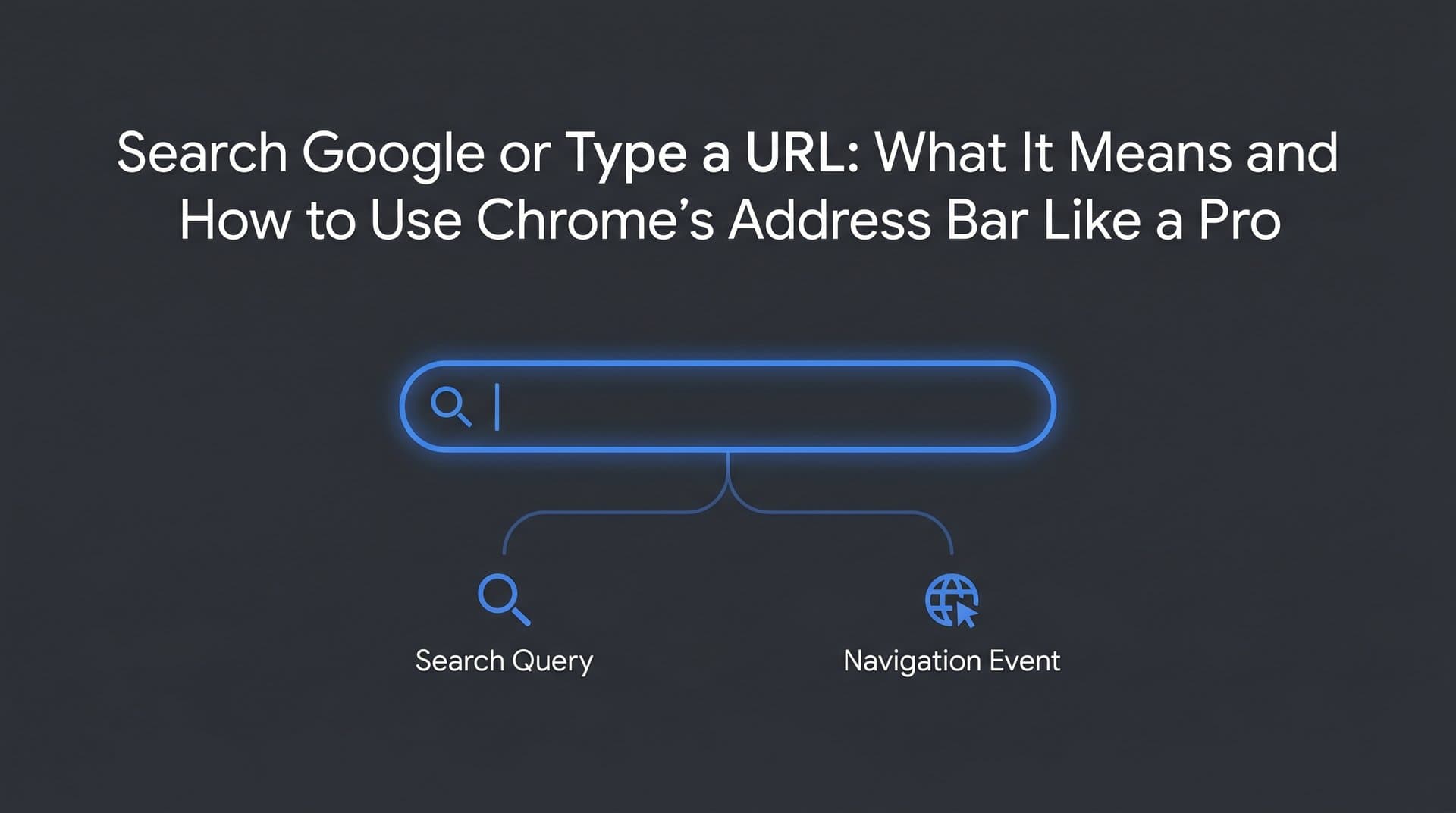
Chrome's address bar has an official name that most people have never heard: the omnibox. Introduced in 2008, it was a deliberate design decision to combine two previously separate functions, the URL bar and the search bar, into a single input field. Other browsers quickly followed with their own versions of the same concept. Today, every major browser works this way.
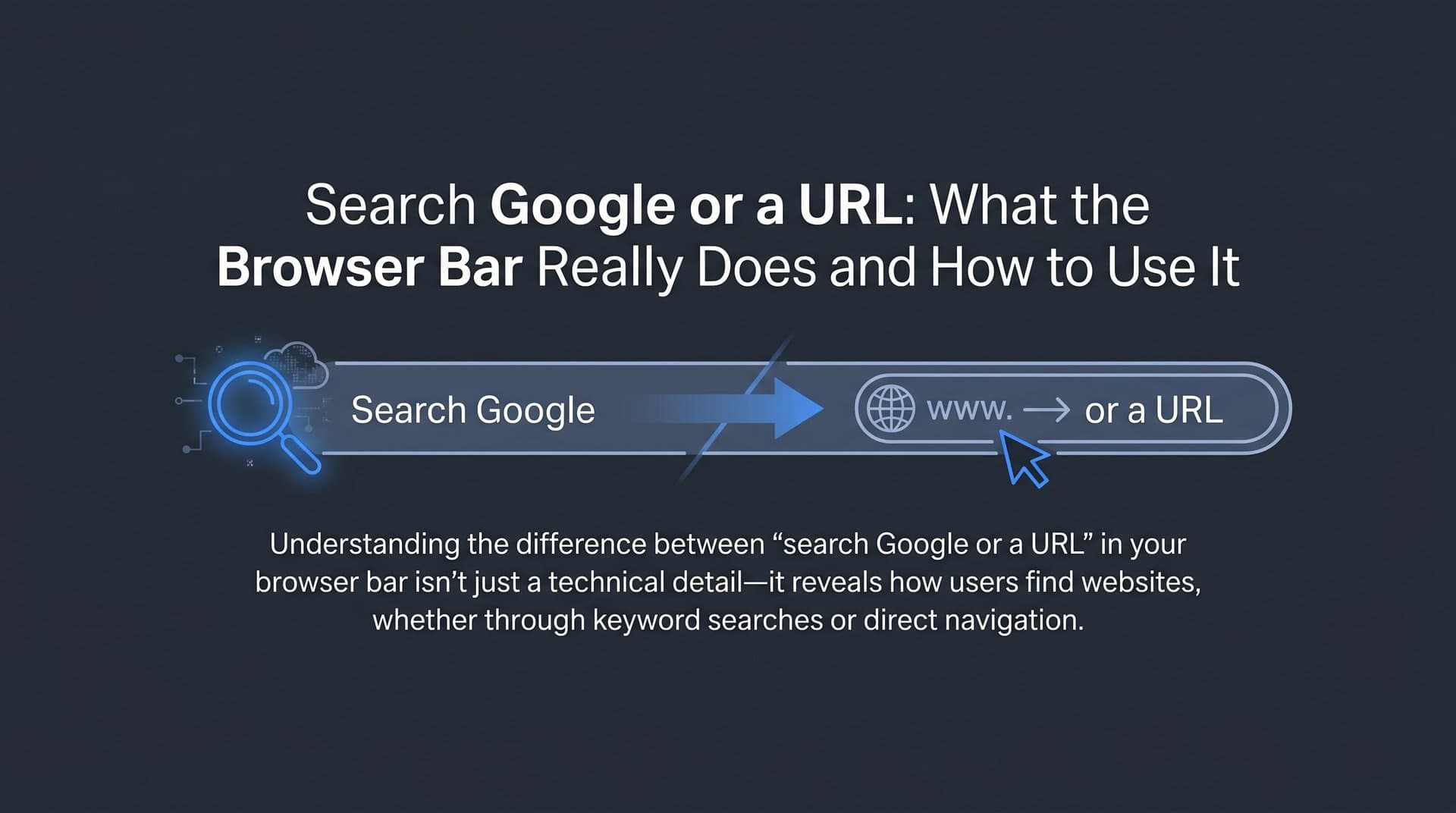
The interesting part is what happens the moment you stop typing and press Enter. The browser has to make a decision: is this a web address, or is this a search query? It makes that call using a set of pattern-recognition heuristics running in the background.
Think of it like this. The browser is scanning your input for signals. Does it contain a dot followed by a recognizable top-level domain, like .com, .org, or .io? Does it start with http:// or https://? Does it include a forward slash? These patterns suggest a URL. On the other hand, does the input contain spaces? Is it a phrase that doesn't match known domain patterns? Those signals point toward a search query.
When the browser identifies a URL, it initiates a process called DNS resolution. Your device contacts a Domain Name System server, which translates the human-readable domain name into an IP address, and then loads the page directly. The search engine never enters the picture.
When the browser identifies a search query, it packages your input and sends it to your default search engine. This is where the business of default search engines becomes significant. Chrome defaults to Google. Microsoft Edge defaults to Bing. Safari on Apple devices defaults to Google through a well-documented revenue-sharing arrangement. Firefox defaults to Google in most regions but has experimented with alternatives.
The practical implication is straightforward: every keyword query typed into a Chrome browser feeds data into Google's systems. Every query typed into Edge goes to Bing. The default search engine receives enormous volumes of query data, which is why technology companies pay substantial sums to secure those default positions. If you're optimizing for Bing specifically, understanding how to submit your website to Bing is a worthwhile step.
For marketers, this matters because the browser's decision about where to send a query determines which search engine's index your content needs to appear in. Most SEO strategy focuses on Google because Chrome's market dominance means Google receives the majority of browser-originated search queries. But ignoring Bing entirely means missing the traffic that flows through Edge, which comes pre-installed on every Windows machine.
Searching Google vs. Typing a URL: What Actually Changes
The surface-level difference is obvious: one gives you a list of results, the other takes you straight to a page. But the downstream implications for how traffic reaches websites, and how users experience the web, go much deeper.
When you type a search query and hit Enter, Google generates a Search Engine Results Page, commonly called a SERP. That page is a complex environment. It includes organic results ranked by Google's algorithm, paid advertisements, featured snippets that pull answers directly from web pages, knowledge panels that display structured information about entities, and, increasingly, AI Overviews that synthesize answers from multiple sources before showing any traditional links.
When you type a URL directly, none of that exists. You bypass the entire SERP ecosystem and land on a specific page. The website receives a visit categorized as direct traffic in analytics tools, and Google's algorithm has no role in whether you arrived.
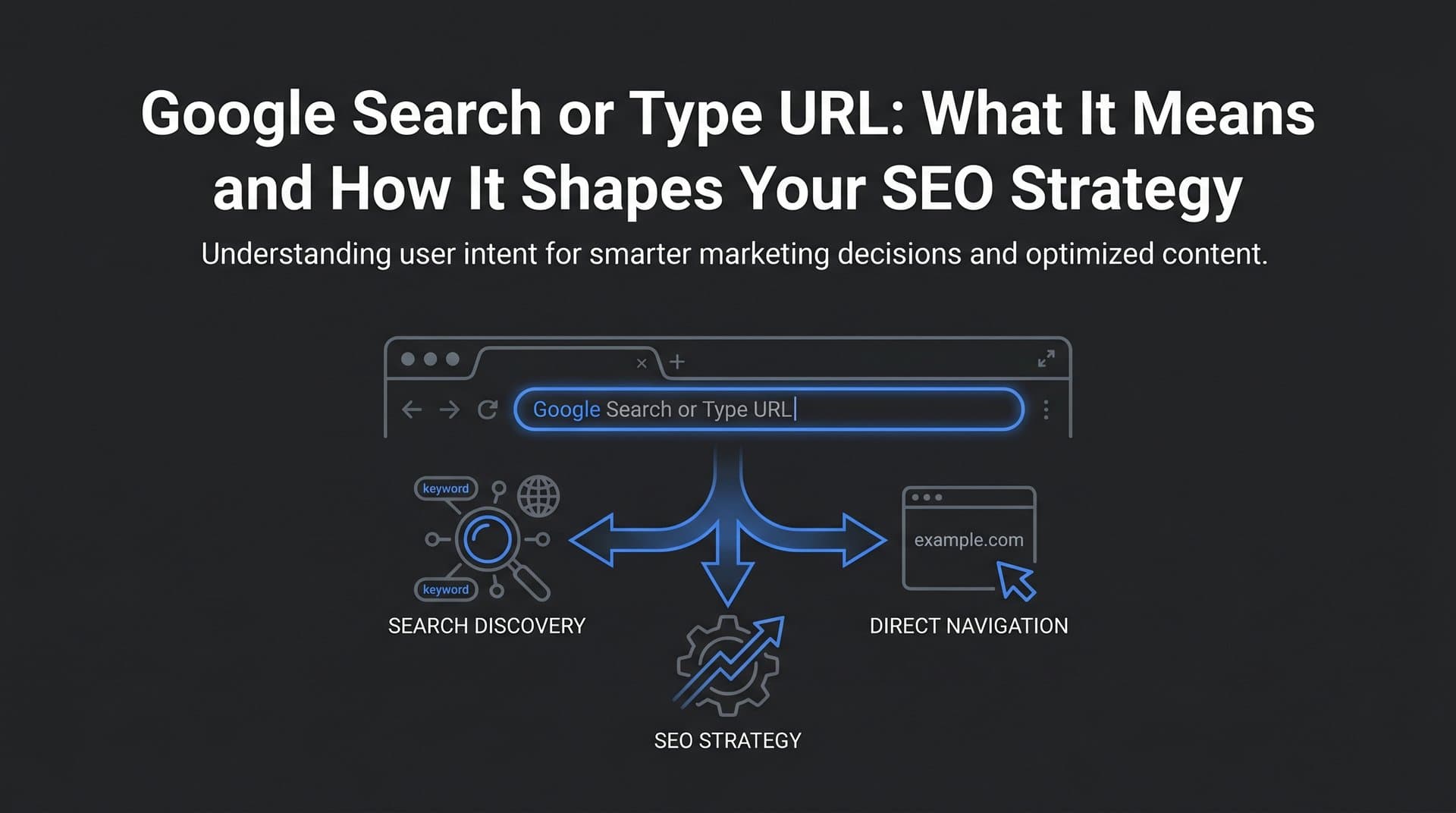
Users choose between these approaches based on intent. Direct URL navigation tends to happen when someone already knows where they want to go. Typing "amazon.com" or "gmail.com" is a navigation decision, not a discovery decision. The user has a destination in mind. Typing "best project management tools" or "how to reduce customer churn" is a discovery decision. Understanding search intent in SEO helps you create content that matches these different user motivations.
This distinction shapes how brands think about traffic acquisition. Direct navigation typically signals brand recognition and loyalty. If users are typing your domain directly, they already know you exist and trust you enough to return. Organic search traffic, by contrast, represents discovery. These are often new users encountering your brand for the first time through a query.
Here's where it gets more complicated. The rise of zero-click searches has changed the value equation of appearing in search results. Many queries now receive answers directly on the SERP, through featured snippets, knowledge panels, or AI Overviews, without the user ever clicking through to a website. Understanding how the search generative experience works is essential for adapting to this shift. For informational queries especially, Google increasingly provides the answer itself rather than directing users to a source.
This creates a tension for content marketers. Ranking well for a query is valuable, but if Google answers that query on the SERP, the click may never come. The goal shifts from ranking to being the source Google chooses to surface, which requires a different kind of content optimization than simply targeting keywords.
Why This Distinction Matters for SEO and Organic Traffic
Understanding how users arrive at your site, whether through search or direct navigation, is foundational to measuring and improving your marketing performance. But the connection between the browser bar and SEO strategy runs deeper than traffic attribution.
Branded search queries, meaning searches that include your company or product name, are a meaningful signal to Google. When users search "Sight AI" or "Sight AI content tools" rather than typing the URL directly, Google interprets that query volume as evidence of brand authority and user demand. Branded searches contribute to how Google perceives your domain's relevance and trustworthiness, which influences rankings across all your content.
Generic keyword searches, on the other hand, are where content marketing competes for visibility. When someone types "how to track AI visibility" or "GEO optimization strategy," they're entering a competitive landscape where Google's algorithm evaluates hundreds of ranking signals to decide which pages appear. Thorough keyword research for organic SEO is where these efforts begin, helping you identify the queries worth targeting.
In analytics tools like Google Analytics 4, these two traffic types appear in separate channels. Organic search traffic captures visits that originated from a search engine result. Direct traffic captures visits where no referring source was identified, which typically includes URL typing, bookmarks, and some cases where referrer data is lost in transit. Marketers often discover that a meaningful portion of what appears as "direct" traffic is actually untracked organic or referral traffic, which makes clean attribution genuinely difficult.
This matters for decision-making. If you're evaluating whether a content campaign drove results, you need to understand whether the traffic spike came from new users discovering you through search or existing users returning directly. The two scenarios call for different follow-up strategies.
On the technical side, the connection between the browser bar and SEO is also about ensuring your pages can be found in the first place. A user searching for a topic you've written about will only find your content if Google has crawled and indexed that page. Proper XML sitemaps, clean internal linking, and fast page load times all contribute to how search engines discover new content on your site.
Optimizing for search visibility also means ensuring your pages appear correctly when accessed via direct URL. Broken redirect chains, missing SSL certificates, or mobile responsiveness issues can all degrade the experience for users who navigate directly, increasing bounce rates and signaling poor quality to Google's systems.
The AI Search Layer: What Happens When Users Skip Google Entirely
Something significant has shifted in how people seek information. A growing number of users, particularly for research-oriented, explanatory, or recommendation queries, are bypassing the browser bar altogether and opening an AI assistant instead. They're typing their question into ChatGPT, Perplexity, or Claude rather than into Google or a URL bar. This trend of AI replacing Google search traffic is something every marketer needs to understand.
This behavior creates a fundamentally different discovery channel. When a user asks an AI assistant "what's the best tool for tracking brand mentions in AI responses," the AI doesn't return a list of links for the user to evaluate. It synthesizes an answer, often naming specific products or brands, based on the information it has processed. The user may never visit a search engine or type a URL at all.
For brands, this changes the visibility challenge in a meaningful way. Traditional SEO is about ranking in a list. AI visibility is about being mentioned, cited, or recommended in a conversational response. These are different goals that require different strategies.
How AI models decide which brands and sources to reference is an area of active study and emerging practice. Understanding the AI search engine ranking factors that influence these decisions is critical. Generally, AI systems are more likely to mention brands that are well-documented across authoritative sources, that appear in structured and clearly written content, and that have established a consistent presence in their category. Content that defines concepts clearly, cites credible information, and uses well-organized headings tends to be more useful to AI models building synthesized answers.
This is the foundation of GEO, or Generative Engine Optimization. It's an emerging discipline focused on creating content that AI-powered answer engines are likely to reference and cite. GEO complements traditional SEO rather than replacing it. A brand that ranks well in Google search results AND gets mentioned favorably by AI assistants has coverage across multiple discovery channels.
Tracking AI visibility requires different tools than traditional SEO analytics. You can't check your "ranking" in ChatGPT the way you check your position in Google search. Instead, you need to monitor how AI platforms respond to prompts relevant to your category, what language they use when describing your brand, and whether your competitors are being mentioned more prominently. This kind of monitoring is becoming a standard part of modern brand visibility strategy, and platforms built specifically for this purpose are making it increasingly accessible.
Optimizing for Every Entry Point: A Practical Playbook
Knowing that users can arrive at your brand through a Google search, a direct URL, or an AI assistant response, the practical question becomes: how do you optimize for all three? The good news is that many of the fundamentals overlap. Strong technical foundations, high-quality content, and clear brand signals serve you across every channel.
Start with indexing. Your content cannot appear in search results or be discovered by AI crawlers if it hasn't been indexed. XML sitemaps tell search engines which pages exist and when they were last updated. Submitting your sitemap through Google Search Console and Bing Webmaster Tools ensures crawlers know where to look. Learning how to get indexed by search engines faster can significantly reduce the lag between publishing and appearing in results.
Content structure for search and AI: Write content that answers specific questions clearly and directly. Use descriptive H2 and H3 headings that reflect the queries users are likely to type. Include definitions for key terms, since AI models frequently pull from definitional content when building responses. Cite credible sources where relevant, as this signals authority to both search algorithms and AI systems.
Technical health for direct navigation: When users type your URL directly, the experience they encounter matters enormously. Verify that your SSL certificate is valid and up to date. Check for redirect chains that add unnecessary load time. Test your site on mobile devices, since a significant share of direct navigation happens on phones. Ensure that your most important pages load quickly, as performance is a ranking factor and a user experience factor simultaneously.
Brand signal optimization: Create content that establishes your brand as a clear authority in your category. This means publishing consistently on topics where you want to be known, building links from credible sources, and ensuring your brand name appears in contexts that reinforce your positioning. Both Google's algorithm and AI models use these signals to determine whether your brand is worth surfacing in response to relevant queries. A comprehensive guide to optimizing for AI search engines can help you build this strategy systematically.
Monitor AI mentions alongside search rankings: Traditional rank tracking tells you where you appear in Google. AI visibility tracking tells you whether and how AI assistants are referencing your brand. Both data points matter for a complete picture of your discoverability. Set up regular monitoring of how AI platforms respond to prompts in your category, and track changes over time as your content strategy evolves.
Putting It All Together: Own Your Brand's Digital Entry Points
The browser bar is the starting line for every user journey on the web. Whether someone types a search query, enters your URL directly, or opens an AI assistant instead, they're making a decision about where to go for information or solutions. Your job as a marketer or brand builder is to be present and credible at every one of those entry points.
The distinction between searching and navigating directly isn't just a technical curiosity. It shapes how traffic is attributed, how SEO strategy is structured, and how you measure the effectiveness of your content. Understanding it gives you a cleaner mental model for diagnosing performance and identifying gaps.
More importantly, the emergence of AI search as a third major discovery channel means that visibility strategy can no longer stop at Google rankings. Users who ask ChatGPT or Perplexity about your category need to encounter your brand in those responses. That requires content that's structured for AI comprehension, a brand presence that's documented across authoritative sources, and active monitoring to understand how AI platforms are representing you today.
Whether users search Google or type a URL or ask an AI, the goal is consistent: be visible, be authoritative, and be the answer they find. That goal is achievable, but it requires treating AI visibility as a first-class priority alongside traditional SEO.
Start tracking your AI visibility today and see exactly where your brand appears across top AI platforms. Stop guessing how ChatGPT, Claude, and Perplexity talk about your business, and get the data you need to optimize for every entry point where your next customer might be searching.