Keeping a consistent publishing cadence across your blog, CMS, social channels, and email is one of the most time-consuming parts of modern content operations. Every manual step, from copying drafts into WordPress to scheduling posts one by one, is a bottleneck that compounds over time. Automated publishing software removes those friction points so your content gets out the door faster and more reliably.
The good news: most of the tools on this list offer free trials or freemium tiers, so you can test the workflow before committing to a subscription. Each tool was selected based on trial availability, automation depth, CMS integration breadth, scheduling flexibility, and overall value for marketers, founders, and agencies managing content at scale.
If you're also looking to streamline how content gets created before it's published, check out our guide to building an automated content creation workflow for context on how these tools fit into a larger system. Now, let's get into the list.
1. Sight AI
Best for: Teams that want AI content generation, CMS auto-publishing, and search indexing in a single platform.
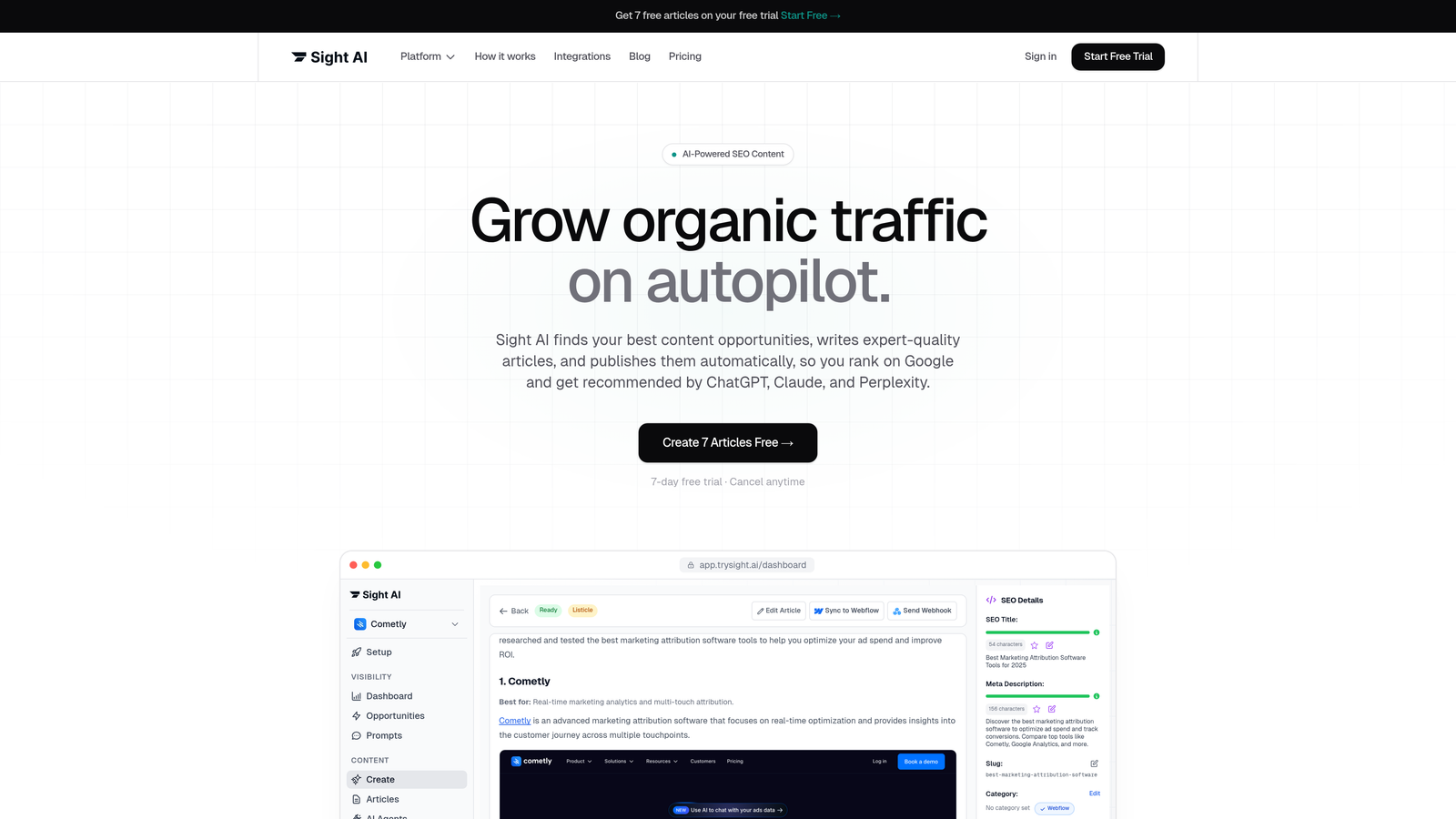
Sight AI is an all-in-one platform combining AI content generation, CMS auto-publishing, and IndexNow-based search indexing for SEO and AI visibility.
Where This Tool Shines
Most publishing tools handle distribution but leave content creation to a separate workflow. Sight AI closes that gap by connecting a 13+ agent AI content writer directly to your CMS and your indexing pipeline. You can go from topic to published, indexed article without switching platforms.
The Autopilot Mode is particularly useful for agencies and founders who need consistent output without hands-on management. It handles the full cycle: generating SEO and GEO-optimized content, publishing to your CMS, and triggering IndexNow so search engines discover the content immediately rather than waiting for a crawl.
Key Features
AI Content Writer: 13+ specialized agents generate SEO and GEO-optimized articles, listicles, guides, and explainers tuned for both search engines and AI model citations.
CMS Auto-Publishing: Publishes directly to WordPress and other connected platforms without manual copy-paste steps.
IndexNow Integration: Automatically submits new content to search engines the moment it's published, accelerating discoverability.
AI Visibility Tracking: Monitors how your brand is mentioned across ChatGPT, Claude, Perplexity, and other AI platforms with sentiment analysis and prompt tracking.
Autopilot Mode: Runs content production and publishing on a schedule with minimal oversight required.
Best For
Marketers and agencies who want to reduce tool sprawl by combining content creation, publishing, and AI visibility tracking in one place. Particularly well-suited for teams prioritizing both traditional SEO and emerging AI search presence simultaneously.
Pricing
Free trial available. Paid plans are listed at trysight.ai/pricing.
2. WordPress + Jetpack
Best for: WordPress site owners who want native scheduling and social auto-sharing without a third-party tool.
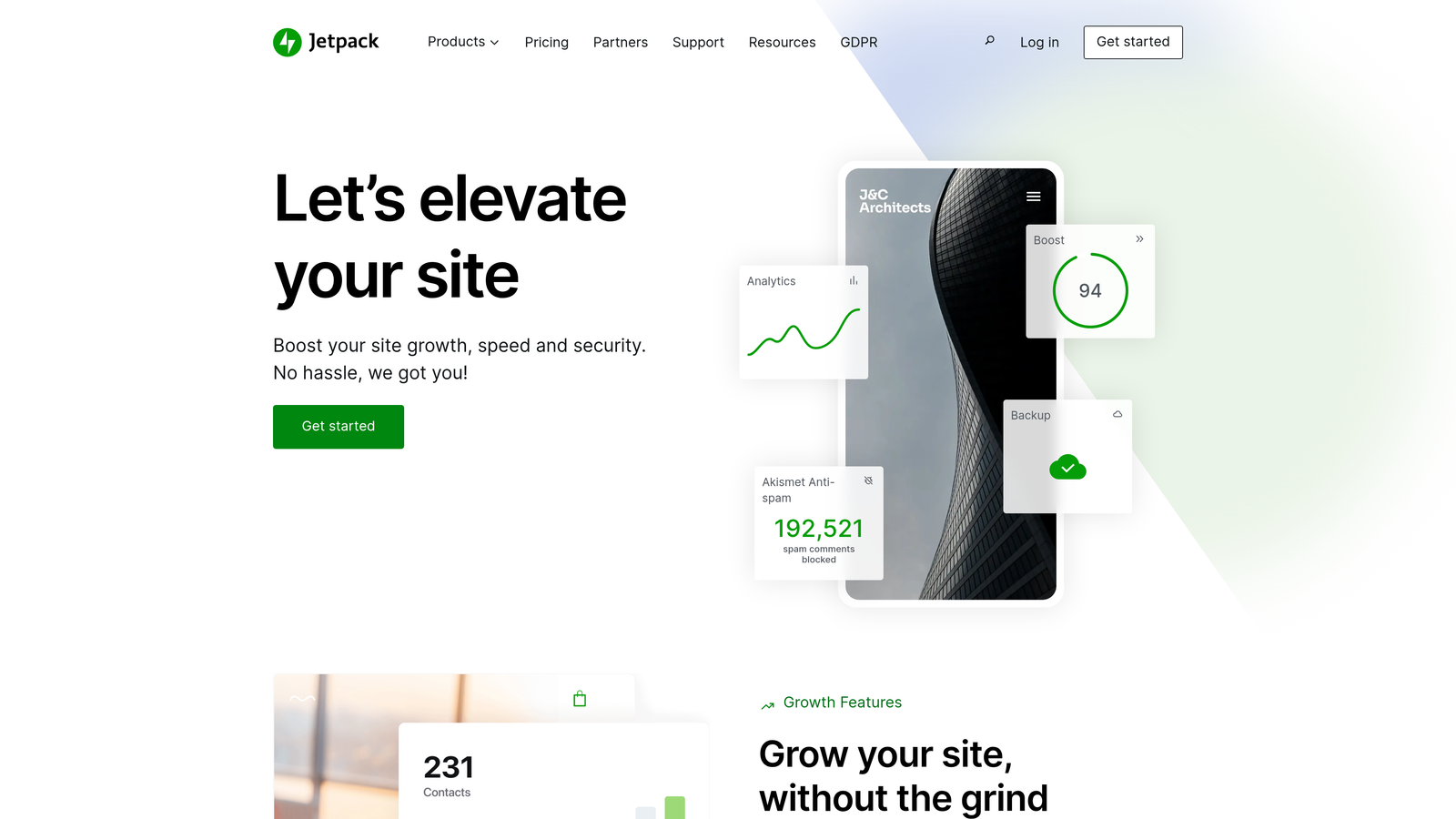
Jetpack is a WordPress-native plugin that extends core scheduling with social auto-sharing, performance monitoring, and security tools.
Where This Tool Shines
If your publishing workflow lives entirely within WordPress, Jetpack is the path of least resistance. There's no API to configure or external dashboard to learn. You schedule posts directly inside the WordPress editor, and Jetpack handles the rest, including pushing to connected social accounts automatically when content goes live.
The free tier covers the core scheduling and sharing features, which makes it a low-risk starting point for smaller teams or solo publishers who don't need multi-platform orchestration.
Key Features
Post Scheduling: Native scheduling inside the WordPress block editor with no additional configuration needed.
Auto Social Sharing: Automatically pushes published posts to connected social media accounts at go-live.
Site Performance Tools: CDN, image optimization, and uptime monitoring bundled into the same plugin.
Security Monitoring: Malware scanning and brute-force attack protection included in higher tiers.
Best For
WordPress publishers who want a simple, integrated solution without managing a separate scheduling platform. Best for blogs and content-focused sites that don't require cross-CMS or advanced workflow automation.
Pricing
Free plan available with core scheduling features. Paid plans start at approximately $4/month for additional capabilities.
3. HubSpot Content Hub
Best for: Inbound marketing teams that want content scheduling tied directly to CRM data and audience segmentation.
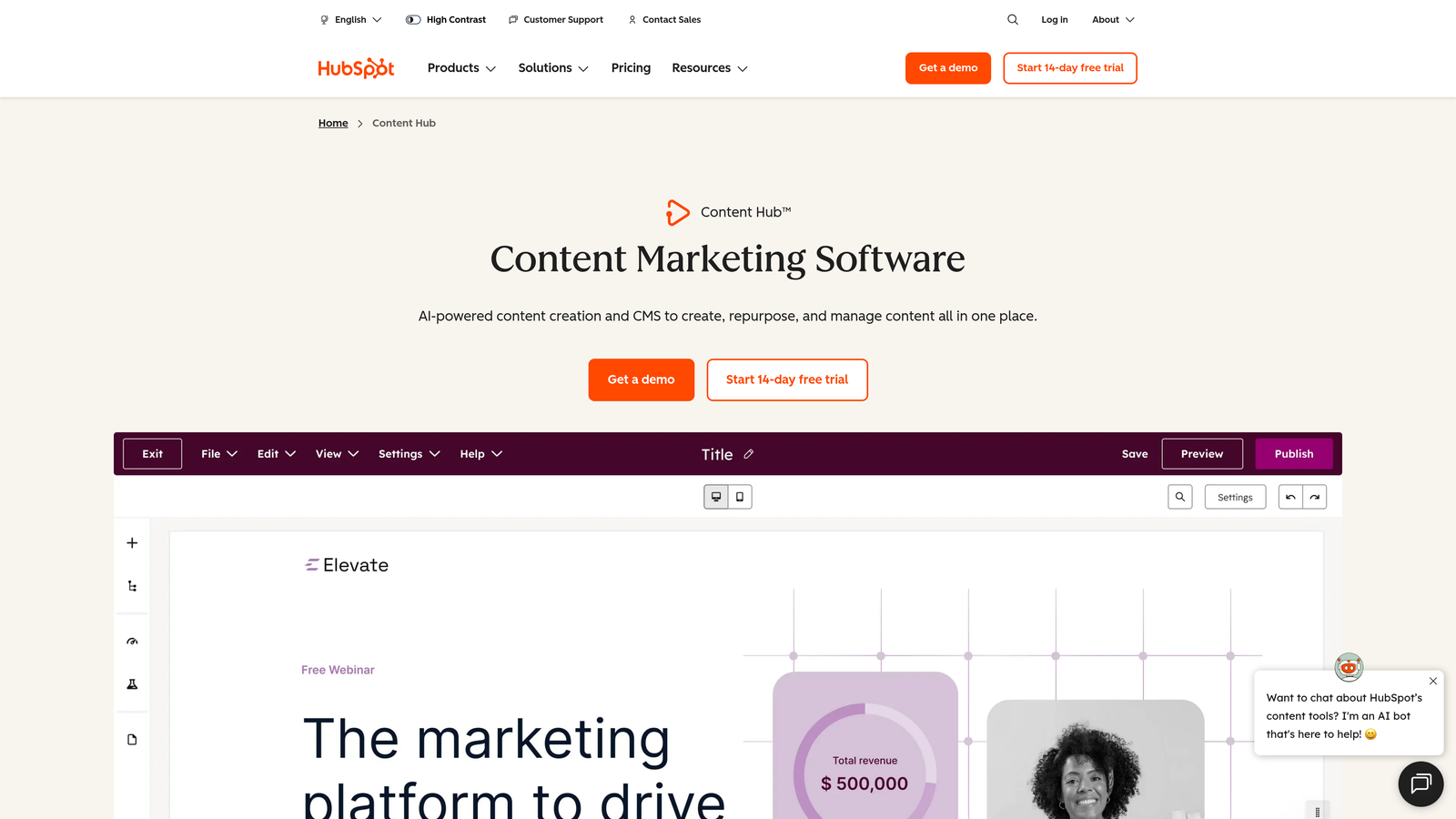
HubSpot Content Hub is a CRM-connected content management and publishing platform with smart scheduling, personalization, and built-in analytics.
Where This Tool Shines
HubSpot's biggest differentiator is the CRM connection. When you schedule a blog post or landing page, you can tailor the content dynamically based on visitor segments, lifecycle stage, or contact properties. That's a level of personalization that standalone scheduling tools simply can't offer.
For teams already inside the HubSpot ecosystem, Content Hub eliminates the need to sync data between a CMS and a CRM. Everything from SEO recommendations to social publishing to email automation lives in the same interface.
Key Features
CRM-Tied Scheduling: Blog and landing page publishing linked to contact data for audience-specific content delivery.
Smart Content Personalization: Dynamically adjusts on-page content based on visitor segments without manual duplication.
Built-In SEO Tools: Topic cluster recommendations, on-page SEO scoring, and search performance analytics.
Unified Social and Email Publishing: Manage social posts and email campaigns from the same dashboard as your blog content.
Best For
B2B marketing teams running inbound strategies who need content publishing, CRM, and analytics tightly integrated. Less suited for teams that only need lightweight scheduling without the broader HubSpot stack.
Pricing
Free tools available. Content Hub Starter begins at $20/month. A 14-day free trial is available on paid tiers.
4. CoSchedule
Best for: Editorial teams that need a centralized marketing calendar with blog, social, and email all in one view.
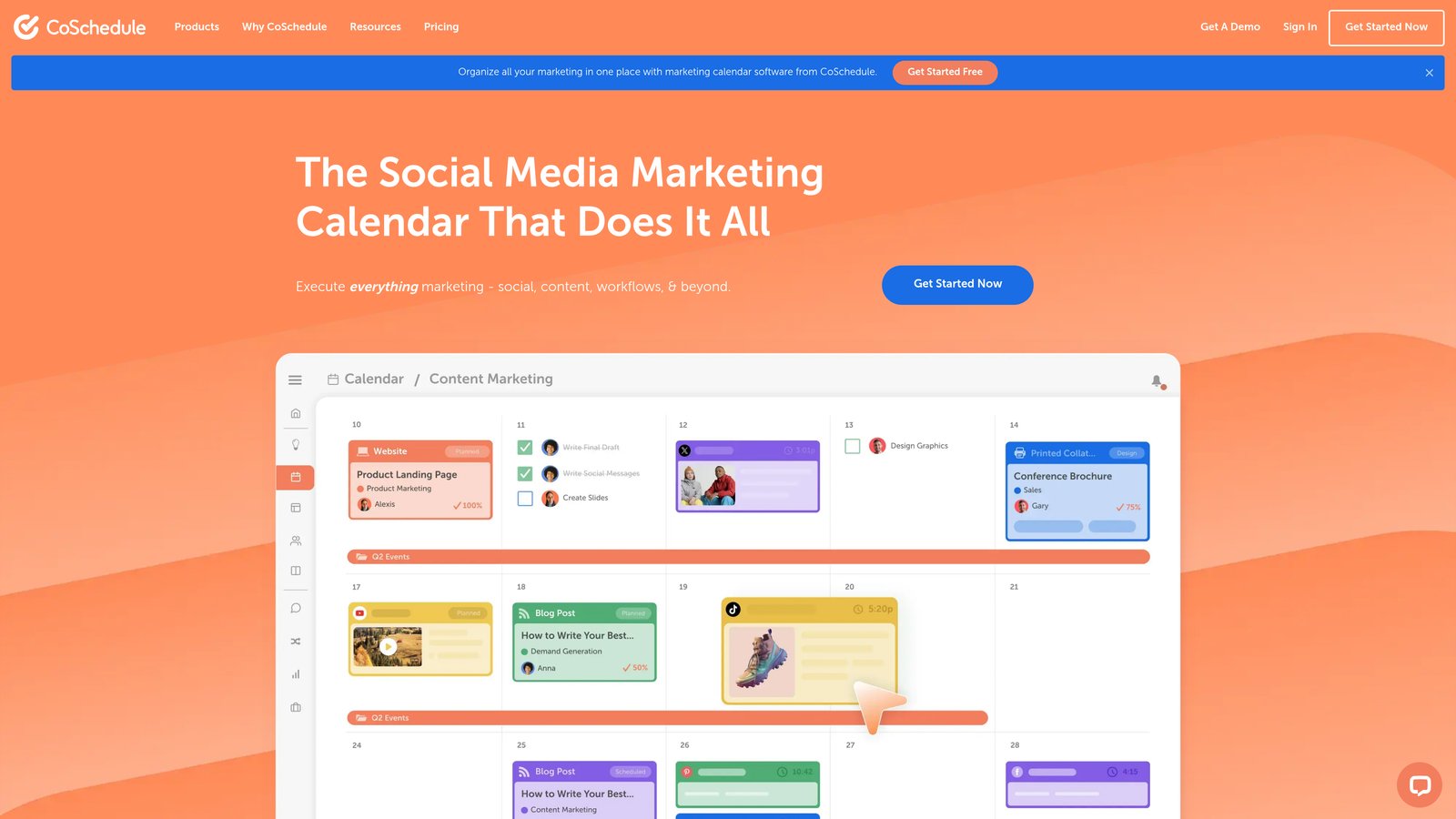
CoSchedule is a marketing calendar platform that centralizes content scheduling across blogs, social media, and email with automated social re-queuing.
Where This Tool Shines
CoSchedule's strength is visibility. The drag-and-drop marketing calendar gives content teams a single view of every piece of content in flight, who owns it, and when it publishes. For teams managing multiple content types across multiple channels, that clarity alone saves significant coordination time.
The ReQueue feature is a practical automation win: it automatically reschedules your top-performing social content into open calendar slots, keeping your social presence active without requiring constant manual input.
Key Features
Unified Marketing Calendar: Single-view calendar covering blog posts, social updates, email campaigns, and events.
ReQueue: Automatically recycles high-performing social content into available time slots without manual rescheduling.
WordPress Integration: Syncs blog post scheduling directly with WordPress drafts and publish dates.
Team Workflows: Task assignments, due dates, and approval steps built into each content project.
Best For
Content managers and editorial teams at mid-sized companies who need cross-channel visibility and structured approval workflows. Strong fit for teams that produce high content volume across multiple formats weekly.
Pricing
Free calendar plan available. Marketing Calendar Pro starts at $29/month per user.
5. Buffer
Best for: Social-first teams that want a clean, no-friction scheduling tool with a generous free plan.
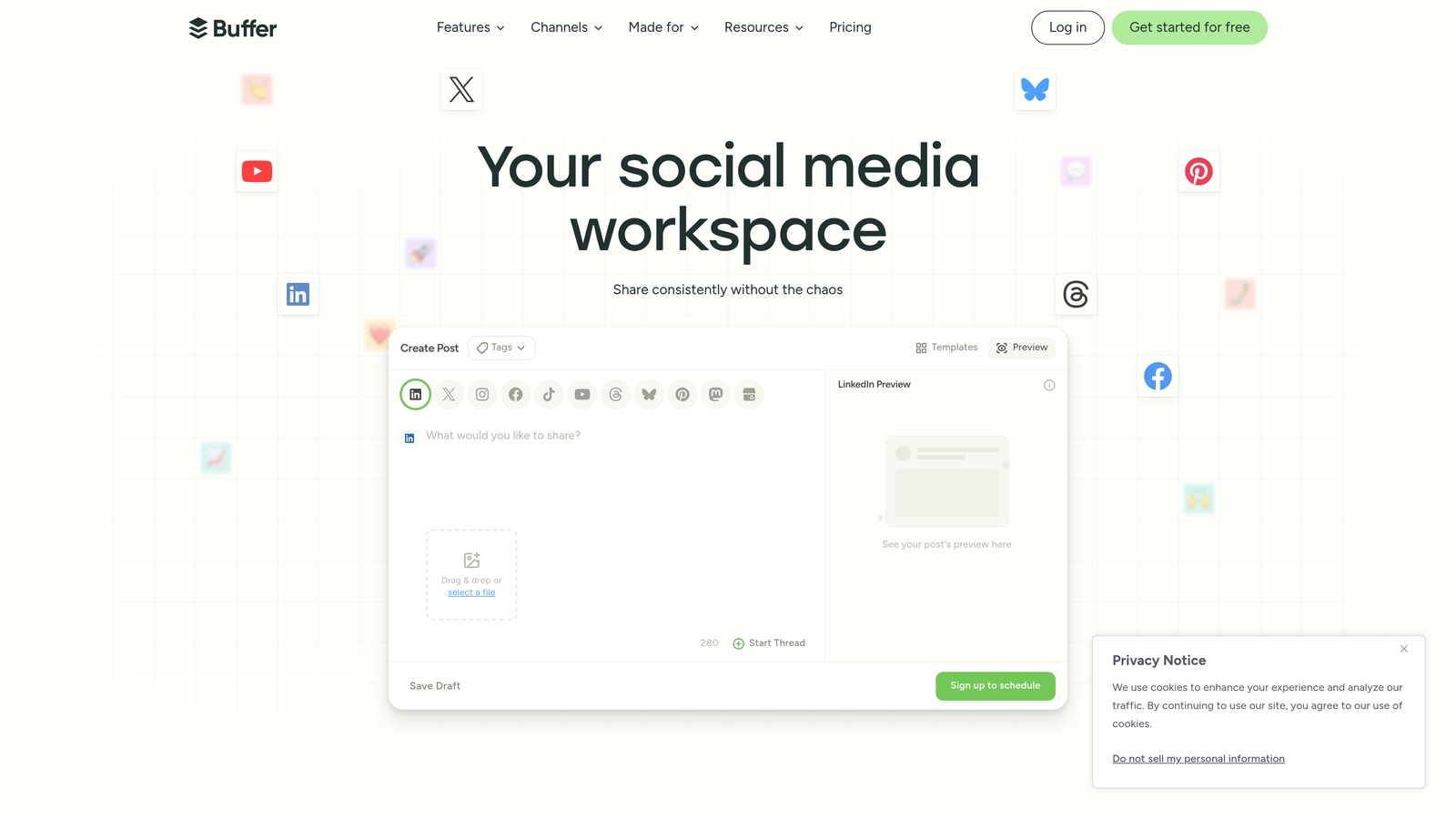
Buffer is a streamlined social media scheduling platform with queue-based publishing, approval workflows, and performance analytics.
Where This Tool Shines
Buffer has earned its reputation by staying focused. It doesn't try to be a CRM or a full content management system. It does social scheduling cleanly and intuitively, which makes onboarding fast and adoption high across teams of all sizes.
The queue-based publishing model is particularly effective for maintaining a steady posting cadence. You add content to the queue, set your preferred posting times, and Buffer distributes it automatically without requiring you to manually schedule each post.
Key Features
Queue-Based Publishing: Add posts to a content queue and let Buffer distribute them across your preset time slots automatically.
Multi-Channel Scheduling: Supports major social platforms including LinkedIn, Instagram, Facebook, X, and TikTok.
Approval Workflows: Team members can draft posts for manager review before they enter the publishing queue.
Analytics Dashboard: Post-level performance data with engagement metrics and best-time recommendations.
Best For
Freelancers, small teams, and social media managers who want a reliable, easy-to-use scheduler without a steep learning curve. The free plan covering three channels is genuinely useful for individuals or early-stage startups.
Pricing
Free plan for up to 3 channels. Essentials plan starts at $6/month per channel.
6. Publer
Best for: Agencies managing multiple client brands who need bulk scheduling and multi-workspace support at a low price point.
Publer is a budget-friendly social media auto-publishing tool with bulk scheduling, CSV upload, and multi-brand workspace support.

Where This Tool Shines
Publer is built with agencies in mind. The multi-workspace structure lets you manage separate client accounts without cross-contaminating content or permissions. Each workspace operates independently, which keeps client deliverables organized and access controls clean.
The CSV bulk upload is a time saver for teams that batch-produce content. Instead of scheduling posts one by one, you can upload an entire month's worth of social content in a single file and let Publer handle the rest.
Key Features
Bulk CSV Scheduling: Upload hundreds of posts at once via CSV file for efficient batch scheduling.
Auto-Scheduling: Automatically identifies optimal posting times based on audience engagement patterns.
Visual Branding Tools: Watermark and branding overlays for image-based social content.
Multi-Workspace Support: Separate workspaces per client or brand with independent permissions and content libraries.
Best For
Social media agencies managing multiple client accounts who need affordable multi-brand tooling. Also a strong option for small businesses that produce high volumes of visual content for social channels.
Pricing
Free plan for up to 3 social accounts. Paid plans start at $12/month.
7. ContentStudio
Best for: Content teams that need discovery, planning, and multi-channel publishing in a single platform.
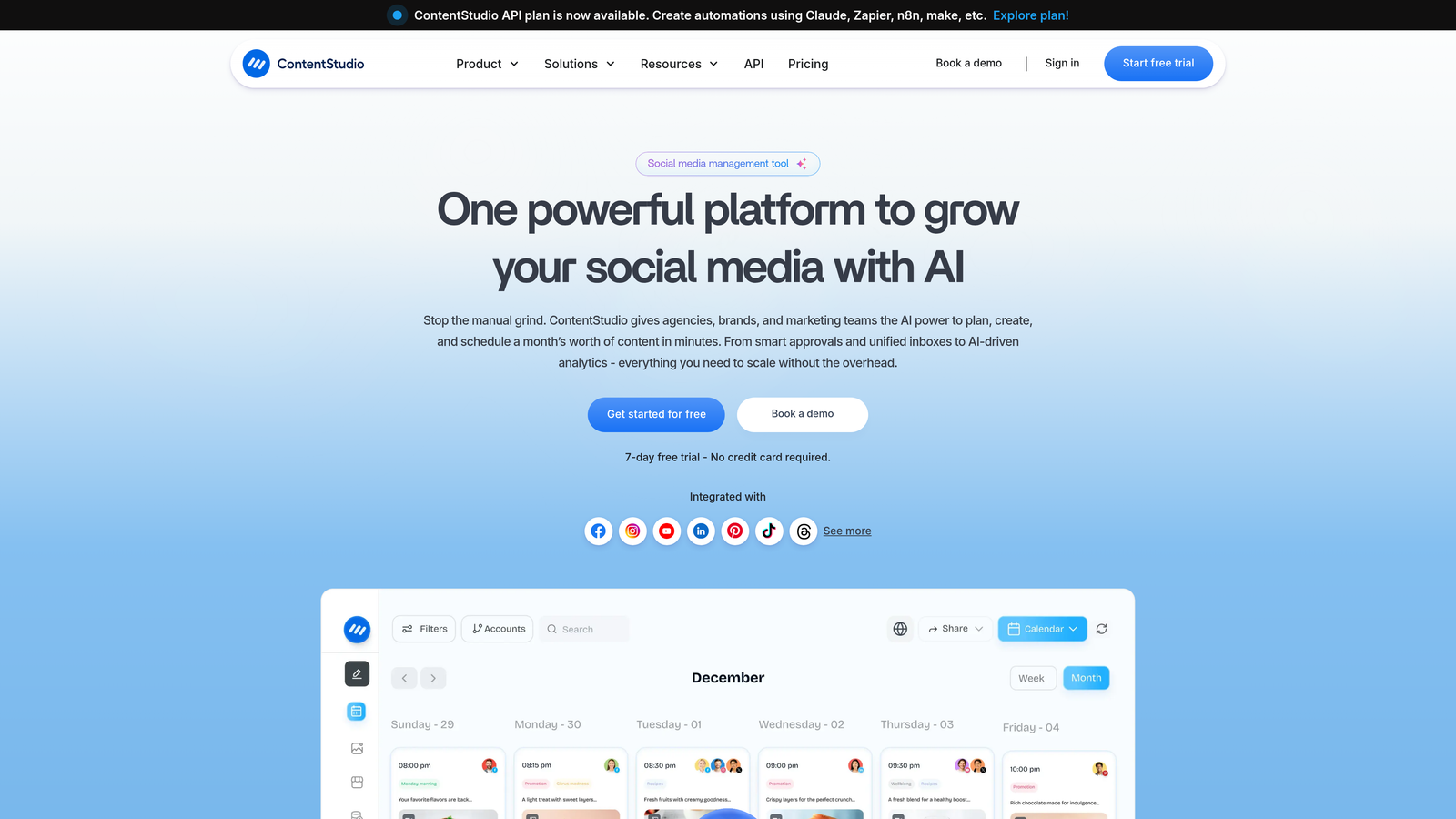
ContentStudio is a content discovery, planning, and multi-channel auto-publishing platform designed for agencies and content-heavy teams.
Where This Tool Shines
ContentStudio addresses the full content lifecycle, not just distribution. The built-in content discovery engine surfaces trending topics and curated articles relevant to your niche, which helps teams fill editorial calendars without starting from a blank page every week.
The automation recipes feature is worth highlighting: you can set up recurring publishing workflows that trigger based on rules, such as automatically sharing new blog posts to social channels or curating and scheduling third-party content on a rolling basis.
Key Features
Content Discovery Engine: Surfaces trending topics, curated articles, and influencer content relevant to your industry.
Multi-Channel Publishing: Publishes to blogs, Facebook, Instagram, LinkedIn, Twitter, Pinterest, and more from one dashboard.
Automation Recipes: Rule-based workflows that automate recurring publishing tasks without manual intervention.
Team Collaboration: Approval workflows, comment threads, and role-based access for content teams.
Best For
Agencies and content marketing teams that need to manage both content ideation and distribution without juggling multiple tools. Particularly useful for teams that curate third-party content alongside original publishing.
Pricing
14-day free trial available. Starter plan from $25/month.
8. Zapier + CMS Integrations
Best for: Technical marketers who need custom publishing workflows that connect tools their existing stack already uses.
Zapier is a no-code automation platform that connects CMS tools, social platforms, and databases to build custom publishing pipelines.
Where This Tool Shines
Zapier isn't a publishing tool in the traditional sense. It's the connective tissue between tools. If you need content to flow automatically from Notion to WordPress, then trigger a social share in Buffer, then log the publish date in Airtable, Zapier is how you build that without writing a line of code.
The flexibility is unmatched. With over 7,000 app integrations, Zapier can accommodate almost any publishing stack. The tradeoff is that it requires more setup time and logical thinking upfront compared to purpose-built publishing tools.
Key Features
7,000+ App Integrations: Connects WordPress, Ghost, Webflow, Buffer, Hootsuite, Slack, Airtable, Notion, and thousands more.
Multi-Step Zaps: Chain multiple actions together to create complex, automated publishing sequences.
Conditional Logic: Route content to different destinations based on tags, categories, authors, or custom fields.
Free Tier: 100 tasks per month at no cost, suitable for low-volume automation testing.
Best For
Technically comfortable marketers, developers, and operations teams who need bespoke publishing workflows that off-the-shelf tools can't accommodate. Not ideal for teams looking for a ready-to-use publishing interface.
Pricing
Free plan with 100 tasks/month. Starter plan from $19.99/month.
9. Hootsuite
Best for: Enterprise teams that need bulk scheduling, granular permissions, compliance controls, and social listening in one platform.
Hootsuite is an enterprise-grade social media management platform with bulk scheduling, team permissions, compliance tooling, and social listening.
Where This Tool Shines
Hootsuite is built for scale. When you're managing dozens of social accounts across multiple regions, with multiple team members who need different levels of access, the permission and approval architecture becomes essential rather than optional. Hootsuite's role-based controls and approval chains are among the most mature in the category.
The social listening capability adds a layer that most scheduling tools skip entirely. You can monitor brand mentions, track sentiment, and surface trending conversations, then feed those insights back into your content calendar without leaving the platform.
Key Features
Bulk Scheduling: Upload and schedule hundreds of posts across multiple accounts simultaneously.
Team Permissions and Approval Chains: Granular role assignments with multi-step approval workflows for regulated industries.
Social Listening: Monitor brand mentions, keywords, and sentiment across social platforms in real time.
Custom Analytics Reporting: Build and export custom reports for stakeholder presentations and performance reviews.
Best For
Enterprise marketing teams, large agencies, and organizations in regulated industries that require compliance controls, audit trails, and structured approval processes. The pricing reflects an enterprise positioning, making it less suitable for small teams or solo operators.
Pricing
30-day free trial available. Professional plan starts at $99/month.
Which Tool Fits Your Workflow Best
The right automated publishing tool depends on what you're actually trying to solve. Here's how to think about the options based on your situation.
If you want to eliminate the most steps from your content workflow, Sight AI is the standout choice. It's the only tool on this list that handles content generation, CMS publishing, search indexing, and AI visibility tracking together. For marketers and agencies who are tired of stitching together separate tools for writing, scheduling, and distribution, it's worth starting your trial there.
For teams already invested in the HubSpot ecosystem, HubSpot Content Hub makes the most sense. The CRM-connected personalization and unified analytics are genuinely hard to replicate with other tools. CoSchedule is the better pick for editorial-heavy teams that live by their content calendar and need multi-channel visibility in one view.
Social-first teams will find Buffer the easiest to adopt quickly, while Publer offers better value for agencies managing multiple client brands at scale. ContentStudio is worth evaluating if content discovery and curation are part of your workflow, not just publishing.
For custom pipeline needs, Zapier gives you the flexibility to connect whatever tools you already use. And for enterprise teams with compliance requirements and large social footprints, Hootsuite remains the most mature option.
The smartest move is to start with a free trial, run your actual workflow through it, and measure the time saved in your first two weeks. Most of these tools will show their value, or their limitations, quickly.
If AI visibility is part of your growth strategy, don't stop at scheduling. Start tracking your AI visibility today and see exactly where your brand appears across ChatGPT, Claude, Perplexity, and other top AI platforms. You can also explore our guide to content creation autopilot software to see how automated publishing fits into a fully hands-off content operation.