Publishing blog content manually is a time sink that pulls marketers away from strategy and creativity. Between formatting posts, scheduling across platforms, and ensuring proper indexing, the operational overhead adds up fast. Automated blog publishing software eliminates these friction points by handling the entire workflow from content creation to live publication. The right tool can save hours per week while improving consistency and SEO performance. This guide covers top platforms that excel at different aspects of automated publishing—from AI-powered content generation with built-in CMS integration to scheduling tools that optimize for peak engagement times. Whether you need end-to-end automation or a specialized solution for one piece of the puzzle, you'll find options that fit your workflow and budget.
1. Sight AI
Best for: Teams wanting AI content generation and automated publishing in one platform
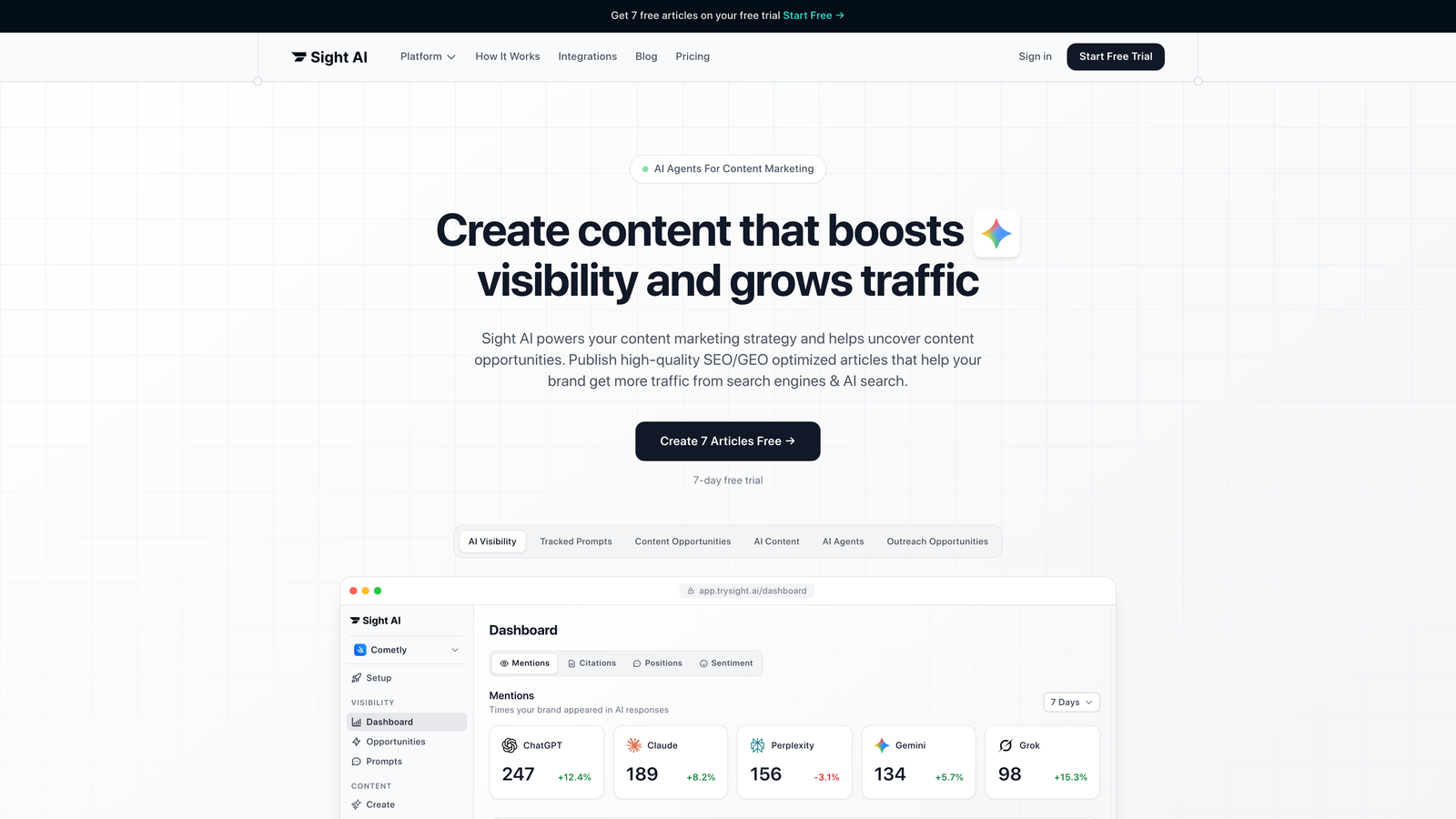
Sight AI is an AI-powered content platform combining 13+ specialized agents with native CMS auto-publishing capabilities.
Where This Tool Shines
The platform stands out by connecting content creation directly to publication workflows. Most tools handle one or the other—Sight AI does both. The 13+ AI agents specialize in different content types (listicles, guides, explainers), so you're not forcing one generic AI to handle everything.
The IndexNow integration is particularly valuable for SEO-focused teams. Instead of waiting for search engines to discover new content through traditional crawling, IndexNow notifies them immediately when you publish. This can cut discovery time from days to minutes.
Key Features
13+ Specialized AI Agents: Different agents trained for specific content formats rather than one-size-fits-all generation.
Autopilot Mode: Hands-off content operations where the system generates and publishes based on your parameters.
IndexNow Integration: Automatic notification to search engines for faster content discovery.
CMS Auto-Publishing: Direct publishing to WordPress and other platforms without manual export/import.
AI Visibility Tracking: Monitor how AI models like ChatGPT and Claude reference your brand in responses.
Best For
Content teams who want to reduce production time without sacrificing quality. Particularly strong for marketers focused on organic traffic growth who need both content generation and the technical infrastructure to publish and track performance across AI platforms.
Pricing
Contact for pricing; free trial available to test the platform before committing.
2. WordPress with Jetpack
Best for: Existing WordPress users adding automation to their current setup
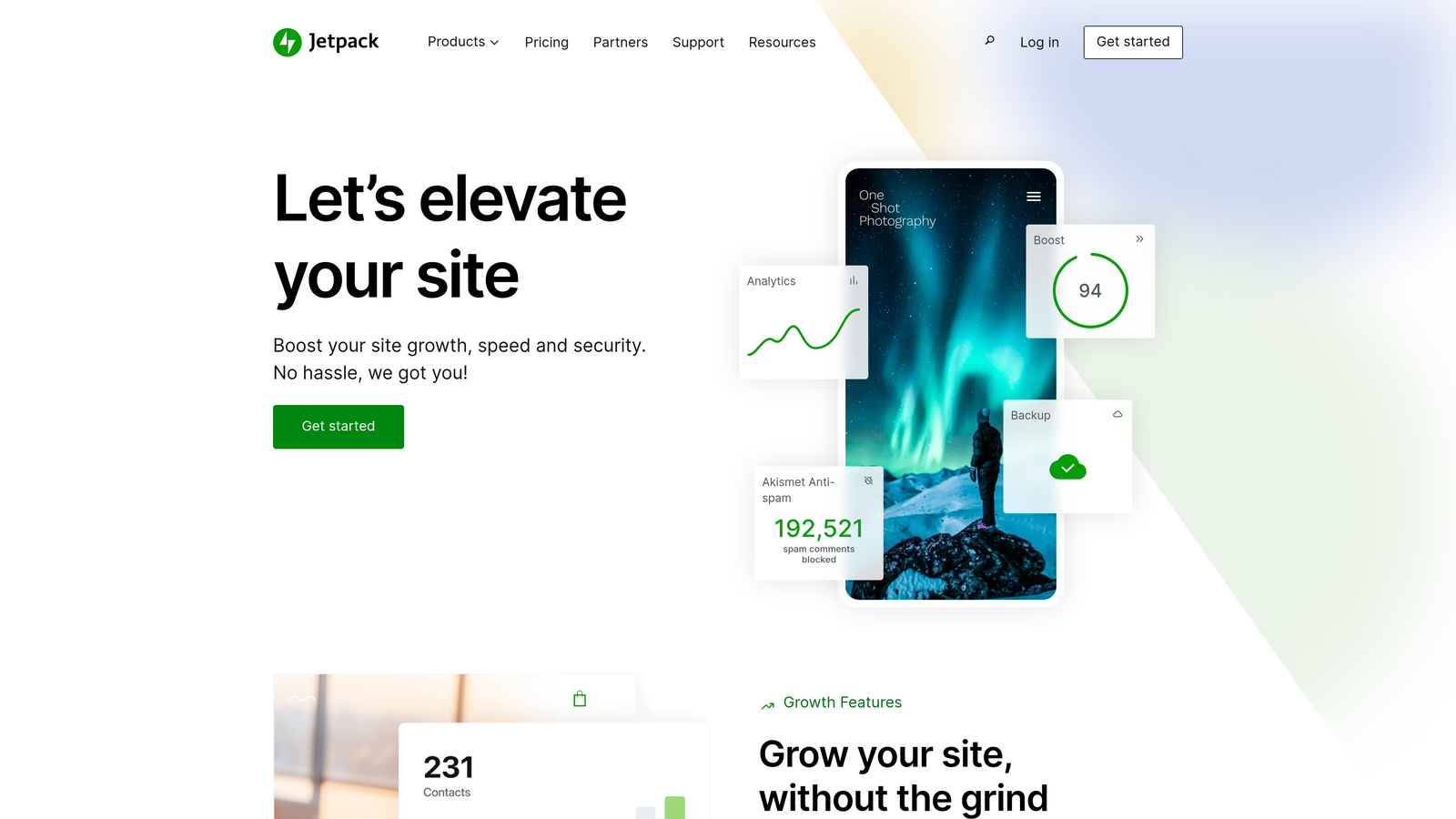
Jetpack is the most widely-used WordPress enhancement plugin, adding scheduled publishing, social sharing, and SEO optimization to the core CMS.
Where This Tool Shines
If you're already on WordPress, Jetpack is the path of least resistance to automation. It extends what WordPress does natively without forcing you to learn an entirely new platform. The scheduled publishing works across timezones, which matters for global teams coordinating content calendars.
The automatic social media sharing eliminates a common manual step. Publish once, and Jetpack pushes to your connected social channels based on rules you set. Simple, but it saves 10-15 minutes per post.
Key Features
Scheduled Publishing: Set publish times with full timezone support for coordinated global launches.
Automatic Social Sharing: Push new posts to connected social platforms without manual posting.
Built-in SEO Tools: XML sitemaps and basic optimization recommendations directly in the editor.
Site Analytics: Traffic and performance monitoring without needing separate analytics plugins.
Security Automation: Automated backups and security scanning to protect published content.
Best For
WordPress site owners who want incremental automation improvements without platform migration. Works well for small to medium teams already comfortable with WordPress workflows.
Pricing
Free tier covers basic features; Premium plans start at $10/month with advanced automation and security.
3. HubSpot CMS Hub
Best for: Enterprise teams needing CRM integration and personalized content automation
HubSpot CMS Hub is an enterprise content management system with deep CRM connections, smart content personalization, and comprehensive marketing automation.

Where This Tool Shines
The CRM integration is where HubSpot separates itself. You can personalize blog content based on visitor data from your CRM—showing different CTAs or content blocks depending on lifecycle stage or industry. This turns generic blog posts into targeted experiences.
The built-in A/B testing for blog posts is surprisingly rare in CMS platforms. Most tools make you add third-party testing software. HubSpot lets you test headlines, content variations, and CTAs directly in the publishing workflow, then automatically serves the winning version.
Key Features
Smart Content Personalization: Display different content blocks based on CRM data and visitor behavior.
Native A/B Testing: Test blog post variations without third-party tools or custom code.
SEO Recommendations: Real-time suggestions in the editor based on target keywords and technical factors.
Multi-Language Management: Coordinate translated content versions from one dashboard.
Attribution Reporting: Track blog performance tied to specific CRM contacts and revenue.
Best For
Marketing teams already using HubSpot's CRM or marketing automation tools. The value multiplies when you're using multiple HubSpot products together—less valuable as a standalone CMS.
Pricing
Starts at $25/month for basic features; Professional tier at $400/month unlocks advanced automation and personalization.
4. Contentful
Best for: Multi-channel publishing with developer-friendly APIs and custom workflows
Contentful is a headless CMS designed for teams distributing content across websites, apps, and other digital channels through flexible APIs.

Where This Tool Shines
The API-first architecture means you're not locked into one presentation layer. Create content once in Contentful, then deliver it to your website, mobile app, email campaigns, and anywhere else through API calls. This matters when you're managing content for multiple properties.
The workflow and approval system handles complex editorial processes that simpler tools can't support. Set up multi-stage reviews, assign roles with specific permissions, and automate handoffs between writers, editors, and publishers. Enterprise teams with compliance requirements appreciate the audit trail.
Key Features
API-First Architecture: Deliver content anywhere through RESTful and GraphQL APIs.
Custom Content Modeling: Define your own content types beyond standard blog post structures.
Editorial Workflows: Multi-stage approval processes with role-based permissions.
Webhook Automation: Trigger publishing actions based on content changes or external events.
Integration Marketplace: Pre-built connections to popular tools and platforms.
Best For
Development teams building custom publishing experiences across multiple channels. Requires technical expertise to set up and maintain—not ideal for non-technical marketers working alone.
Pricing
Free tier supports small projects; Team plan starts at $489/month for production use.
5. Buffer
Best for: Social media distribution automation with visual scheduling
Buffer is a social media management platform automating blog content distribution across multiple channels with visual scheduling and analytics.

Where This Tool Shines
The visual content calendar makes it easy to see your entire publishing schedule at a glance. Drag and drop to reschedule, spot gaps in your content calendar, and maintain consistent posting cadence across platforms. The interface is cleaner than most competitors.
Buffer's optimal timing suggestions use your audience data to recommend when to post for maximum engagement. Instead of guessing or relying on generic "best time to post" articles, you get recommendations based on when your specific followers are active.
Key Features
Visual Content Calendar: Drag-and-drop scheduling with a clear overview of upcoming posts.
Optimal Timing Suggestions: AI-powered recommendations based on your audience's activity patterns.
Team Collaboration: Approval workflows for multi-person teams managing social accounts.
Cross-Platform Analytics: Unified dashboard showing performance across all connected channels.
Browser Extension: Quick scheduling from any webpage without opening the full app.
Best For
Teams focused on social distribution rather than the CMS side of publishing. Works best when paired with another tool for the actual blog publishing, then using Buffer to amplify reach.
Pricing
Free tier supports 3 channels; Essentials at $6/month per channel for advanced features.
6. CoSchedule
Best for: Marketing calendar management with WordPress integration and automated resharing
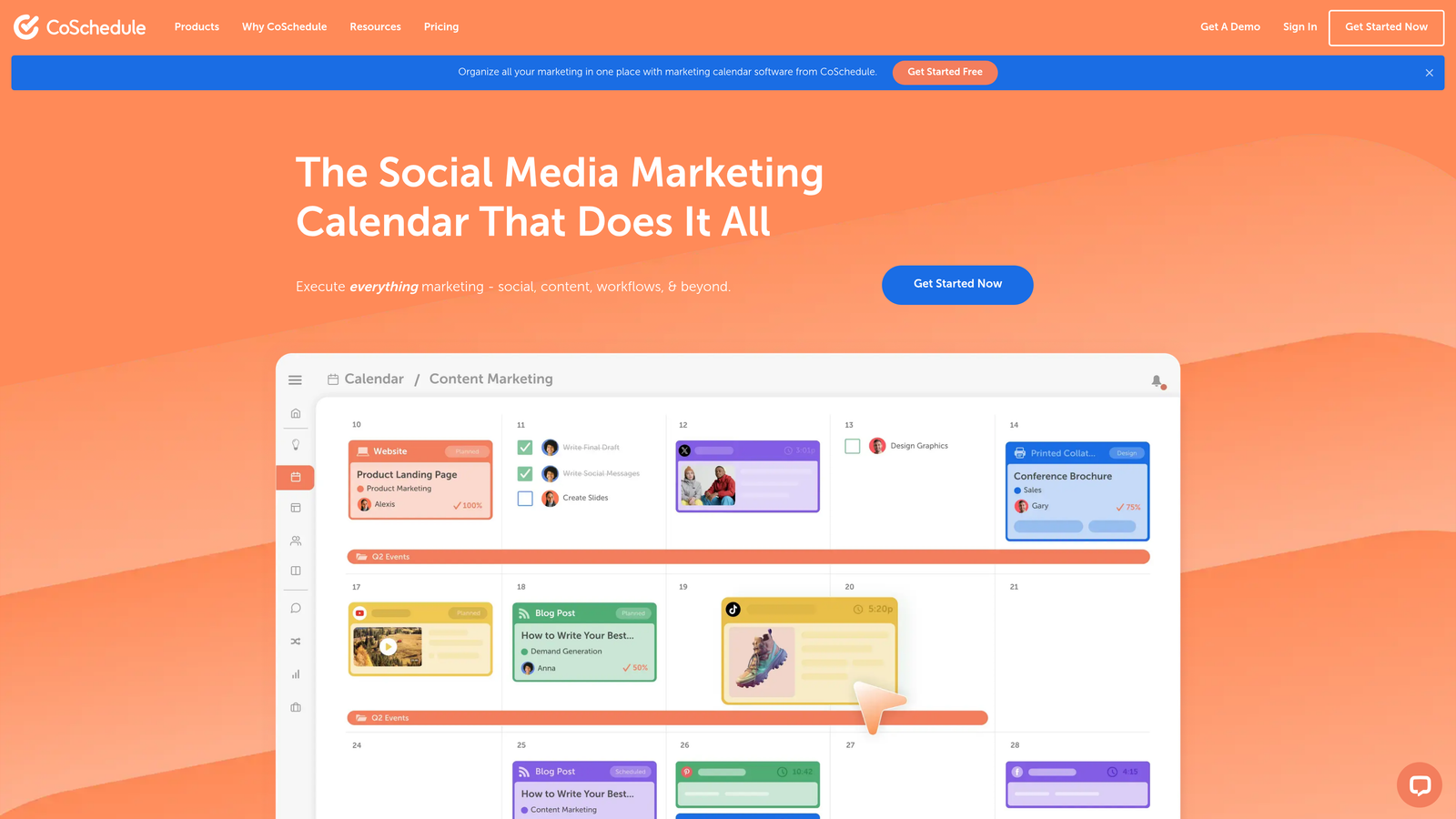
CoSchedule is a marketing calendar platform with WordPress integration, automated social resharing, and editorial workflow management for content teams.
Where This Tool Shines
ReQueue is CoSchedule's standout feature—it automatically reshares your best-performing content at optimal times without manual scheduling. You set the parameters (how often, which posts qualify, time windows), and ReQueue fills your social calendar with evergreen content. This keeps older posts generating traffic long after publication.
The WordPress plugin creates a seamless connection between your editorial calendar and your CMS. Schedule a post in CoSchedule, and it publishes directly to WordPress at the designated time. No export/import dance or switching between platforms.
Key Features
ReQueue Automation: Automatically reshare top content at optimal times based on performance data.
WordPress Direct Publishing: Native plugin for scheduling and publishing without leaving CoSchedule.
Headline Analyzer: Score and optimize headlines before publishing.
Task Management: Assign content production tasks with deadlines and dependencies.
Marketing Suite: Campaign tracking across content, social, and email channels.
Best For
Content marketing teams on WordPress who want unified calendar management and evergreen content automation. The value increases with team size—solo creators may find it overkill.
Pricing
Calendar starts at $29/month; Marketing Suite requires custom pricing for larger teams.
7. Zapier
Best for: Custom automation workflows connecting disparate tools without code
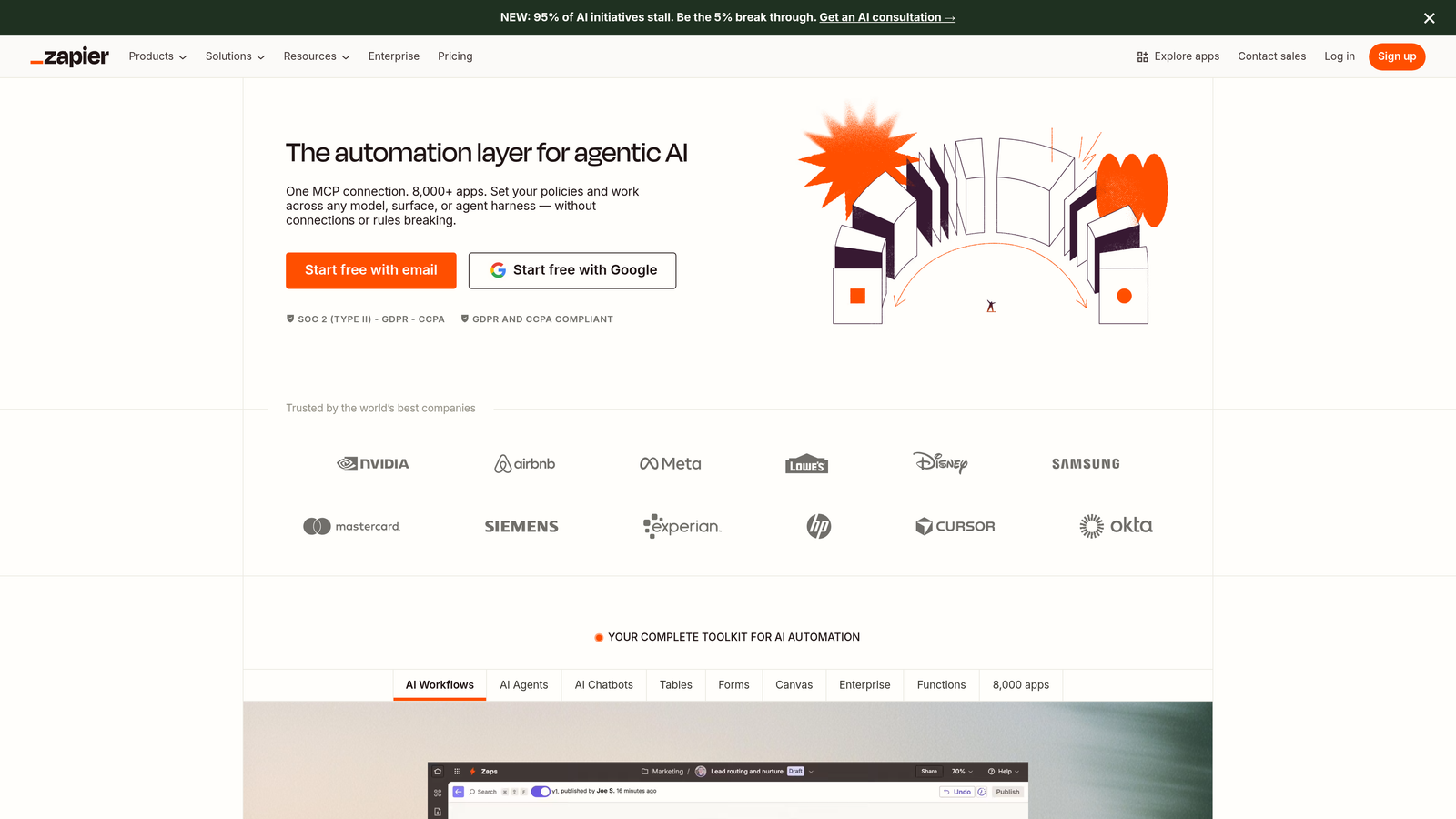
Zapier is a no-code automation platform connecting 6,000+ apps to create custom publishing workflows between content tools and CMS platforms.
Where This Tool Shines
Zapier's strength is flexibility. If your workflow involves tools that don't natively integrate, Zapier bridges the gap. Create multi-step automations (Zaps) that trigger when specific events occur—like publishing a new blog post, then automatically sharing to social, adding to your email newsletter queue, and updating a tracking spreadsheet.
The conditional logic lets you build sophisticated workflows without writing code. Set up "if this, then that" rules to handle different scenarios. For example, publish long-form content to LinkedIn but only share headlines on Twitter, based on post length or category.
Key Features
6,000+ App Connections: Integrate WordPress, Ghost, Webflow, and virtually any other platform.
Multi-Step Workflows: Chain together multiple actions from different apps in sequence.
Conditional Logic: Create branching workflows based on content attributes or other variables.
Scheduled Triggers: Run automations on a schedule rather than just event-based.
AI Actions: Transform or enhance content using AI before publishing or distributing.
Best For
Teams with unique workflows or tool combinations that need custom automation. Requires some technical thinking to set up effectively, but doesn't require actual coding skills.
Pricing
Free tier includes 100 tasks/month; Starter at $19.99/month for more tasks and multi-step Zaps.
8. Sanity
Best for: Customizable headless CMS with real-time collaboration and generous free tier
Sanity is a customizable headless CMS with real-time collaboration, structured content modeling, and a generous free tier for smaller publishing operations.

Where This Tool Shines
Real-time collaborative editing means multiple team members can work on the same content simultaneously, seeing each other's changes as they happen. This eliminates version control headaches and the "who has the latest draft" confusion that plagues teams using traditional CMSs.
The customizable Sanity Studio interface lets you build exactly the editing experience your team needs. Unlike rigid CMS interfaces, you can add custom input components, validation rules, and preview modes tailored to your content types. This flexibility matters when you're managing complex content structures beyond basic blog posts.
Key Features
Real-Time Collaboration: Multiple editors working simultaneously with live updates.
GROQ Query Language: Flexible content retrieval for complex publishing requirements.
Customizable Studio: Build custom editing interfaces matching your team's workflow.
Portable Text: Rich content modeling that works across different presentation formats.
CDN-Backed Assets: Fast image and media delivery with automatic optimization.
Best For
Development-savvy teams who want full control over their content infrastructure. The free tier is genuinely usable for smaller projects, making it accessible for startups and side projects.
Pricing
Free tier with generous limits for small teams; Team plan at $15/user/month adds collaboration features.
9. Ghost
Best for: Independent creators and publishers wanting built-in newsletter and membership features
Ghost is an open-source publishing platform built for independent creators with native newsletter integration, membership features, and SEO optimization out of the box.
Where This Tool Shines
Ghost combines blogging and email newsletters in one platform. Publish a post, and it automatically goes to your email subscribers as a newsletter—no separate email tool needed. The native membership system lets you create free and paid tiers without bolting on third-party subscription software.
The platform is fast and SEO-optimized by default. Unlike WordPress where you need plugins for basic SEO, Ghost handles structured data, sitemaps, and technical optimization natively. The themes are clean and performance-focused, which matters for both user experience and search rankings.
Key Features
Native Newsletter Sending: Email subscribers automatically when you publish without separate tools.
Membership Management: Built-in free and paid subscription tiers with Stripe integration.
SEO-Optimized Themes: Fast, clean templates with proper structured data out of the box.
Scheduled Publishing: Set publish times with timezone support for coordinated launches.
Integration Support: Connect to Zapier and use webhooks for custom automations.
Best For
Independent creators, journalists, and small publishers building subscription-based content businesses. The self-hosted option appeals to technically-capable users who want full control.
Pricing
Self-hosted version is free; Ghost(Pro) managed hosting starts at $9/month for small sites.
Making the Right Choice
The best automated blog publishing software depends on where your bottlenecks actually are. If content creation is your constraint, AI-powered platforms like Sight AI handle both generation and publishing in one workflow. For teams with content ready to go, scheduling tools like CoSchedule or Buffer streamline distribution.
Enterprise teams often benefit from HubSpot's CRM integration, while developers prefer the flexibility of headless options like Contentful or Sanity. Start by mapping your current workflow pain points, then match them to the tool that addresses your specific friction.
Consider your technical resources too. WordPress with Jetpack or Ghost work well for non-technical teams, while Sanity and Contentful require development expertise to unlock their full potential. Zapier sits in the middle—accessible to non-developers but powerful enough for complex automation needs.
Most platforms offer free trials. Test two or three before committing to find the right fit for your publishing cadence and team structure. Pay attention to how the tool fits your existing workflow rather than forcing yourself to adapt to the tool's assumptions.
The publishing landscape has shifted toward AI-integrated solutions as content teams look to reduce production time while maintaining quality. Start tracking your AI visibility today and see exactly where your brand appears across top AI platforms—then use that intelligence to inform your content strategy and automate your path to organic traffic growth.