Publishing content consistently while scaling your operations shouldn't mean choosing between quality and speed. Modern automated content publishing software handles the heavy lifting—scheduling posts, managing workflows, syncing across platforms, and even notifying search engines the moment your content goes live. The right tool transforms content operations from a manual slog into a streamlined system that runs while you focus on strategy.
We evaluated these tools based on automation depth (how much manual work they eliminate), CMS integration breadth (which platforms they support), scheduling flexibility (timing and channel options), and workflow efficiency (how they handle team collaboration and approvals). Here are the top automated content publishing platforms that stand out in 2026.
1. Sight AI
Best for: Teams wanting AI content creation combined with automated publishing and instant search discovery
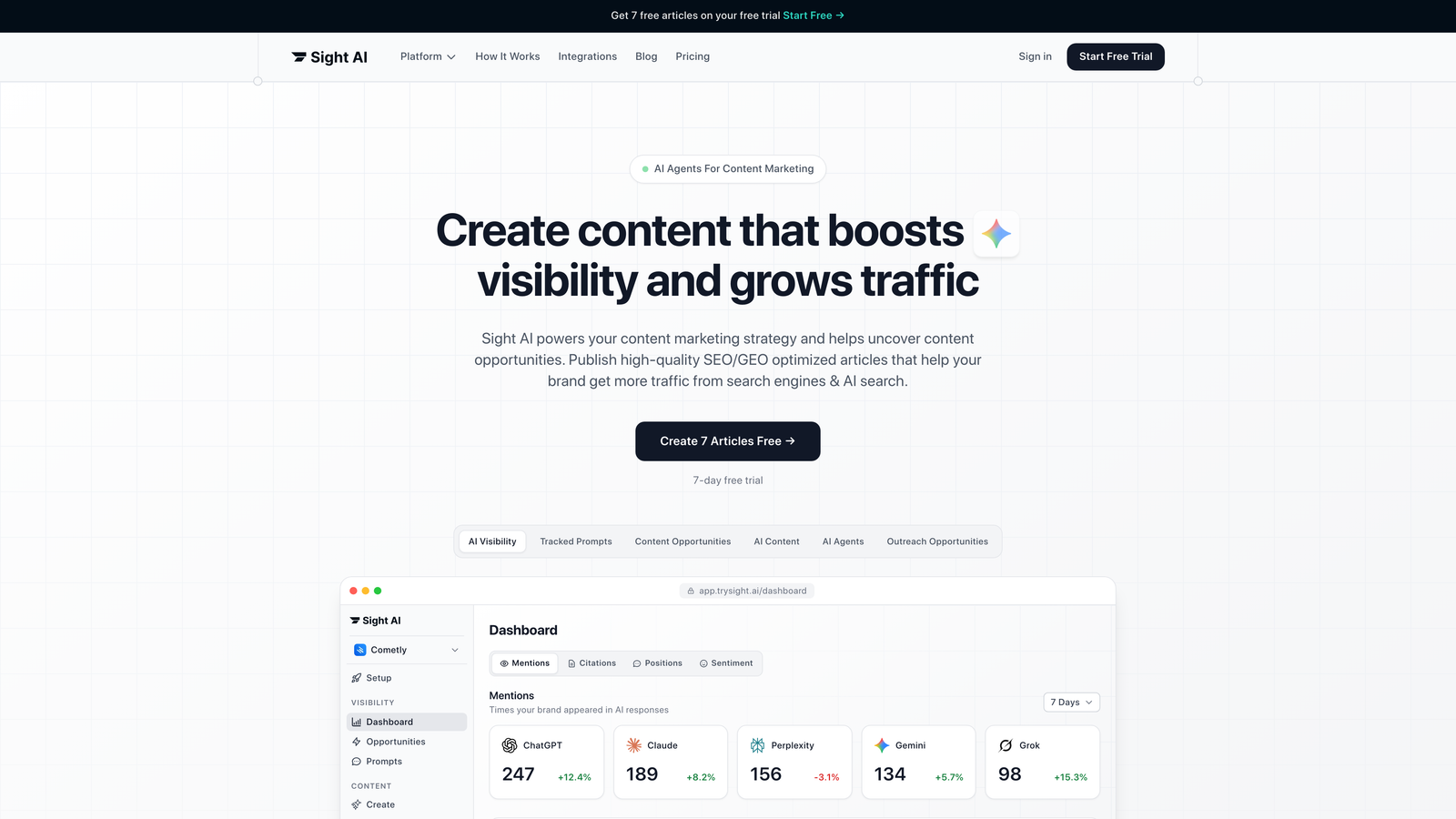
Sight AI bridges the gap between content generation and distribution by combining 13+ specialized AI agents with direct CMS publishing and IndexNow integration.
Where This Tool Shines
Unlike platforms that stop at scheduling, Sight AI handles the entire content lifecycle. Its AI agents generate SEO and GEO-optimized articles—listicles, guides, explainers—then automatically publish them to your WordPress, Webflow, or other connected CMS. The moment content goes live, IndexNow integration notifies search engines instantly rather than waiting for them to crawl your sitemap.
The AI Visibility tracking component monitors how AI models like ChatGPT, Claude, and Perplexity mention your brand, helping you identify content gaps and opportunities. This feedback loop lets you create content that increases your brand's presence in AI-generated responses.
Key Features
CMS Auto-Publishing: Direct integration with WordPress, Webflow, and other platforms eliminates manual content uploading.
13+ AI Agents: Specialized agents handle different content types with Autopilot Mode for hands-off content generation.
IndexNow Integration: Instant search engine notification accelerates content discovery and indexing.
AI Visibility Tracking: Monitor brand mentions across 6+ AI platforms with sentiment analysis and prompt tracking.
Automated Sitemap Updates: Keep search engines informed about new content without manual sitemap management.
Best For
Marketers and agencies focused on scaling organic traffic through AI-optimized content. Particularly valuable if you're publishing multiple articles weekly and want to track how AI models reference your brand while automating the entire publishing workflow.
Pricing
Contact for pricing with tiered plans designed for marketers and agencies at different scales.
2. CoSchedule
Best for: Marketing teams coordinating content across blogs, social media, and email campaigns
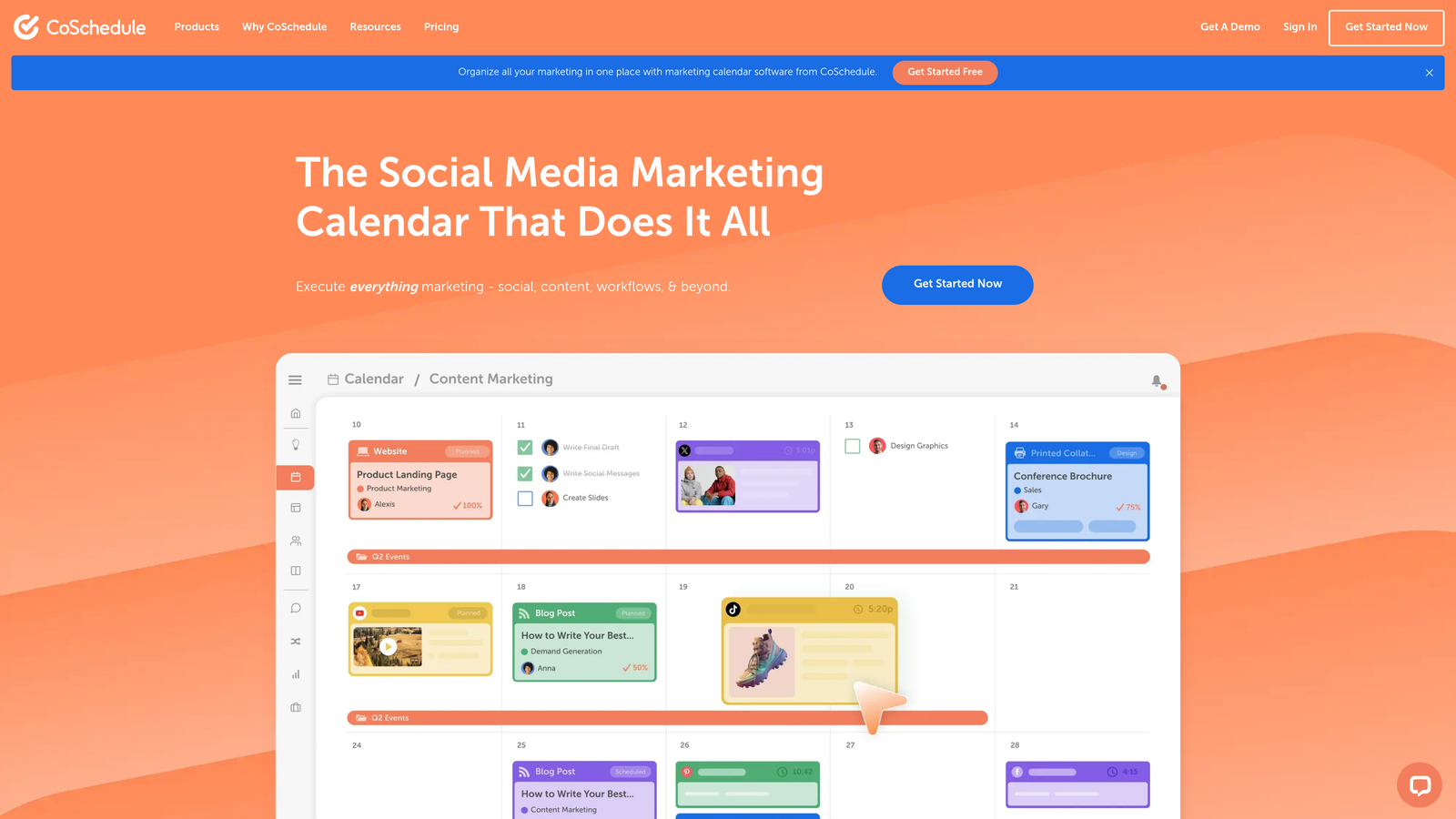
CoSchedule functions as a unified marketing calendar that centralizes all your publishing activities in one visual interface.
Where This Tool Shines
CoSchedule excels at orchestrating multi-channel campaigns where blog posts, social updates, and email sends need to work in concert. The ReQueue feature automatically reshares your best-performing social content, filling gaps in your calendar without manual intervention. When you publish a blog post, CoSchedule can trigger coordinated social promotion across platforms.
The platform's strength lies in visibility—everyone on your team sees what's publishing when, eliminating the "Did that post go live?" questions that plague distributed teams.
Key Features
Unified Marketing Calendar: Drag-and-drop interface shows all content types in one view with color-coded categories.
ReQueue Automation: Automatically reshares evergreen content based on performance metrics and schedule gaps.
WordPress and HubSpot Integrations: Direct publishing connections eliminate copy-paste workflows.
Team Workflow Management: Assign tasks, set deadlines, and track progress within the calendar interface.
Headline Analyzer: Built-in tool scores headlines for engagement potential before publishing.
Best For
Small to mid-sized marketing teams managing content across multiple channels who need better coordination and visibility. Works especially well for agencies juggling multiple client calendars.
Pricing
Free calendar available for basic scheduling. Marketing Suite starts at $29 per user per month with advanced automation features.
3. WordPress with Jetpack
Best for: WordPress users wanting enhanced scheduling and social automation without platform switching
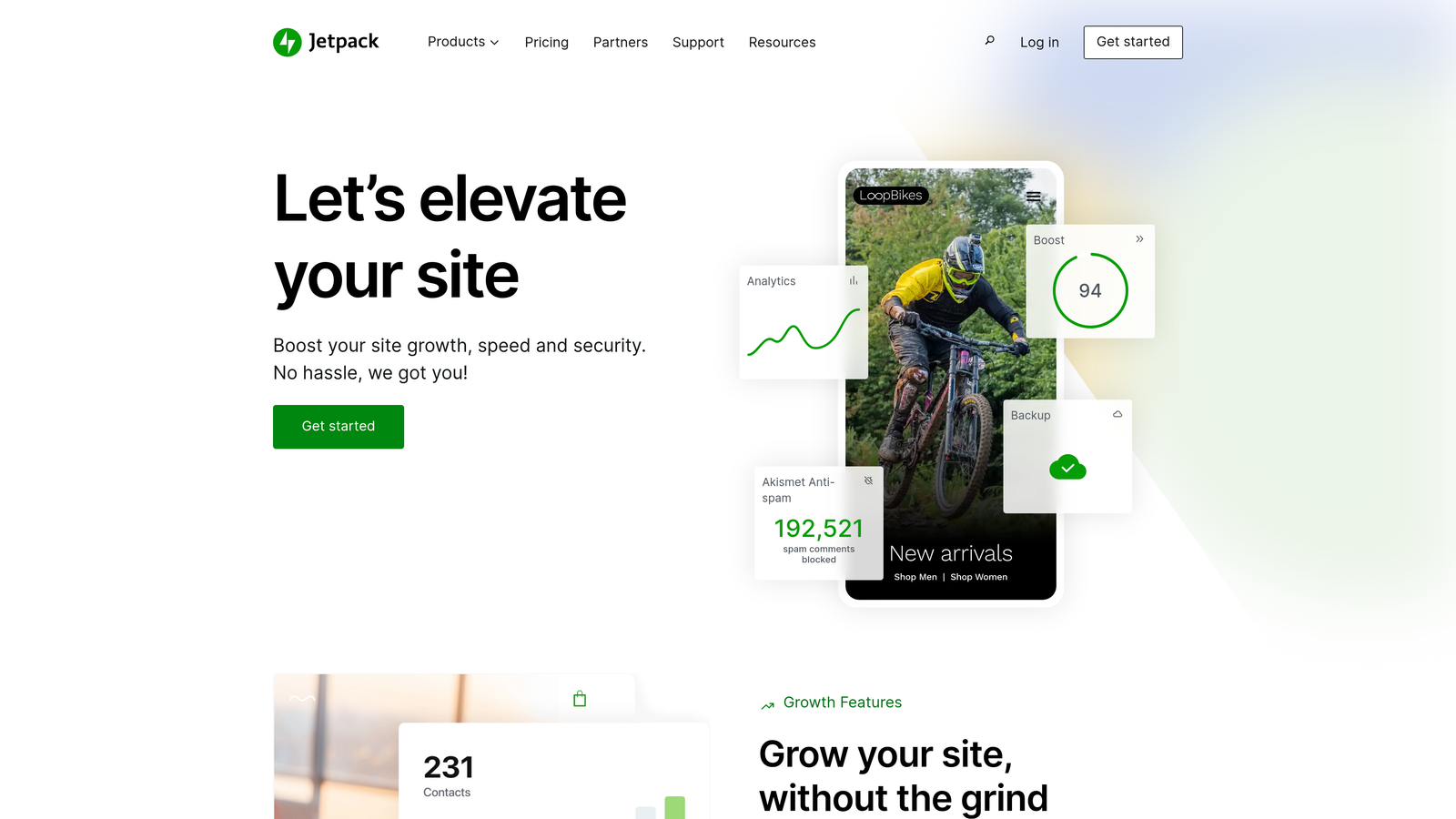
Jetpack extends WordPress's native scheduling with automated social sharing, security, and performance optimization in one plugin.
Where This Tool Shines
For the millions of sites running WordPress, Jetpack adds publishing automation without requiring a separate platform. Schedule posts weeks in advance, and Jetpack automatically shares them to Facebook, Twitter, LinkedIn, and Tumblr when they publish. The simplicity appeals to solo creators and small teams who don't need enterprise complexity.
The bundled security and performance features mean you're not just automating publishing—you're protecting and accelerating your site simultaneously. Automated backups run before major updates, and the CDN speeds up content delivery globally.
Key Features
Built-in Post Scheduling: WordPress's native scheduler handles date and time automation for posts and pages.
Auto-Posting to Social Networks: Publicize module shares new content automatically across connected social accounts.
Site Backup and Security: Real-time backups and malware scanning protect your content and site integrity.
Performance Optimization: Image CDN and lazy loading speed up page loads without manual optimization.
Content Delivery Network: Global CDN serves images and static files from servers closer to visitors.
Best For
Bloggers, small businesses, and content creators already using WordPress who want to add social automation and site protection without learning new platforms.
Pricing
Free tier includes basic features. Jetpack Complete with full automation and security costs $25 per month for one site.
4. Contentful
Best for: Enterprise teams delivering content across web, mobile apps, and IoT devices
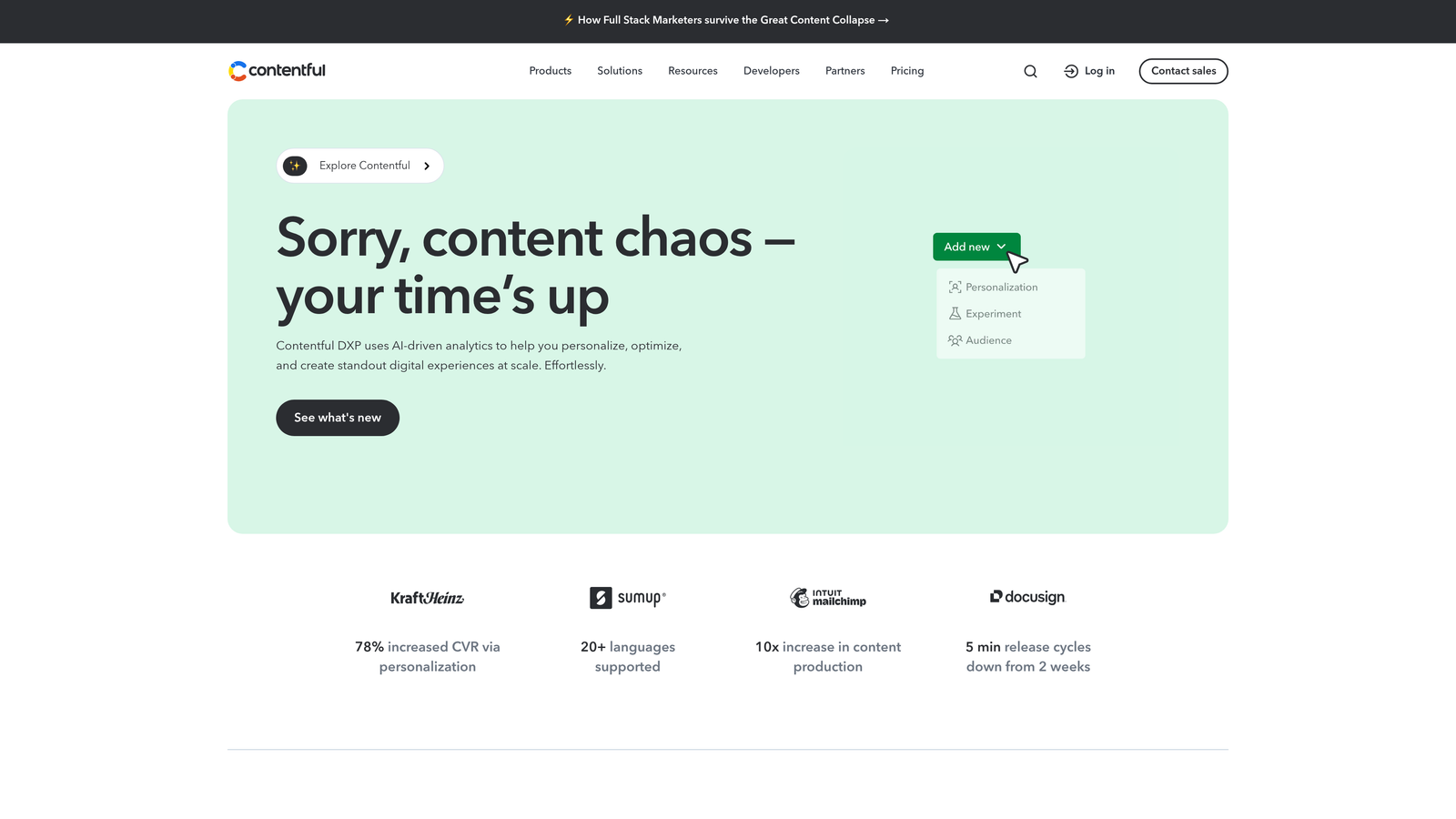
Contentful pioneered the headless CMS approach where content lives independently from presentation, enabling automated delivery anywhere.
Where This Tool Shines
Contentful's API-first architecture lets you publish once and distribute everywhere. Schedule content to go live across your website, mobile app, smartwatch interface, and digital signage simultaneously—all from one content entry. The webhook system triggers automated workflows when content publishes, updating CDNs, notifying team members, or kicking off marketing automation sequences.
Multi-environment staging means you can schedule content in a preview environment, test it thoroughly, then promote it to production with confidence. The composable content model lets you build reusable components that maintain consistency across channels.
Key Features
Scheduled Publishing with Webhooks: Set publish times and trigger automated workflows when content goes live.
Multi-Environment Content Staging: Test scheduled content in preview environments before production deployment.
GraphQL and REST APIs: Flexible APIs deliver content to any platform or device that can make HTTP requests.
Composable Content Architecture: Build reusable content components that maintain consistency across channels.
Extensive App Marketplace: Pre-built integrations with translation services, DAMs, and commerce platforms.
Best For
Enterprise organizations with complex multi-channel publishing needs, particularly those delivering content to native mobile apps, IoT devices, or multiple websites from one content repository.
Pricing
Free tier supports small projects with limited API calls. Team plan starts at $489 per month with higher API limits and multiple environments.
5. HubSpot Content Hub
Best for: Inbound marketing teams connecting content publishing with lead generation and CRM data
HubSpot Content Hub integrates blog publishing with landing pages, SEO tools, and CRM tracking to measure content's business impact.

Where This Tool Shines
HubSpot's killer feature is connecting published content directly to revenue. Schedule a blog post, and HubSpot tracks which leads discovered your company through that article, which converted to customers, and the revenue they generated. Smart content rules automatically personalize published pages based on visitor data—showing different CTAs to first-time visitors versus returning leads.
The SEO recommendations built into the editor suggest improvements before you hit publish, and A/B testing lets you schedule multiple versions of pages to determine what converts best. Multi-language content management handles international publishing from one interface.
Key Features
Blog Scheduling with SEO Recommendations: Built-in SEO analysis suggests improvements while you schedule posts.
Smart Content Personalization: Automatically show different content to visitors based on CRM data and behavior.
A/B Testing for Pages: Schedule and test multiple versions to optimize conversion rates.
CRM Integration for Lead Tracking: Connect published content to lead generation and revenue attribution.
Multi-Language Content Management: Manage and schedule content in multiple languages from one platform.
Best For
B2B companies and marketing teams already using HubSpot's CRM who want to measure content's impact on pipeline and revenue, not just traffic and engagement.
Pricing
Free tools include basic blog and landing page creation. Professional tier with advanced automation starts at $800 per month.
6. Buffer
Best for: Social-first teams scheduling content across multiple platforms with optimal timing
Buffer simplifies social media scheduling with queue management and AI-powered timing suggestions.

Where This Tool Shines
Buffer removes the guesswork from social timing by analyzing when your audience is most active and suggesting optimal posting slots. The queue system lets you load content in bulk, and Buffer distributes it according to your schedule automatically. If you publish five posts on Monday, Buffer spaces them throughout the week based on your predefined time slots.
The content calendar provides a visual overview of what's publishing across all platforms, making it easy to spot gaps or adjust strategy. Team collaboration features let multiple people contribute to the queue while maintaining brand voice consistency.
Key Features
Multi-Platform Scheduling: Publish to Facebook, Instagram, Twitter, LinkedIn, Pinterest, and TikTok from one interface.
Optimal Timing Suggestions: AI analyzes audience activity patterns and recommends best posting times.
Content Calendar View: Visual calendar shows scheduled posts across all platforms in one view.
Team Collaboration: Multiple users can draft, schedule, and approve content with role-based permissions.
Analytics and Reporting: Track engagement metrics and identify top-performing content across channels.
Best For
Social media managers and small marketing teams focused primarily on social content who need straightforward scheduling without enterprise complexity.
Pricing
Free plan supports up to 3 social channels with 10 scheduled posts per channel. Team plan costs $10 per month per channel with unlimited scheduling.
7. Sanity
Best for: Development teams needing customizable content modeling and real-time collaboration
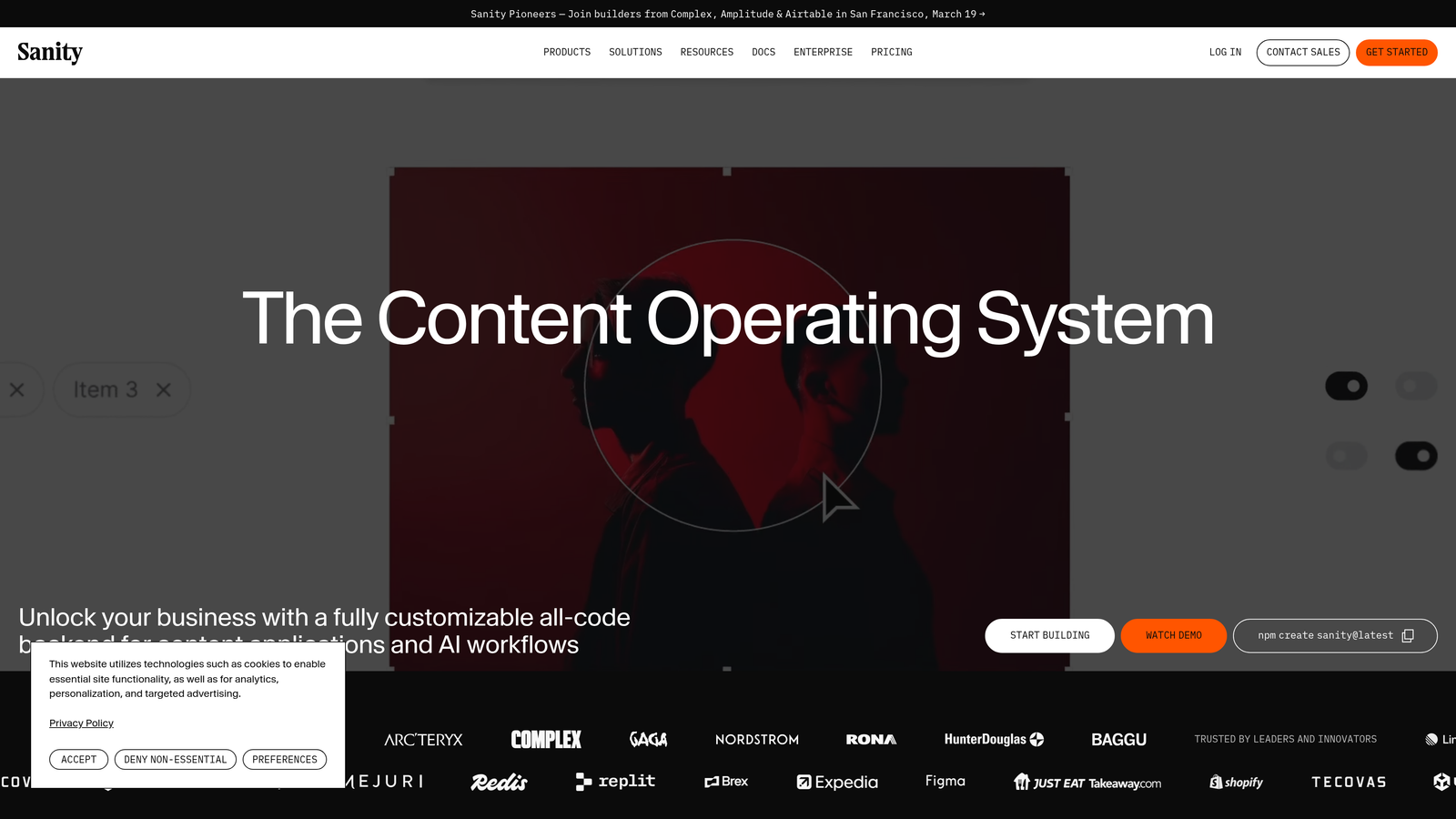
Sanity offers a fully customizable headless CMS where you define exactly how content is structured, edited, and published.
Where This Tool Shines
Sanity's real-time collaborative editing feels like Google Docs for structured content—multiple team members can work on the same article simultaneously, seeing each other's changes instantly. The GROQ query language gives developers precise control over how content is retrieved and displayed, enabling complex publishing logic.
Unlike rigid CMSs that force content into predefined templates, Sanity lets you model content exactly how your business needs it. The portable text format ensures rich content remains structured and reusable across different platforms. The custom content studio can be tailored to match your team's workflow perfectly.
Key Features
GROQ Query Language: Powerful query language retrieves and transforms content with precision for complex publishing needs.
Real-Time Collaborative Editing: Multiple users edit simultaneously with instant synchronization across devices.
Scheduled Publishing: Set future publish dates and times with webhook triggers for automation workflows.
Portable Text: Structured rich text format ensures content remains reusable across platforms.
Custom Content Studio: Fully customizable editing interface tailored to your team's specific workflow.
Best For
Development-heavy teams building custom digital experiences who need complete control over content structure and presentation logic. Works well for companies with unique content requirements that don't fit standard CMS templates.
Pricing
Free tier supports personal projects and small teams. Team plan starts at $99 per month with increased API limits and collaboration features.
8. Sprinklr
Best for: Enterprise brands managing content across social, web, messaging, and review platforms
Sprinklr unifies customer experience management with AI-powered content publishing across every channel where customers interact with brands.
Where This Tool Shines
Sprinklr handles the complexity of enterprise-scale publishing where content needs to go live across dozens of social accounts, multiple websites, messaging platforms like WhatsApp and WeChat, and review sites—all while maintaining brand compliance. The AI-powered content recommendations suggest what to publish based on trending topics, audience sentiment, and historical performance.
Approval workflow automation routes content through legal, compliance, and brand teams based on rules you define. The brand compliance monitoring flags content that violates guidelines before it publishes, protecting brand reputation at scale.
Key Features
Omnichannel Content Publishing: Schedule and publish across social, web, messaging, and review platforms from one interface.
AI-Powered Content Recommendations: Machine learning suggests optimal content, timing, and channels based on data.
Approval Workflow Automation: Route content through customizable approval chains with role-based permissions.
Brand Compliance Monitoring: Automated checks flag content that violates brand guidelines before publishing.
Enterprise Analytics: Unified reporting across all channels with attribution modeling and ROI tracking.
Best For
Large enterprises and global brands with complex publishing requirements across many channels, particularly those needing strict compliance controls and unified customer experience management.
Pricing
Enterprise pricing model with custom quotes based on company size, channel requirements, and feature needs.
9. Publii
Best for: Privacy-conscious creators wanting fast, secure static sites with simple publishing
Publii takes a different approach—it's a desktop application that generates static HTML sites and deploys them with one click.
Where This Tool Shines
Publii eliminates the security risks and performance overhead of database-driven CMSs by generating static HTML files. You create and schedule content offline in the desktop app, then deploy to GitHub Pages, Netlify, Amazon S3, or traditional hosting with one click. The result loads instantly and can't be hacked through database vulnerabilities.
The privacy-first approach means no tracking scripts, no database storing visitor data, and no third-party dependencies slowing down pages. Built-in SEO tools optimize meta tags, sitemaps, and structured data automatically. For creators who value speed, security, and privacy over complex features, Publii delivers exactly what's needed.
Key Features
Desktop CMS Application: Native Mac, Windows, and Linux apps for offline content creation and management.
One-Click Deployment: Publish to GitHub Pages, Netlify, S3, Google Cloud, or traditional hosting instantly.
Built-in SEO Tools: Automated meta tag optimization, XML sitemaps, and structured data generation.
Privacy-Focused: No database, no tracking, no third-party dependencies—just fast, clean HTML.
Offline Content Creation: Work on content without internet connection, sync when ready to publish.
Best For
Bloggers, personal brands, and small businesses prioritizing site speed, security, and privacy over complex publishing workflows. Ideal for those comfortable with desktop software and static site hosting.
Pricing
Completely free and open source with no premium tiers or hidden costs.
Finding Your Publishing Automation Match
The right automated content publishing software depends on where you're publishing and what you're optimizing for. If you want AI-powered content creation combined with automated publishing and instant search discovery, Sight AI handles the entire workflow from generation to indexing. For teams already deep in the HubSpot ecosystem who need CRM-connected publishing, HubSpot Content Hub makes the most sense.
WordPress users looking to add automation without platform switching should explore Jetpack's social and scheduling features. Social-first teams benefit from Buffer's queue management and optimal timing. Enterprise organizations with complex multi-channel needs will find Contentful or Sprinklr worth the investment, while development teams wanting complete customization should evaluate Sanity.
The automation landscape continues evolving rapidly. The platforms gaining traction in 2026 combine content creation with distribution, integrate AI for optimization, and eliminate manual steps between drafting and discovery. Start tracking your AI visibility today and see exactly where your brand appears across top AI platforms while automating your path to organic traffic growth through optimized content that gets noticed.