Publishing content manually across multiple platforms drains hours from your week—time better spent on strategy and creative work. Between formatting blog posts for your CMS, scheduling social updates, coordinating team approvals, and ensuring everything goes live at the right time, the operational overhead of content distribution can overwhelm even experienced marketing teams.
Automated content publishing tools handle these repetitive tasks for you. They schedule posts, format content for different platforms, distribute across channels, and keep your editorial calendar running without constant manual intervention. Some integrate AI-powered content generation with publishing workflows, while others specialize in social scheduling or headless CMS architectures that deliver content anywhere via API.
We evaluated nine tools that streamline publishing workflows based on automation depth, CMS integrations, ease of use, and value for marketing teams. Here are the top automated content publishing tools for marketers in 2026.
1. Sight AI
Best for: Teams wanting AI content generation with automatic CMS publishing and search indexing
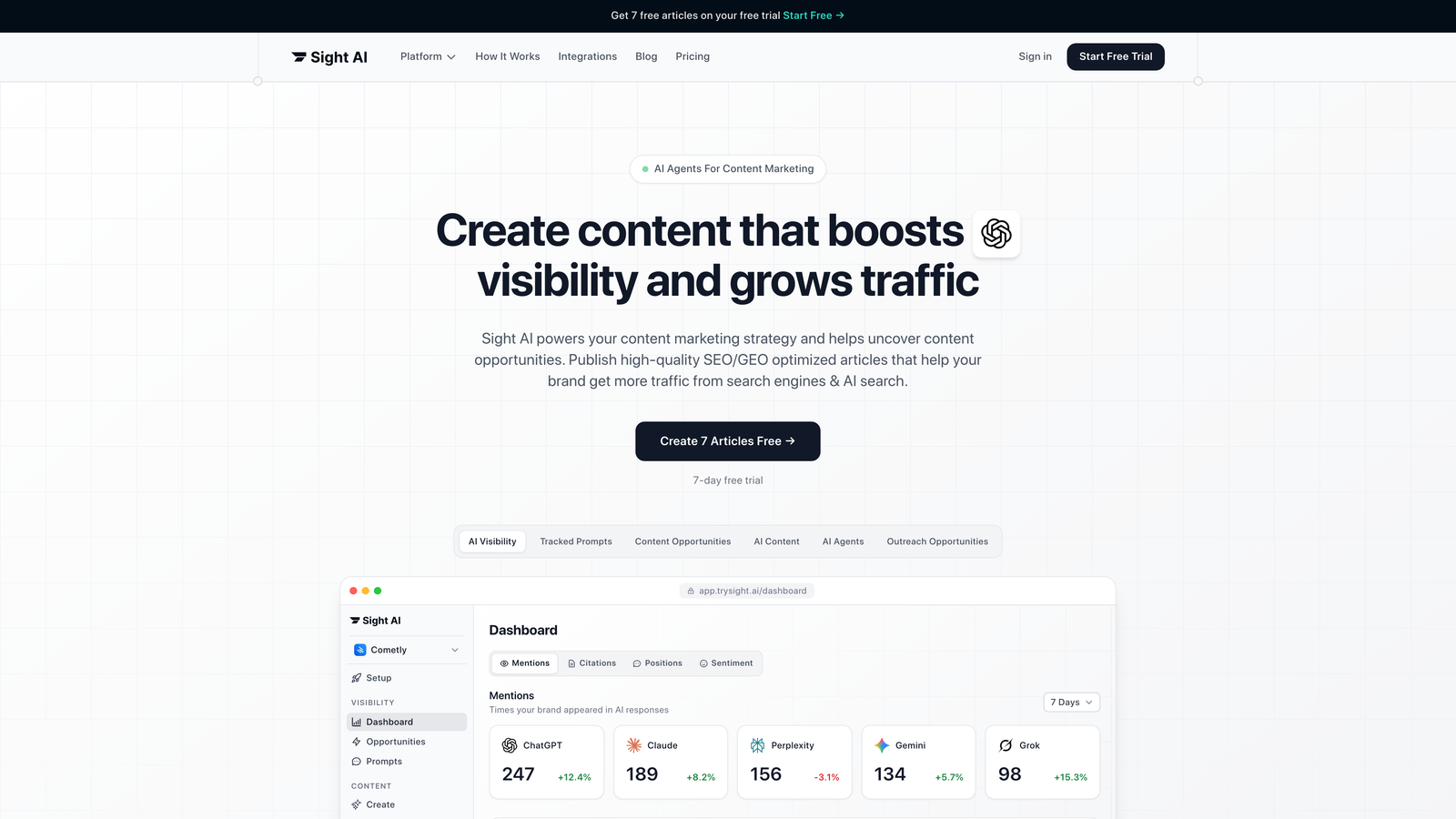
Sight AI combines AI-powered content creation with automated publishing workflows, letting you generate SEO-optimized articles and push them directly to your CMS without manual intervention.
Where This Tool Shines
Sight AI stands out by connecting the entire content pipeline—from creation to publication to search discovery. Its 13+ specialized AI agents handle different content types, from listicles to how-to guides, while Autopilot mode generates and publishes content on schedule without requiring constant oversight.
The platform's IndexNow integration notifies search engines immediately when new content goes live, accelerating the indexing process that typically takes days or weeks. This matters when you're publishing time-sensitive content or want faster organic traffic growth.
Key Features
13+ AI Agents: Specialized agents for different content formats generate SEO and GEO-optimized articles tailored to your audience.
Autopilot Mode: Hands-off content generation and publishing that runs your editorial calendar automatically.
CMS Auto-Publishing: Direct integration with WordPress and other platforms pushes content live without manual uploads.
IndexNow Integration: Immediate search engine notification accelerates content discovery and indexing.
AI Visibility Tracking: Monitor how AI models like ChatGPT, Claude, and Perplexity mention your brand across their responses.
Best For
Marketing teams and agencies managing high-volume content calendars who want to automate both creation and distribution. Particularly valuable if you're tracking AI visibility and need content optimized for both traditional search and AI-powered answer engines.
Pricing
Contact for custom pricing based on content volume and features. Free trial available to test the platform's capabilities.
2. WordPress with Jetpack
Best for: WordPress site owners wanting native scheduling and social automation
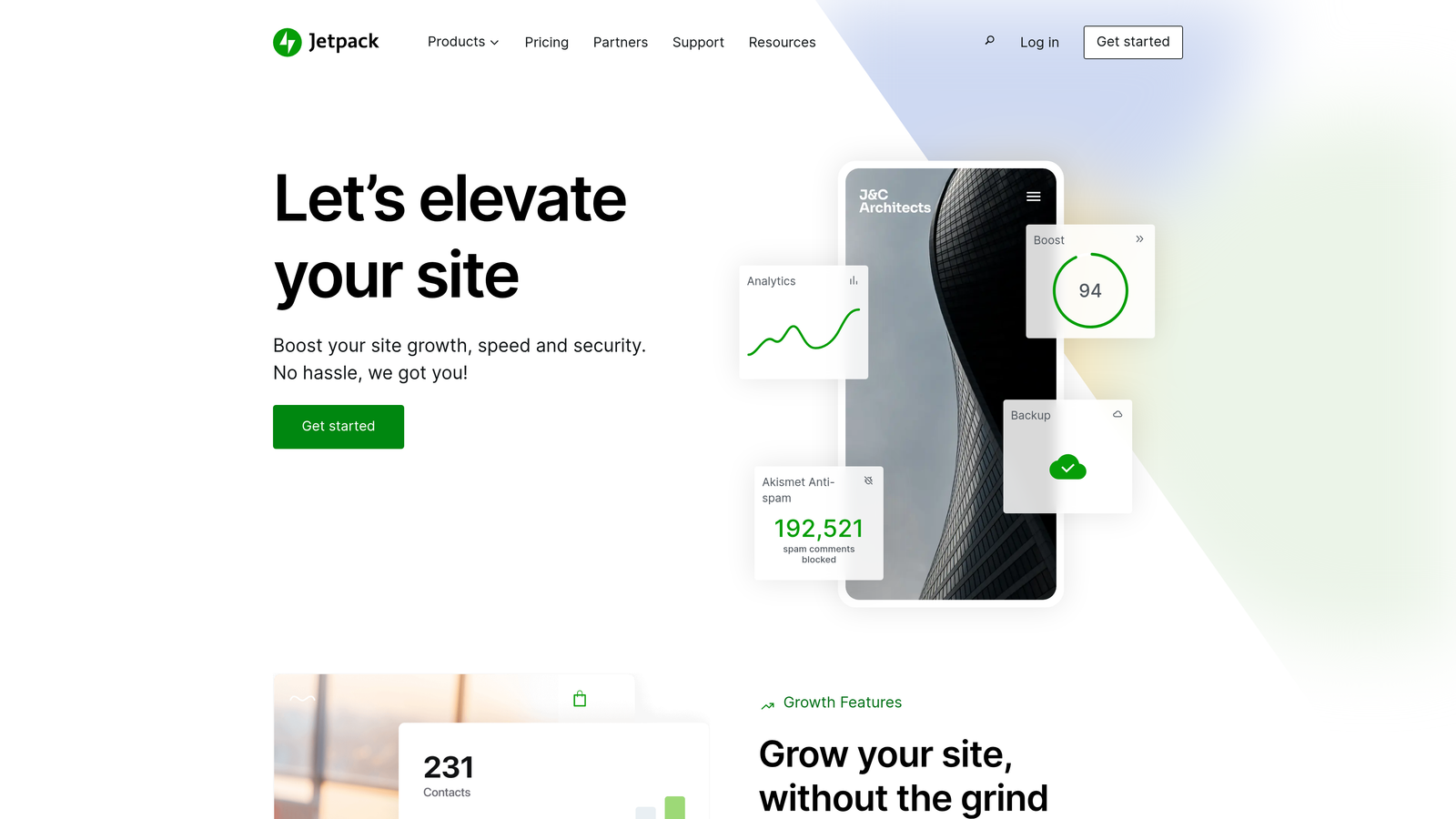
Jetpack extends WordPress with automated publishing features, social sharing, and site management tools built directly into your dashboard.
Where This Tool Shines
If you're already running WordPress, Jetpack provides publishing automation without adding another platform to your stack. Schedule posts weeks or months in advance, and Jetpack automatically shares them to your social networks when they go live.
The native integration means no API connections to maintain or third-party services to manage. Everything runs inside WordPress, making it straightforward for teams already comfortable with the CMS.
Key Features
Post Scheduling: Set future publication dates and times directly in the WordPress editor.
Auto-Social Sharing: Automatically post to Facebook, Twitter, LinkedIn, and Tumblr when content publishes.
SEO Tools: Built-in optimization suggestions and XML sitemap generation for better search visibility.
Site Stats: Track traffic and engagement without connecting external analytics platforms.
Automated Backups: Regular site backups run automatically to protect your content.
Best For
Small to medium WordPress sites that want basic publishing automation without complex workflows or enterprise features. Works well for bloggers and content marketers managing a single site.
Pricing
Free tier includes basic features. Paid plans start at $10/month for enhanced security, backups, and social automation capabilities.
3. HubSpot Content Hub
Best for: Enterprise teams needing integrated content management with marketing automation
HubSpot Content Hub combines CMS functionality with marketing automation workflows, CRM connectivity, and attribution reporting in one platform.

Where This Tool Shines
HubSpot excels when your content strategy connects directly to lead generation and customer journeys. Publish blog posts that trigger automated email sequences, personalize content based on CRM data, and track which pieces drive actual revenue.
The drag-and-drop editor makes content creation accessible to non-technical team members, while developers can build custom modules and templates. Smart content features let you show different messaging to different audience segments automatically.
Key Features
Visual Content Editor: Drag-and-drop interface with scheduling and approval workflows built in.
Marketing Automation: Trigger email campaigns, workflows, and lead nurturing sequences based on content engagement.
Smart Content: Automatically personalize pages and CTAs based on visitor attributes and behavior.
A/B Testing: Test headlines, layouts, and CTAs to optimize content performance.
Attribution Reporting: Connect content to revenue and see which pieces drive conversions.
Best For
Enterprise marketing teams using HubSpot's CRM who want tight integration between content publishing and broader marketing campaigns. Most valuable when you need sophisticated personalization and attribution tracking.
Pricing
Free CMS tools available for basic sites. Marketing Hub with full automation starts at $800/month for enterprise features and advanced workflows.
4. CoSchedule
Best for: Editorial teams managing complex content calendars with multiple contributors
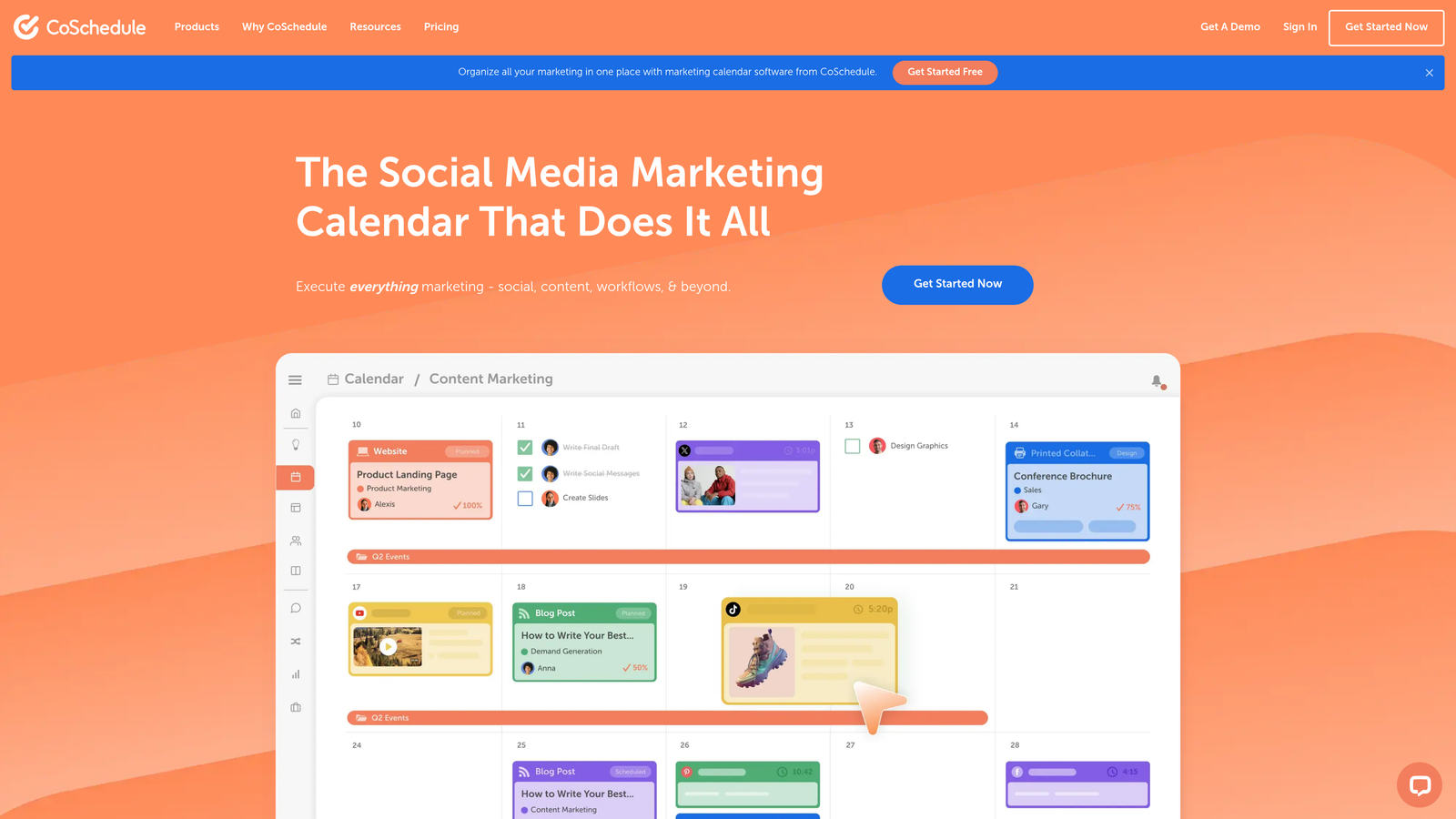
CoSchedule provides a unified marketing calendar that coordinates blog publishing, social promotion, and team workflows in one visual interface.
Where This Tool Shines
CoSchedule turns your content calendar into the single source of truth for what's publishing when. Drag posts across dates, assign tasks to team members, and see your entire content strategy at a glance.
The ReQueue feature automatically reshares evergreen content on social media, extending the life of your best posts without manual scheduling. WordPress integration lets you publish directly from CoSchedule's interface.
Key Features
Marketing Calendar: Visual drag-and-drop calendar showing all content, social posts, and campaigns in one view.
ReQueue Automation: Automatically reshare top-performing content to fill gaps in your social schedule.
WordPress Integration: Publish blog posts directly to WordPress from CoSchedule's dashboard.
Team Workflows: Assign tasks, set approval processes, and collaborate on content projects.
Social Scheduling: Plan and automate social posts across multiple platforms from the same calendar.
Best For
Content teams and agencies managing multiple clients or projects who need visual calendar management with approval workflows. Particularly useful for coordinating blog content with social promotion.
Pricing
Calendar plans start at $29/month for basic features. Marketing Suite with advanced automation requires custom pricing based on team size and needs.
5. Buffer
Best for: Social media scheduling with straightforward queue-based automation
Buffer streamlines social media publishing with a simple queue system that distributes posts across platforms automatically.

Where This Tool Shines
Buffer's queue-based approach makes social scheduling effortless. Add posts to your queue, set your preferred posting times, and Buffer publishes them automatically in order. No need to assign specific dates to every post.
The browser extension lets you share content you find online instantly, and the AI Assistant helps generate caption variations when you're stuck. Analytics show which posts perform best so you can refine your strategy.
Key Features
Queue Scheduling: Add posts to a queue that publishes automatically at your preset times.
AI Caption Assistant: Generate caption ideas and variations using AI suggestions.
Multi-Platform Support: Schedule to Facebook, Instagram, Twitter, LinkedIn, Pinterest, and TikTok from one dashboard.
Analytics Dashboard: Track engagement, reach, and clicks across all connected accounts.
Browser Extension: Share content directly from any webpage with one click.
Best For
Small businesses and solopreneurs managing social media who want simple, reliable scheduling without complex features. Works well if you focus primarily on social distribution rather than blog publishing.
Pricing
Free plan covers 3 social channels with basic scheduling. Paid plans start at $6/month per channel for advanced features and analytics.
6. Zapier
Best for: Custom automation workflows connecting different apps and services
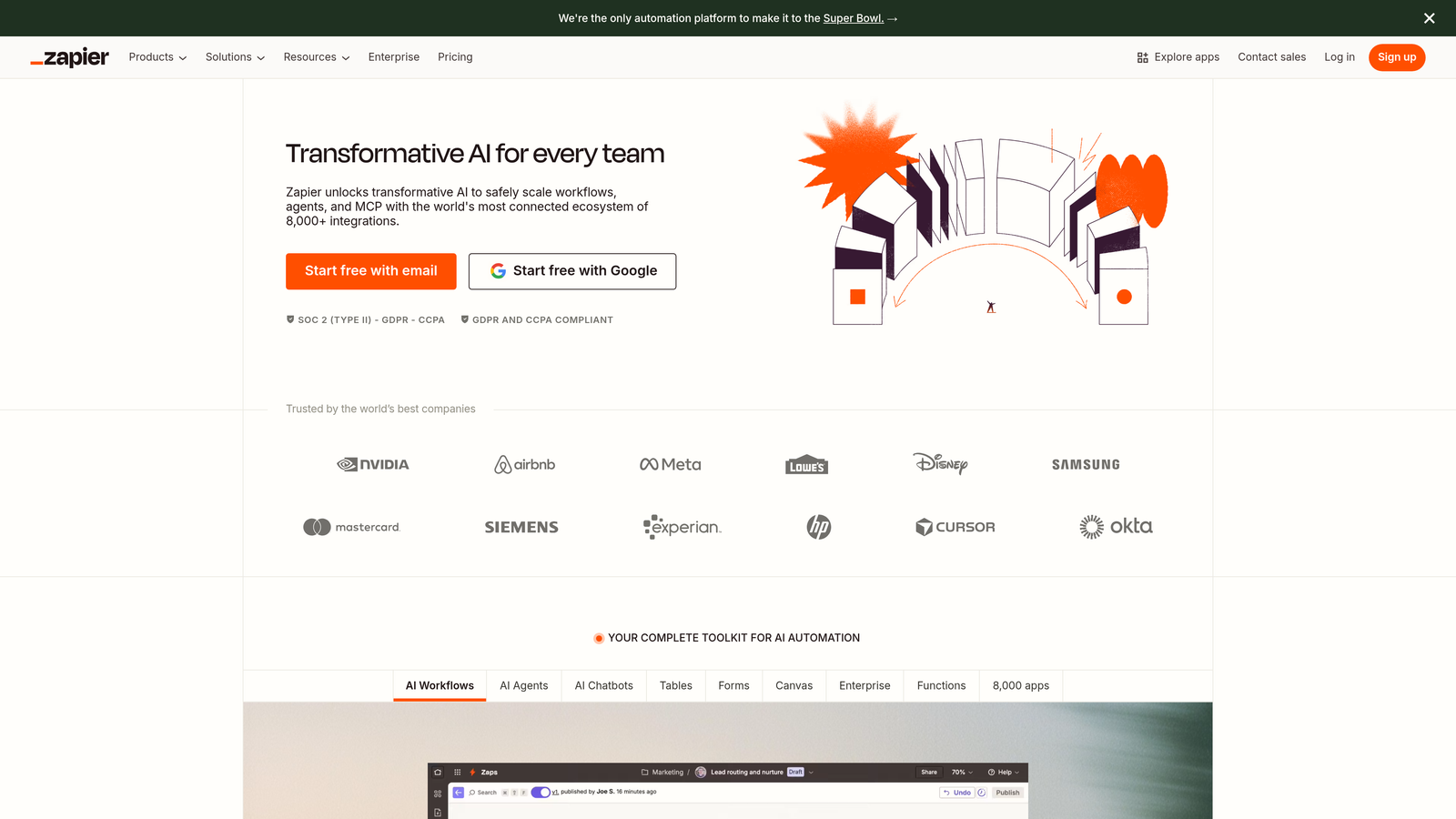
Zapier connects over 6,000 apps with no-code automation workflows, letting you build custom publishing processes tailored to your exact needs.
Where This Tool Shines
When off-the-shelf tools don't match your workflow, Zapier lets you build exactly what you need. Automatically publish new Airtable records to WordPress, cross-post blog content to Medium and LinkedIn, or trigger social posts when specific conditions are met.
Multi-step Zaps handle complex sequences—like formatting content, checking for duplicates, posting to your CMS, and notifying your team in Slack. Conditional logic and filters ensure automation only runs when criteria match.
Key Features
6,000+ App Integrations: Connect virtually any combination of tools in your marketing stack.
Multi-Step Workflows: Chain multiple actions together for sophisticated automation sequences.
Conditional Logic: Use filters and paths to create if-then automation that adapts to different scenarios.
Scheduled Triggers: Run automations on a schedule or trigger them with webhooks and API calls.
Data Formatting: Transform data between apps automatically without manual reformatting.
Best For
Teams with unique workflows or tech stacks that need custom automation beyond what standard publishing tools offer. Most valuable when you're connecting multiple specialized tools rather than using all-in-one platforms.
Pricing
Free tier includes 100 tasks per month. Paid plans start at $19.99/month with higher task limits and premium app access.
7. ContentStudio
Best for: Agencies managing content for multiple clients across various channels
ContentStudio combines content discovery, planning, and multi-channel publishing with approval workflows and white-label dashboards for agencies.
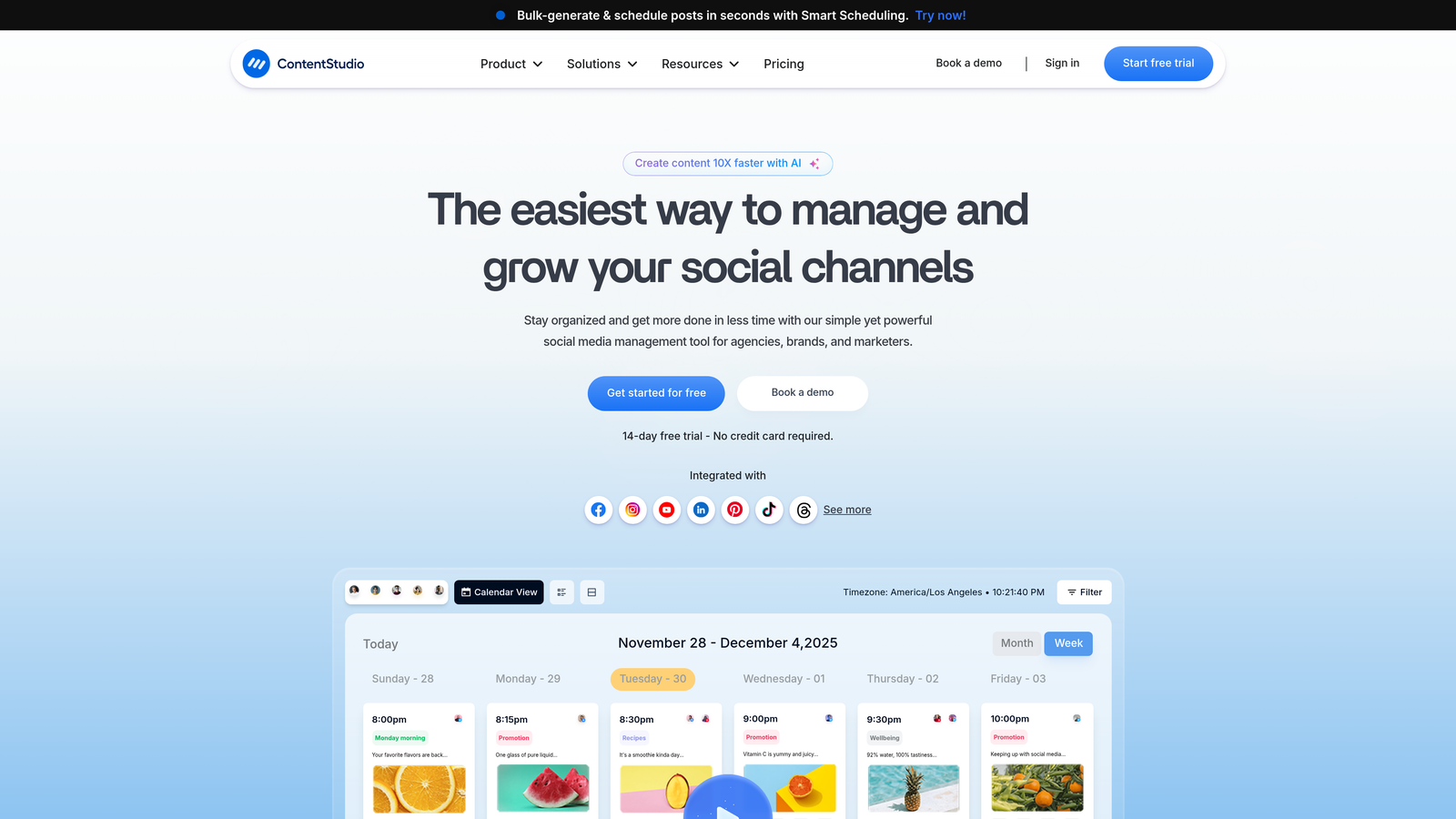
Where This Tool Shines
ContentStudio helps you find content ideas and publish them across channels from one platform. The discovery tools surface trending topics and relevant articles, which you can curate and share or use as inspiration for original content.
Agency features like white-label dashboards and approval workflows make client management smoother. Set up approval processes so clients review content before it publishes, and give them branded access to their content calendar and analytics.
Key Features
Content Discovery: Find trending topics, relevant articles, and content ideas based on keywords and RSS feeds.
Multi-Channel Publishing: Schedule to blogs, social media, and other platforms from one unified calendar.
Approval Workflows: Set up multi-level approval processes for team review and client sign-off.
White-Label Dashboard: Provide clients with branded access to their content calendar and reports.
Team Collaboration: Assign roles, manage permissions, and coordinate across team members and clients.
Best For
Marketing agencies and consultants managing content for multiple clients who need discovery tools, approval workflows, and white-label reporting. Less ideal for single-site owners who don't need agency features.
Pricing
Starter plan at $25/month for basic features. Agency plans with white-label and advanced collaboration available at higher tiers.
8. Publer
Best for: Budget-conscious teams wanting bulk scheduling with AI-powered caption generation
Publer offers affordable social media scheduling with bulk upload capabilities, auto-scheduling based on optimal times, and AI text generation.

Where This Tool Shines
Publer makes bulk scheduling remarkably simple. Upload a CSV file with dozens of posts, and Publer distributes them across your social accounts automatically. The auto-schedule feature analyzes when your audience is most active and times posts accordingly.
AI-powered caption and image generation helps when you're creating high volumes of social content quickly. The link-in-bio feature consolidates multiple links into one shareable page for Instagram and TikTok.
Key Features
Bulk Scheduling: Upload CSV files to schedule dozens of posts at once across multiple platforms.
Auto-Schedule: Automatically publish posts at optimal times based on audience activity patterns.
AI Content Generation: Generate caption variations and images using AI assistance.
Link in Bio Pages: Create custom landing pages for Instagram and TikTok link sharing.
Analytics: Track post performance and engagement across all connected accounts.
Best For
Small businesses and creators managing multiple social accounts on a tight budget who need bulk scheduling capabilities. Particularly useful for e-commerce brands posting product updates frequently.
Pricing
Free plan covers 3 social accounts with basic scheduling. Pro plans start at $12/month for additional accounts and advanced features.
9. Contentful
Best for: Developers building omnichannel content delivery across websites, apps, and digital experiences
Contentful provides a headless CMS architecture that delivers content anywhere via API, enabling automated publishing across multiple digital channels.
Where This Tool Shines
Contentful separates content from presentation, letting you create once and publish everywhere. The same blog post can appear on your website, mobile app, smart TV interface, and voice assistant—all pulling from one content source.
Webhooks trigger automated workflows when content changes. Publish a new article, and webhooks can notify your build system, update your CDN cache, post to social media, and send notifications to your team—all without manual intervention.
Key Features
API-First Architecture: Deliver content to any platform or device through RESTful and GraphQL APIs.
Scheduled Publishing: Set future publication dates and use release management for coordinated content updates.
Webhooks: Trigger automated workflows and integrations when content is created, updated, or published.
Multi-Environment Staging: Test content changes in development and staging before pushing to production.
Content Modeling: Define custom content types and relationships for structured, reusable content.
Best For
Development teams and enterprises building complex digital experiences across multiple platforms who need flexible content infrastructure. Requires technical expertise to implement and maintain.
Pricing
Free community tier for small projects. Team plans start at $300/month with higher API limits and production support.
Making the Right Choice
Your ideal automated publishing tool depends on your content volume, technical requirements, and how many channels you're managing.
Sight AI works best when you want to automate the entire content pipeline—from AI-powered creation through CMS publishing to search indexing. The combination of content generation and publishing automation means you can run editorial calendars with minimal manual intervention, while IndexNow integration accelerates organic traffic growth.
For enterprise marketing teams already invested in HubSpot's ecosystem, Content Hub provides the tightest integration with CRM data and marketing automation workflows. CoSchedule suits editorial teams that need visual calendar management with approval workflows across multiple contributors.
If you're primarily focused on social media rather than blog content, Buffer offers straightforward queue-based scheduling, while Publer adds bulk upload capabilities at a lower price point. Agencies managing multiple clients benefit from ContentStudio's white-label dashboards and approval processes.
For teams with unique tech stacks or custom workflow requirements, Zapier connects virtually any combination of tools. Contentful serves development teams building omnichannel experiences where content needs to flow to websites, apps, and other digital platforms through APIs.
The publishing automation landscape continues evolving as AI transforms how marketing teams create and distribute content. Tools that integrate content generation with publishing workflows—rather than treating them as separate processes—help teams move faster while maintaining quality and consistency across channels.
Stop guessing how AI models like ChatGPT and Claude talk about your brand—get visibility into every mention, track content opportunities, and automate your path to organic traffic growth. Start tracking your AI visibility today and see exactly where your brand appears across top AI platforms.