Content teams publish 10, 20, sometimes 50+ pieces per week across blogs, social channels, and marketing platforms. Yet most still manually upload each piece, update sitemaps by hand, and wait days for search engines to discover new content. Content publishing automation software changes this equation entirely—transforming hours of repetitive tasks into automated workflows that publish, index, and distribute content the moment it's ready.
The best tools now combine AI-powered content generation with instant CMS publishing, automatic search engine notification through IndexNow, and multi-channel distribution that keeps your content moving at the speed your audience expects. We evaluated platforms based on automation depth, CMS integrations, indexing capabilities, and real value for marketing teams focused on faster organic growth.
Here are the top content publishing automation tools transforming how teams create and distribute content in 2026.
1. Sight AI
Best for: Teams wanting AI content creation with automatic publishing and instant search engine indexing
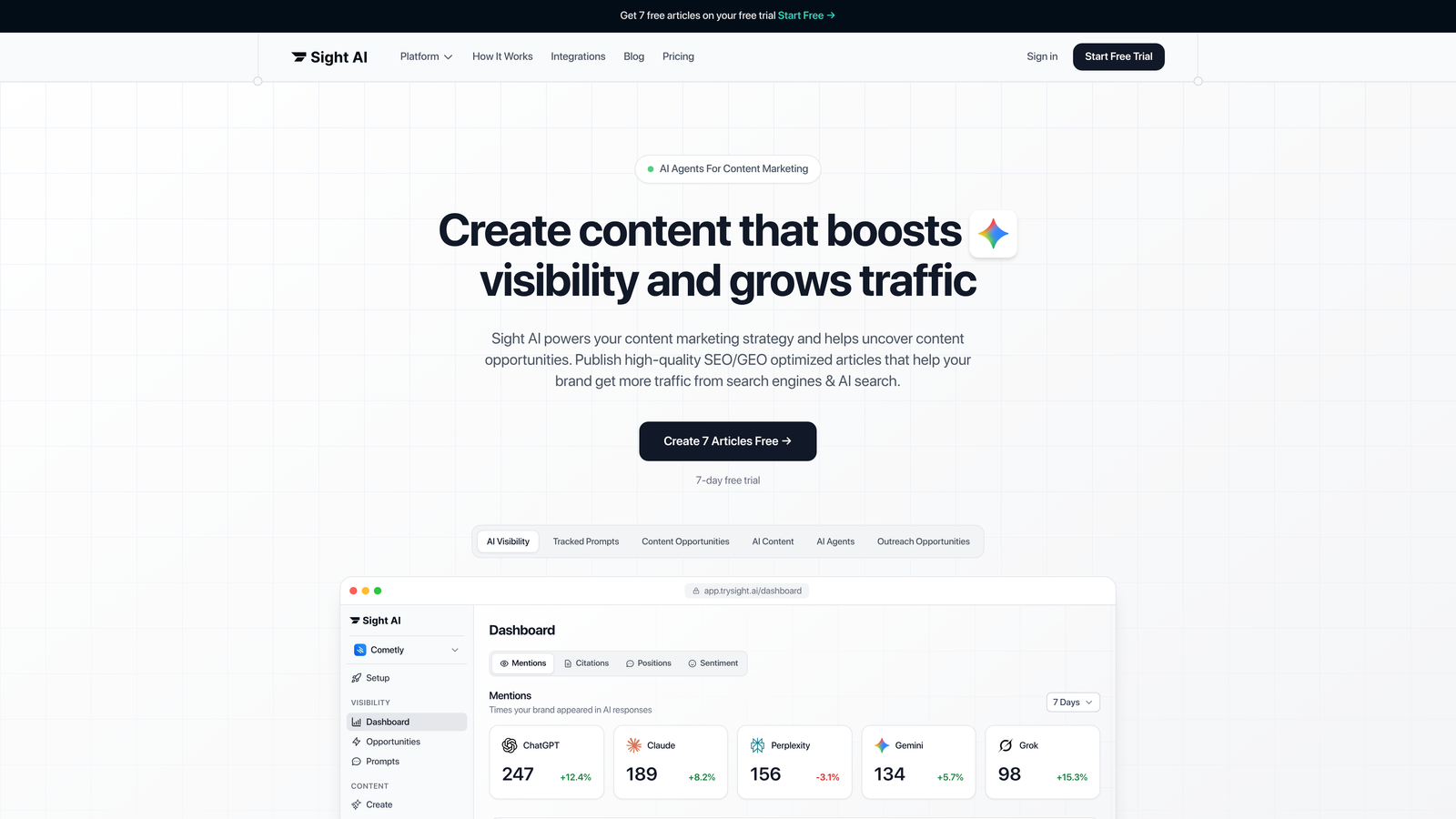
Sight AI combines AI-powered content generation with built-in publishing automation and IndexNow integration for immediate search engine notification.
Where This Tool Shines
Sight AI solves the complete content workflow—from creation to discovery. While most tools focus on either content generation or publishing, Sight AI handles both with 13+ specialized AI agents that produce SEO/GEO-optimized articles, then automatically publish them to your CMS and notify search engines instantly through IndexNow.
The platform's AI Visibility tracking sets it apart by monitoring how AI models like ChatGPT, Claude, and Perplexity mention your brand. This creates a feedback loop: you discover content gaps, generate optimized articles to fill them, publish automatically, and track whether AI models start referencing your brand more frequently.
Key Features
13+ AI Agents with Autopilot Mode: Specialized agents for listicles, guides, explainers, and other formats generate content optimized for both traditional search and AI model visibility.
CMS Auto-Publishing: Direct integration with WordPress, Webflow, and other platforms eliminates manual upload steps—content goes live the moment it's approved.
IndexNow Integration: Automatically notifies search engines when new content publishes, reducing time-to-index from days to hours.
Automated Sitemap Updates: Your XML sitemap refreshes automatically on publish, ensuring search engines always find your latest content.
AI Visibility Tracking: Monitor brand mentions across ChatGPT, Claude, Perplexity, and other AI platforms with sentiment analysis and prompt tracking.
Best For
Marketing teams and agencies that need to produce high volumes of SEO/GEO-optimized content quickly while ensuring it gets discovered and indexed immediately. Particularly valuable for brands focused on AI visibility and organic traffic growth through content.
Pricing
Plans start at $49/month with publishing automation, IndexNow integration, and AI visibility tracking included in all tiers.
2. CoSchedule
Best for: Marketing teams coordinating blog, social, and email content in one unified calendar
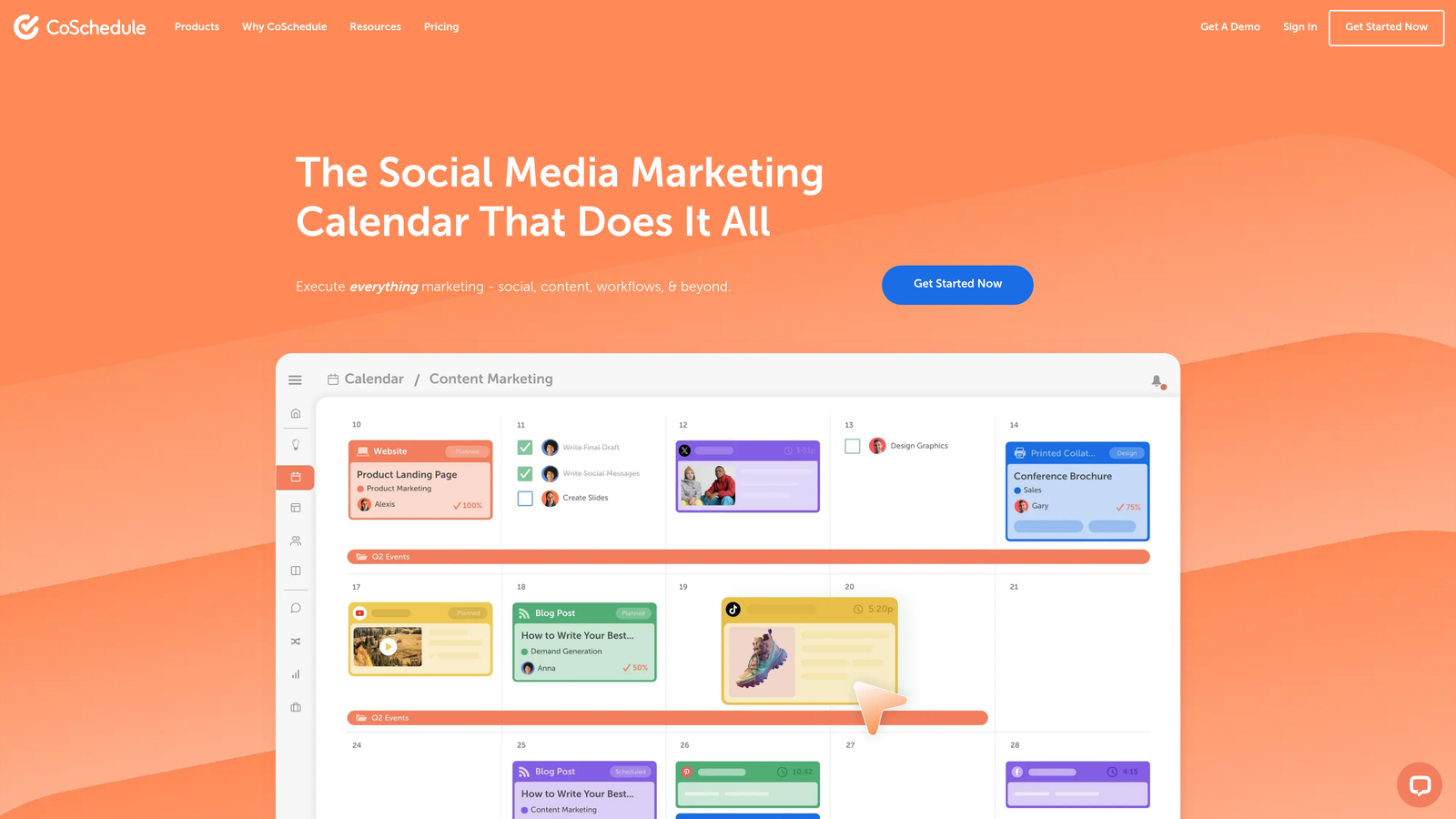
CoSchedule centralizes all marketing content scheduling into a collaborative calendar that connects blog publishing, social media, and email campaigns.
Where This Tool Shines
CoSchedule excels at eliminating the chaos of multi-channel marketing. Instead of juggling separate calendars for your blog, Twitter, LinkedIn, and email campaigns, everything lives in one visual timeline. The WordPress integration means you can schedule blog posts directly from the calendar, while ReQueue automatically refills your social media queue with evergreen content.
The approval workflow features make this particularly valuable for teams where content needs sign-off before publishing. Stakeholders can review, comment, and approve directly in the calendar interface without endless email threads.
Key Features
Unified Marketing Calendar: Visual timeline showing all content types across channels, making it easy to spot gaps and avoid publishing conflicts.
WordPress Integration: Schedule blog posts directly from CoSchedule without switching platforms, with automatic publishing at designated times.
ReQueue Social Automation: Automatically recycles top-performing social content to fill scheduling gaps and maintain consistent presence.
Team Workflow Management: Built-in approval processes, task assignments, and collaboration tools keep everyone aligned on content deadlines.
Marketing Project Templates: Pre-built workflows for common campaigns like product launches or content series speed up planning.
Best For
Marketing teams managing multiple content types across channels who need better coordination and visibility. Especially useful for teams with approval requirements and distributed contributors.
Pricing
Free calendar available for basic scheduling. Marketing Suite plans start at $29 per user per month with full automation features.
3. Contentful
Best for: Enterprise teams needing headless CMS architecture for API-driven multi-platform publishing
Contentful provides a composable content platform that separates content management from presentation, enabling publishing across websites, mobile apps, and any digital channel through APIs.
Where This Tool Shines
Contentful transforms content into structured data that can be delivered anywhere. Instead of locking content into a specific website template, you create content once and publish it to your website, iOS app, Android app, smart TV interface, or any other platform through GraphQL or REST APIs.
The scheduled publishing and release management capabilities work at enterprise scale. You can bundle multiple content changes into coordinated releases, preview them across environments, and publish everything simultaneously across all channels with a single click.
Key Features
Composable Content Architecture: Structure content as reusable components that can be assembled differently for each platform or channel.
GraphQL and REST APIs: Flexible content delivery options let developers query exactly the content they need for any application.
Scheduled Publishing: Set precise publish times for individual entries or coordinate entire release bundles across multiple content pieces.
Webhooks for Automation: Trigger custom workflows when content publishes, updates, or changes state—perfect for cache invalidation or deployment pipelines.
Multi-Environment Staging: Test content changes in development and staging environments before pushing to production.
Best For
Enterprise organizations with development resources that need to publish content across multiple platforms and channels. Best suited for teams comfortable with API-driven workflows and headless architecture.
Pricing
Free tier available for small projects. Team plans start at $489 per month, with enterprise pricing for larger deployments.
4. WordPress with Jetpack
Best for: WordPress sites wanting native publishing automation without complex third-party integrations
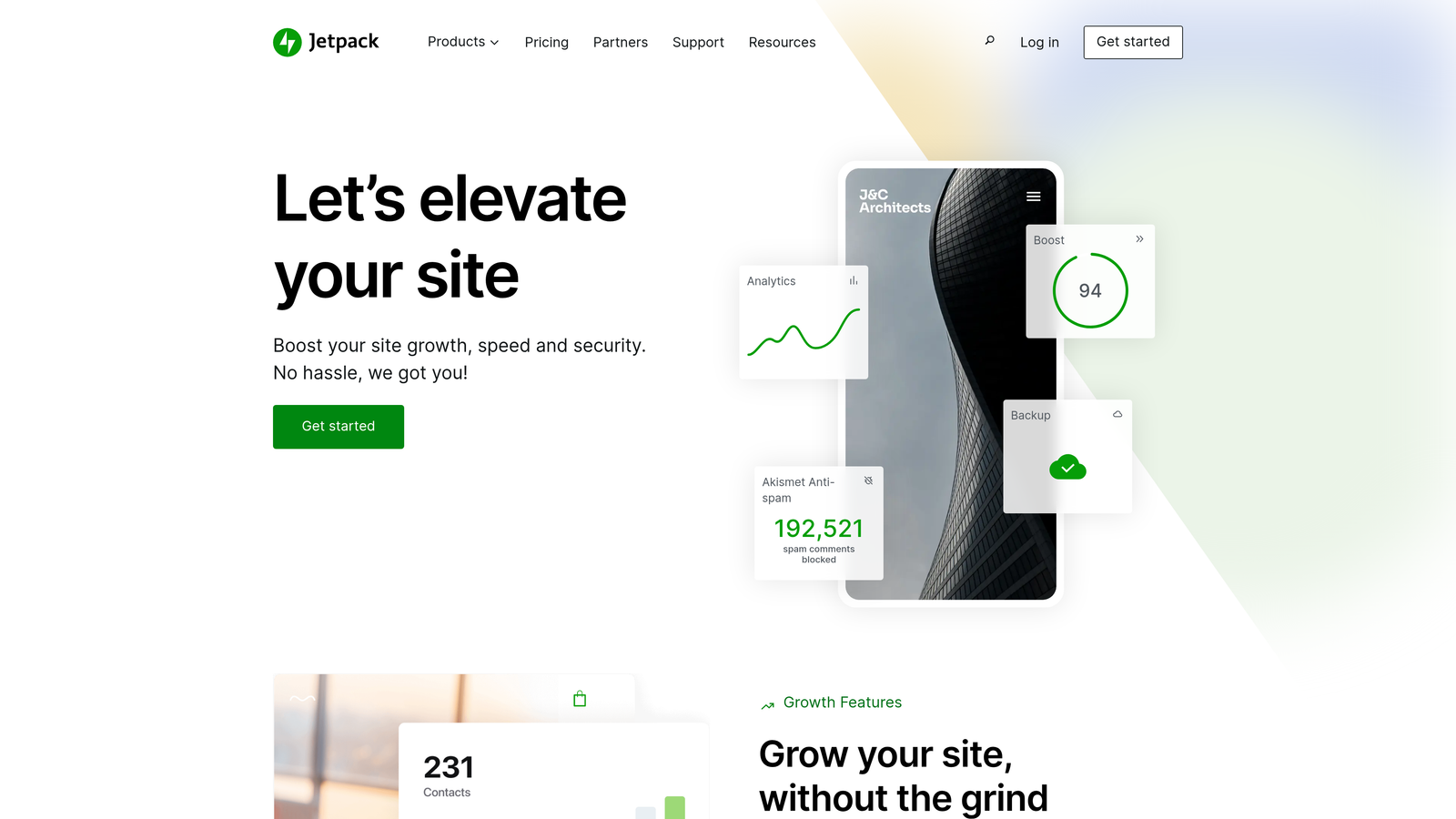
Jetpack adds comprehensive automation to WordPress installations, including scheduled publishing, social sharing, SEO tools, and performance optimization in one plugin.
Where This Tool Shines
Jetpack brings enterprise-level automation to WordPress without the complexity of connecting multiple services. The auto-share feature alone saves hours each week—write a blog post, schedule it, and Jetpack automatically shares it to your connected social networks the moment it publishes.
The sitemap generation and SEO tools ensure search engines can discover your content efficiently. Combined with the built-in CDN, your content not only publishes automatically but loads faster for readers worldwide.
Key Features
Scheduled Post Publishing: Native WordPress scheduling with reliable execution—no missed publish times or server issues.
Auto-Share to Social Networks: Automatically post to Facebook, Twitter, LinkedIn, and other platforms when new content goes live.
SEO Tools and Sitemap Generation: Automatic XML sitemap creation and updates help search engines discover new content faster.
Content Delivery Network: Serve images and static files from global CDN for faster page loads across all geographies.
Downtime Monitoring: Get alerted immediately if your site goes offline, preventing missed publishing windows.
Best For
WordPress users who want comprehensive automation without managing multiple plugins or third-party services. Ideal for bloggers, small marketing teams, and agencies managing client WordPress sites.
Pricing
Free plan available with basic features. Complete plan with full automation starts at $24.92 per month.
5. Hootsuite
Best for: Social media teams managing multiple accounts with advanced scheduling and analytics needs
Hootsuite provides enterprise-grade social media management with bulk scheduling, team collaboration, and comprehensive analytics across all major platforms.

Where This Tool Shines
Hootsuite handles social publishing at scale. The bulk scheduling feature lets you upload dozens of posts at once via CSV, perfect for planning entire campaigns in advance. The platform's AI analyzes your audience engagement patterns and recommends optimal posting times for each network.
The unified inbox brings all social conversations into one place—comments, mentions, and direct messages from every platform appear in a single stream. This makes it possible for one person to manage multiple brand accounts without constantly switching between apps.
Key Features
Bulk Content Scheduling: Upload multiple posts at once and distribute them across accounts and time slots with CSV import.
Best Time to Publish: AI-powered recommendations identify when your specific audience is most active and engaged on each platform.
Content Calendar with Collaboration: Visual calendar shows all scheduled content with team assignment, approval workflows, and comment threads.
Social Listening and Monitoring: Track brand mentions, competitor activity, and industry keywords across social networks.
Analytics and Reporting: Customizable dashboards track performance metrics across all platforms with exportable reports for stakeholders.
Best For
Social media managers and agencies handling multiple brand accounts who need advanced scheduling, team collaboration, and detailed performance analytics.
Pricing
Professional plan starts at $99 per month for one user. Team plan begins at $249 per month for three users with advanced features.
6. Zapier
Best for: Teams building custom publishing workflows connecting multiple tools without coding
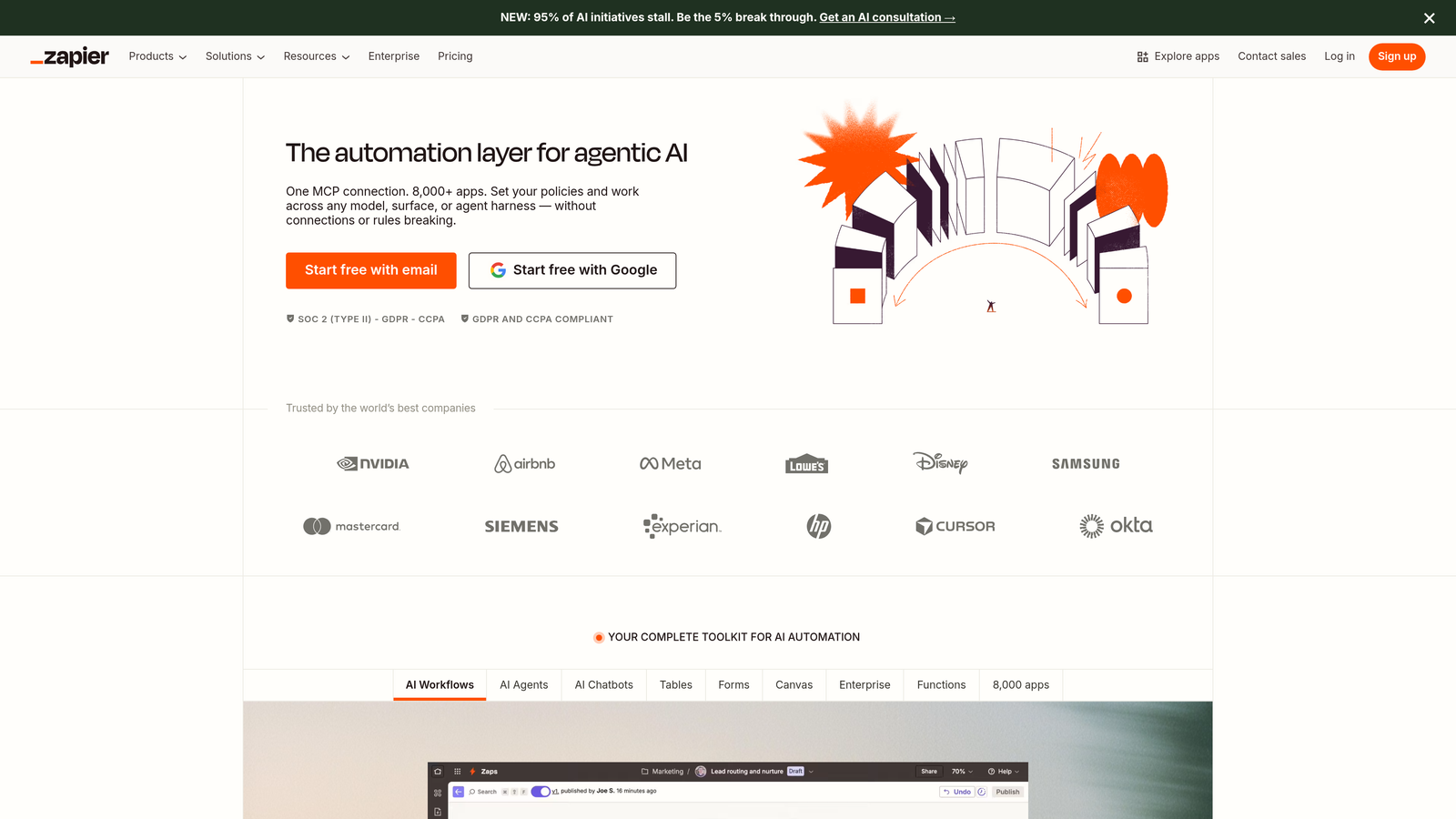
Zapier automates workflows between 6,000+ apps, enabling custom publishing pipelines that move content from creation tools to publishing platforms automatically.
Where This Tool Shines
Zapier's power lies in its flexibility. Need to automatically publish Google Docs to WordPress when they're moved to a specific folder? Create that workflow in minutes. Want new Airtable records to generate social posts across three platforms? Zapier connects those dots without writing code.
The multi-step Zaps with conditional logic let you build sophisticated publishing pipelines. For example, you could create a workflow that checks content length, assigns it to different categories based on word count, publishes to the appropriate CMS, then notifies your team in Slack—all triggered by a single action.
Key Features
6,000+ App Integrations: Connect virtually any content creation, management, or publishing tool in your tech stack.
Multi-Step Workflows: Chain multiple actions together—trigger one event, execute a series of automated steps across different platforms.
Conditional Logic and Filters: Add if/then rules to route content differently based on tags, categories, length, or any other attribute.
Scheduled Triggers: Set workflows to run at specific times or intervals for timed content publishing.
Webhooks for Custom Integrations: Connect tools that don't have native Zapier integrations using webhook triggers and actions.
Best For
Marketing teams with unique workflows or specific tool combinations that need custom automation without developer resources. Perfect for connecting niche tools that don't integrate natively.
Pricing
Free tier includes 100 tasks per month. Starter plan begins at $19.99 per month with 750 tasks and multi-step Zaps.
7. Sprinklr
Best for: Enterprise organizations requiring unified content governance across 30+ channels
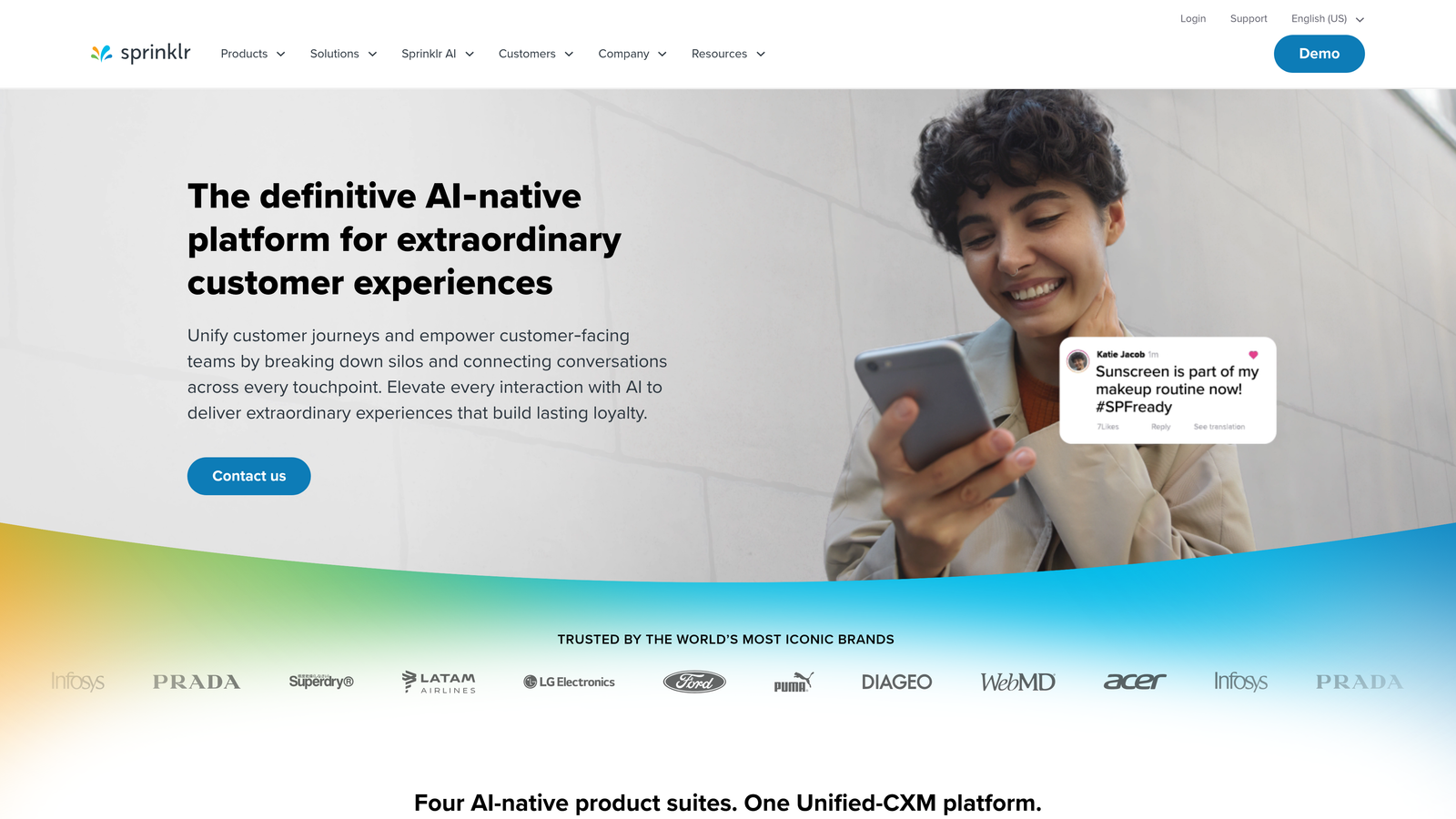
Sprinklr provides enterprise-scale unified customer experience management with AI-powered content planning, approval workflows, and brand governance.
Where This Tool Shines
Sprinklr handles publishing complexity that would overwhelm other platforms. Think global brands publishing in 20 languages across 30+ channels with strict compliance requirements. The platform's AI analyzes past content performance and recommends what to publish, when to publish it, and which channels will drive the best results.
The governance features ensure brand consistency at scale. Every piece of content flows through customizable approval chains, with automated checks for brand guidelines, legal compliance, and regulatory requirements before anything goes live.
Key Features
Unified Content Management: Manage content across 30+ digital channels from a single platform, including social, messaging apps, and review sites.
AI-Powered Content Recommendations: Machine learning analyzes performance data to suggest optimal content types, timing, and channels for your goals.
Enterprise Approval Workflows: Multi-level approval chains with role-based permissions ensure content meets all requirements before publishing.
Brand Governance and Compliance: Automated checks verify content adheres to brand guidelines, legal requirements, and industry regulations.
Advanced Analytics and Reporting: Unified dashboards track performance across all channels with customizable reports for different stakeholder groups.
Best For
Large enterprises and global brands managing complex multi-channel publishing with strict governance requirements. Best suited for organizations with dedicated social media teams and compliance needs.
Pricing
Custom enterprise pricing based on channels, users, and feature requirements. Contact Sprinklr for detailed quotes.
8. Buffer
Best for: Small teams and solopreneurs wanting simple, affordable social media scheduling
Buffer streamlines social media publishing with an intuitive interface, AI-assisted posting times, and straightforward scheduling across major platforms.
Where This Tool Shines
Buffer removes the complexity from social media scheduling. The drag-and-drop calendar makes it easy to visualize your posting schedule and rearrange content with simple clicks. The AI-suggested posting times analyze when your specific followers are most active, taking the guesswork out of scheduling decisions.
The browser extension deserves special mention—it lets you share interesting content to your Buffer queue from anywhere on the web. Found a relevant article while researching? Click the extension, add your commentary, and it joins your publishing queue without interrupting your workflow.
Key Features
Drag-and-Drop Scheduling: Visual calendar interface makes it simple to plan and rearrange your social content schedule.
AI-Suggested Posting Times: Analytics-driven recommendations identify optimal times to reach your specific audience on each platform.
Multi-Platform Publishing Queue: Schedule content across Facebook, Twitter, LinkedIn, Instagram, and Pinterest from one interface.
Basic Analytics: Track engagement metrics, click-through rates, and post performance with clean, easy-to-read reports.
Browser Extension: Share content to your Buffer queue directly from any website without opening the full application.
Best For
Solopreneurs, small businesses, and lean marketing teams that need reliable social media scheduling without enterprise complexity or pricing.
Pricing
Free plan available for up to three social channels. Essentials plan starts at $6 per channel per month with unlimited scheduled posts.
9. Sanity
Best for: Development teams wanting customizable headless CMS with real-time collaboration
Sanity offers a highly customizable headless CMS platform with real-time editing, flexible content modeling, and developer-friendly query language.
Where This Tool Shines
Sanity gives developers complete control over the content editing experience. Unlike traditional CMSs with fixed interfaces, Sanity's customizable studio lets you build exactly the editing environment your content team needs. Want custom validation rules? Build them. Need specialized input components for product data? Create them.
The real-time collaboration feels like working in Google Docs—multiple team members can edit the same content simultaneously, seeing each other's changes instantly. Combined with GROQ (Sanity's query language), developers can request precisely the content they need for any application or channel.
Key Features
Real-Time Collaborative Editing: Multiple users can edit content simultaneously with instant synchronization and conflict resolution.
Customizable Content Studio: Build custom editing interfaces tailored to your specific content types and team workflows.
GROQ Query Language: Powerful, flexible queries let developers fetch exactly the content needed for any use case.
Scheduled Publishing Actions: Set content to publish, unpublish, or update at specific times with automated scheduling.
Version History and Diffing: Track all content changes over time with visual comparisons between versions and easy rollback.
Best For
Development teams building custom content experiences across multiple platforms who need flexibility and real-time collaboration. Ideal for projects requiring unique content structures or editing workflows.
Pricing
Free tier available for small projects and development. Team plan starts at $99 per month with increased usage limits and collaboration features.
Making the Right Choice
The best content publishing automation software depends on your primary publishing channels and workflow complexity. Sight AI stands out for teams that need the complete package—AI content generation, automatic CMS publishing, and instant search engine notification through IndexNow. This approach eliminates multiple tools and gets your content indexed faster, directly impacting organic traffic growth.
For marketing calendar coordination across multiple content types, CoSchedule provides the unified visibility that prevents scheduling conflicts and keeps teams aligned. Contentful and Sanity serve development-driven teams building custom experiences across multiple platforms, with Contentful offering more enterprise features and Sanity providing deeper customization.
Social media-focused teams should consider Hootsuite for advanced analytics and bulk scheduling, or Buffer for simpler, more affordable scheduling. Zapier fills the gap when you need to connect tools that don't integrate natively, building custom workflows without code. Sprinklr handles enterprise governance requirements at scale, though it requires significant investment.
Consider these priorities when choosing: Do you need content creation bundled with publishing? How important is instant search engine indexing? Are you publishing primarily to social media, your website, or multiple channels? Does your team require approval workflows? The answers guide you toward the right automation investment.
Stop guessing how AI models like ChatGPT and Claude talk about your brand—get visibility into every mention, track content opportunities, and automate your path to organic traffic growth. Start tracking your AI visibility today and see exactly where your brand appears across top AI platforms.