WordPress auto publish plugins have been the go-to solution for content scheduling for years. But as content teams scale and AI-driven discovery becomes a primary traffic channel, the limitations become harder to ignore: plugin conflicts, hosting overhead, no AI optimization, and zero visibility into how your content performs in AI search.
The good news is that the alternatives landscape has matured significantly. Whether you need a full-stack content automation platform, a headless CMS, or a no-code workflow tool, there are purpose-built options that go well beyond what any WordPress plugin can offer. Here are the top tools worth evaluating in 2026.
1. Sight AI
Best for: Teams that want to automate content creation, publishing, indexing, and AI visibility tracking in one platform.
Sight AI is a full-stack content automation platform that handles everything from AI-powered article generation to CMS publishing, instant indexing, and tracking how your brand appears across AI models like ChatGPT, Claude, and Perplexity.

Where This Tool Shines
Most WordPress plugins stop at scheduling. Sight AI starts where plugins leave off. It generates SEO and GEO-optimized content through 13+ specialized AI writing agents, publishes directly to your connected CMS, and notifies search engines instantly via IndexNow integration. That combination closes the gap between content creation and content discovery.
The AI Visibility Score is genuinely unique in this category. It tracks brand mentions across major AI platforms with sentiment analysis and prompt tracking, giving content teams insight into a traffic channel that traditional WordPress plugins completely ignore.
Key Features
CMS Auto-Publishing: Delivers content directly to connected platforms without manual intervention or WordPress dependency.
IndexNow Integration: Notifies search engines the moment new content is published, reducing crawl delays that hurt new content performance.
13+ AI Writing Agents: Specialized agents for listicles, guides, explainers, and other SEO/GEO-optimized formats.
Autopilot Mode: Hands-off content generation and publishing at scale, ideal for agencies and high-volume content teams.
AI Visibility Score: Tracks brand mentions across ChatGPT, Claude, Perplexity, and 6+ AI platforms with sentiment and prompt tracking.
Automated Sitemap Updates: Keeps your sitemap current on every publish without manual updates.
Best For
Marketers, founders, and agencies who want to compete in both traditional search and AI-driven discovery. If your team is currently stitching together a WordPress plugin, an SEO tool, and a manual indexing workflow, Sight AI consolidates all of it into one platform.
Pricing
Check trysight.ai for current pricing plans, as tiers and features are updated regularly.
2. Buffer
Best for: Content teams distributing published articles across social and multi-channel workflows.
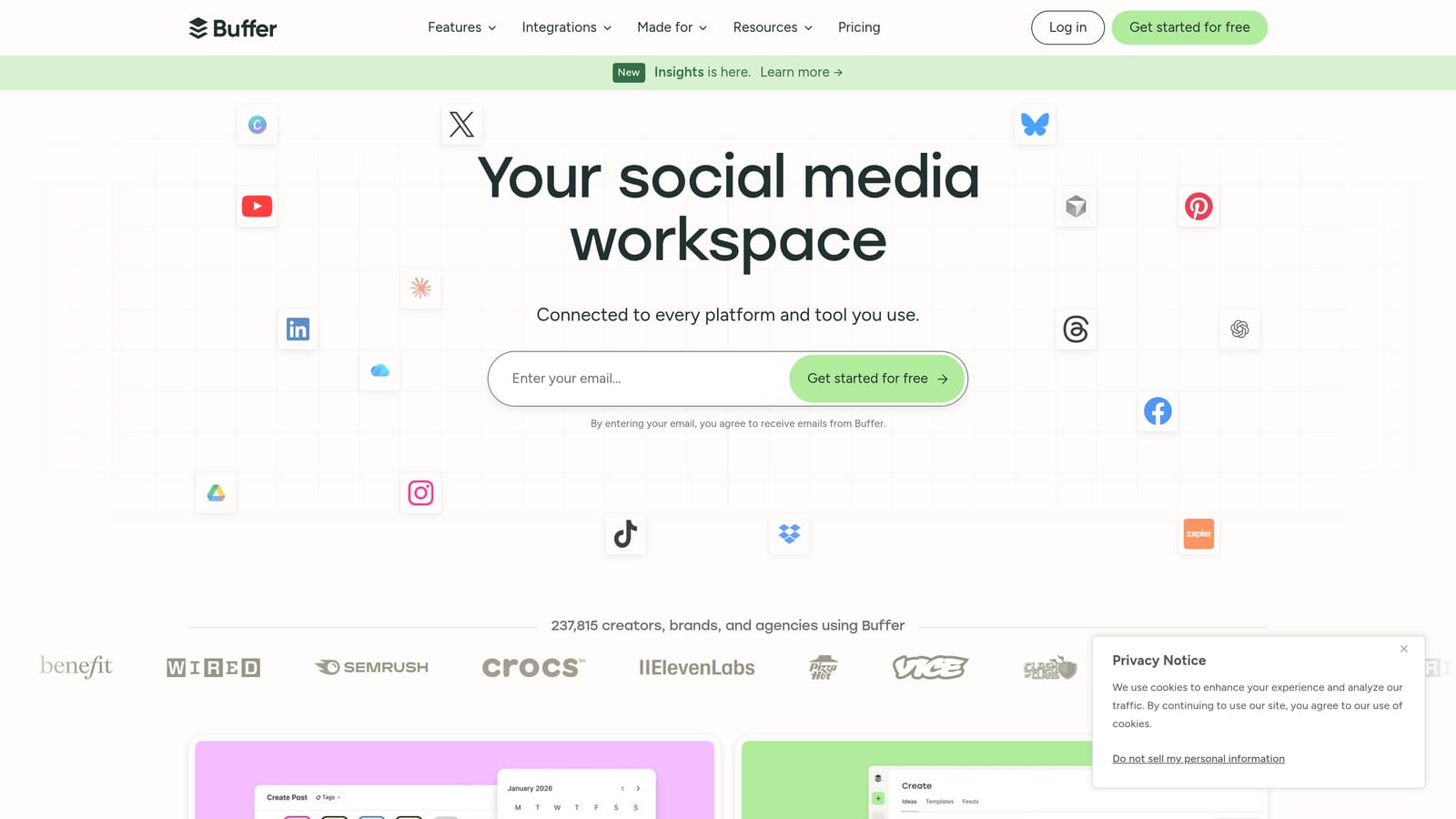
Buffer is a widely used multi-channel scheduling platform that excels at social media distribution, with integrations that extend to broader content workflows.
Where This Tool Shines
Buffer's strength is its clean, intuitive interface for managing scheduling queues across multiple channels. If your team publishes content on a CMS and then needs to distribute it across LinkedIn, Twitter/X, Facebook, and other platforms, Buffer handles that coordination elegantly.
It's worth noting that Buffer is primarily a social scheduling tool rather than a direct WordPress plugin replacement for blog automation. Think of it as the distribution layer after publishing, not the publishing engine itself.
Key Features
Multi-Channel Scheduling: Manage content queues across social and content platforms from a single dashboard.
Scheduling Calendar: Clean calendar and queue view for visualizing content distribution timelines.
Performance Analytics: Post-level analytics showing engagement and reach across channels.
Browser Extension: Quickly queue content from any webpage for later distribution.
Best For
Content marketers and social media managers who need a reliable, easy-to-use scheduling tool for distributing published content. Best used alongside a CMS or publishing platform rather than as a standalone publishing solution.
Pricing
Free tier available; paid plans from approximately $6/month per channel. Visit buffer.com for current pricing.
3. CoSchedule
Best for: Marketing teams that need a unified calendar for planning, scheduling, and coordinating content across multiple channels.
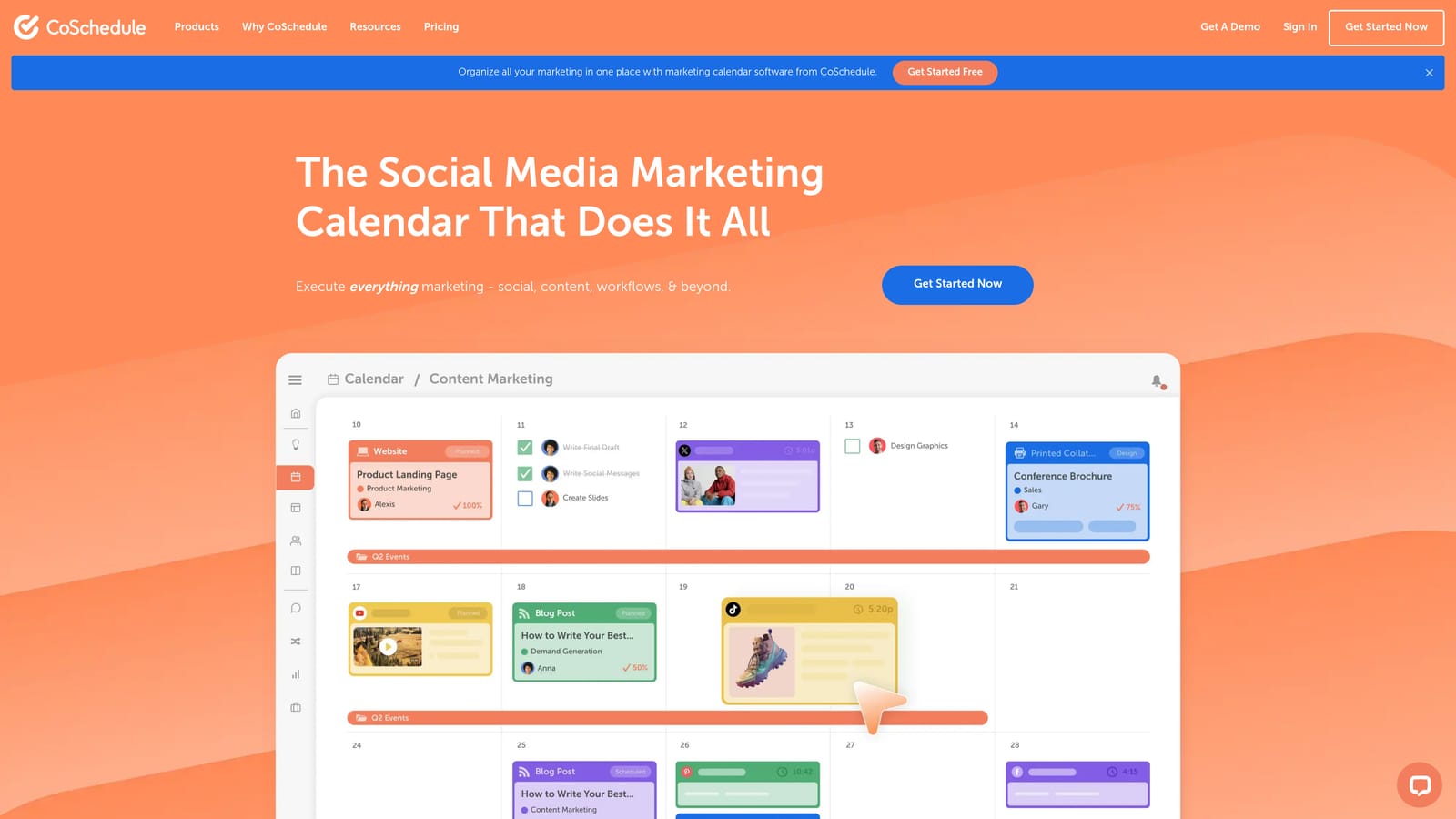
CoSchedule is a marketing calendar and content workflow platform built for teams that manage blog, social, and campaign content simultaneously.
Where This Tool Shines
CoSchedule's marketing calendar is its standout feature. It gives teams a single view of everything in motion: blog posts, social campaigns, email sends, and project tasks. For teams that struggle with coordination across multiple contributors, this visibility alone can meaningfully improve execution.
The Headline Analyzer is a practical bonus for SEO-focused teams. It scores headlines on structure, word choice, and search potential, which helps content writers optimize before publishing rather than after.
Key Features
Unified Marketing Calendar: Consolidates blog, social, and campaign scheduling into a single planning view.
Team Task Management: Approval workflows and task assignments keep multi-person content teams aligned.
Headline Analyzer: SEO-informed scoring for content titles to improve click-through potential.
ReQueue: Automatically reshares evergreen content to keep high-performing posts in rotation.
Best For
Marketing teams with multiple contributors who need workflow management and content coordination on top of scheduling. Less suited for teams looking to fully replace WordPress with an automated publishing pipeline.
Pricing
Free Headline Analyzer available; Marketing Calendar plans are paid. Visit coschedule.com for current pricing.
4. Contentful
Best for: Enterprise teams managing structured content across multiple channels, sites, or devices.
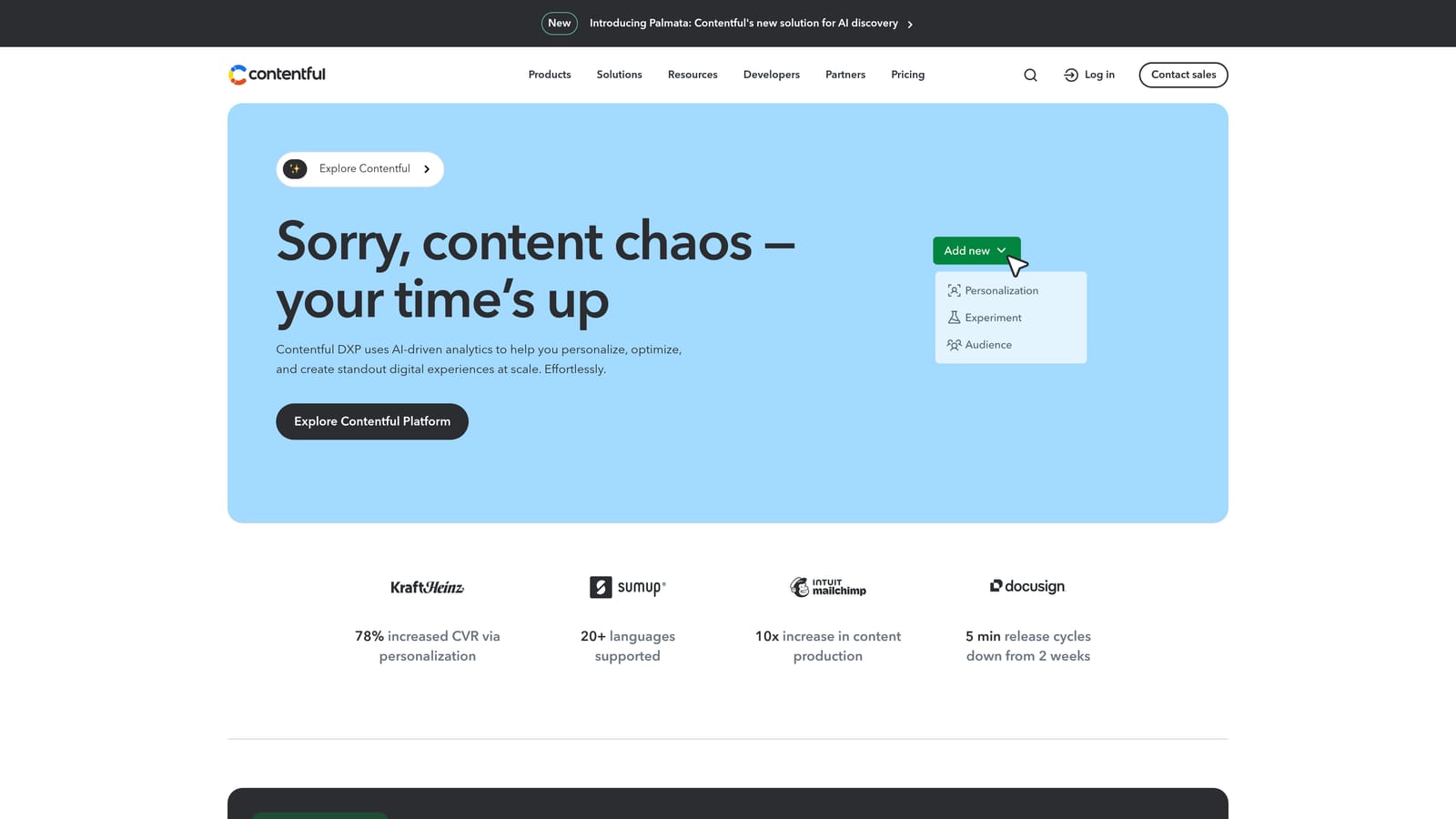
Contentful is an API-first headless CMS that decouples content from any specific front-end, enabling delivery across any channel or device through a single content repository.
Where This Tool Shines
Contentful's architecture solves a problem that WordPress plugins can never address: content locked to a single front-end. With Contentful, the same structured content can power a website, a mobile app, a digital display, and any other channel simultaneously. For enterprises with complex content distribution needs, this flexibility is transformative.
Scheduled publishing is built directly into the platform at the entry level, with granular controls that give content operations teams precise control over when and where content goes live.
Key Features
API-First Architecture: Content is delivered anywhere through APIs, not locked to WordPress or any single platform.
Scheduled Publishing: Granular entry-level controls for precise content go-live timing.
Content Modeling: Rich, structured content types that are reusable across any channel or format.
Integration Ecosystem: Extensive webhooks and API connections for custom publishing workflows.
Best For
Enterprise content teams and developers managing multi-channel content delivery. Requires developer setup and is not a plug-and-play WordPress replacement for smaller teams without technical resources.
Pricing
Free tier available; paid plans scale with team size and usage. Visit contentful.com for current pricing.
5. Zapier
Best for: Teams that want to replicate WordPress auto-publish plugin behavior without any WordPress dependency.
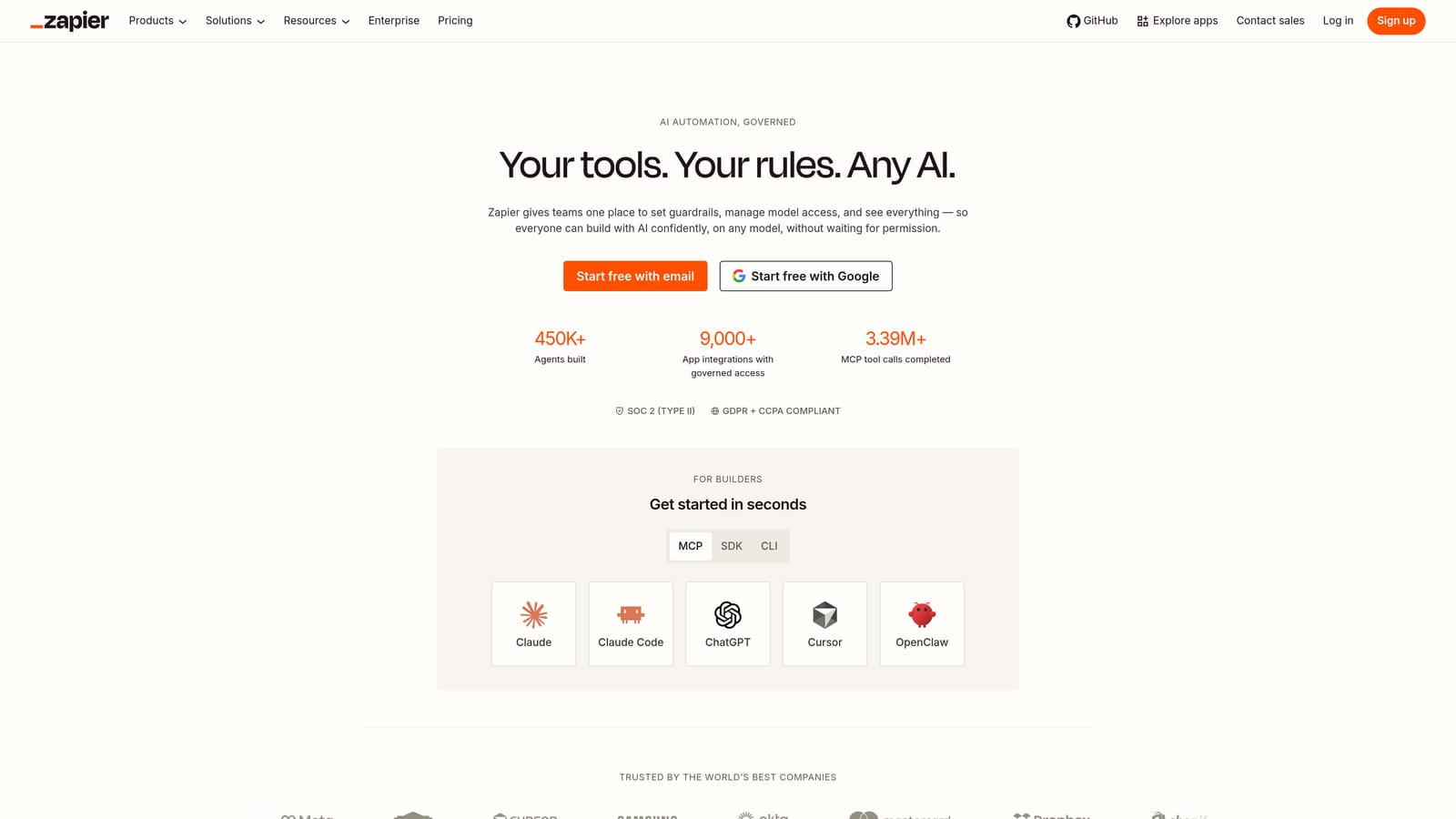
Zapier is a no-code automation platform that connects thousands of apps, enabling custom content publishing workflows between any content source and any CMS destination.
Where This Tool Shines
Zapier is the most flexible option on this list. If your content lives in Notion, Google Docs, or Airtable, Zapier can trigger a publish action to WordPress, Ghost, Webflow, or virtually any other destination the moment a condition is met. That kind of trigger-based automation replicates what WordPress plugins do, but without the WordPress dependency.
The tradeoff is setup complexity. Zapier requires thoughtful configuration and ongoing maintenance as your tools and workflows evolve. It's powerful, but it's not a turnkey solution.
Key Features
7,000+ App Connections: Integrates Google Docs, Notion, Airtable, WordPress, Ghost, Webflow, and thousands more.
Trigger-Based Automation: Publish content automatically when any condition is met in a connected app.
Multi-Step Zaps: Complex content pipelines with filters, conditional logic, and data transformation.
No-Code Setup: Most workflows require no developer involvement to configure.
Best For
Operations-minded marketers and agencies who want maximum flexibility in designing custom content pipelines. Best for teams comfortable with workflow configuration and troubleshooting.
Pricing
Free tier with limited tasks; paid plans scale with task volume. Visit zapier.com for current pricing.
6. HubSpot CMS
Best for: Inbound marketing teams that want publishing, SEO recommendations, and CRM integration in a single platform.
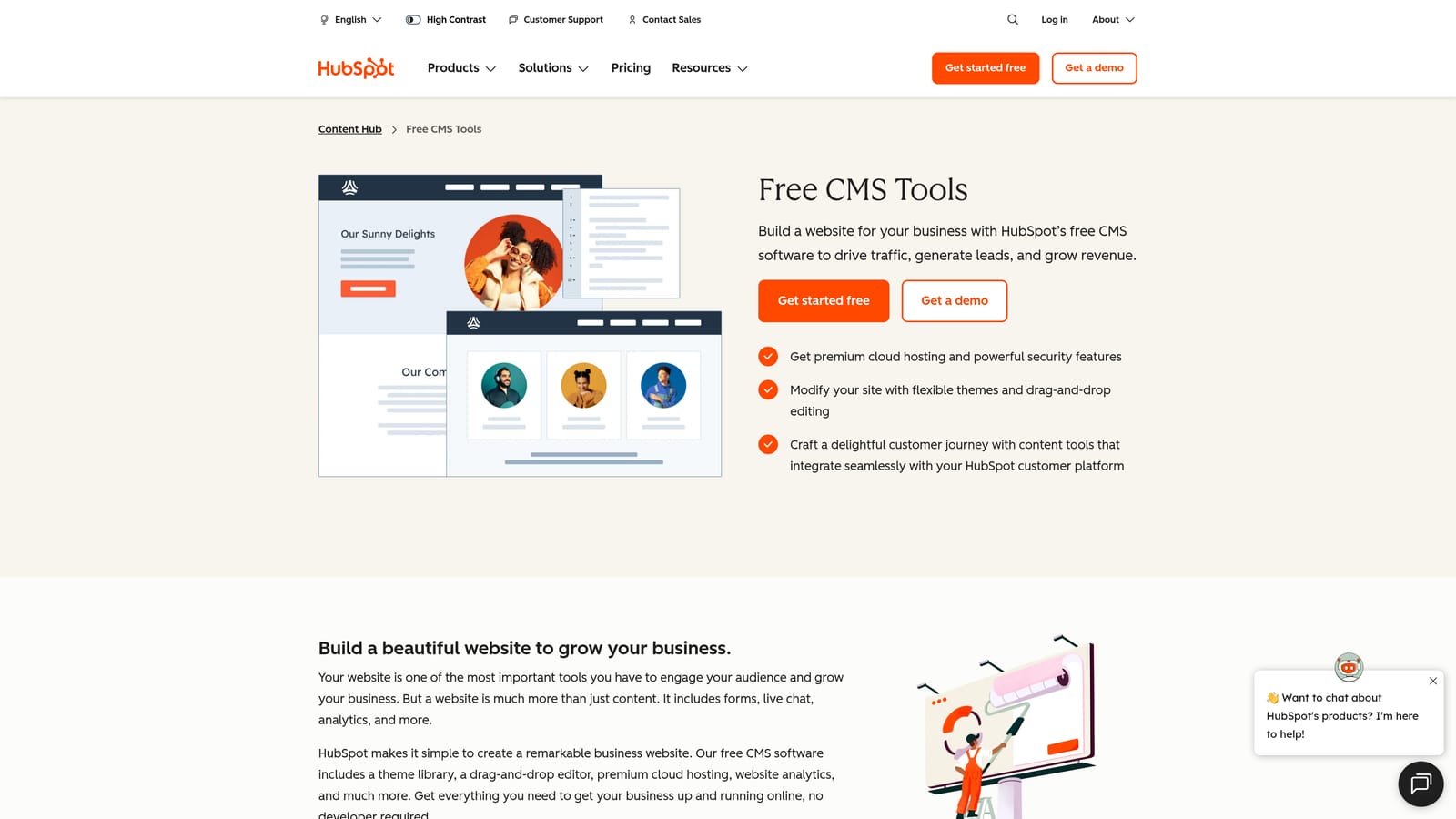
HubSpot CMS is a full inbound marketing platform with a built-in CMS, native blog scheduling, on-page SEO recommendations, and deep CRM integration.
Where This Tool Shines
HubSpot CMS removes the WordPress dependency entirely while adding capabilities that no WordPress plugin can match: native CRM data, contact-level personalization, and an integrated lead generation layer. Every blog post, landing page, and CTA is connected to the same data model as your sales pipeline.
For content-driven lead generation teams, that integration is genuinely valuable. You can see which blog posts are generating contacts, not just traffic, without stitching together separate tools.
Key Features
Native Blog Scheduling: Schedule and publish blog content without any WordPress dependency or plugin management.
Built-In SEO Recommendations: On-page optimization suggestions surfaced directly within the content editor.
CRM Integration: Content performance connected to contact and lead data for attribution reporting.
Landing Pages and Forms: Natively connected to the publishing workflow for end-to-end campaign management.
Best For
B2B marketing teams and agencies running inbound programs where content is directly tied to lead generation and sales pipeline. The platform is comprehensive but carries a cost that reflects its breadth.
Pricing
Free tools available; full CMS Hub features on paid plans. Visit hubspot.com for current pricing.
7. Webflow CMS
Best for: Design-forward teams that want full visual control alongside structured content management and scheduling.
Webflow CMS is a visual no-code website builder with a fully integrated CMS that supports structured content collections, scheduled publishing, and granular design control without touching WordPress.

Where This Tool Shines
Webflow's visual design system is its defining advantage. Unlike WordPress, where design and content management are often in tension, Webflow unifies them in a single environment. Content teams can manage CMS collections while design teams control layout, all without developer handoffs for routine updates.
Scheduled publish and unpublish controls at the collection item level give editors precise control over content timing, which is useful for campaigns, product launches, and time-sensitive content.
Key Features
CMS Collections: Structured content with scheduled publish and unpublish controls at the item level.
Visual Design System: Full layout control without developer dependency for design changes.
SEO Controls: Page-level and collection-level SEO settings including meta, Open Graph, and canonical tags.
Native CDN Hosting: Fast content delivery without separate hosting configuration.
Best For
Design-driven content teams, agencies, and startups that want a polished, high-performance site without WordPress overhead. Requires migration effort for teams currently on WordPress.
Pricing
CMS features included in site plans; pricing varies by tier. Visit webflow.com for current pricing.
8. Make (formerly Integromat)
Best for: Teams running high-volume, complex content publishing pipelines who need more power than Zapier at a lower cost per operation.
Make is a visual workflow automation platform that supports complex, multi-step content publishing pipelines with conditional logic, data transformation, and broad app connectivity.
Where This Tool Shines
Where Zapier excels at simple trigger-action workflows, Make handles complexity more elegantly. Its visual scenario builder lets you map out branching logic, data transformations, and error handling within a single workflow diagram. For content pipelines that involve multiple conditions or data sources, Make's approach is often cleaner to build and maintain.
The cost structure also favors high-volume operations, making it a practical choice for agencies or content teams running automation at scale across multiple clients or sites.
Key Features
Visual Scenario Builder: Drag-and-drop interface for designing complex multi-step automation with conditional routing.
Data Transformation: Modify, filter, and restructure content data within publishing workflows.
Broad CMS Integrations: Connects to WordPress, Ghost, Webflow, Contentful, and many other publishing destinations.
Cost Efficiency at Scale: Generally lower cost per operation than Zapier for complex, high-volume workflows.
Best For
Agencies and operations teams managing complex content automation across multiple platforms or clients. Requires more initial learning than Zapier but offers greater flexibility for advanced use cases.
Pricing
Free tier available; paid plans scale with operations. Visit make.com for current pricing.
9. Ghost CMS
Best for: Professional publishers and content-focused teams who want a clean, fast WordPress alternative with native scheduling and no plugin ecosystem.
Ghost CMS is an open-source publishing platform built for professional content teams, with native post scheduling, newsletter delivery, and membership tools that require no plugins to function.
Where This Tool Shines
Ghost's philosophy is the opposite of WordPress: do fewer things, but do them exceptionally well. Post scheduling, email newsletters, and membership management are all built in at the platform level. There's no plugin to install, no conflict to debug, and no compatibility issue to troubleshoot after an update.
The platform is also notably fast and lightweight, which matters for SEO. Ghost sites consistently perform well on Core Web Vitals without the performance tuning that WordPress often requires.
Key Features
Native Post Scheduling: Schedule content for future publication without any plugin or third-party tool.
Built-In Newsletter Delivery: Send published posts directly to email subscribers from within Ghost.
Membership and Subscriptions: Paid and free membership tiers managed natively without third-party plugins.
Performance-Optimized Architecture: Lightweight platform built for publishing speed and Core Web Vitals compliance.
Best For
Independent publishers, media companies, and content-first brands that want a fast, focused alternative to WordPress without the plugin dependency overhead. Self-hosting is an option for technical teams; Ghost(Pro) provides managed hosting for those who prefer it.
Pricing
Self-hosted version is free and open-source; Ghost(Pro) managed hosting available on paid plans. Visit ghost.org for current pricing.
Which Tool Fits Your Workflow
The right choice here depends entirely on what problem you're actually trying to solve. Not every team needs the same thing, and the tools above serve genuinely different use cases.
If you're running a content-heavy brand or agency and want to automate the full pipeline from content creation to publishing, indexing, and AI visibility tracking, Sight AI is the most complete option. It's the only tool on this list that addresses AI search presence directly, which matters more every month as platforms like ChatGPT and Perplexity become meaningful traffic sources.
For teams migrating away from WordPress entirely, Ghost CMS and Webflow CMS are the cleanest alternatives. Ghost is ideal for publishers; Webflow suits design-forward teams. Contentful is the right call for enterprises managing content across multiple channels or products.
If you need to connect existing tools rather than replace them, Zapier and Make give you the flexibility to build custom publishing pipelines without WordPress dependency. CoSchedule and HubSpot CMS add workflow management and CRM integration for teams where content is part of a larger marketing operation.
Buffer fits best as a distribution layer after publishing, not as a publishing engine on its own.
The broader shift worth paying attention to: traditional WordPress plugins publish content but don't accelerate indexing, optimize for AI search, or track how your brand appears across AI platforms. If those gaps matter to your growth strategy, it's worth evaluating tools built for where search is heading, not just where it's been.
Start tracking your AI visibility today and see exactly where your brand appears across top AI platforms, alongside automated content publishing that keeps your organic growth moving.