Managing a consistent publishing schedule on WordPress can feel like herding cats—especially when you're juggling content creation, SEO optimization, and multiple platforms. WordPress auto publish plugins transform this chaos into a streamlined workflow, letting you schedule content once and trust it will go live exactly when planned. For marketers and agencies managing multiple sites or high-volume content strategies, these automation tools aren't just convenient—they're essential for maintaining the publishing consistency that search engines reward.
This guide explores seven proven strategies for leveraging auto publish plugins to maximize your content efficiency while ensuring every piece reaches your audience at the optimal moment.
1. Master Scheduled Publishing with Queue Management
The Challenge It Solves
WordPress's built-in scheduling relies on cron jobs, which can be notoriously unreliable. If your site doesn't receive traffic at the scheduled time, posts can get stuck in limbo. For content teams managing high-volume publishing calendars, missed publication times mean broken promises to audiences and disrupted SEO strategies. This reliability gap becomes even more critical when you're coordinating content across time zones or managing campaigns with precise launch windows.
The Strategy Explained
Queue management systems replace WordPress's default cron with dedicated publishing queues that monitor scheduled posts continuously. Think of it like upgrading from a kitchen timer to a professional scheduling system—instead of hoping your site gets enough traffic to trigger publication, the plugin actively monitors and executes scheduled posts regardless of traffic patterns.
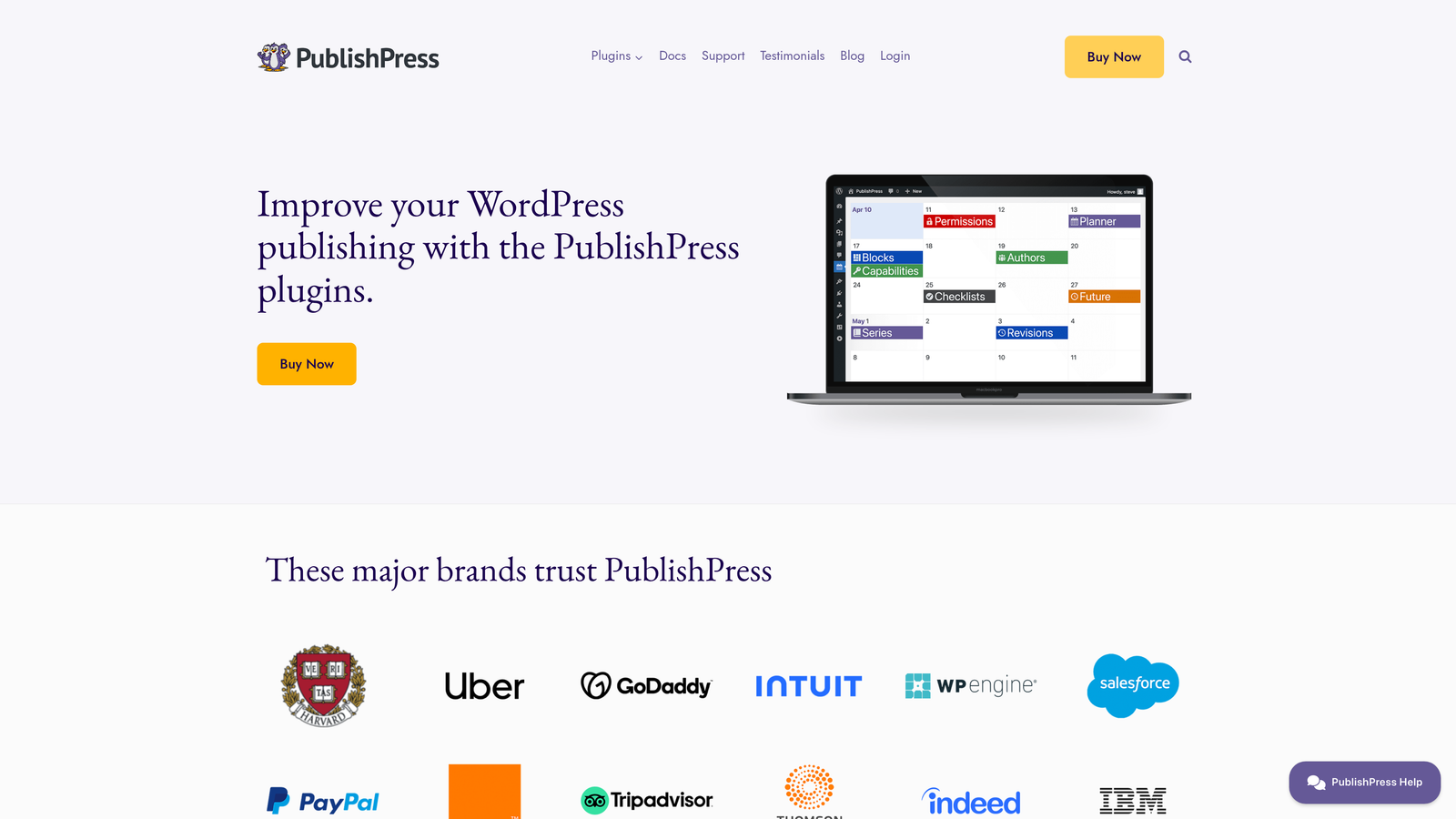
These enhanced systems typically run server-side checks every few minutes, ensuring your 6 AM post actually publishes at 6 AM, not 6:47 AM when your first visitor arrives. This precision matters particularly for time-sensitive content like news commentary, product launches, or coordinated marketing campaigns.
Implementation Steps
1. Install a queue-based scheduling plugin like PublishPress or Editorial Calendar that includes enhanced cron functionality
2. Configure the plugin to use server-side scheduling rather than WordPress's default visitor-triggered cron
3. Set up notification alerts for failed publications so you can address issues before they impact your content calendar
4. Test your queue system by scheduling posts at off-peak hours when your site typically has minimal traffic
5. Create a publishing calendar that batches content creation but staggers publication times for optimal audience engagement
Pro Tips
Schedule your most important content for times when you'll be available to verify publication. Even with reliable systems, having a human double-check high-stakes launches provides peace of mind. Consider setting up redundant notifications—email alerts plus Slack notifications—so failed publications never slip through unnoticed.
2. Automate Social Media Distribution from WordPress
The Challenge It Solves
Publishing a blog post is just the beginning—manually sharing that content across Twitter, LinkedIn, Facebook, and other platforms consumes precious time and creates opportunities for inconsistency. Content teams often struggle with remembering to share everywhere, crafting platform-specific messaging, and maintaining posting momentum after initial publication. This fragmented approach means your carefully crafted content reaches only a fraction of its potential audience.
The Strategy Explained
Social auto-posting plugins connect your WordPress site directly to social platforms, automatically distributing new content the moment it publishes. These tools go beyond simple link sharing—they extract featured images, craft platform-optimized descriptions, and can even customize messaging for each network's unique audience expectations.
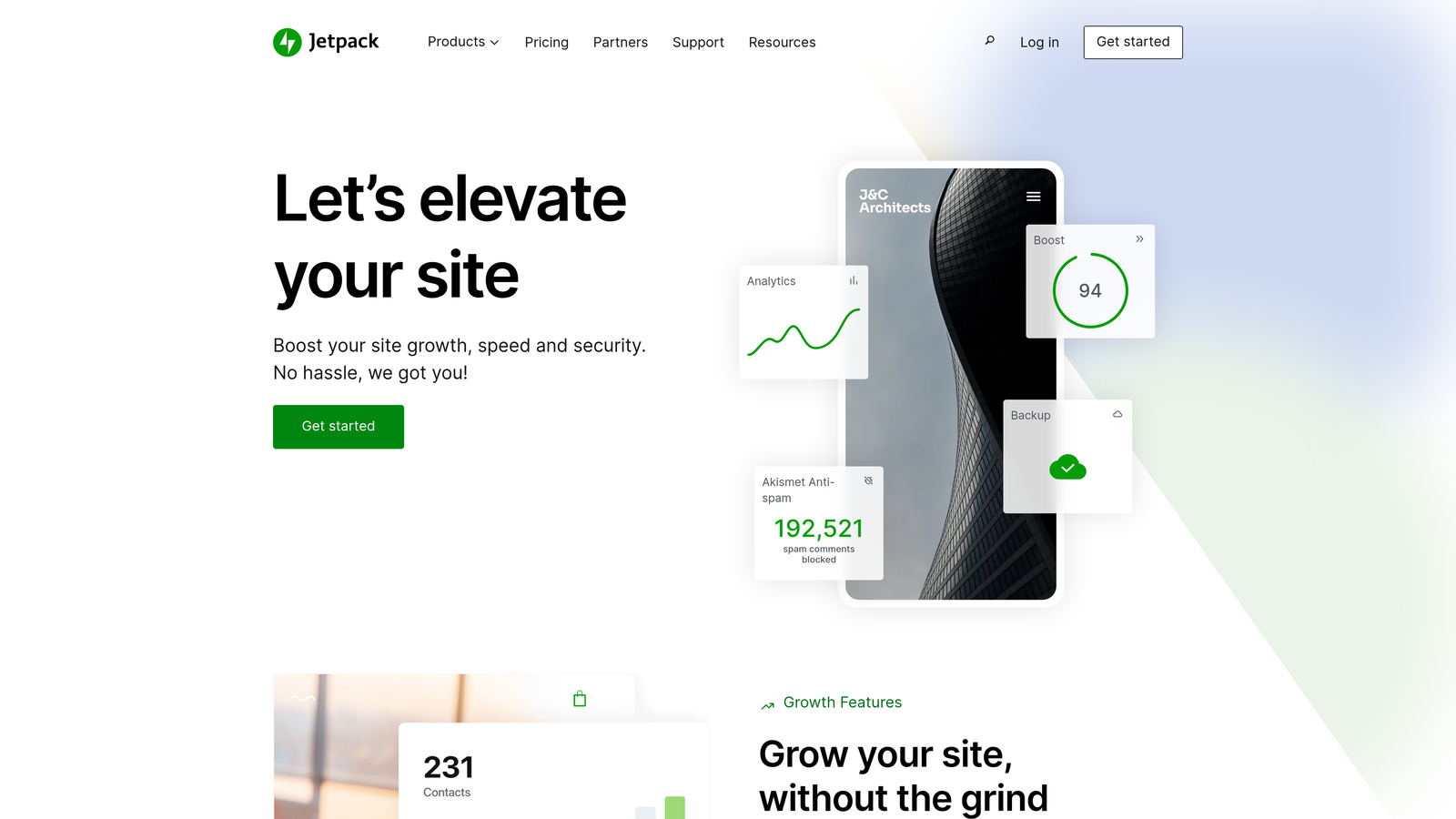
The real power emerges when you combine scheduling with social distribution. You can write content in batches, schedule publication across optimal time slots, and trust that each piece will automatically reach your social audiences without additional manual work. This systematic approach ensures consistent social presence even during vacations, busy periods, or team transitions.
Implementation Steps
1. Choose a social auto-posting plugin like Jetpack Social, Blog2Social, or Revive Old Posts that supports your primary platforms
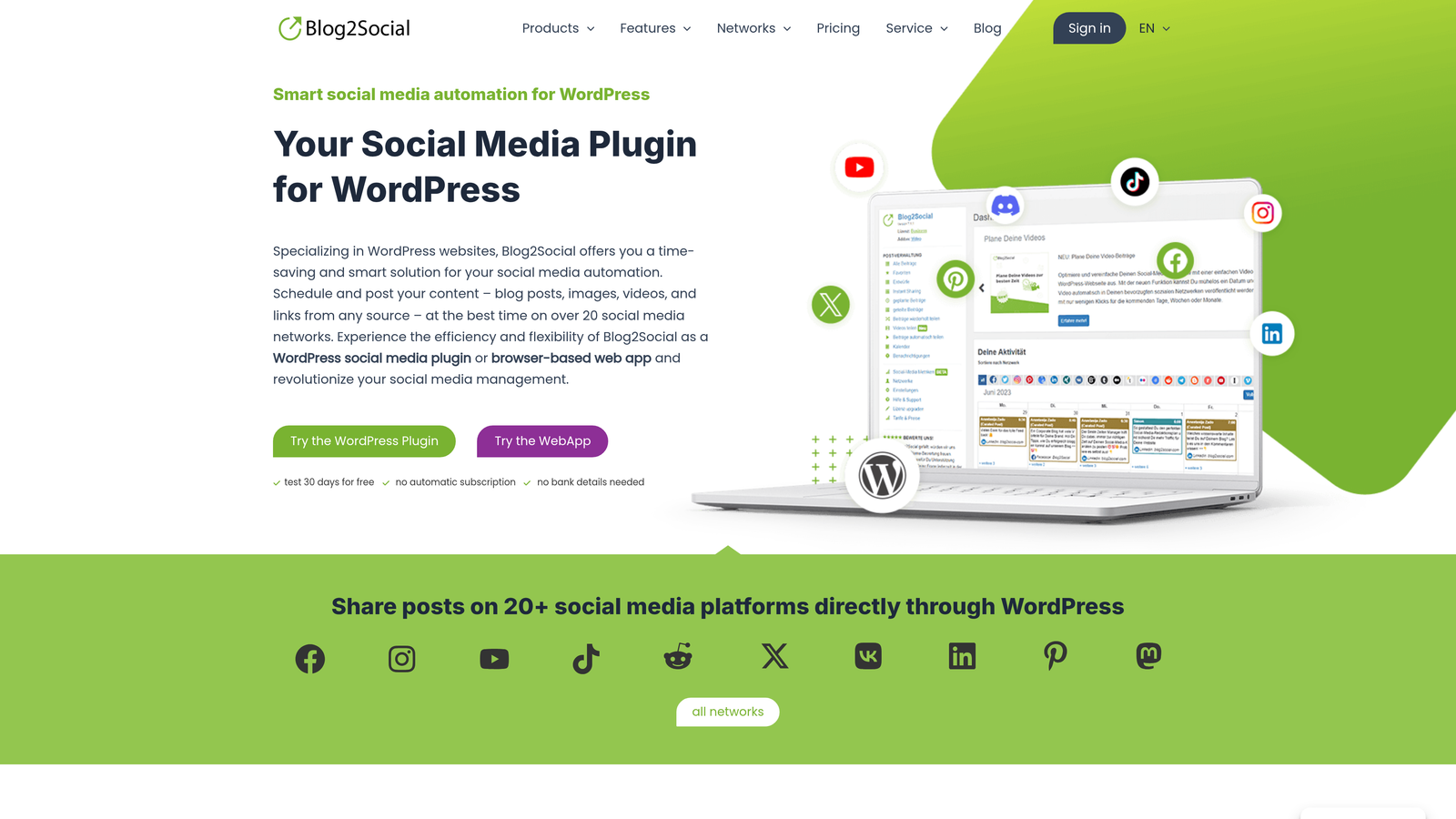
2. Authenticate each social account you want to automate, ensuring you have proper permissions for business pages and profiles
3. Configure platform-specific templates that extract your post title, excerpt, and featured image with appropriate formatting
4. Set up conditional rules—for example, automatically share "How-to" posts to LinkedIn but not Instagram, or include specific hashtags for Twitter
5. Create a posting schedule that staggers social shares to avoid flooding followers with simultaneous posts across platforms
Pro Tips
Don't auto-post everything identically across platforms. LinkedIn audiences expect professional insights, while Twitter thrives on conversational hooks. Configure your plugin to use different excerpt lengths and tones for each platform. Consider setting up "evergreen recycling" that automatically reshares your best-performing content on a rotating schedule months after initial publication.

3. Implement RSS-to-Post Automation for Content Curation
The Challenge It Solves
Maintaining a consistent publishing schedule becomes exponentially harder when you're creating everything from scratch. Content curation—sharing relevant industry news, competitor analysis, or complementary resources—provides value to your audience while filling calendar gaps. But manually monitoring dozens of sources, copying content, formatting posts, and adding attribution turns curation into a time sink that defeats its efficiency purpose.
The Strategy Explained
RSS-to-post automation monitors feeds from sources you trust, automatically importing new content into WordPress as draft or published posts based on your rules. This approach transforms passive content consumption into active publishing without manual copying and pasting.

The key is setting up intelligent filtering that imports only relevant content while automatically adding proper attribution, canonical links, and your own commentary. When configured thoughtfully, RSS automation creates a steady stream of curated content that positions you as an industry thought leader who stays current with trends while maintaining ethical content practices.
Implementation Steps
1. Install an RSS aggregation plugin like WP RSS Aggregator or Feedzy that supports filtering and custom templates
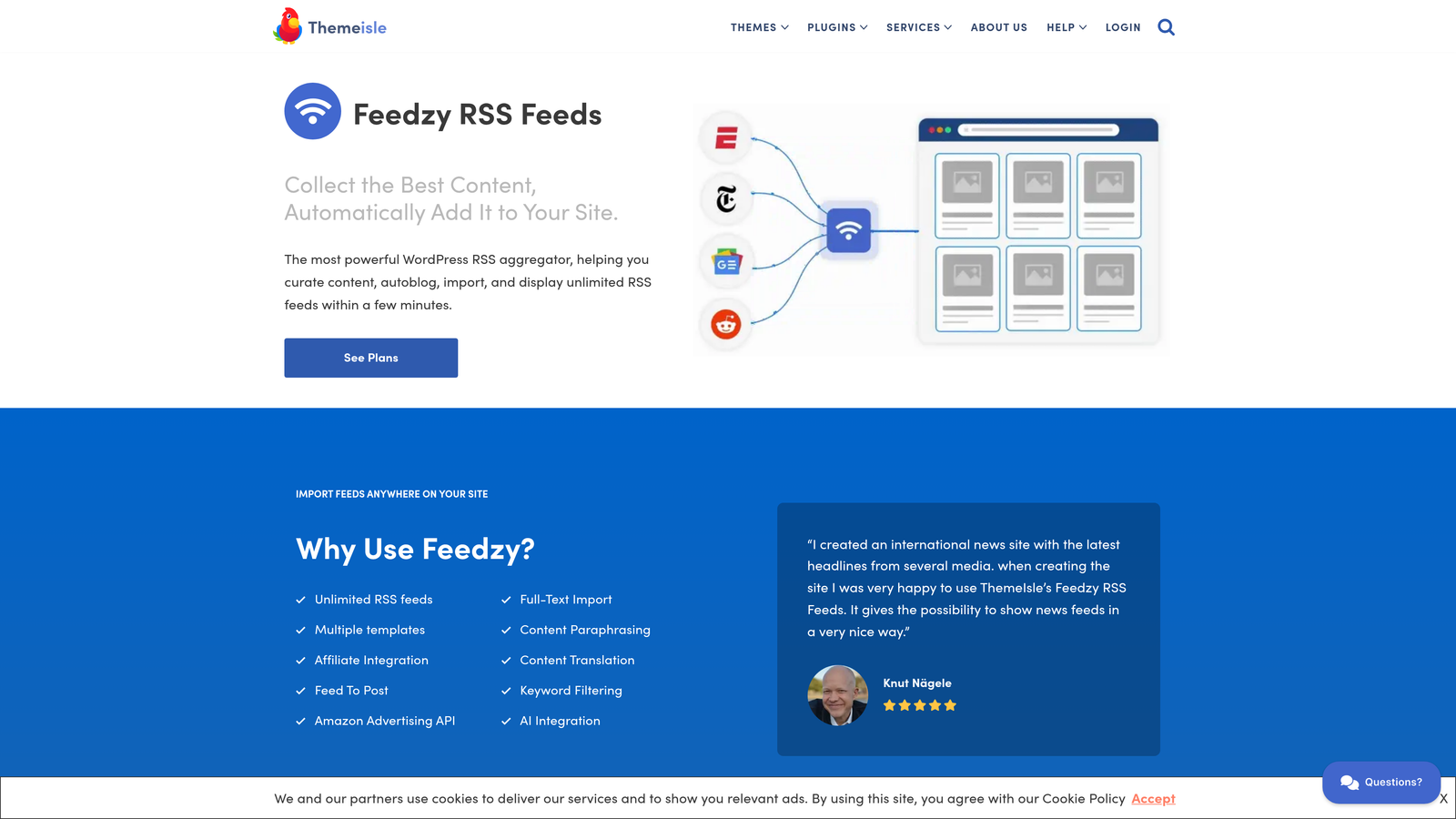
2. Add RSS feeds from authoritative sources in your industry—competitor blogs, news sites, research publications, or complementary businesses
3. Configure keyword filters to import only content matching specific topics relevant to your audience
4. Set up post templates that automatically include attribution, source links, and a custom introduction explaining why you're sharing this content
5. Choose whether imported content publishes automatically or enters draft status for review and commentary addition
Pro Tips
Always add your own perspective to curated content—even a single paragraph explaining why this matters to your audience transforms aggregation into value-added curation. Set imported posts to draft status initially so you can add commentary before publication. This approach maintains your unique voice while leveraging automation for discovery and formatting.
4. Configure Multi-Site Publishing Workflows
The Challenge It Solves
Agencies and enterprises managing multiple WordPress sites face an exhausting dilemma: publish the same content manually across every property, or accept that most sites will have sparse, inconsistent content. Neither option scales effectively. Manual republishing consumes hours, while inconsistent content undermines each site's SEO potential. Add in the complexity of managing duplicate content penalties, and multi-site content management becomes a strategic bottleneck.
The Strategy Explained
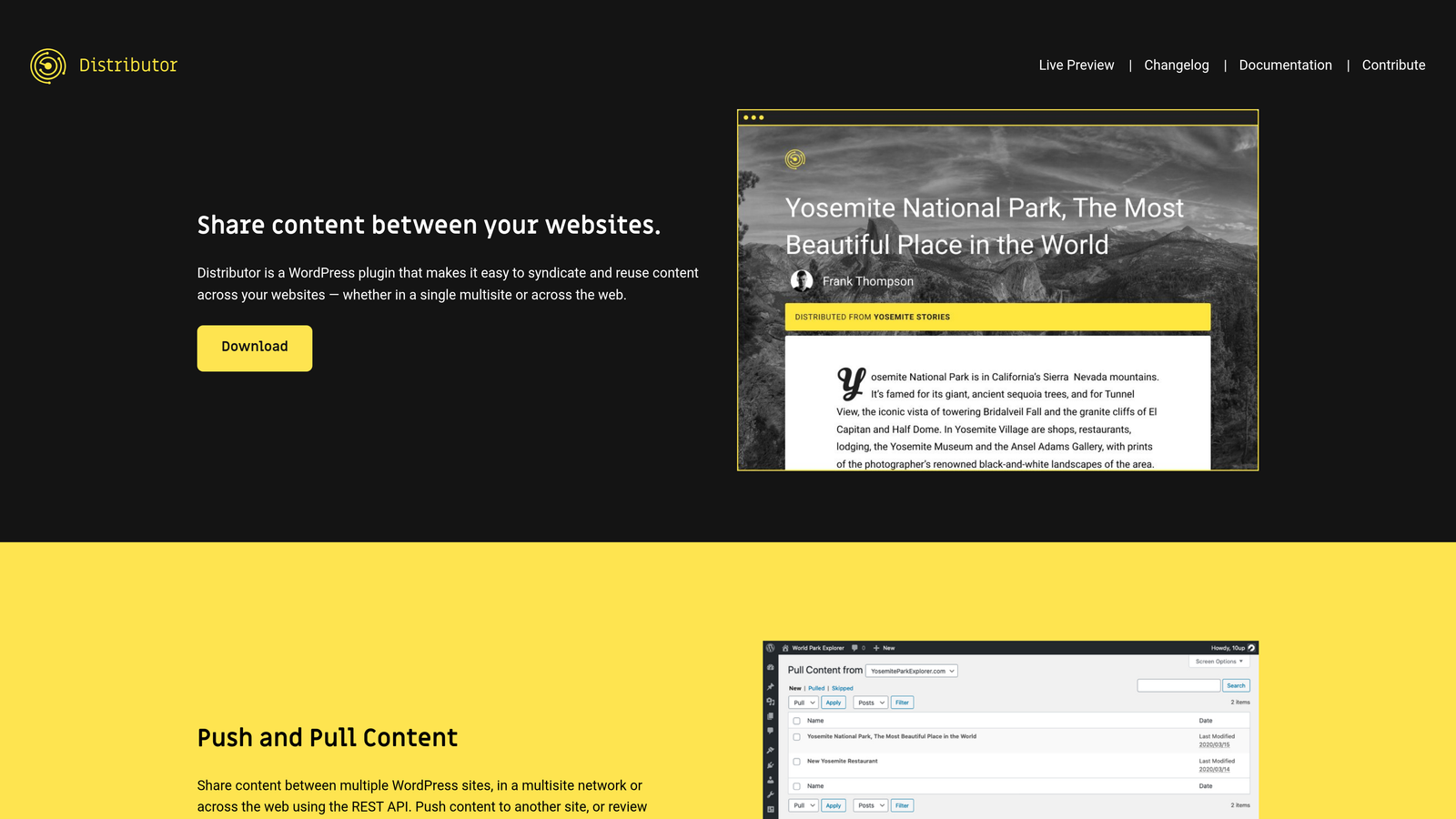
Multi-site publishing plugins syndicate content from a primary WordPress installation to multiple destination sites automatically. You create content once on your main site, and the plugin handles distribution, formatting adjustments, and canonical URL management across your network.
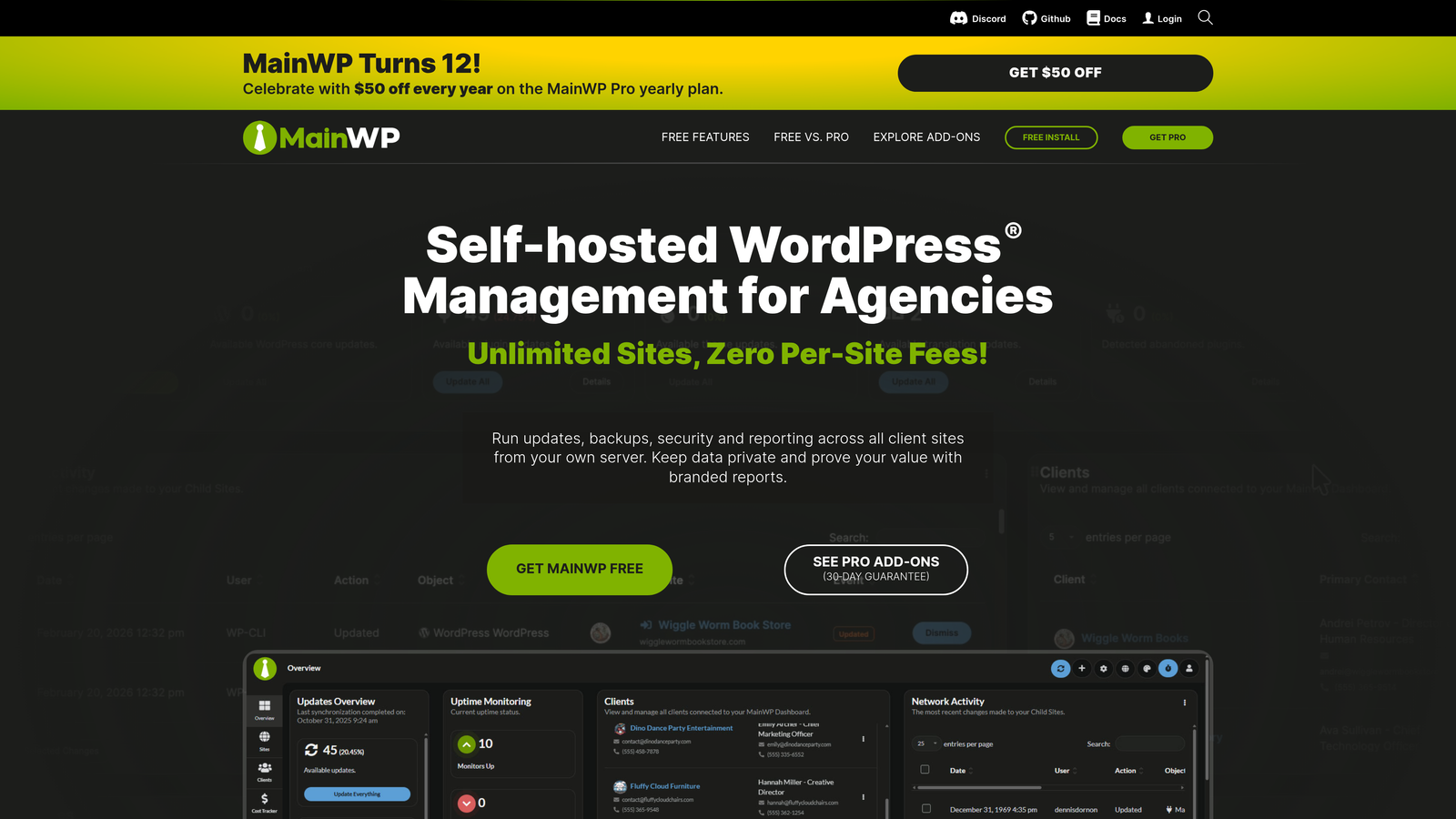
This centralized approach maintains content consistency while allowing site-specific customization. You can publish the same article across regional sites with localized introductions, or distribute thought leadership pieces from your main blog to niche microsites that target specific keywords. The automation ensures every site maintains publishing momentum without multiplying your content creation workload.
Implementation Steps
1. Choose a multi-site syndication plugin like MainWP or Distributor that supports your network architecture
2. Designate your primary content hub where all original content will be created and managed
3. Configure destination sites and set up authentication so your primary site can publish to them automatically
4. Establish canonical URL rules that point all syndicated versions back to your original content to avoid duplicate content issues
5. Create distribution rules that determine which content types go to which sites—for example, all SEO guides go to your main blog plus your agency site, but case studies only publish to the main blog
Pro Tips
Don't syndicate everything everywhere. Strategic distribution means understanding each site's audience and purpose. Your enterprise blog might receive all content, while niche microsites get only category-specific pieces. Always ensure syndicated posts include proper canonical tags pointing to the original—this tells search engines which version is authoritative and prevents self-inflicted duplicate content penalties.
5. Integrate IndexNow for Instant Search Engine Discovery
The Challenge It Solves
Publishing great content means nothing if search engines don't discover it quickly. Traditional indexing relies on search engine crawlers eventually finding your new posts through sitemaps or link discovery—a process that can take days or weeks. For time-sensitive content, news commentary, or competitive topics where being first matters, this delay means missed opportunities and lost traffic to faster competitors.
The Strategy Explained
IndexNow is a protocol that lets websites notify search engines the instant content changes. Instead of waiting for crawlers to discover your new post, your site actively tells search engines "new content is live—come index it now." When integrated with auto publishing, this creates a seamless pipeline: content publishes automatically at the scheduled time, and search engines receive immediate notification without any manual intervention.
This combination is particularly powerful for high-volume publishers. Every scheduled post that goes live automatically triggers indexing requests to participating search engines, ensuring your content enters search results as quickly as technically possible. For marketers focused on organic traffic growth, this speed advantage compounds over time as more content gets indexed faster.
Implementation Steps
1. Install an IndexNow-compatible plugin or integrate IndexNow functionality into your existing auto publishing setup
2. Generate and configure your IndexNow API key through your plugin or directly with participating search engines
3. Set up automatic notifications that trigger whenever content transitions from scheduled to published status
4. Configure your plugin to submit not just new posts but also significant content updates to ensure search engines re-crawl improved content
5. Monitor your search console data to verify that submitted URLs are being discovered and indexed more quickly than before implementation
Pro Tips
IndexNow works best when combined with traditional SEO practices—it accelerates discovery but doesn't guarantee ranking. Focus on creating content worth indexing quickly, then let IndexNow ensure search engines see it immediately. For maximum impact, integrate IndexNow with your entire content workflow, including updates to existing posts, not just new publications.
6. Set Up Conditional Publishing Rules
The Challenge It Solves
Not all content should publish immediately upon completion. Editorial workflows often require approval stages, legal reviews, or coordination with external events. Standard scheduling assumes everything is ready to publish at a specific time, but reality is messier—client approvals get delayed, product launches shift, or content quality issues emerge after scheduling. Without conditional logic, you're stuck manually monitoring and adjusting dozens of scheduled posts.
The Strategy Explained
Conditional publishing adds intelligent logic to your automation, creating rules that determine whether content should actually publish based on specific criteria. Think of it as adding quality gates to your publishing pipeline—posts only go live when all conditions are met, not just when the calendar says so.
These rules can check for custom field values, category assignments, tag presence, or even external API responses. A post might be scheduled for Monday but only publish if its "client_approved" custom field is set to "yes." Or content could automatically publish when a specific product becomes available in your inventory system. This flexibility transforms rigid scheduling into adaptive workflow automation.
Implementation Steps
1. Choose a plugin that supports conditional logic like Advanced Cron Manager or create custom functions using WordPress hooks
2. Define your approval workflow and identify the specific conditions that must be met before publication
3. Create custom fields or taxonomies that track approval status, content readiness, or external dependencies
4. Configure conditional rules that check these fields before allowing scheduled posts to transition to published status
5. Set up notification systems that alert content managers when posts are scheduled but missing required approval flags
Pro Tips
Start with simple conditions before building complex workflows. A basic "approved: yes/no" custom field solves most editorial review needs without overwhelming your team. Document your conditional rules clearly so everyone understands why content might not publish as scheduled—confusion about "missing" posts undermines trust in automation systems.
7. Monitor and Optimize Your Auto Publishing Performance
The Challenge It Solves
Setting up automation is just the beginning—without monitoring, you won't know if posts are actually publishing successfully, which time slots drive the most engagement, or whether your workflow has developed gaps. Failed publications, suboptimal timing, and unnoticed errors gradually erode the efficiency gains automation promised. Content teams often discover problems only when audiences mention missing content or analytics show unexpected traffic drops.
The Strategy Explained
Performance monitoring transforms your auto publishing system from a "set and forget" tool into a continuously improving workflow. By tracking success rates, analyzing engagement patterns, and identifying failure points, you can refine your automation rules based on actual performance data rather than assumptions.
This involves both technical monitoring—ensuring posts publish successfully—and strategic analysis of which content types, publication times, and distribution methods drive the best results. Over time, this data reveals patterns that inform not just when you publish, but what you create and how you distribute it.
Implementation Steps
1. Set up logging within your auto publishing system to track every scheduled post, its intended publication time, and actual publication status
2. Create a dashboard or regular report that shows publication success rates, failed attempts, and timing accuracy
3. Integrate your publishing data with analytics platforms to correlate publication times with traffic, engagement, and conversion metrics
4. Establish alert thresholds that notify you when success rates drop below acceptable levels or when specific posts fail to publish
5. Schedule monthly reviews of your publishing data to identify optimization opportunities—better time slots, more effective distribution channels, or content types that consistently outperform
Pro Tips
Don't just monitor failures—track which publication times and distribution strategies drive the most engagement. You might discover that Tuesday morning posts consistently outperform Friday afternoons, or that certain content types generate more social shares when auto-posted to specific platforms. Use this intelligence to continuously refine your scheduling strategy, creating a feedback loop where automation improves based on real performance data.
Putting It All Together
Implementing these WordPress auto publish plugin strategies transforms content management from a manual burden into a systematic advantage. Start with queue management and scheduled publishing as your foundation—reliable, consistent publishing is the baseline that makes everything else possible. Once that's solid, layer in social distribution to amplify reach without additional effort.
As your workflow matures, add RSS automation for content curation, multi-site publishing for network management, and conditional rules for complex editorial workflows. Each addition compounds the efficiency of previous strategies, creating a publishing system that scales with your ambitions.
The integration of IndexNow with auto publishing deserves special attention. For teams serious about organic traffic growth, combining automated publishing with instant indexing ensures your content reaches both audiences and search engines without delay. This speed advantage becomes particularly valuable as content volume increases—every post that gets indexed faster is another opportunity to capture search traffic before competitors.
But here's the thing: publishing consistently is only part of the visibility equation. While WordPress automation handles when and where your content appears, understanding how AI models like ChatGPT and Claude talk about your brand opens an entirely new dimension of organic discovery. Start tracking your AI visibility today and see exactly where your brand appears across top AI platforms, uncovering content opportunities that traditional SEO tools miss.
The goal isn't just automation—it's building a publishing system that maintains the consistency search engines reward while freeing your team to focus on strategy and creation rather than manual scheduling. With these seven strategies working together, you'll transform WordPress from a simple publishing platform into a sophisticated content distribution engine that scales effortlessly with your growth.