If you're managing a content operation at any meaningful scale, manual publishing is a bottleneck you can't afford. Between scheduling posts, updating sitemaps, triggering indexing requests, and syncing content across platforms, the operational overhead compounds fast, leaving less time for strategy and creation.
CMS publishing automation software solves this by handling the mechanical side of content distribution, so your team focuses on what actually moves the needle. This guide covers the top tools available in 2026, evaluated on automation depth, CMS compatibility, indexing capabilities, and how well they support modern SEO and AI search visibility goals.
Whether you're a solo founder, a marketing team, or a full-service agency managing dozens of client sites, there's an option here that fits your workflow and scale.
1. Sight AI
Best for: Teams that want content generation, publishing, indexing, and AI visibility tracking in one platform.
Sight AI is an AI-native platform that combines content generation, CMS auto-publishing, IndexNow-powered indexing, and AI brand visibility tracking in a single workflow.

Where This Tool Shines
Most publishing automation tools stop at scheduling. Sight AI goes further by connecting the entire content lifecycle: from ideation through AI-assisted writing, to CMS deployment, to automated indexing, to tracking whether your brand is being mentioned by AI models like ChatGPT and Claude.
That last piece is increasingly important. As AI search becomes a primary discovery channel, knowing how AI platforms represent your brand is a competitive advantage. Sight AI is the only tool in this list that directly addresses that visibility gap alongside the publishing workflow itself.
Key Features
CMS Auto-Publishing: Deploy content directly to your site without manual intervention, keeping your publishing pipeline moving even when your team isn't at their desks.
IndexNow Integration: Automatically submit new content to search engines and AI crawlers the moment it publishes, reducing the lag between publishing and discoverability.
13+ Specialized AI Agents: Generate SEO and GEO-optimized content formats including listicles, guides, and explainers through purpose-built agents trained for each content type.
Autopilot Mode: Enable hands-free content creation and publishing, allowing your operation to run continuously without requiring manual triggers at each step.
AI Visibility Tracking: Monitor how your brand is mentioned across ChatGPT, Claude, Perplexity, and three or more additional AI platforms, with sentiment analysis and prompt tracking included.
Best For
Marketers, founders, and agencies who want a single platform that handles content creation, publishing, and AI search visibility without stitching together five separate tools. Particularly valuable for teams investing in GEO (Generative Engine Optimization) alongside traditional SEO.
Pricing
Paid plans available. Visit trysight.ai for current pricing details and plan options.
2. HubSpot CMS Hub
Best for: B2B inbound marketing teams that want publishing tightly integrated with CRM and lead nurturing.
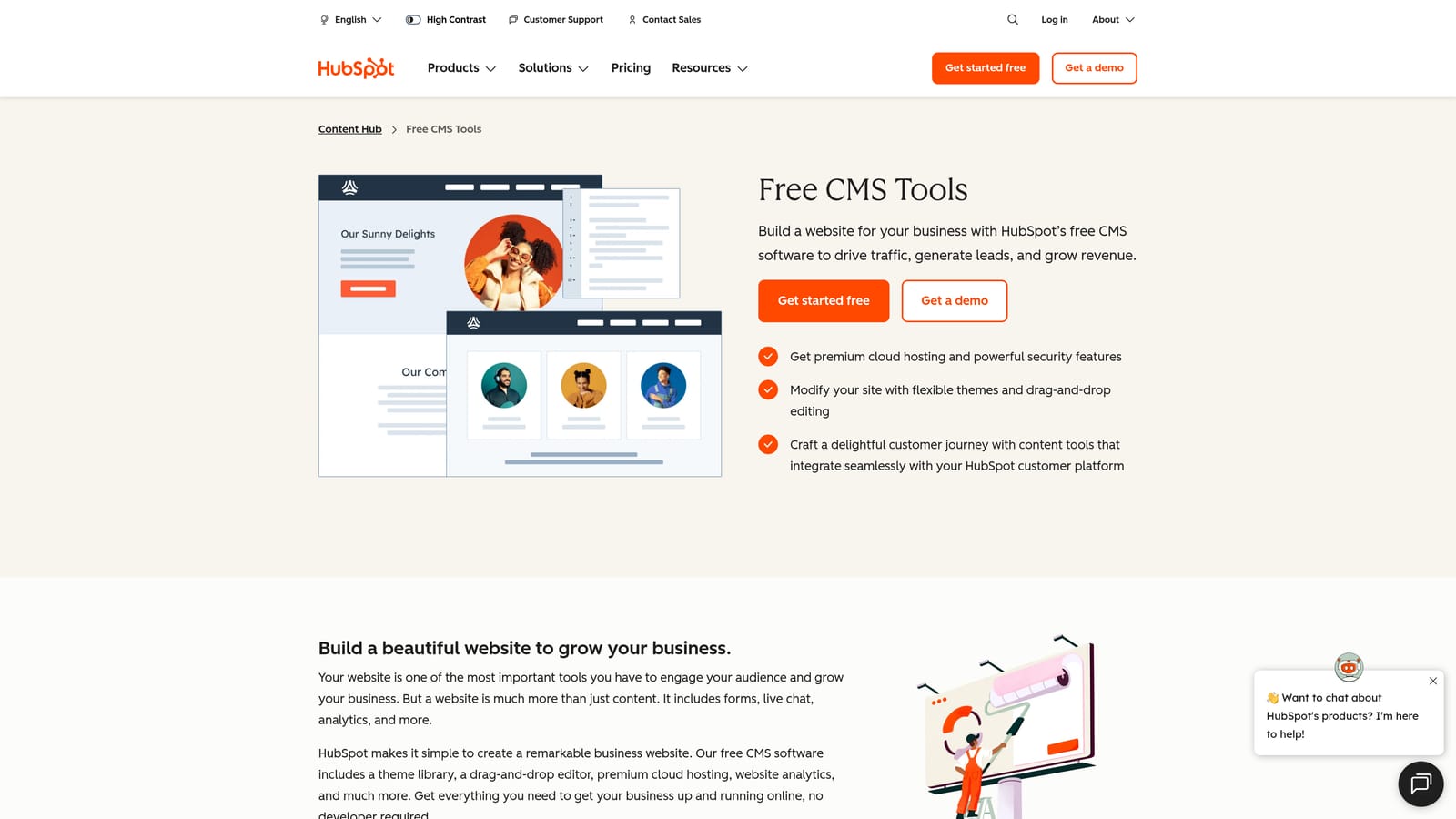
HubSpot CMS Hub is a full-featured CMS with native content scheduling, smart content personalization, and deep CRM integration for inbound marketing teams.
Where This Tool Shines
HubSpot's strength is its native connectivity across the entire marketing stack. When you publish a blog post, it can simultaneously trigger email sequences, update contact records, and feed social publishing, all without a third-party automation layer. For B2B teams running inbound programs, that tight coupling removes significant coordination overhead.
The smart content feature is genuinely useful: you can serve different versions of a page or CTA based on visitor lifecycle stage, geography, or device type, all managed from the same CMS interface.
Key Features
CRM-Triggered Publishing Rules: Schedule content releases tied to CRM events, contact segments, or campaign timelines.
Smart Content Blocks: Adapt page content dynamically based on visitor attributes without creating separate page versions.
Built-in SEO Recommendations: Receive on-page optimization suggestions and content strategy guidance directly within the editor.
Integrated Email and Social Publishing: Distribute content across channels from a single dashboard without switching platforms.
Best For
Mid-market and enterprise B2B teams already using HubSpot for CRM and marketing automation. Less suited for teams outside the HubSpot ecosystem or those seeking headless architecture.
Pricing
Starter from $20/month; Professional and Enterprise tiers available with expanded automation and personalization features.
3. WordPress with Jetpack
Best for: Content sites already on WordPress that need low-friction scheduling and social auto-posting.
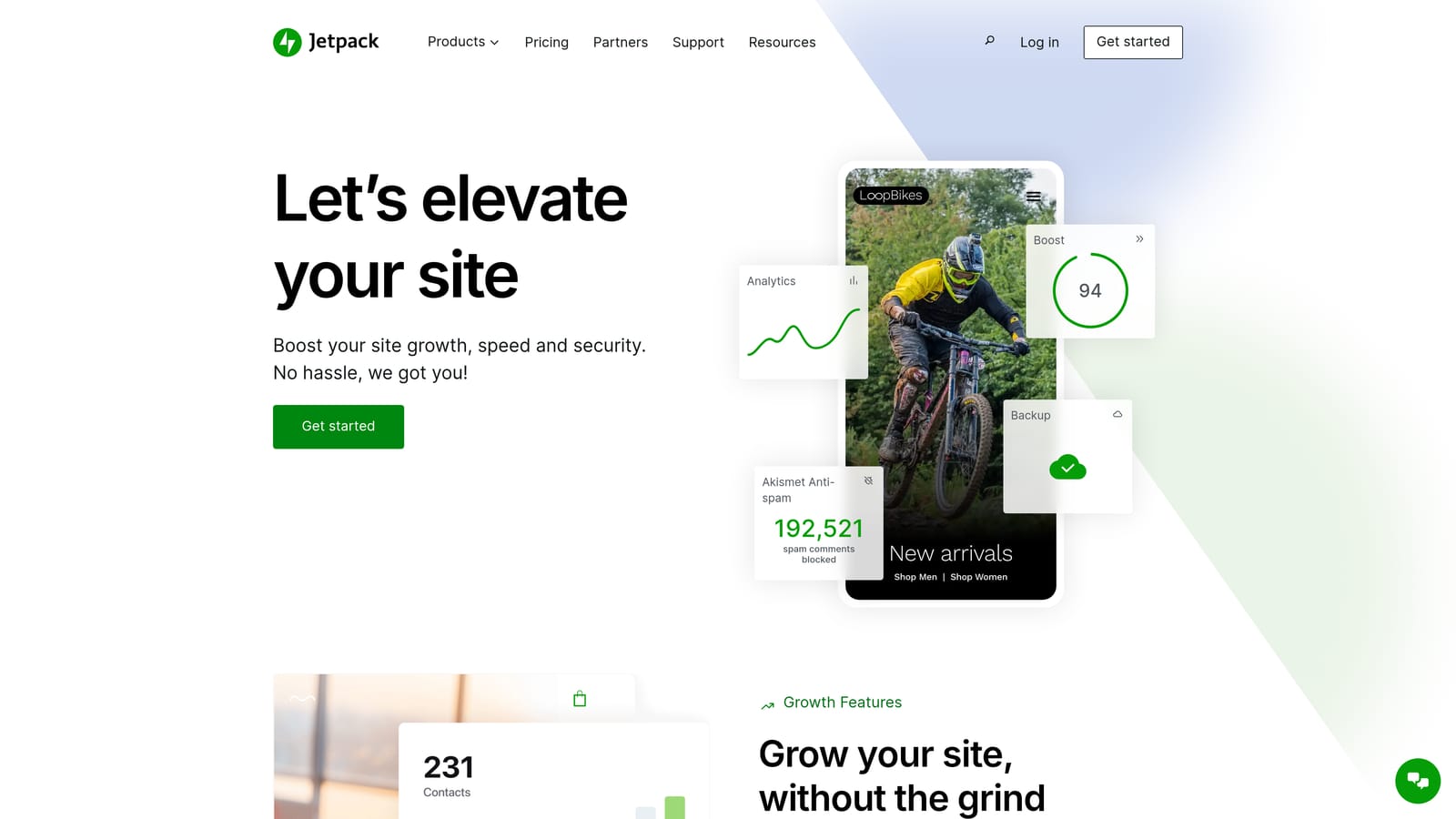
Jetpack is a plugin suite that extends WordPress with scheduling enhancements, social auto-posting, and site management features for teams already invested in the WordPress ecosystem.
Where This Tool Shines
WordPress already includes native scheduled publishing, and Jetpack layers on top of that with automatic social sharing at the moment a post goes live. For editorial teams that publish frequently and want posts to hit LinkedIn, Facebook, or X without manual effort, this combination covers the basics without adding complexity.
The broader Jetpack plugin ecosystem is worth noting. Because WordPress supports thousands of plugins, teams can extend their automation stack incrementally, adding SEO tools, indexing plugins, or workflow tools as needs evolve.
Key Features
Scheduled Publishing: Built into WordPress core, with Jetpack enhancing the experience through better management and visibility.
Jetpack Social: Automatically share new posts to connected social accounts the moment content publishes.
Backup and Security: Jetpack bundles site protection features alongside publishing tools, reducing the number of separate plugins needed.
Plugin Ecosystem: Thousands of compatible WordPress plugins allow teams to build more sophisticated automation pipelines over time.
Best For
Bloggers, content-heavy websites, and small marketing teams already running WordPress who want simple scheduling and social distribution without a large budget or technical overhead.
Pricing
Jetpack Free plan available; paid plans starting from $9.95/month with additional features including enhanced social tools and analytics.
4. Contentful
Best for: Engineering-led teams that need fully programmable, API-driven publishing workflows.
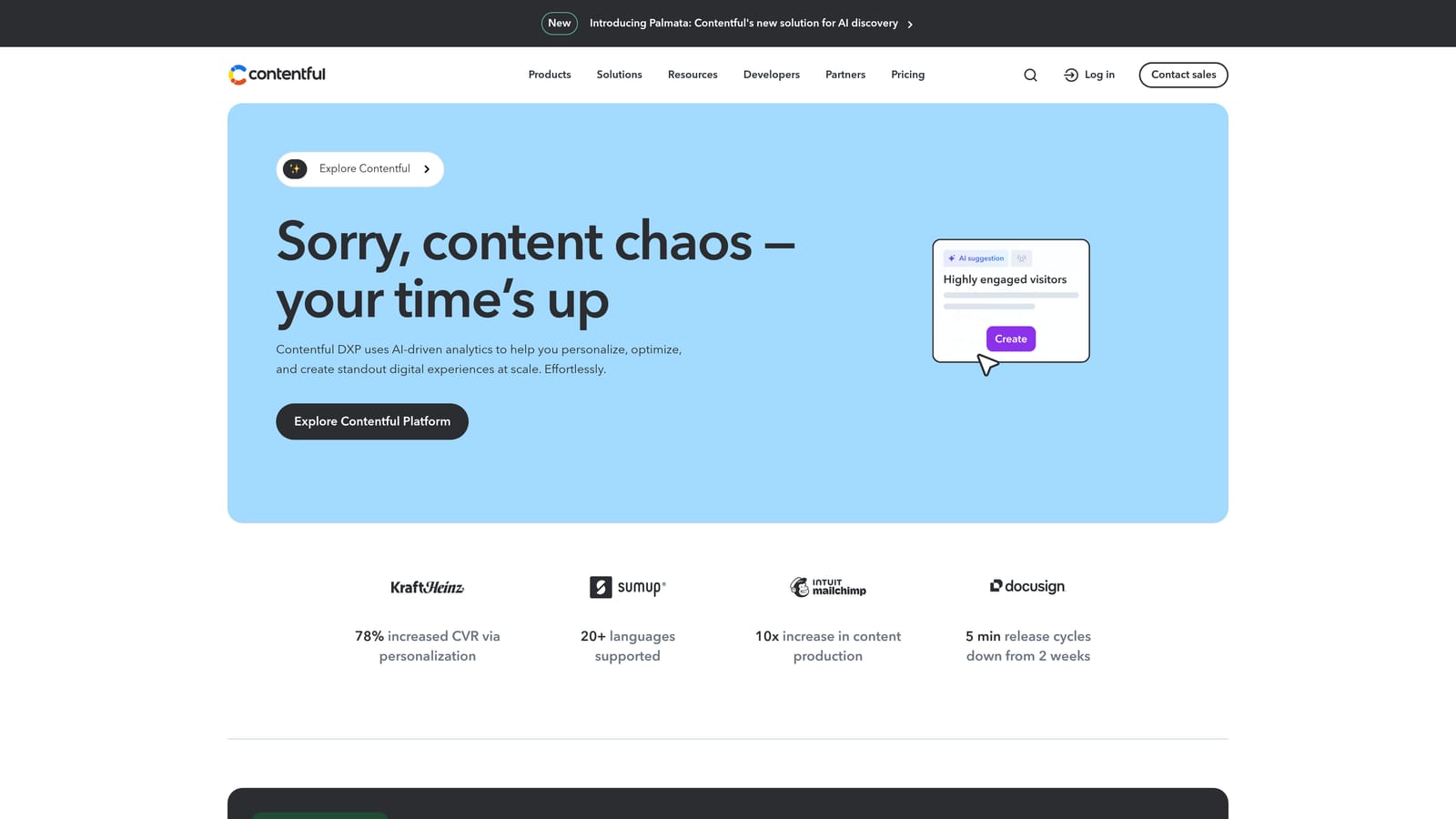
Contentful is a leading headless CMS with API-first architecture enabling fully programmable publishing workflows for teams that want complete control over how content moves through their stack.
Where This Tool Shines
Contentful's power is in its flexibility. Because it's headless, content isn't tied to a specific front-end presentation layer, meaning the same content can be published to a website, a mobile app, a digital display, and an API endpoint simultaneously. For organizations managing content across multiple channels and surfaces, that architecture eliminates duplication.
The native Workflows feature on higher tiers enables multi-step approval processes before content ever reaches production. Combined with webhooks, engineering teams can trigger downstream automation, from cache invalidation to indexing requests, the moment a piece of content is approved and published.
Key Features
Native Workflows: Build multi-step content approval and publishing sequences without third-party tools on supported tiers.
Webhooks: Trigger external automation, notifications, or indexing actions on any publish or update event.
Rich API: Build fully custom publishing pipelines with precise control over content retrieval and delivery.
Multi-Environment Support: Maintain separate staging and production environments to test content before it goes live.
Best For
Technical teams at mid-size to enterprise companies managing content across multiple digital channels who need developer-controlled publishing infrastructure.
Pricing
Free tier available; Team plan from $300/month; Enterprise pricing available on request.
5. Webflow CMS
Best for: Design and marketing teams managing their own sites without developer dependency.
Webflow CMS is a visual CMS with native scheduled publishing, enabling non-technical teams to manage structured content and automate publishing without writing code.

Where This Tool Shines
Webflow occupies a useful middle ground: more powerful than simple page builders, but more accessible than headless CMS platforms that require engineering resources to operate. Marketing teams can create structured content collections, schedule publish and unpublish dates visually, and hand off editing to non-technical contributors through a dedicated Editor role.
The Zapier and Make integrations extend Webflow's native capabilities significantly. Teams can build workflows that trigger publishing actions based on external events, such as a row being updated in Airtable or a form submission in Typeform, without writing a single line of code.
Key Features
Visual Scheduled Publishing: Set precise publish and unpublish dates directly in the Webflow interface without developer involvement.
CMS Collections: Create structured, repeatable content types with consistent fields and relationships across your site.
Zapier and Make Integration: Connect Webflow to hundreds of external tools for extended publishing automation.
Editor Role: Allow non-technical contributors to update and publish content without accessing the full Webflow Designer.
Best For
Marketing teams, agencies, and founders who design and manage their own sites and want visual control over publishing schedules without relying on developers for routine updates.
Pricing
CMS plan from $23/month; Business and Enterprise tiers available with higher content limits and advanced features.
6. Zapier
Best for: Teams that need to connect multiple tools into a custom, no-code publishing pipeline.
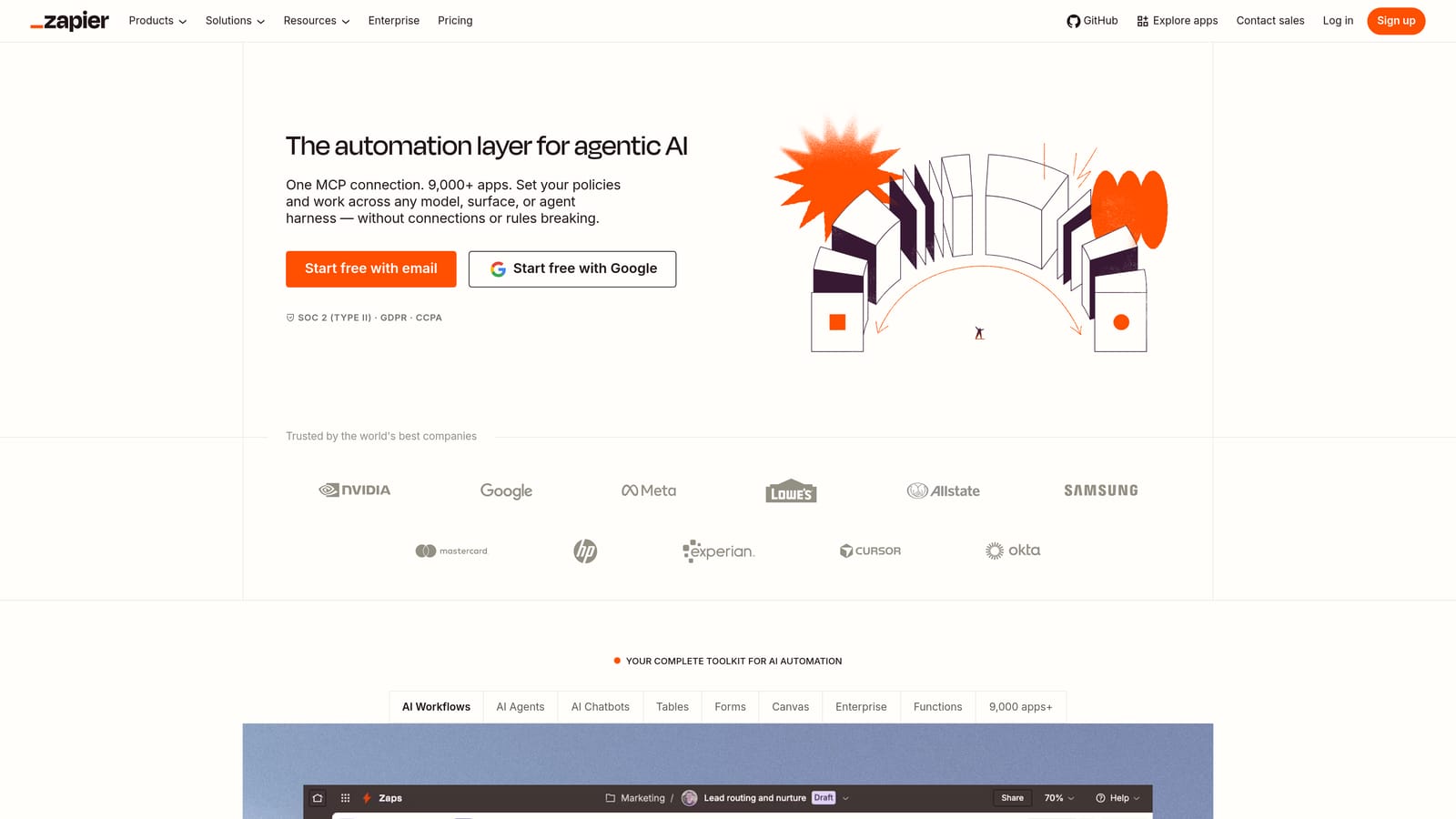
Zapier is a no-code automation platform that connects your CMS to thousands of other tools, enabling custom multi-step publishing workflows without engineering resources.
Where This Tool Shines
Zapier isn't a CMS, but it's often the connective tissue that makes a publishing stack actually work. If your content lives in Notion, gets reviewed in Google Docs, needs to publish to WordPress, and then notify Slack when it goes live, Zapier handles all of that in a single multi-step Zap. For teams with fragmented tooling, that flexibility is genuinely valuable.
The conditional logic features, including filters, delays, and branching paths, allow teams to build nuanced workflows. You can route content to different destinations based on category, author, or approval status, which is useful for larger editorial operations with multiple content streams.
Key Features
6,000+ App Integrations: Connect WordPress, Webflow, HubSpot, Notion, Airtable, and virtually any tool in your stack.
Multi-Step Zaps: Build complex approval and publishing flows that span multiple tools and actions in sequence.
Filters and Conditional Logic: Route content through different workflow paths based on specific conditions or field values.
No-Code Interface: Set up and modify automations without writing code, keeping control with marketing and operations teams.
Best For
Marketing operations teams, agencies, and content managers who need to bridge gaps between existing tools rather than replace them. Best used as a layer on top of other CMS platforms, not as a standalone solution.
Pricing
Free tier with 100 tasks/month; paid plans from $19.99/month with higher task limits and multi-step Zap support.
7. Buffer
Best for: Content teams automating social distribution after CMS publishing.
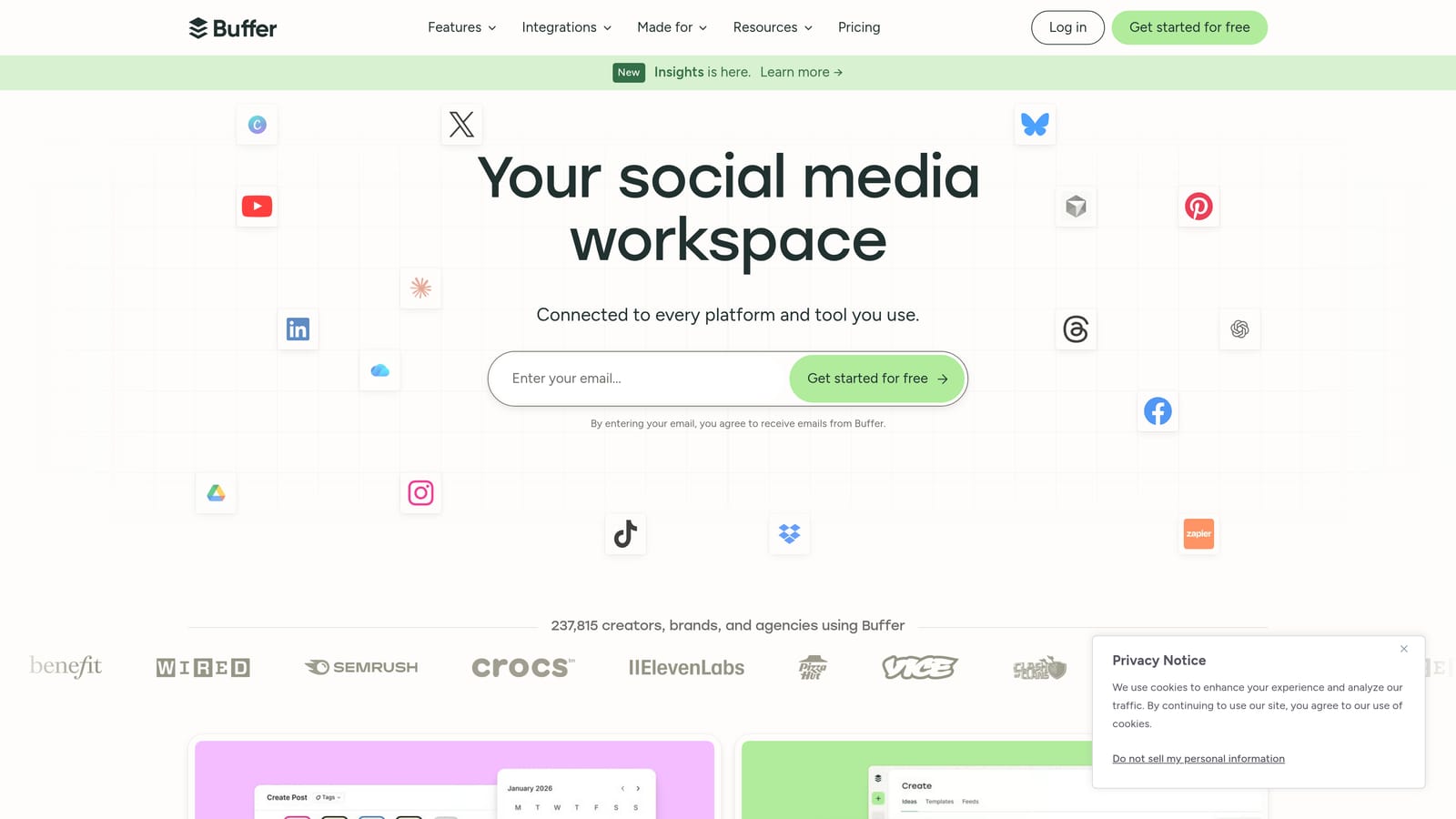
Buffer is a social media scheduling platform that automates content distribution across channels once your CMS publishes, keeping your social presence active without manual effort.
Where This Tool Shines
Buffer's queue-based scheduling model is clean and intuitive. You set optimal posting times for each channel, and Buffer fills those slots from your content queue automatically. For teams that publish blog content regularly, the RSS feed auto-posting feature is particularly useful: new posts are detected and added to the social queue without any manual action required.
It's worth being clear about what Buffer is and isn't. It's not a CMS, and it doesn't handle content creation or indexing. But as a distribution layer that sits downstream of your publishing workflow, it removes a repetitive manual step that otherwise falls to someone on your team every time a post goes live.
Key Features
Queue-Based Scheduling: Automatically distribute content across LinkedIn, X, Instagram, Facebook, and other channels at preset optimal times.
RSS Feed Auto-Posting: Connect your blog's RSS feed to automatically queue new posts for social sharing on publish.
Team Collaboration: Draft and submit content for approval before it enters the publishing queue.
Performance Analytics: Track engagement and reach across channels to inform future scheduling decisions.
Best For
Content teams and agencies that publish blog content regularly and want social distribution to happen automatically rather than as a separate manual task after each publish.
Pricing
Free tier supporting up to 3 channels; Essentials from $6/month per channel with additional scheduling and analytics features.
8. CoSchedule
Best for: Editorial teams coordinating blog, email, and social publishing in a unified calendar view.
CoSchedule is a marketing calendar platform with native WordPress integration and ReQueue automation for evergreen content resharing, built for teams managing multiple content channels simultaneously.
Where This Tool Shines
CoSchedule's core value is visibility. When you're coordinating blog posts, email campaigns, and social promotion across a team, having everything on a single calendar view prevents the scheduling conflicts and missed promotions that happen when each channel is managed in isolation. The native WordPress plugin means editorial teams can schedule and manage posts directly within CoSchedule without switching between tools.
The ReQueue feature addresses a common content waste problem: evergreen posts that perform well but stop getting promoted after their initial launch. ReQueue automatically recirculates high-performing content into your social queue on an ongoing basis, extending the reach of content you've already invested in creating.
Key Features
Unified Marketing Calendar: View and manage blog, email, and social publishing schedules in a single interface.
ReQueue: Automatically reshare evergreen content on a recurring basis to maximize the lifespan of high-performing posts.
Native WordPress Plugin: Schedule and manage WordPress posts directly from within CoSchedule's dashboard.
Headline Analyzer: Score and optimize post titles for engagement and SEO before publishing.
Best For
Editorial and content marketing teams managing multiple channels who need coordination visibility and want to automate evergreen content promotion without manual resharing.
Pricing
Free calendar plan available; Marketing Suite from $29/month with full automation and team collaboration features.
9. Sanity.io
Best for: Technical teams that need a flexible, structured content platform with custom publishing automation.
Sanity.io is a modern structured content platform with a fully customizable schema, powerful query capabilities, and webhook-driven publishing automation designed for engineering-led content operations.
Where This Tool Shines
Sanity gives developers complete control over content structure. Unlike traditional CMS platforms with fixed content models, Sanity lets you define exactly what fields, relationships, and validation rules apply to each content type. That flexibility makes it well-suited for complex content operations where standard templates don't fit the actual content architecture.
The GROQ query language is one of Sanity's more distinctive features. It allows teams to write precise queries for content retrieval and build publishing logic based on specific document states, relationships, or field values. Combined with webhooks that fire on any document event, engineering teams can build highly tailored automation pipelines that respond to content changes in real time.
Key Features
Customizable Content Schema: Define your own content types, fields, and validation rules without being constrained by a fixed data model.
GROQ Query Language: Write precise, expressive queries for content retrieval and build publishing logic based on specific document conditions.
Webhooks and Event Triggers: Fire custom automation on any document publish, update, or delete event.
Sanity Studio: A configurable, open-source editing environment that can be customized to match your team's editorial workflow.
Best For
Development teams and tech-forward companies that need a content platform they can shape entirely around their own architecture, rather than adapting their workflow to fit a vendor's model.
Pricing
Free tier available; Growth plan from $15/month; Enterprise pricing available for larger teams with custom requirements.
Which Tool Is Right for Your Team?
The right CMS publishing automation tool depends almost entirely on where your bottleneck actually lives. Not every team needs the same kind of automation, and picking the wrong tool means paying for complexity you won't use, or worse, missing the capability you actually need.
Here's a quick way to think through the decision:
If you want an end-to-end AI-native workflow: Sight AI is the only platform here that connects content generation, CMS publishing, search indexing, and AI brand visibility tracking in one place. If you're investing in both SEO and AI search presence, it's the most complete starting point.
If you're a B2B inbound team on HubSpot: HubSpot CMS Hub is the natural choice. The CRM integration alone justifies it for teams already in that ecosystem.
If you're on WordPress and want low-friction automation: Jetpack handles the basics well. Add CoSchedule if you need editorial calendar coordination, or Zapier if you need to connect WordPress to other tools in your stack.
If you're an engineering-led team: Contentful or Sanity.io gives you the API control and custom workflow flexibility that marketing-first platforms don't offer.
If you need to bridge existing tools: Zapier is the connective layer that makes fragmented stacks work together without rebuilding anything.
If social distribution is the gap: Buffer or CoSchedule handles post-publish distribution cleanly without requiring a full platform switch.
For teams serious about organic growth in 2026, the publishing workflow is only half the equation. You also need to know whether your content is being discovered by AI platforms and how your brand is represented in AI-generated answers. Start tracking your AI visibility today and see exactly where your brand appears across the top AI platforms, alongside a publishing automation workflow built for the way search actually works now.