Every time you open a browser, the same quiet prompt greets you: "search or type web address." You've probably seen it thousands of times. Most people type something, hit enter, and move on without a second thought. But that simple bar is doing something far more interesting than it appears.
That unassuming input field is the gateway to the entire internet. Every user journey online starts here, whether someone types your domain directly, searches for your brand name, or increasingly, asks an AI assistant a question that leads them to your content. Understanding how this bar works and how user behavior shapes what happens next is surprisingly important for marketers, founders, and anyone building an online presence.
In this article, we'll break down what the omnibox actually is, how browsers decide what to do with your input, how user behavior in that bar affects organic traffic, and why the rise of AI search is changing the discovery landscape in ways that demand a new kind of visibility strategy.
One Bar, Two Very Different Functions
Before 2008, browsers kept things separate. You had an address bar for typing URLs and a search box for typing queries. Then Google Chrome launched with a single unified bar it called the "omnibox," and the web has never looked back. Every major browser, including Firefox, Edge, and Safari, quickly adopted the same pattern. Today, that single bar handles two completely distinct tasks depending on what you type.
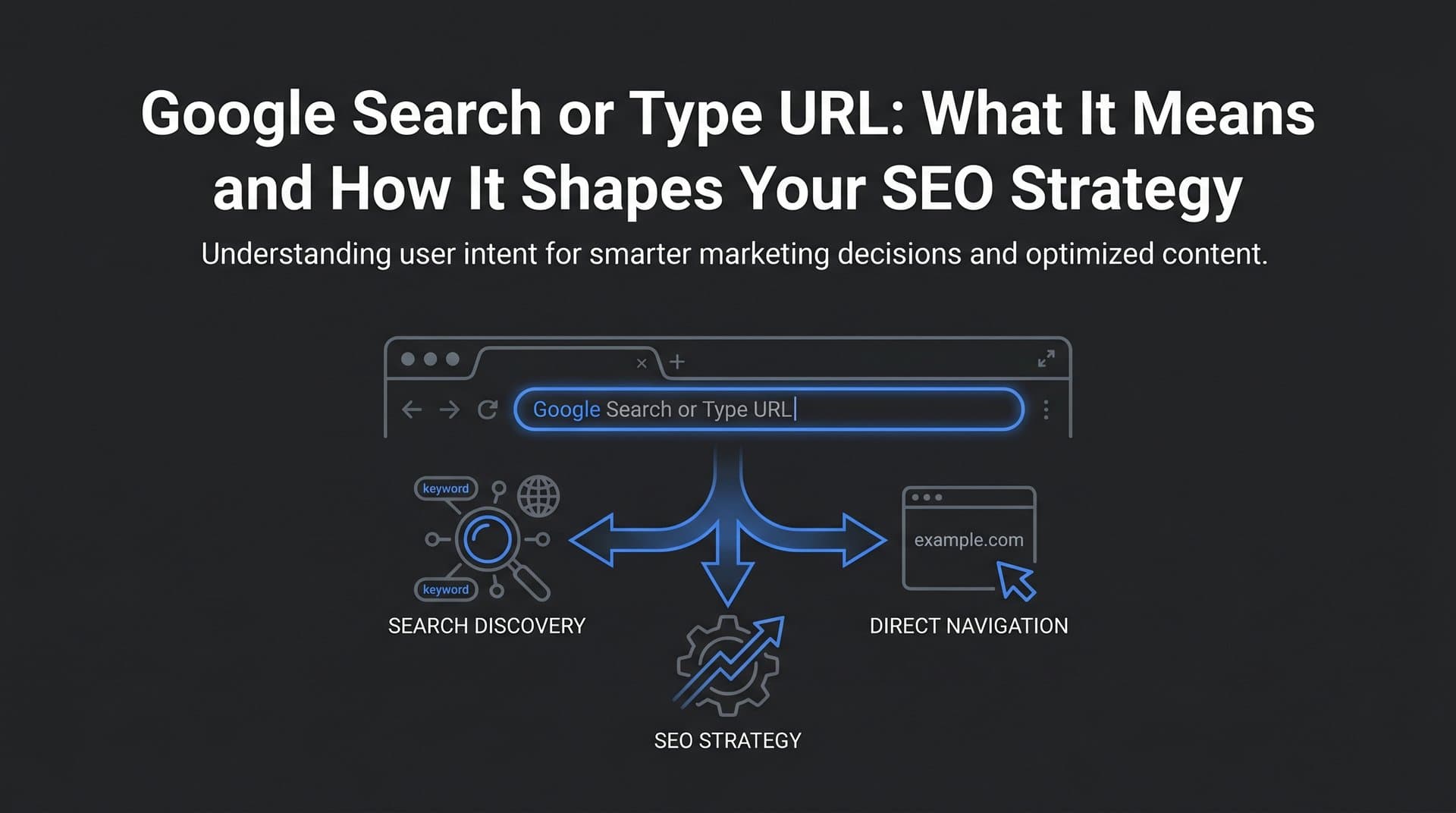
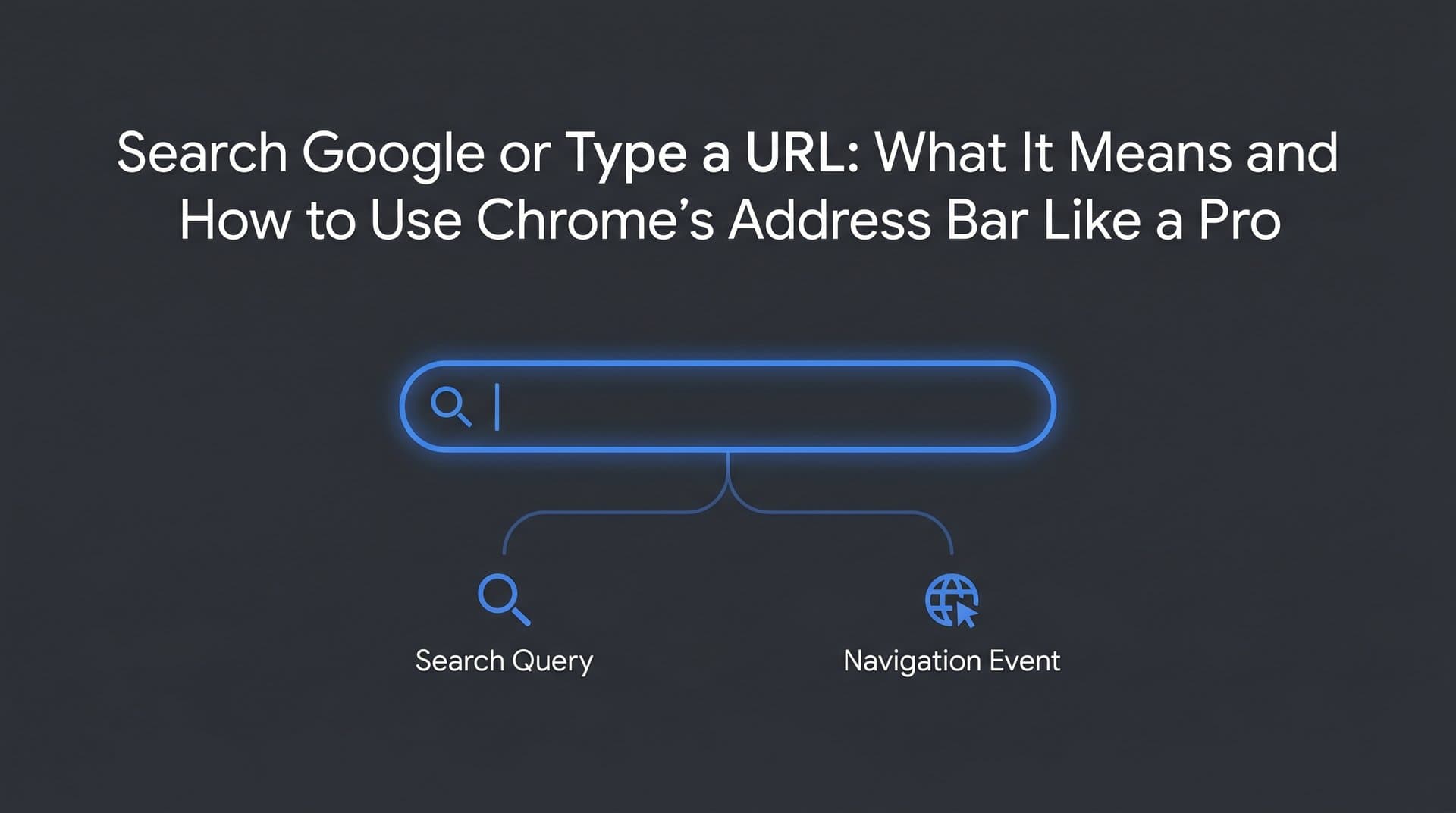
The first function is direct navigation. When you type a URL like example.com or https://yoursite.com/blog, the browser recognizes it as a web address and takes you straight there. No search engine involved. No results page. Just a direct trip to the destination.
The second function is search. When you type anything that doesn't look like a URL, the browser sends your input to your default search engine as a query, and you land on a search engine results page (SERP) instead.
So how does the browser decide which is which? Pattern recognition. The omnibox scans your input for signals that indicate a web address: the presence of a protocol like http:// or https://, recognized top-level domains like .com, .org, or .io, IP address formats, or forward slashes that suggest a file path. If those patterns are present, it treats your input as a URL. If they're absent, it defaults to a search query.
This means typing "amazon" gets treated as a search query, while typing "amazon.com" triggers direct navigation. It's a subtle distinction, but it has real consequences for how users reach websites and how traffic is attributed in analytics. Understanding what is organic search traffic versus direct traffic helps you interpret these patterns correctly in your data.
The omnibox also does something clever before you even finish typing: it starts predicting. Autocomplete suggestions appear almost instantly, pulling from your browsing history, saved bookmarks, and real-time suggestions fetched from your default search engine's API. This predictive layer shapes behavior in ways that go beyond the bar itself, which we'll explore shortly.
What Actually Happens When You Hit Enter
The moment you press enter, two very different technical processes can kick off depending on what you typed.
For a direct URL, the browser initiates DNS resolution. It takes the domain name you entered and queries a Domain Name System server to find the corresponding IP address, essentially translating a human-readable address into a machine-readable one. Once it has the IP, it establishes a connection with the server hosting that website and requests the page. This entire process typically happens in milliseconds, though factors like DNS server speed, server response time, and page size all affect how fast the page loads.
For a search query, the process is different. The browser takes your input, appends it to a query string formatted for your default search engine, and sends an HTTP request to that search engine's servers. Google, for example, receives something like google.com/search?q=your+query+here. The search engine then processes the query against its index, applies ranking algorithms, and returns a results page.
This is where your default search engine setting becomes consequential. The browser's default determines where every non-URL query gets routed. Google holds a dominant share of browser default settings globally, which is a significant reason it processes the vast majority of search queries. Bing powers search for Microsoft Edge by default and also backs certain AI experiences. If you want to ensure your site appears in Bing results, learning how to submit your website to Bing search engine is a worthwhile step. DuckDuckGo appeals to privacy-focused users. Each of these engines has different indexing priorities, ranking signals, and result formats.
For marketers, this matters because your visibility in search depends partly on which engine your audience uses. Optimizing exclusively for Google is usually the right call given its reach, but ignoring Bing entirely can mean missing meaningful traffic, particularly from Edge users and enterprise environments where Microsoft products are standard.
Autocomplete also plays a larger role in shaping user behavior than most people realize. When suggestions appear as you type, they influence what query gets submitted. If "best running shoes for flat feet" appears as a suggestion before you finish typing, you might select it rather than completing your original thought. Search engines shape their own query volume through these suggestions, reinforcing popular searches and creating feedback loops that can make certain keywords harder to break into.
Navigational Intent vs. Search Queries: A Behavioral Reality
Here's a behavior pattern that surprises many people when they first encounter it: most users type brand names into search engines rather than typing the URL directly into the address bar. Even when someone knows the address perfectly well, they'll often type "Facebook" into Google rather than "facebook.com" into the omnibox.
This is navigational search intent in action. The user's goal is to navigate to a specific destination, but they're using a search engine as an intermediary rather than going directly. Understanding what is search intent in SEO helps you categorize and optimize for these different types of user behavior.
This behavior has significant implications for how marketers measure and protect brand presence. When users search for your brand name rather than typing your URL, those visits show up as organic search traffic rather than direct traffic in your analytics. Your branded search volume becomes a measurable indicator of brand awareness and recall. A growing branded search volume generally signals that more people know your name and are actively looking for you.
It also means that owning the top position for your own brand name in search results is non-negotiable. If a competitor can appear above you for searches on your own brand name, they can intercept traffic that was intended for you. This is why branded keyword optimization, including maintaining a well-indexed site, having strong domain authority, and running branded paid search campaigns as a defensive measure, is a core part of any serious SEO strategy.
For founders building early-stage products, tracking branded search volume over time is one of the clearest signals of whether your marketing and awareness efforts are working. It's a metric that cuts through the noise.
How the Omnibox Connects to SEO and Organic Traffic
Every organic visit to your website begins with a moment in the omnibox. Someone types something, your page appears in the results, they click. That chain of events is what SEO is fundamentally about: being the right answer when someone types the right query.
The connection between the omnibox and organic traffic runs through several key mechanisms. First, there's keyword relevance. The words users type into that bar are the exact signals search engines use to match queries to pages. Conducting thorough keyword research in SEO ensures your content reflects the language your audience uses when they're searching, whether that's short branded terms, long-tail informational queries, or transactional phrases.
Second, there's indexing. If your pages aren't indexed by search engines, they simply won't appear in results, regardless of how good your content is. Indexing is the prerequisite for visibility. Search engine crawlers need to be able to discover, access, and process your pages before they can rank them. This means having a clean site architecture, a properly configured sitemap, no blocking directives in your robots.txt that prevent crawling, and fast enough page load times that crawlers don't time out.
Third, there's the autocomplete opportunity. Appearing in autocomplete suggestions is a form of visibility that happens before a user even finishes their query. Search engines surface autocomplete suggestions based on query popularity, relevance, and personalization signals. Brands that consistently produce content around specific topics and build search volume around particular phrases are more likely to appear in these suggestions over time.
Fourth, click-through rate matters. Appearing in results is not enough if users don't click. Your page title and meta description are the first thing users see in the SERP, and they need to be compelling enough to earn the click over competing results. This is where copywriting intersects with technical SEO in a way that directly affects traffic volume.
Faster indexing also plays a role. Tools that implement IndexNow, a protocol that notifies search engines immediately when content is published or updated, can reduce the lag between publishing and appearing in search results. Learning how to get indexed by search engines faster can mean the difference between capturing early traffic on a trending topic and arriving too late.
AI Search Is Rewriting the Discovery Playbook
The "search or type web address" prompt assumes a specific model of online discovery: you open a browser, type something, and navigate to a website. That model is increasingly being supplemented, and in some contexts replaced, by a different pattern entirely.
Users are now turning to AI tools like ChatGPT, Claude, Perplexity, and Google's AI Overviews to answer questions conversationally. Instead of typing "best project management software for small teams" into a browser bar, a user might ask an AI assistant "what project management tools work best for a five-person startup?" Understanding how AI search engines work is essential for grasping why this shift matters so much for brand visibility.
This shift has profound implications for how brands think about discoverability. Traditional SEO optimizes for appearing in a ranked list of links. AI search optimizes for being mentioned, cited, or recommended within a generated answer. These are meaningfully different goals that require different strategies.
The emerging discipline addressing this is called Generative Engine Optimization, or GEO. Where SEO focuses on signals like backlinks, keyword density, and page authority, GEO focuses on whether your brand and content are being referenced by AI models when they generate responses about your category, product type, or area of expertise. If an AI assistant consistently recommends your competitors when users ask about your space, you have an AI visibility problem. You can explore a comprehensive AI search engine optimization guide to start addressing this challenge.
Monitoring AI visibility requires a different kind of tracking than traditional search rank monitoring. You need to know what AI platforms are saying about your brand, how they describe your products, whether your content is being cited, and how your share of AI-generated mentions compares to competitors. This is a new metric category, but it's quickly becoming essential for brands that want to stay relevant as user behavior continues to shift.
The brands that will win in this environment are those that treat AI search and traditional search as parallel channels, each requiring intentional optimization and ongoing monitoring.
Making Sure Users Can Find You, No Matter Where They Search
Understanding how the omnibox works is useful. Doing something about it is what actually drives results. Here are the practical areas that deserve your attention.
Prioritize site indexing: Run regular checks to confirm your key pages are indexed by major search engines. Use Google Search Console to identify crawl errors, submit updated sitemaps, and monitor index coverage. If you're publishing content frequently, implement IndexNow to notify search engines immediately when new pages go live. Optimizing your search engine indexing optimization directly affects how quickly your content can start earning traffic.
Optimize for both branded and non-branded queries: Your branded keyword presence protects the traffic that's already looking for you. Your non-branded keyword strategy captures users who don't know you yet but are searching for what you offer. Both matter, and both start with understanding what users actually type into that bar when they're looking for solutions in your category.
Create content that answers real questions: The queries users type into search bars and AI tools are, at their core, questions. Content that directly and thoroughly answers those questions earns both traditional search rankings and AI citations. Think in terms of topical authority: covering a subject comprehensively across multiple pieces of content signals to both search engines and AI models that your brand is a credible source on that topic.
Monitor your AI visibility: Track how AI models like ChatGPT, Claude, and Perplexity reference your brand when users ask questions in your category. Dedicated AI search visibility tools can help you understand whether you're being mentioned and how competitors are being treated in AI-generated responses.
Maintain clean site architecture: A well-structured site with logical internal linking, clear URL patterns, and fast load times makes it easier for both search engine crawlers and AI systems to understand what your site is about and surface it appropriately.
The Bottom Line
That simple prompt, "search or type web address," is easy to overlook. But it represents the starting point of every user journey on the internet. Whether someone types your URL directly, searches for your brand name, or asks an AI assistant a question that your content should be answering, your visibility depends on having the right infrastructure, content, and strategy in place.
The landscape is more complex than it was even a few years ago. Traditional SEO remains essential, but it now runs alongside AI visibility as a parallel channel that requires its own attention. Brands that understand both, and optimize for both, will capture more of the discovery moments that drive real business outcomes.
Think about all the ways users might find your brand right now. Are you showing up in branded search results? Are you ranking for the non-branded queries your audience uses? And critically, are you being mentioned when AI models answer questions in your category?
If you're not sure where you stand on that last question, that's exactly the gap worth closing. Start tracking your AI visibility today and see exactly where your brand appears across top AI platforms, so you can stop guessing and start optimizing every pathway users take to find you.