An AI search engine indexation monitor tracks whether your pages are crawled and indexed by Google and Bing. Bing's index feeds ChatGPT search and Copilot. A good monitor also checks that AI crawlers such as OAI-SearchBot and PerplexityBot can reach your content, and it alerts you when a deploy breaks crawlability. In practice that means pairing Google Search Console and Bing Webmaster Tools with a real-time change monitor and an AI visibility tracker, as compared below.
Pages drop out of search indexes every day. Common causes are a robots.txt misconfiguration, a stray noindex tag, a canonical pointing at the wrong URL, or a quality reassessment after an algorithm update. Sites that recover quickly catch these changes within hours, not weeks. We evaluated each tool on four criteria: monitoring frequency, alerting, multi-engine and AI-search coverage, and how actionable its findings are.
Quick comparison
| Tool | Monitoring type | Real-time alerts | GSC integration | AI search coverage | Starting price |
|---|---|---|---|---|---|
| Sight AI | Indexing status + IndexNow + AI visibility | Yes | Yes | ChatGPT, Claude, Perplexity | See pricing page |
| Google Search Console | Google's own index data | Email for major issues | Native | Google AI features only (within Search data) | Free |
| Bing Webmaster Tools | Bing's own index data + IndexNow | Email for major issues | No | Indirect (Bing index feeds Copilot and ChatGPT search) | Free |
| Screaming Frog | Scheduled crawls | No (scheduled reports) | Yes (API) | Can audit AI crawler rules in robots.txt | Free / £199 per year |
| Ahrefs Site Audit | Scheduled cloud crawls | Email on new issues | Yes | No | From about $129/mo |
| Semrush Site Audit | Scheduled cloud crawls | Email on new issues | Yes | Separate AI toolkit | From about $139.95/mo |
| IndexCheckr | Bulk index checks | Index-drop notifications | No | No | Free tier |
| Conductor Website Monitoring (formerly ContentKing) | Continuous 24/7 | Yes, within minutes | Yes | No | Custom |
| Sitebulb | Desktop or cloud crawls | No | Yes | No | From about $13.50/mo |
Prices are list prices at the time of writing. Check each vendor before buying.
1. Sight AI
Best for: Teams wanting indexing monitoring plus AI visibility tracking in one platform
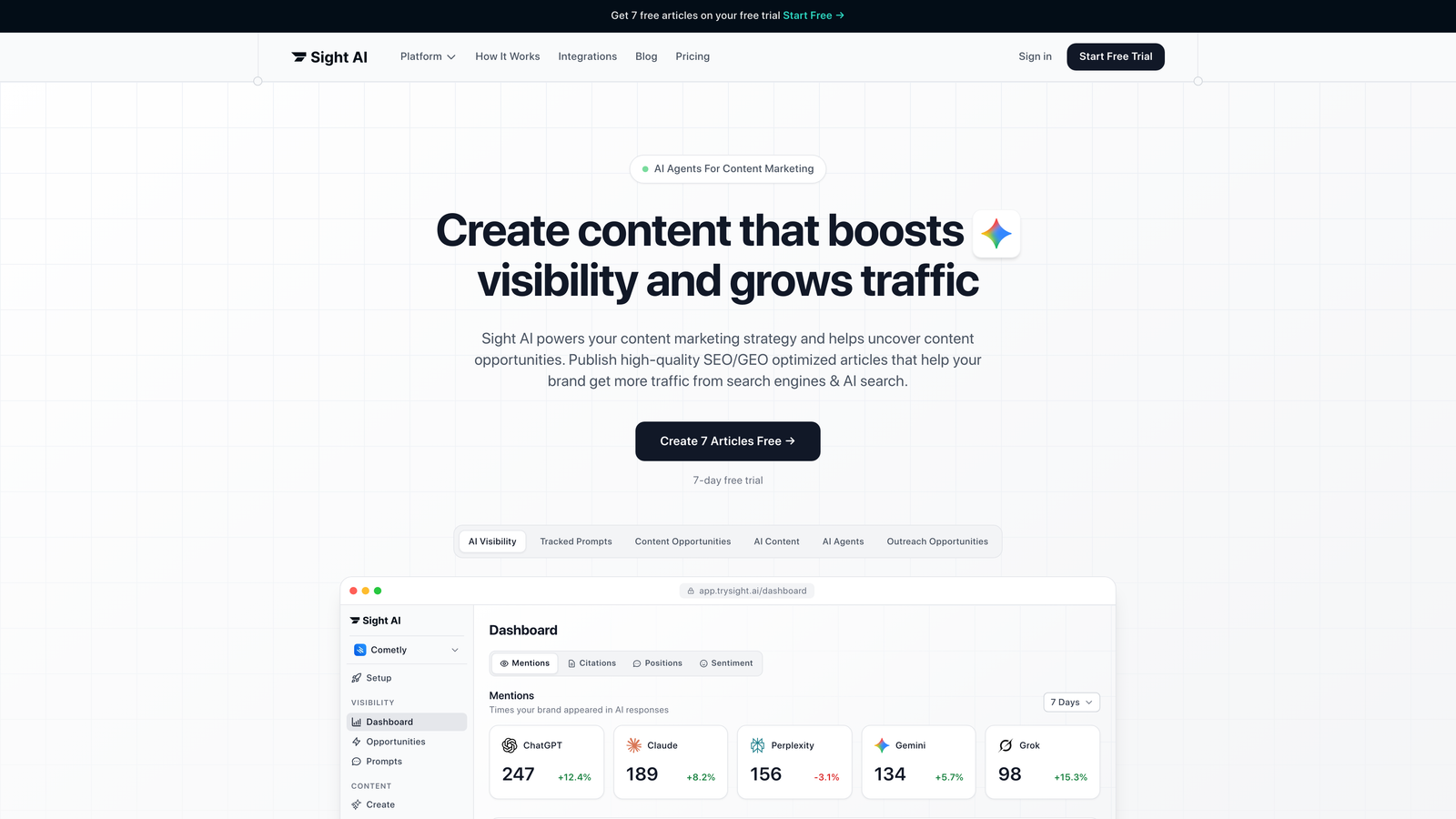
Sight AI combines traditional indexing monitoring with AI visibility tracking across ChatGPT, Claude, and Perplexity.
Where This Tool Shines
Sight AI covers both traditional search indexing and AI visibility. Other tools on this list focus only on Google and Bing indexing. Sight AI also tracks how AI models reference your brand and content.
Its IndexNow integration pushes content to search engines immediately after publication, so you don't wait for crawlers to discover changes. This matters most for time-sensitive content and high-velocity publishing schedules.
Key Features
IndexNow Protocol Integration: Automatically notifies search engines when content is published or updated. This shortens the time between publishing and indexing.
Automated Sitemap Management: Generates and updates XML sitemaps automatically, so search engines always have current information about your site structure.
Real-Time Indexing Status: Shows which pages are indexed and flags issues preventing indexing across major search engines.
AI Visibility Tracking: Tracks brand mentions and content citations across ChatGPT, Claude, Perplexity, and other AI models, so you can see your presence in AI-generated responses.
CMS Auto-Publishing: Publishes SEO-optimized content directly to your website, with indexing notification built in.
Best For
Marketing teams and agencies managing multiple content properties. It suits teams that need visibility into both traditional search indexing and AI platform mentions, especially brands investing in AI-optimized content strategies.
Pricing
Visit the Sight AI pricing page for current plan options and features.
2. Google Search Console
Best for: Direct access to Google's indexing data and URL-level diagnostics
Google Search Console is the authoritative source for how Google crawls, indexes, and serves your website.
Where This Tool Shines
No third-party tool can match Search Console's accuracy for Google indexing data, because the data comes directly from Google. When Search Console says a page isn't indexed, you are seeing exactly what Google's systems report.
The URL Inspection tool gives granular detail on individual pages. It shows the last crawl date, the Google-selected canonical, indexing status, and the specific technical issue blocking indexing.
Key Features
Page Indexing Report: This report replaced the older Coverage report. It shows indexed and not-indexed pages, with reasons such as "Excluded by 'noindex' tag", "Crawled – currently not indexed" or "Duplicate without user-selected canonical".
URL Inspection Tool: Shows crawl status and indexing eligibility for a single URL, runs a live test, and lets you request re-indexing.
Request Indexing: Submits a URL to Google for crawling. Useful for new or updated content, but subject to a daily quota.
Indexing Trends and Crawl Stats: The 90-day indexed-pages chart and the Crawl Stats report reveal coverage anomalies, such as a sudden spike in excluded URLs after a release.
Email Alerts and API: Google emails verified owners about significant new issues. The Search Console API and URL Inspection API let you pull data into dashboards for daily tracking.
Best For
Every website owner should use Search Console as the foundation of indexing monitoring. It is essential for diagnosing Google-specific issues. Note that Google retired its standalone Mobile Usability report in December 2023, so use Lighthouse for mobile checks instead.
Pricing
Completely free for all users.
3. Bing Webmaster Tools
Best for: Monitoring Bing indexing with native IndexNow protocol support
Bing Webmaster Tools provides Microsoft's view of your site's indexing status, with built-in support for proactive indexing notifications.
Where This Tool Shines
Bing was the first major search engine to implement IndexNow, a protocol that lets sites push URL changes to search engines instantly. You can notify Bing of new or updated content without waiting for its crawlers.
Bing's search share is smaller than Google's, but its index supports more than Bing itself. It feeds Yahoo, DuckDuckGo (in part), Microsoft Copilot, and the web results used by ChatGPT search. That makes Bing indexation a core signal for AI search visibility.
Key Features
Native IndexNow Support: Submits URLs for immediate indexing consideration through the IndexNow protocol, which reduces discovery lag.
URL Inspection: Checks the indexing status of individual URLs and submits pages directly to Bing's index.
Index Coverage Reports: Shows which pages Bing has indexed and identifies crawl or indexing errors.
Site Scan Tool: Runs automated SEO audits that identify technical issues affecting crawlability and indexability.
Keyword Research: Gives access to Bing's keyword data on search demand.
Best For
Sites that want visibility across all search engines, and anyone who cares about being retrievable by Bing-powered AI assistants.
Pricing
Free for all users.
4. Screaming Frog SEO Spider
Best for: Technical SEO professionals needing detailed crawl-based indexability analysis
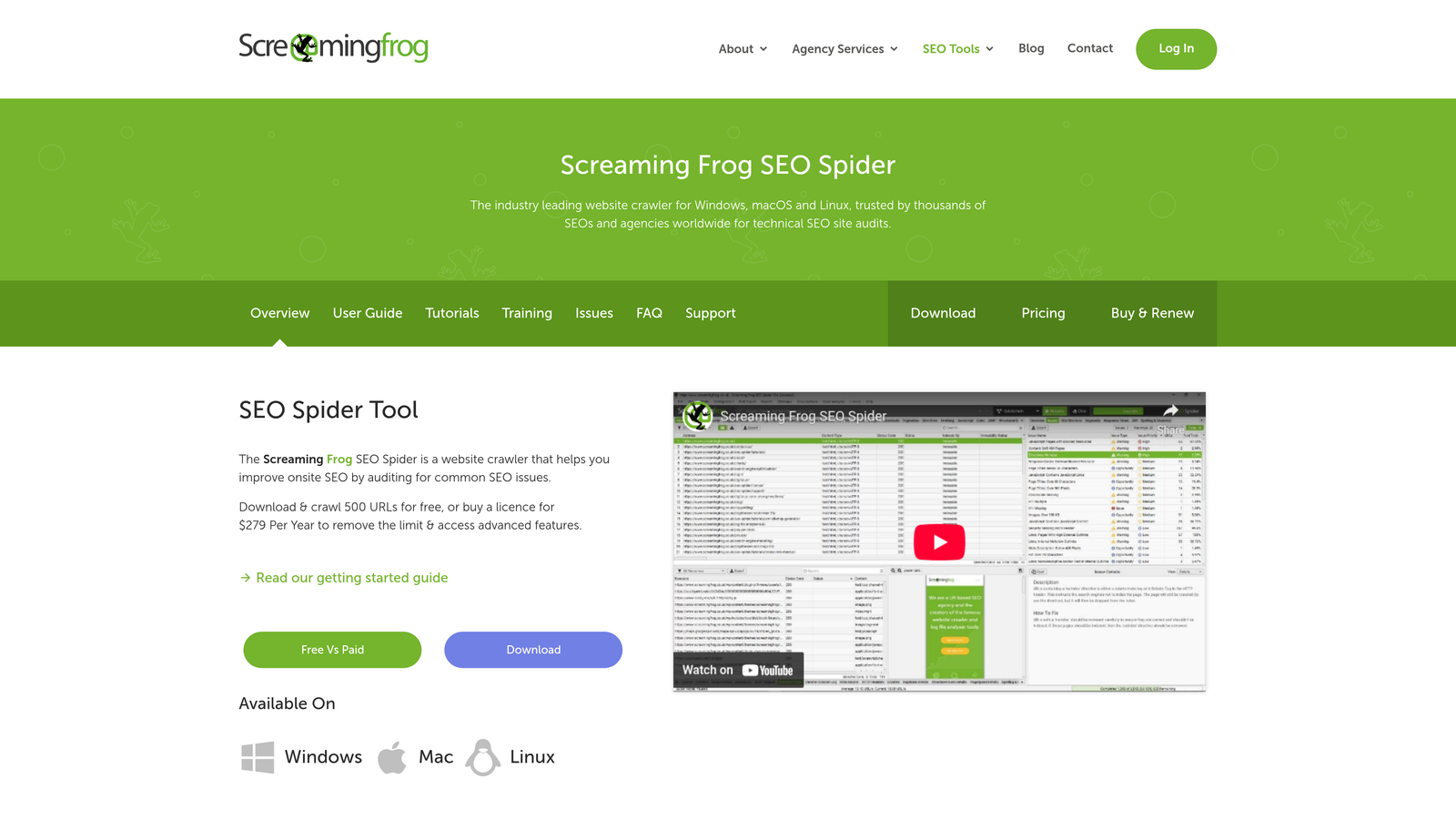
Screaming Frog SEO Spider is a desktop crawler that simulates how search engines discover and evaluate your pages.
Where This Tool Shines
Screaming Frog catches indexability issues before they become indexing problems. It crawls your site the way a search engine would. That surfaces technical barriers such as canonicals pointing to the wrong URLs, noindex tags on important pages, and redirect chains.
The Google Search Console integration lets you overlay real indexing data on top of crawl data. Combining the two shows whether the issues in your crawl are actually preventing indexing.
Key Features
Comprehensive Crawl Analysis: Identifies noindex tags, canonical issues, redirect chains, and other technical factors affecting indexability.
Google Search Console API Integration: Imports indexing data, including URL Inspection results, directly into crawl reports.
Bulk URL Status Checking: Processes thousands of URLs to check HTTP status codes and indexability signals.
Custom Extraction: Pulls specific data from pages using XPath or CSS selectors.
Scheduled Crawls and Crawl Comparison: Runs recurring crawls and compares them against previous ones to spot regressions.
Best For
Technical SEO specialists, agencies managing multiple client sites, and development teams who need granular control over crawl settings.
Pricing
Free for crawling up to 500 URLs; £199 per year for unlimited crawling and advanced features.
5. Ahrefs Site Audit
Best for: Teams needing automated monitoring with historical trend data
Ahrefs Site Audit combines crawling with the broader Ahrefs ecosystem of backlink data, rank tracking, and competitive analysis.
Where This Tool Shines
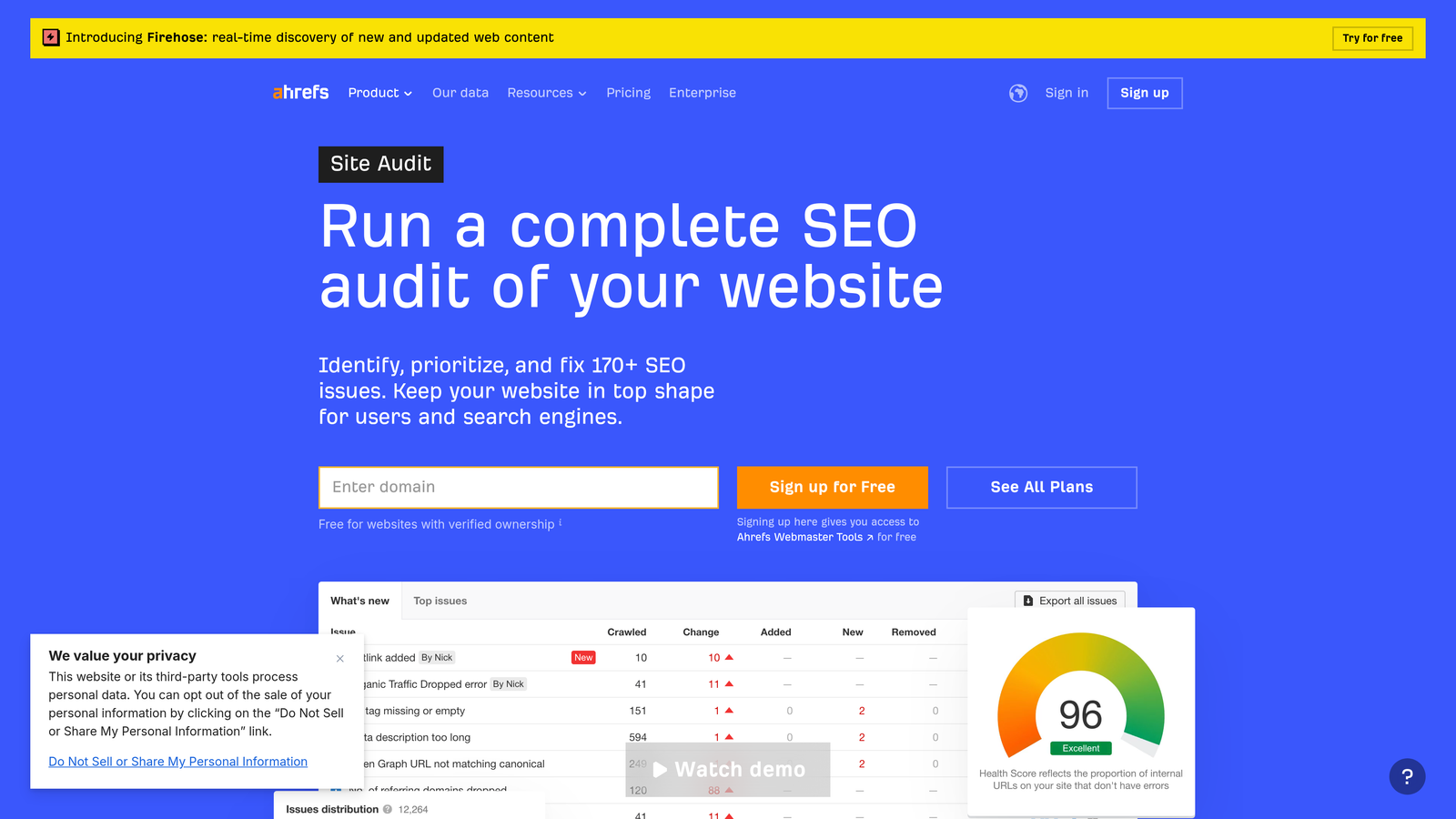
Ahrefs Site Audit crawls your site on a schedule you define and keeps a historical record of indexability issues. That history shows whether a problem is new or long-standing, and whether your fix actually resolved it.
Because it sits alongside Ahrefs' other tools, you can correlate indexing problems with ranking drops or backlink changes.
Key Features
Scheduled Automatic Crawls: Runs daily, weekly, or monthly crawls without manual intervention.
Indexability Issue Detection: Identifies pages blocked by robots.txt, noindex tags, canonical issues, and other technical barriers.
Historical Data Tracking: Shows trends over time, so you can tell whether indexability health is improving or worsening.
Integrated SEO Platform: Combines indexing monitoring with rank tracking, backlink analysis, and competitive research.
Issue Prioritization: Scores issues by severity to highlight the problems most likely to hurt search visibility.
Best For
SEO teams and agencies already using Ahrefs who want site monitoring without adding another tool.
Pricing
Paid plans start at roughly $129 per month (Lite). Higher tiers add more crawl credits and projects. Free Ahrefs Webmaster Tools covers audits for verified sites.
6. Semrush Site Audit
Best for: All-in-one SEO platform users wanting crawlability and indexability insights
Semrush Site Audit provides technical SEO auditing with clear prioritization of crawling and indexing issues.
Where This Tool Shines
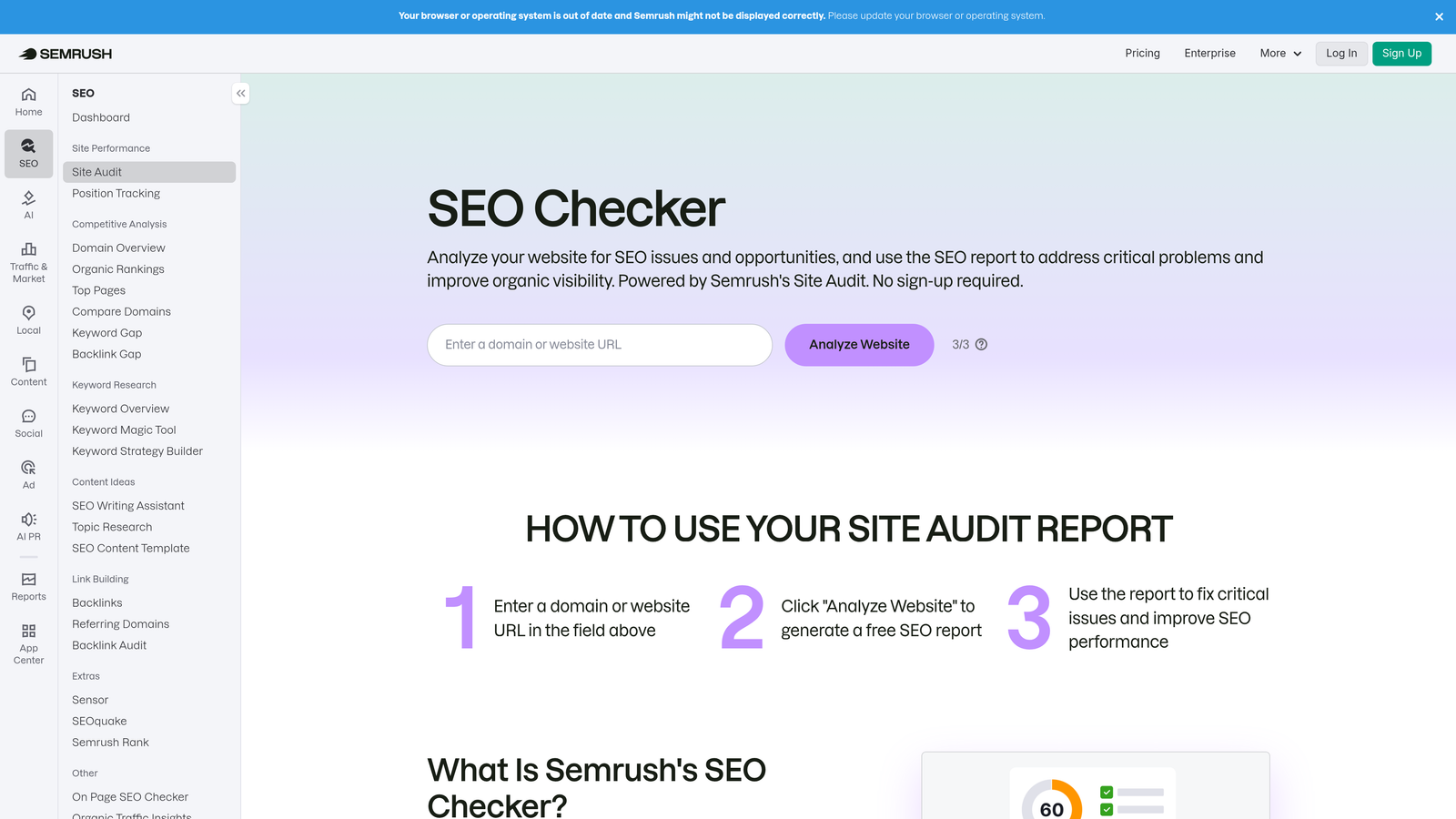
Semrush makes technical SEO accessible to non-specialists. It groups issues by severity and explains each one in plain language, with specific recommendations for fixing it.
Scheduled audits with email alerts notify you when new issues appear, so you don't have to remember to check.
Key Features
Crawlability and Indexability Reports: Analyzes the technical factors that affect how search engines access and index your content.
Scheduled Audits with Alerts: Runs recurring crawls and sends email notifications when issues are detected or change.
Issue Prioritization: Ranks problems as errors, warnings, or notices.
Comparison with Previous Crawls: Tracks changes over time so you can verify that fixes worked.
Thematic Reports: Groups related issues together for more efficient fixing.
Best For
Marketing teams already using Semrush for keyword research or competitive analysis.
Pricing
Starts at roughly $139.95 per month for the Pro plan.
7. IndexCheckr
Best for: Quick bulk checking of URL indexing status
IndexCheckr specializes in one thing: telling you whether specific URLs are indexed.
Where This Tool Shines
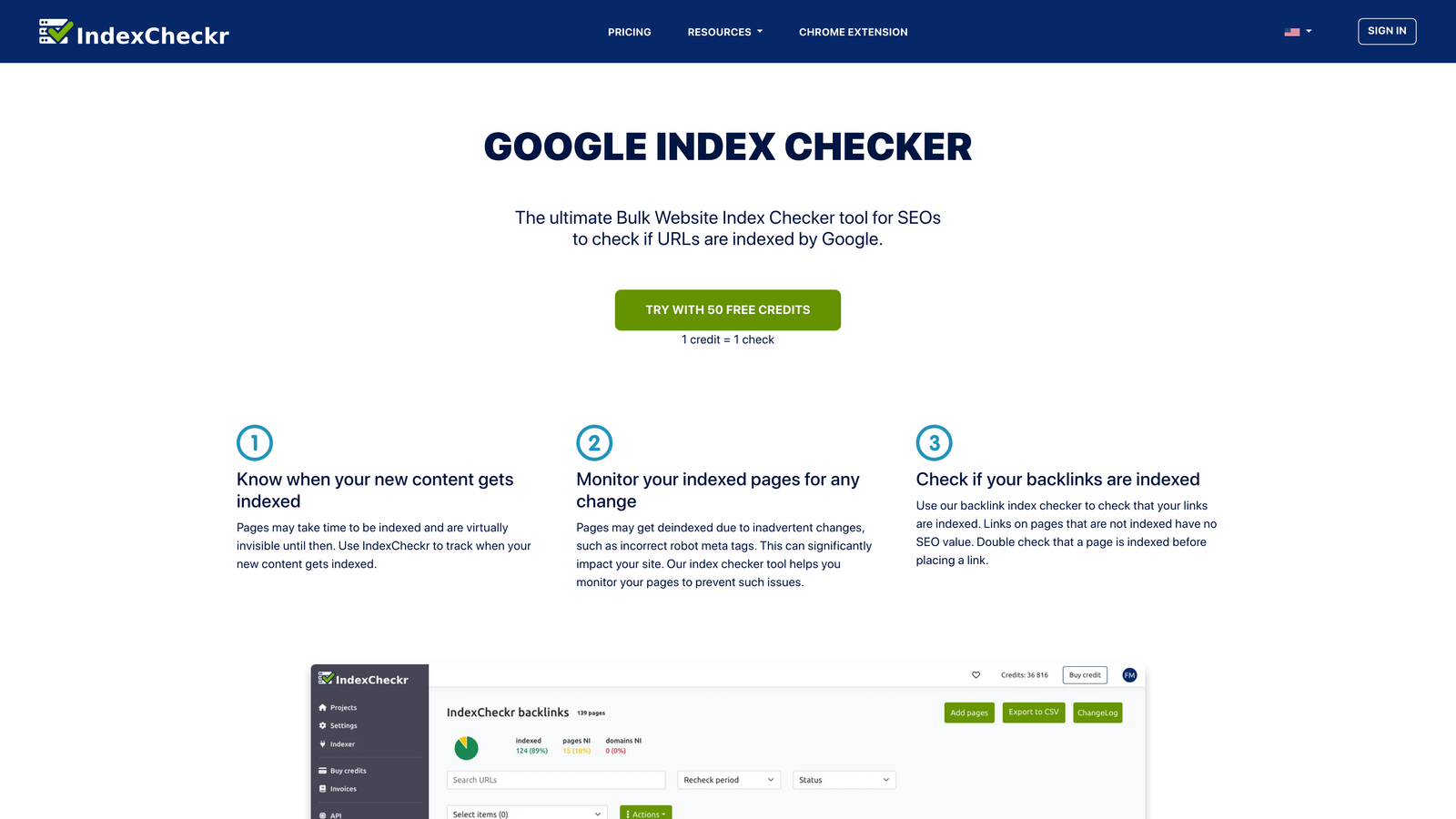
Sometimes you just need to know whether a URL is indexed. IndexCheckr answers that without the complexity of a full site audit. Upload a list of URLs and you get their indexing status within minutes.
This simplicity suits specific jobs: checking whether a batch of new pages got indexed, or confirming that removed pages actually left the index.
Key Features
Bulk URL Index Checking: Checks hundreds or thousands of URLs in one batch.
Recurring Checks: Re-checks URLs on a schedule and flags pages that drop out of the index.
CSV Export: Downloads results for further analysis or reporting.
Simple Interface: Paste URLs and get results without configuration.
Best For
SEO professionals who need quick spot-checks, and agencies verifying client page indexing as part of regular reporting.
Pricing
Free tier available for limited checks. Paid plans scale with the number of URLs checked each month.
8. Conductor Website Monitoring (formerly ContentKing)
Best for: Real-time monitoring with instant alerts when indexability issues appear
ContentKing was acquired by Conductor and now operates as Conductor Website Monitoring. It monitors your website 24/7 and alerts you the moment a change could affect indexing.
Where This Tool Shines
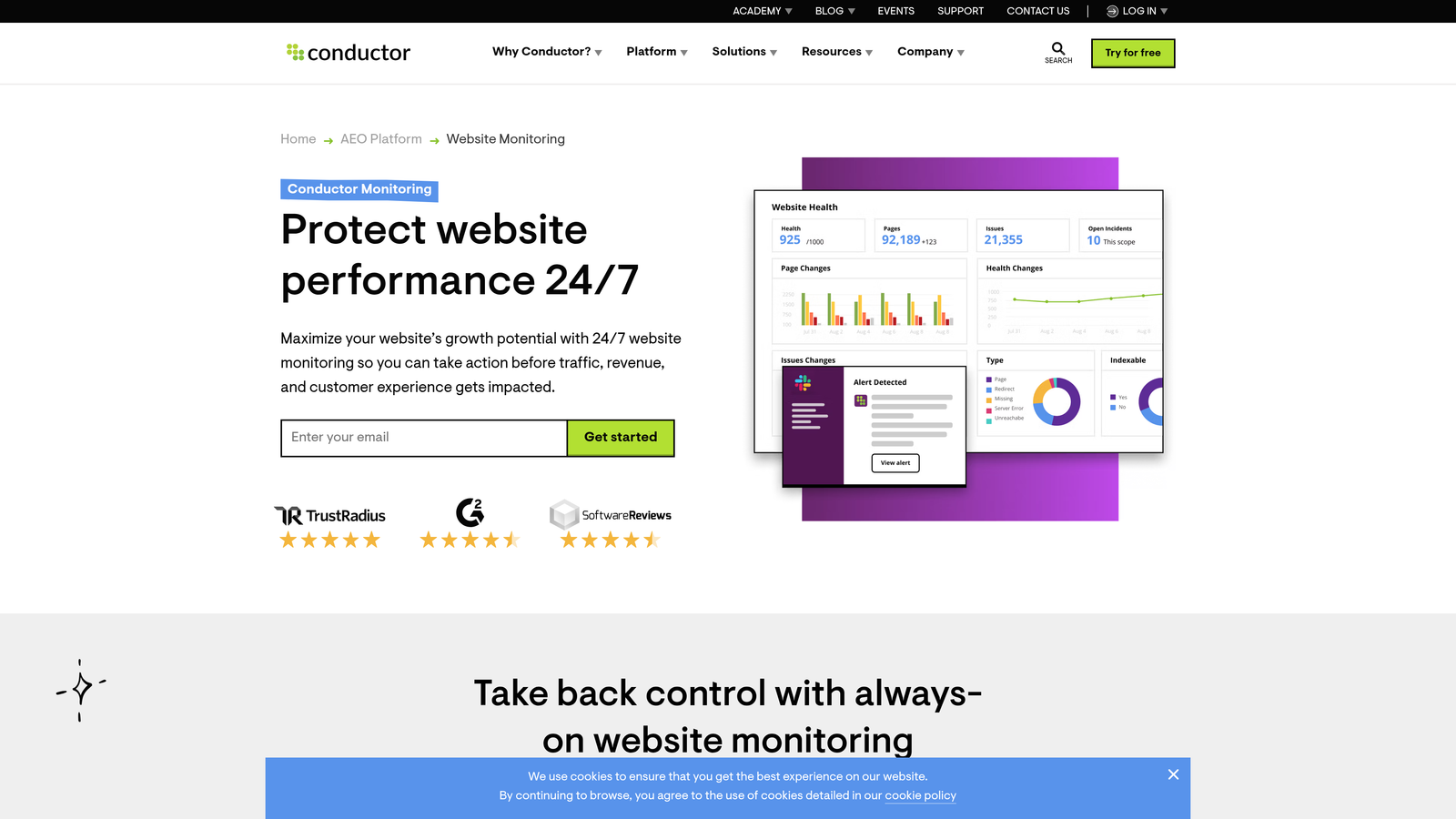
Most crawlers check your site periodically. This tool monitors continuously instead. You are alerted within minutes when a deploy adds a noindex tag to your templates or a robots.txt change blocks search engines sitewide.
Continuous monitoring is most valuable on large sites where many people ship changes.
Key Features
24/7 Real-Time Monitoring: Catches changes as they happen rather than waiting for a scheduled crawl.
Instant Alerts: Sends notifications by email, Slack, or other integrations when indexability-affecting changes occur.
Robots.txt and Meta Tag Tracking: Monitors the files and tags that control search engine access.
Change Tracking: Shows before-and-after comparisons, so you can see exactly what broke and when.
Visual Change Indicators: Highlights on the dashboard explain what changed and why it matters for SEO.
Best For
Enterprise sites, e-commerce platforms with dynamic inventory, and organizations where multiple teams can push SEO-affecting changes.
Pricing
Custom pricing based on website size and monitoring requirements.
9. Sitebulb
Best for: Visual crawl analysis with clear indexability issue prioritization
Sitebulb is an SEO auditing tool, available as desktop software or in the cloud. It presents technical data through visual crawl maps and severity-scored reports.
Where This Tool Shines
Sitebulb turns complex crawl data into visuals that make patterns obvious. Its crawl maps color-code indexability status across your site structure, so sections with widespread issues stand out.
Its "hints" system explains what is wrong, why it matters, and how to fix it.
Key Features
Visual Crawl Maps: Color-codes indexability status across your site structure.
Indexability Hints: Gives context-aware recommendations with a severity rating for each issue.
Detailed Technical Reports: Analyzes the factors affecting crawlability and indexability.
Desktop-Based Security: In the desktop version, crawling runs locally, which keeps site data under your control.
PDF Report Generation: Creates client-ready reports with custom branding.
Best For
SEO consultants and agencies presenting findings to clients.
Pricing
Desktop plans start at about $13.50 per month (Lite), with Pro at about $35 per month. Cloud plans are priced separately.
How to monitor indexation for AI search
AI assistants can only cite pages they can retrieve. Most of them rely on a traditional search index plus their own crawlers. A practical monitoring setup covers four layers:
- Search indexes: Track indexed-page counts in both Search Console and Bing Webmaster Tools. A Bing drop can quietly remove you from ChatGPT search and Copilot answers.
- AI crawler access: Audit robots.txt rules for OAI-SearchBot, GPTBot, ChatGPT-User, PerplexityBot, ClaudeBot and Google-Extended. Blocking a search-retrieval bot is different from blocking a training bot, so decide each one deliberately. Validate the file after every change with a robots.txt validator.
- Deploy safety: Use continuous monitoring, such as Conductor Website Monitoring, or a CI check that fails a release if templates gain
noindexor robots.txt returnsDisallow: /. - Citations: Track whether AI answers actually mention and link your pages, using an AI visibility tool such as Sight AI.
Measuring indexing lag over time
Indexing lag is the time between publishing a URL and its first indexed state. Here is how to measure it:
- Log the publish timestamp for each new URL.
- Query the URL Inspection API daily until the status changes to "URL is on Google".
- Record the median and 90th-percentile lag per content type.
A rising median usually points to crawl-budget, internal-linking, or quality issues. Submitting through IndexNow typically cuts Bing lag to hours. For a broader comparison of crawlers that support this kind of diagnosis, see our guide to website crawling and indexing tools. To set up push notifications, follow the IndexNow implementation guide.
Making the Right Choice
The right indexing monitoring setup depends on your needs and existing workflow. Make Google Search Console your foundation regardless: it is free and gives authoritative data directly from Google. Add Bing Webmaster Tools for full search engine coverage, and because Bing's index matters for AI search.
For teams managing complex sites with frequent updates, Sight AI combines indexing monitoring with IndexNow integration and AI visibility tracking. This is especially useful if your content strategy aims to get your brand mentioned by AI models like ChatGPT and Claude.
Technical SEO professionals often prefer Screaming Frog for its granular control. Agencies already using Ahrefs or Semrush benefit from keeping everything in one platform. Conductor Website Monitoring is worth the investment if you need real-time alerts on deploy mistakes.
For quick spot-checks without full audits, IndexCheckr offers simple bulk URL checking. If you need to present findings to non-technical stakeholders, Sitebulb's visual reports make complex issues easy to follow.
Frequently asked questions
Which tools send real-time alerts when a deploy adds noindex tags or breaks robots.txt?
Conductor Website Monitoring (formerly ContentKing) is the best-known option. It monitors pages continuously and sends alerts within minutes when meta robots tags, canonicals or robots.txt change. Ahrefs and Semrush only alert after their next scheduled crawl. Search Console emails you only once Google detects the problem, often days later. Teams with CI pipelines can add a pre-release check that blocks deploys containing sitewide noindex.
Which tools integrate with Google Search Console to highlight coverage anomalies?
Screaming Frog, Ahrefs Site Audit, Semrush, Sitebulb, Conductor and Sight AI can all connect to Search Console. Screaming Frog and Sitebulb can pull URL Inspection API data into crawl reports, which helps explain why specific pages are excluded. For trend-level anomalies, watch the Page Indexing chart and Crawl Stats in Search Console itself. See the comparison table above for each tool's integration.
How do I know if my site is indexed for AI search engines?
Check three things. First, confirm your pages are indexed in Bing and Google, since most AI assistants retrieve from these indexes. Second, verify that robots.txt allows search-retrieval bots such as OAI-SearchBot and PerplexityBot. Third, test real prompts or use an AI visibility tracker to see whether your pages are cited. The AI search section above walks through the full setup.
What platforms measure indexing lag over time?
Few tools report indexing lag out of the box. The most reliable approach is to combine publish timestamps with daily Search Console URL Inspection API checks. IndexCheckr's recurring checks and Sight AI's indexing status tracking can approximate it. Screaming Frog can also query the Inspection API in bulk. The method is described in the indexing lag section above.
The search landscape is evolving beyond traditional search engines. Start tracking your AI visibility today and see exactly where your brand appears across top AI platforms. Monitoring how AI models reference your content is becoming as important as tracking traditional search indexing.