Getting your content indexed quickly is the difference between ranking for trending topics and watching competitors capture that traffic first. Traditional indexing methods leave you waiting days or weeks for Google to discover new pages, while automated indexing tools can reduce that timeline to hours or minutes.
This comparison evaluates nine automated indexing solutions based on IndexNow support, sitemap automation, bulk submission capabilities, integration options, and pricing transparency. Whether you're managing a high-velocity content operation or need reliable indexing for a growing site, you'll find the right tool for your workflow below.
1. Sight AI Website Indexing
Best for: Content teams publishing frequently and needing indexing integrated with content creation workflows.
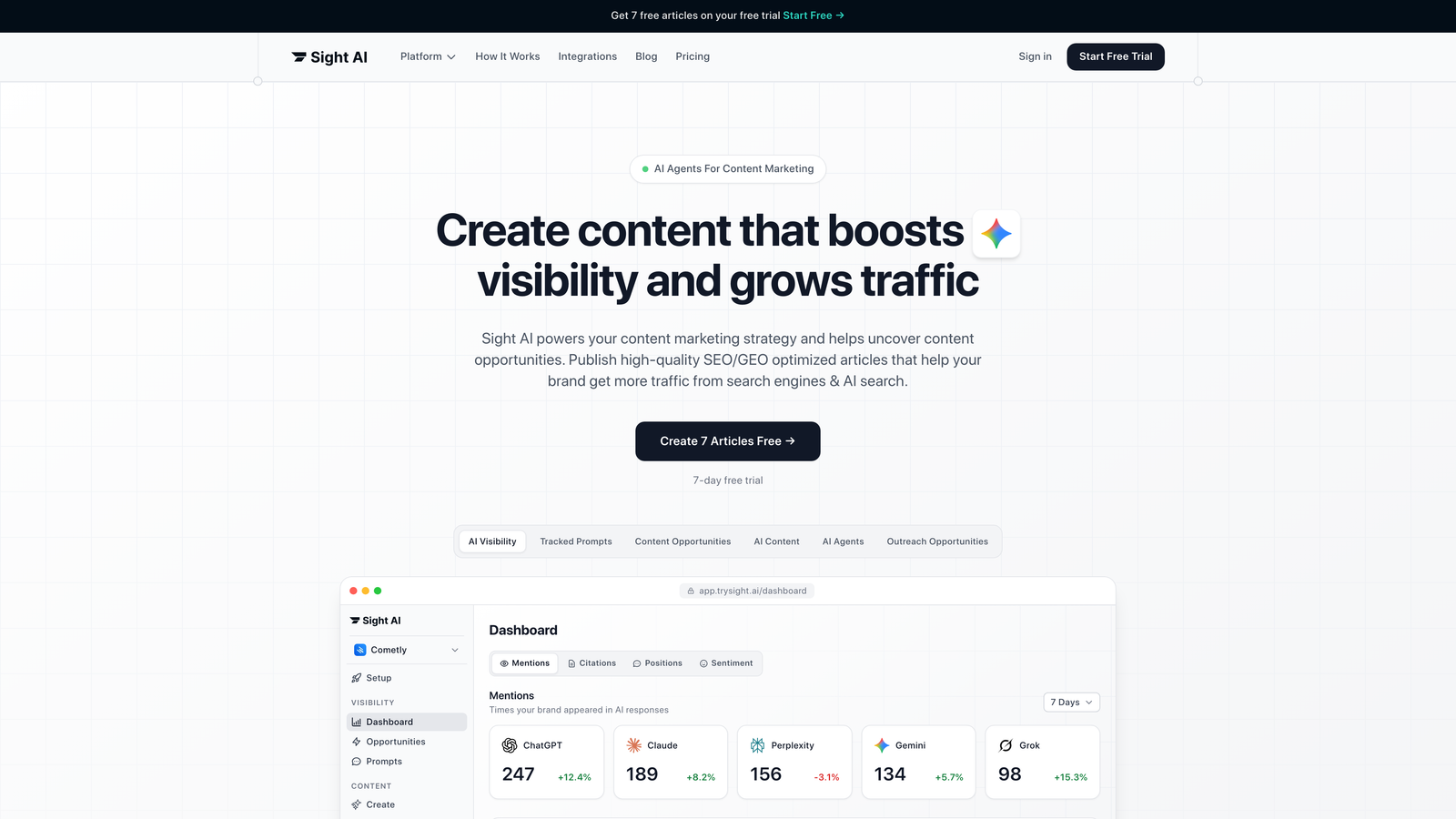
Sight AI is an all-in-one platform that combines instant IndexNow submissions with always-updated sitemaps for high-velocity publishing operations.
Where This Tool Shines
The standout advantage is workflow integration. When you publish content through Sight AI's content generation system, indexing happens automatically without manual intervention. Your sitemap updates in real-time as new articles go live.
This eliminates the common disconnect between content publishing and indexing submission. There's no separate dashboard to visit, no URLs to copy-paste, and no delayed submissions because someone forgot to update the sitemap.
Key Features
Instant IndexNow Submissions: Every published article triggers an immediate IndexNow notification to participating search engines.
Auto-Updated Sitemaps: Your XML sitemap refreshes dynamically as content is added, modified, or removed from your site.
Direct CMS Integration: Publishing workflow connects indexing with content creation, reducing manual steps.
Bundled Content Tools: Indexing comes packaged with AI-powered content generation and visibility tracking.
Zero Manual Submission: No need to remember to submit URLs or update sitemaps after publishing.
Best For
Marketing teams running content operations where speed matters. If you're publishing multiple articles per week and need indexing to happen automatically as part of your workflow, this integrated approach saves time and reduces friction.
Pricing
Included in Sight AI subscription plans alongside content generation and AI visibility tracking features.
2. IndexNow by Microsoft Bing
Best for: Development teams comfortable implementing APIs and wanting free, direct protocol access.
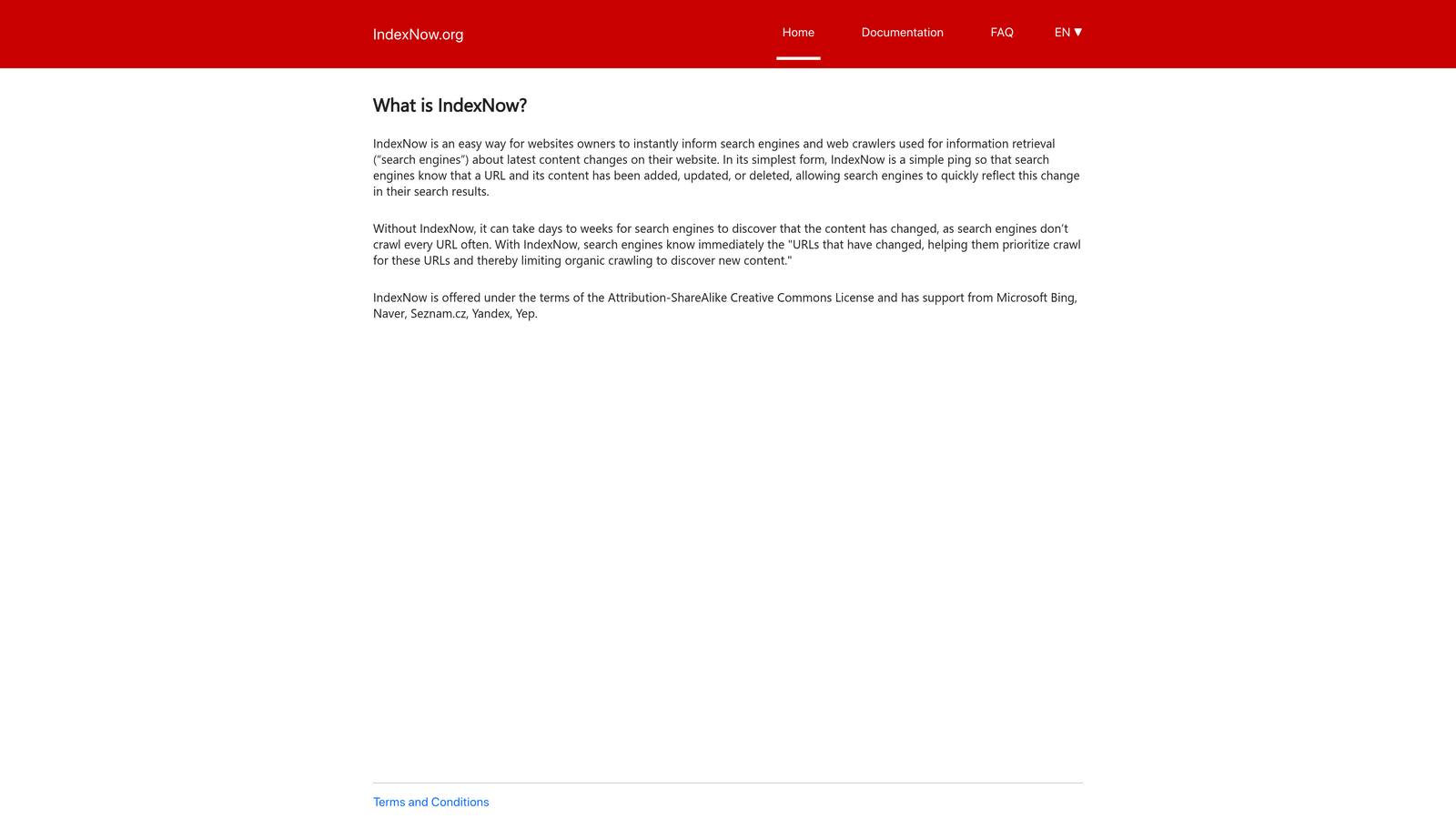
IndexNow is an open protocol that lets websites instantly notify participating search engines about content changes via simple API calls.
Where This Tool Shines
This is the foundation that many other tools build on. By implementing IndexNow directly, you get maximum control over submission timing and logic. The protocol supports batch submissions up to 10,000 URLs, making it viable even for large-scale operations.
Because it's an open standard, you're not locked into any vendor. Bing, Yandex, Seznam, and Naver currently support IndexNow natively. The implementation is straightforward for anyone comfortable with API calls.
Key Features
Free Open Protocol: No licensing fees or usage limits for legitimate submissions.
Multi-Engine Support: Single submission reaches Bing, Yandex, Seznam, and Naver simultaneously.
Batch Submission: Submit up to 10,000 URLs in a single API call.
Simple Implementation: Requires only an API key and basic HTTP POST capability.
No Rate Limiting: Submit as frequently as your content publishing schedule requires.
Best For
Technical teams with developer resources who want direct control over their indexing pipeline. If you're building custom publishing systems or need to integrate indexing into existing workflows, this gives you the building blocks.
Pricing
Completely free. You'll need developer time for implementation and maintenance.
3. IndexMeNow
Best for: Non-technical users needing bulk URL submission without dealing with API implementation.
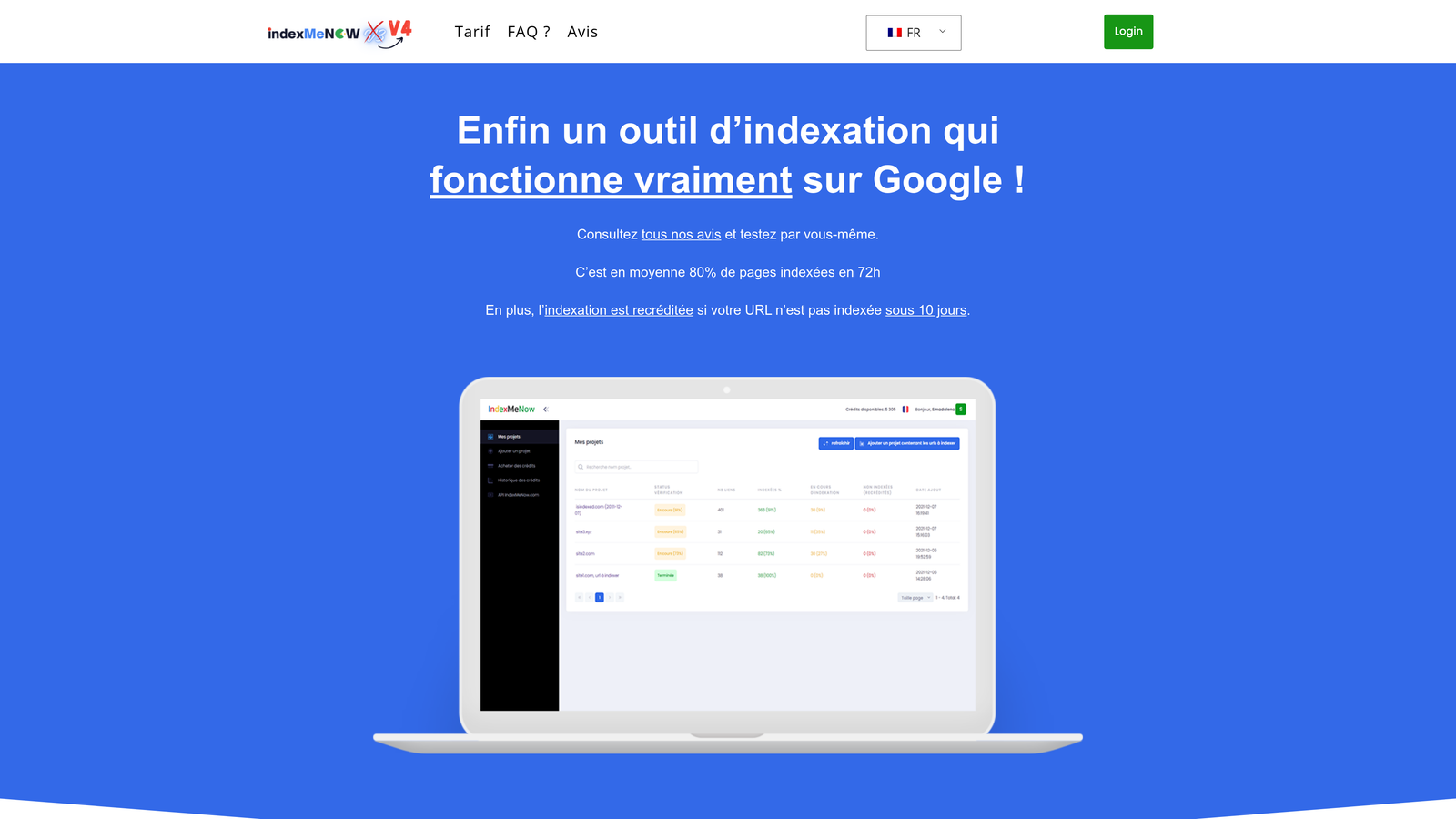
IndexMeNow is a cloud-based service that handles bulk URL submissions through an easy dashboard interface.
Where This Tool Shines
The appeal here is simplicity. Upload a CSV file with your URLs, and the platform handles submission to both Google and Bing. No code required, no API keys to manage, no technical configuration.
The dashboard provides status tracking so you can monitor which URLs have been submitted and when. For teams that need occasional bulk indexing without ongoing automation, the credit-based system means you only pay for what you use.
Key Features
Zero Technical Setup: Create an account and start submitting URLs immediately.
CSV Bulk Upload: Submit hundreds of URLs at once by uploading a simple spreadsheet.
Status Dashboard: Track submission history and indexing progress for all submitted URLs.
Dual Engine Support: Handles submissions to both Google and Bing from one interface.
Priority Queue Options: Expedite specific URLs when timing matters.
Best For
Marketing teams without developer support who need occasional bulk indexing. Works well for one-time migrations, content audits, or periodic submission of accumulated URLs.
Pricing
Credit-based pricing typically ranging from $0.05 to $0.10 per URL submitted, depending on volume purchased.
4. Rank Math Instant Indexing
Best for: WordPress users wanting automated indexing built directly into their SEO plugin.
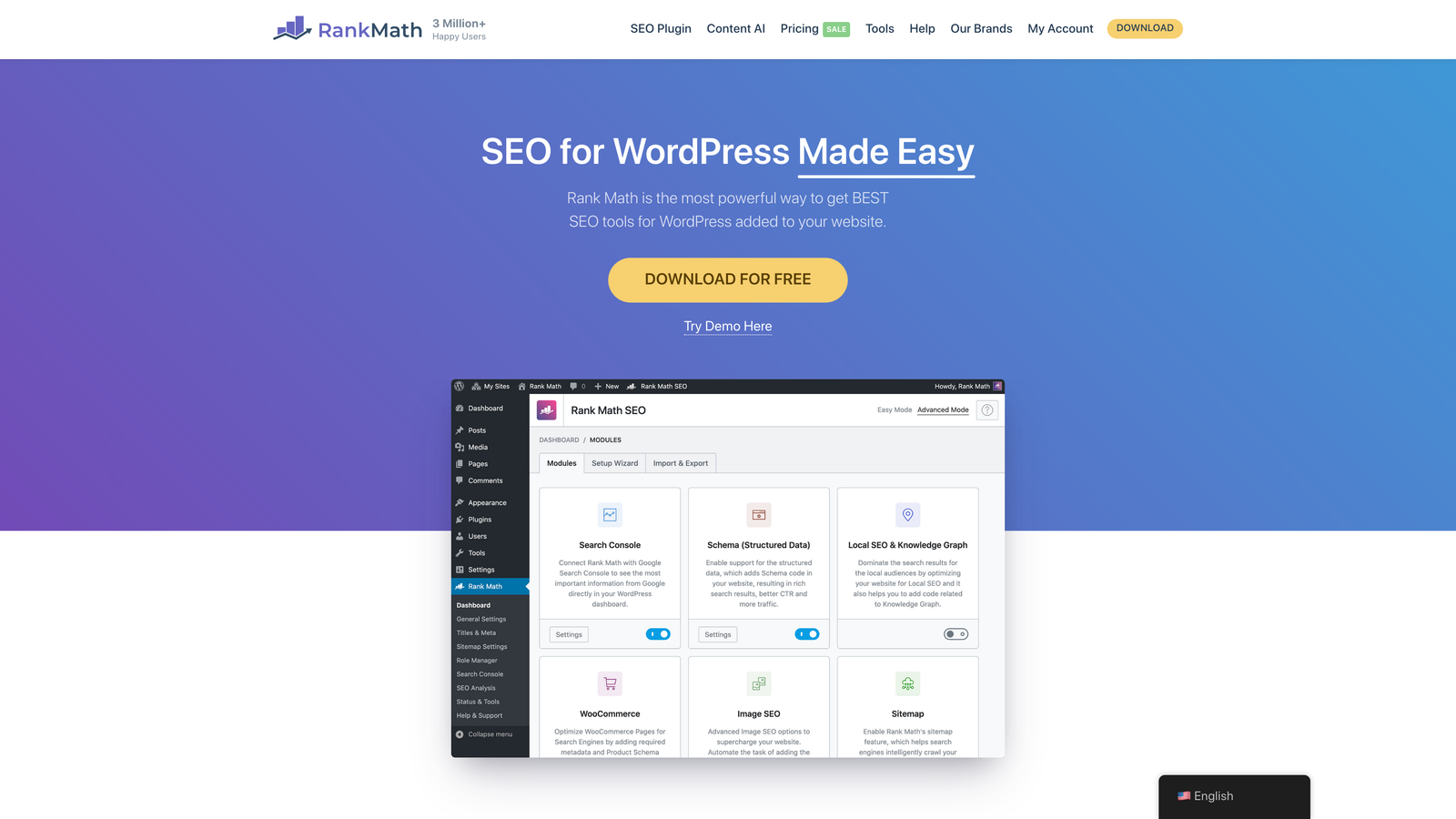
Rank Math is a WordPress SEO plugin with built-in IndexNow and Google Indexing API support for automatic submission.
Where This Tool Shines
Integration with WordPress publishing workflow is seamless. When you hit publish or update an existing post, Rank Math automatically triggers indexing submissions. You never have to think about it.
The plugin also provides a bulk indexing interface for existing content. If you're installing Rank Math on an established site, you can submit your entire content library with a few clicks rather than waiting for natural crawling.
Key Features
One-Click IndexNow Setup: Enable IndexNow integration with minimal configuration inside WordPress admin.
Google Indexing API: Direct integration with Google's official API for faster indexing requests.
Automatic Submission: Triggers indexing notifications whenever content is published or updated.
Bulk Indexing Tool: Submit all existing posts and pages from a dedicated interface.
Submission History: Track which URLs were submitted and when directly in your WordPress dashboard.
Best For
WordPress site owners who want indexing automation without leaving their familiar admin environment. Particularly valuable for content-heavy WordPress sites publishing frequently.
Pricing
Free version includes basic features. Pro version with instant indexing starts at $6.99 per month.
5. Yoast SEO Premium
Best for: WordPress users already invested in Yoast's ecosystem and wanting IndexNow as part of comprehensive SEO management.
Yoast SEO is a popular WordPress plugin offering IndexNow integration alongside on-page optimization and automatic sitemap management.

Where This Tool Shines
Yoast's strength is breadth. You're not just getting indexing automation—you're getting content analysis, internal linking suggestions, redirect management, and schema markup tools. For teams that need multiple SEO functions, this consolidation reduces plugin bloat.
The IndexNow integration sits within Yoast's premium tier, working automatically in the background as you publish. The sitemap functionality updates dynamically, ensuring search engines always have current information about your site structure.
Key Features
IndexNow Integration: Automatic submissions to participating search engines when content changes.
Dynamic XML Sitemaps: Auto-generated sitemaps that update as you publish, edit, or delete content.
Redirect Manager: Handle URL changes without losing indexing status on moved content.
Internal Linking Tool: Suggestions for connecting content to improve crawlability.
Content Analysis: Real-time feedback on readability and SEO optimization as you write.
Best For
WordPress sites that need a full-featured SEO plugin with indexing automation included. Makes sense if you're already using Yoast for other SEO tasks and want to consolidate tools.
Pricing
Premium version starts at $99 per year per site, including IndexNow and all advanced features.
6. Screaming Frog SEO Spider
Best for: Technical SEO audits identifying why pages aren't indexing properly before you fix submission issues.
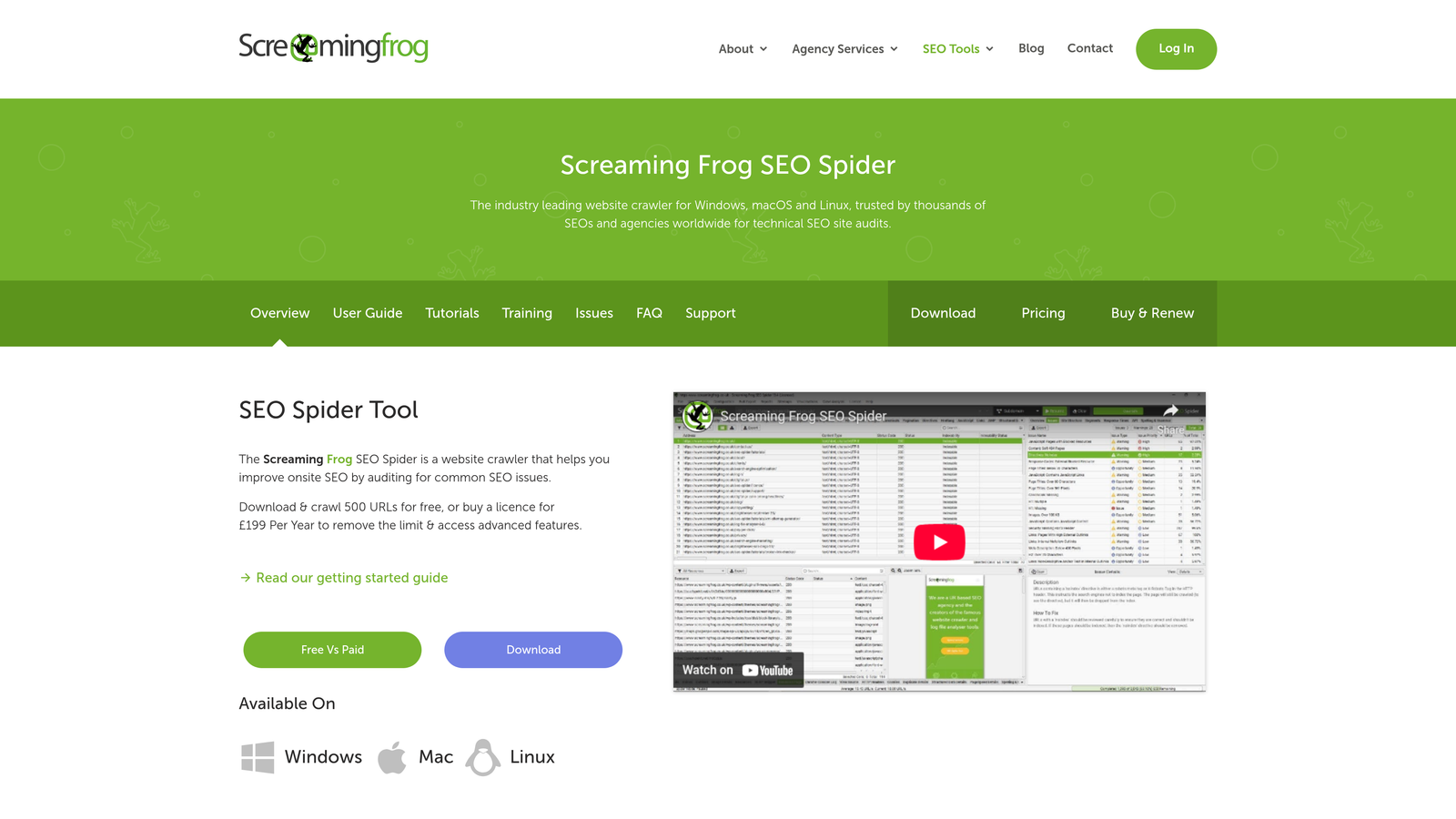
Screaming Frog SEO Spider is a desktop crawler that identifies indexing issues, crawl errors, and technical problems affecting search visibility.
Where This Tool Shines
This isn't an indexing submission tool—it's a diagnostic tool that reveals why pages might not be indexing. It crawls your site the way search engines do, identifying noindex tags, canonical issues, redirect chains, and orphaned pages.
The value comes from understanding crawlability before you start submitting URLs. If Google can't crawl a page properly, submitting it faster won't help. Screaming Frog shows you what needs fixing first.
Key Features
Deep Site Crawling: Analyze up to 500 URLs free or unlimited with a paid license.
Indexability Analysis: Identifies noindex tags, canonicals, and robots.txt blocks preventing indexing.
Search Console Integration: Compare crawl data with Google's actual indexing status.
Crawl Comparison: Track changes between crawls to catch new indexing issues.
Custom Extraction: Pull specific data points relevant to your indexing strategy.
Best For
SEO professionals and agencies conducting technical audits. Essential for diagnosing complex indexing problems on larger sites where submission alone won't solve visibility issues.
Pricing
Free version crawls up to 500 URLs. Full license costs £199 per year for unlimited crawling.
7. Oncrawl
Best for: Enterprise sites needing log file analysis to understand actual search engine crawl behavior and optimize crawl budget.
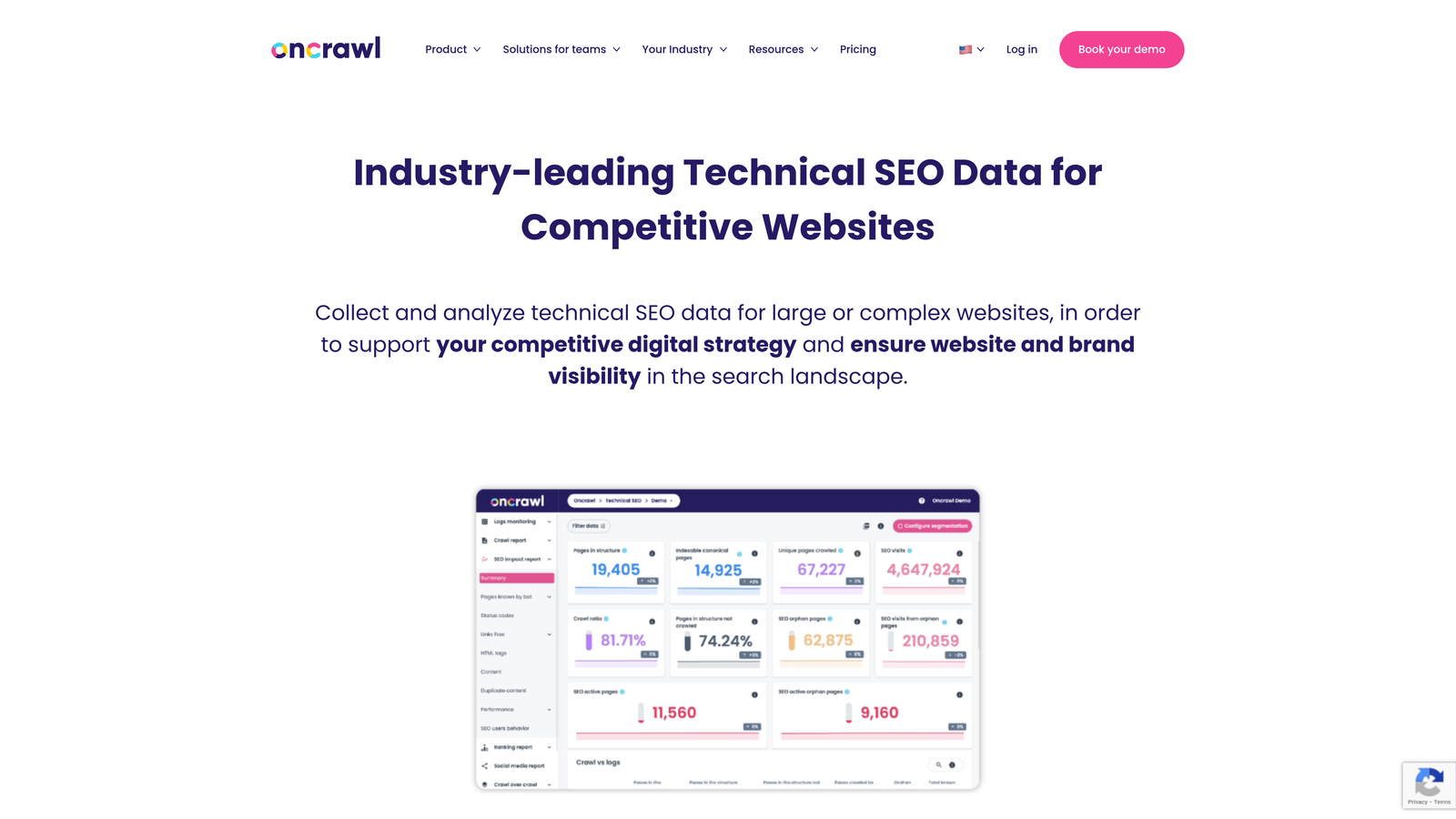
Oncrawl is an enterprise SEO platform combining crawler data with server log analysis to reveal how search engines interact with your site.
Where This Tool Shines
Log file analysis is the differentiator. While other tools show you what's on your site, Oncrawl shows you what search engines are actually crawling. This reveals crawl budget allocation, identifies pages search engines ignore, and surfaces orphaned content.
For large sites with thousands or millions of pages, understanding which sections consume crawl budget helps you prioritize indexing efforts. You might discover that search engines waste time on low-value pages while ignoring important content.
Key Features
Server Log Analysis: Track exactly which pages search engines crawl and how frequently.
Crawl Budget Insights: Identify wasted crawl resources and optimize for important pages.
Orphan Page Detection: Find valuable content that has no internal links pointing to it.
JavaScript Rendering: Analyze how search engines handle dynamic content.
Custom Segmentation: Break down data by page type, category, or custom criteria.
Best For
Enterprise sites with complex architectures and crawl budget concerns. Particularly valuable for e-commerce platforms, large publishers, and sites with millions of pages competing for limited crawl resources.
Pricing
Enterprise-focused pricing typically starts around $500 per month, scaling based on site size and feature requirements.
8. ContentKing
Best for: Teams needing real-time monitoring to catch indexability changes before they impact rankings.
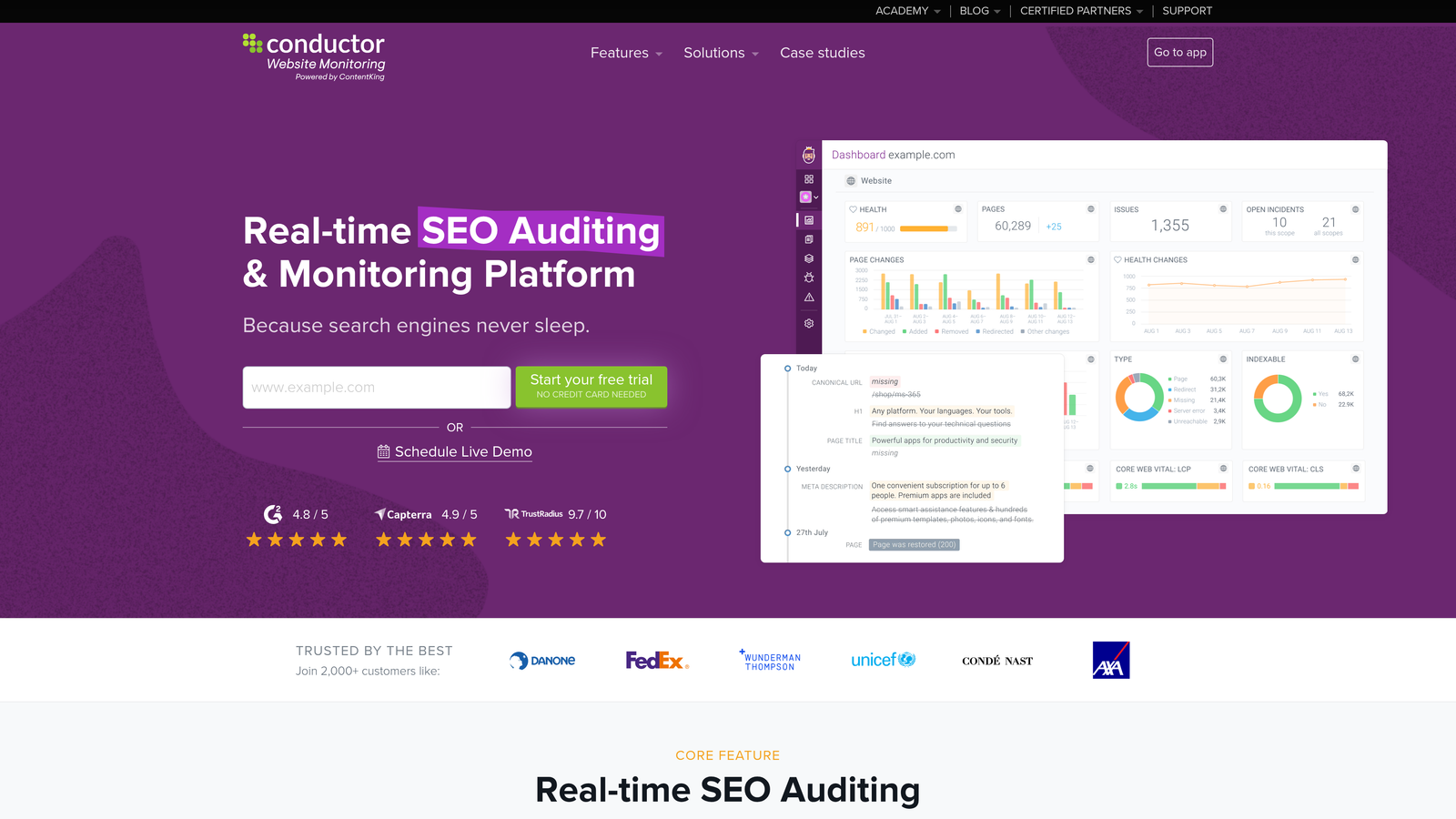
ContentKing is a real-time SEO monitoring platform that tracks technical changes affecting indexability and alerts teams immediately.
Where This Tool Shines
The real-time monitoring catches problems the moment they happen. If a developer accidentally adds a noindex tag to your entire blog section, ContentKing alerts you within minutes—not after you notice traffic dropping days later.
Historical change tracking creates an audit trail showing exactly when indexability issues appeared. This makes troubleshooting faster because you can pinpoint what changed and when, rather than guessing which recent update caused problems.
Key Features
24/7 Real-Time Monitoring: Continuous crawling detects changes as they happen across your site.
Instant Alerts: Email or Slack notifications when indexability issues appear.
Robots.txt Tracking: Monitors changes to robots.txt and meta robots tags that affect crawling.
Historical Timeline: Visual record of all technical changes affecting SEO and indexing.
Team Collaboration: Share findings and assign tasks within the platform.
Best For
Organizations with multiple people touching the website where accidental changes can break indexing. Particularly useful for agencies managing client sites or large teams with frequent deployments.
Pricing
Plans start around $89 per month for smaller sites, scaling based on page count and monitoring frequency.
9. Google Search Console
Best for: Every website owner as the baseline monitoring tool, regardless of which automated solution you choose.
Google Search Console is Google's free tool providing direct access to indexing data, manual URL inspection, and sitemap submission.
Where This Tool Shines
This is the authoritative source for understanding how Google sees your site. While third-party tools can submit URLs and monitor technical issues, only Search Console shows you Google's actual indexing decisions and reasons for exclusion.
The URL Inspection tool lets you request indexing for specific pages and see exactly why Google might not be indexing them. Index coverage reports reveal patterns in indexing issues across your entire site, helping you identify systematic problems.
Key Features
URL Inspection Tool: Check indexing status for individual URLs and request manual crawling.
Index Coverage Reports: See which pages are indexed, excluded, or encountering errors.
Sitemap Submission: Submit XML sitemaps and monitor their processing status.
Core Web Vitals: Track page experience metrics affecting rankings.
Mobile Usability: Identify mobile-specific issues that might prevent indexing.
Best For
Everyone. This should be your foundation regardless of which other tools you use. It's the only source of truth for Google's indexing decisions.
Pricing
Completely free for any website owner.
Making the Right Choice
For high-velocity content operations that need indexing integrated with content generation, Sight AI offers the most streamlined workflow. The automation eliminates manual submission steps entirely, letting you focus on content quality rather than technical processes.
WordPress users will find Rank Math or Yoast provide solid indexing automation within familiar interfaces. Both handle the technical implementation while keeping everything inside your WordPress dashboard. The choice between them often comes down to which SEO features you value beyond indexing.
Technical teams comfortable with API implementation can leverage IndexNow directly at no cost. This makes sense if you're building custom publishing systems or need precise control over submission logic. The development investment pays off through complete flexibility.
Enterprise sites with complex crawl budget concerns should consider Oncrawl or ContentKing for deeper diagnostics. These platforms reveal why pages aren't indexing—not just whether they've been submitted. For large sites, understanding crawl behavior often matters more than submission speed.
Start with Google Search Console as your baseline monitoring tool regardless of which automated solution you choose. It remains the authoritative source for understanding how Google sees your site and why specific pages might not be indexing as expected.
The indexing landscape has shifted dramatically with IndexNow adoption. What used to require waiting for natural crawling now happens in minutes when you combine protocol support with workflow automation. The right tool depends on your publishing velocity, technical resources, and whether indexing is an isolated need or part of a broader content operation.
Stop guessing how AI models like ChatGPT and Claude talk about your brand—get visibility into every mention, track content opportunities, and automate your path to organic traffic growth. Start tracking your AI visibility today and see exactly where your brand appears across top AI platforms.