Getting your content discovered by search engines remains one of the most frustrating bottlenecks in SEO. You publish great content, wait days or weeks, and wonder why Google hasn't indexed your latest pages. Meanwhile, AI search engines like ChatGPT and Perplexity are reshaping how users discover information—making fast, reliable indexing more critical than ever.
This guide covers the top website crawling and indexing tools that help marketers, founders, and agencies ensure their content gets discovered quickly across both traditional and AI-powered search platforms. We evaluated each tool based on crawl efficiency, IndexNow support, automation capabilities, and integration with modern SEO workflows.
Here are the top tools that solve the indexing challenge in 2026.
1. Sight AI
Best for: Fast indexing with AI visibility tracking and automated content workflows
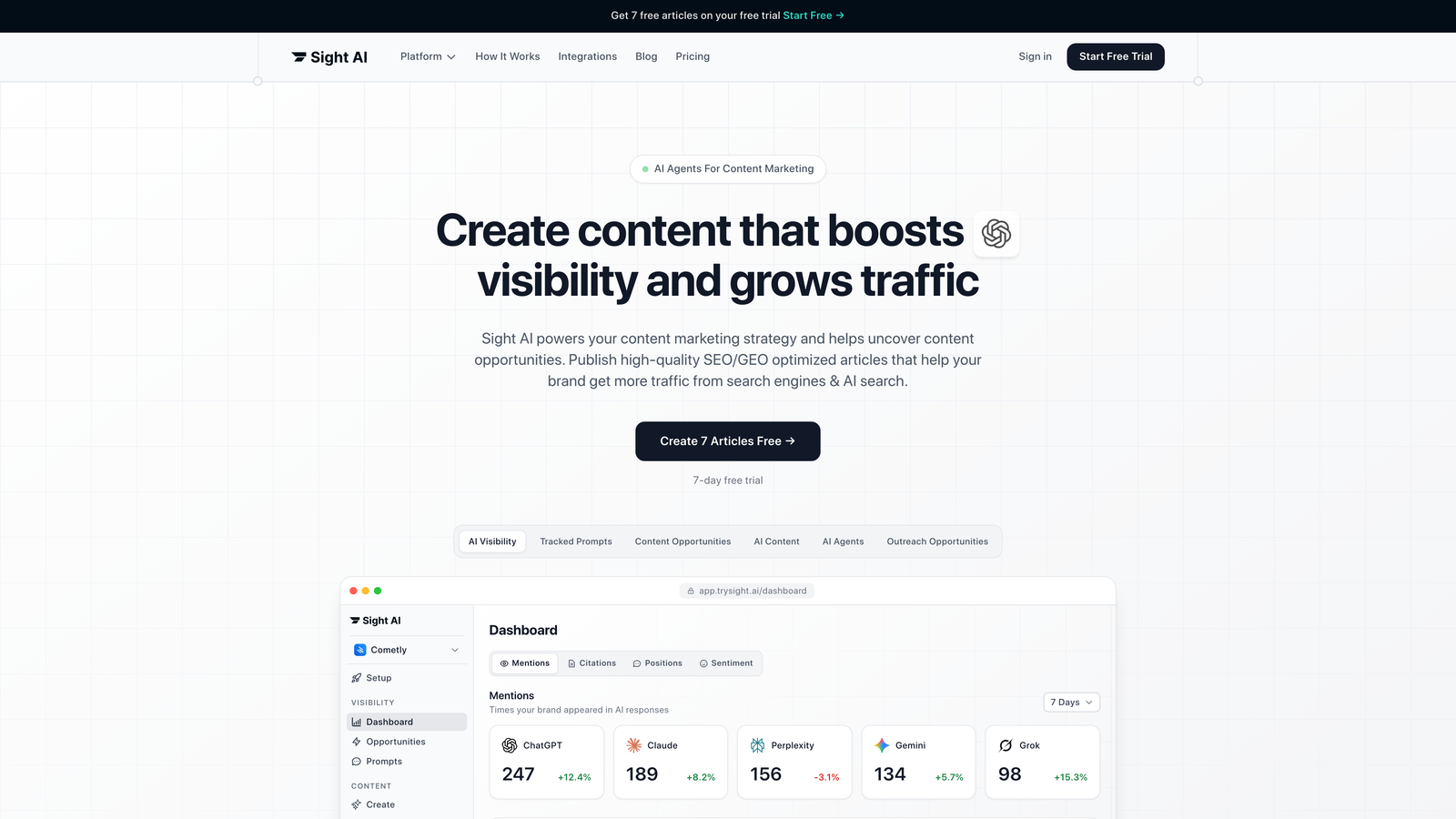
Sight AI is an all-in-one platform that combines website indexing with AI visibility tracking across ChatGPT, Claude, Perplexity, and other AI platforms.
Where This Tool Shines
Sight AI tackles a problem most crawling tools ignore: getting your content discovered by AI search platforms. While traditional tools focus exclusively on Google indexing, Sight AI monitors how AI models mention your brand and helps you optimize content for both traditional and AI-powered discovery.
The platform integrates IndexNow protocol for instant URL submission to search engines, then goes further by tracking whether AI platforms actually reference your content. This dual approach means you're not just hoping your content gets indexed—you're seeing exactly how it performs across the full discovery landscape.
Key Features
IndexNow Integration: Submit URLs instantly to Bing, Yandex, and other supporting search engines without waiting for traditional crawl cycles.
Automated Sitemap Updates: Automatically updates and submits sitemaps when new content publishes, eliminating manual submission workflows.
AI Visibility Tracking: Monitor brand mentions across ChatGPT, Claude, Perplexity, and 6+ AI platforms with sentiment analysis and prompt tracking.
CMS Auto-Publishing: Publish SEO and GEO-optimized content directly to your CMS with automatic indexing triggers.
Content Generation Integration: 13+ specialized AI agents create optimized content designed to get mentioned by AI models, with built-in indexing workflow.
Best For
Marketers and agencies who need fast indexing combined with AI visibility insights. Particularly valuable if you're creating content strategies that target both traditional search and AI platforms, or if you want automated workflows that handle indexing without manual intervention.
Pricing
Visit the pricing page for current plans tailored to different team sizes and indexing volumes.
2. Screaming Frog SEO Spider
Best for: Comprehensive technical SEO audits and site structure analysis
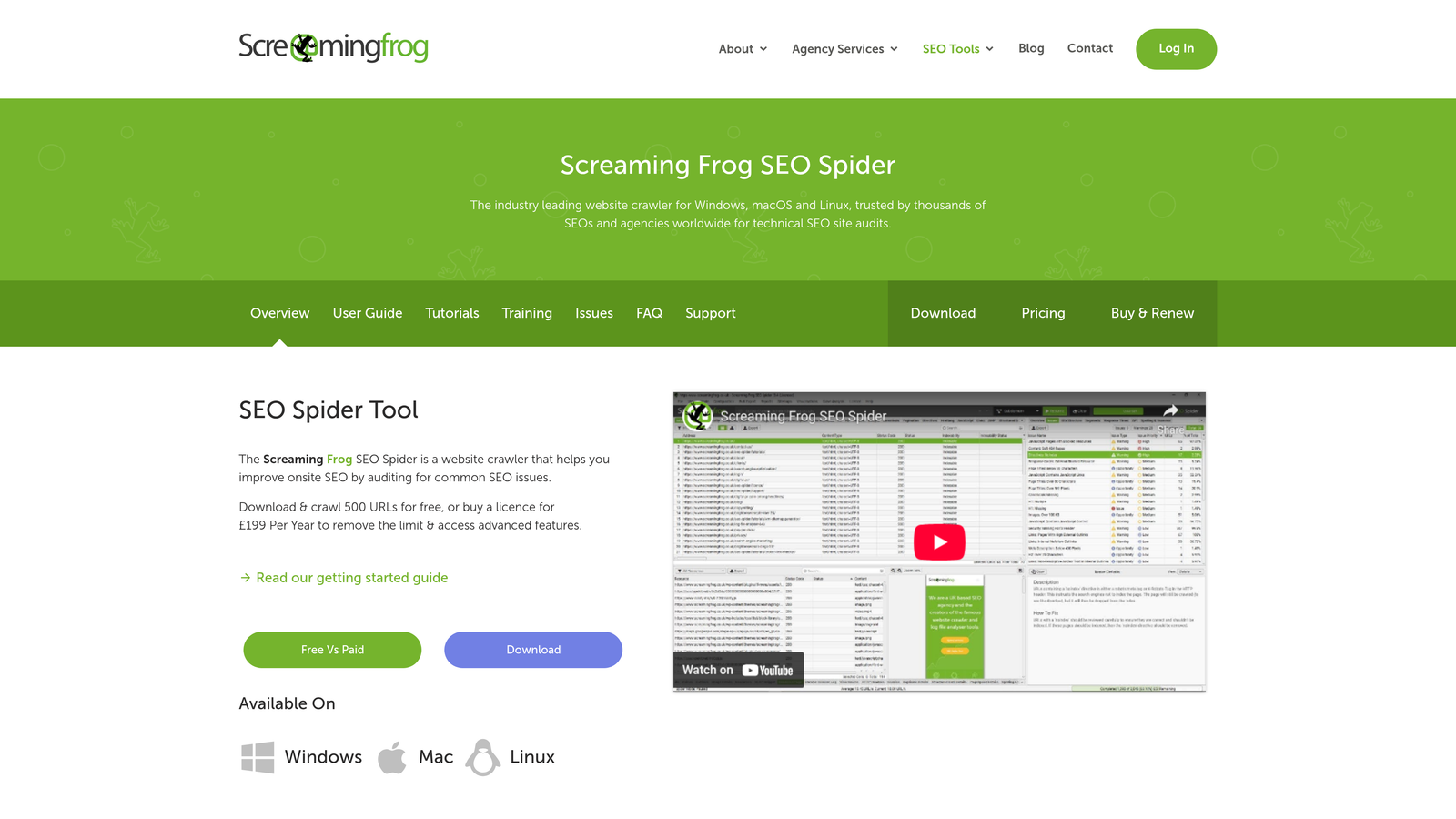
Screaming Frog SEO Spider is the industry-standard desktop crawler used by SEO professionals worldwide for deep technical audits.
Where This Tool Shines
Think of Screaming Frog as your technical SEO microscope. It crawls your site exactly like a search engine bot would, revealing every technical issue that might prevent proper indexing. The free version handles up to 500 URLs, making it accessible for small sites and testing.
What sets it apart is the sheer depth of data extraction. You can configure custom extraction rules, analyze JavaScript-rendered content, and export detailed reports that pinpoint exactly why certain pages aren't getting indexed. Many agencies run Screaming Frog audits before every major site launch.
Key Features
Unlimited Crawling: Free version crawls 500 URLs; paid license removes all limits for comprehensive site audits.
JavaScript Rendering: Crawl modern JavaScript frameworks to see content exactly as search engines render it.
Custom Extraction: Configure custom regex patterns and XPath queries to extract specific data points from pages.
Search Console Integration: Import data directly from Google Search Console and Analytics for combined analysis.
Detailed Export Options: Export crawl data to Excel, CSV, or database formats for further analysis and reporting.
Best For
SEO consultants, agencies, and in-house teams who need detailed technical audits. Essential if you're diagnosing indexing issues, preparing for site migrations, or conducting regular technical health checks on client sites.
Pricing
Free for up to 500 URLs. Full license costs £199 per year with unlimited crawling and advanced features.
3. Google Search Console
Best for: Direct communication with Google's index and free baseline monitoring
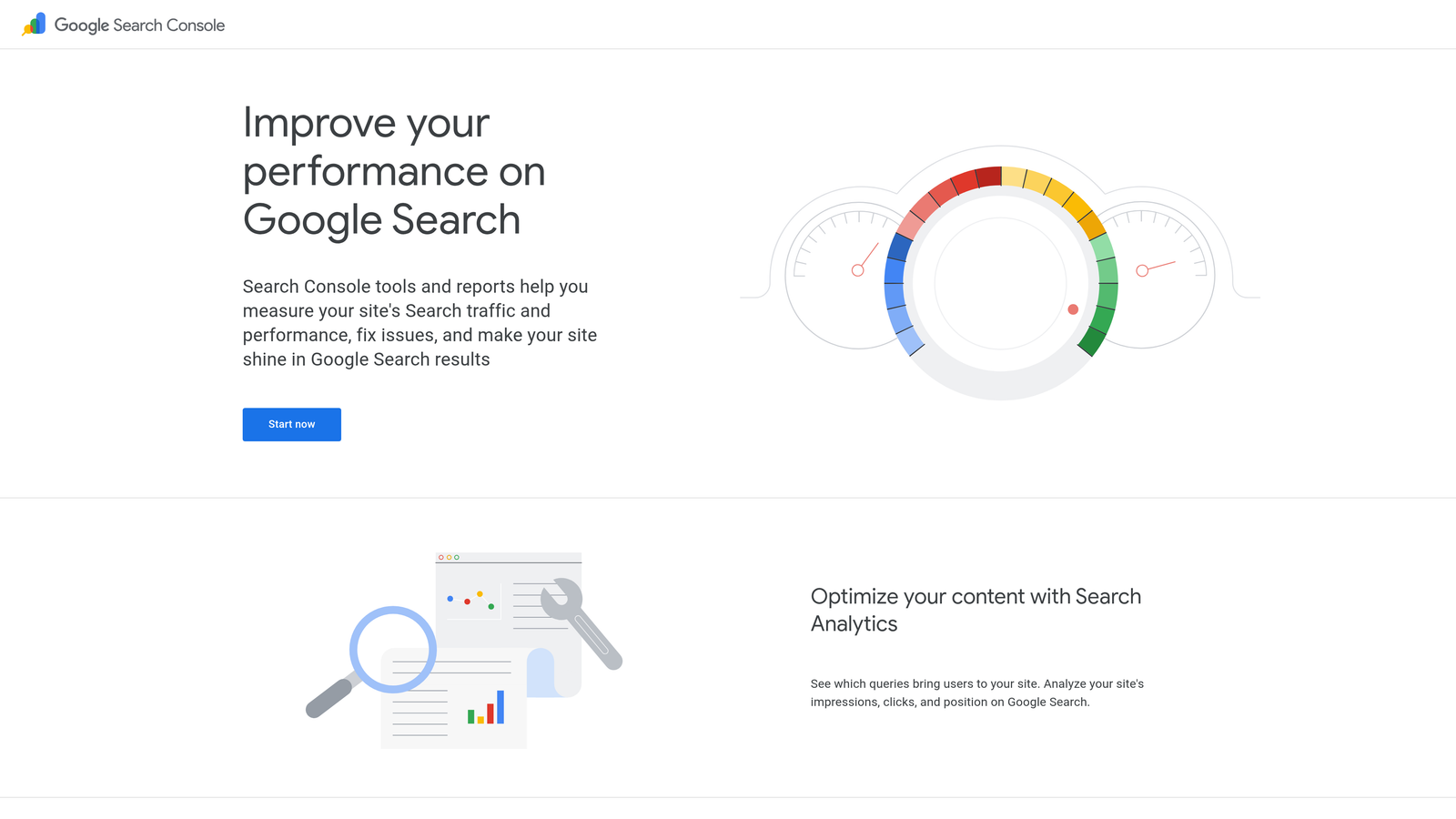
Google Search Console is Google's official tool for monitoring how your site appears in Google Search and requesting indexing.
Where This Tool Shines
This is your direct line to Google. No third-party tool can tell you definitively whether Google has indexed a page—only Search Console can. The URL Inspection tool shows you exactly what Google sees when it crawls a specific URL, including any indexing errors or warnings.
The sitemap submission feature remains the standard way to tell Google about new content. When you publish important pages, submitting them through Search Console often speeds up discovery compared to waiting for natural crawls. It's free, it's official, and every site should use it.
Key Features
URL Inspection Tool: Check indexing status for individual URLs and request immediate crawling for urgent updates.
Sitemap Submission: Submit XML sitemaps and monitor how many submitted URLs Google has actually indexed.
Index Coverage Reports: Identify pages with indexing errors, warnings, or exclusions with detailed explanations.
Performance Data: See which queries drive clicks and impressions, helping you understand what's working in search.
Core Web Vitals Monitoring: Track page experience metrics that affect rankings and indexing priority.
Best For
Everyone. If you have a website, you need Search Console. It's the baseline tool for understanding Google's view of your site, regardless of what other crawling tools you use.
Pricing
Completely free for all users.
4. Ahrefs Site Audit
Best for: Cloud-based crawling integrated with backlink and keyword research data
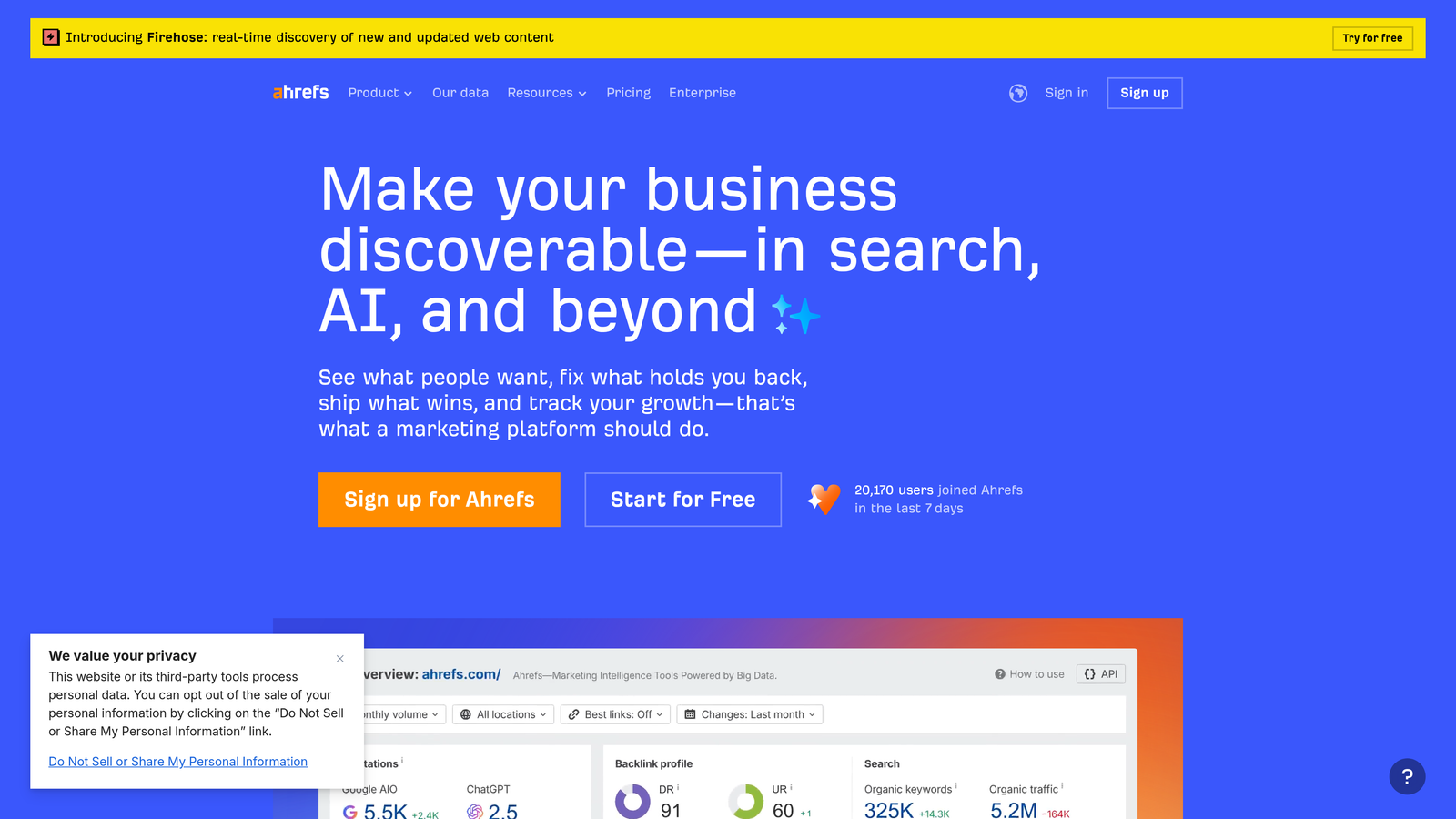
Ahrefs Site Audit is a cloud-based crawler that combines technical SEO analysis with Ahrefs' extensive backlink and organic traffic database.
Where This Tool Shines
Ahrefs Site Audit excels at connecting technical issues to actual ranking impact. When it finds an indexing problem, you can immediately see which valuable backlinks point to that broken page or how much organic traffic you're losing. This context helps prioritize fixes based on business impact, not just technical severity.
The scheduled crawling feature means your site gets monitored continuously. Set it to crawl weekly, and you'll catch new indexing issues before they become major problems. The integration with Ahrefs' broader SEO platform makes it particularly valuable if you're already using Ahrefs for keyword research or competitor analysis.
Key Features
Scheduled Automatic Crawls: Set crawls to run weekly or monthly, with email alerts when new issues appear.
100+ SEO Checks: Comprehensive issue detection covering everything from broken links to duplicate content and indexing problems.
Backlink Integration: See which valuable backlinks point to pages with technical issues, helping prioritize fixes.
JavaScript Rendering: Crawl JavaScript-heavy sites to analyze content as search engines actually see it.
Organic Traffic Correlation: Compare technical issues against actual traffic data to understand real-world impact.
Best For
Marketing teams already invested in the Ahrefs ecosystem who want automated monitoring without managing desktop software. Particularly useful for content-heavy sites where connecting technical issues to traffic impact drives faster decision-making.
Pricing
Included with all Ahrefs subscription plans starting at $99 per month.
5. Sitebulb
Best for: Visual reporting and actionable prioritization for agencies and consultants
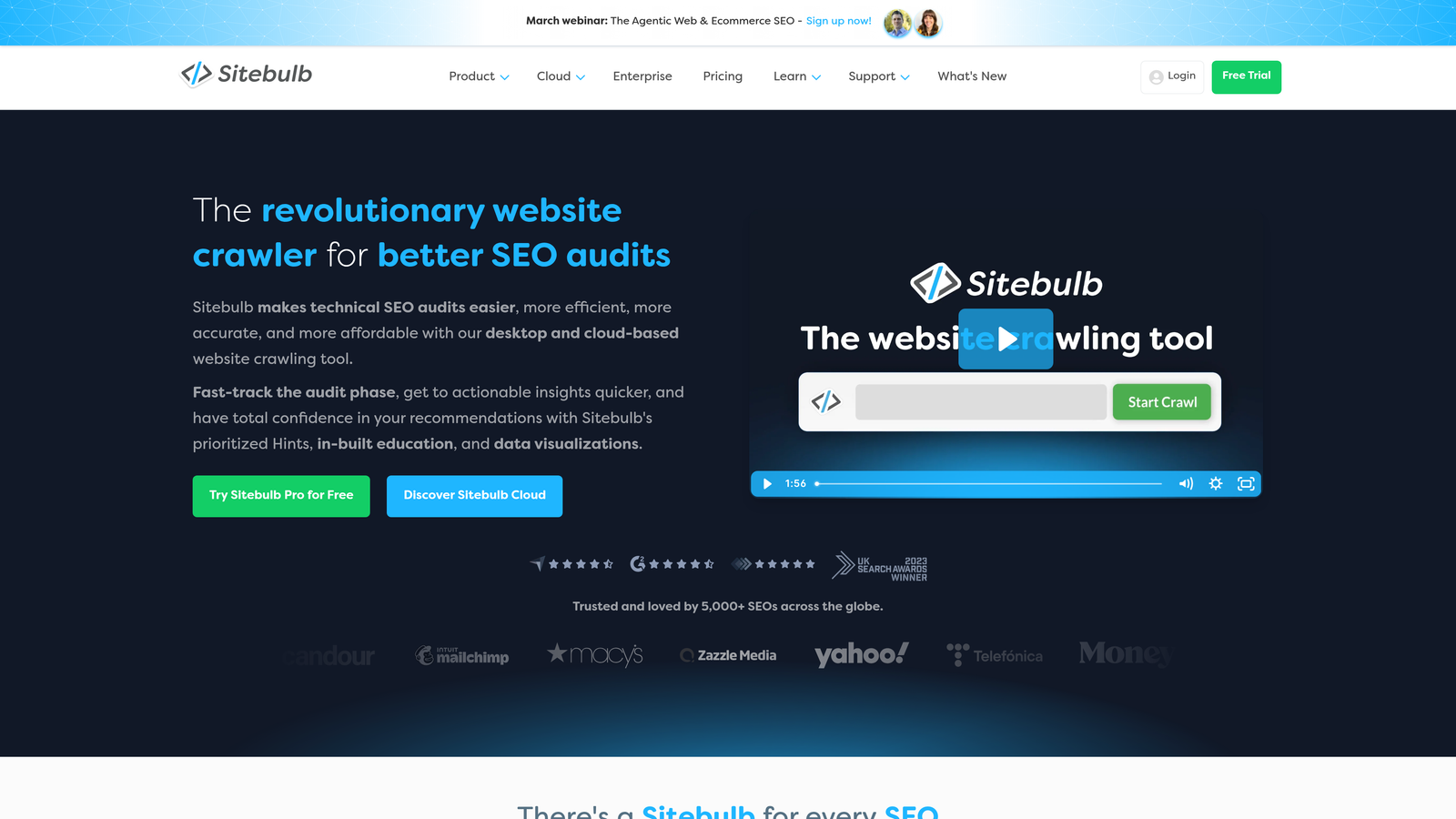
Sitebulb is a desktop and cloud crawler known for making technical SEO data accessible through visual reports and priority hints.
Where This Tool Shines
Sitebulb transforms crawl data into visual stories that clients actually understand. Instead of dumping spreadsheets of URLs with errors, you get visual crawl maps showing how search engines navigate your site structure. The Priority Hints system tells you exactly which issues to fix first based on potential impact.
The PDF export feature is gold for agencies. You can generate branded reports that explain technical issues in plain language, complete with screenshots and recommendations. Clients who would glaze over at a Screaming Frog export will engage with Sitebulb's visual presentation.
Key Features
Priority Hints System: Automatically ranks issues by severity and impact, telling you exactly what to fix first.
Visual Crawl Maps: Interactive diagrams showing site structure, internal linking patterns, and crawl paths.
PDF Report Generation: Create branded, client-ready reports with visual explanations and actionable recommendations.
Desktop and Cloud Options: Choose between local desktop crawling or cloud-based scheduled audits.
Accessibility Audits: Built-in accessibility checks help identify issues beyond traditional SEO concerns.
Best For
Agencies and consultants who need to present technical findings to non-technical stakeholders. The visual reporting and prioritization features make it easier to get buy-in for technical improvements from clients or internal teams.
Pricing
Desktop version starts at $13.50 per month (Lite) to $35 per month (Pro). Cloud version available with different pricing tiers.
6. Bing Webmaster Tools
Best for: Native IndexNow support and Bing search performance monitoring
Bing Webmaster Tools is Microsoft's webmaster platform with built-in IndexNow protocol support for instant URL submission.
Where This Tool Shines
Bing Webmaster Tools pioneered the IndexNow protocol, which lets you notify search engines about content updates instantly instead of waiting for crawls. While Bing's search market share is smaller than Google's, it powers search for ChatGPT and other AI platforms—making Bing indexing increasingly important for AI visibility.
The platform offers a surprisingly robust site scan tool that identifies technical SEO issues. You can import your site directly from Google Search Console, making setup quick. For sites targeting AI platforms or international markets where Bing has stronger presence, this is essential infrastructure.
Key Features
Native IndexNow Support: Submit URLs instantly using the IndexNow protocol, with immediate notification to Bing and partner search engines.
URL Submission API: Programmatically submit URLs at scale for automated indexing workflows.
Site Scan Tool: Automated technical SEO audits identifying common indexing issues and optimization opportunities.
Search Console Import: Import sites and verification directly from Google Search Console for quick setup.
SEO Reports: Get weekly email reports on indexing status, crawl errors, and search performance trends.
Best For
Sites that want fast indexing through IndexNow protocol, or those targeting AI platforms that use Bing's index. Also valuable for international SEO where Bing has stronger market presence in certain regions.
Pricing
Completely free for all users.
7. Lumar (formerly DeepCrawl)
Best for: Enterprise-scale crawling for sites with millions of pages
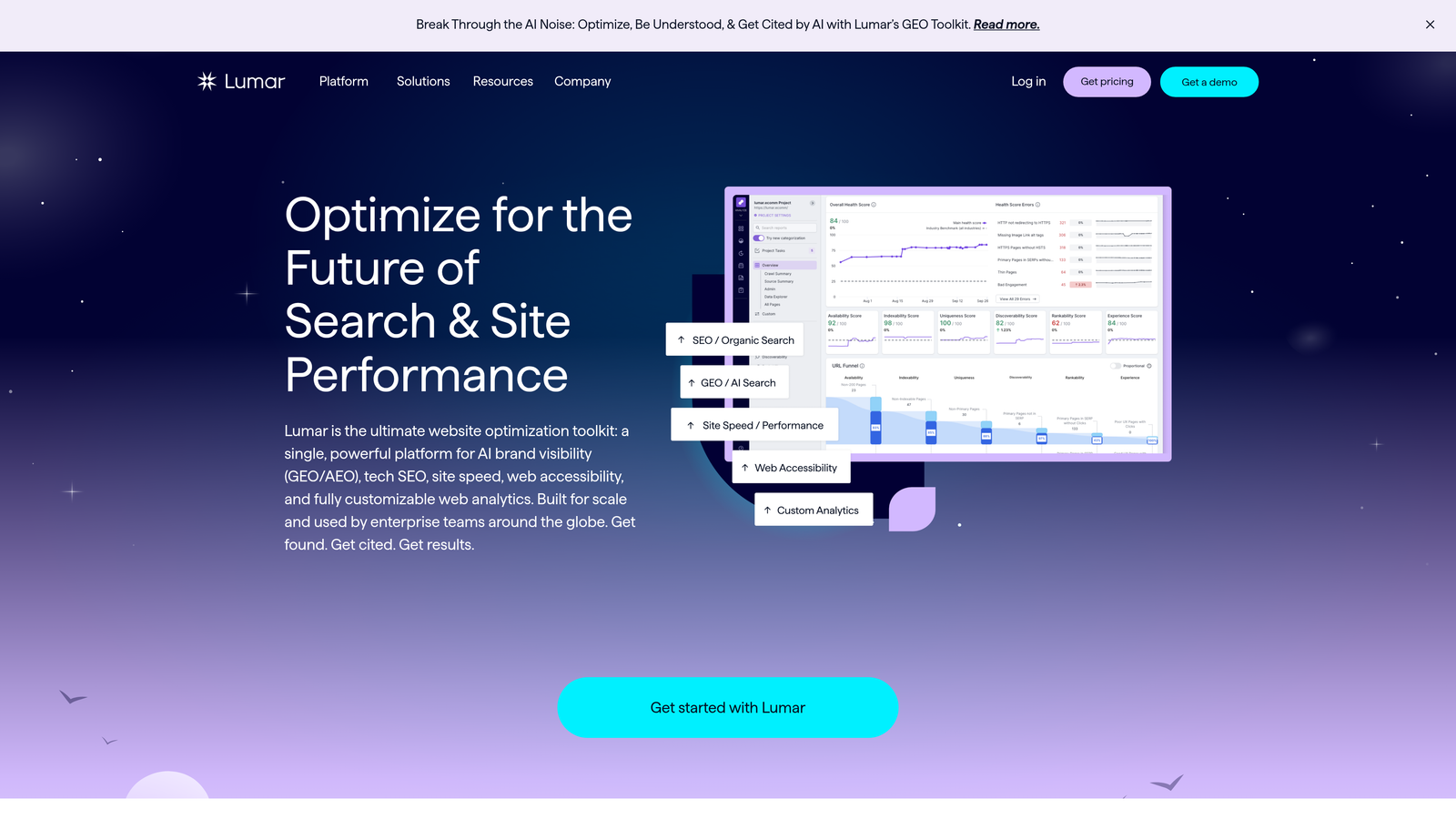
Lumar is an enterprise-grade cloud crawler designed to handle massive websites with millions of URLs and complex technical requirements.
Where This Tool Shines
When you're managing a site with millions of pages, desktop crawlers become impractical. Lumar handles enterprise scale with ease, crawling massive sites while maintaining detailed analysis of every URL. The platform integrates into CI/CD pipelines, meaning you can automatically audit staging environments before code goes live.
The advanced JavaScript rendering capabilities handle complex single-page applications that would break simpler crawlers. For large e-commerce sites, international enterprises, or major publishers, Lumar provides the infrastructure needed to maintain technical SEO at scale. The automated monitoring catches issues before they impact significant traffic.
Key Features
Unlimited URL Crawling: Handle sites with millions of pages without performance degradation or arbitrary limits.
Advanced JavaScript Rendering: Full Chrome rendering engine for accurate analysis of modern web applications.
Automated Monitoring: Continuous monitoring with instant alerts when new indexing issues appear across your site.
CI/CD Integration: Connect to development pipelines to audit staging environments before production deployment.
Custom Dashboards: Build custom reporting dashboards for different stakeholders with role-based access control.
Best For
Enterprise organizations with large-scale websites, complex technical infrastructure, or multiple properties requiring centralized monitoring. Essential if you're managing millions of URLs or need integration with enterprise development workflows.
Pricing
Custom enterprise pricing based on crawl volume, features needed, and number of properties monitored.
8. JetOctopus
Best for: Ultra-fast crawling combined with log file analysis
JetOctopus is a technical SEO platform that combines high-speed crawling with log file analysis to understand how search engines actually interact with your site.
Where This Tool Shines
JetOctopus crawls faster than almost any competitor—up to 200 pages per second. This speed matters when you're managing large sites or need rapid audits before major launches. But the real power comes from combining crawl data with log file analysis to see exactly how Googlebot behaves on your site.
Log file analysis reveals which pages Google actually crawls versus which ones it ignores. You might discover that Google wastes crawl budget on low-value pages while ignoring important content. This insight helps you optimize robots.txt, internal linking, and page priority to guide search engines toward your most valuable content.
Key Features
Ultra-Fast Crawling: Crawl speeds up to 200 pages per second for rapid large-scale site audits.
Log File Analyzer: Upload and analyze server logs to understand actual Googlebot behavior and crawl patterns.
Real-Time Monitoring: Live crawl monitoring shows progress and issues as they're discovered during the crawl.
Google Search Console Integration: Combine crawl data with Search Console metrics to correlate technical issues with ranking impact.
Crawl Budget Analysis: Identify where search engines waste crawl budget and optimize for better indexing efficiency.
Best For
Large sites where crawl budget optimization matters, or technical SEO teams who want to understand actual search engine behavior through log analysis. Particularly valuable for e-commerce sites with frequent inventory changes or news sites with high publishing velocity.
Pricing
Plans start at $50 per month based on crawl volume and features needed.
9. Oncrawl
Best for: Data-driven SEO analysis combining crawl, log, and ranking data
Oncrawl is a technical SEO platform that integrates crawl data with log file analysis and ranking data for comprehensive insights.
Where This Tool Shines
Oncrawl treats technical SEO as a data science problem. The platform combines three data sources—site crawls, server logs, and ranking data—to reveal patterns that single-source tools miss. You can segment your site by template type, content category, or custom rules, then analyze how each segment performs differently.
The Data Studio feature lets you build custom analyses and visualizations tailored to your specific questions. API access means you can integrate Oncrawl data into your own dashboards or combine it with business metrics. For data-driven SEO teams, this level of analytical flexibility is powerful.
Key Features
Multi-Source Data Integration: Combine crawl data, log files, and ranking information for comprehensive technical analysis.
Advanced Segmentation: Create custom segments by template, content type, or any other criteria for targeted analysis.
Data Studio: Build custom reports and visualizations to answer specific business questions with your data.
API Access: Programmatic access to all crawl and analysis data for custom integrations and workflows.
Crawl Budget Optimization: Detailed analysis of how search engines allocate crawl budget across your site structure.
Best For
Data-driven SEO teams who want to go beyond standard reports and build custom analyses. Particularly valuable for large sites with complex segmentation needs or organizations that integrate SEO data with broader analytics platforms.
Pricing
Explorer plan starts at $69 per month, with higher tiers based on crawl volume and advanced features.
Best Content Crawling Tools: Focused Comparison
If your primary goal is evaluating and optimizing the actual content on your pages—rather than just auditing site structure—these are the standout content crawling tools from the platforms reviewed above, plus what makes each one suited for content-focused use cases.
Screaming Frog SEO Spider — Best for Bulk Content Extraction
Screaming Frog is the most widely used content crawling tool among SEO professionals. Its custom extraction engine lets you pull body text, heading structures, meta descriptions, and schema markup from every URL—making it ideal for large-scale content audits. The free tier handles 500 URLs, which is enough for most targeted content crawling projects.
Ahrefs Site Audit — Best for Connecting Content Quality to Authority
Ahrefs Site Audit uniquely cross-references content crawl findings with backlink data. When you identify thin or outdated content pages, you can immediately see which high-value backlinks point to them—helping you prioritize content refreshes by potential ranking impact rather than editorial judgment alone.
JetOctopus — Best for High-Volume Content Audits
JetOctopus crawls at up to 200 pages per second, making it the fastest option for sites with large content libraries—news publishers, e-commerce catalogs, or multi-brand portals. Pair it with log file analysis to see which content pages Googlebot actually spends time on versus ignoring.
Oncrawl — Best for Data Science Approaches to Content Crawling
Oncrawl lets you segment your crawled content by template type, content age, word count, or custom rules, then correlate those segments with ranking and traffic data. For teams that want to answer questions like "do our long-form guides outperform our short posts in AI citations?" Oncrawl provides the analytical framework.
Sight AI — Best for AI-Layer Content Crawling
Sight AI extends content crawling into a dimension the others can't reach: AI discoverability. After your content is crawled and indexed, Sight AI tracks whether ChatGPT, Claude, and Perplexity are actually citing it in responses. This closes the loop between content crawling (finding what's on your site) and AI visibility (knowing what AI models actually surface to users).
Quick Selection Guide for Content Crawling
- Auditing content quality across thousands of pages: Screaming Frog or JetOctopus
- Prioritizing refreshes by backlink authority: Ahrefs Site Audit
- Custom segmentation and content analytics: Oncrawl
- Tracking AI citation of crawled content: Sight AI
- Agency client reporting on content health: Sitebulb
How to Choose the Right Content Crawling Tools for Your Workflow
With so many website crawling and indexing tools available, narrowing the field means understanding exactly what problem you're solving. Use this decision framework to match the right content crawling tool to your situation.
Start With Your Crawling Objective
Content crawling tools serve fundamentally different use cases. Ask yourself:
- Technical site auditing — Are you diagnosing broken links, duplicate content, and indexing errors? Lean on Screaming Frog or Sitebulb.
- Content quality auditing — Do you need to evaluate what each page actually says, not just its structure? Screaming Frog's custom extraction, Ahrefs Site Audit, and Oncrawl are best suited.
- Fast indexing for new content — Is the bottleneck getting new pages discovered quickly? Sight AI and Bing Webmaster Tools both use the IndexNow protocol for near-instant URL submission.
- AI discoverability tracking — Do you want to know whether crawled and indexed content is actually being cited by ChatGPT, Claude, or Perplexity? Only Sight AI bridges this gap.
Match Scale to Tool Architecture
Desktop crawlers like Screaming Frog work well up to the mid-hundreds-of-thousands of URLs, but require a local machine and manual scheduling. Cloud-based crawlers — Ahrefs, Lumar, JetOctopus — handle larger volumes continuously without local resource constraints. If you're managing millions of URLs across multiple properties, enterprise cloud crawlers are the only practical option.
Consider How You'll Act on the Data
A content crawling tool is only as valuable as what you do with its output. Before buying, verify:
- Does it export to formats your team can action (CSV, API, Google Sheets)?
- Does it integrate with your analytics stack (Google Search Console, GA4, Looker Studio)?
- Does it prioritize issues by impact, or dump raw data requiring manual triage?
Sitebulb's Priority Hints and Ahrefs' traffic correlation features stand out here — they tell you what to fix first based on business impact rather than just technical severity.
Factor In Team Technical Depth
Some content crawling tools require SEO or developer expertise to interpret results. Others produce client-ready visual reports out of the box. Agencies presenting to non-technical clients should lean toward Sitebulb's branded PDF exports and visual crawl maps. Internal SEO teams with developer support can unlock deeper value from Oncrawl's API access and custom segmentation.
Don't Overlook the Free Tier Baseline
Before investing in any paid content crawling tool, make sure you've fully activated the free tools available to every webmaster. Google Search Console and Bing Webmaster Tools provide direct indexing feedback that no third-party crawler can replicate. Use them as your baseline, then layer in specialized content crawling tools for deeper analysis.
Making the Right Choice
The best crawling and indexing tool depends on your specific needs, site size, and whether you're optimizing for traditional search, AI platforms, or both.
Choose Sight AI if you need fast indexing combined with AI visibility tracking. The IndexNow integration handles traditional search engines, while the AI monitoring shows you how ChatGPT, Claude, and Perplexity reference your content. The automated workflows eliminate manual submission processes entirely.
Go with Screaming Frog for detailed technical audits on a budget. The free version handles most small to medium sites, and the paid license remains one of the most cost-effective options for unlimited crawling. It's the industry standard for a reason.
Use Google Search Console as your baseline—it's free, essential, and the only tool that shows you exactly what Google sees. Pair it with Bing Webmaster Tools if you want IndexNow support and AI platform visibility through Bing's index.
For enterprise sites with millions of pages, Lumar or JetOctopus handle the scale. Lumar excels at CI/CD integration and complex infrastructure, while JetOctopus offers ultra-fast crawling with powerful log analysis. Oncrawl suits data-driven teams who want custom analysis and segmentation.
Agencies managing multiple clients often prefer Sitebulb for its visual reporting and client-friendly presentation. The priority hints system makes it easy to communicate which issues matter most.
Start with the free options—Google Search Console and Bing Webmaster Tools cost nothing and provide essential baseline monitoring. Add Screaming Frog's free version for technical audits. Then invest in specialized tools as your indexing needs grow more complex.
The indexing landscape has evolved beyond just Google. AI platforms now influence how users discover content, making tools that bridge traditional and AI search increasingly valuable. Start tracking your AI visibility today and see exactly where your brand appears across top AI platforms—because getting indexed is only half the battle. Understanding how AI models talk about your brand completes the picture.
What Are Content Crawling Tools and How Do They Differ?
Not all crawling tools are created equal. While technical SEO crawlers like Screaming Frog or Sitebulb focus on auditing site structure, metadata, and indexing signals, content crawling tools are specifically designed to extract, analyze, and evaluate the actual content on web pages at scale. Understanding the distinction helps you choose the right tool for the job.
Content Crawling vs. Site Crawling
Site crawling tools map your website's architecture—they chase links, flag broken pages, audit redirects, and surface technical errors that block search engine bots. Their output is primarily structural and metadata-driven.
Content crawling tools go deeper into what each page actually says. They extract body text, headings, schema markup, and semantic signals to help you:
- Audit content quality and freshness across large sites
- Identify thin, duplicate, or outdated content at scale
- Analyze competitor content for keyword gaps and topic coverage
- Feed content data into AI platforms for retrieval and citation
- Detect which pages are most likely to be indexed and cited by AI search engines
Tools in This Guide That Excel at Content Crawling
Several tools covered above double as powerful content crawling solutions:
- Screaming Frog SEO Spider — Its custom extraction engine can pull body text, heading structures, and on-page schema from every URL it visits, making it a go-to content crawling tool for SEO teams.
- Ahrefs Site Audit — Combines content crawling with backlink data, so you can see not just what a page says but how authoritative it is.
- JetOctopus — Ultra-fast crawling at up to 200 pages/second makes it ideal for large sites where content freshness audits need to happen quickly.
- Oncrawl — Integrates content crawl data with log files and ranking signals, enabling deep analysis of which content types earn the most search visibility.
- Sight AI — Extends content crawling into the AI layer, tracking whether your crawled and indexed content is actually being cited by ChatGPT, Claude, and Perplexity.
When to Prioritize a Content Crawling Approach
Reach for a content-first crawling setup when you need to audit content quality across thousands of pages, prepare content for AI discoverability, or build a competitive content gap analysis. Pair it with traditional site crawling for a complete technical and content health picture.
Content Crawling Tools: Side-by-Side Comparison for 2026
Choosing the right content crawling tool comes down to matching your specific use case—technical auditing, content quality analysis, AI discoverability, or enterprise-scale monitoring—to the platform built for it. This side-by-side comparison covers the key tools from this guide specifically through the lens of content crawling capability.
| Tool | Content Crawl Depth | Best Content Crawling Use Case | Scale | Starting Price |
|---|---|---|---|---|
| Screaming Frog SEO Spider | Deep — custom extraction, full body text, schema | Bulk content extraction and quality audits | Up to 500 URLs free; unlimited paid | Free / £199/yr |
| Ahrefs Site Audit | Good — content analysis with backlink context | Prioritizing content refreshes by authority impact | Cloud-based, scales with plan | $99/month |
| JetOctopus | Fast — up to 200 pages/second + log analysis | High-volume content audits on large sites | Large-scale cloud crawling | $50/month |
| Oncrawl | Deep — crawl + logs + ranking data combined | Data-science content segmentation and analysis | Enterprise, API-accessible | $69/month |
| Sitebulb | Good — strong visual reporting on content signals | Agency client reporting on content health | Desktop + cloud options | $13.50/month |
| Lumar | Enterprise — millions of URLs, JS rendering | Enterprise content audits with CI/CD integration | Unlimited (enterprise) | Custom pricing |
| Sight AI | AI layer — tracks content citations in LLM responses | AI discoverability and citation tracking post-indexing | All team sizes | See pricing page |
Which Content Crawling Tool Should You Start With?
If you're new to content crawling, start with the free tools: Google Search Console and Bing Webmaster Tools give you direct indexing feedback at no cost. Add Screaming Frog's free tier (500 URLs) for on-page content extraction. From there, the right paid upgrade depends on your bottleneck:
- Large site, fast audits needed: Upgrade to JetOctopus for speed + log file analysis
- Authority-driven prioritization: Add Ahrefs Site Audit to connect content quality to backlink value
- Custom segmentation and data science: Choose Oncrawl for multi-source analysis
- Agency client deliverables: Use Sitebulb for branded visual reports
- AI discoverability layer: Add Sight AI to track whether your indexed content is actually cited by ChatGPT, Claude, and Perplexity
Content Crawling Tools by Use Case: How to Pick the Right One Fast
With nine tools covered in this guide, the decision can feel overwhelming. Use this quick-reference framework to match your specific use case to the right content crawling tool without wading through every feature comparison.
For SEO Teams Running Technical Content Audits
If your primary goal is diagnosing technical content problems—thin pages, duplicate titles, missing schema, broken internal links—Screaming Frog SEO Spider remains the go-to choice. Its custom extraction engine pulls body text, heading hierarchies, and on-page schema from every URL it crawls. The free tier (500 URLs) covers most focused audits, and the £199/year paid license unlocks unlimited crawling for enterprise-scale projects.
For Content Marketers Prioritizing Refresh Opportunities
When you want to know which pages are worth updating based on their authority—not just their technical health—Ahrefs Site Audit connects content crawl findings to backlink and traffic data. You can immediately see which underperforming pages have high-value backlinks pointing to them, helping you prioritize refreshes with the biggest potential ranking impact.
For Large Sites Needing Fast, High-Volume Audits
Sites with tens of thousands (or millions) of URLs need a crawler that can keep up. JetOctopus reaches up to 200 pages per second and pairs crawl data with server log analysis, so you can see exactly which content Googlebot is visiting versus ignoring. For enterprise-scale properties, Lumar offers unlimited URL crawling with CI/CD pipeline integration for pre-production audits.
For Agencies Delivering Client-Facing Reports
Sitebulb's branded PDF exports and visual crawl maps make complex content issues digestible for non-technical stakeholders. The Priority Hints system does the triage work for you, surfacing the most impactful fixes first so your recommendations land with clients who aren't SEO experts.
For Data-Driven Teams Doing Custom Content Segmentation
If your team treats content performance as a data science problem—segmenting by template type, content age, or word count and correlating those segments with ranking and traffic outcomes—Oncrawl is purpose-built for this approach. Multi-source data integration (crawl + logs + rankings) and API access let you build analyses that generic reporting dashboards can't produce.
For Brands Tracking AI Discoverability After Indexing
Sight AI extends content crawling beyond traditional indexing. After your content is crawled and indexed via the IndexNow protocol, Sight AI tracks whether ChatGPT, Claude, Perplexity, and other AI platforms are actually citing it in responses. This closes the loop that every other tool in this list leaves open: knowing whether your indexed content is surfaced to users in AI-powered search.
Quick Decision Table
| Your Primary Need | Best Content Crawling Tool | Key Reason |
|---|---|---|
| Technical content audit (broken links, thin pages) | Screaming Frog | Deepest custom extraction; free up to 500 URLs |
| Prioritize content refreshes by authority | Ahrefs Site Audit | Connects content quality to backlink value |
| High-volume audits at speed | JetOctopus | Up to 200 pages/sec + log file analysis |
| Enterprise-scale, millions of URLs | Lumar | Unlimited crawling with CI/CD integration |
| Client-ready visual reporting | Sitebulb | Branded PDFs, visual crawl maps, priority hints |
| Custom segmentation and data science | Oncrawl | Multi-source data + API access for custom analyses |
| AI search citation tracking | Sight AI | Only tool tracking post-index AI citations |
The 5 Best Content Crawling Tools: Ranked for 2026
If you're searching specifically for content crawling tools—platforms that extract and evaluate page content at scale, not just audit site structure—these five options stand out from the nine reviewed in this guide. Each is ranked by how directly it serves content-focused crawling workflows (as opposed to pure technical site auditing).
#1 Screaming Frog SEO Spider — Best All-Around Content Crawling Tool
Screaming Frog SEO Spider remains the go-to content crawling tool for SEO professionals. Its custom extraction engine pulls body text, heading hierarchies, meta data, and schema markup from every URL it visits—making it ideal for detailed content audits. The free tier (500 URLs) is sufficient for most targeted crawls; the £199/year paid license removes all limits.
#2 Sight AI — Best for AI-Layer Content Crawling
Sight AI adds a dimension that traditional content crawling tools can't reach: AI discoverability. After your pages are crawled and indexed via IndexNow, Sight AI tracks whether ChatGPT, Claude, and Perplexity are actually surfacing that content in responses—closing the loop between indexing and real-world AI visibility.
#3 Ahrefs Site Audit — Best for Authority-Driven Content Crawling
Ahrefs Site Audit uniquely cross-references content crawl data with backlink and organic traffic metrics. When a crawl surfaces thin or outdated pages, you can immediately see which high-value backlinks point to them—letting you prioritize content refreshes by ranking impact rather than editorial intuition.
#4 JetOctopus — Best for High-Volume Content Crawling
JetOctopus reaches up to 200 pages per second, making it the fastest content crawling tool for large sites—news publishers, e-commerce catalogs, or multi-brand portals. Pair it with its built-in log file analysis to understand which content pages Googlebot visits versus ignores, and optimize crawl budget accordingly.
#5 Oncrawl — Best for Data Science Content Crawling
Oncrawl treats content crawling as a data science problem. Segment your site by template type, content age, or word count, then correlate those segments with log file behavior and ranking outcomes. The API and Data Studio integration let you build custom content analysis pipelines unavailable in any other tool on this list.
At a Glance: Content Crawling Tools Ranked
| Rank | Tool | Best For | Starting Price |
|---|---|---|---|
| 1 | Screaming Frog | All-around bulk content extraction | Free / £199/yr |
| 2 | Sight AI | AI-layer content discoverability | See pricing page |
| 3 | Ahrefs Site Audit | Authority-driven content prioritization | $99/month |
| 4 | JetOctopus | High-volume, high-speed crawling | $50/month |
| 5 | Oncrawl | Data science segmentation & analysis | $69/month |
Content Crawling Tools: Frequently Asked Questions
These are the most common questions teams have when evaluating content crawling tools for the first time—answered concisely so you can make a fast, informed decision.
What is the difference between a content crawling tool and a site crawling tool?
A site crawling tool audits your website's structure—finding broken links, redirect chains, missing meta tags, and indexation errors. It focuses on technical signals search engines use to navigate and rank pages. A content crawling tool goes deeper, extracting and analyzing the actual text, headings, schema markup, and semantic signals on each page. Tools like Screaming Frog do both; Oncrawl and JetOctopus are especially strong for content-layer analysis. Sight AI extends this further, tracking whether your crawled content is actually cited by AI platforms like ChatGPT and Perplexity.
Which content crawling tool is best for large sites with millions of pages?
For sites with millions of URLs, desktop crawlers like Screaming Frog become impractical due to local resource constraints. Cloud-based crawlers purpose-built for enterprise scale are the right choice: Lumar (formerly DeepCrawl) handles unlimited URL volumes with CI/CD integration, while JetOctopus crawls at up to 200 pages per second and pairs crawl data with server log analysis. Both are better suited to massive-scale content audits than desktop alternatives.
Can content crawling tools help with AI search visibility?
Indirectly, yes—and directly in the case of Sight AI. Traditional content crawling tools identify content quality issues (thin content, poor structure, missing schema) that also harm AI discoverability. But only Sight AI closes the full loop: it helps ensure your content is indexed quickly through the IndexNow protocol, then tracks whether ChatGPT, Claude, and Perplexity are actually citing it in responses. For teams optimizing for both traditional search and AI platforms, this dual capability is uniquely valuable.
What should I look for in a content crawling tool for an SEO agency?
Agencies should prioritize four things: (1) Client-ready reporting—Sitebulb produces branded PDF reports with visual crawl maps that non-technical clients understand; (2) Scheduled automated crawls—Ahrefs Site Audit runs weekly crawls with email alerts so issues are caught before clients notice them; (3) Issue prioritization—both Sitebulb and Ahrefs rank issues by impact rather than dumping raw data; (4) Scale—verify the tool's URL limits match your largest client site without requiring a plan upgrade.
Are free content crawling tools worth using?
Absolutely—as a baseline. Google Search Console provides direct indexing status data that no paid tool can replicate, and Bing Webmaster Tools adds IndexNow support and site scan capabilities at no cost. Screaming Frog's free tier crawls up to 500 URLs—more than sufficient for targeted content audits on small or medium sites. The best approach is to activate the free tier tools first, then layer in paid content crawling tools as your needs grow more complex.
How often should I run a content crawl?
For actively publishing sites (more than 10 new pages per month), run a content crawl at minimum monthly. High-velocity publishers—news sites, e-commerce catalogs with frequent inventory changes—benefit from weekly or even continuous crawling. Tools like Ahrefs Site Audit, Lumar, and JetOctopus all support scheduled automated crawls, so you're alerted to new content issues without scheduling manual audits.