Getting your content indexed quickly can be the difference between capturing traffic on day one and waiting weeks for search engines to discover your work. Traditional crawling methods rely on search engines finding your content eventually—but in 2026, that's no longer good enough. With protocols like IndexNow enabling instant URL submission and AI platforms like ChatGPT and Perplexity consuming web content alongside traditional search engines, your indexing strategy needs to work across multiple discovery channels. The right indexing tool should offer speed, automation, and visibility into what's actually getting indexed. Here are the top content indexing tools that help you get discovered faster.
1. Sight AI
Best for: Teams tracking AI visibility while managing content indexing and publishing workflows
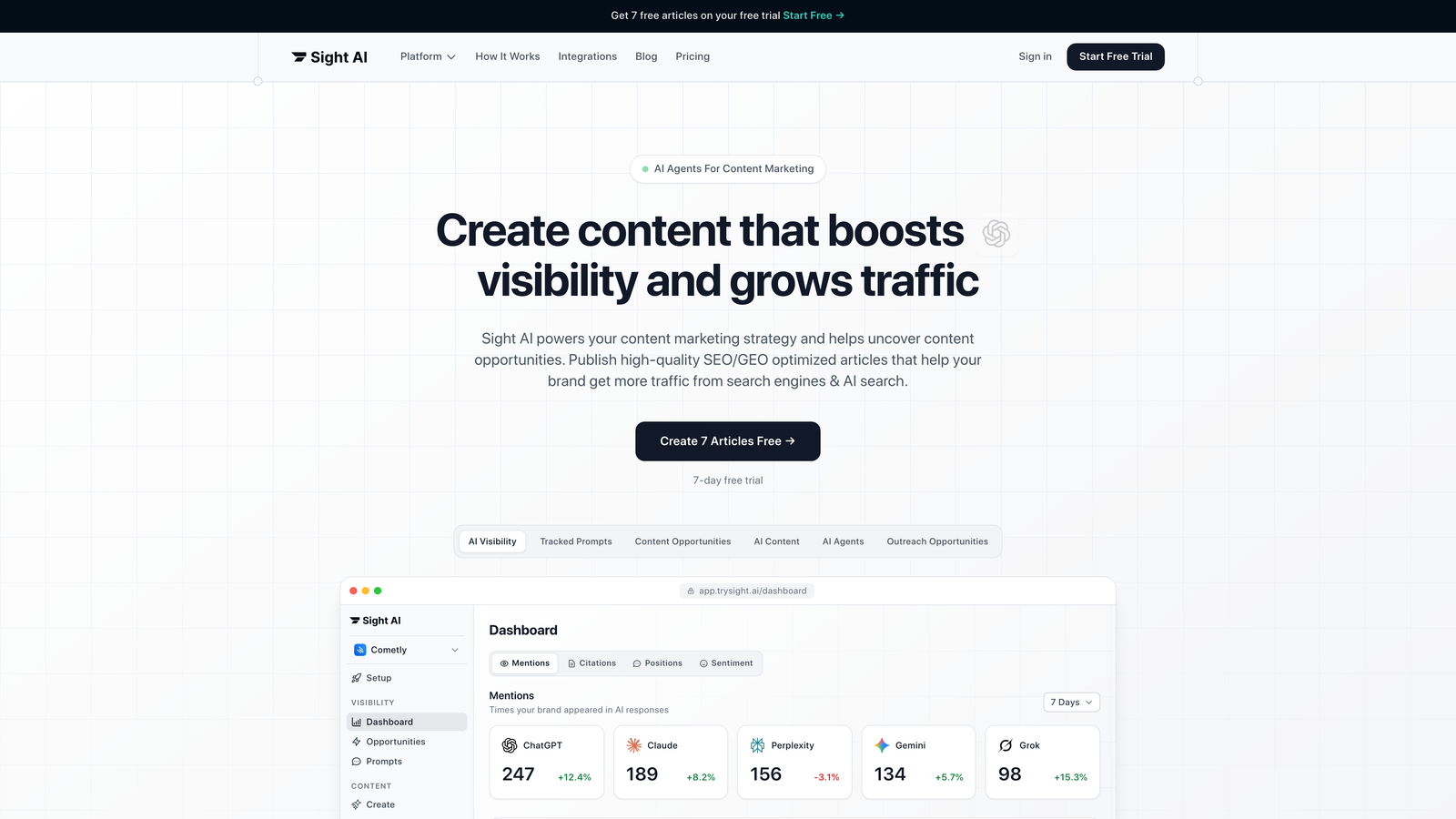
Sight AI combines content indexing with AI visibility tracking in a single platform designed for modern content teams.
Where This Tool Shines
Sight AI takes a different approach by connecting indexing to AI visibility. While other tools focus solely on getting pages into search engine databases, this platform shows you how AI models like ChatGPT, Claude, and Perplexity actually reference your content after it's indexed.
The platform integrates IndexNow for instant submission while automatically updating sitemaps and publishing directly to your CMS. This means you can write, publish, index, and track AI mentions without switching between multiple tools.
Key Features
IndexNow Integration: Automatically notifies Bing, Yandex, and other participating search engines the moment new content publishes.
AI Visibility Tracking: Monitors how ChatGPT, Claude, Perplexity, and other AI platforms mention your brand across different prompts.
CMS Auto-Publishing: Publishes content directly to WordPress, Webflow, and other platforms with automatic indexing triggers.
Automated Sitemap Updates: Keeps XML sitemaps current without manual intervention, ensuring crawlers always find your latest content.
Combined Analytics: Shows both traditional search indexing status and AI mention frequency in unified dashboards.
Best For
Marketing teams and agencies managing content across multiple channels who need to understand both search engine indexing and AI platform visibility. Particularly valuable if you're publishing frequently and want to track how AI models reference your brand.
Pricing
See the pricing page for current plans tailored to different team sizes and publishing volumes.
2. IndexNow API
Best for: Developers implementing instant indexing without third-party dependencies
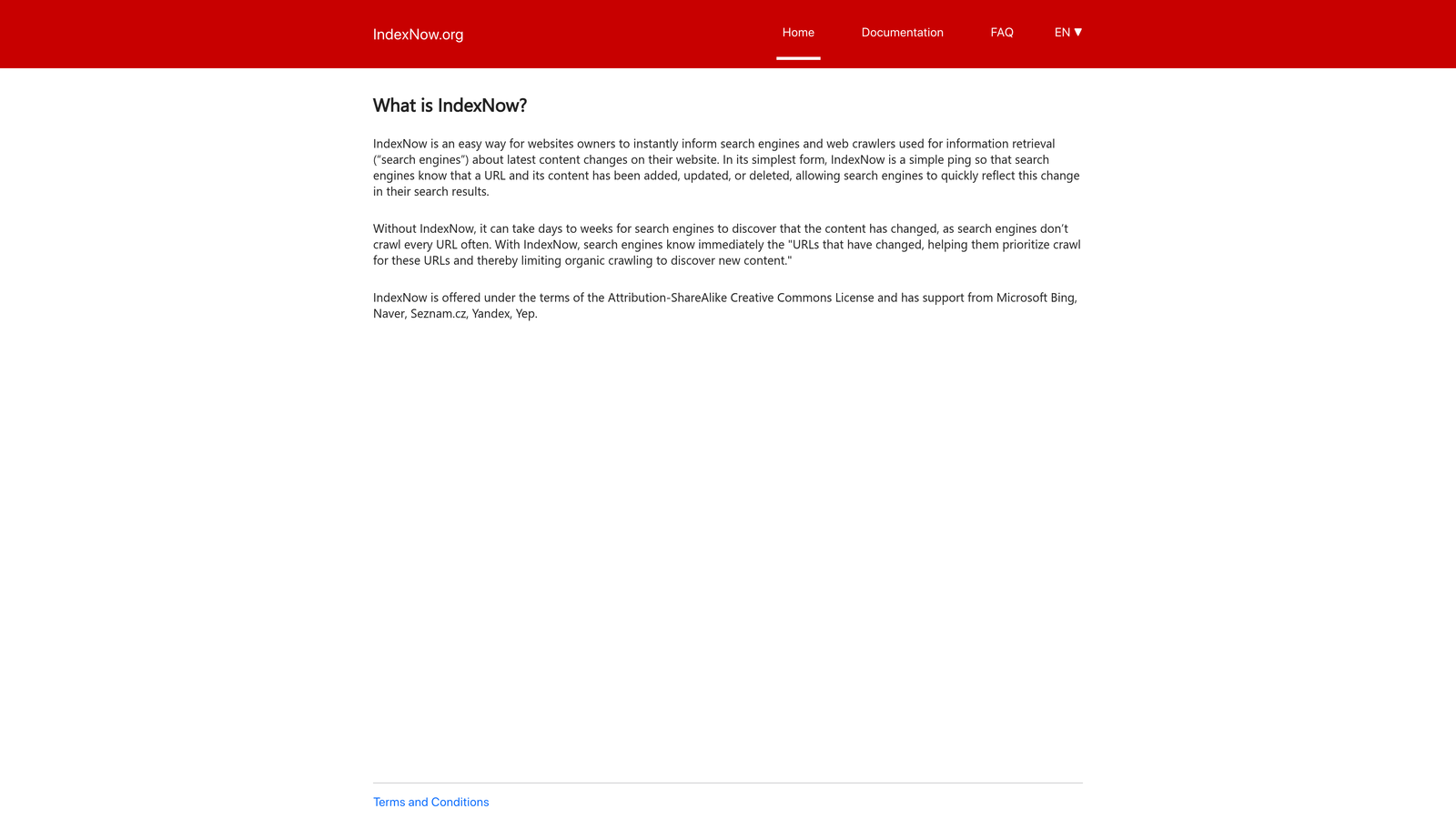
IndexNow API is an open protocol that lets websites notify search engines instantly when content changes.
Where This Tool Shines
This isn't a traditional tool—it's a protocol. Think of it like RSS but for search engine indexing. When you publish or update a page, your site sends a simple HTTP request to participating search engines, telling them exactly which URL changed.
The beauty is in its simplicity. One API call can notify multiple search engines simultaneously. Bing, Yandex, and other participants share the submission data, so you're not making redundant requests to each engine separately.
Key Features
Instant Notification: Search engines receive URL updates immediately rather than waiting for scheduled crawls.
Open Protocol: Free to implement with no licensing fees or usage limits from the protocol itself.
Multi-Engine Support: Single submission reaches Bing, Yandex, Seznam, Naver, and other participating engines.
Simple Authentication: Requires only a verification key file on your server for one-time setup.
Batch Submission: Submit up to 10,000 URLs per request for large-scale content updates.
Best For
Development teams with the technical resources to implement API calls and maintain the integration. Works well for sites with custom publishing systems where plugin-based solutions aren't available.
Pricing
The protocol itself is completely free. You'll need developer time for implementation and server resources to handle the API calls.
3. Google Search Console
Best for: Monitoring Google indexing status and requesting manual URL inspection
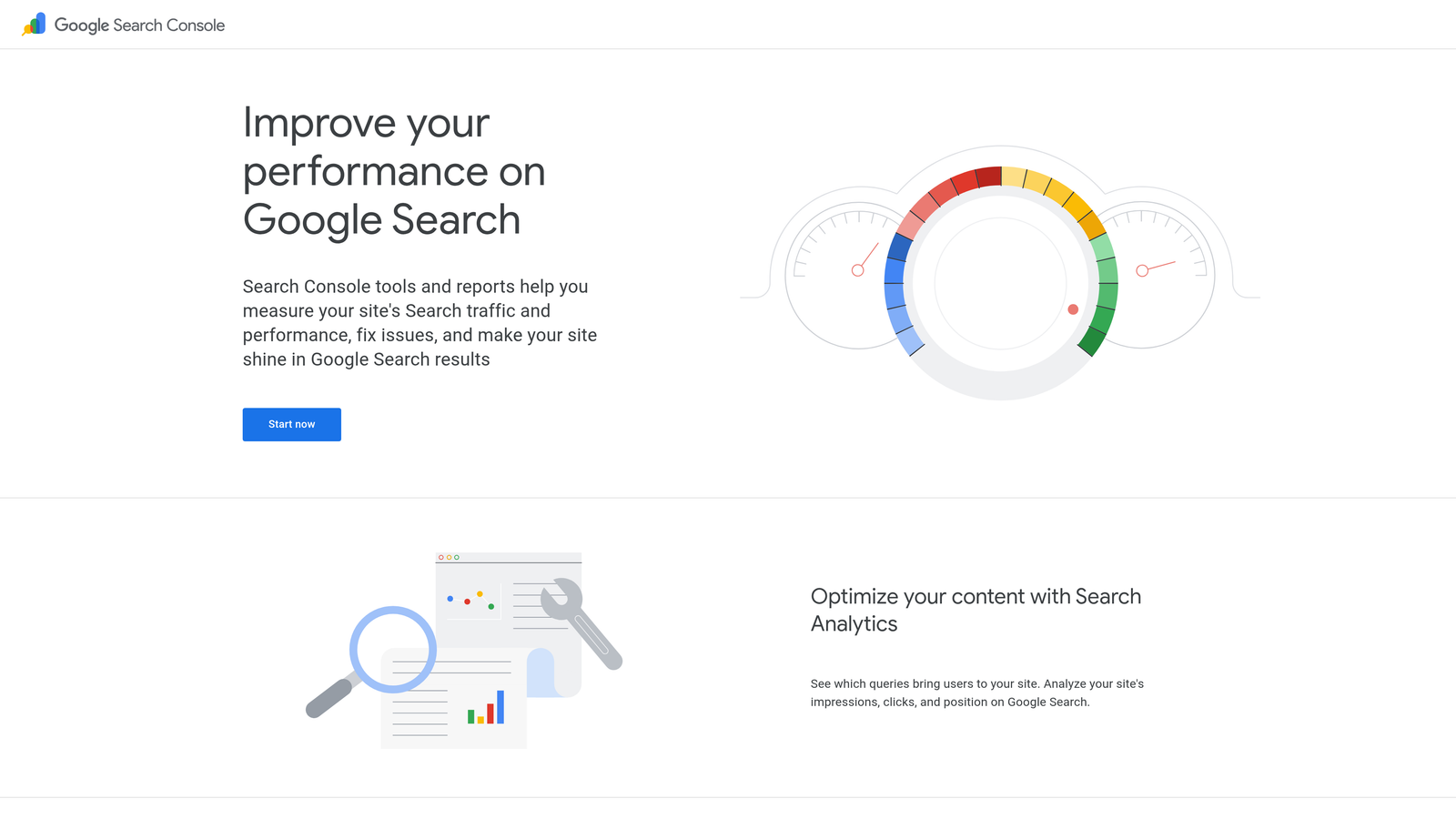
Google Search Console is Google's official platform for webmasters to monitor search performance and indexing health.
Where This Tool Shines
When you need to know exactly how Google sees your site, Search Console is the authoritative source. The URL Inspection tool shows you real-time indexing status, crawl history, and any issues preventing pages from appearing in search results.
While Google hasn't adopted IndexNow, the manual indexing request feature gives you a direct line to Google's crawlers. It's not instant, but it's faster than waiting for organic discovery, especially for new sites or time-sensitive content.
Key Features
URL Inspection Tool: Request indexing for individual URLs and see detailed crawl information including rendered HTML.
Sitemap Submission: Upload XML sitemaps so Google knows your complete site structure and can prioritize crawling.
Coverage Reports: Identify which pages are indexed, which have errors, and which are excluded with specific reasons.
Performance Data: See clicks, impressions, and average position for indexed pages directly from Google's data.
Mobile Usability: Catch indexing issues related to mobile rendering before they impact rankings.
Best For
Every website owner needs Search Console—it's your direct connection to Google's index. Essential for diagnosing why content isn't ranking and for verifying that new pages are discoverable.
Pricing
Completely free for all websites regardless of size or traffic volume.
4. Bing Webmaster Tools
Best for: Leveraging native IndexNow support with generous API submission limits
Bing Webmaster Tools is Microsoft's webmaster platform with built-in IndexNow integration and comprehensive site analysis.
Where This Tool Shines
Bing pioneered IndexNow adoption, making their webmaster tools the natural choice for instant indexing. The platform includes native IndexNow submission right in the interface—no API implementation required for basic use.
Beyond Bing's own search engine, this matters for DuckDuckGo (which uses Bing results), Ecosia, and increasingly for AI platforms that pull from Bing's index. The URL submission API allows up to 10,000 URLs per day, far more generous than Google's manual approach.
Key Features
Native IndexNow Integration: Submit URLs instantly through the interface or automatically via your CMS integration.
Generous API Limits: Submit thousands of URLs daily through the API without hitting restrictive quotas.
Site Scan Tool: Automated SEO audits identify technical issues that might prevent proper indexing.
Multi-Platform Impact: Indexing in Bing affects visibility across DuckDuckGo, Ecosia, and some AI search results.
SEO Reports: Get recommendations for improving crawlability and indexation alongside performance metrics.
Best For
Sites wanting to maximize non-Google search visibility and those publishing high volumes of content that benefit from instant indexing protocols.
Pricing
Free for all users with no restrictions on site size or submission volume within published API limits.
5. Rank Math SEO
Best for: WordPress users wanting one-click IndexNow submission from their dashboard
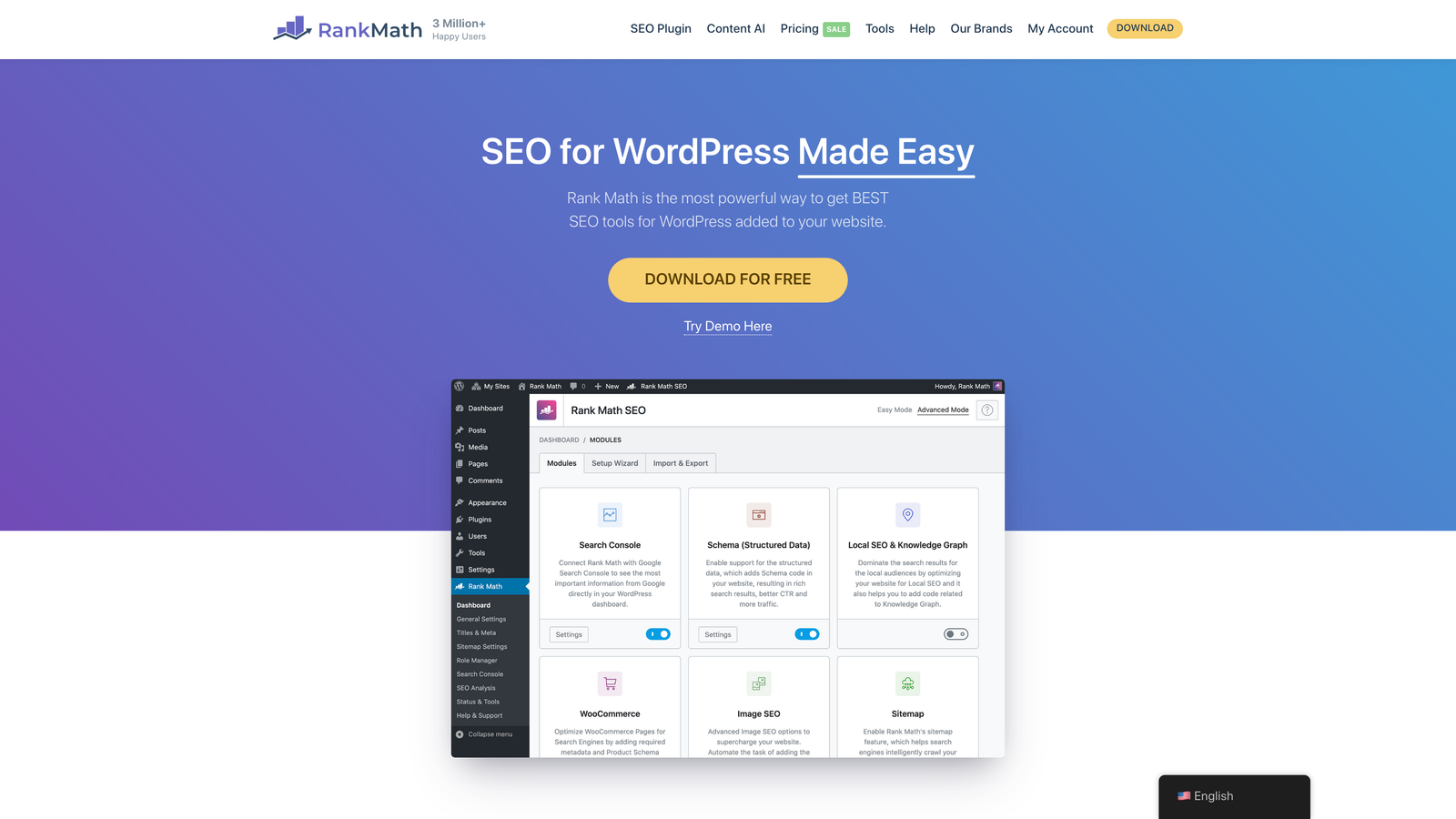
Rank Math SEO is a WordPress plugin combining comprehensive SEO features with built-in Instant Indexing capabilities.
Where This Tool Shines
Rank Math makes IndexNow submission effortless for WordPress users. The Instant Indexing feature automatically pings search engines whenever you publish or update content—no manual submission required.
The plugin handles the technical setup that would normally require developer time. You enable Instant Indexing in settings, and Rank Math manages the API keys, verification files, and submission logic automatically. It's the fastest path from WordPress content to search engine indexes.
Key Features
Automatic IndexNow Submission: New and updated posts trigger instant notifications to Bing, Yandex, and other participating engines.
Manual Submission Option: One-click indexing requests from the WordPress dashboard for individual posts or pages.
Sitemap Generation: Automatically creates and updates XML sitemaps with proper prioritization and change frequency.
SEO Analysis: Built-in content optimization checks ensure your pages are indexing-ready before publication.
Schema Markup: Adds structured data that helps search engines understand and index your content correctly.
Best For
WordPress site owners who want powerful SEO features combined with automated indexing without managing multiple plugins or services.
Pricing
Free version includes Instant Indexing. Pro version starts at $6.99/month with advanced features and priority support.
6. Yoast SEO Premium
Best for: WordPress users already invested in the Yoast ecosystem
Yoast SEO Premium is the premium tier of WordPress's most established SEO plugin, now including IndexNow integration.
Where This Tool Shines
Yoast added IndexNow support to keep pace with newer competitors, and it works seamlessly within their mature plugin ecosystem. If you're already using Yoast for content optimization and technical SEO, the Premium upgrade adds automatic indexing without changing your workflow.
The plugin's strength is in its polish and reliability. Yoast has been optimizing WordPress sites since 2010, and that experience shows in how smoothly everything integrates. The IndexNow implementation is straightforward—enable it once and forget about manual submissions.
Key Features
IndexNow Automatic Pinging: Notifies search engines immediately when content publishes or updates without manual intervention.
XML Sitemap Management: Generates clean, optimized sitemaps with smart exclusion rules for non-indexable content.
Content Analysis: Real-time feedback on readability and SEO helps ensure content is worth indexing before publication.
Redirect Manager: Handles URL changes cleanly so search engines update their indexes correctly when content moves.
Internal Linking Suggestions: Helps search engines discover and index related content through smart linking recommendations.
Best For
Established WordPress sites already using Yoast Free who want to add instant indexing alongside premium features like redirect management and content insights.
Pricing
Premium version costs $99 per year per site, with volume discounts for multiple sites.
7. Screaming Frog SEO Spider
Best for: Technical audits identifying why content isn't getting indexed
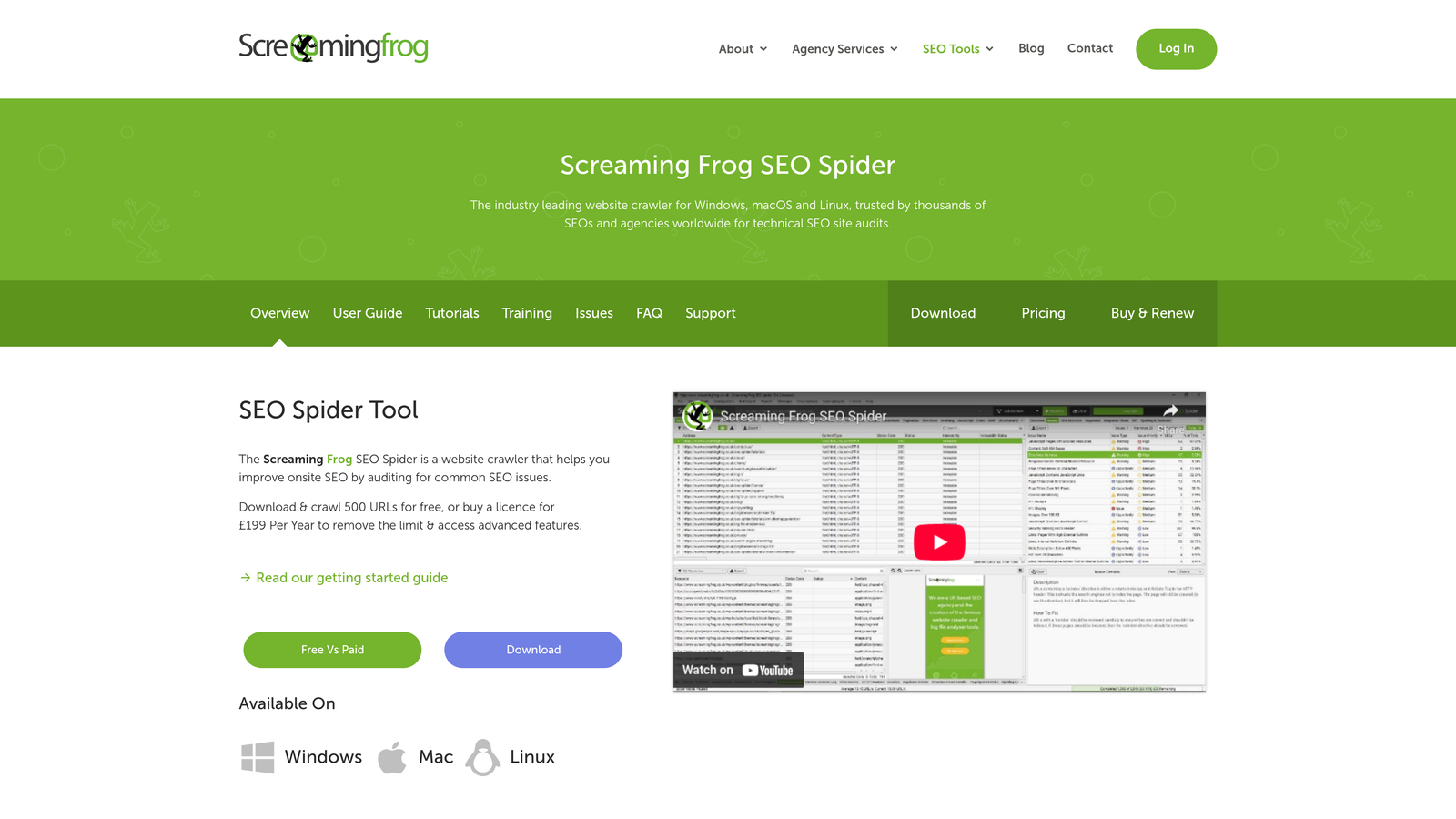
Screaming Frog SEO Spider is a desktop crawler that audits technical SEO issues affecting indexation.
Where This Tool Shines
This tool doesn't submit URLs for indexing—it shows you why they're not being indexed in the first place. Screaming Frog crawls your site like a search engine would, identifying noindex tags, canonical issues, blocked resources, and other technical barriers.
The Search Console integration is particularly valuable. You can compare what Screaming Frog finds during its crawl against what Google has actually indexed, revealing gaps and patterns that explain indexing problems. It's diagnostic rather than submissive.
Key Features
Comprehensive Crawling: Discovers indexation directives including noindex tags, canonical URLs, and robots.txt blocks.
Search Console Integration: Imports Google's index data to compare against your actual site structure and find discrepancies.
Redirect Chain Analysis: Identifies redirect loops and chains that prevent search engines from reaching final content.
Custom Extraction: Pull specific elements from pages to verify schema markup and meta tags affecting indexing.
Export Capabilities: Generate detailed reports showing exactly which pages have indexation issues and why.
Best For
SEO professionals and technical teams who need to diagnose complex indexation problems on medium to large sites with thousands of pages.
Pricing
Free version crawls up to 500 URLs. Paid license costs $259 per year with unlimited crawling and advanced features.
8. Oncrawl
Best for: Enterprise teams analyzing crawler behavior through log file analysis
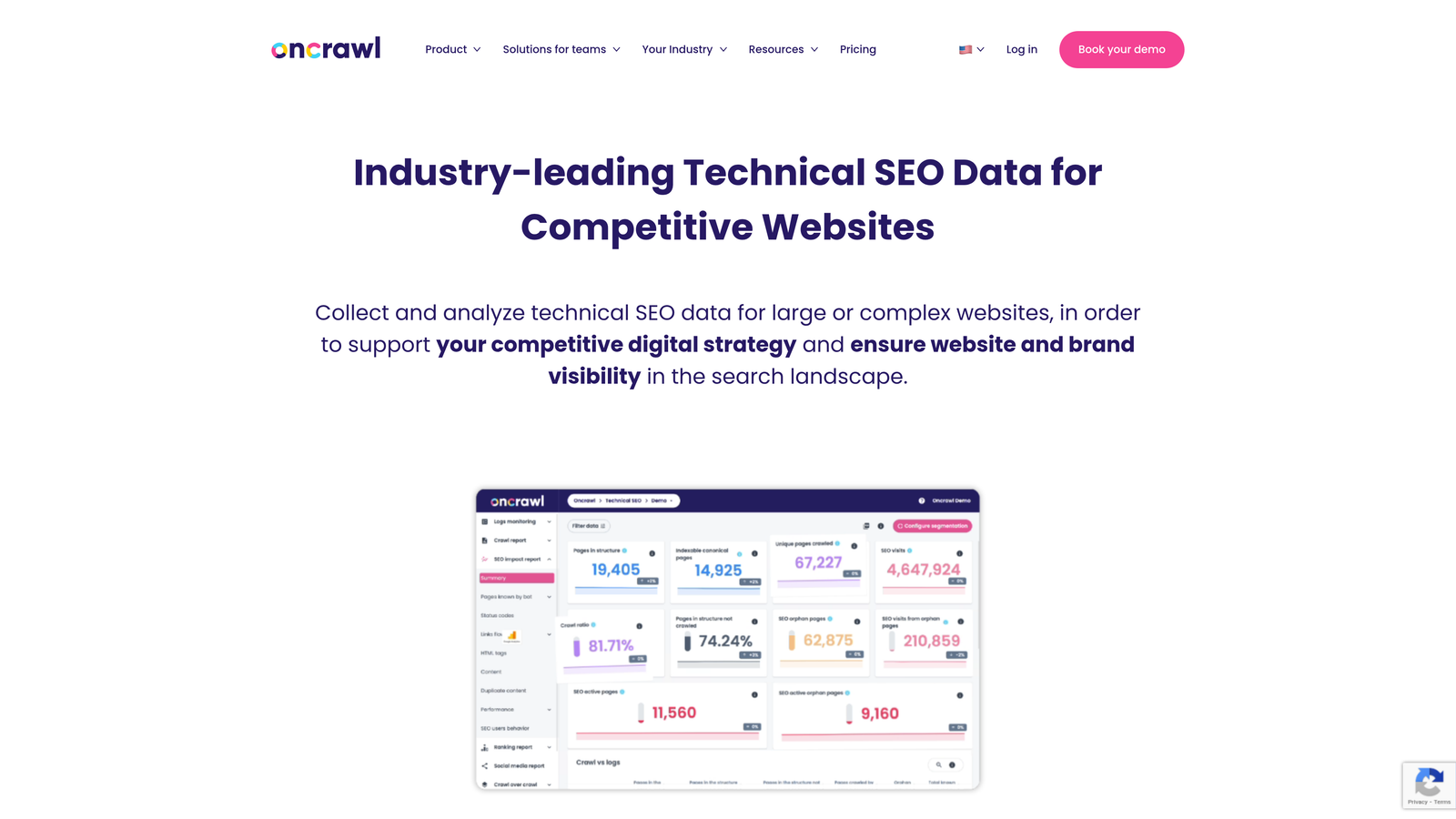
Oncrawl is an enterprise SEO platform combining deep crawl analytics with log file analysis to understand indexation patterns.
Where This Tool Shines
Oncrawl goes deeper than surface-level indexing checks by analyzing your server logs. This shows you exactly how search engine crawlers interact with your site—which pages they visit, how often, and crucially, which pages they ignore.
The platform identifies indexation bottlenecks before they become problems. If Google is crawling low-value pages while missing important content, Oncrawl's visualizations make the pattern obvious. For large sites with complex architectures, this level of insight is essential for efficient crawl budget management.
Key Features
Log File Analysis: Reveals actual crawler behavior including visit frequency, crawl depth, and pages being ignored.
Scheduled Crawl Monitoring: Automated crawls track indexation changes over time and alert you to new issues.
Crawl Budget Optimization: Identifies which pages consume crawler resources without delivering indexation value.
Data Visualization: Interactive dashboards show indexation patterns and bottlenecks across large site structures.
Segmentation Analysis: Compare indexation performance across different page types, templates, or content categories.
Best For
Enterprise websites with complex architectures, large page counts, and dedicated SEO teams who need granular insights into crawler behavior and indexation efficiency.
Pricing
Custom enterprise pricing based on site size, crawl frequency, and feature requirements. Typically suited for larger budgets.
9. ContentKing
Best for: Real-time monitoring with instant alerts when indexation issues appear
ContentKing is a real-time SEO monitoring platform that continuously tracks your site for indexation changes and technical issues.
Where This Tool Shines
ContentKing operates differently from traditional crawlers. Instead of scheduled audits, it monitors your site 24/7 and alerts you the moment something changes. If a developer accidentally adds a noindex tag to an important page, you'll know within minutes instead of discovering it weeks later.
The real-time approach is particularly valuable for agencies managing multiple client sites. You can't manually check every site daily, but ContentKing can—and it only notifies you when action is needed. The change tracking shows exactly what changed and when, making it easy to diagnose who made the modification that broke indexing.
Key Features
24/7 Real-Time Monitoring: Continuous site surveillance detects indexation changes as they happen, not days later.
Instant Alerts: Email or Slack notifications when noindex tags appear, canonicals change, or other indexation issues emerge.
Change Tracking: Complete audit trail showing what changed, when, and how it affects indexation status.
Multi-Site Management: Centralized dashboard for agencies monitoring indexation across dozens of client websites.
Issue Prioritization: Automatically categorizes problems by severity so you fix critical indexation issues first.
Best For
Agencies managing multiple client sites and in-house teams who need to catch indexation problems immediately before they impact traffic and rankings.
Pricing
Plans start around $89 per month with pricing scaling based on site size and number of sites monitored.
Making the Right Choice
Your ideal indexing tool depends on your workflow and what you're actually trying to accomplish. If you're tracking AI visibility alongside traditional search indexing, Sight AI combines both in one platform with automated publishing and IndexNow integration. For teams focused purely on Google, Search Console remains essential—it's the only tool showing you exactly how Google sees your site.
WordPress users should start with Rank Math or Yoast Premium for effortless IndexNow integration. Both handle automatic submission without requiring technical implementation, though Rank Math offers more features in the free tier. If you're diagnosing why content isn't indexing, Screaming Frog reveals technical barriers that submission tools can't fix.
Agencies managing multiple clients benefit from ContentKing's real-time monitoring, which catches indexation issues the moment they appear across entire client portfolios. Enterprise teams with complex sites should consider Oncrawl for log file analysis that shows actual crawler behavior patterns.
The indexing landscape has evolved beyond just getting pages into Google's database. With AI platforms consuming web content and IndexNow enabling instant submission to multiple search engines, your indexing strategy needs to work across traditional search and emerging AI discovery channels.
Stop guessing how AI models like ChatGPT and Claude talk about your brand—get visibility into every mention, track content opportunities, and automate your path to organic traffic growth. Start tracking your AI visibility today and see exactly where your brand appears across top AI platforms.