Every time someone types a query into Google and clicks a blue link, something remarkable has already happened behind the scenes. Google has crawled your page, rendered its content, indexed it against millions of signals, matched it to the query, and constructed a search result that points directly to your URL. That entire pipeline happens in milliseconds, but building the conditions for it to work in your favor takes deliberate strategy.
For marketers, founders, and agencies, understanding how a Google search link to a URL actually gets created is more than a technical curiosity. It's the foundation of every SEO decision you make: which URLs to prioritize, how to structure your site, why some pages appear and others don't, and what to fix when a page simply refuses to show up. Get this right, and your pages earn the search visibility they deserve. Get it wrong, and even great content can stay invisible.
This article walks you through the complete journey: from how Google maps a search query to a specific URL, through the crawling and indexing prerequisites, into the anatomy of the search result itself, and out to practical optimization and troubleshooting steps. We'll also look at how this model is evolving as AI-powered search platforms like Perplexity and ChatGPT begin citing and linking to URLs in their own way, creating a new layer of visibility that forward-thinking teams are already optimizing for.
From Query to Click: How Google Maps a Search to Your URL
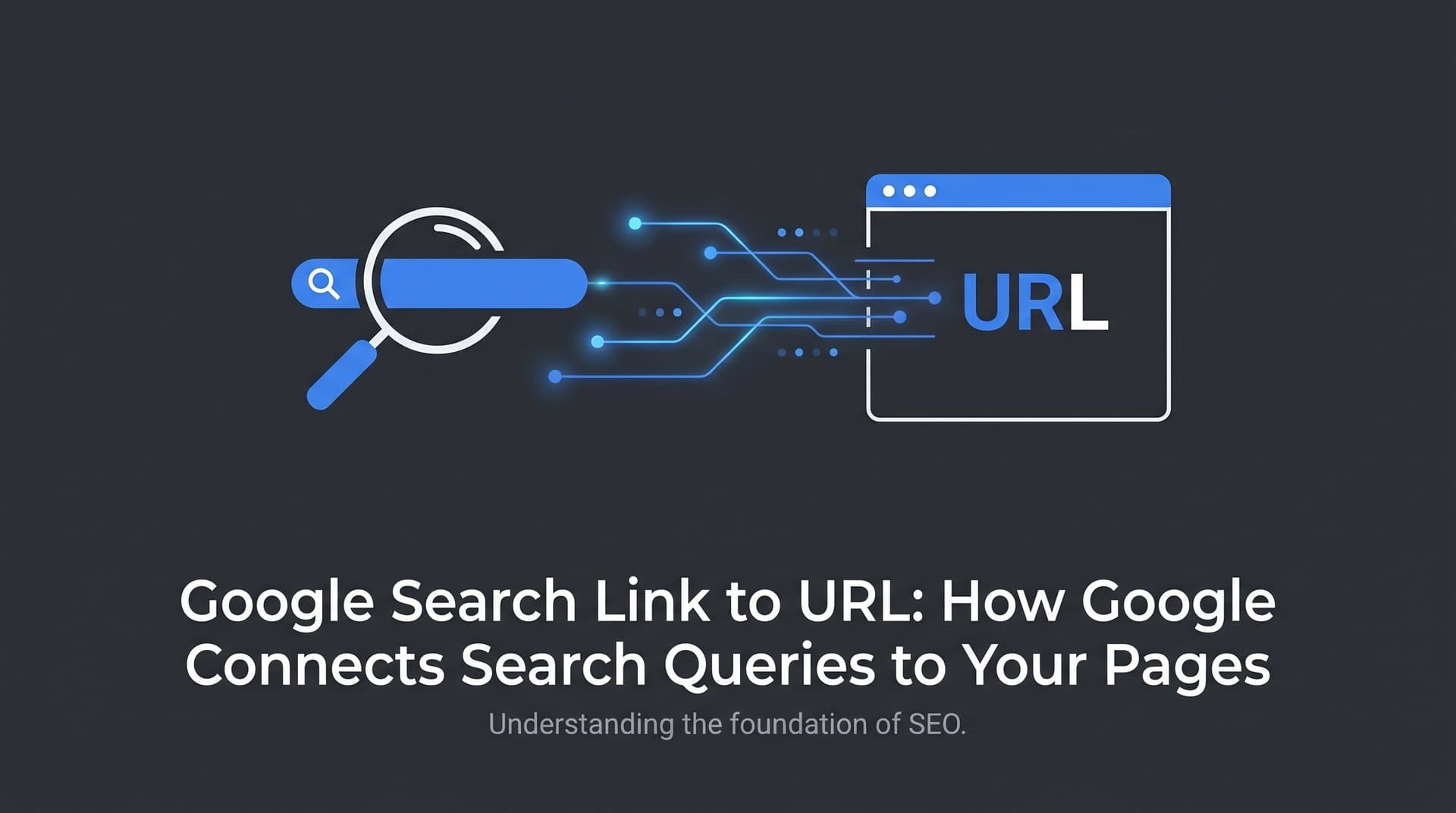
The journey from a user's search query to a clickable link pointing at your page involves four distinct stages, each one building on the last. Understanding this pipeline helps you identify exactly where things can go wrong and where optimization has the most leverage.
It starts when a user types a query. Google doesn't search the live web in that moment. Instead, it consults its index, a massive database of pages it has already crawled, rendered, and processed. The search engine evaluates which indexed URLs best match the query based on hundreds of relevance and quality signals, ranks them, and then constructs the search result links you see on the results page.
That constructed search result has three visible components: the clickable title link, the displayed URL or breadcrumb trail, and the snippet below. These elements don't always come directly from your page in the form you wrote them. Google assembles them based on what it believes will best serve the searcher, which is why the URL shown in a search result can sometimes look different from the actual destination URL.
This brings up an important distinction that trips up many site owners: the difference between a canonical URL, a displayed URL, and a breadcrumb. The canonical URL is the version Google has selected as the "master" copy of a page, the one it indexes and ranks. The displayed URL is what appears in the search result, often simplified or formatted for readability. The breadcrumb trail is a structured representation of the page's location within your site hierarchy, sometimes drawn from schema markup rather than the literal URL path.
These three can all point to the same place but look different. For example, your canonical URL might be https://example.com/blog/seo-guide/, while the breadcrumb shows Example.com > Blog > SEO Guide. Understanding this distinction matters because you can influence each element separately.
When multiple pages on your site could plausibly match a query, Google has to choose one. It makes that decision based on canonicalization signals (which URL you've designated as the preferred version), relevance signals (which page's content most closely matches the query intent), and internal linking weight (which URL your site treats as most authoritative by linking to it frequently). This is why internal linking isn't just a user experience consideration: it directly influences which of your URLs surfaces as the Google search link for important queries.
Crawling and Indexing: The Prerequisites for Appearing in Results
Before any of the ranking and result-construction machinery can do its work, your URL has to clear a fundamental hurdle: it needs to be crawled and indexed. A URL that hasn't been indexed simply cannot appear as a Google search link, regardless of how well-optimized it is.
The crawl-to-index cycle works like this. Googlebot discovers your URL, either through a sitemap submission, a link from another indexed page, or a direct fetch request. It then downloads the page's HTML and passes it to Google's rendering engine, which processes JavaScript and assembles the full page as a user would see it. Only after rendering does the content get analyzed and added to the index. Understanding how search engines discover new content is essential for ensuring your pages enter this pipeline reliably.
This three-step sequence, crawl, render, index, can break down at any point. Several common blockers prevent URLs from ever becoming search links.
Noindex tags: A meta robots tag with noindex explicitly tells Google not to include the page in its index. If this tag is present, the page will never appear as a search link, even if Googlebot crawls it regularly.
Robots.txt disallow rules: If your robots.txt file blocks Googlebot from accessing a URL, the page can't be crawled. No crawl means no index, which means no search link. This is a surprisingly common cause of missing pages, especially after site migrations or CMS configuration changes.
Orphan pages: A page with no internal links pointing to it is effectively invisible to Googlebot unless it's in your sitemap. Googlebot follows links to discover content, so pages that exist in isolation often get missed entirely or crawled infrequently.
Crawl budget exhaustion: Larger sites have a finite crawl budget, meaning Googlebot will only crawl a certain number of pages per visit. If your site has thousands of low-value or duplicate URLs consuming that budget, important pages may not get crawled often enough to stay indexed and current. Learning how to increase Google crawl rate can help you address this bottleneck on larger sites.
The most direct way to verify whether a specific URL is indexed is through Google Search Console's URL Inspection tool. Enter any URL from your site and you'll see whether Google has indexed it, which canonical it selected, when it was last crawled, and whether there are any coverage issues. This is your first stop when a page isn't appearing in search results.
You can also use the site: operator in Google Search (for example, site:example.com/your-page-slug) for a quick check, though this method is less reliable than the URL Inspection tool for diagnosing specific issues. The Search Console tool gives you the authoritative answer.
Anatomy of a Google Search Result Link
When your URL does appear in Google's results, the search link that users see is a carefully assembled package of information. Breaking down each component helps you understand what you can control and where Google exercises its own editorial judgment.
The clickable title link is the most prominent element. Google generates it primarily from your page's title tag, but it also considers the H1 heading, anchor text from links pointing to the page, and the overall content of the page. If Google determines that your title tag doesn't accurately represent the page's content or doesn't match the query well, it may rewrite it. This rewriting behavior is documented in Google's own guidance on title link generation and is more likely when title tags are too long, keyword-stuffed, or don't reflect what the page actually covers.
The displayed URL or breadcrumb path sits below the title. Google can generate this from your actual URL structure or from BreadcrumbList schema markup on your page. If you implement breadcrumb schema, Google often prefers to display the structured version, which can make your search link look cleaner and more navigable to users.
The snippet below the title and URL is pulled from your meta description or auto-generated from page content. Google frequently rewrites meta descriptions, especially when the query doesn't match what the description covers. A well-written meta description that directly addresses common query intents has a better chance of being used as written.
Beyond these core elements, structured data opens up richer search link presentations. Schema markup for reviews can add star ratings, FAQ schema can expand your result with collapsible questions, and sitelinks schema can surface specific sub-pages beneath your main result. These enhanced formats make your search link more visually prominent and can meaningfully improve search engine rankings through higher click-through rates.
The key takeaway is that you're not just optimizing a page for ranking. You're also optimizing the search link itself as a piece of user-facing communication. A well-crafted title, a clear URL structure, a compelling meta description, and appropriate schema markup all contribute to a search link that earns clicks even when it's not in the top position.
Optimizing Your URLs to Earn Better Search Links
Ranking is necessary but not sufficient. The quality of the search link Google constructs for your URL determines whether users actually click through. These optimization practices address both the ranking signals and the presentation of your search result.
URL structure and readable slugs: URLs that are clean, descriptive, and logically structured are easier for both Google and users to interpret. A URL like /blog/google-search-link-to-url/ communicates the page's topic clearly. Parameter-heavy URLs like /page?id=4521&cat=7&ref=home are harder for Google to process and less appealing in search results. Use hyphens to separate words, keep slugs concise, and reflect your site's content hierarchy in the URL path.
Title tag optimization: Write title tags that accurately describe the page, include your target keyword naturally, and stay within roughly 50-60 characters to avoid truncation in search results. Avoid duplication across pages: each URL should have a unique title that distinguishes it from every other page on your site.
Meta description crafting: While meta descriptions aren't a direct ranking signal, they influence click-through rates and Google's decision about whether to use your description or generate its own. Write descriptions that summarize the page's value, address the searcher's likely intent, and stay within approximately 150-160 characters.
Heading hierarchy: A clear H1 that aligns with your title tag reinforces Google's understanding of what the page is about. Subsequent H2 and H3 headings should organize the content logically, making it easier for Google's rendering engine to parse the structure and for users to scan the content once they click through.
Internal linking strategy: This is one of the most underutilized levers for controlling which URLs surface for key queries. Understanding what internal linking does for SEO is critical here. When you consistently link to a specific URL using descriptive anchor text from other pages on your site, you signal to Google that this URL is the authoritative destination for that topic. If you have multiple pages that could compete for the same query, strong internal linking to your preferred page, combined with proper canonicalization, helps Google understand which one to surface as the search link.
Troubleshooting: When Your URL Doesn't Show Up in Google Search
Sometimes a page simply doesn't appear in search results, even after you've done everything right. Diagnosing the problem requires working through a logical sequence of checks rather than making random changes and hoping something sticks.
The first question is whether the page is indexed at all. Use the URL Inspection tool in Google Search Console. If the page isn't indexed, the tool will tell you why: noindex tag, crawl error, redirect issue, or simply "Discovered but not yet indexed." Each diagnosis points to a specific fix. If your pages are consistently slow to enter the index, our guide on content not indexed by Google fast enough covers the most common causes and solutions.
If the page is indexed but not ranking for your target query, the issue shifts from technical to competitive. The page may need stronger content, better on-page optimization, more authoritative backlinks, or clearer alignment with the query's intent. This is a content and authority problem, not a crawling problem.
If the page is indexed but another page from your site is ranking instead, you're likely dealing with keyword cannibalization. Two pages competing for the same query split the relevance signals Google uses to decide which URL to surface. The fix involves consolidating content, strengthening internal links to your preferred page, and using canonical tags to clarify which version should rank. For a deeper look at why pages fail to rank despite being indexed, see our article on content not ranking in search.
A step-by-step fix workflow looks like this:
1. Check indexing status via URL Inspection in Search Console. Confirm the page is indexed and review any coverage warnings.
2. Review canonical tags to ensure you haven't accidentally pointed the canonical to a different URL, and that Google has selected the canonical you intended.
3. Audit internal links to confirm your target page is being linked to from relevant, well-trafficked pages on your site with appropriate anchor text.
4. Request a recrawl using the URL Inspection tool's "Request Indexing" function after making changes, to prompt Google to revisit the page sooner.
5. Monitor changes in Search Console's Performance report over the following weeks to see whether impressions and clicks for the target URL improve.
For new content or recently updated pages, speed of indexing matters. The Google Indexing API, originally designed for job postings and livestream structured data, can be used to notify Google about new or updated URLs more quickly than waiting for the standard crawl cycle. Tools that integrate IndexNow, a protocol supported by Bing and other search engines, can also accelerate the process of getting updated URLs into search results. While Google hasn't officially adopted IndexNow, using it alongside other search engine indexing optimization methods covers your bases across multiple search platforms simultaneously.
Beyond Traditional Search: How AI Platforms Reference Your URLs
The model we've described so far, crawl, index, rank, display as a search link, is Google's traditional pipeline. But in 2026, it's no longer the only pipeline that matters for URL visibility.
AI-powered search platforms like Perplexity, ChatGPT with web browsing, and Google's own AI Overviews are increasingly citing source URLs directly in their responses. When a user asks an AI search tool a question, the answer often includes linked references to the pages that informed the response. This is a fundamentally different kind of search link: it's not a ranked list of blue links, but a curated citation within a generated answer. Understanding how AI search engines work helps you grasp why this citation model differs so dramatically from traditional ranking.
The implications for URL optimization are significant. A page that ranks well in traditional search may or may not get cited by AI platforms. And a page that AI platforms frequently cite may drive meaningful referral traffic even if it doesn't hold a top traditional ranking. These two visibility surfaces are related but distinct.
This is where GEO, Generative Engine Optimization, comes in. GEO is the practice of optimizing content so that AI-powered search and answer engines reference it when responding to relevant queries. It involves writing content that is authoritative, clearly structured, factually grounded, and written in a way that AI models can parse and excerpt accurately. Our comprehensive AI search engine optimization guide covers these principles in depth. Many of the same principles that help with traditional SEO also support GEO, but the emphasis shifts toward clarity, depth, and trustworthiness over keyword density.
Tracking AI visibility is the natural complement to tracking traditional search rankings. Just as you monitor which queries drive impressions in Google Search Console, you can monitor which AI platforms are mentioning your brand, which URLs they're citing, and how your content is being represented in AI-generated answers. This kind of visibility helps you identify content gaps, understand how AI models perceive your brand, and prioritize the content investments most likely to earn citations across both traditional and AI-driven search surfaces.
Platforms like Sight AI are built specifically for this: tracking brand mentions across AI models like ChatGPT, Claude, and Perplexity, analyzing sentiment, and identifying the prompts and topics where your URLs are (or aren't) being referenced. This gives you the same strategic clarity for AI search that Google Search Console gives you for traditional search.
Putting It All Together
A Google search link to your URL isn't a lucky accident. It's the end result of a well-executed chain: Googlebot discovers and crawls your page, renders it successfully, adds it to the index, matches it to relevant queries, and constructs a search result that accurately and compellingly represents your content. Every link in that chain is something you can influence.
Start with the fundamentals: ensure your important URLs are crawlable and indexed, free of conflicting canonical signals, and supported by strong internal linking. Then optimize the search result itself through well-crafted title tags, meta descriptions, clean URL structures, and appropriate schema markup. When something goes wrong, work through the diagnostic sequence methodically rather than guessing.
And in 2026, extend that thinking beyond Google. AI search platforms are becoming a meaningful source of URL citations and referral traffic. Optimizing for GEO alongside traditional SEO, and tracking your visibility across AI platforms, ensures your brand shows up wherever your audience is searching, whether that's a traditional results page or an AI-generated answer.
Audit your current indexing status, review your URL structures, and take stock of how your content is being referenced across AI search surfaces. The brands that earn visibility in both worlds will have a compounding advantage as search continues to evolve.
Start tracking your AI visibility today and see exactly where your brand appears across top AI platforms. Stop guessing how models like ChatGPT and Claude talk about your brand: get visibility into every mention, track content opportunities, and automate your path to organic traffic growth.