Publishing content manually across multiple platforms drains hours from your week—time better spent on strategy and creation. CMS auto publishing software eliminates this bottleneck by scheduling, formatting, and distributing content automatically to your website, social channels, and content networks.
Whether you're a solo marketer managing a blog or an agency handling dozens of client sites, the right auto publishing tool transforms your workflow from reactive to strategic. We evaluated these tools based on publishing automation depth, CMS compatibility, scheduling flexibility, and integration capabilities.
Here are the top solutions for streamlining your content distribution in 2026.
1. Sight AI
Best for: AI-powered content teams needing end-to-end automation from creation to search indexing
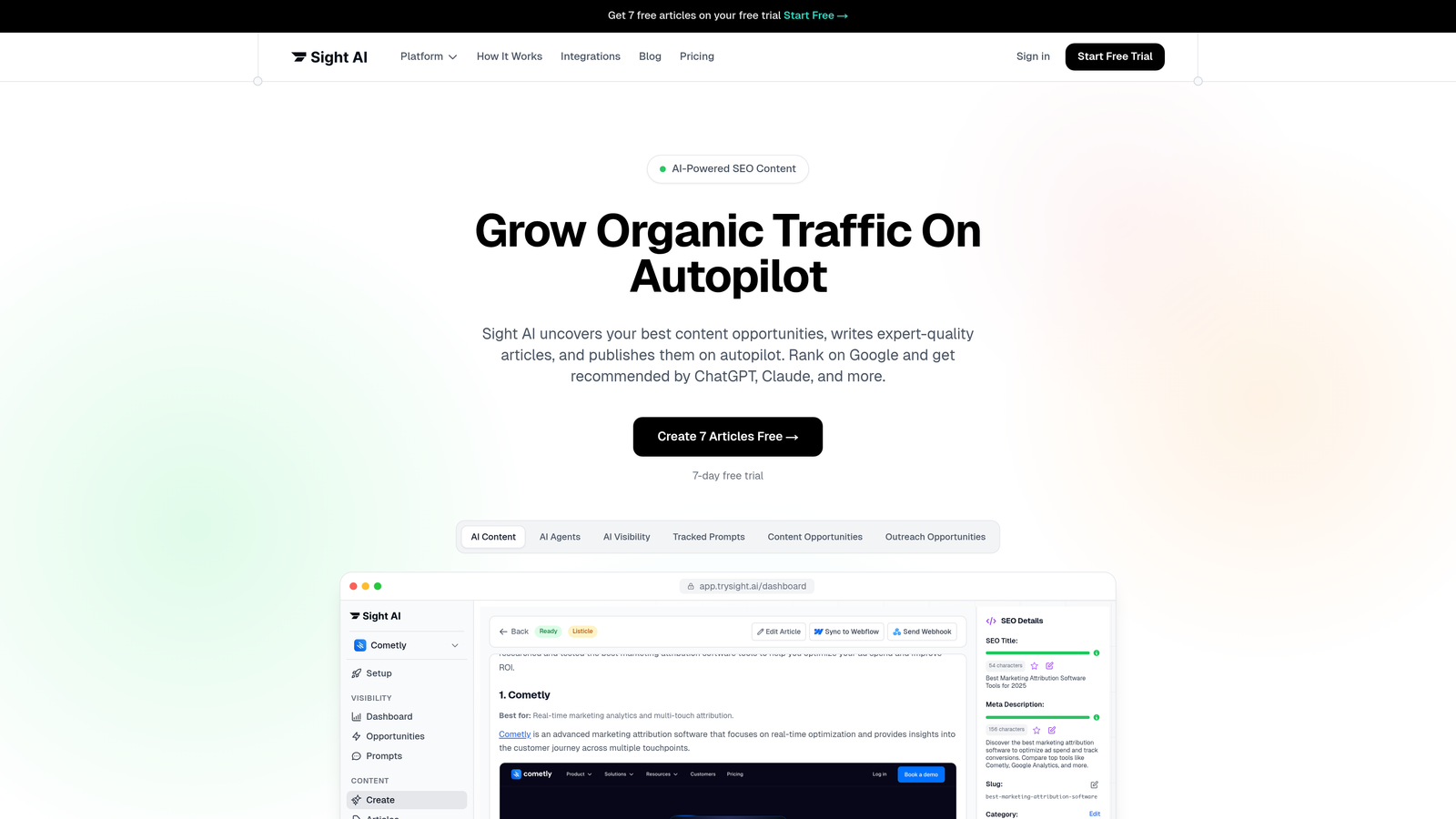
Sight AI is an AI-powered content platform that combines content generation with built-in CMS auto-publishing and instant search engine notification.
Where This Tool Shines
Sight AI stands out by solving the entire content workflow—not just the publishing piece. Its 13+ specialized AI agents generate SEO/GEO-optimized content that automatically publishes to WordPress and headless CMS platforms without manual intervention.
The integrated IndexNow functionality is particularly valuable. The moment your content publishes, Google and Bing receive instant notification, dramatically reducing the time between publishing and indexing. This matters when you're competing for timely topics or trying to establish authority quickly.
Key Features
Direct CMS Publishing: Automatically publishes generated content to WordPress and headless CMS platforms with proper formatting.
IndexNow Integration: Notifies Google and Bing immediately when content publishes, accelerating search engine discovery.
AI Content Generation: 13+ specialized agents create listicles, guides, and explainers optimized for both traditional SEO and AI search visibility.
Automated Sitemap Updates: Keeps your sitemap current automatically as new content publishes.
Multi-Site Distribution: Manage and publish content across multiple websites from a single dashboard.
Best For
Marketing teams and agencies that want to combine content creation with automated publishing and indexing. Particularly valuable if you're tracking AI visibility and need content that gets mentioned by ChatGPT, Claude, and other AI models.
Pricing
Contact for pricing. Includes both content generation capabilities and publishing automation in a unified platform.
2. WordPress Scheduled Posts + Jetpack
Best for: WordPress users seeking straightforward scheduling with social media automation
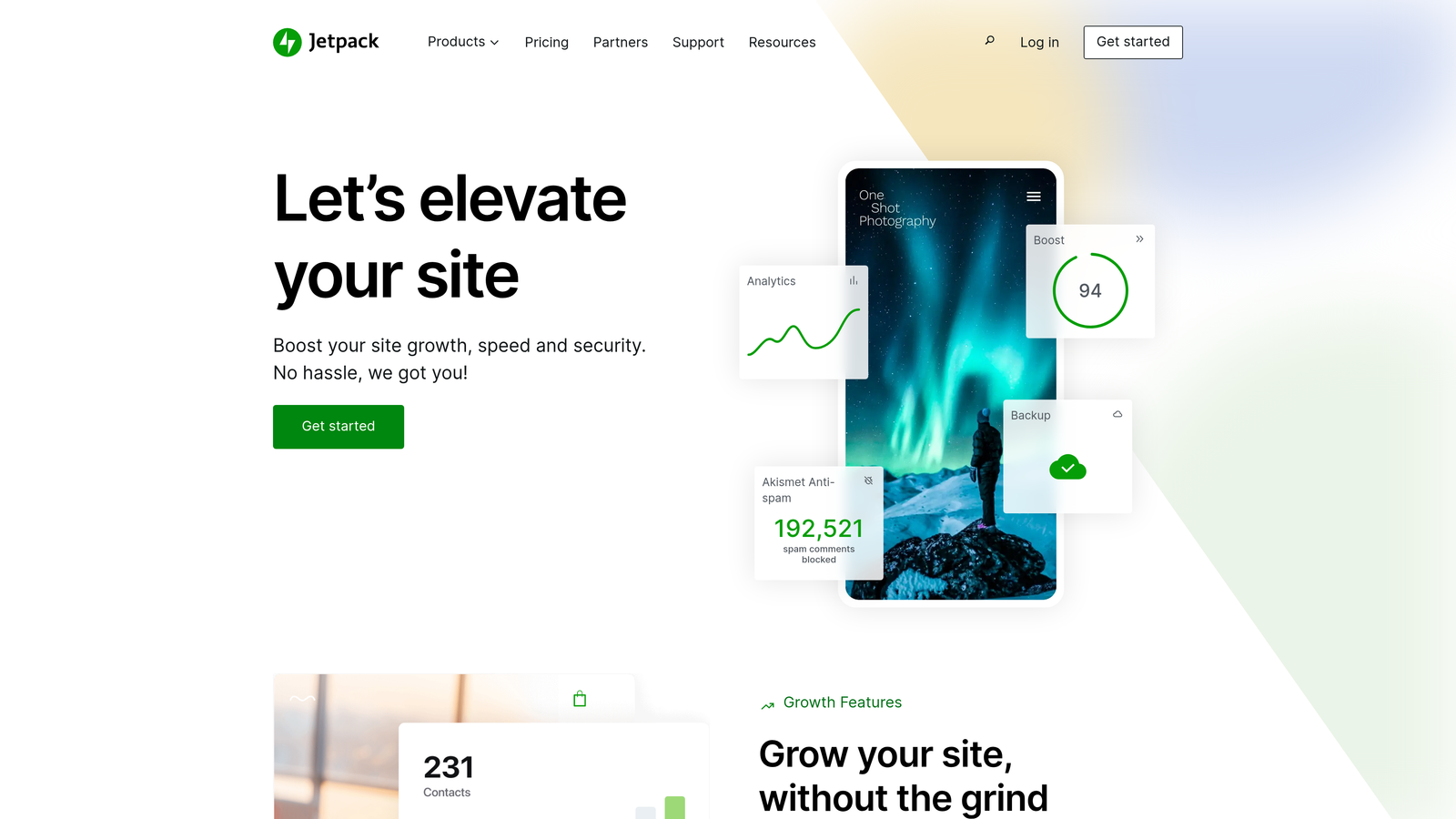
Jetpack enhances WordPress's native post scheduling with social sharing, security, and performance features built specifically for WordPress sites.
Where This Tool Shines
If you're already in the WordPress ecosystem, this combination leverages tools you already have. WordPress's built-in scheduling is surprisingly robust—you can queue content weeks in advance with precise timing down to the minute.
Jetpack adds the social distribution layer that WordPress lacks natively. Your scheduled post publishes at 6 AM, and Jetpack simultaneously shares it to your connected social accounts. No separate platform needed.
Key Features
Native WordPress Scheduling: Set publish dates and times directly in the WordPress editor with no additional plugins required.
Automatic Social Sharing: Jetpack publishes your content to Facebook, Twitter, LinkedIn, and Tumblr the moment it goes live.
Site Backup Integration: Scheduled content is protected by Jetpack's automated backup system.
Performance Optimization: CDN and lazy loading ensure your auto-published content loads quickly.
Security Monitoring: Protects your publishing workflow from unauthorized access and malware.
Best For
Solo bloggers and small teams running WordPress sites who need reliable scheduling without complex workflows. Best when your primary goal is consistent publishing rather than multi-platform content distribution.
Pricing
WordPress scheduling is free. Jetpack offers a free tier with basic features; Jetpack Complete starts at $25/month for social sharing, backups, and security.
3. CoSchedule
Best for: Marketing teams managing editorial calendars with social media and workflow coordination
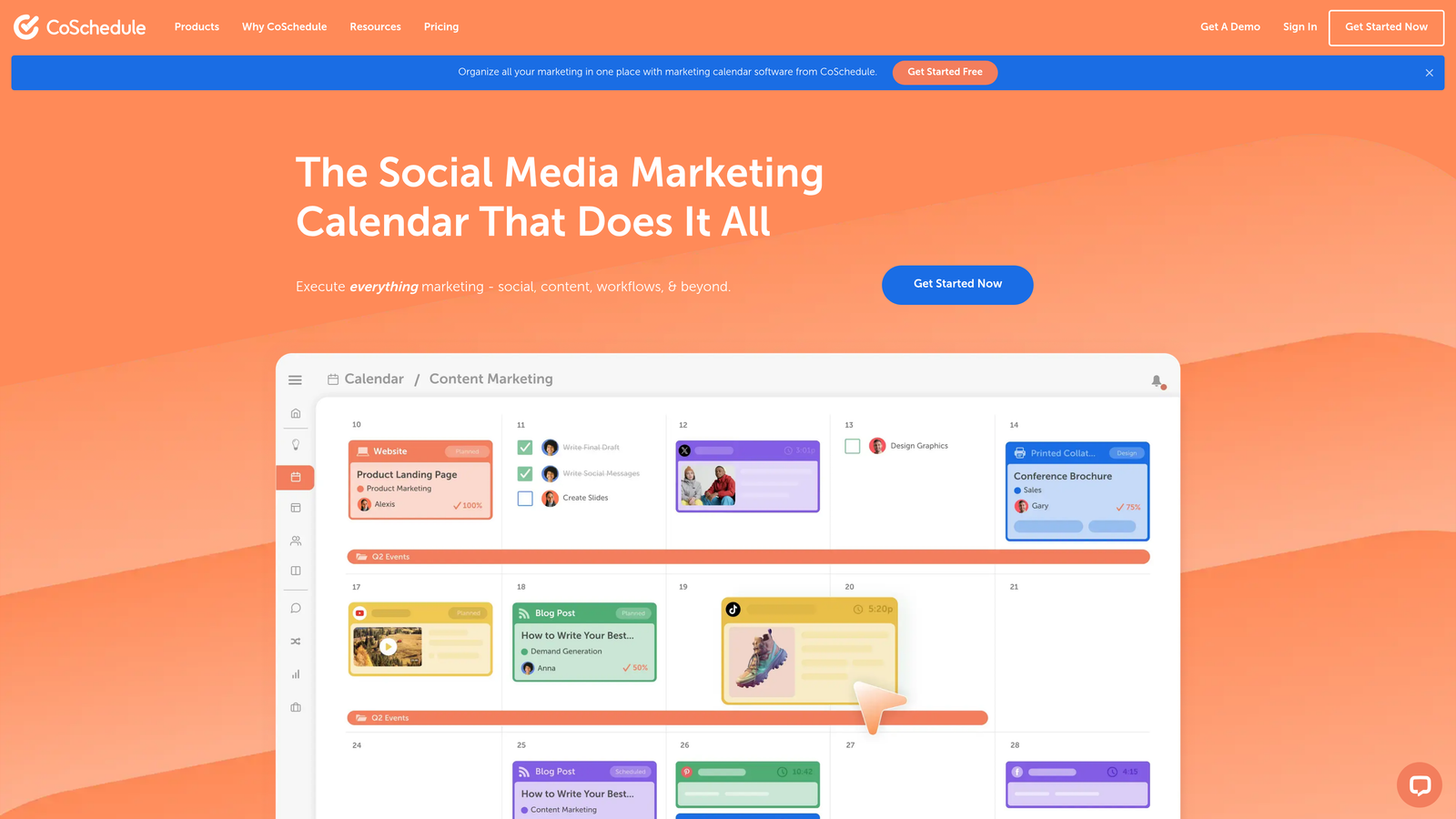
CoSchedule is a marketing calendar platform that unifies content scheduling, social publishing, and team collaboration in a visual drag-and-drop interface.
Where This Tool Shines
CoSchedule treats your content calendar as the central command center for all marketing activities. You see blog posts, social campaigns, email sends, and product launches in one unified timeline, making it easy to spot gaps or conflicts.
The ReQueue feature is particularly clever—it automatically republishes your best evergreen content when you have scheduling gaps, keeping your social feeds active without constant manual effort. The system learns which content performs best and prioritizes those pieces for republishing.
Key Features
Unified Marketing Calendar: Drag-and-drop scheduling across blog posts, social media, and marketing campaigns in one visual timeline.
ReQueue Automation: Intelligently republishes top-performing evergreen content to fill scheduling gaps automatically.
WordPress and HubSpot Integration: Publishes directly to your CMS and marketing automation platform.
Team Workflow Management: Assign tasks, set approval chains, and track content through production stages.
Best Time Scheduling: Analyzes audience engagement data to suggest optimal publishing times.
Best For
Marketing teams juggling multiple content types and channels who need visibility into the entire marketing calendar. Especially valuable for agencies managing content for multiple clients from a single dashboard.
Pricing
Marketing Calendar starts at $29/month for basic scheduling. Marketing Suite offers advanced features with custom pricing based on team size and needs.
4. Contentful
Best for: Enterprise teams needing structured content management with multi-channel publishing workflows
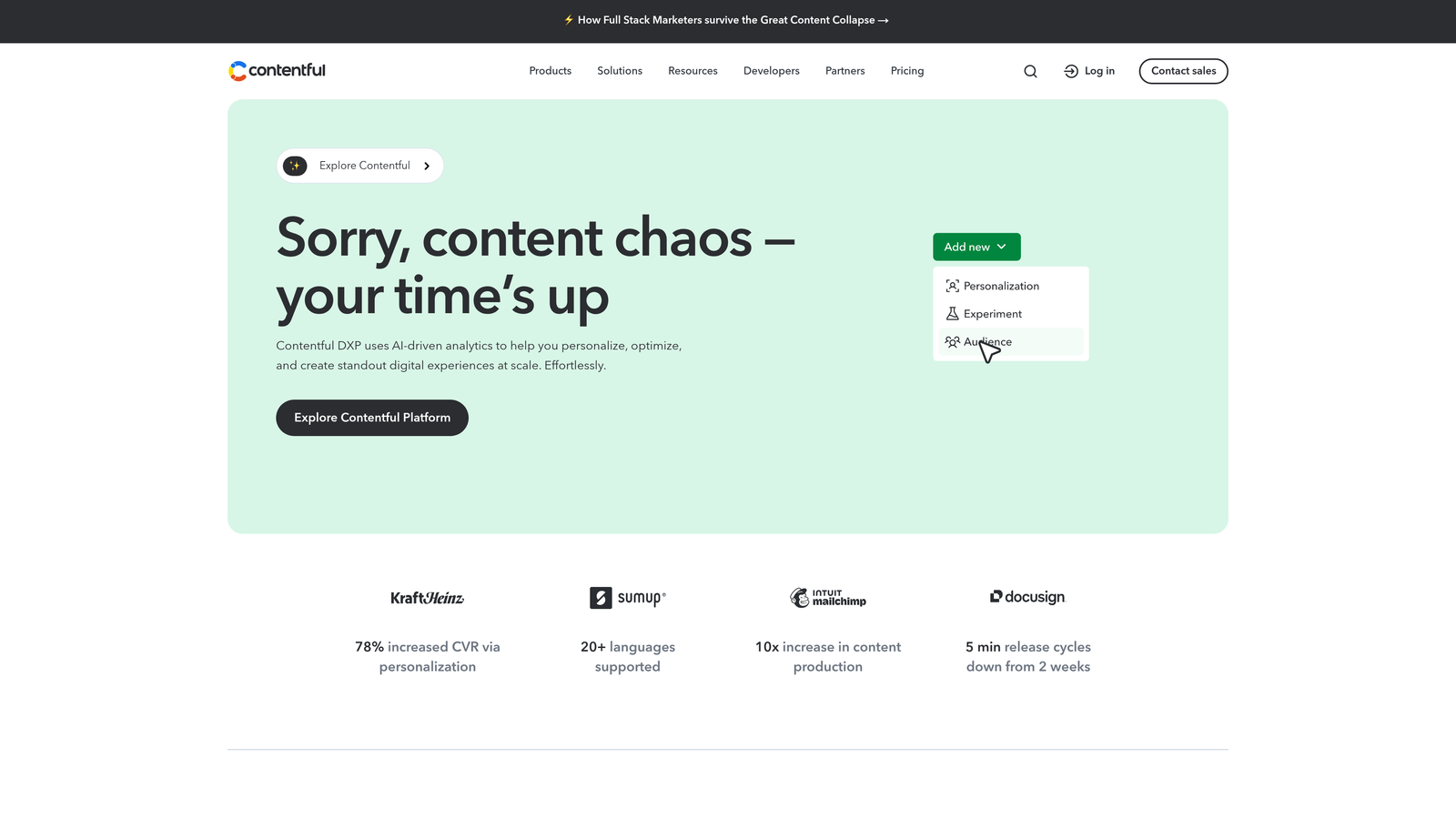
Contentful is a headless CMS that separates content creation from presentation, enabling API-driven publishing to websites, apps, and third-party platforms simultaneously.
Where This Tool Shines
Contentful excels when you're publishing the same content to multiple destinations with different formatting requirements. Create your content once in structured fields, then push it via API to your website, mobile app, digital signage, and voice assistant—all with a single publish action.
The release management system lets you bundle multiple content updates together and schedule them as a coordinated release. Launch a new product with simultaneous updates to product pages, blog posts, email campaigns, and app content—all triggered by one scheduled publish event.
Key Features
Scheduled Publishing with Releases: Bundle multiple content updates and schedule coordinated releases across all channels.
Multi-Environment Staging: Preview scheduled content in staging environments before it goes live.
Webhook Automation: Trigger custom publishing workflows and third-party integrations when content publishes.
CDN-Backed Delivery: Published content is distributed globally via CDN for fast loading worldwide.
Granular Permissions: Control who can schedule, approve, and publish content with role-based access.
Best For
Enterprise organizations publishing content to multiple channels and platforms. Ideal when you need structured content that adapts to different formats—website, mobile app, email, digital displays—from a single source.
Pricing
Free tier available for small projects with basic features. Team plan starts at $489/month for advanced publishing workflows and collaboration features.
5. Sanity.io
Best for: Developer-focused teams wanting flexible content modeling with real-time collaboration
Sanity is a real-time headless CMS with customizable content structures and powerful publishing APIs that developers can shape to exact requirements.
Where This Tool Shines
Sanity gives developers unprecedented control over content structure and publishing workflows. Unlike rigid CMS platforms that force you into predefined content types, Sanity lets you model content exactly how your project needs it—then build custom publishing logic on top.
The real-time collaboration is genuinely impressive. Multiple team members can edit the same content simultaneously, seeing each other's changes instantly. This matters when you're coordinating last-minute updates before a scheduled publish or working across time zones.
Key Features
Scheduled Publishing via GROQ: Use Sanity's query language to create sophisticated scheduling logic and conditional publishing rules.
Real-Time Collaboration: Multiple editors work simultaneously with instant change synchronization across all connected clients.
Custom Publishing Workflows: Build plugins to create approval chains, automated checks, and custom publish triggers.
Portable Text: Structured content format that adapts to any presentation layer without losing semantic meaning.
Generous Free Tier: Includes scheduled publishing and collaboration features even on the free plan.
Best For
Development teams building custom content experiences who need flexibility beyond what traditional CMS platforms offer. Best when you have technical resources to leverage Sanity's API-first architecture.
Pricing
Free tier includes scheduled publishing and real-time collaboration. Team plan starts at $99/month for increased usage limits and additional environments.
6. Buffer Publish
Best for: Social media managers automating cross-platform posting with queue-based scheduling
Buffer is a social media scheduling platform that uses queue-based publishing to maintain consistent posting across Facebook, Twitter, LinkedIn, Instagram, and Pinterest.
Where This Tool Shines
Buffer's queue system is brilliant for maintaining consistent social presence without micromanaging every post time. You set your preferred posting schedule—say 9 AM, 1 PM, and 5 PM daily—then add content to the queue. Buffer automatically slots each piece into the next available time slot.
The optimal timing suggestions analyze when your specific audience is most active and engaged. Instead of guessing when to post, Buffer shows you data-backed recommendations based on your historical performance.
Key Features
Queue-Based Publishing: Add content to queues that automatically publish at your predefined optimal times across all connected platforms.
Optimal Timing Suggestions: Analyzes your audience engagement patterns to recommend the best posting times for your specific followers.
Visual Content Calendar: Drag-and-drop interface shows your entire publishing schedule across all social platforms in one view.
Browser Extension: Schedule content directly from any webpage with Buffer's Chrome and Firefox extensions.
Team Collaboration: Assign posts for approval, leave comments, and manage team member permissions.
Best For
Social media managers and small marketing teams focused primarily on social publishing rather than website content. Particularly effective for maintaining consistent social presence across multiple platforms.
Pricing
Free plan covers 3 social channels with basic scheduling. Essentials plan starts at $6/month per social channel with advanced features and analytics.
7. HubSpot CMS Hub
Best for: Marketing teams wanting CMS publishing integrated with CRM and marketing automation
HubSpot CMS Hub combines content management with marketing automation, enabling scheduled publishing that triggers personalized workflows based on visitor behavior and CRM data.

Where This Tool Shines
HubSpot's power lies in connecting your publishing schedule to your entire marketing operation. Schedule a blog post to publish, and simultaneously trigger email notifications to relevant contacts, update lead scoring rules, and personalize website content for different audience segments.
The smart content feature lets you publish one page that automatically adapts based on who's viewing it. A scheduled product launch page can show different messaging to existing customers versus prospects, all from a single published URL.
Key Features
Scheduled Publishing with Automation: Trigger marketing workflows, email sequences, and CRM updates automatically when content publishes.
Smart Content Personalization: Published pages adapt content dynamically based on visitor attributes, behavior, and CRM data.
Built-In A/B Testing: Schedule multiple page versions to publish and automatically test which performs better.
SEO Recommendations: Get optimization suggestions directly in the editor before scheduling content to publish.
Full CRM Integration: Connect published content to contact records, deals, and customer journey stages.
Best For
Marketing teams already using HubSpot's CRM and marketing automation tools. Most valuable when you need tight integration between content publishing and lead nurturing workflows.
Pricing
Starter plan begins at $25/month with basic CMS features. Professional plan starts at $400/month for advanced publishing automation and personalization capabilities.
8. Strapi
Best for: Teams wanting open-source flexibility with self-hosted or cloud deployment options
Strapi is an open-source headless CMS that gives you complete control over your content structure, publishing workflows, and hosting environment.
Where This Tool Shines
Strapi's open-source nature means you own your entire content infrastructure. Self-host on your own servers for complete data control, or use Strapi Cloud for managed hosting. Either way, you're not locked into a proprietary platform.
The plugin marketplace extends Strapi's core publishing capabilities with community-built extensions. Need custom approval workflows? There's a plugin. Want to integrate with a specific service? Build it yourself or find one in the marketplace. This flexibility is rare in the headless CMS space.
Key Features
Draft and Publish Workflow: Built-in content staging with scheduled publishing and version control.
Custom Content Types: Create any content structure you need with scheduled publishing rules tailored to each type.
Plugin Marketplace: Extend publishing functionality with community plugins or build custom extensions.
Flexible Deployment: Self-host on your infrastructure or use Strapi Cloud for managed hosting.
REST and GraphQL APIs: Choose your preferred API style for publishing content to any frontend.
Best For
Development teams that value open-source flexibility and want control over their hosting environment. Ideal when you need custom publishing workflows that proprietary platforms can't accommodate.
Pricing
Free and open source for self-hosted deployments. Strapi Cloud starts at $99/month for managed hosting with automatic scaling and backups.
9. Publii
Best for: Privacy-focused creators wanting desktop-based editing with static site publishing
Publii is a desktop application that generates static websites locally, then publishes them to your hosting provider with one click—no database or server-side processing required.
Where This Tool Shines
Publii takes a refreshingly different approach to publishing. You create and edit content entirely on your local machine using a desktop app, then publish the generated static files to any hosting provider. The result is incredibly fast websites with zero security vulnerabilities from databases or server scripts.
The privacy angle is significant. Since your site is static HTML files, there's no tracking, no cookies, no data collection—unless you explicitly add it. For creators concerned about visitor privacy or GDPR compliance, this architecture simplifies everything.
Key Features
One-Click Publishing: Generate your site locally and publish to GitHub Pages, Netlify, AWS S3, or traditional hosting with a single click.
Local-First Editing: Work offline with full content creation capabilities, then sync and publish when ready.
No Database Required: Published sites are pure static files—faster, more secure, and easier to maintain.
Built-In Optimization: Automatic image compression, lazy loading, and performance tuning for published content.
Privacy-Focused: No tracking or analytics by default—you control exactly what data your published site collects.
Best For
Solo creators and small publishers who prioritize site speed, security, and visitor privacy. Particularly appealing for bloggers who want simple publishing without managing databases or server infrastructure.
Pricing
Completely free and open source. No subscription fees, no usage limits, no premium tiers.
Making the Right Choice
The right CMS auto publishing software depends on where your content lives and how complex your distribution needs are.
For AI-powered content teams seeking end-to-end automation from creation to indexing, Sight AI delivers the most comprehensive solution. The combination of AI content generation, automatic CMS publishing, and IndexNow integration means your content gets created, published, and indexed without manual intervention at any step.
WordPress users with straightforward needs can leverage native scheduling enhanced with Jetpack's social distribution. This combination handles the basics reliably without additional platform complexity.
Marketing teams juggling editorial calendars across multiple channels will find CoSchedule indispensable. The unified calendar view and intelligent republishing features keep content flowing consistently across all your marketing activities.
Enterprise operations benefit from Contentful's structured workflows when publishing to multiple platforms simultaneously. The release management system coordinates complex launches across websites, apps, and third-party channels from a single scheduled event.
Developer-focused teams should explore Sanity or Strapi for maximum flexibility. Both offer the API control and customization options that technical teams need to build exactly the publishing workflows their projects require.
The key is matching your publishing volume, team structure, and integration requirements to the right platform—then letting automation handle the repetitive distribution work while you focus on creating content that drives results.
If you're tracking how AI models talk about your brand and need content that gets mentioned across ChatGPT, Claude, and Perplexity, start tracking your AI visibility today and see exactly where your brand appears across top AI platforms while automating your content publishing workflow.