Your team starts the morning in five places. A request arrives in Slack, the brief sits in a document, approval happens by email, dependencies live in a spreadsheet, and reporting requires someone to assemble updates manually. Work still moves, but ownership gets blurry, reviewers miss deadlines, and every new project adds another workaround.
The best workflow management software isn't automatically the platform with the longest feature list. The right choice depends on process complexity, collaboration style, governance requirements, integrations, budget, and how much implementation your team can sustain. The workflow management software market grew from an estimated USD 9.54 billion in 2022 to USD 14.96 billion in 2025, with one forecast projecting USD 49.4 billion by 2030 and a 26% CAGR from 2025 to 2030. That trajectory reflects how workflow platforms have become a mainstream operating layer, not just a task list, according to The Business Research Company's workflow management software market report.
This comparison ranks tools by workflow maturity and team fit, not vendor slogans. It weighs workflow design, automation, visibility, AI capabilities, scalability, pricing-tier limitations, integration depth, and implementation effort. If disconnected handoffs are slowing revenue operations, sales workflow automation can help end lead stagnation. Sight AI is also relevant for teams that need to turn research and AI-visibility insights into structured publishing workflows, but it isn't included as one of the workflow-management products ranked below.
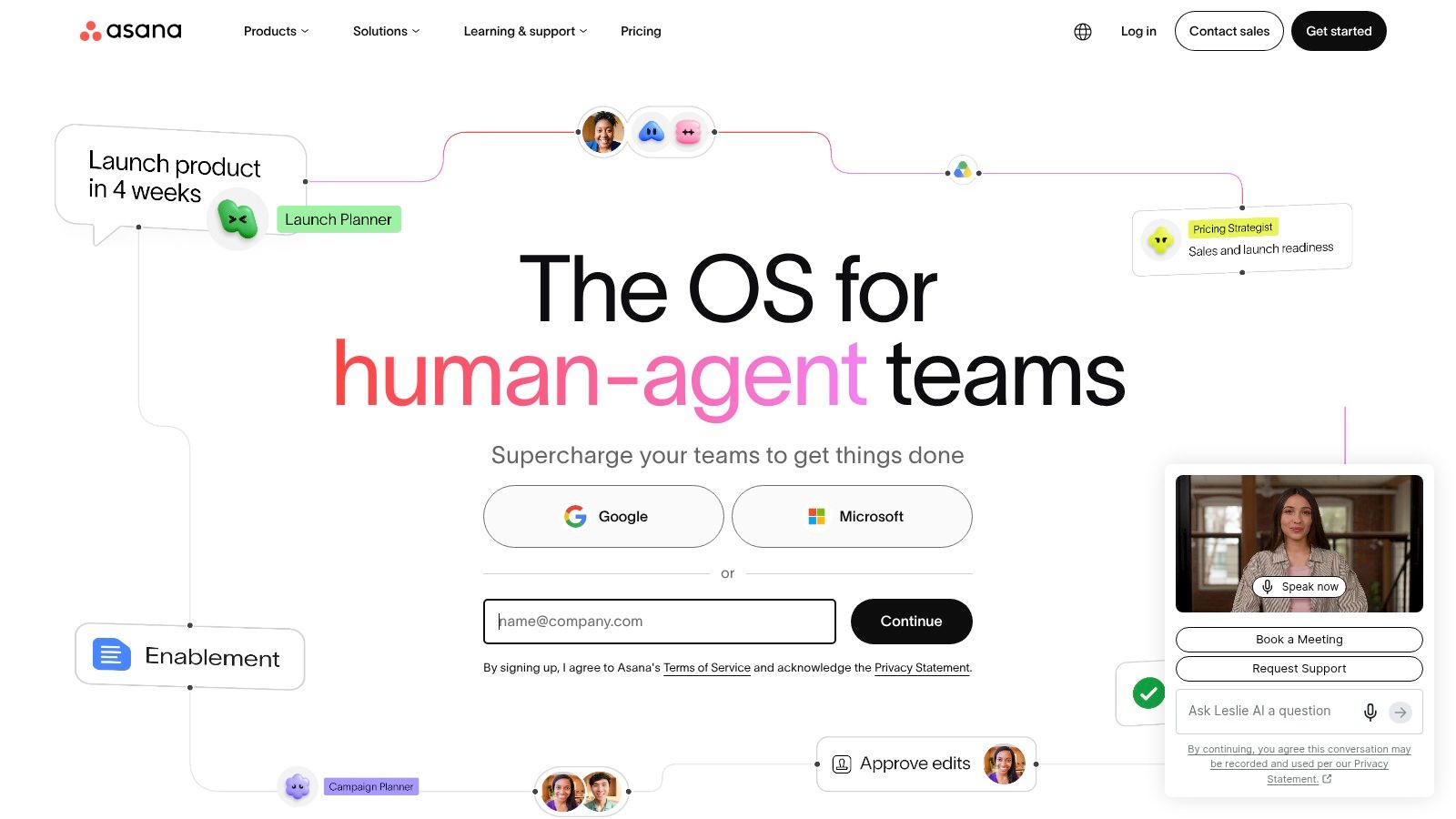
1. Asana
Asana is the strongest all-rounder for teams that need clear ownership, dependable timelines, approvals, and cross-functional visibility without turning every workflow into a systems-design project. Its project views let teams work in timeline, board, and list formats, while custom fields, rules, dependencies, and forms give operations managers enough structure to standardize recurring work.
That balance makes Asana particularly effective for marketing operations and content production. A campaign can move from intake to briefing, drafting, review, legal approval, publication, and reporting while keeping owners and due dates visible. Creative teams can use proofing and approvals to centralize feedback, while portfolios and goals help leadership connect individual projects with broader programs and OKRs.
Practical rule: Use Asana to make ownership obvious before adding sophisticated automation.
Its AI capabilities, including Dash, AI Teammates, and AI Studio, extend the platform beyond manual task administration. Teams can use them to draft, summarize, identify next steps, and route routine work. The useful question isn't whether AI exists, but whether the proposed action is easy for a human to verify. Summarizing a meeting is lower risk than changing a campaign deadline or routing a regulated approval.
Asana's main limitation appears in larger or more complex deployments. The most advanced automation and resource-management capabilities sit in higher tiers, so buyers need to model the workflow they intend to run, not just the entry plan. Organizations also need shared naming, status, and ownership conventions, or separate teams can create inconsistent systems inside an otherwise intuitive platform.
Best fit: Startups, marketing teams, content operations, and enterprises seeking balanced work management.
Visit Asana to evaluate its current plans and capabilities.
2. monday.com Work Management
monday.com Work Management suits teams that think visually and need to model a process quickly. Its boards use configurable columns for owners, dependencies, service-level expectations, and other workflow attributes. That makes it practical for a pipeline such as campaign intake, production, quality assurance, and publishing, especially when stakeholders want an immediate view of status and capacity.
The platform's flexibility is its central advantage. Marketing, customer success, operations, and PMO teams can start from templates or build a workflow that reflects their existing process. Automations can update records, notify owners, and connect steps across tools. Dashboards give executives a consolidated view without forcing every stakeholder to work inside the same board.
A Slack notification can be useful for a time-sensitive approval, but it shouldn't become a second task system. Teams should define which updates belong in the board and which messages are merely alerts, then test the handoff with their existing Slack integration workflow.
Where monday.com earns its place
monday.com is particularly strong when a nontechnical team needs to shape its own operating model. It offers a broad template gallery for marketing, creative operations, project management, and stakeholder reporting. The visual model also helps agencies explain progress to clients without exposing every internal detail.
The trade-off is packaging. Seat blocks, plan differences, add-ons, and advanced controls can make the true cost difficult to estimate from a simple feature comparison. Its AI functions use a credits model, including capabilities such as agents, meeting notes, and workflow updates. Buyers should test representative usage during a pilot, because an AI feature that looks inexpensive at low volume may require a different plan once several teams depend on it.
Best fit: Agencies, marketing teams, customer-success operations, and departments building bespoke visual workflows.
Visit monday.com Work Management before committing to a broad rollout.
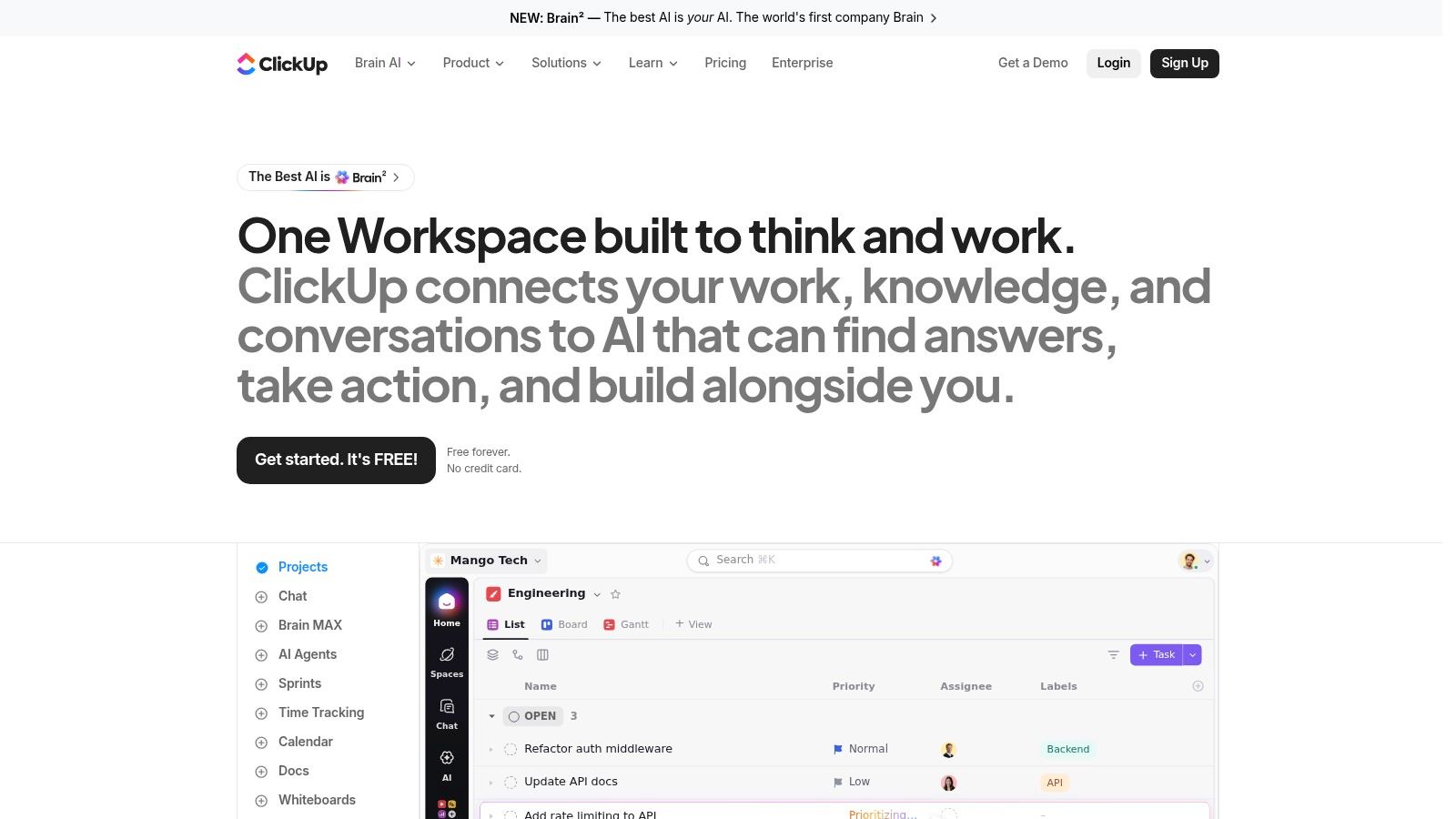
3. ClickUp
ClickUp is built for teams that want to consolidate tasks, documents, briefs, dashboards, forms, time tracking, and production reporting in one workspace. Its task model supports custom statuses and fields, Gantt views, workload planning, sprinting, automations, and reusable templates. Native Docs make it possible to keep a content brief or standard operating procedure close to the tasks that implement it.
That combination is attractive to content and SEO teams. A single workspace can contain a research brief, editorial calendar, production tasks, internal links, review comments, and performance follow-up. It can reduce the need to move context between a document tool and a project tool, provided the team agrees on where authoritative information belongs.
A consolidated workspace only reduces tool sprawl when the team can still find the source of truth.
ClickUp's depth creates its main adoption challenge. Teams can create multiple spaces, statuses, fields, views, and automations before they understand the minimum system they need. Admin hygiene matters more here than in a lightweight task manager. Start with one production workflow, define a limited status vocabulary, and hide views that don't serve a real decision.
Optional AI and Brain capabilities can support summaries and drafting, but buyers should separate convenience from governance. AI-generated text may be acceptable for an initial brief, while publishing decisions, factual claims, and compliance-sensitive changes still need assigned human review. Integrations can extend the system, including ClickUp and Zapier workflow connections, but every additional connector creates another point to document and monitor.
Best fit: Content teams, SEO departments, startups, and agencies wanting one place for production and documentation.
Visit ClickUp to test whether its flexibility improves execution or creates administration.
4. Jira Cloud
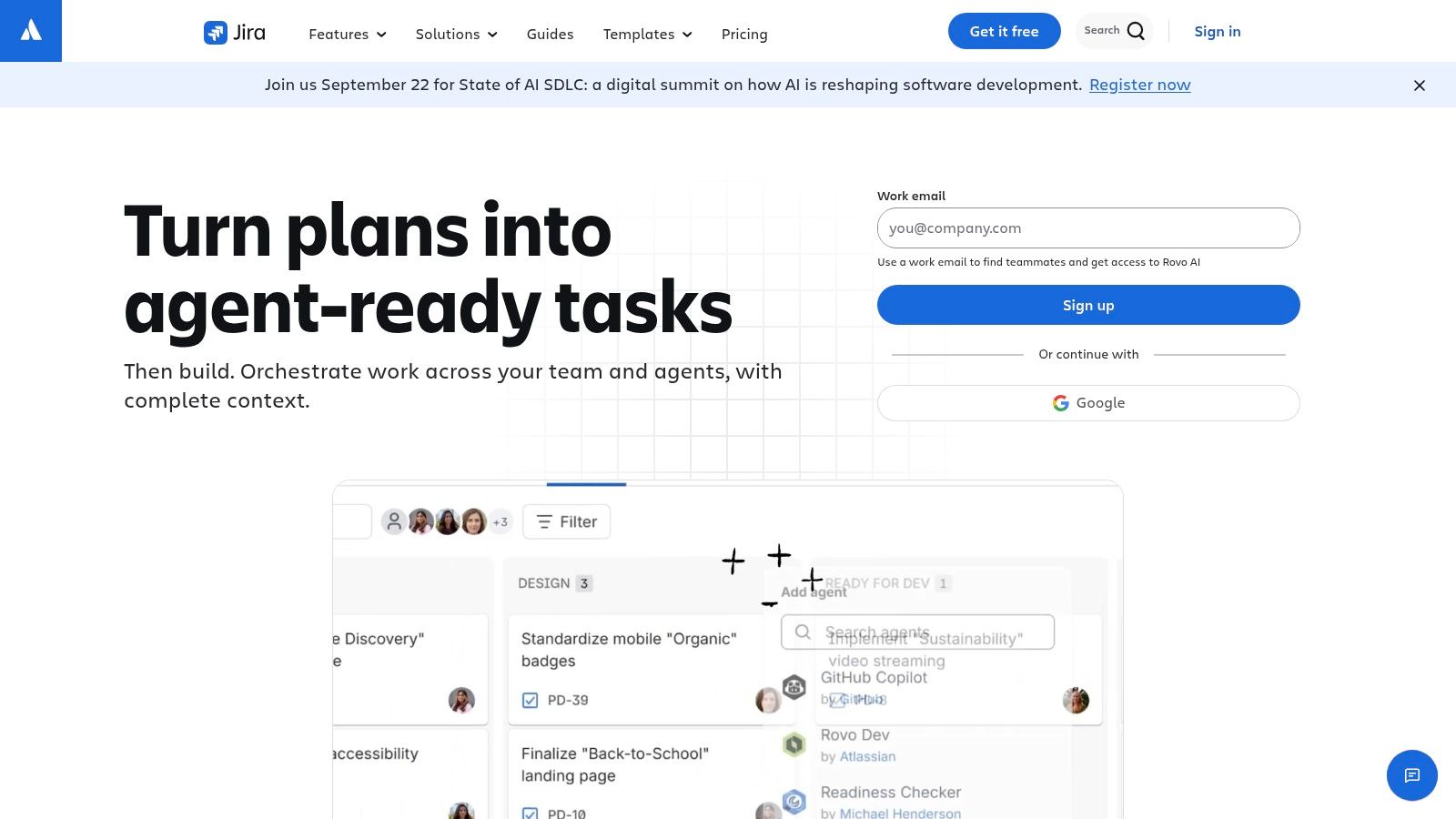
Jira Cloud is the best choice on this list for organizations that need precise workflow states, approval gates, permissions, automation, and enterprise administration. It began with strong software-development roots, but its unified work-management approach also supports business teams that share dependencies with product, engineering, web, or data groups.
Jira's configurable workflows let administrators define which transitions are allowed and what information must exist before work advances. Forms support structured intake, while board, backlog, timeline, and calendar views accommodate different working styles. This level of control is valuable when a task isn't just "open" or "done," but must pass through review, testing, legal, security, or release stages.
The governance advantage
Jira is a better fit than a lightweight board when the organization needs to demonstrate who changed a workflow, who approved an item, and why a transition occurred. Permissioning also matters when marketing, product, and technical teams share an intake system but shouldn't have identical editing rights.
Rovo provides AI search, chat, and agents on paid plans. That can make distributed knowledge easier to access, but AI actions should be scoped by permission and decision risk. Search and summarization are easier to govern than an agent that alters fields, creates work, or advances an approval without a clear review point.
The cost of this precision is configuration effort. Nontechnical users may need onboarding, and administrators need to resist building a workflow for every exception. A practical deployment starts with the few states that reflect real business decisions, then adds automation only after the team understands failure modes.
Best fit: Software teams, product and marketing squads, and enterprises with demanding governance requirements.
Visit Jira Cloud to assess its workflow and administration model.
5. Wrike
Wrike is designed for organizations that treat work as a managed service rather than a collection of informal projects. Its request forms can turn incoming needs into structured work, while proofing and approvals support creative assets, campaign reviews, and brand governance. Portfolio, resource, budget, and reporting functions give PMO and marketing leaders a broader view of demand and delivery.
That makes Wrike particularly useful for agencies and in-house creative operations. A requester can submit a brief through a form, the system can route it to the appropriate team, and reviewers can comment on the asset in context. The workflow is more disciplined than an email thread, but it also requires the organization to agree on intake fields, approval roles, and escalation rules.
For content teams, the platform works best when publishing is treated as a repeatable production process. Research, drafting, editing, optimization, approval, and distribution can each have an owner and exit condition. Teams exploring automated content workflows should apply the same discipline to the supporting workflow, particularly where AI-generated or AI-assisted work enters the process.
What buyers should inspect
Wrike's AI layer includes Copilot and agents, while add-ons such as Integrate and Two-Way Sync can expand automation and connectivity. Those capabilities may be valuable, but they complicate procurement. A buyer should separate essential workflow functions from optional orchestration and test whether the chosen tier includes the integrations, reporting, and governance controls the process depends on.
The newer high-end Apex packaging reinforces the need for a plan-level evaluation. Wrike can deliver substantial structure, but the administrative investment is part of the product decision, not an afterthought.
Best fit: Creative operations, agencies, marketing departments, and PMOs managing complex intake and approvals.
Visit Wrike to map a representative request-to-delivery process.
6. Smartsheet
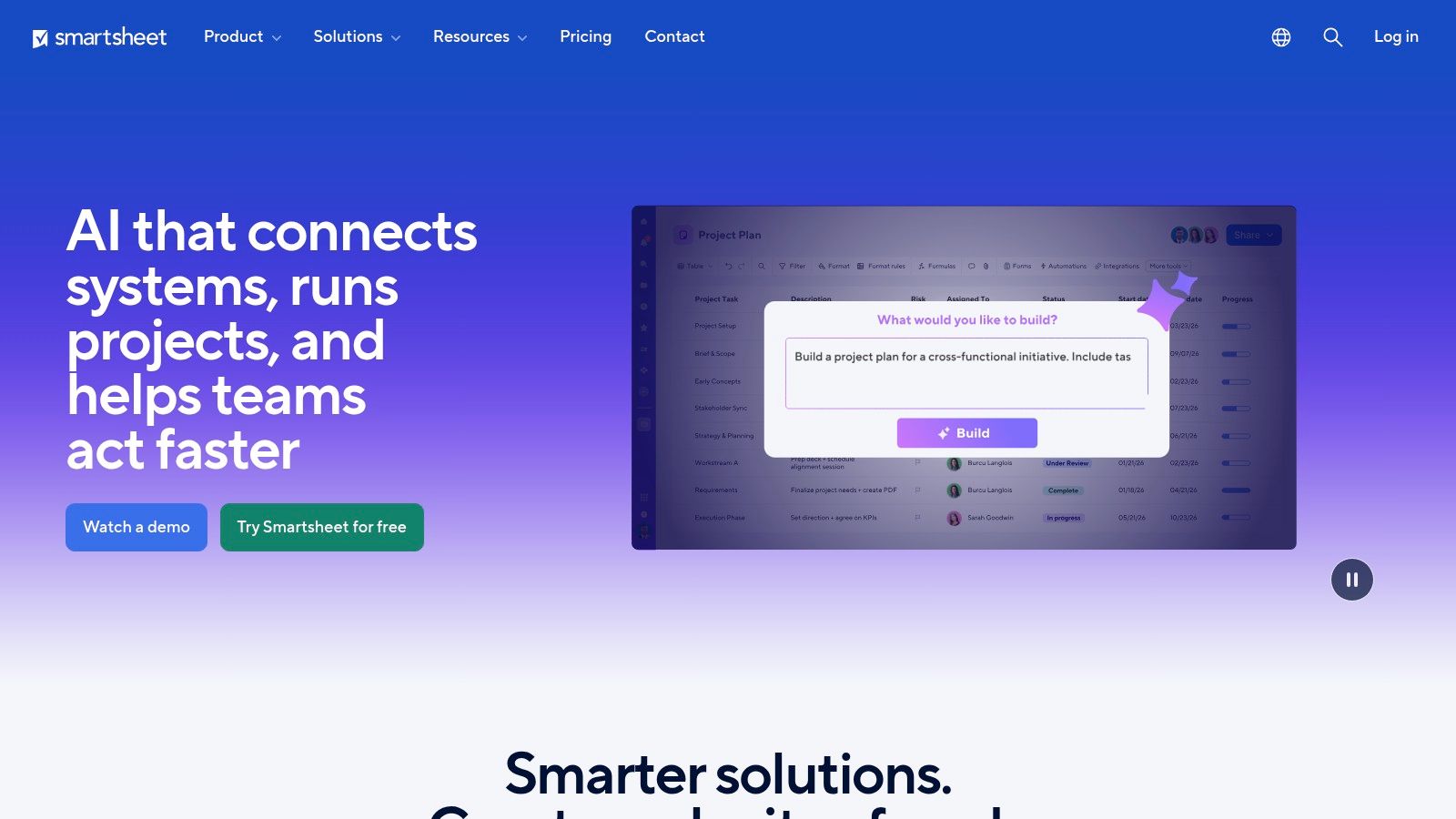
Smartsheet is the natural candidate for organizations that already manage work in spreadsheets but need forms, automation, dashboards, reports, and governance. Its grid view lowers the adoption barrier for spreadsheet-native users, while card, calendar, and Gantt views let teams present the same work differently to operators and stakeholders.
Content and campaign teams can use rows for deliverables, columns for owners and dates, forms for intake, and reports for portfolio rollups. The model is familiar enough for finance, operations, and marketing to collaborate without asking everyone to abandon the mental model they already use.
The danger is not a lack of capability. It's uncontrolled growth. If every department creates its own sheet, naming convention, formula logic, and status field, Smartsheet can reproduce the fragmentation it was meant to solve. A central administrator or operating standard should define the fields that matter across portfolios, while teams retain room for genuinely local requirements.
Enterprise scale needs deliberate packaging
Resource Management, Control Center, and Brandfolder are optional premium capabilities that can extend the system into resource planning, standardized program deployment, and digital asset management. New AI assistance and connectors may reduce manual work, but their value depends on the quality and consistency of the underlying data.
Advanced functions often require Business or Enterprise plans and may involve add-ons. That makes a pilot especially important. Build one campaign calendar or approval workflow, then check whether users complete forms correctly, whether dashboards answer leadership's questions, and whether the plan supports the required integrations before migrating more work.
Best fit: Spreadsheet-native organizations, content operations, campaign teams, and enterprises that need governed rollups.
Visit Smartsheet to evaluate its grid-to-portfolio path.
7. Airtable
Airtable is less a conventional task manager than a database and application-building platform. That distinction matters. It works well when a team needs to relate content, campaigns, keywords, channels, owners, approvals, and publishing records rather than just move tasks across a board.
Relational bases let operations teams create a structured model, while Interfaces can present different views to writers, editors, executives, or external stakeholders. Forms support standardized intake, automations move information between stages, and views include grid, kanban, calendar, timeline, and Gantt formats. Synced integrations can connect systems such as Slack, Jira, and Salesforce.
A content team might store one record for each article, connect it to a topic cluster and campaign, assign production stages, and expose only the relevant fields to a reviewer. That is more flexible than a fixed task list, but it also means the initial database design affects future agility. Poorly chosen relationships or duplicate fields can make maintenance harder as the operation grows.
Airtable is strongest when the workflow depends on structured records, not just task completion.
Airtable AI can be embedded in workflows for assistance with classification, summaries, or other data operations. Human review remains important when AI changes metadata, prioritizes requests, or prepares content for publication. Teams can also connect Airtable to content auto-publishing CMS workflows, but they should define which system owns final publication status.
Governance and scale features tend to appear in Business and Enterprise plans. Buyers should therefore test permissions, interface access, automation limits, and data relationships before selecting Airtable as the operational backbone.
Best fit: SEO teams, content operations, campaign teams, and businesses building custom internal apps.
Visit Airtable to prototype one structured workflow.
8. Notion
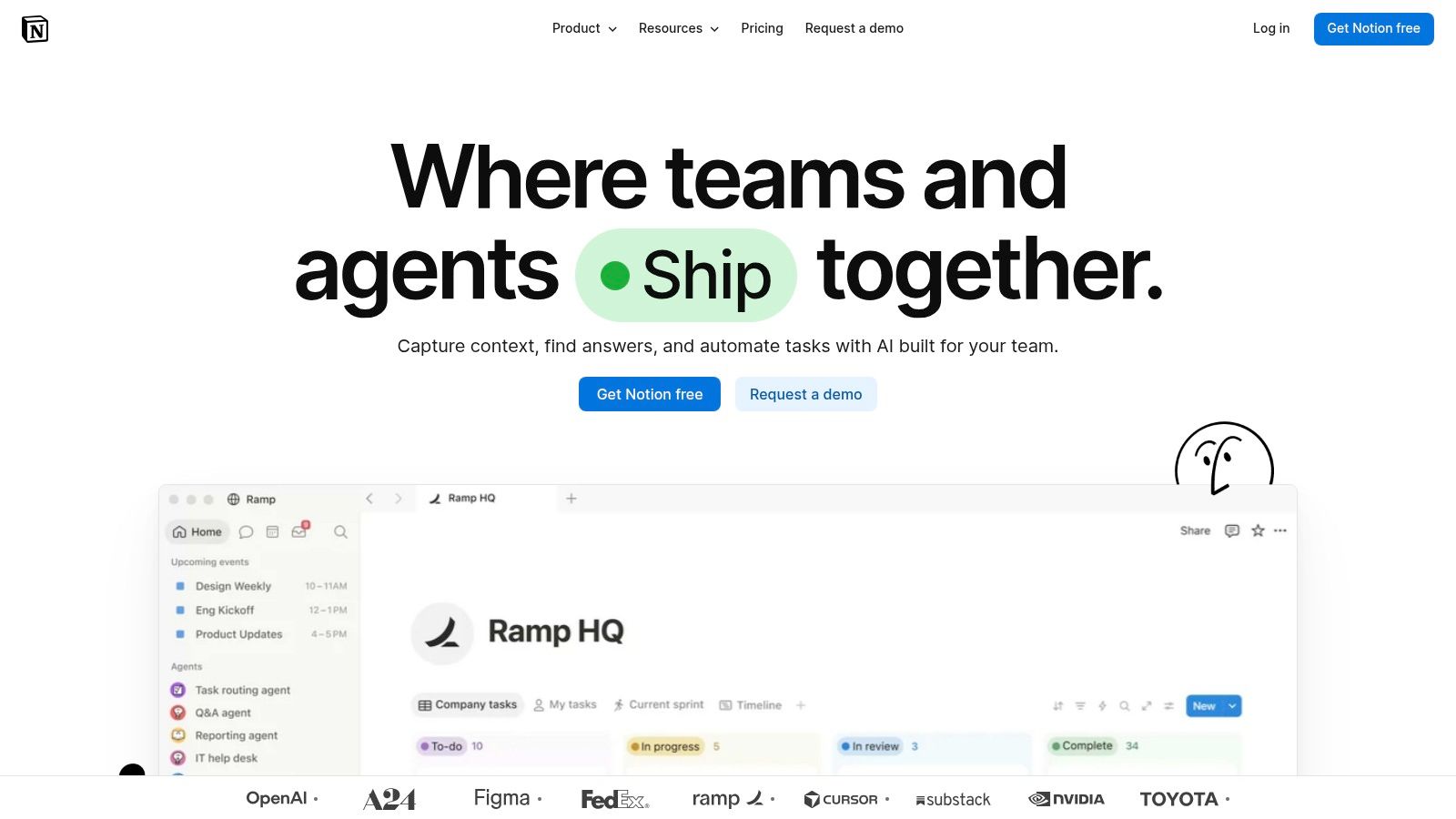
Notion is the strongest fit for knowledge-led teams that want briefs, documentation, databases, calendars, wikis, and lightweight workflows in one adaptable workspace. A content team can keep its editorial calendar beside research notes, style guidance, standard operating procedures, and publishing records instead of splitting context across separate applications.
Its flexibility is both the attraction and the risk. Databases support relations, rollups, forms, and automations, while granular permissions and verification badges help teams manage shared knowledge. Notion AI assists with drafting, summarizing, research, meeting notes, and enterprise search. Credit-based Custom Agents and Workers add more automation potential, but they also require usage planning and clear boundaries.
The implementation question is whether the team needs a knowledge system with workflow features or a workflow system with documentation features. Notion performs well in the first case. It can manage editorial stages, but complex dependencies, operational reporting, and strict process controls may require careful database architecture and supplementary tools.
AI needs an explicit review policy
AI-generated summaries and research assistance can save time in low-risk preparation work. They shouldn't become authoritative facts or publishable copy without a human owner checking sources, claims, tone, and compliance. Teams should record who reviews AI-assisted output and define which actions an agent may perform independently.
A simple content publishing workflow template can provide a starting structure, but copying a template without understanding its relations and permissions can create hidden complexity. Build only the databases and views the team will use, then document how a page moves from draft to approved publication.
Best fit: Content teams, publishers, startups, and organizations where knowledge management drives execution.
Visit Notion to test a brief-to-publish workflow.
9. Kissflow
Kissflow is built for formal business processes that need more than cards and checklists. Its low-code process designer supports forms, rules, SLAs, escalations, role-based permissions, integrations, and auditability. That makes it relevant for intake-to-approval-to-fulfillment processes in finance, procurement, HR, and operations.
The platform's strength is repeatability. A request enters through a defined form, moves to the right role, pauses when an approval is required, and escalates when the process breaches its service expectation. Teams can standardize the route without requiring every participant to understand how the underlying workflow was configured.
This process orientation also changes the implementation burden. Kissflow isn't the best choice if a team needs an attractive project board for loosely defined creative work. It becomes more valuable when exceptions are costly, ownership must be documented, and leaders need confidence that mandatory steps aren't being skipped.
Governance should precede automation
Role-based permissions and audit trails support controlled processes, but governance still depends on thoughtful design. Define who can submit, approve, edit, reject, and reopen a request. Then decide which changes require an audit record and how the team handles requests that don't fit the standard path.
Pricing is sales-guided, and advanced capabilities tend to skew toward enterprise deployments. Buyers should request a process-specific demonstration rather than accept a generic feature tour. The test should include a normal request, a rejected request, an escalation, a reassignment, and an exception.
Best fit: Finance, procurement, HR, operations, and organizations standardizing cross-department processes.
Visit Kissflow to model a governed process before migrating existing requests.
10. Pipefy
Pipefy is a strong choice when the work follows a stable, repeatable path from request to fulfillment. Its Kanban-style pipes use custom phases, rules, SLAs, forms, portals, automations, metrics, and service dashboards. That design suits marketing requests, content operations, legal reviews, finance processes, and other service workflows with clear inputs and outputs.
The public form is central to the experience. Instead of asking requesters to understand the internal board, a team can collect the information needed to start work and then route the item through defined phases. That separation improves intake quality and gives service teams a cleaner operational queue.
Pipefy also offers AI agents for triage, enrichment, and routing. Those functions can help classify incoming requests or identify missing information, but the acceptable level of autonomy depends on the consequence of an error. An agent that suggests a category is easier to govern than one that approves a legal or financial action.
Use Pipefy when the process is stable enough to measure, not when the team is still discovering what the process should be.
Its metrics and SLA dashboards make it useful for teams accountable for response and completion. The limitation is fit. If the work changes shape constantly, a rigid pipe can become a source of exceptions and manual overrides. Some AI capabilities and enterprise controls also require higher tiers, so plan validation should happen with realistic request volumes and roles.
Best fit: Service teams, content operations, legal and finance workflows, and standardized request queues.
Visit Pipefy to test a complete intake-to-fulfillment flow.
Top 10 Workflow Management Tools, Feature Comparison
| Product | Core focus & features | AI & automation | Best for / Target audience | Unique value / differentiator | Pricing & scale |
|---|---|---|---|---|---|
| Asana | Multi‑view projects (timeline, board, list), custom fields, approvals, portfolios | Dash, AI Teammates, AI Studio for summaries, next steps, routing | Marketing ops, content calendars, cross‑team campaign execution | Intuitive UI, strong templates, broad integrations & governance | Feature-rich tiers; advanced automation in higher plans |
| monday.com Work Management | Visual Work OS, boards with SLAs/dependencies, dashboards | Automations + AI via credits model (agents, meeting notes) | Nontechnical teams running configurable campaign pipelines | Fast to model bespoke workflows; large template gallery | Seat/plan complexity; advanced AI/features raise cost |
| ClickUp | Tasks, Docs, whiteboards, goals, Gantt, workload, native templates | Optional “Brain” for summaries/drafts; automations & forms | Content & SEO teams needing end‑to‑end production tracking | Rich feature set at low entry price; unified docs + tasks | Competitive entry pricing; some AI advanced features are add‑ons |
| Jira (Cloud) | Configurable workflows, forms, multiple views, permissions | Rovo AI (search/chat/agents) on paid plans; advanced automations | Marketing + Product + Web squads needing intake & dependencies | Enterprise scale, compliance, precise automation controls | Enterprise‑grade; requires config effort; paid AI on tiers |
| Wrike | Request intake queues, proofing/approvals, portfolio & resource mgmt | Copilot, agents, add‑ons (Integrate, Two‑Way Sync) | Marketing, creative, PMO with complex approvals & reporting | Deep reporting, creative proofing, broad add‑on ecosystem | Complex tiers; high‑end “Apex” and add‑ons increase cost |
| Smartsheet | Spreadsheet‑style grid/Gantt/calendar, forms, formulas, dashboards | Automations, AI assists, connectors | Spreadsheet‑native teams: content ops, campaign calendars, rollups | Easy entry for sheet users; strong portfolio governance | Advanced features often require Business/Enterprise + add‑ons |
| Airtable | Relational bases, Interfaces, multiple views, synced integrations | Embedded Airtable AI, automations, forms | SEO/content teams needing structured data & custom UIs | Powerful schema + interface builder; tailored apps for ops | Governance & scale features in Business/Enterprise plans |
| Notion | Docs, databases, wikis, templates, automations | Notion AI for drafting/summarizing; Custom Agents (credit‑based) | Content teams consolidating briefs, knowledge, SOPs | Unifies knowledge + workflows; rapid SOP/brief creation | Credit‑based agents; careful permissioning needed at scale |
| Kissflow | Low‑code process designer, forms, SLAs, escalations, audit logs | Low‑code extensions & integrations (process automation) | Teams standardizing governed cross‑department processes | Purpose‑built process rigor and auditability beyond boards | Sales‑guided pricing; advanced features skew enterprise |
| Pipefy | Kanban‑style "pipes", public forms, SLAs, metrics & dashboards | AI agents to triage/enrich/route; automations | Standardized request→fulfillment flows (marketing, legal, finance) | Easy operationalization of repeatable pipes; strong SLA tracking | Best value at stable/high volume; higher tiers for AI/enterprise |
Choose the Platform Your Process Can Sustain
The best workflow management software depends on the process your team can maintain. Market adoption supports that practical view. Independent tracking found that 47% of companies with more than 1,000 employees had adopted workflow management systems in 2023, while 50% of SMEs planned to implement them by 2025, as reported by Market.us. Workflow software has moved beyond early adopters, but adoption alone doesn't tell you which operating model will work.
Choose Asana for balanced cross-functional work management, especially when ownership, timelines, approvals, and program visibility matter more than extreme customization. Choose monday.com Work Management when nontechnical teams need highly visual, configurable workflows and dashboards. Choose ClickUp when content or SEO teams want to consolidate documents, briefs, tasks, templates, and reporting in one workspace.
Technical and enterprise processes point toward Jira Cloud, particularly when permissioning, workflow precision, automation, and auditability are requirements. Wrike is the better fit for creative operations with structured intake, proofing, approvals, and portfolio reporting. Smartsheet suits spreadsheet-native organizations that need to scale familiar grids into governed portfolios.
For teams building custom operational apps, Airtable offers the strongest database-oriented model. Notion is a practical choice for knowledge-led content teams that want documentation and workflow in the same environment. Kissflow is designed for formal business processes with rules, roles, escalations, and audit trails. Pipefy fits repeatable request-to-fulfillment flows where SLAs, intake portals, and standardized phases matter.
AI requires a separate buying decision. Recent reporting found that 65 percent of CX leaders called AI strategically necessary, while current workflow trends emphasize AI-powered decisioning, human-in-the-loop governance, and agentic workflows, as described in Zendesk's workflow automation coverage. Rule-based automation remains easiest to audit. AI-assisted routing can be useful when a human checks the result. Autonomous agents require tighter permissions, monitoring, rollback options, and compliance review.
Use this implementation sequence:
- Map one high-volume workflow: Choose a process with visible handoffs, such as content approval, campaign intake, or procurement requests.
- Define statuses and ownership: Write the entry condition, exit condition, responsible role, reviewer, and escalation path for each stage.
- Audit integrations and plan limits: Check the CRM, ERP, messaging, file storage, CMS, API, automation, seat, and AI requirements before procurement.
- Pilot with a representative team: Include the people who submit, execute, approve, and report on the work.
- Document conventions: Record naming rules, status definitions, required fields, notification policies, and exception handling.
- Migrate in stages: Bring over active and necessary work first. Archive historical material rather than rebuilding every old record.
- Measure operational health: Track adoption, cycle time, approval delays, and exception volume so the team can improve the workflow instead of merely operating the software.
The strongest platform is the one that fits the existing application stack cleanly and reduces tool sprawl. Market analysis points toward cloud-led deployment and deeper connections across CRM, ERP, messaging, and file storage systems, while another market breakdown estimated cloud deployment at 67.9% of market share and North America at 40% of revenue, according to Precedence Research's workflow management system analysis. Those figures don't make one product universally superior. They reinforce the need to evaluate integration depth, API flexibility, governance, and the total operating burden.
Sight AI can complement the selected workflow system when content teams need AI-visibility monitoring, content-gap discovery, structured article production, CMS publishing, sitemap updates, and indexing operations. Its automation capabilities can schedule research, writing, linking, indexing, and reporting workflows, with monitoring and auditing for each run.
Sight AI helps teams monitor how AI platforms and search results represent their brands, uncover content gaps, and turn those insights into structured publishing workflows. Visit Sight AI to connect AI visibility monitoring with content research, production, CMS publishing, and ongoing indexing operations.