Modern content teams are drowning in manual publishing workflows—scheduling posts, formatting for different platforms, and ensuring SEO compliance across dozens of articles per week. Content auto-publishing CMS platforms eliminate this friction by automatically pushing content from creation to live publication with minimal human intervention.
This guide evaluates top platforms based on automation depth, CMS integrations, SEO/GEO optimization capabilities, and pricing transparency. Whether you're a solo marketer managing multiple blogs or an agency scaling content operations, you'll find the right tool to streamline your publishing pipeline.
1. Sight AI
Best for: Teams wanting AI content generation with automated CMS publishing and instant search engine indexing
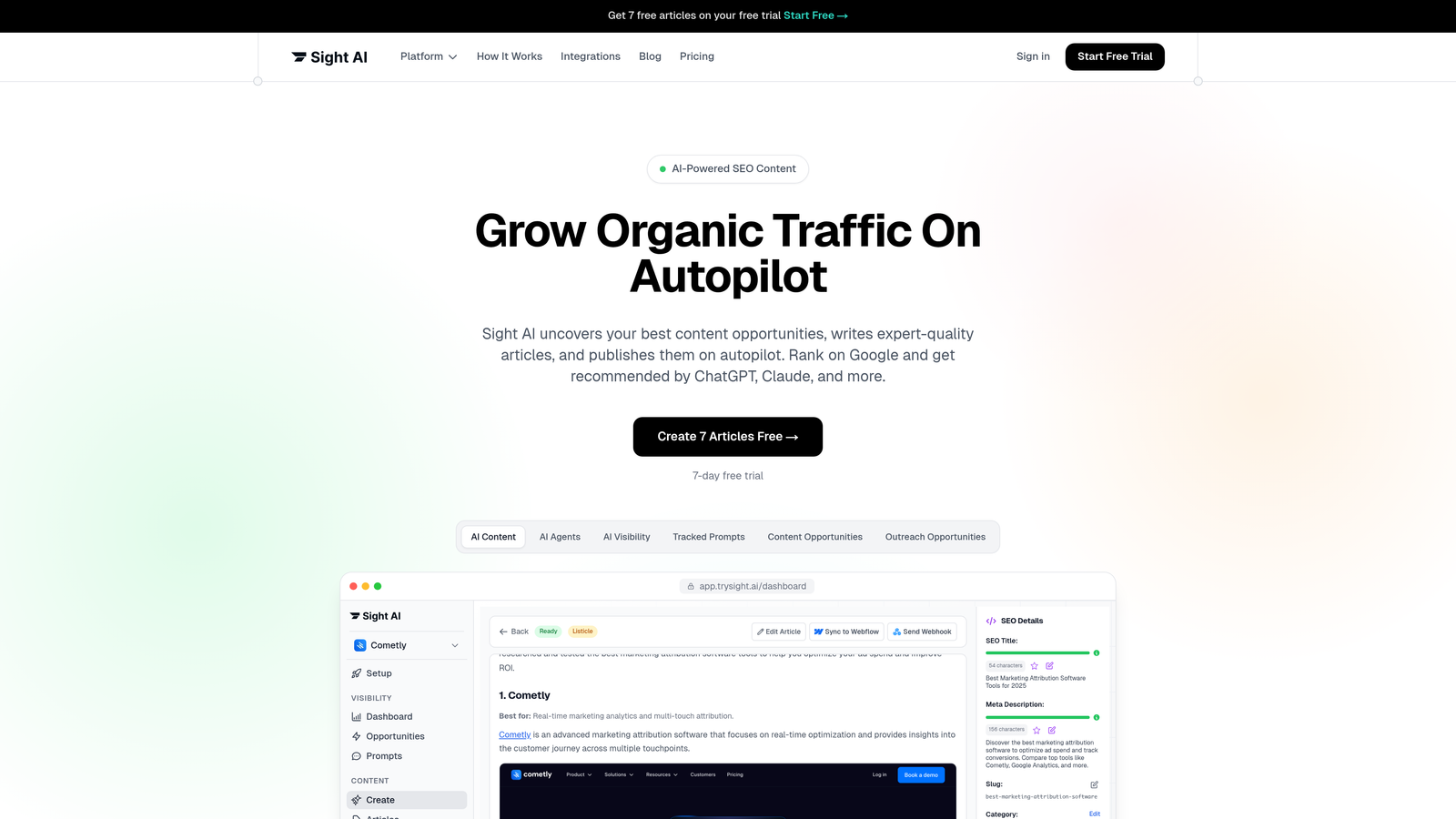
Sight AI is an AI-powered content platform that combines 13+ specialized agents for content creation with direct CMS auto-publishing capabilities and IndexNow integration for immediate search engine notification.
Where This Tool Shines
Sight AI stands out by solving two problems at once: creating content and getting it published automatically. The platform doesn't just schedule posts—it generates SEO and GEO-optimized articles using specialized AI agents, then pushes them directly to your CMS without manual intervention.
The IndexNow integration is particularly valuable. While most platforms make you wait for search engines to discover new content, Sight AI notifies Google, Bing, and other search engines immediately when content goes live, accelerating your path to organic visibility.
Key Features
13+ Specialized AI Agents: Different agents handle listicles, guides, explainers, and other content types with format-specific optimization.
Multi-CMS Auto-Publishing: Direct integration with WordPress, Webflow, and custom sites eliminates copy-paste workflows.
IndexNow Integration: Automatic notification to search engines the moment content publishes, reducing discovery time from days to minutes.
AI Visibility Tracking: Monitor how AI models like ChatGPT, Claude, and Perplexity reference your brand across prompts.
Autopilot Mode: Hands-off content operations where the system generates, optimizes, and publishes on schedule without daily oversight.
Best For
Marketing teams and agencies that need both content creation and publishing automation in one platform. Particularly valuable if you're tracking AI visibility and want content optimized for both traditional search engines and AI model responses.
Pricing
Contact for pricing. Plans include content generation capabilities alongside auto-publishing features.
2. WordPress with Jetpack
Best for: Existing WordPress sites needing straightforward scheduling and social media automation
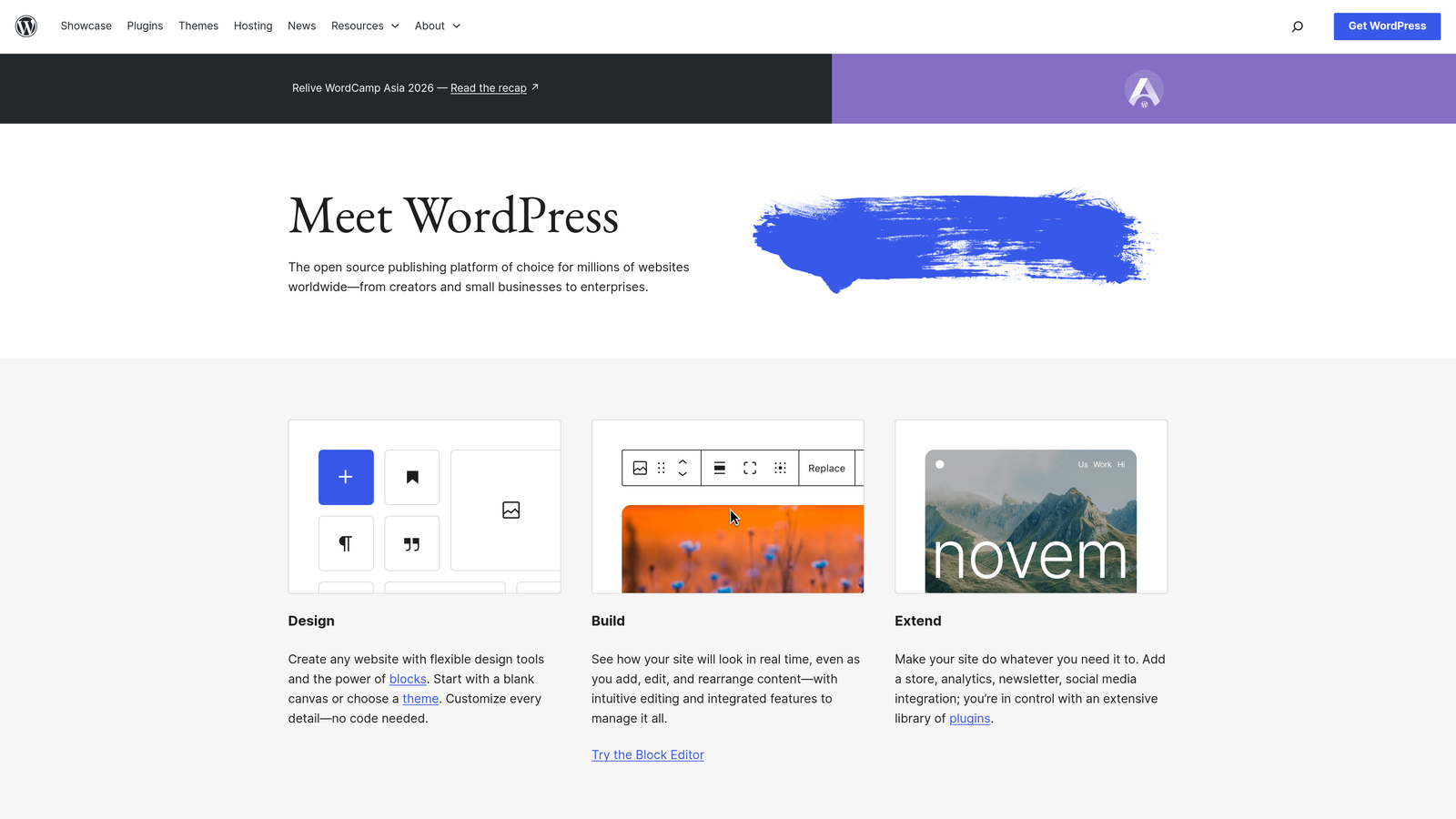
WordPress is the world's most popular CMS, and when paired with Jetpack's automation features, it provides scheduled publishing with automatic social media distribution.
Where This Tool Shines
If you're already running WordPress, adding Jetpack gives you solid automation without migrating platforms. The visual calendar makes it easy to see your publishing schedule at a glance, and the Publicize feature automatically shares new posts to connected social accounts.
The massive plugin ecosystem means you can extend functionality endlessly. Need email notifications when posts publish? There's a plugin. Want to auto-post to LinkedIn? Another plugin handles it. This flexibility makes WordPress adaptable to nearly any workflow.
Key Features
Native Post Scheduling: Built-in calendar view for planning content weeks or months ahead with timezone support.
Automatic Social Sharing: Publicize feature pushes new posts to Facebook, Twitter, LinkedIn, and Tumblr without manual posting.
Multi-Platform Distribution: Single post can trigger distribution across multiple channels simultaneously.
Plugin Ecosystem: Thousands of plugins extend automation capabilities for specific workflows and integrations.
Revision History: Automatic saving and version control for all scheduled content.
Best For
Content teams already invested in WordPress who want to add scheduling and social automation without learning a new platform. Ideal for blogs, news sites, and content publishers with established WordPress workflows.
Pricing
WordPress core is free and open-source. Jetpack offers a free tier with basic features, while paid plans range from $10 to $50 per month depending on automation features needed.
3. HubSpot Content Hub
Best for: Enterprise teams connecting content publishing directly to CRM data and marketing workflows
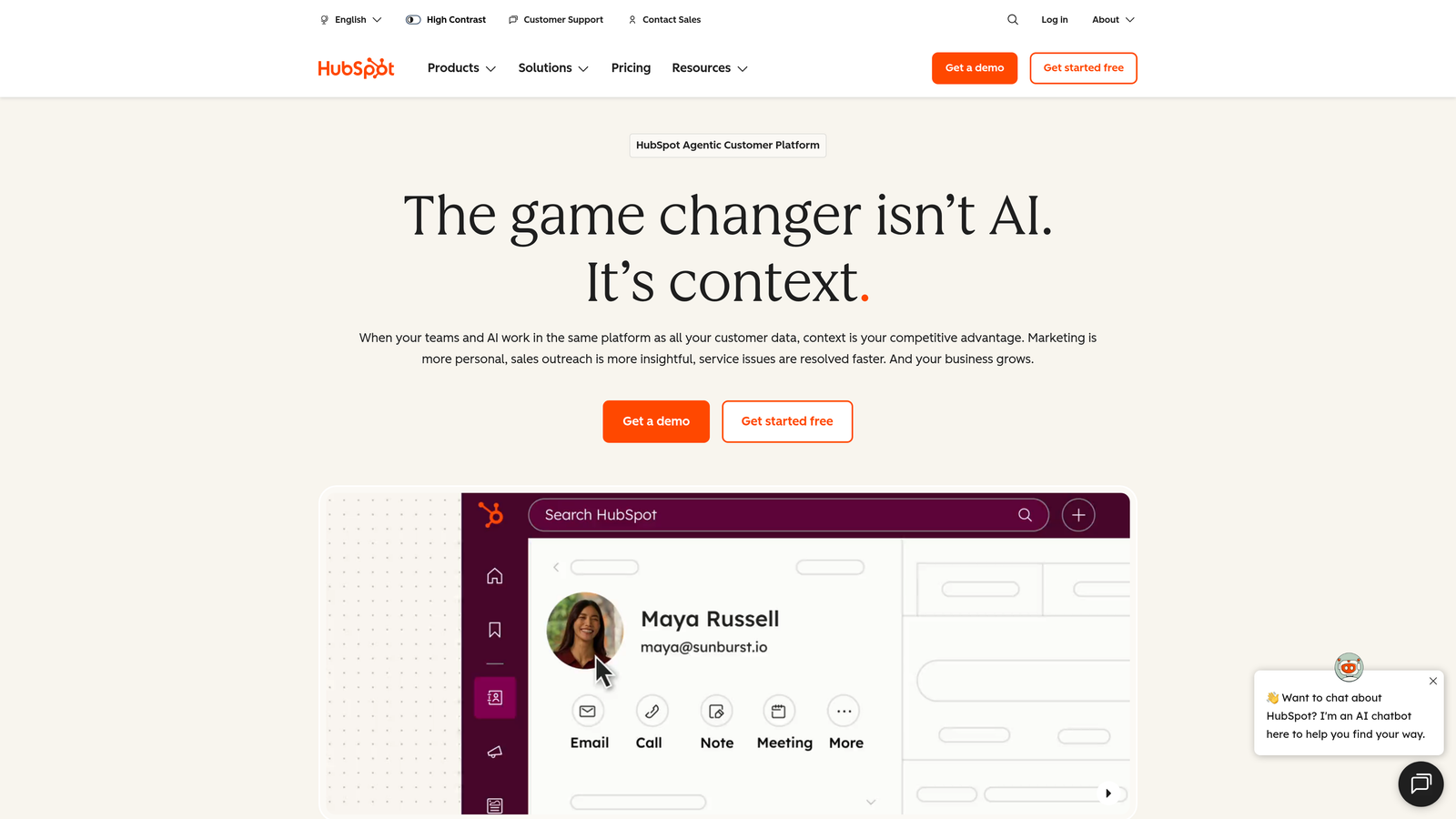
HubSpot Content Hub is an enterprise marketing platform with CMS capabilities that ties content publishing to customer relationship management data and sophisticated marketing automation workflows.
Where This Tool Shines
HubSpot's power comes from connecting content to your entire marketing operation. You can trigger content publication based on CRM events—publish a case study when a deal closes, or automatically show different content versions based on visitor lifecycle stage.
The smart content personalization is particularly sophisticated. The same page can display different headlines, CTAs, or entire sections based on whether the visitor is a lead, customer, or unknown contact. This level of automation goes beyond simple scheduling into intelligent content delivery.
Key Features
Workflow-Triggered Publishing: Automate content publication based on CRM events, form submissions, or custom triggers.
Smart Content Personalization: Dynamically change page content based on visitor data, lifecycle stage, or list membership.
Built-In SEO Recommendations: Real-time suggestions for improving on-page SEO as you create content.
Revenue Attribution: Track which published content contributes to closed deals and revenue.
A/B Testing: Automatically test different versions of pages and publish winners based on conversion data.
Best For
Enterprise marketing teams already using HubSpot's CRM who want tight integration between content publishing and customer data. Best suited for companies where content plays a direct role in sales pipeline progression.
Pricing
Content Hub Professional starts at $450 per month. Enterprise plans with advanced automation features require custom pricing based on contact database size and feature requirements.
4. Contentful
Best for: Development teams needing API-first content delivery with webhook-driven publishing automation
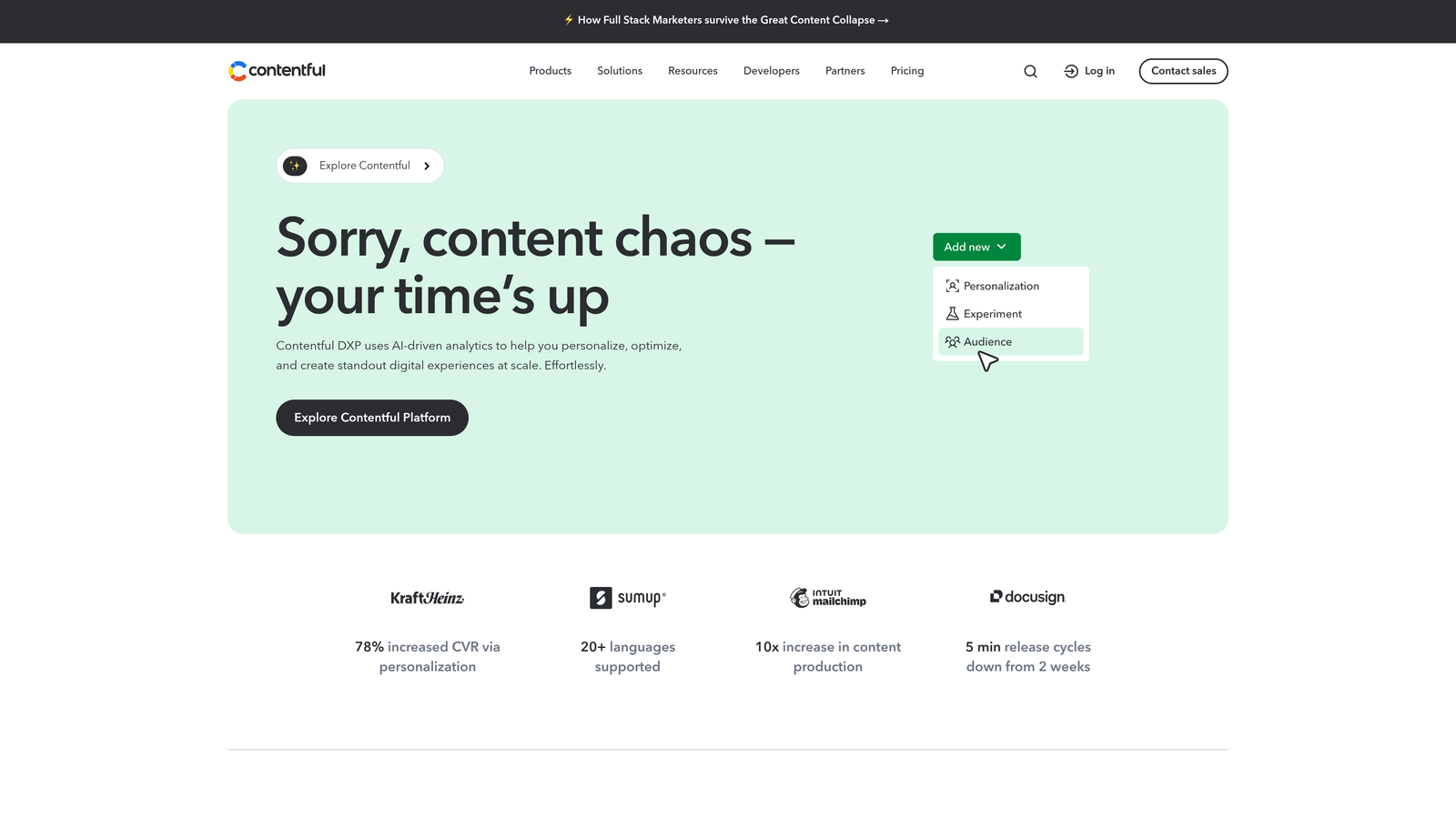
Contentful is a headless CMS designed for developers who need to deliver content to multiple frontends through APIs with webhook-driven auto-publishing capabilities.
Where This Tool Shines
Contentful separates content management from presentation completely. You create content once in Contentful, then use webhooks to automatically trigger deployments to your website, mobile app, digital signage, or any other channel that can consume an API.
The content modeling system gives you precise control over structure and relationships. You can build custom workflows where publishing a "parent" content piece automatically triggers updates to related content across all channels. This makes it powerful for complex multi-channel publishing scenarios.
Key Features
Webhook Automation: Trigger custom deployment workflows automatically when content publishes or updates.
Scheduled Publishing: Set exact publication times with support for content modeling and relationships.
Multi-Channel Delivery: Single content source feeds websites, apps, IoT devices, and any API-consuming platform.
Robust API: RESTful and GraphQL APIs enable custom automation workflows tailored to your tech stack.
Content Modeling: Define custom content types with validation rules and relationship structures.
Best For
Development teams building omnichannel experiences who need content to flow automatically from CMS to multiple frontends. Particularly valuable for companies with mobile apps, web platforms, and other digital touchpoints requiring synchronized content.
Pricing
Free tier available for small projects. Team plan starts at $489 per month with increased API limits and collaboration features. Enterprise pricing scales based on API calls and content volume.
5. CoSchedule
Best for: Marketing teams wanting intelligent content recycling and cross-channel scheduling automation
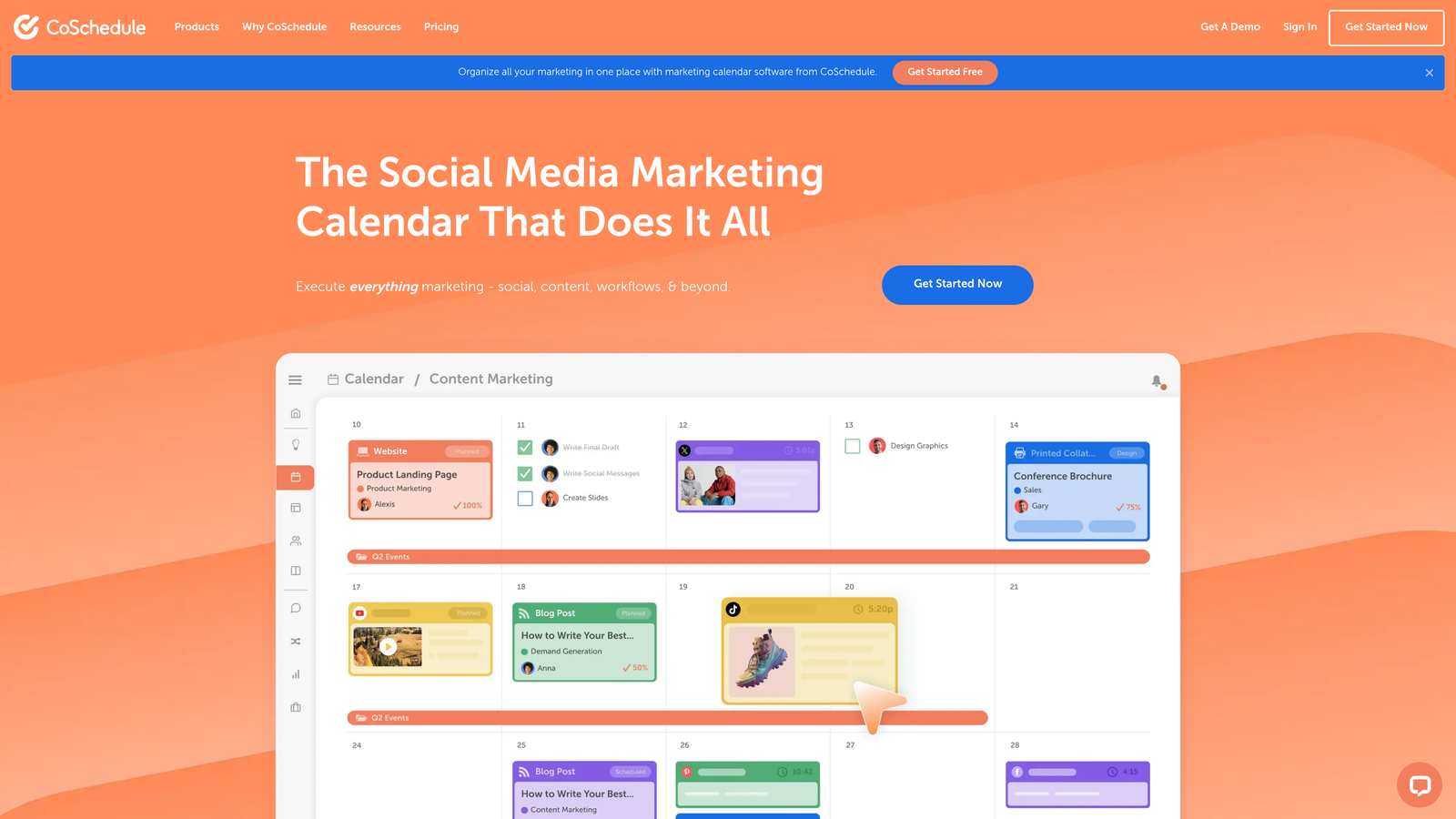
CoSchedule is a marketing calendar platform with ReQueue technology that automatically re-publishes and reshares evergreen content on optimal schedules.
Where This Tool Shines
CoSchedule's ReQueue feature solves a problem most platforms ignore: what happens to content after the initial publication? Instead of letting evergreen content gather dust, ReQueue automatically reshares it on social media when your audience is most engaged, maximizing the lifetime value of every piece.
The unified calendar view shows blog posts, social media, email campaigns, and other marketing activities in one place. You can see content gaps at a glance and drag-and-drop to reschedule, making it easy to maintain consistent publishing momentum across channels.
Key Features
ReQueue Technology: Automatically recycles and reshares evergreen content based on engagement patterns and optimal timing.
Unified Marketing Calendar: Single view of all content across blog, social media, email, and other channels.
Best Time Scheduling: Analyzes audience engagement data to publish when your followers are most active.
WordPress Integration: Direct connection for scheduling WordPress posts without leaving the calendar interface.
Social Platform Integrations: Auto-publish to Facebook, Twitter, LinkedIn, Instagram, and Pinterest from one dashboard.
Best For
Marketing teams managing multiple content channels who want to maximize evergreen content value through intelligent recycling. Especially useful for content marketers who publish consistently but struggle with social media distribution.
Pricing
Marketing Calendar starts at $29 per month for basic scheduling. Marketing Suite with ReQueue and advanced features requires custom pricing based on team size and feature needs.
6. Webflow
Best for: Design-focused teams wanting visual CMS control with scheduled publishing and staging workflows
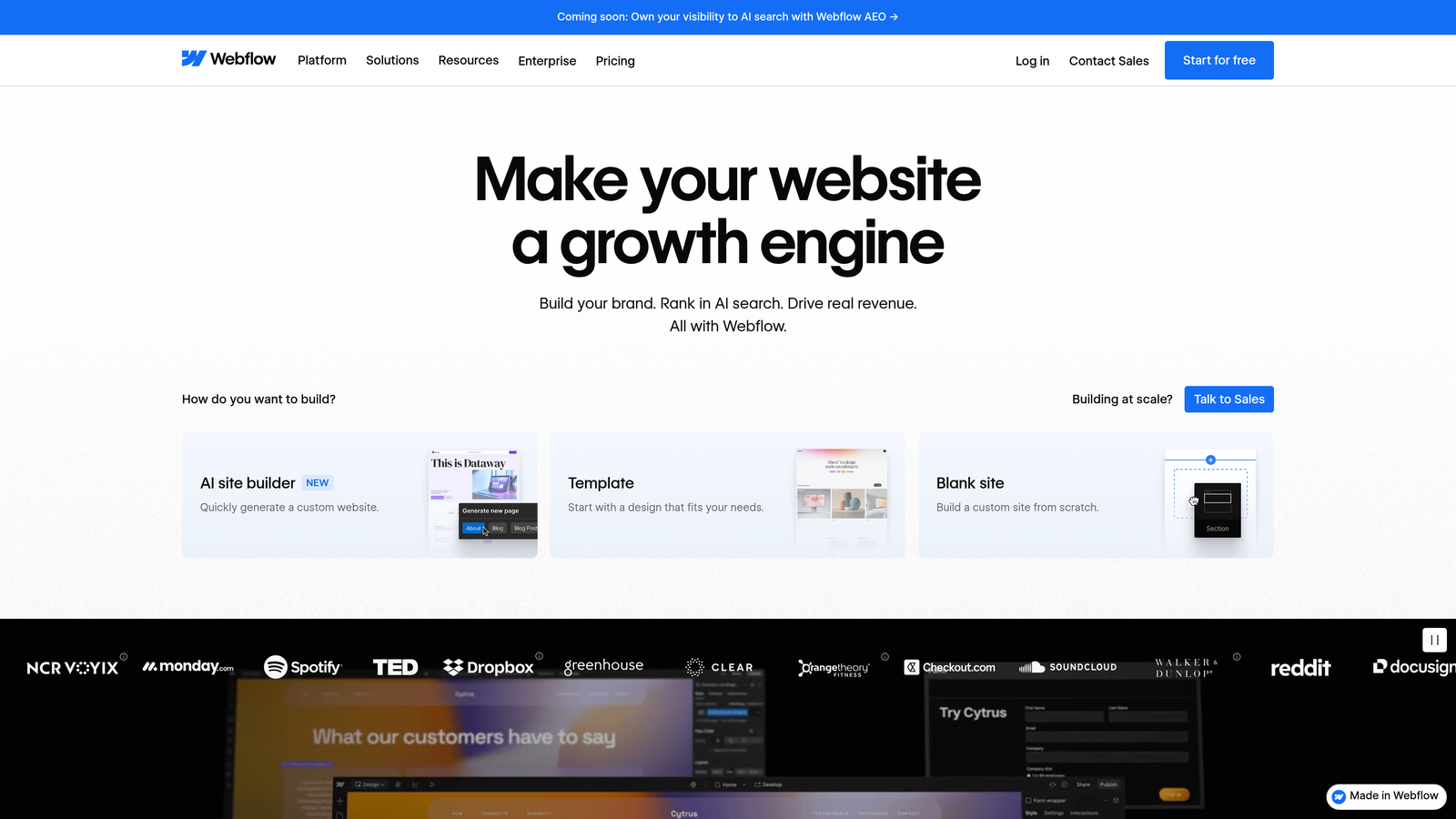
Webflow is a visual web design platform with built-in CMS that includes scheduled publishing and staging environments for no-code content teams.
Where This Tool Shines
Webflow gives designers and content teams CMS power without requiring developer involvement. The visual editor lets you design exactly how content should look, then the CMS automatically applies that design to every new piece. Scheduled publishing works seamlessly with staging environments, so you can preview exactly how content will appear before it goes live.
The platform handles both design and hosting, eliminating the complexity of managing separate services. When you schedule content, it automatically deploys to Webflow's global CDN, ensuring fast load times worldwide without additional configuration.
Key Features
Visual CMS: Design content layouts visually without code, then schedule items to publish automatically.
Staging to Production: Preview scheduled content in staging environments before automatic deployment to live site.
Designer-Friendly Management: Content editors work within the same visual interface designers use for layout creation.
Native Hosting: Integrated hosting with global CDN means scheduled content goes live instantly without separate deployment steps.
Dynamic Content: Create collection templates that automatically style all items consistently when published.
Best For
Design agencies and marketing teams who want complete visual control over how content appears without relying on developers for every change. Ideal for teams that value aesthetics and want CMS simplicity with professional design capabilities.
Pricing
CMS plans start at $29 per month for basic features. Business plans begin at $49 per month with increased CMS item limits and staging environments. Enterprise pricing available for high-volume needs.
7. Ghost
Best for: Professional publishers wanting simultaneous web and newsletter publishing with clean workflows
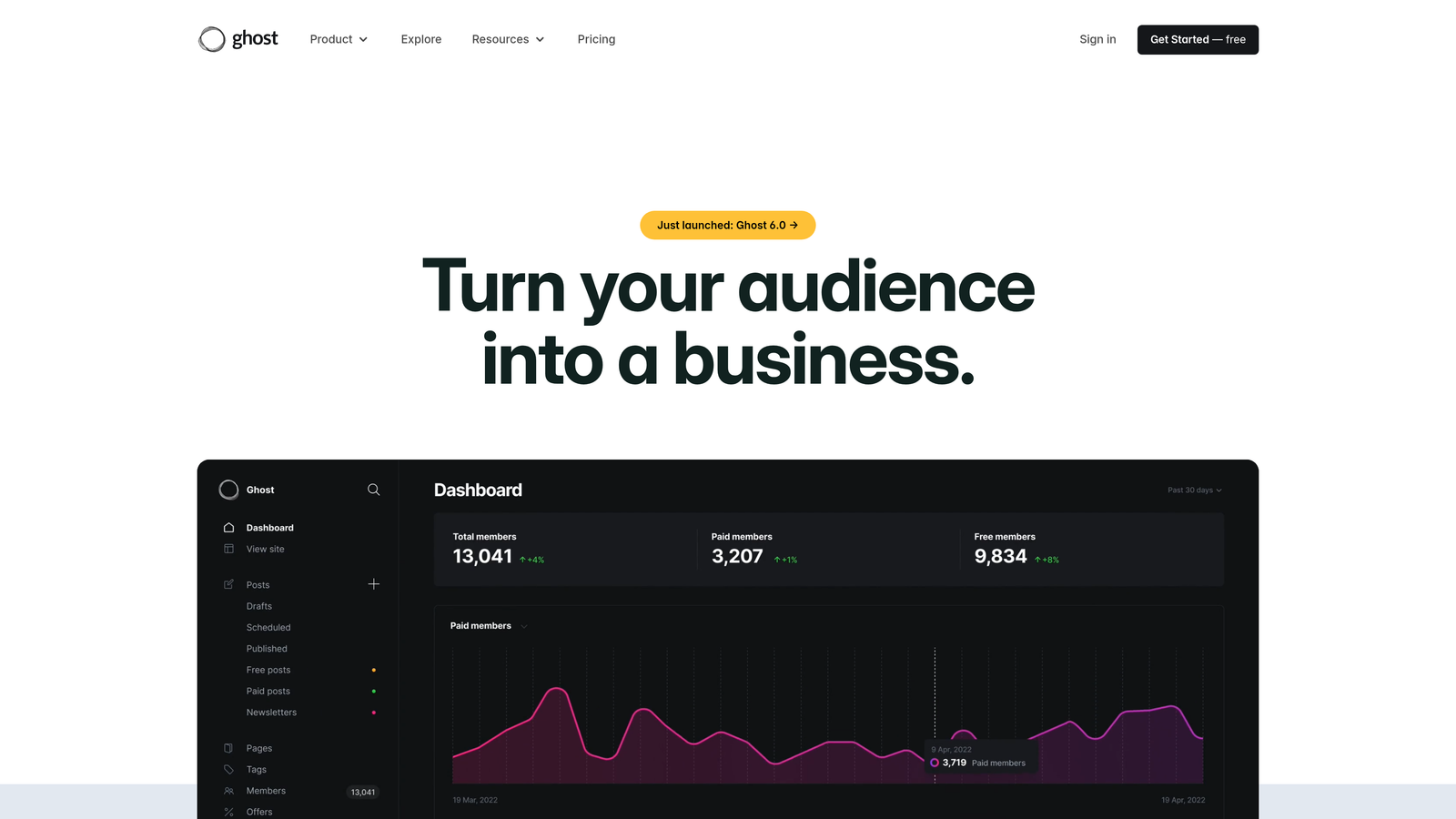
Ghost is a modern publishing platform built specifically for professional publishers with native newsletter integration and streamlined scheduled publishing workflows.
Where This Tool Shines
Ghost treats newsletters as first-class citizens alongside web content. When you schedule a post, you can automatically send it as an email to subscribers at the same time it publishes on your site. This simultaneous distribution eliminates the extra step of copying content into an email service.
The platform's clean markdown editor removes distractions and focuses on writing. There's no bloated feature set to navigate—just straightforward scheduling, membership tools, and fast performance. The lightweight architecture means pages load quickly without optimization gymnastics.
Key Features
Simultaneous Publishing: Schedule content to publish on your website and send as newsletter email at the same time.
Built-In Membership Tools: Native support for paid subscriptions, member-only content, and multiple membership tiers.
Clean Markdown Editor: Distraction-free writing environment with scheduling controls directly in the editor.
Fast Architecture: Lightweight Node.js foundation delivers quick page loads without heavy optimization requirements.
SEO Optimization: Built-in meta tag controls, XML sitemaps, and structured data for search engine visibility.
Best For
Independent publishers, newsletter creators, and media companies who want tight integration between web publishing and email distribution. Best suited for content businesses where subscriptions and memberships drive revenue.
Pricing
Self-hosted version is free and open-source. Ghost(Pro) managed hosting starts at $9 per month for small sites, scaling to $249 per month for larger audiences with advanced features.
8. Sanity
Best for: Technical teams needing real-time collaboration and powerful query language for custom publishing pipelines
Sanity is a customizable headless CMS with real-time collaboration capabilities and GROQ query language for building sophisticated auto-publishing workflows.
Where This Tool Shines
Sanity's real-time collaboration feels like working in Google Docs—multiple team members can edit content simultaneously and see each other's changes instantly. This eliminates the version conflict headaches common in traditional CMS platforms.
The GROQ query language gives developers precise control over content retrieval and publishing logic. You can build complex conditional workflows where content automatically publishes based on custom rules, relationships, or external data sources. This flexibility makes Sanity adaptable to unique publishing requirements other platforms can't handle.
Key Features
Real-Time Collaboration: Multiple users edit content simultaneously with instant synchronization and conflict prevention.
Scheduled Publishing: Set publication times with support for custom workflow triggers and approval chains.
GROQ Query Language: Powerful content queries enable sophisticated filtering and relationship-based publishing logic.
Portable Text: Structured content format that maintains consistency across different rendering platforms and channels.
Customizable Studio: Tailor the editing interface to match your team's specific content creation workflows.
Best For
Development teams building custom publishing workflows that require real-time collaboration and precise query control. Particularly valuable for complex content operations with multiple approval stages and conditional publishing rules.
Pricing
Free tier available for small projects with limited API requests. Team plan starts at $99 per month with increased quotas. Enterprise plans offer custom pricing based on usage volume and support requirements.
9. Strapi
Best for: Technical teams wanting full control through open-source, self-hostable headless CMS
Strapi is an open-source headless CMS giving technical teams complete control over content APIs and publishing automation with flexible self-hosting options.
Where This Tool Shines
Strapi's open-source nature means you own your entire content infrastructure. There's no vendor lock-in, no usage limits imposed by a SaaS provider, and complete freedom to modify the codebase for specific requirements. You can self-host on your own servers or use Strapi Cloud for managed hosting.
The plugin system enables extensive customization without forking the core codebase. Need custom publishing workflows? Build a plugin. Want integration with a proprietary system? Another plugin handles it. This extensibility makes Strapi adaptable to enterprise requirements while maintaining the simplicity of a modern headless CMS.
Key Features
100% Open-Source: Full access to source code with self-hosting options and no vendor lock-in concerns.
API Customization: Complete control over REST and GraphQL APIs for building custom publishing workflows.
Plugin System: Extend functionality through official and community plugins without modifying core code.
Database Flexibility: Support for PostgreSQL, MySQL, MariaDB, and SQLite gives deployment flexibility.
Role-Based Access: Granular permission controls for managing who can publish content and when.
Best For
Technical teams with development resources who want full control over their content infrastructure. Ideal for companies with strict data residency requirements, custom workflow needs, or budget constraints that make open-source attractive.
Pricing
Self-hosted version is completely free with no feature restrictions. Strapi Cloud managed hosting starts at $99 per month for teams wanting hosted infrastructure without self-hosting complexity.
Making the Right Choice
The right content auto-publishing CMS depends on where you're starting and what you're trying to accomplish. If you want AI-generated content that automatically publishes with built-in SEO/GEO optimization and instant search engine indexing, Sight AI handles both creation and distribution in one platform.
Already running WordPress? Adding Jetpack gives you solid scheduling and social automation without platform migration. Need enterprise-grade integration between content and CRM data? HubSpot Content Hub connects publishing to your entire marketing operation.
For headless flexibility, Contentful and Sanity offer robust API-driven publishing with webhook automation, while Strapi provides open-source control for technical teams. Design-focused teams appreciate Webflow's visual approach, and publishers building subscription businesses benefit from Ghost's native newsletter integration.
Budget-conscious technical teams should seriously consider Strapi's open-source approach—you get enterprise-grade features without recurring SaaS costs, though you'll need development resources to manage it.
The common thread across successful implementations is reducing manual steps between content approval and live publication. The best platform is the one that integrates smoothly with your existing workflow while automating the repetitive tasks that slow your team down.
Stop guessing how AI models like ChatGPT and Claude talk about your brand—get visibility into every mention, track content opportunities, and automate your path to organic traffic growth. Start tracking your AI visibility today and see exactly where your brand appears across top AI platforms.