For marketers, founders, and agencies trying to compete in an AI-driven search landscape, content volume and consistency are no longer optional. They're table stakes. But producing high-quality, SEO and GEO-optimized content at scale without burning out your team requires more than just good writers. It requires systems.
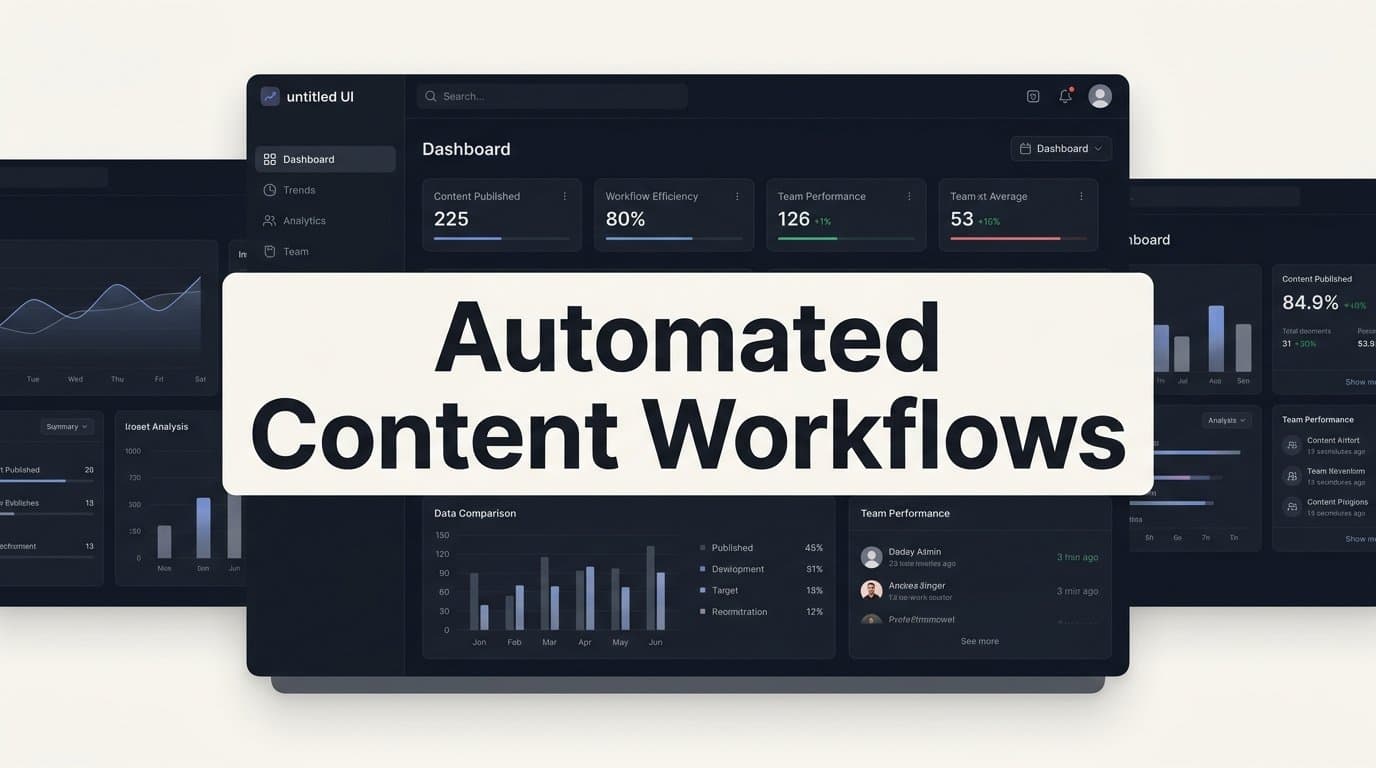
Automated content workflows connect research, creation, optimization, publishing, and performance tracking into a single, repeatable engine. When built correctly, these workflows eliminate the bottlenecks that slow most content teams down: waiting on briefs, manual formatting, delayed publishing, and inconsistent internal linking.
The stakes are higher than ever. AI models like ChatGPT, Claude, and Perplexity are now answering queries directly, and the brands that get cited are those with authoritative, well-structured, frequently published content. That means your workflow isn't just an operational concern. It's a competitive advantage.
This guide covers eight proven strategies to build and optimize automated content workflows, from AI-assisted ideation and drafting to automated indexing and AI visibility tracking. Whether you're a solo founder or managing a content team at an agency, these strategies will help you publish faster, rank higher, and get your brand mentioned where it matters most.
1. Build a Keyword-to-Brief Pipeline That Runs on Autopilot
The Challenge It Solves
The gap between keyword discovery and brief creation is where most content calendars stall. A strategist identifies a promising opportunity, adds it to a spreadsheet, and then waits days, sometimes weeks, for a brief to materialize. By the time writing begins, the window of relevance may have already shifted. This pre-production bottleneck is one of the most common reasons content teams consistently underproduce relative to their actual capacity.
The Strategy Explained
The solution is to wire your keyword research output directly into a brief generation system using automation platforms like Make or Zapier. When a keyword is flagged as a target in your research tool, the automation triggers a brief template to populate with the relevant data: search intent, competitor URLs, target word count, suggested headings, and internal linking candidates.
The brief lands in your content management system or project tool automatically, ready for a writer to pick up without any manual handoff. The strategist's role shifts from administrative coordinator to quality reviewer, which is a much better use of their time.
Implementation Steps
1. Define a brief template with standardized fields: target keyword, intent classification, suggested H2 structure, competitor references, and internal link targets.
2. Set up a trigger in your automation platform that fires when a keyword is added to a designated "approved" list or column in your research tool or spreadsheet.
3. Connect the trigger to a brief creation action that populates your template and creates a task in your project management tool with the assigned writer and due date.
4. Add a Slack or email notification so the writer is alerted immediately when a new brief is ready.
Pro Tips
Build in an intent classification step before the trigger fires. Not every keyword warrants the same brief structure: a comparison query needs a different format than a how-to guide. A simple dropdown tag in your keyword list, whether that's "listicle," "guide," or "explainer," can route each brief to the right template automatically, saving even more time downstream.
2. Use Multi-Agent AI Systems to Draft at Scale
The Challenge It Solves
Single-prompt AI drafting produces inconsistent results. Ask one model to research, outline, write, and optimize simultaneously, and you're asking it to do too many things at once. The output tends to be generic, structurally weak, or SEO-deficient, requiring significant human editing before it's publishable. At volume, this creates a bottleneck that defeats the purpose of using AI in the first place.
The Strategy Explained
Multi-agent AI systems solve this by dividing the drafting process across specialized agents, each responsible for a distinct task. One agent handles research and source gathering. Another builds the outline based on competitive analysis and search intent. A third writes the draft. A fourth reviews for SEO signals: keyword placement, heading structure, meta description, and internal linking opportunities.
This division of labor mirrors how a well-functioning human content team operates, and it produces noticeably more consistent output than a single generalist prompt. Sight AI's content generation system, for example, uses 13+ specialized AI agents working in sequence, including agents dedicated to SEO optimization and GEO structuring, so each article is built for both traditional search and AI citation from the ground up.
Implementation Steps
1. Map your current drafting process into discrete stages: research, outline, draft, SEO review, and final formatting.
2. Assign a dedicated agent or prompt configuration to each stage, with clear input and output specifications for each handoff.
3. Build a review checkpoint after the outline stage so a human can validate the structure before the draft is generated, saving time on major revisions later.
4. Implement an Autopilot Mode for content types that follow a predictable structure, such as listicles or definition guides, where human review can happen at the end rather than mid-process.
Pro Tips
Create agent-specific system prompts that encode your brand voice, formatting standards, and citation preferences. When each agent operates from a consistent set of rules, the final output requires far less editing to meet your quality bar. This is especially valuable when you're running multiple content types in parallel.
3. Automate Internal Linking to Strengthen Site Architecture
The Challenge It Solves
Internal linking is one of the most consistently neglected on-page SEO tasks at scale. It's not that teams don't understand its value; it's that manually reviewing every new article against your entire content library is genuinely time-consuming. The result is a site architecture full of orphaned pages and missed linking opportunities that leave both crawlers and readers without clear pathways through your content.
The Strategy Explained
Automated internal linking tools scan new content against your existing URL inventory and suggest contextually relevant links based on semantic similarity and anchor text relevance. Some tools integrate directly with your CMS, surfacing suggestions inline as a writer works. Others run as post-draft audits, generating a list of recommended links before the piece goes live.
Either approach is significantly faster than manual review, and the compounding effect is substantial. Every new piece you publish becomes both a recipient of internal links and a source of links to older content, strengthening the overall authority distribution across your site.
Implementation Steps
1. Audit your existing content library and tag each URL with its primary topic cluster and target keyword. This becomes the reference database for your linking tool.
2. Select an internal linking tool that integrates with your CMS or can be triggered as part of your post-draft review step.
3. Define linking rules: minimum contextual relevance threshold, maximum links per article, and any pages you want to prioritize for link equity (such as high-converting landing pages or pillar content).
4. Build the internal linking review into your publishing checklist so no article goes live without at least three to five contextually relevant internal links confirmed.
Pro Tips
Don't just link forward to newer content. Make sure your automation surfaces opportunities to link back to recently published articles from older, high-traffic pages. This is often where the biggest ranking gains come from, because those older pages already carry authority that can be passed to newer content.
4. Integrate Automated Indexing Into Your Publishing Step
The Challenge It Solves
Publishing a piece of content and waiting for search engines to discover it organically can take days or weeks, depending on your crawl frequency. For teams publishing at scale, this delay compounds: content that should be ranking and driving traffic sits invisible while you're already producing the next batch. It's a structural inefficiency that automated indexing directly eliminates.
The Strategy Explained
IndexNow is an open protocol supported by Bing, Yandex, and other major search engines that allows you to instantly notify them when new content is published or updated. By connecting your CMS publish action to an IndexNow ping, you ensure search engines are informed the moment content goes live rather than waiting for the next scheduled crawl.
Pair this with automated sitemap updates triggered by each publish event, and you've built a discovery pipeline that runs without any manual intervention. Sight AI's website indexing tools include native IndexNow integration and automated sitemap updates, so this step is handled automatically as part of the publishing workflow.
Implementation Steps
1. Verify that your CMS or hosting environment supports IndexNow integration, either natively or through a plugin.
2. Configure your sitemap to update automatically whenever a new URL is published or an existing page is significantly updated.
3. Connect your CMS publish trigger to an IndexNow API call that fires immediately upon publication.
4. Set up a log or monitoring alert to confirm pings are being sent successfully and catch any failures in the integration.
Pro Tips
Don't limit automated indexing to new content. When you update existing articles, refresh their metadata, or add new internal links, trigger a re-ping to signal freshness. Search engines factor recency into crawl prioritization, and keeping your most important pages regularly flagged for re-crawling can meaningfully improve how quickly ranking changes are reflected.
5. Create a GEO Content Layer Targeting AI Search Answers
The Challenge It Solves
Traditional SEO optimizes for search engine ranking pages. But when a user asks ChatGPT, Claude, or Perplexity a question, the answer they receive doesn't come from a ranked list of blue links. It comes from content those models have determined to be authoritative, well-structured, and directly relevant to the query. If your content isn't built for AI extraction, you're invisible in a growing share of the search landscape.
The Strategy Explained
Generative Engine Optimization (GEO) is the practice of structuring content so AI models can extract, cite, and surface it in their responses. This means prioritizing clear definitions, structured headings that mirror natural questions, direct answers in the first paragraph of each section, and authoritative sourcing throughout.
The workflow starts by identifying the prompts and questions AI models are already answering in your niche. Tools like Sight AI's AI visibility tracking let you monitor which topics AI platforms are responding to, which brands they're citing, and what content characteristics those cited sources share. That data feeds directly into your content brief, so every piece you produce is structured for AI citation from the first draft.
Implementation Steps
1. Run a prompt audit: identify the 20 to 30 questions most relevant to your product or service category and test them across ChatGPT, Claude, and Perplexity to see what content is being cited.
2. Analyze the structure of cited content: note heading formats, answer placement, use of definitions, and sourcing patterns.
3. Create a GEO content template that mirrors these structural characteristics, with direct answers in the opening paragraph of each section and clear, scannable headings.
4. Integrate AI visibility tracking to monitor whether your published content begins appearing in AI responses over time, and use that data to refine your structure further.
Pro Tips
AI models favor content that answers questions directly and completely. Avoid burying your main point in a long preamble. If your H2 is "What is automated content workflow?", the first sentence under that heading should define it clearly and concisely. That directness is what gets extracted and cited.
6. Automate Content Performance Tracking and Gap Detection
The Challenge It Solves
Most content teams track performance reactively. Someone notices traffic dropped on a key page, investigates manually, and eventually identifies a fix, often weeks after the decline began. Meanwhile, content gaps, ranking slippage, and AI visibility blind spots accumulate undetected. Without automated monitoring, you're always playing catch-up instead of staying ahead.
The Strategy Explained
Automated performance tracking dashboards pull data from your SEO tools, analytics platform, and AI visibility tracker into a unified view, with threshold-based alerts that flag underperforming content before problems compound. When a page drops below a defined ranking position or traffic threshold, the system automatically creates a refresh task in your project management tool, pre-populated with the current performance data and suggested improvement actions.
The AI visibility layer is what makes this approach genuinely differentiated. Tracking keyword rankings alone misses a growing portion of how your content is actually performing in the current search landscape. Monitoring whether your brand is being cited across AI platforms, and whether that sentiment is positive or neutral, gives you a complete picture of your content's real-world impact.
Implementation Steps
1. Define your performance thresholds: the ranking position, traffic level, and AI citation frequency below which a piece of content triggers a refresh workflow.
2. Connect your SEO platform, Google Analytics, and AI visibility tracker to a unified dashboard tool such as Looker Studio or a comparable reporting platform.
3. Set up automated alerts that fire when content crosses a defined threshold, triggering a task creation in your project management system.
4. Build a standard refresh brief template that pulls in current performance data automatically, so the writer has full context without manual research.
Pro Tips
Segment your monitoring by content type. Evergreen guides need different refresh triggers than timely news-adjacent content. Setting type-specific thresholds prevents your team from chasing normal seasonal fluctuations on evergreen content while missing genuine decline signals on high-priority pages.
7. Build a CMS Auto-Publishing Workflow With Quality Gates
The Challenge It Solves
Full automation without quality controls creates a different kind of problem: content that publishes consistently but inconsistently represents your brand. On the other hand, requiring manual approval at every step defeats the efficiency gains of automation entirely. The challenge is designing a workflow that maintains quality standards while removing unnecessary friction from the publishing process.
The Strategy Explained
A quality-gated auto-publishing workflow uses conditional logic to determine which content can publish automatically and which requires human review. Content that passes all automated quality checks, including SEO score, readability score, internal link count, and meta description completion, moves directly to scheduled publishing. Content that fails any check is routed to a review queue with a specific flag indicating what needs attention.
This approach lets you maintain a consistent publishing cadence without requiring a team member to manually approve every piece. The human review effort concentrates on the content that genuinely needs it, rather than being spread across everything.
Implementation Steps
1. Define your quality gate criteria: the minimum SEO score, required fields (meta title, meta description, featured image, internal links), and any brand voice checks you want to automate.
2. Configure your CMS workflow to run automated checks against these criteria before moving content to the scheduled publishing stage.
3. Set up conditional routing: content that passes all checks moves to the publishing queue; content that fails is routed to a review task with specific failure flags.
4. Establish a publishing schedule trigger so approved content publishes at optimal times without requiring manual action on the day of publication.
Pro Tips
Build a fast-track tier for content types that follow a highly predictable structure, such as short-form FAQ articles or product update posts. These can often pass quality gates with minimal or no human review, freeing your editorial team's attention for longer, more complex pieces that genuinely benefit from a human eye before publication.
8. Use AI Visibility Data to Feed Your Next Content Cycle
The Challenge It Solves
Most content workflows are linear: research, produce, publish, measure, and then start over from scratch. The measurement data rarely feeds back into the research phase in a structured way, which means teams keep producing content based on keyword volume signals alone while missing a growing source of insight: how AI models are actually discussing their category, which topics they're citing, and where your brand is absent from the conversation.
The Strategy Explained
AI visibility tracking data, including which prompts trigger mentions of your brand, which competitors are being cited instead, what sentiment those mentions carry, and which topic areas have no coverage at all, is one of the most actionable inputs available for content planning. When this data feeds directly into your keyword research and brief generation cycle, you create a closed-loop workflow where every content cycle is informed by real performance signals from both traditional search and AI platforms.
Sight AI's AI visibility tracking monitors your brand across six or more AI platforms, tracking prompt coverage, sentiment analysis, and competitive citation patterns. Feeding this data into your keyword-to-brief pipeline, as outlined in Strategy 1, means your next content cycle is always targeting the gaps where your brand has the most to gain.
Implementation Steps
1. Set up AI visibility tracking across the major platforms relevant to your audience: ChatGPT, Claude, Perplexity, and Google AI Overviews at minimum.
2. Run a monthly prompt coverage audit: identify which questions in your niche are being answered without citing your brand, and flag these as content gap opportunities.
3. Export your AI visibility data into your keyword research workflow, tagging uncovered prompts as priority brief candidates for the next content cycle.
4. Track sentiment alongside citation frequency. If your brand is being mentioned but in a neutral or unfavorable context, that signals a need for content that more clearly articulates your positioning and expertise.
Pro Tips
Pay particular attention to prompts where a direct competitor is consistently cited and you are not. These are your highest-priority content gaps, because they represent active audience intent that's currently being captured by someone else. Structuring content specifically to address those prompts, with clear answers and strong authority signals, is the fastest path to closing the visibility gap.
Putting It All Together: Your Implementation Roadmap
Automated content workflows aren't about replacing human judgment. They're about removing the friction that prevents good content from being produced consistently. The eight strategies outlined here address every stage of the content lifecycle: from identifying opportunities and drafting at scale, to publishing, indexing, and measuring impact across both traditional search and AI platforms.
The most important thing to recognize is that these workflows compound. Each piece of well-structured, properly indexed, internally linked content strengthens the next. And as AI models increasingly pull answers from authoritative sources, brands with consistent, high-quality content pipelines will earn more citations and more organic traffic than those still operating manually.
If you're just starting out, focus on two priorities first. Automate your keyword-to-brief pipeline to eliminate pre-production bottlenecks, and set up automated indexing so your content gets discovered as soon as it's published. From there, layer in AI drafting with multi-agent systems, internal linking automation, and GEO optimization for AI search.
For teams ready to go further, Sight AI brings together AI visibility tracking, multi-agent content generation, and automated indexing in a single platform, so your entire workflow runs from insight to publication without switching tools.
Stop guessing how AI models like ChatGPT and Claude talk about your brand. Start tracking your AI visibility today and see exactly where your brand appears across top AI platforms. The data will show you precisely where to focus your content workflow next.