Publishing blog content used to mean logging into WordPress, pasting text, formatting images, hitting publish, then manually sharing links across social media. Today's automated blog publishing platforms handle everything from content generation to search engine indexing—some even optimize your articles to get mentioned by AI models like ChatGPT and Perplexity. The best platforms combine deep automation with flexibility, letting you focus on strategy while the system handles execution. We evaluated these tools based on automation depth (how much they actually do for you), CMS compatibility, SEO and GEO optimization capabilities, and ease of implementation. Here are the top automated blog publishing platforms transforming how content gets created and distributed in 2026.
1. Sight AI
Best for: Agencies and marketers who want AI-optimized content with automatic publishing and visibility tracking
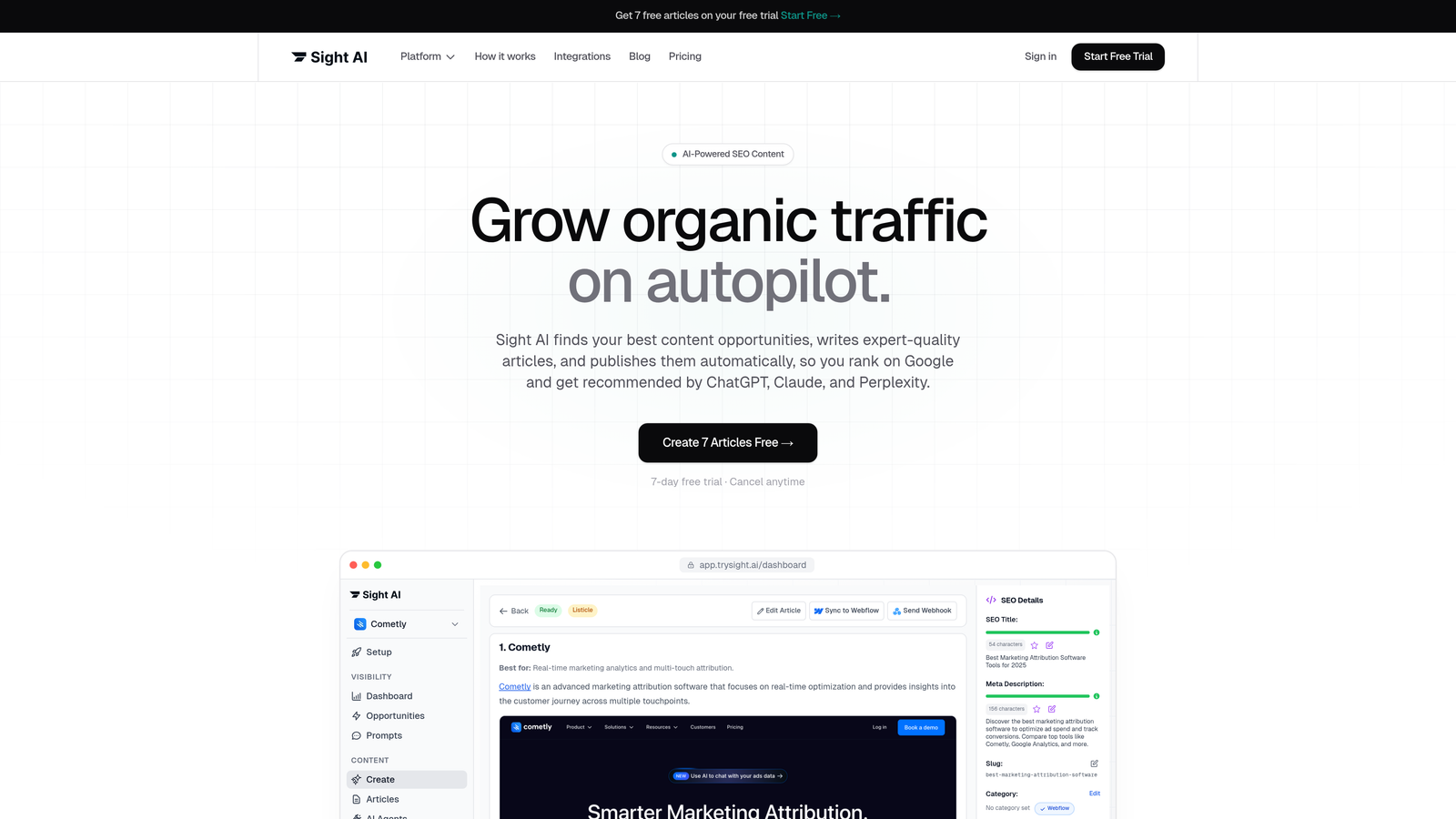
Sight AI is an all-in-one platform that generates SEO and GEO-optimized content, publishes directly to your CMS, and tracks how AI models mention your brand.
Where This Tool Shines
Sight AI solves a problem most platforms ignore: getting your brand mentioned by AI search engines. While traditional tools focus on Google rankings, this platform tracks your visibility across ChatGPT, Claude, Perplexity, and other AI models that increasingly influence purchase decisions.
The 13+ specialized AI agents handle different content formats—listicles, how-to guides, comparison articles—with built-in optimization for both traditional search and AI discovery. Content publishes automatically to your CMS with IndexNow integration that notifies search engines immediately, cutting indexing time from days to hours.
Key Features
13+ Specialized AI Agents: Different agents optimized for specific content types, from product comparisons to educational guides.
Direct CMS Auto-Publishing: Publishes finished articles straight to WordPress, Webflow, or other platforms without manual uploads.
IndexNow Integration: Automatically notifies search engines about new content for faster discovery and indexing.
AI Visibility Tracking: Monitors how ChatGPT, Claude, Perplexity, and other AI models mention your brand across different prompts.
GEO Optimization: Content structured specifically to appear in generative AI search results, not just traditional SERPs.
Best For
Marketing agencies managing multiple client blogs, SaaS companies building AI visibility alongside traditional SEO, and content teams who want to automate the entire workflow from ideation through publishing and performance tracking. Particularly valuable if you're targeting audiences who use AI search tools for research.
Pricing
Contact for pricing based on content volume and feature requirements.
2. WordPress with Jetpack
Best for: WordPress users who want enhanced automation without leaving their familiar platform
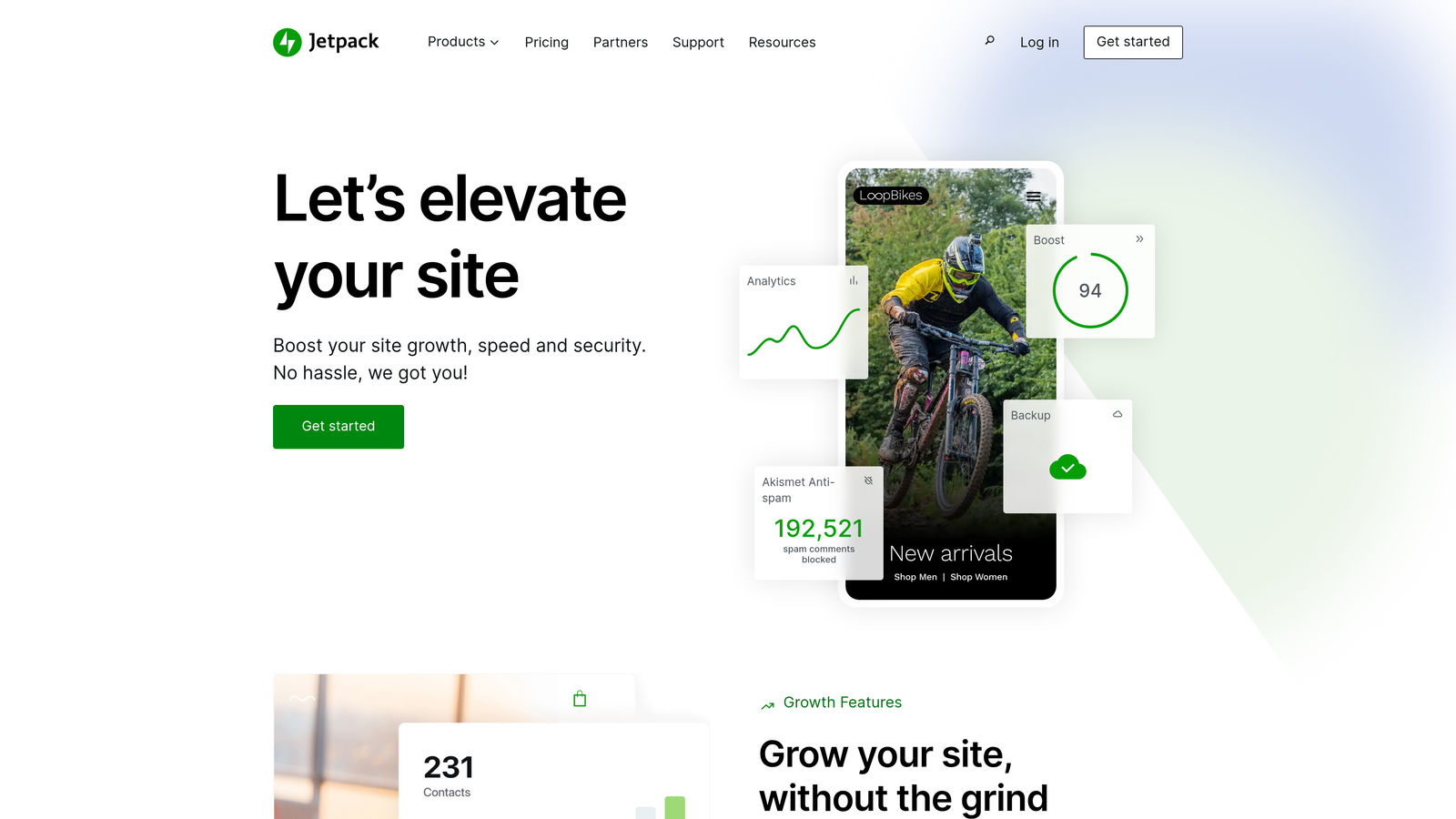
Jetpack is a plugin suite that adds automation layers to WordPress, handling scheduling, social distribution, and performance optimization.
Where This Tool Shines
If you're already invested in WordPress, Jetpack extends your existing setup rather than forcing platform migration. The native integration means no learning curve—you're working in the same interface you already know, just with more automated capabilities.
The social auto-sharing feature publishes new posts across Twitter, Facebook, LinkedIn, and other platforms the moment they go live. Combined with scheduled publishing and automated backups, you get a significantly more hands-off WordPress experience without abandoning your current infrastructure.
Key Features
Native WordPress Integration: Works seamlessly within your existing WordPress dashboard without platform switching.
Social Media Auto-Sharing: Automatically posts new content to connected social accounts when articles publish.
Scheduled Publishing: Queue content weeks in advance with precise timing control for optimal audience reach.
Built-in Analytics: Track traffic, engagement, and performance metrics without installing separate analytics tools.
Security and Backup Automation: Automated malware scanning, spam filtering, and daily backups run in the background.
Best For
Bloggers and small businesses already using WordPress who want to layer automation on top of their current setup. Ideal if you're comfortable with WordPress but tired of manual social sharing and worried about security maintenance.
Pricing
Free tier available with basic features. Premium plans start at $10/month for enhanced automation and security.
3. HubSpot Content Hub
Best for: Enterprise teams needing content management tightly integrated with marketing automation and CRM
HubSpot Content Hub is an enterprise platform that connects content publishing directly to customer data and marketing workflows.

Where This Tool Shines
HubSpot's power comes from CRM integration—your blog content connects to contact records, deal stages, and customer lifecycle positions. You can automatically publish different content to different audience segments based on their CRM data, creating personalized content experiences at scale.
The AI content assistant suggests topics based on what's converting in your funnel, helping you write content that actually drives pipeline. Multi-language publishing handles localization automatically, and built-in A/B testing lets you optimize headlines and CTAs without third-party tools.
Key Features
CRM-Connected Content Management: Content performance tied directly to contact records and revenue attribution.
AI Content Assistant: Suggests topics and optimizations based on what's working in your sales funnel.
Multi-Language Publishing: Manage and publish localized content versions from a single interface.
A/B Testing Built-In: Test headlines, CTAs, and content variations without installing separate tools.
Marketing Automation Workflows: Trigger email sequences, contact scoring, and deal stage changes based on content engagement.
Best For
B2B companies with complex sales cycles who need content performance tied to revenue metrics. Makes sense if you're already using HubSpot CRM or need enterprise-grade marketing automation alongside content publishing.
Pricing
Professional tier starts at $450/month, with Enterprise options for larger organizations requiring advanced features.
4. Contentful
Best for: Development teams building custom publishing workflows with API-first architecture
Contentful is a headless CMS designed for developers who need flexible content delivery across multiple channels and platforms.
Where This Tool Shines
Contentful separates content creation from presentation, letting you publish the same content to websites, mobile apps, digital displays, and voice assistants from one source. The API-first design means developers can build exactly the publishing workflow they need without fighting platform limitations.
Webhooks enable sophisticated automation—trigger builds when content publishes, sync to external systems, or fire custom workflows based on content events. The composable content model lets you structure information in reusable chunks rather than monolithic blog posts, making content more flexible and maintainable.
Key Features
API-First Architecture: Content accessible via robust APIs for maximum integration flexibility.
Omnichannel Delivery: Publish identical content to web, mobile, IoT devices, and other platforms from one source.
Composable Content Models: Structure content as reusable components rather than fixed page templates.
Webhooks for Automation: Trigger custom workflows, builds, or integrations when content changes occur.
Enterprise-Grade Security: SOC 2 compliance, role-based access control, and audit logging for regulated industries.
Best For
Technology companies with development resources who need content distributed across multiple platforms. Particularly valuable for product companies publishing to web, mobile apps, and other digital touchpoints simultaneously.
Pricing
Free tier for small projects. Team plans start at $489/month for growing organizations with higher content volume.
5. Buffer + Ghost Stack
Best for: Independent creators and small teams focused on clean publishing and social distribution
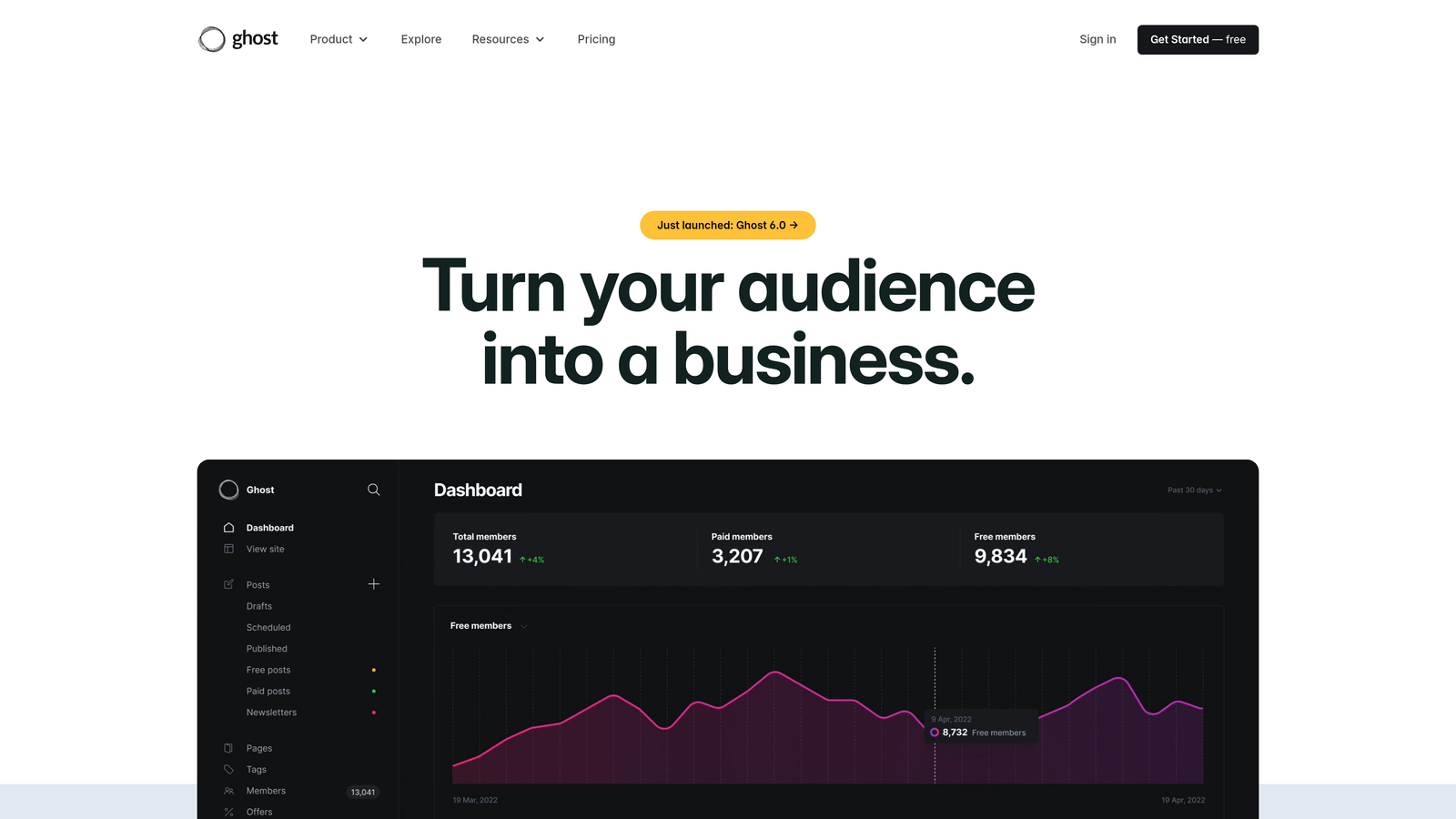
Ghost is a minimalist publishing platform that pairs with Buffer for automated social sharing, creating a creator-focused automation stack.
Where This Tool Shines
Ghost strips away WordPress complexity, giving you a clean editor focused on writing rather than endless plugin configurations. The platform handles newsletters natively—no MailChimp integration required—and includes built-in membership and subscription features for monetization.
Pairing Ghost with Buffer automates social distribution without cluttering the publishing interface. Write in Ghost's distraction-free editor, publish to your blog and email list simultaneously, and Buffer handles posting to social platforms on your preferred schedule. The combination stays simple while covering the essential automation needs.
Key Features
Clean, Distraction-Free Editor: Focused writing environment without the bloat of traditional CMS platforms.
Built-in Membership and Subscriptions: Native support for paid content, memberships, and recurring revenue without third-party tools.
Native Newsletter Functionality: Email distribution built into the platform, not bolted on through integrations.
Social Scheduling via Buffer: Automated posting to social platforms with timing optimization.
SEO-Friendly by Default: Clean URLs, structured data, and performance optimization included without configuration.
Best For
Writers, journalists, and independent creators who want publishing simplicity without sacrificing professional features. Works well for newsletter-first creators who publish to web and email simultaneously.
Pricing
Ghost starts at $9/month for basic publishing. Buffer begins at $6/month for social automation. Combined cost remains affordable for solo creators.
6. CoSchedule
Best for: Marketing teams managing complex content calendars across multiple channels
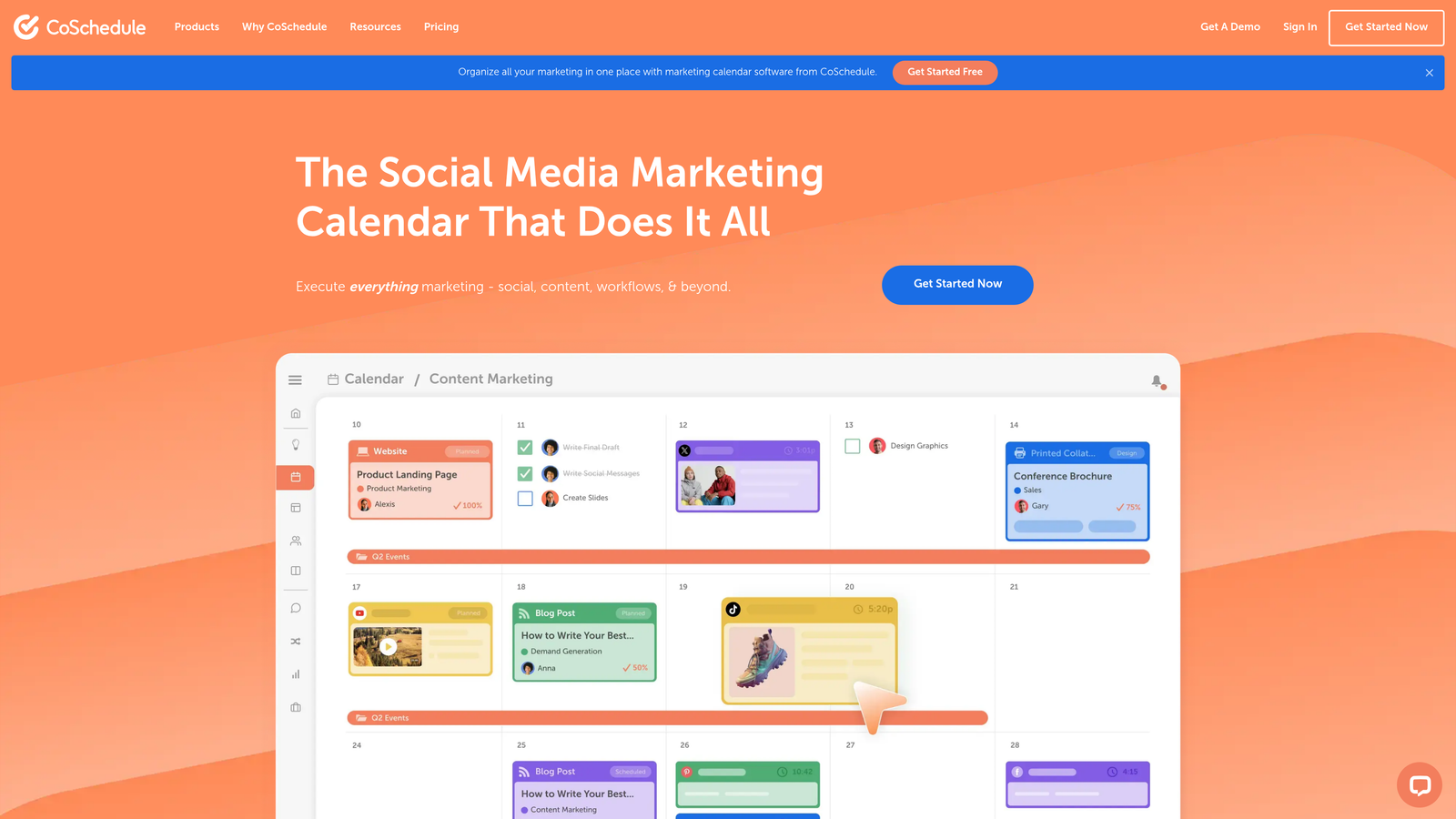
CoSchedule is a marketing calendar platform that centralizes content planning and automates multi-channel distribution.
Where This Tool Shines
CoSchedule treats your content calendar as the central hub for all marketing activities. You see blog posts, social campaigns, email sends, and project deadlines in one unified view, making cross-channel coordination significantly easier.
The headline analyzer uses data to score your titles before publishing, helping you write more clickable content. WordPress integration means you draft in CoSchedule's calendar interface and publish directly to your site, while social automation handles distribution across platforms without manual posting.
Key Features
Unified Marketing Calendar: Single view combining blog content, social posts, email campaigns, and project deadlines.
Social Media Automation: Schedule and publish to multiple social platforms from the calendar interface.
Headline Analyzer: Data-driven scoring of titles to improve click-through rates before publishing.
Team Collaboration Tools: Task assignments, approval workflows, and commenting within the calendar.
WordPress Integration: Direct publishing to WordPress sites without leaving the CoSchedule interface.
Best For
Marketing teams at mid-sized companies juggling blog content, social media, email campaigns, and multiple contributors. Particularly valuable if coordination across channels is currently chaotic and you need a single source of truth.
Pricing
Starts at $29/month per user, with higher tiers for advanced features and larger teams.
7. Webflow + Zapier
Best for: Design-focused teams who want visual control over publishing workflows
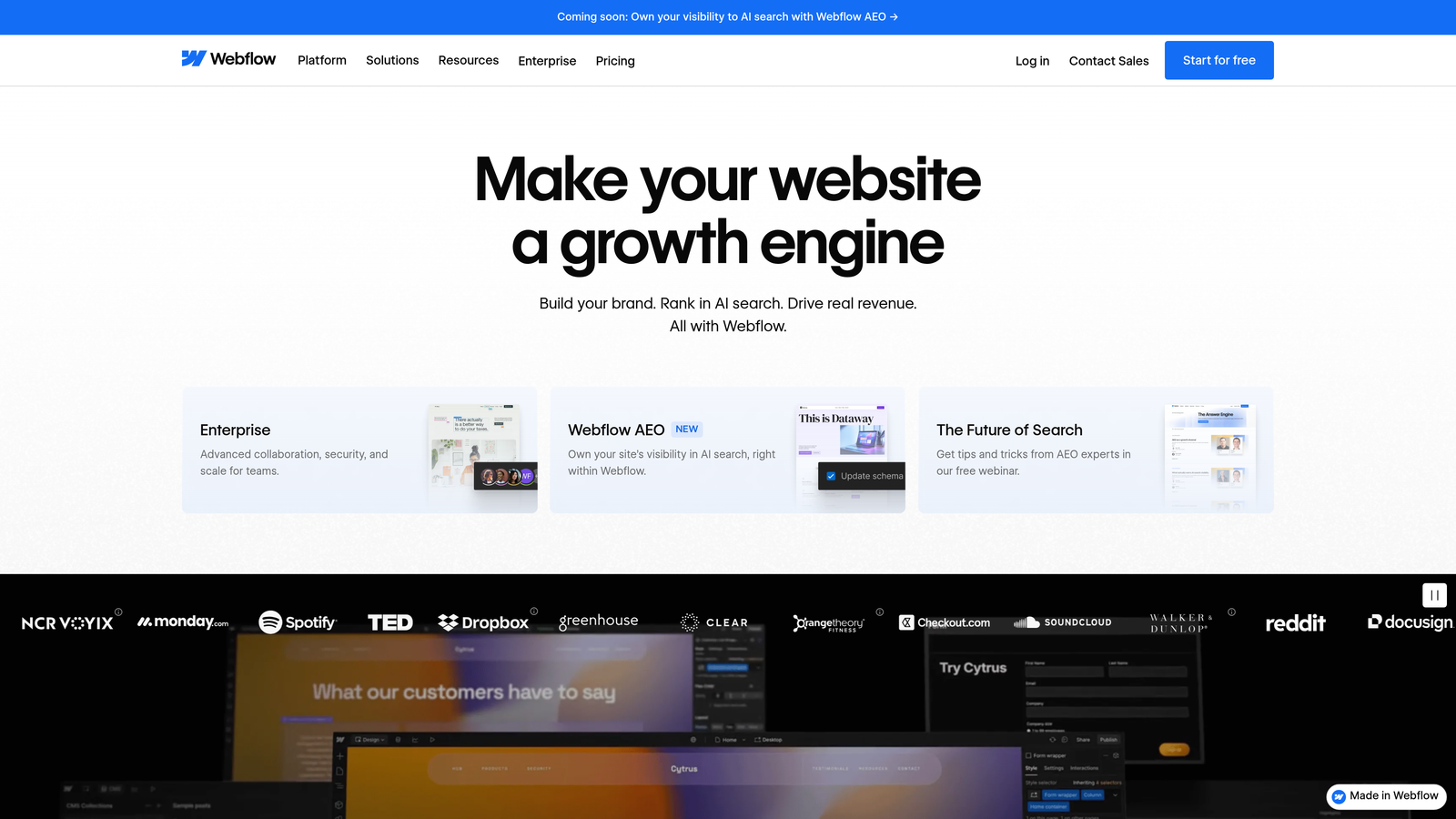
Webflow is a visual website builder that combines with Zapier automation for design-centric publishing without coding.
Where This Tool Shines
Webflow gives designers pixel-perfect control over how content appears, eliminating the template limitations of traditional CMS platforms. The visual editor generates clean, production-ready code, so you get custom design without developer dependency.
Zapier integration enables sophisticated automation despite Webflow's visual focus. Connect form submissions to email sequences, trigger social posts when new blog items publish, or sync content to external databases—all through visual workflow builders rather than code. The combination delivers automation flexibility without sacrificing design control.
Key Features
Visual Design Control: Pixel-perfect layouts created visually without writing code.
CMS Collections: Structured content management with custom fields and relationships.
Zapier Integration for Workflows: Connect to thousands of apps for automated publishing workflows.
Built-in Hosting: Fast, secure hosting included with CMS plans, no separate server management.
No-Code Automation Options: Visual workflow builders for complex automation without developer resources.
Best For
Design agencies, creative studios, and marketing teams where visual presentation matters as much as content quality. Works well if you're frustrated by WordPress theme limitations but don't want to hire developers for custom builds.
Pricing
Webflow CMS plans start at $23/month. Zapier automation begins at $19.99/month, with costs scaling based on workflow complexity.
8. Notion + Make (Integromat)
Best for: Teams who want flexible content databases with custom automation workflows
Make is a visual automation platform that connects Notion databases to external publishing platforms.
Where This Tool Shines
Notion's database structure lets you organize content however makes sense for your workflow—not how a CMS forces you to think. Create custom views, add properties for tracking status, link related content, and build a content system that matches your team's actual process.
Make (formerly Integromat) provides the publishing automation Notion lacks natively. Build visual workflows that watch your Notion database for status changes, then automatically publish to WordPress, send to social platforms, or trigger email campaigns. The combination gives you Notion's flexibility with real publishing automation.
Key Features
Flexible Database Structure: Organize content with custom properties, views, and relationships that match your workflow.
Visual Automation Builder: Create complex publishing workflows through drag-and-drop interface.
Multi-Platform Publishing: Automate content distribution to WordPress, social media, email, and other platforms.
Team Collaboration: Real-time editing, comments, and task assignments within content databases.
Custom Workflow Triggers: Fire automation based on status changes, dates, or custom conditions in your database.
Best For
Remote teams already using Notion for project management who want to extend it into content publishing. Makes sense if you value workflow flexibility over out-of-the-box features and don't mind building custom integrations.
Pricing
Notion offers a free tier for individuals. Make automation starts at $9/month, with costs increasing based on operation volume.
9. Sanity.io
Best for: Developer teams building real-time collaborative content systems with custom requirements
Sanity.io is a real-time content platform with a customizable editing studio and structured content modeling.
Where This Tool Shines
Sanity treats content as structured data rather than formatted pages, making it highly reusable across different contexts. The real-time collaboration means multiple team members can edit simultaneously without conflicts—changes appear instantly for everyone working in the system.
The customizable studio lets developers build exactly the editing interface content teams need, removing unnecessary complexity while adding workflow-specific features. GROQ query language provides powerful content retrieval, and portable text format ensures content works across platforms without reformatting. Webhook-based automation triggers custom workflows when content changes.
Key Features
Real-Time Collaboration: Multiple editors working simultaneously with instant change synchronization.
Customizable Content Studio: Build editing interfaces tailored to your team's specific workflow needs.
GROQ Query Language: Powerful, flexible queries for retrieving exactly the content you need.
Portable Text Format: Content structure that works across platforms without reformatting or data loss.
Webhook-Based Automation: Trigger builds, deployments, or custom workflows when content changes.
Best For
Technology companies with development resources who need content systems supporting complex requirements. Particularly valuable for organizations publishing to multiple platforms simultaneously or building custom content workflows that standard CMS platforms can't support.
Pricing
Free tier for small projects and development. Team plans start at $99/month for production use with higher content volume.
Making the Right Choice
The best automated blog publishing platform depends on your specific workflow and technical resources. Sight AI stands out for agencies and marketers who want the full package—AI-optimized content generation, automatic publishing, and visibility tracking across AI search engines. It's particularly valuable if you're building presence in generative AI results alongside traditional SEO.
WordPress loyalists should start with Jetpack to add automation without platform migration. HubSpot makes sense for enterprise B2B teams who need content tied to CRM data and revenue attribution. If you have development resources, Contentful and Sanity.io offer maximum flexibility for custom workflows and omnichannel publishing.
For creators prioritizing simplicity, the Ghost + Buffer combination delivers clean publishing with social automation. CoSchedule works well for marketing teams managing complex calendars across multiple channels. Design-focused teams get the most from Webflow + Zapier, while Notion + Make suits teams who want database flexibility with custom automation.
The publishing landscape has evolved beyond simple scheduling. Today's platforms handle content creation, optimization for both traditional and AI search, automatic distribution, and performance tracking. The right choice automates the repetitive work while giving you control over strategy and quality. Stop guessing how AI models like ChatGPT and Claude talk about your brand—get visibility into every mention, track content opportunities, and automate your path to organic traffic growth. Start tracking your AI visibility today and see exactly where your brand appears across top AI platforms.