Managing content across multiple channels while keeping everything published on schedule shouldn't require a dedicated team. Automated content publishing platforms handle the heavy lifting—scheduling posts, formatting for different channels, distributing content across your ecosystem, and notifying search engines—so you can focus on strategy instead of manual tasks.
We evaluated these platforms based on automation depth, CMS integration quality, publishing speed, indexing capabilities, and real value for marketing teams. Whether you're a solo founder managing a blog or an agency coordinating content for dozens of clients, this list covers solutions that actually reduce friction in your publishing workflow.
Here are the top automated content publishing platforms worth considering in 2026.
1. Sight AI
Best for: Teams wanting AI-powered content creation with automated publishing and search indexing
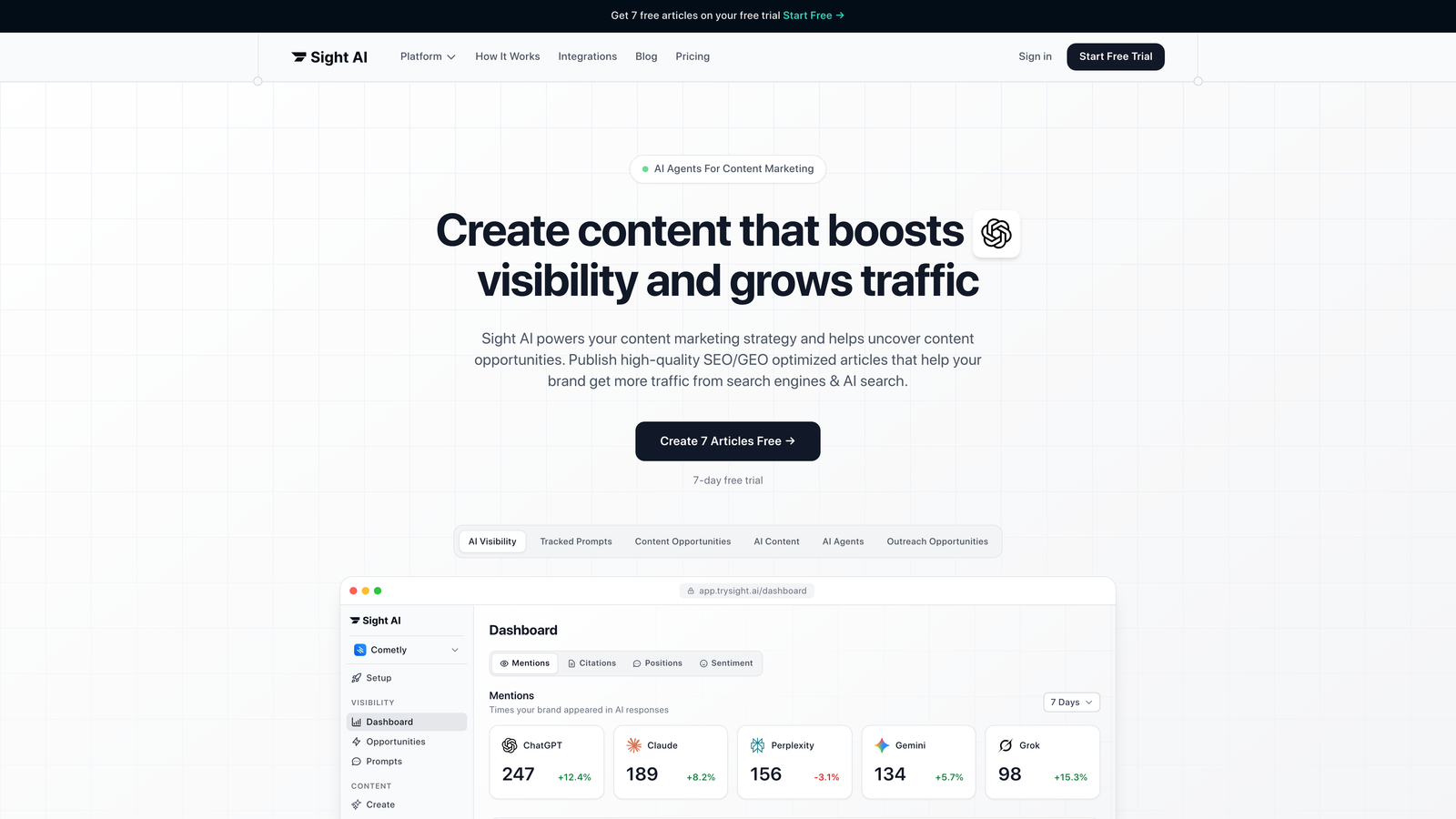
Sight AI combines content generation, CMS auto-publishing, and IndexNow integration into a unified workflow designed for faster organic discovery.
Where This Tool Shines
The platform's strength lies in collapsing multiple steps into one automated process. You generate SEO and GEO-optimized content using specialized AI agents, then publish directly to WordPress or other CMS platforms without switching tools.
The IndexNow integration notifies search engines immediately when new content goes live, cutting discovery time from days to hours. This matters when you're competing for visibility in rapidly evolving topics or trying to capture trending search intent.
Key Features
13+ AI Agents: Specialized agents generate different content types—listicles, guides, explainers—optimized for both traditional search and AI platforms like ChatGPT and Claude.
CMS Auto-Publishing: Direct integration with WordPress and other platforms eliminates copy-paste workflows and formatting headaches.
IndexNow Integration: Automatic search engine notification speeds up content discovery and indexing.
Automated Sitemap Updates: Your sitemap refreshes automatically as new content publishes, keeping search engines current.
AI Visibility Tracking: Monitor how AI models mention your brand across ChatGPT, Claude, and Perplexity to identify content opportunities.
Best For
Marketing teams and agencies focused on organic traffic growth who want to reduce time between content creation and indexed publication. Particularly valuable if you're optimizing for AI visibility alongside traditional SEO.
Pricing
Visit the pricing page for current plan options tailored to different team sizes and publishing volumes.
2. WordPress with Jetpack
Best for: WordPress users wanting native scheduling and social auto-sharing without additional platforms
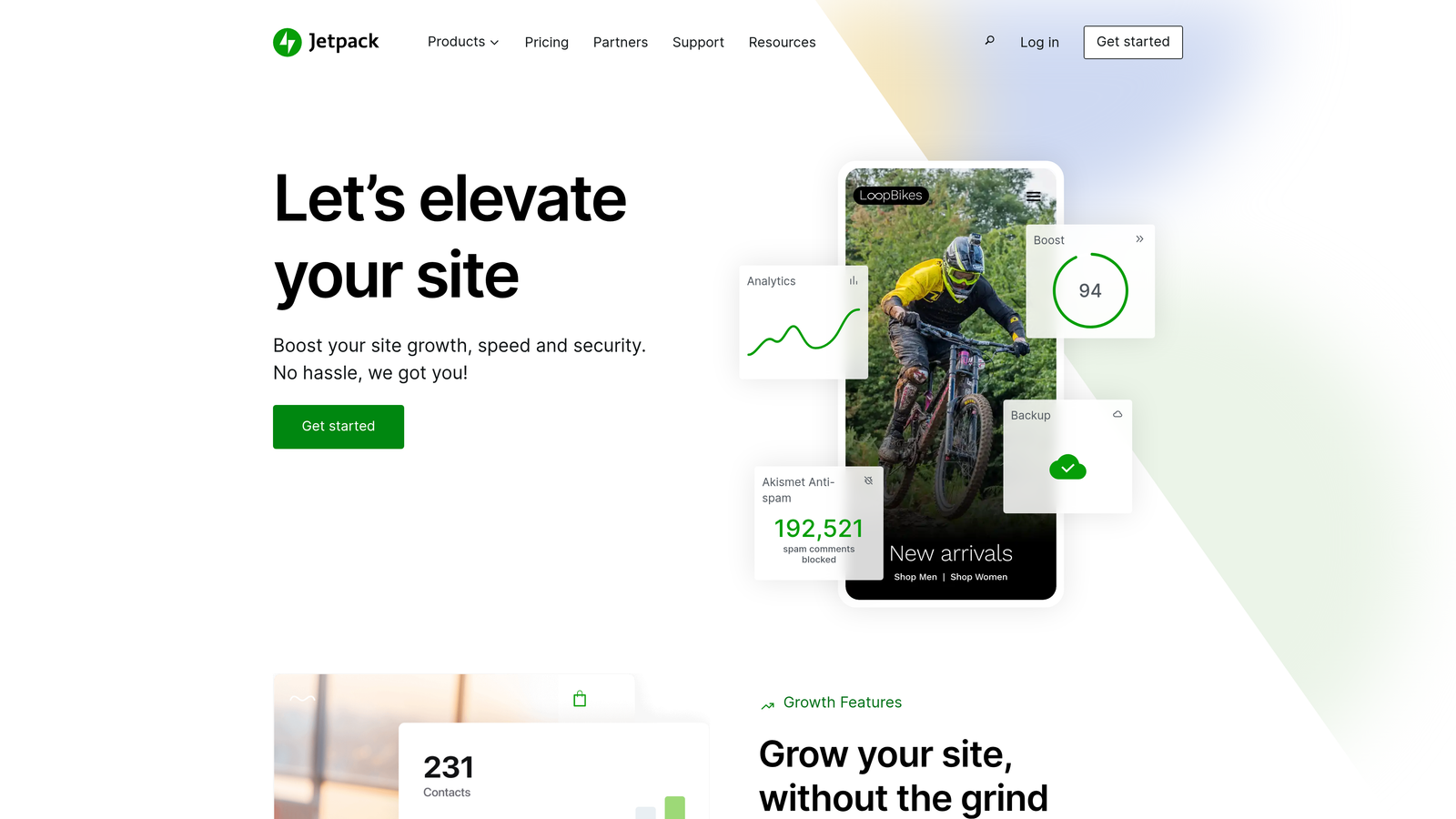
Jetpack extends WordPress's built-in publishing capabilities with automated social sharing, performance monitoring, and security features.
Where This Tool Shines
If you're already running WordPress, Jetpack adds automation without forcing you to learn a new interface. The social auto-share feature connects directly to your publishing workflow—when you hit publish, your content automatically shares to configured social networks.
The simplicity matters for small teams who don't need enterprise-level complexity. You schedule posts using WordPress's familiar calendar, and Jetpack handles the distribution mechanics.
Key Features
Built-in Post Scheduling: Use WordPress's native scheduling interface to queue content weeks or months in advance.
Auto-Share to Social Networks: Automatically post to Twitter, Facebook, LinkedIn, and Tumblr when content goes live.
Site Stats and Performance Monitoring: Track traffic patterns and content performance without external analytics tools.
Backup and Security Features: Real-time backups and security scanning protect your content repository.
Mobile App Access: Manage scheduled posts and respond to comments from your phone.
Best For
Solo bloggers, small businesses, and WordPress-centric teams who want straightforward automation without migrating to a separate platform. Works well when your primary need is reliable scheduling plus basic social distribution.
Pricing
Free tier covers basic features. Paid plans start at $10/month and scale with security, backup, and performance features.
3. HubSpot Content Hub
Best for: Enterprise teams needing content automation deeply integrated with marketing and CRM systems
HubSpot Content Hub brings content management into the same ecosystem as your CRM, email marketing, and lead generation workflows.

Where This Tool Shines
The power comes from context. When your content system knows which leads downloaded which assets and which pages specific accounts visited, you can automate personalization at scale. Smart content blocks change based on viewer attributes pulled from your CRM.
For teams already invested in HubSpot's ecosystem, Content Hub eliminates data silos. Your content performance feeds directly into lead scoring, campaign attribution, and revenue reporting without manual data stitching.
Key Features
Drag-and-Drop Content Editor: Build pages and posts without touching code, with real-time preview across devices.
Smart Content Personalization: Display different content blocks based on visitor lifecycle stage, location, or CRM data.
Built-in SEO Recommendations: Get optimization suggestions as you write, including keyword targeting and technical SEO checks.
CRM-Connected Analytics: Track content performance alongside lead generation and revenue metrics in unified dashboards.
Multi-Language Content Management: Manage translated content versions with language-specific URLs and automated language detection.
Best For
Enterprise marketing teams running complex campaigns across multiple buyer personas, particularly those already using HubSpot CRM or Marketing Hub. The integration value justifies the investment when you need content and customer data in one system.
Pricing
Professional tier starts at $450/month. Enterprise plans scale with advanced features and higher contact limits.
4. CoSchedule
Best for: Editorial teams managing complex content calendars across multiple channels and contributors
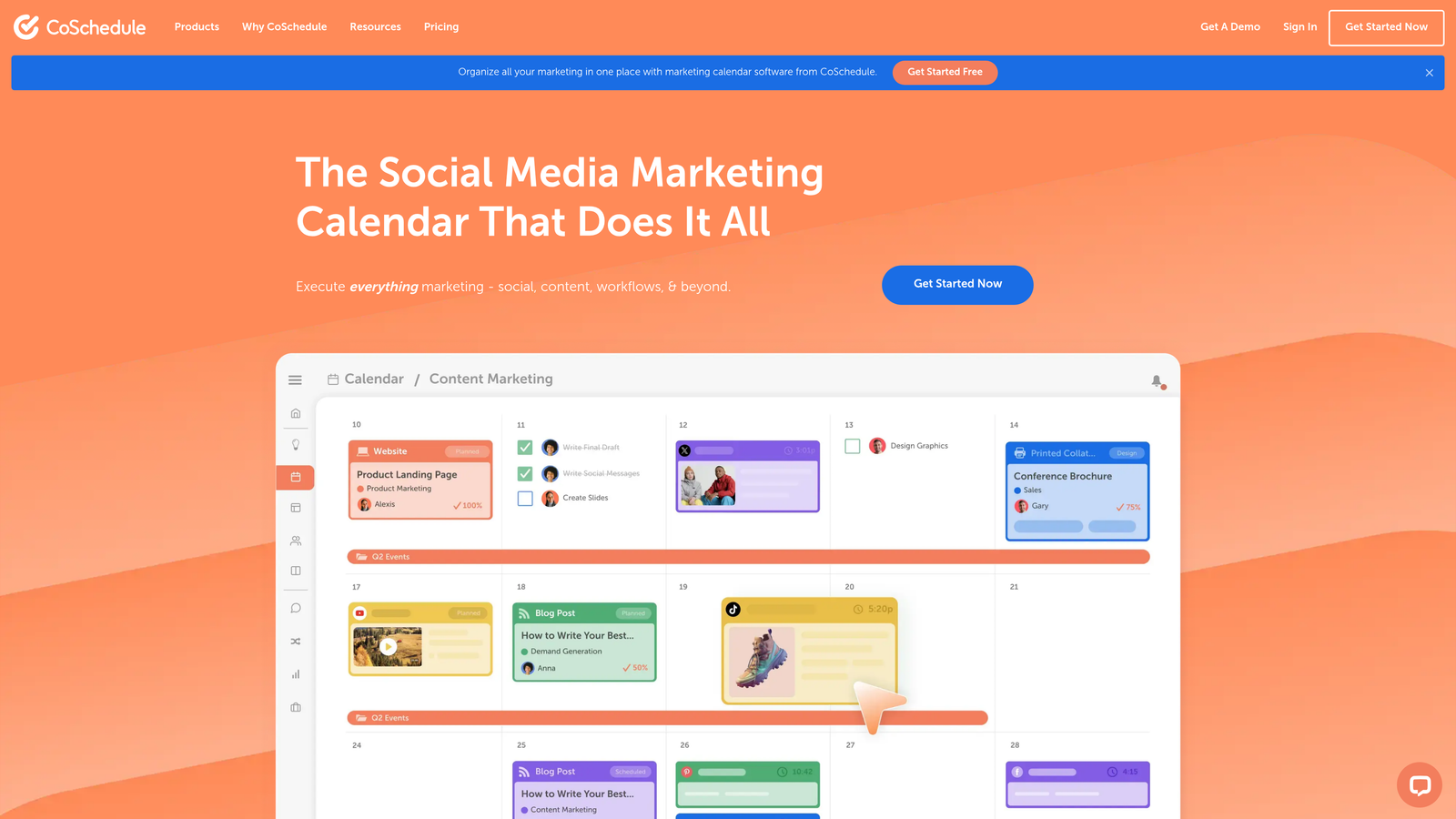
CoSchedule centralizes your entire content operation into a visual calendar with automated scheduling and team workflow management.
Where This Tool Shines
The calendar view gives you clarity that list-based tools can't match. You see blog posts, social campaigns, email sends, and project deadlines in one timeline, making it easier to spot gaps or conflicts before they become problems.
ReQueue stands out as a genuinely useful automation feature. It automatically reshares your best-performing content to social channels based on engagement data, keeping your social presence active without constant manual effort.
Key Features
Unified Marketing Calendar: View all content, campaigns, and deadlines across channels in one visual timeline.
ReQueue Automated Social Resharing: Automatically recirculate top-performing content based on engagement metrics.
WordPress and HubSpot Integrations: Publish directly to your CMS without leaving the calendar interface.
Team Workflow Management: Assign tasks, set approval workflows, and track project progress within content campaigns.
Best Time Scheduling: Analyze audience engagement patterns and schedule posts for optimal reach.
Best For
Content marketing teams coordinating multiple projects simultaneously, especially those managing both blog content and active social channels. The visual calendar approach works particularly well for agencies juggling multiple client calendars.
Pricing
Plans start at $29/month per user, scaling with team size and feature requirements.
5. Contentful
Best for: Development teams building omnichannel experiences requiring flexible, API-driven content delivery
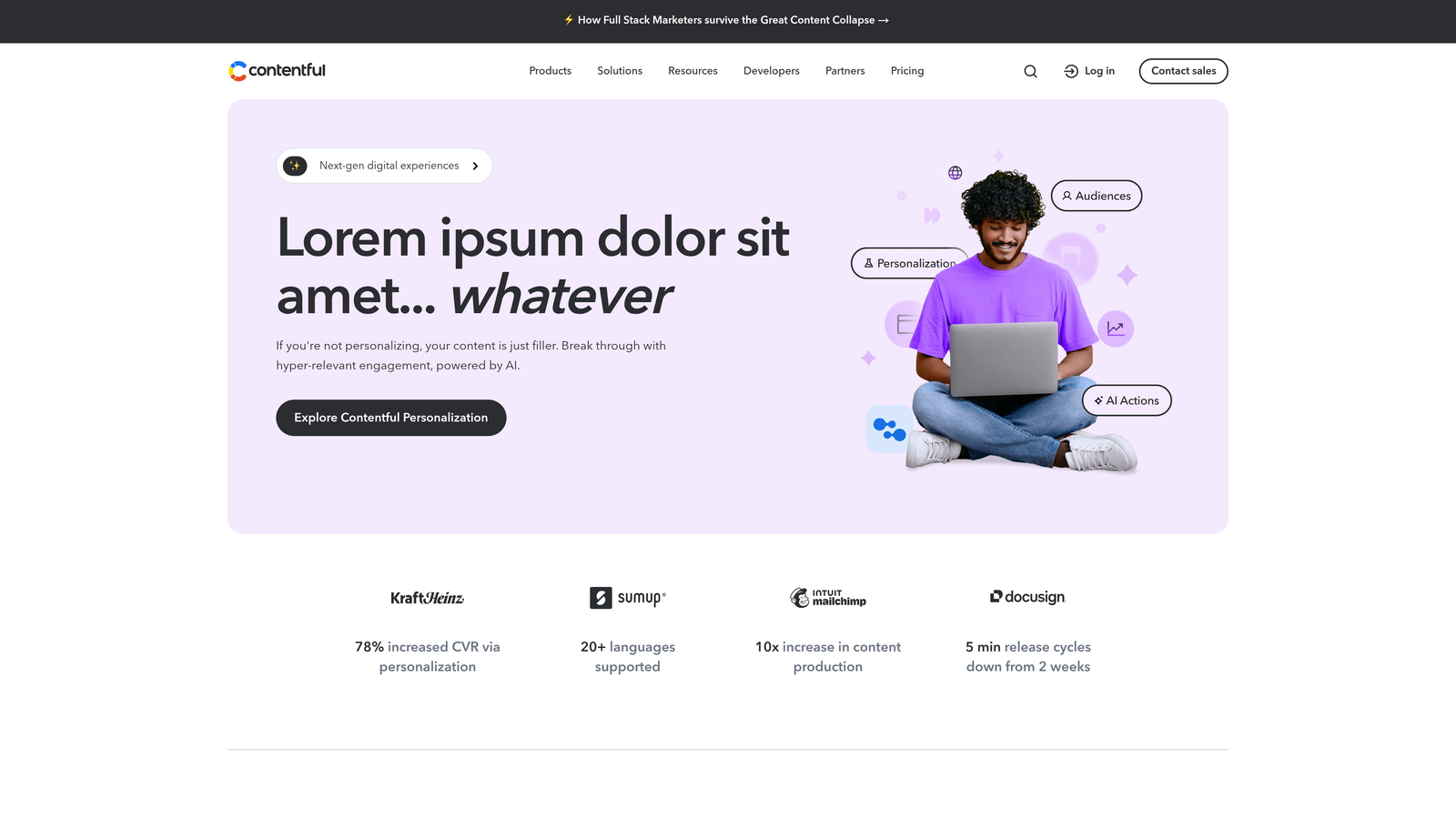
Contentful separates content from presentation, letting you publish the same content to websites, mobile apps, digital signage, and any other channel through APIs.
Where This Tool Shines
Traditional CMS platforms assume you're publishing to a website. Contentful assumes nothing about where your content will appear. You define content models—what fields exist, what types of data they contain—then use APIs to pull that content wherever you need it.
This architecture shines when you're managing content across multiple digital properties. Update content once in Contentful, and it refreshes everywhere automatically. No duplicate entry, no version conflicts across channels.
Key Features
API-First Architecture: Access content through RESTful or GraphQL APIs for maximum flexibility in how and where you publish.
Composable Content Models: Define custom content structures that match your specific needs rather than adapting to predefined templates.
Multi-Channel Publishing: Deliver identical content to web, mobile, IoT devices, or any platform that can consume APIs.
Webhooks for Automated Workflows: Trigger automated actions when content changes—rebuild sites, notify teams, update external systems.
Enterprise-Grade Scalability: Handle high-traffic spikes and large content volumes without performance degradation.
Best For
Development-focused teams building modern digital experiences across multiple platforms, particularly those with technical resources to leverage API-driven architecture. Works best when you need content flexibility more than out-of-box publishing templates.
Pricing
Free tier supports small projects. Team plans start at $489/month for production environments with higher usage limits.
6. Hootsuite
Best for: Social media teams managing high-volume posting across multiple accounts and networks
Hootsuite focuses specifically on social media automation, with bulk scheduling and unified management for multiple social accounts.
Where This Tool Shines
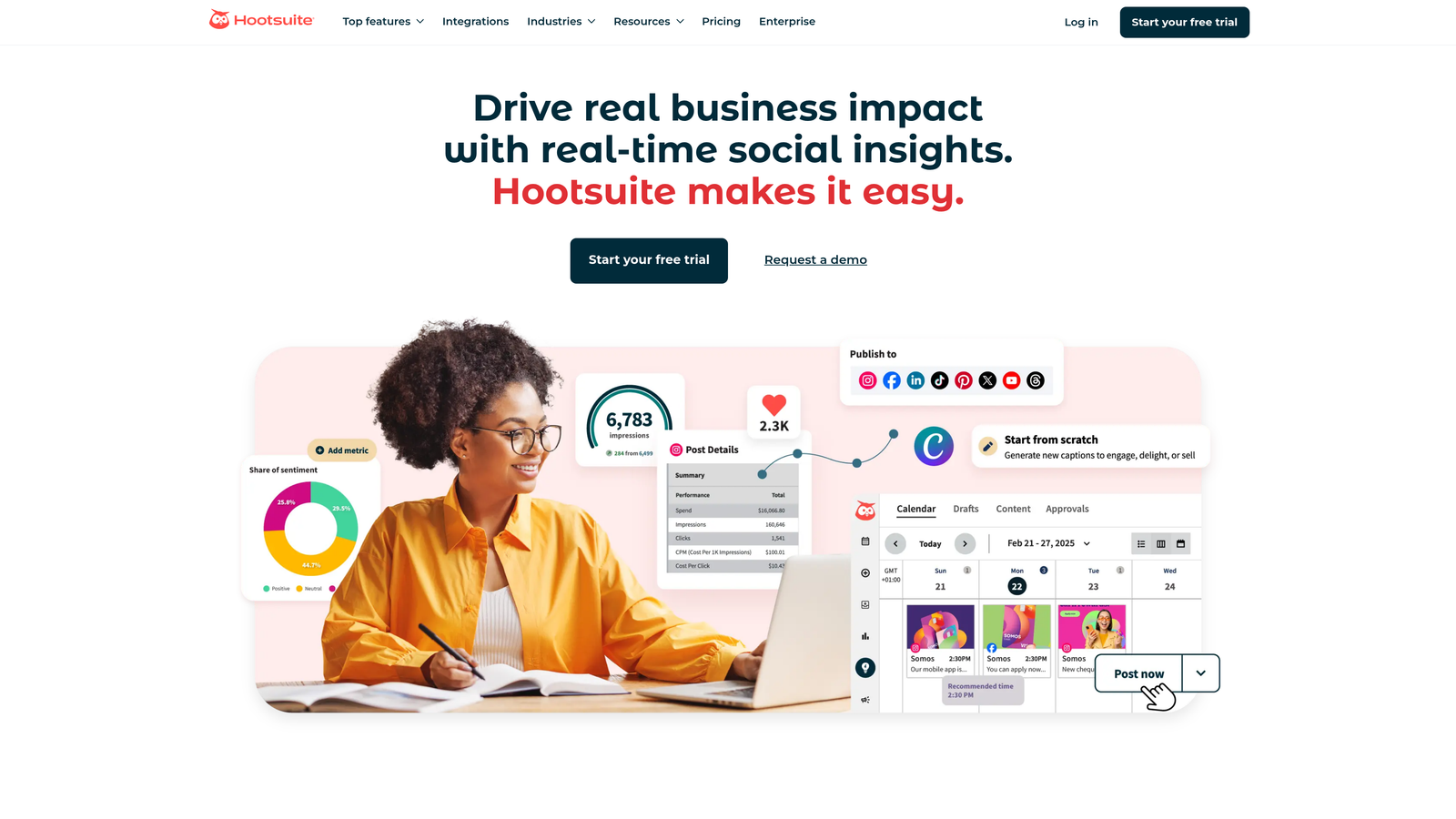
The bulk scheduling feature saves hours when you're planning weeks of social content. Upload a CSV with your posts, assign them to specific accounts and times, and Hootsuite handles the distribution. This matters when you're managing social for multiple brands or clients.
The streams interface lets you monitor multiple social feeds simultaneously—mentions, hashtags, competitor activity—so you can respond quickly without switching between platforms. For teams where social listening matters as much as publishing, this unified view creates real efficiency.
Key Features
Bulk Content Scheduling: Upload and schedule dozens or hundreds of posts at once through CSV import.
Auto-Publishing Across Networks: Schedule once, publish to Twitter, Facebook, Instagram, LinkedIn, YouTube, and Pinterest simultaneously.
Content Calendar View: Visual overview of scheduled content across all accounts and networks.
Analytics and Reporting: Track engagement metrics and generate reports showing performance across channels.
Team Collaboration Tools: Assign posts for approval, leave internal notes, and manage permissions for team members.
Best For
Social media managers handling multiple accounts or agencies managing social for several clients. The bulk scheduling and unified dashboard justify the investment when you're publishing at scale.
Pricing
Plans start at $99/month for 10 social accounts, scaling with account limits and team features.
7. Buffer
Best for: Small teams wanting straightforward social scheduling without feature overwhelm
Buffer strips social media scheduling down to essentials—queue-based publishing with a clean interface that doesn't require training.
Where This Tool Shines
The queue system makes scheduling genuinely simple. You add posts to your queue throughout the week, set your posting schedule once, and Buffer automatically publishes from the queue at optimal times. No calendar management, no complex scheduling rules.
The browser extension deserves mention. When you find content worth sharing, click the extension, customize your post, and add it to your queue without leaving the page. This friction reduction matters when you're curating content regularly.
Key Features
Queue-Based Scheduling: Add posts to a queue and let Buffer publish them according to your predefined schedule.
Browser Extension for Easy Adding: Share content from any webpage with one click, customizing the post before queuing.
Basic Analytics: Track post performance with engagement metrics and follower growth over time.
Instagram, Twitter, LinkedIn, Facebook Support: Cover major social platforms from one dashboard.
Clean, Intuitive Interface: Minimal learning curve with straightforward navigation and clear action buttons.
Best For
Solo creators, small businesses, and lean marketing teams who want reliable social scheduling without paying for enterprise features they won't use. Works particularly well when simplicity and ease of use matter more than advanced automation.
Pricing
Free tier includes basic scheduling for three channels. Paid plans start at $6/month per channel with higher post limits and analytics.
8. Sprinklr
Best for: Global enterprises requiring unified content governance across dozens of channels and regions
Sprinklr positions itself as a unified customer experience platform, with content automation as one component of a much larger enterprise system.
Where This Tool Shines
The governance capabilities matter at enterprise scale. When you have teams across multiple regions publishing to hundreds of social accounts, you need approval workflows, brand compliance checks, and centralized oversight. Sprinklr builds these controls into the publishing process.
The AI-powered content suggestions analyze what's performing across your channels and recommend topics, formats, and timing for new content. For large teams producing high volumes of content, these recommendations help maintain quality without micromanagement.
Key Features
AI-Powered Content Suggestions: Get recommendations for content topics and formats based on performance data across your channels.
Enterprise Approval Workflows: Route content through customizable approval chains with role-based permissions and compliance checks.
Global Content Governance: Enforce brand standards and legal requirements across regions and business units.
Omnichannel Publishing: Manage content across social, messaging apps, review sites, and digital advertising from one platform.
Advanced Analytics and Reporting: Track content performance with custom dashboards and attribution modeling across touchpoints.
Best For
Large enterprises with complex organizational structures, multiple brands, or global operations requiring centralized content control. The investment makes sense when governance, compliance, and scale are primary concerns.
Pricing
Enterprise pricing model based on company size and requirements. Contact Sprinklr for custom quotes.
9. Zapier with CMS Integrations
Best for: Teams needing custom automation between tools that don't integrate natively
Zapier connects apps through automated workflows called Zaps, letting you build publishing automation without writing code.
Where This Tool Shines
The flexibility matters when you're using tools that don't talk to each other. You can create workflows like: when a new post appears in your Google Doc, format it and publish to WordPress, then share to social media, then add the URL to a tracking spreadsheet. All automatically.
The conditional logic lets you build sophisticated automation. Publish only if the post has specific tags, route content to different channels based on category, or trigger different workflows depending on author. This level of customization would require custom development in most platforms.
Key Features
6,000+ App Integrations: Connect virtually any web app or service in your content workflow.
Custom Automated Workflows (Zaps): Build multi-step automations that move data between apps based on triggers and actions.
Multi-Step Automations: Chain multiple actions together—publish content, notify team, update tracking, post to social—in one workflow.
Conditional Logic: Add if/then rules to route content differently based on criteria you define.
Scheduled Triggers: Run workflows on a schedule rather than only when specific events occur.
Best For
Teams with unique tool combinations or specific workflow requirements that off-the-shelf solutions don't address. Works particularly well when you need to connect niche tools or build highly customized publishing processes.
Pricing
Free tier includes basic Zaps with limited runs. Paid plans start at $19.99/month with higher task limits and premium features.
Making the Right Choice
Your ideal platform depends on where publishing friction actually exists in your workflow. If content creation is the bottleneck, Sight AI's combined generation and publishing approach removes multiple handoffs. If you're already producing content efficiently but struggle with CMS integration and indexing speed, that same platform's IndexNow integration and automated sitemap updates address those specific pain points.
For teams deeply embedded in enterprise marketing ecosystems, HubSpot Content Hub makes sense when you need content performance tied directly to CRM and revenue data. The investment pays off when unified reporting matters more than tool flexibility.
Editorial teams managing complex calendars across multiple contributors benefit from CoSchedule's visual planning interface and workflow management. The calendar view creates clarity that list-based tools simply can't match when you're coordinating dozens of moving pieces.
If you're building modern digital experiences across web, mobile, and emerging channels, Contentful's headless architecture provides the flexibility to publish anywhere. The API-first approach requires technical resources but eliminates the constraints of traditional CMS platforms.
For straightforward social media automation without enterprise complexity, Buffer delivers reliable scheduling with minimal learning curve. When simplicity matters more than advanced features, the focused approach reduces friction rather than adding it.
The platforms solving real problems are the ones that collapse multiple manual steps into automated workflows. Look for tools that eliminate the specific handoffs slowing down your team—whether that's switching between content creation and publishing, waiting for search engine discovery, or manually distributing content across channels.
Stop guessing how AI models like ChatGPT and Claude talk about your brand—get visibility into every mention, track content opportunities, and automate your path to organic traffic growth. Start tracking your AI visibility today and see exactly where your brand appears across top AI platforms.