Managing a steady stream of WordPress content shouldn't mean spending hours manually hitting "Publish" every time you finish an article. Whether you're running a content marketing team, managing client sites, or building your own blog empire, the right auto-publishing tool can transform your workflow from reactive to strategic.
The best WordPress auto-publishing tools do more than just schedule posts. They integrate with your content creation process, optimize for search visibility, connect to distribution channels, and give you back the time to focus on strategy instead of logistics.
We evaluated these tools based on automation depth, WordPress integration quality, content optimization features, and pricing transparency. Here are the top WordPress auto-publishing solutions for 2026.
1. Sight AI
Best for: Marketers who want AI content creation with built-in WordPress publishing and search optimization.
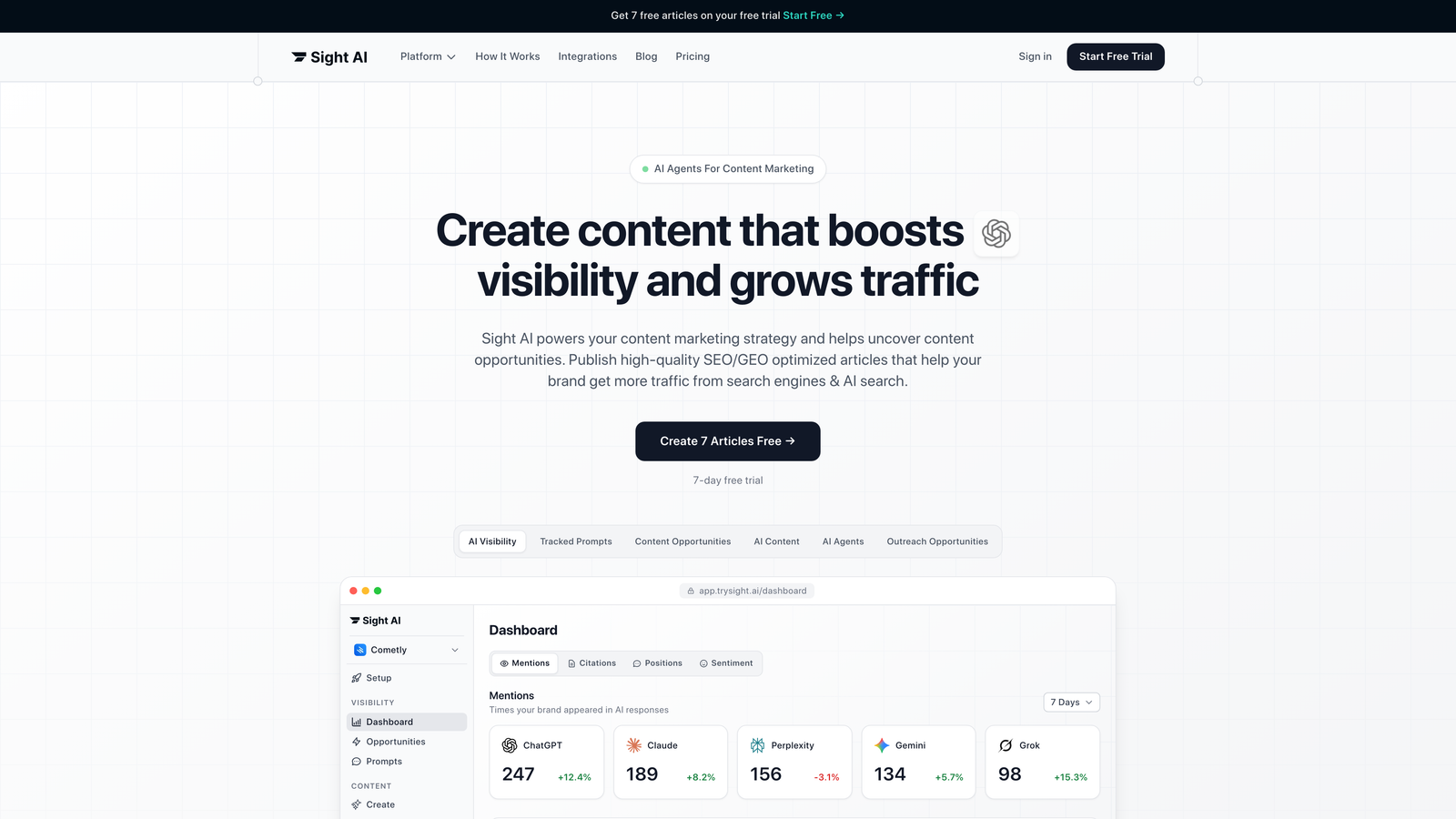
Sight AI combines AI-powered content generation with native WordPress auto-publishing, creating a complete workflow from ideation to indexed content.
Where This Tool Shines
Unlike tools that only handle the publishing step, Sight AI manages the entire content lifecycle. Its 13+ specialized AI agents generate SEO-optimized articles, then automatically publish them to your WordPress site with proper formatting and metadata.
The platform includes IndexNow integration, which notifies search engines immediately when new content goes live. This means your posts get crawled and indexed faster than relying on traditional sitemap discovery. For brands focused on AI visibility, it also tracks how AI models like ChatGPT and Claude mention your content across platforms.
Key Features
AI Content Agents: 13+ specialized agents handle different content types including listicles, guides, and explainers with built-in SEO optimization.
Native CMS Publishing: Direct WordPress integration publishes formatted content with proper headings, meta descriptions, and internal linking.
IndexNow Protocol: Automatic search engine notification for faster content discovery and indexing.
Autopilot Mode: Hands-off content production that generates and publishes on a schedule you define.
AI Visibility Tracking: Monitor how AI platforms reference your brand across ChatGPT, Claude, and Perplexity.
Best For
Marketing teams and agencies that want to combine content creation with automated publishing. Particularly valuable if you're producing high volumes of SEO content and need both quality generation and efficient distribution.
Pricing
Contact for custom pricing with tiered plans available for individual marketers and agency teams.
2. Jetpack
Best for: WordPress.com users who want simple social media auto-sharing when posts go live.
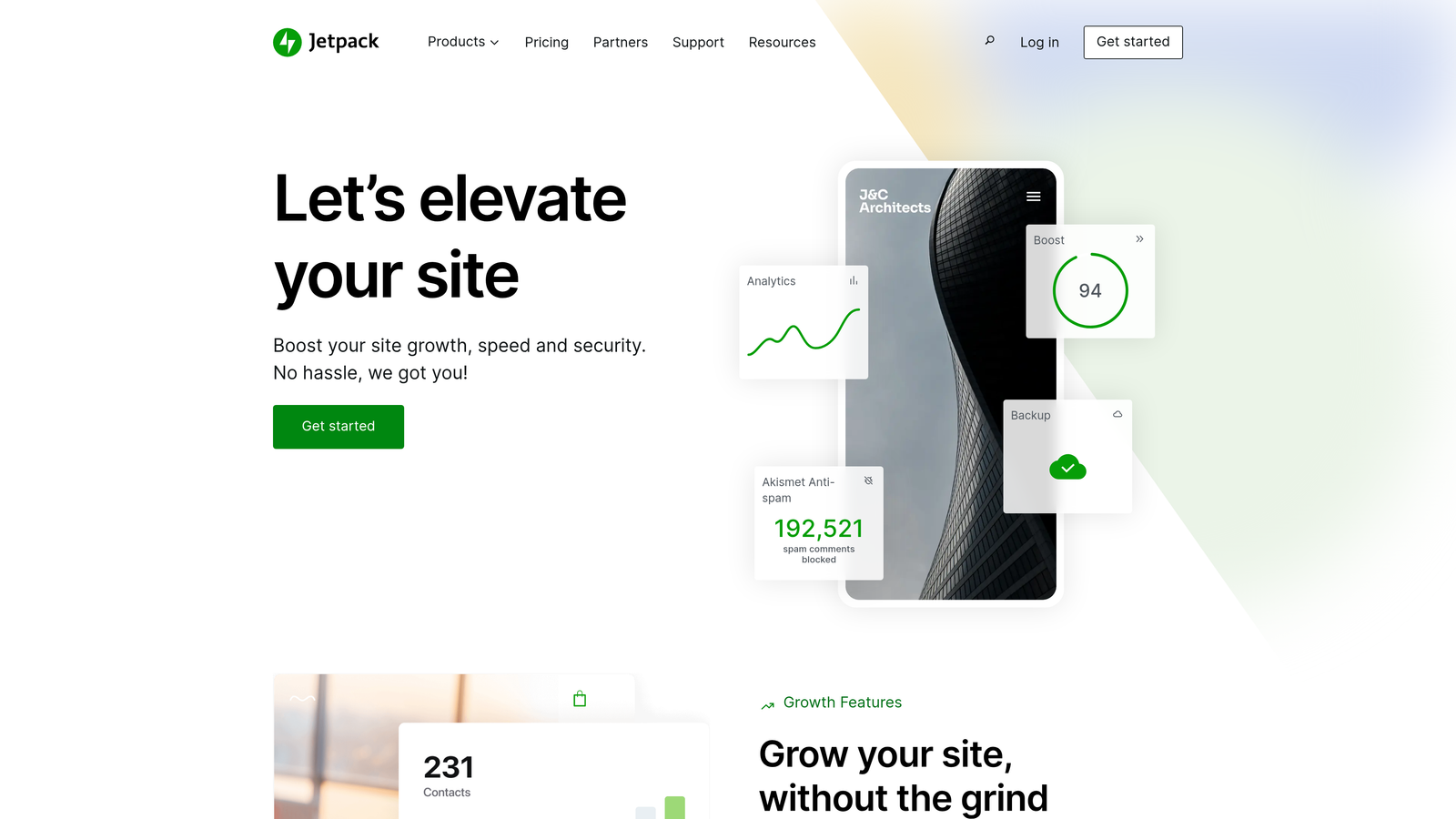
Jetpack is WordPress.com's official plugin suite that includes the Publicize feature for automatic social distribution.
Where This Tool Shines
Jetpack's strength is its native WordPress integration. Since it's built by Automattic (the company behind WordPress.com), you get seamless compatibility without worrying about plugin conflicts or updates breaking functionality.
The Publicize feature automatically shares your posts to connected social accounts the moment you hit publish. No separate scheduling interface to learn—it works directly within the WordPress editor you already know.
Key Features
Auto-Share to Social: Automatically post to Facebook, Twitter, LinkedIn, and Tumblr when content goes live.
Scheduled Social Posts: Queue social shares for optimal times even if you publish at different hours.
Built-In Analytics: Track site stats and social performance without connecting external tools.
Security Features: Includes backup, malware scanning, and brute force protection in higher tiers.
Native Integration: Works directly in WordPress admin without leaving your dashboard.
Best For
Bloggers and small businesses running WordPress.com sites who want straightforward social automation without complex setup. Works best if social sharing is your primary distribution channel.
Pricing
Free tier includes basic features. Premium plans start at $9.95/month with full Publicize capabilities.
3. WP Scheduled Posts
Best for: Content teams who need visual calendar management with intelligent scheduling recommendations.
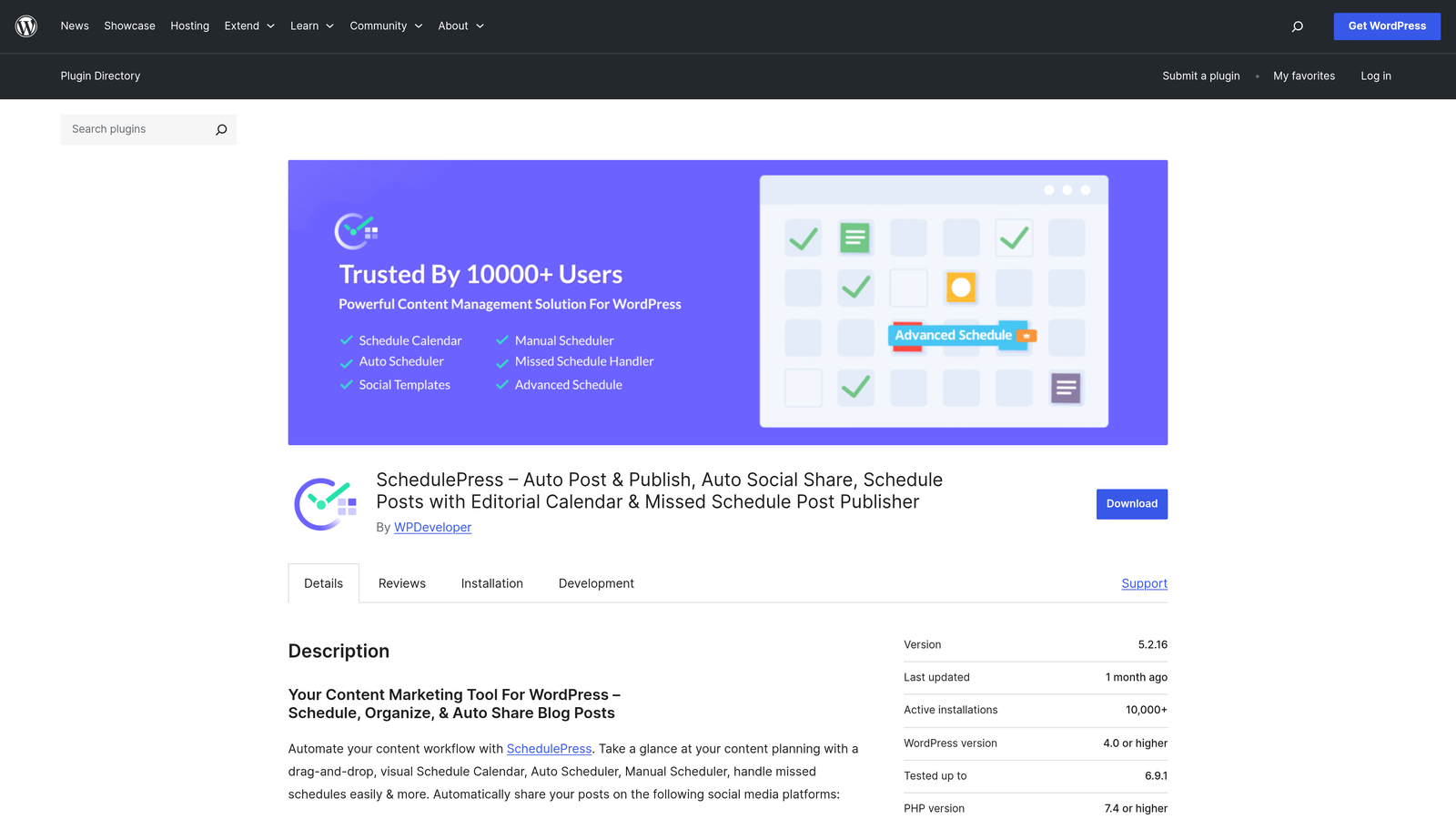
WP Scheduled Posts adds a drag-and-drop editorial calendar to WordPress with an auto-scheduler that finds optimal posting times.
Where This Tool Shines
The visual calendar interface makes it easy to see your content pipeline at a glance. You can drag posts between dates to reschedule, color-code by category, and filter by author or status.
The auto-scheduler analyzes your site's engagement patterns and suggests the best times to publish based on when your audience is most active. This takes the guesswork out of timing decisions and helps maximize initial traffic to new posts.
Key Features
Drag-and-Drop Calendar: Visual interface for scheduling and rescheduling posts with simple mouse movements.
Auto Scheduler: AI-powered recommendations for optimal posting times based on your historical engagement data.
Missed Schedule Handler: Automatically publishes posts that WordPress fails to publish at their scheduled time.
Social Auto-Posting: Connect social accounts to share content when it goes live.
Calendar Filtering: View by author, category, tag, or post status to manage complex editorial workflows.
Best For
Editorial teams managing multiple authors and content types who need visual workflow management. Particularly useful for publications with consistent publishing schedules.
Pricing
Free version includes core calendar features. Pro version starts at $49/year with advanced scheduling and social features.
4. Blog2Social
Best for: Multi-platform social distribution with customized post formats for each network.
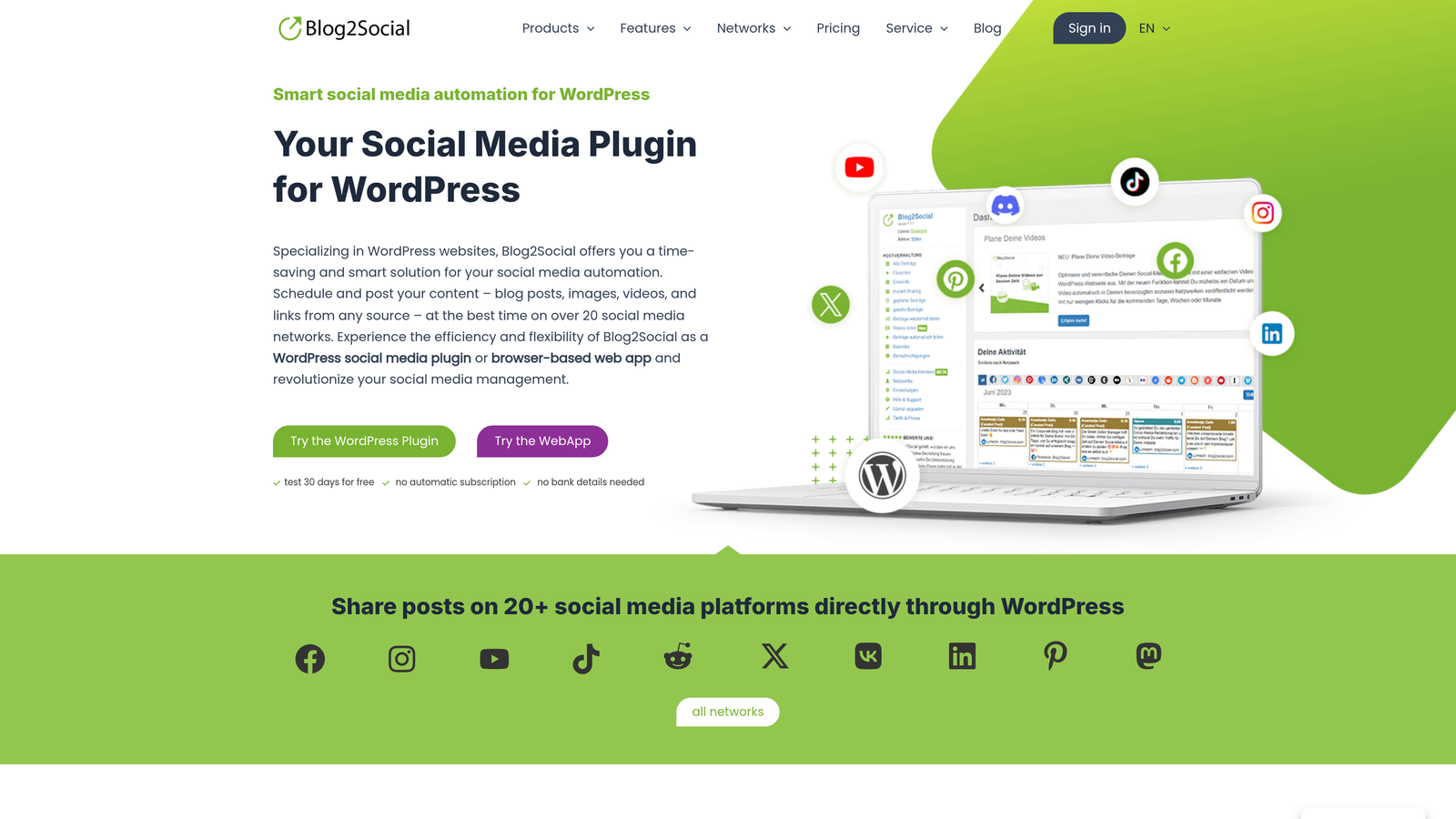
Blog2Social automatically posts your WordPress content to 20+ social networks with platform-specific formatting and scheduling.
Where This Tool Shines
Blog2Social understands that what works on LinkedIn doesn't work on Instagram. It lets you customize the post text, image, and hashtags for each platform before auto-posting, so your content feels native to each network.
The best time scheduler analyzes when your audience is most active on each platform and queues posts accordingly. You can also set up recurring posts for evergreen content, automatically resharing top-performing pieces on a schedule.
Key Features
20+ Network Support: Auto-post to Facebook, Twitter, LinkedIn, Instagram, Pinterest, Reddit, Medium, and more from one interface.
Custom Post Formats: Tailor headlines, descriptions, hashtags, and images for each platform's best practices.
Best Time Scheduler: Platform-specific timing recommendations based on audience activity patterns.
Social Media Calendar: Visual overview of all scheduled posts across networks.
Reshare Automation: Set evergreen content to automatically repost on intervals you define.
Best For
Content marketers who publish across multiple social platforms and want to maximize reach without manual posting to each network.
Pricing
Free tier supports basic auto-posting. Premium plans start at $7/month for expanded network support and advanced scheduling.
5. PublishPress
Best for: Editorial teams who need workflow management with custom approval processes.
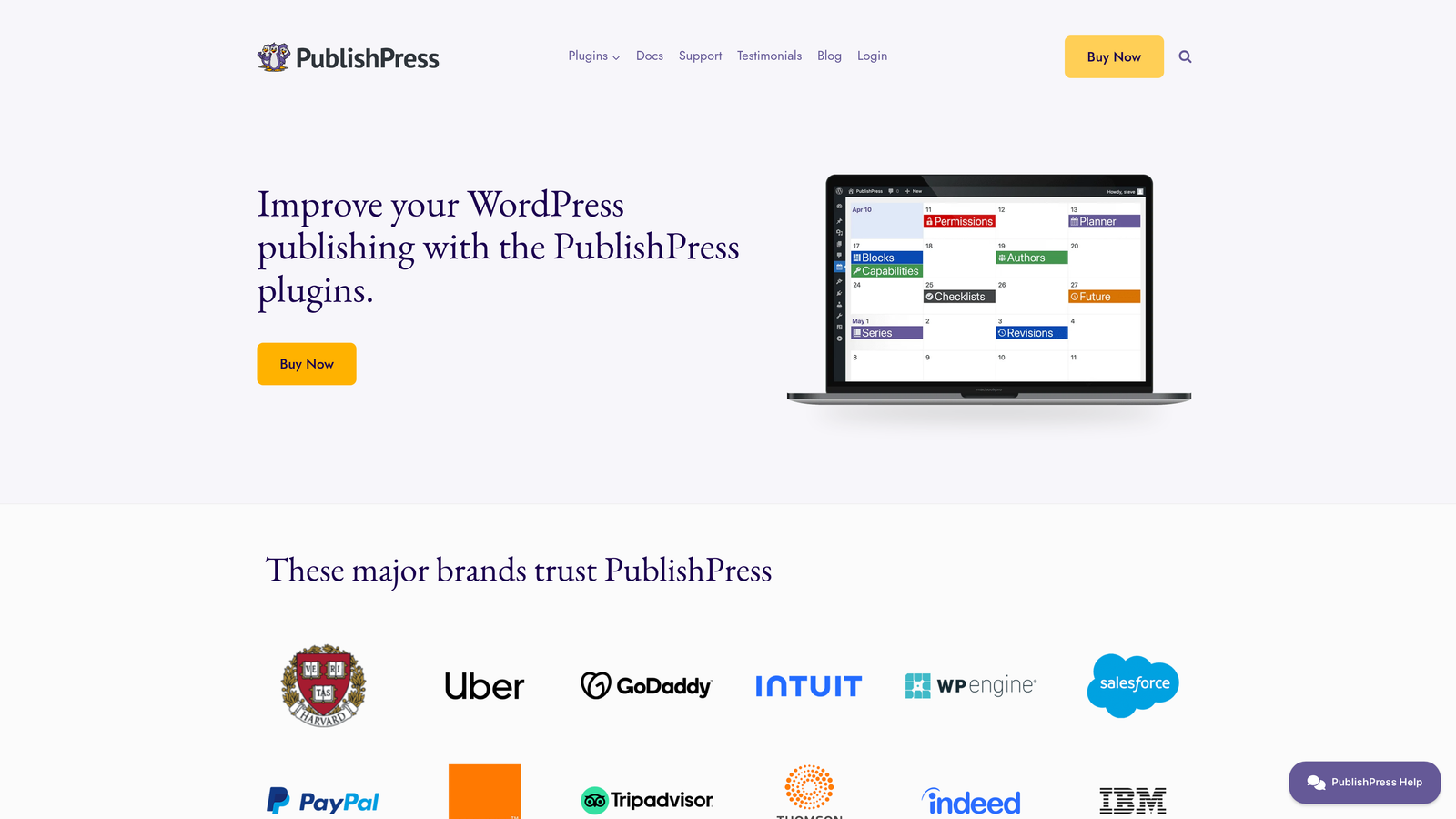
PublishPress adds editorial workflow capabilities to WordPress with custom post statuses, content calendars, and automated publishing rules.
Where This Tool Shines
PublishPress transforms WordPress into a proper editorial management system. You can create custom post statuses like "Needs Review," "Approved," or "Ready to Publish," then set up automated workflows that move content through these stages.
The notification system keeps teams coordinated by alerting relevant people when posts reach certain statuses or approach deadlines. This eliminates the constant Slack messages asking "Is the article ready?" because everyone can see the status in the calendar.
Key Features
Custom Post Statuses: Create workflow stages beyond WordPress's default Draft/Published options.
Editorial Calendar: Visual calendar with drag-and-drop scheduling and filtering by author, category, or status.
Content Notifications: Automated alerts when posts change status, approach deadlines, or need attention.
Multi-Author Management: Assign posts to writers, editors, and reviewers with role-based permissions.
Editorial Comments: Internal notes and feedback visible only to team members, separate from public comments.
Best For
Publications and agencies with multiple contributors who need structured approval processes and clear visibility into content status.
Pricing
Free core plugin includes basic calendar and workflow features. Pro version starts at $99/year with advanced automation and notifications.
6. CoSchedule
Best for: Marketing teams managing content alongside other campaigns in a unified calendar.
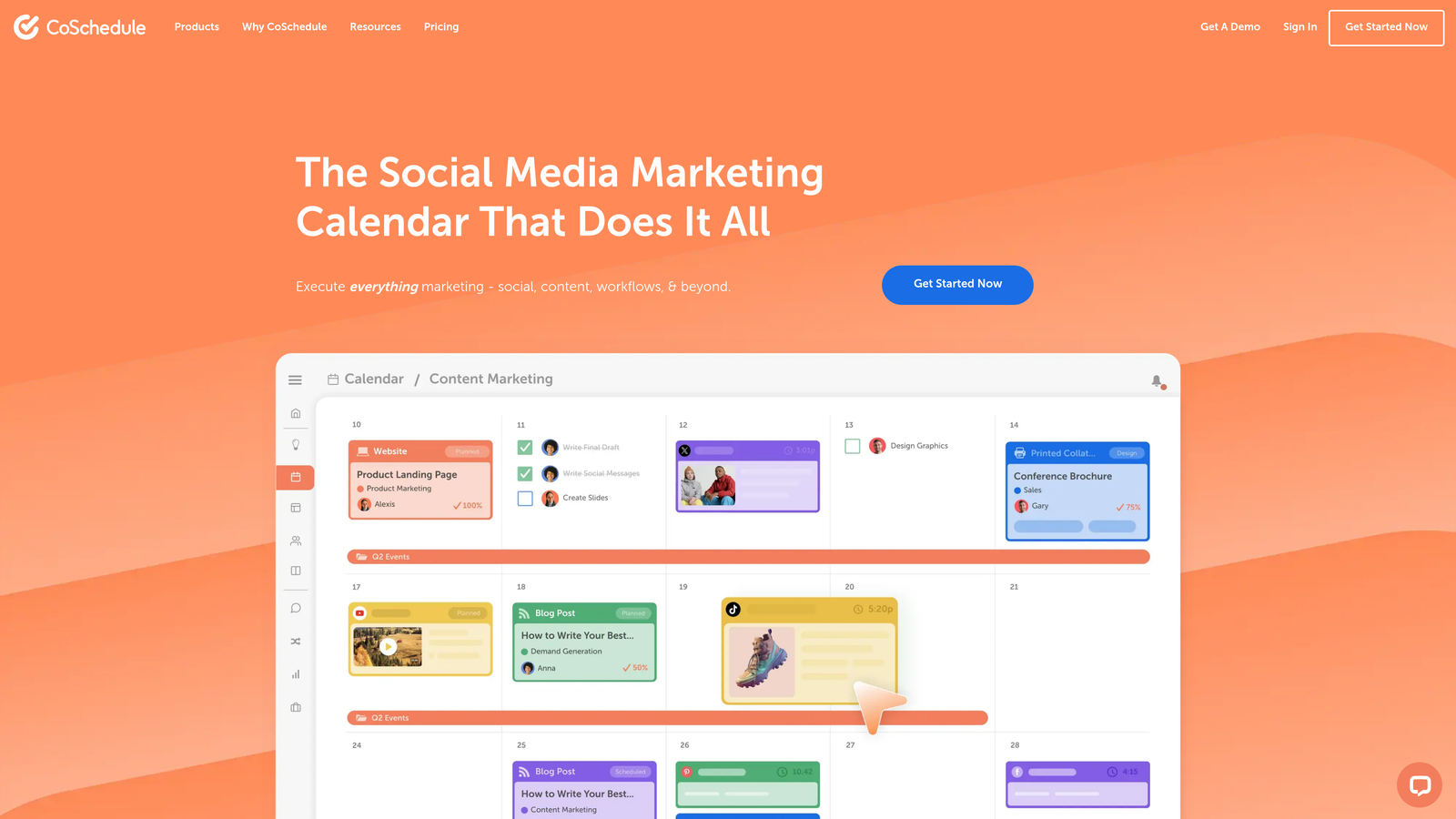
CoSchedule provides a marketing calendar that integrates WordPress publishing with social media, email campaigns, and project management.
Where This Tool Shines
CoSchedule's power comes from seeing your entire marketing operation in one place. Your WordPress posts appear alongside social campaigns, email sends, and project deadlines, making it easy to coordinate multi-channel launches.
The ReQueue feature automatically reshares your best evergreen content on social media, filling gaps in your posting schedule without manual intervention. It analyzes which posts performed well and cycles them back into your social queue at optimal times.
Key Features
Unified Marketing Calendar: See WordPress posts, social media, email campaigns, and projects in one visual timeline.
ReQueue Automation: Automatically reshare top-performing evergreen content to fill social media gaps.
Headline Analyzer: Score and optimize post titles before publishing based on engagement data.
Team Workflows: Assign tasks, set deadlines, and track progress on content projects.
Social Templates: Save and reuse social post formats for consistent messaging across campaigns.
Best For
Marketing teams running integrated campaigns who need to coordinate WordPress content with broader marketing activities and team collaboration.
Pricing
Free calendar available with basic features. Marketing Suite pricing requires contact for custom quotes based on team size.
7. Zapier WordPress Integration
Best for: Custom automation workflows connecting WordPress to your specific tech stack.
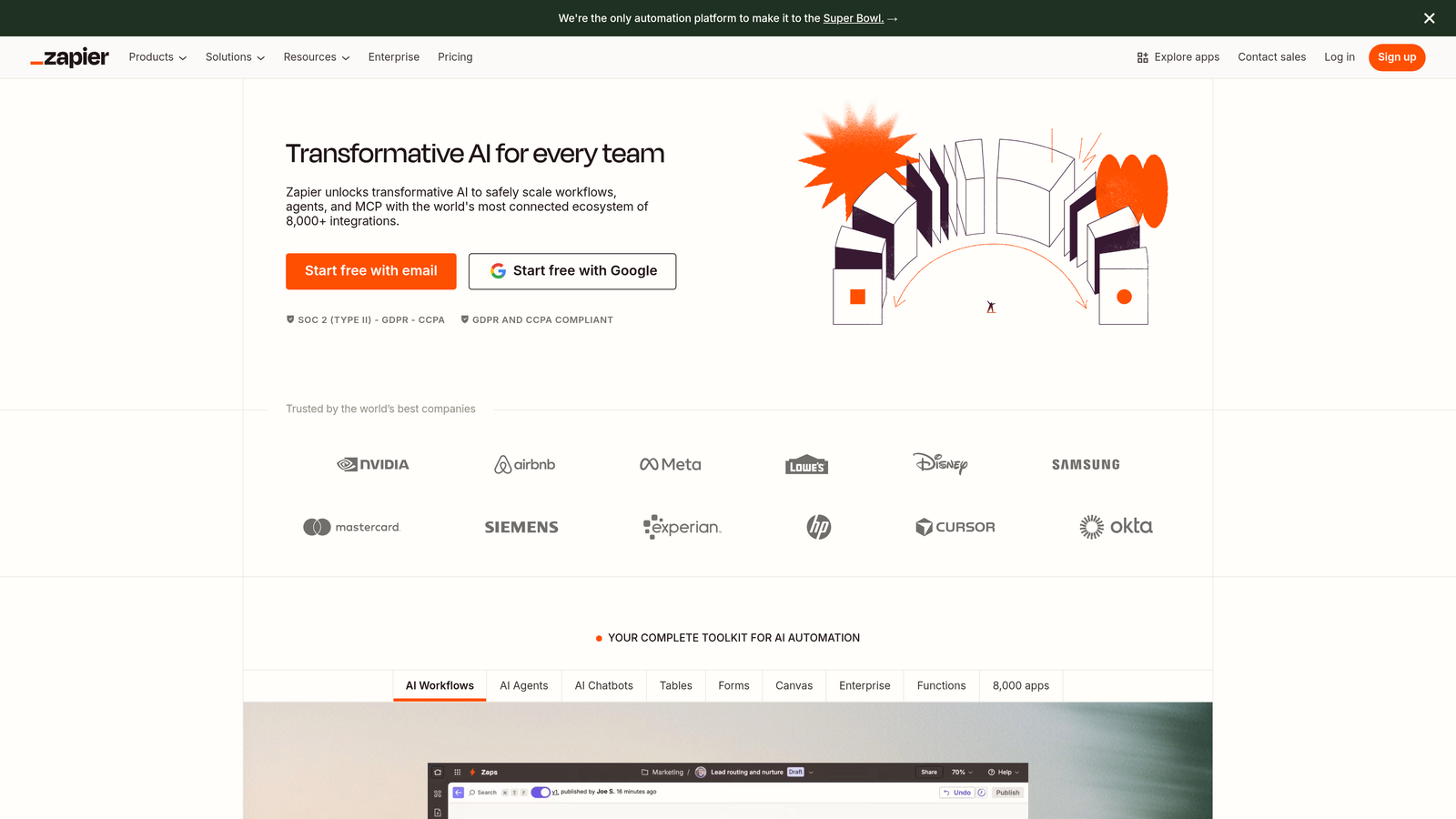
Zapier's WordPress integration connects your site to 5,000+ apps, enabling custom trigger-based publishing workflows without code.
Where This Tool Shines
Zapier excels at connecting systems that don't natively talk to each other. Want to automatically create WordPress posts from new Airtable records? Done. Need to publish content when a Google Sheet row is updated? Easy. Looking to trigger posts based on CRM events? Possible.
The multi-step automation capability means you can build complex workflows. For example: when a post publishes, automatically add it to your email marketing tool, create a social media post, update your analytics dashboard, and notify your team in Slack—all without touching a line of code.
Key Features
5,000+ App Connections: Integrate WordPress with virtually any cloud service or SaaS tool in your stack.
Custom Triggers and Actions: Build workflows that respond to specific events in WordPress or external apps.
Multi-Step Automations: Chain multiple actions together to create sophisticated publishing workflows.
Conditional Logic: Add if/then rules to automate different actions based on post content, category, or other criteria.
Error Handling: Automatic retry logic and notifications when automations fail.
Best For
Technical marketers and agencies with unique workflow requirements that need custom automation beyond what standard plugins offer.
Pricing
Free tier includes 100 tasks per month. Starter plan begins at $19.99/month with increased task limits and premium app access.
8. JEENG
Best for: Publishers who want automated email newsletters generated from WordPress content.
JEENG uses AI to automatically create personalized email digests from your WordPress posts with content recommendations tailored to each subscriber.

Where This Tool Shines
JEENG eliminates the manual work of curating email newsletters. It monitors your WordPress posts and automatically generates email digests based on schedules you set—daily, weekly, or triggered by publishing frequency.
The AI personalization engine analyzes subscriber behavior and tailors which articles appear in each person's email based on their reading history. This means different subscribers get different content recommendations, increasing engagement without segmentation complexity.
Key Features
Automated Email Digests: Automatically generate newsletters from recent WordPress posts on your preferred schedule.
AI Content Recommendations: Personalize which articles each subscriber sees based on their engagement history.
Push Notification Automation: Send mobile push notifications when high-priority content publishes.
Engagement Analytics: Track opens, clicks, and content performance across email and push channels.
Template Customization: Design email layouts that match your brand while maintaining automation.
Best For
Publishers and content sites with large email lists who want to automate newsletter creation while maintaining personalization.
Pricing
Custom pricing based on audience size and email volume. Contact JEENG for quotes tailored to your subscriber count.
9. WP RSS Aggregator
Best for: Content curators who want to automatically import and publish RSS feed content.
WP RSS Aggregator monitors RSS feeds and automatically converts feed items into WordPress posts with filtering and customization options.
Where This Tool Shines
WP RSS Aggregator turns your WordPress site into an automated content hub. It pulls content from RSS feeds you specify and creates posts automatically, making it easy to aggregate industry news, competitor content, or multi-site publishing.
The keyword filtering ensures you only import relevant content. You can set up rules to include or exclude posts based on specific terms, so your site stays focused on topics that matter to your audience without manual review of every feed item.
Key Features
Feed-to-Post Automation: Automatically convert RSS feed items into WordPress posts with customizable formatting.
Keyword Filtering: Include or exclude feed items based on specific keywords to maintain content relevance.
Full-Text Import: Pull complete article content when feeds only provide excerpts (premium feature).
Custom Templates: Design how imported content appears on your site with flexible template options.
Multiple Feed Support: Monitor unlimited RSS feeds and aggregate content from diverse sources.
Best For
Content curators, news aggregators, and niche communities who want to automatically publish relevant content from multiple sources without manual copying.
Pricing
Free core plugin includes basic feed importing. Premium add-ons start at $79/year for full-text extraction and advanced filtering.
Making the Right Choice
The best WordPress auto-publishing tool depends on where automation fits into your content workflow.
If you're creating SEO content from scratch and want end-to-end automation—from generation through publishing to search indexing—Sight AI handles the complete pipeline. It's particularly valuable for teams producing high volumes of optimized content who want to eliminate manual steps between writing and going live.
For social media-focused distribution, Blog2Social and Jetpack excel at multi-platform sharing. Blog2Social offers more customization across networks, while Jetpack provides simpler setup for WordPress.com users.
Editorial teams with complex approval workflows should look at PublishPress or CoSchedule. PublishPress focuses specifically on content status management, while CoSchedule integrates content with broader marketing calendar needs.
If you're building custom workflows that connect WordPress to your specific tech stack, Zapier's flexibility can't be matched. It requires more setup time but enables automation scenarios that dedicated plugins can't handle.
Publishers focused on email automation will find JEENG's AI-powered personalization valuable, while content curators can leverage WP RSS Aggregator to automatically populate sites with relevant industry content.
The trend in 2026 is clear: the most effective publishing tools don't just schedule—they optimize, distribute, and accelerate search discovery. Start tracking your AI visibility today and see exactly where your brand appears across top AI platforms while automating the content creation and publishing process that gets you there.