Publishing content manually across your CMS is a time sink that pulls marketers away from strategy and creativity. Automatic CMS publishing tools eliminate the copy-paste workflow, pushing content directly from your writing environment to WordPress, Webflow, or headless CMS platforms with a single click—or no clicks at all.
Whether you need to schedule posts, sync content across multiple sites, or integrate AI-generated articles into your publishing workflow, the right tool can reclaim hours each week. Here are the top automatic CMS publishing tools that handle everything from simple scheduling to complex multi-channel distribution.
1. Sight AI
Best for: AI content creation teams needing end-to-end publishing automation with instant indexing
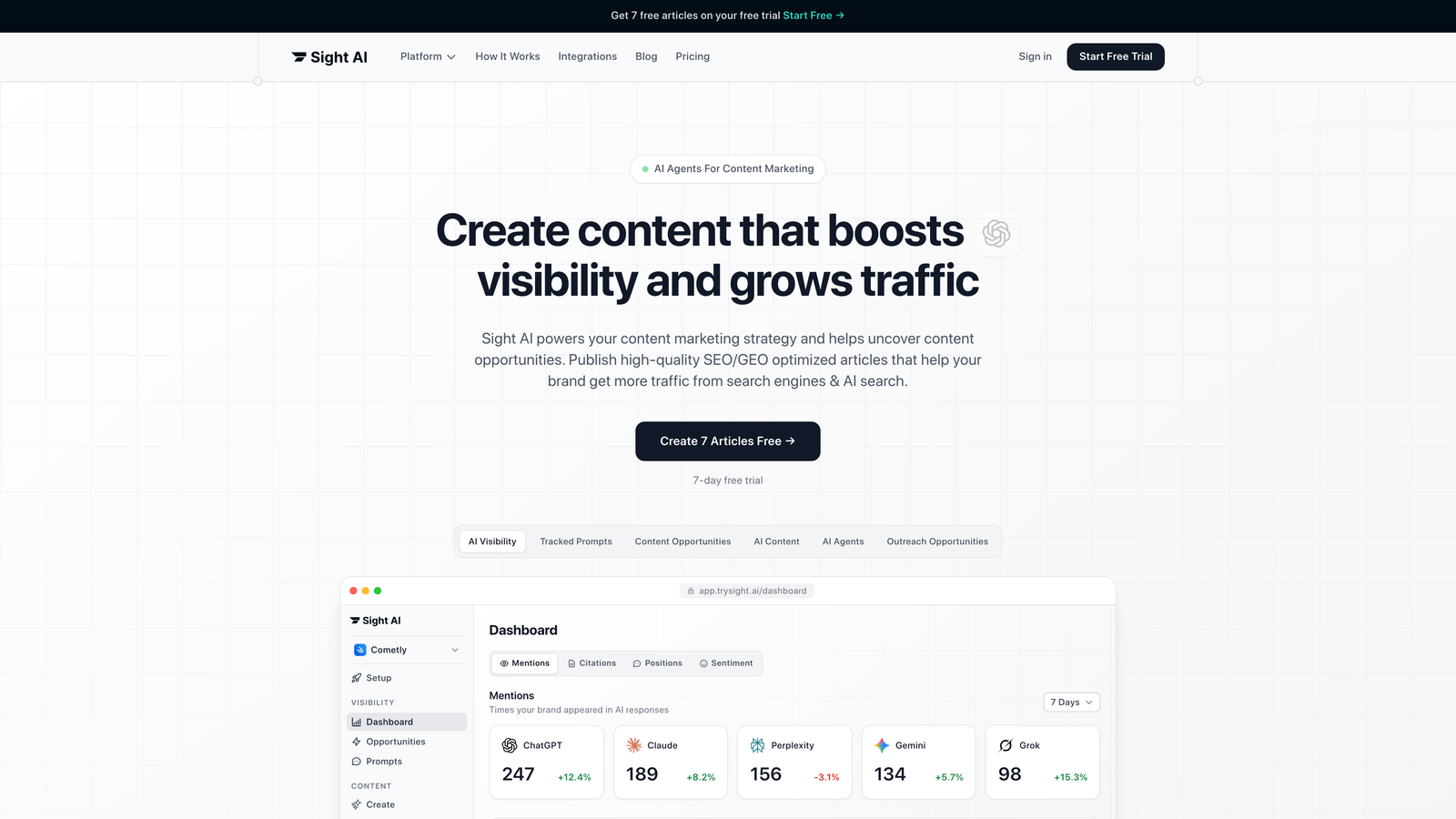
Sight AI combines AI content generation with native CMS auto-publishing, creating a complete workflow from ideation to live content without manual intervention.
Where This Tool Shines
The platform's real differentiator is how tightly it integrates content creation with publishing infrastructure. Most tools make you generate content in one place and publish it somewhere else—Sight AI eliminates that gap entirely.
The IndexNow integration stands out because it actively notifies search engines the moment your content goes live. This means faster indexing compared to waiting for crawlers to discover your updates organically, which can take days or weeks on newer sites.
Key Features
AI Content Writer with 13+ Specialized Agents: Generate SEO and GEO-optimized articles with agents trained for specific content types like listicles, guides, and explainers.
Native Auto-Publishing to WordPress: Push completed articles directly to your WordPress site with proper formatting, metadata, and featured images intact.
IndexNow Integration: Automatically notify search engines when new content publishes, accelerating the indexing process beyond standard sitemap crawling.
Automated Sitemap Updates: Keep your XML sitemap current without manual regeneration or plugin dependencies.
Autopilot Mode: Set content workflows to run completely hands-off, from generation through publishing and indexing notification.
Best For
Marketing teams and agencies running high-volume content operations where AI-generated articles need to publish automatically. Particularly valuable if you're tracking AI visibility metrics and want your content indexed quickly to capture search opportunities.
Pricing
Contact for pricing; offers tiered plans based on content volume and publishing frequency.
2. WordPress Scheduled Publishing
Best for: Simple time-based scheduling without third-party dependencies or costs
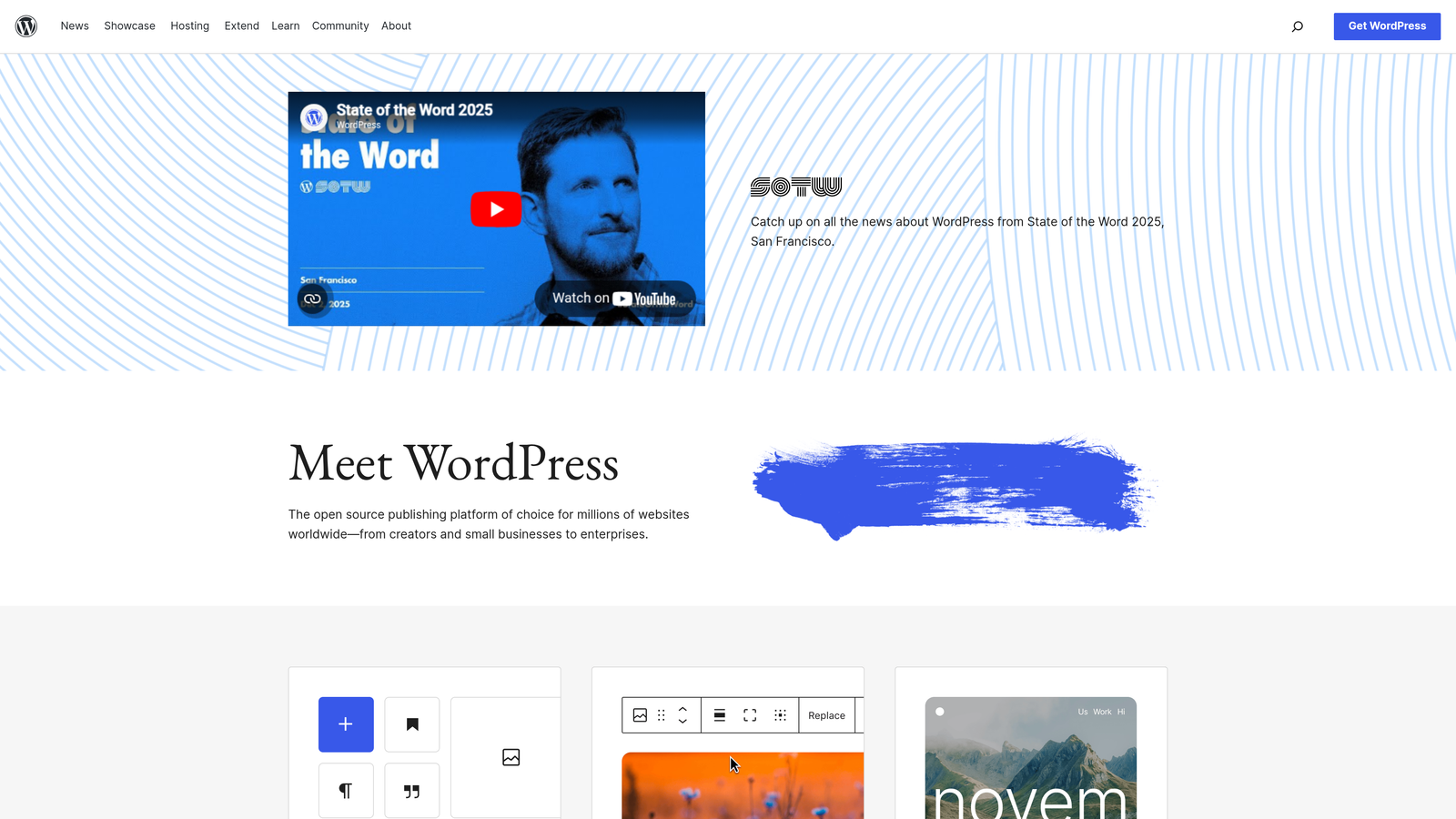
WordPress includes native scheduling functionality that lets you set future publish dates and times for any post or page.
Where This Tool Shines
The beauty of WordPress's built-in scheduler is its simplicity and reliability. There's no configuration, no API keys, no monthly fees—just a date picker that works every time.
Because it's part of WordPress core, scheduled publishing receives constant updates and security patches. You're not dependent on a third-party plugin developer maintaining compatibility across WordPress versions.
Key Features
Native Scheduling: Set publish dates and times directly from the post editor without installing additional plugins.
Timezone-Aware: Respects your WordPress timezone settings so posts publish at the correct local time.
Works with All Content Types: Schedule posts, pages, custom post types, and even media attachments.
Status Indicators: Clear visual feedback showing "Scheduled" status with the exact publish time.
Instant Rescheduling: Change scheduled times as many times as needed before the post goes live.
Best For
Solo bloggers and small teams with straightforward publishing needs who don't require complex approval workflows or multi-channel distribution. Perfect when you just need posts to go live while you're asleep or on vacation.
Pricing
Free—included with every WordPress installation.
3. Zapier
Best for: Connecting disparate tools into custom publishing workflows without coding
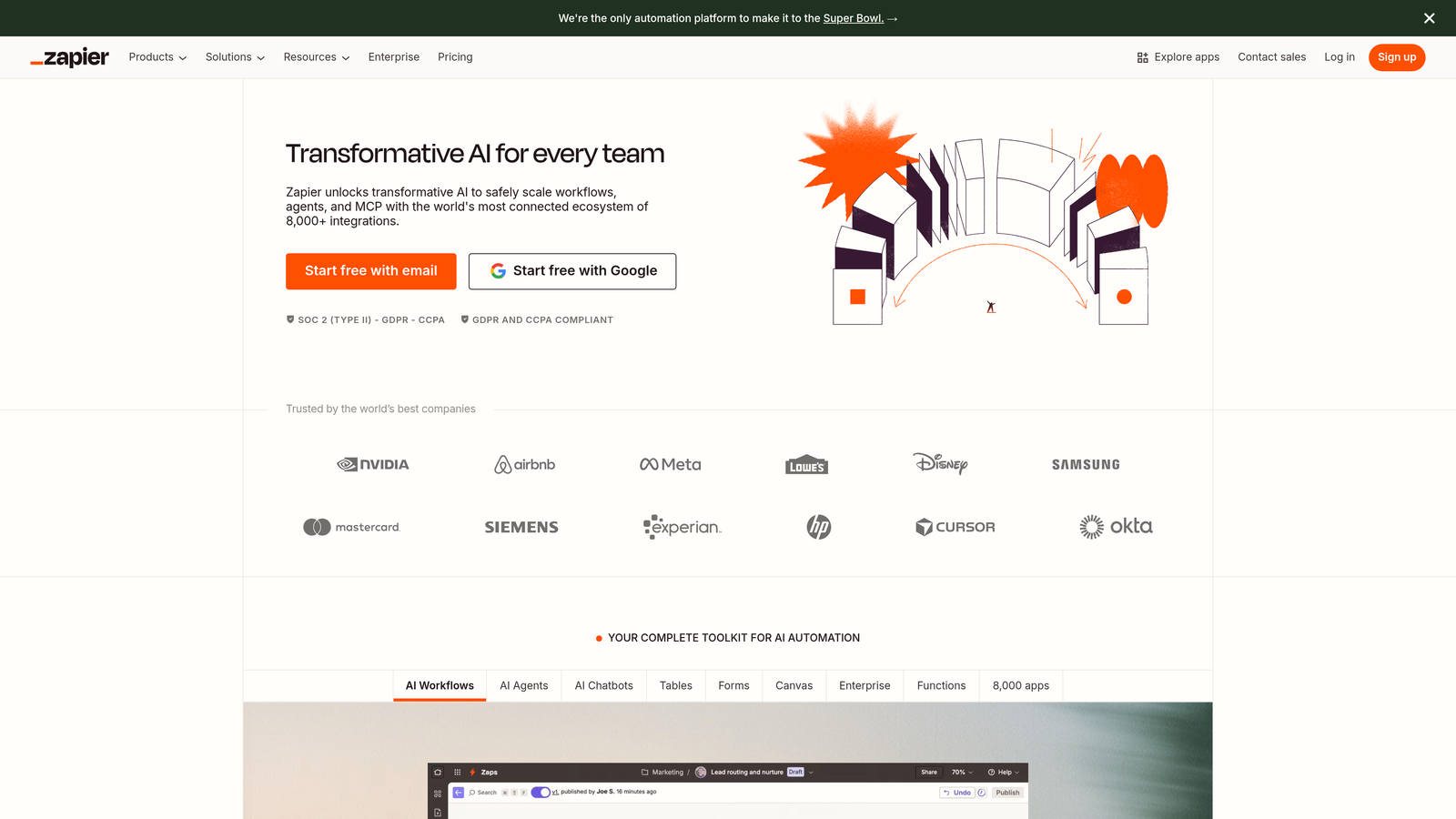
Zapier acts as the connective tissue between your content creation tools and publishing platforms, automating the handoff between systems.
Where This Tool Shines
Zapier's massive integration library means you can build publishing workflows around virtually any combination of tools your team already uses. Write in Google Docs, store in Airtable, publish to WordPress, and notify Slack—all triggered automatically.
The conditional logic features let you create smart workflows that adapt based on content attributes. For example, route blog posts to one WordPress category and case studies to another, all within a single Zap.
Key Features
5,000+ App Integrations: Connect major CMS platforms with content tools, databases, communication apps, and analytics services.
Multi-Step Zaps: Chain multiple actions together so one trigger can update your CMS, send notifications, and log data simultaneously.
Filters and Conditional Logic: Build intelligent workflows that make decisions based on content attributes, metadata, or custom fields.
Scheduled Triggers: Set Zaps to run at specific times or intervals, perfect for batch publishing operations.
Error Handling: Automatic retry logic and error notifications keep workflows running even when temporary API issues occur.
Best For
Teams with established tool stacks who need to automate the connections between existing platforms rather than replacing them. Especially useful for marketing operations professionals managing complex multi-tool workflows.
Pricing
Free tier available with 100 tasks per month; paid plans start at $19.99/month for 750 tasks and premium app access.
4. Make (formerly Integromat)
Best for: Building sophisticated multi-step publishing workflows with visual programming
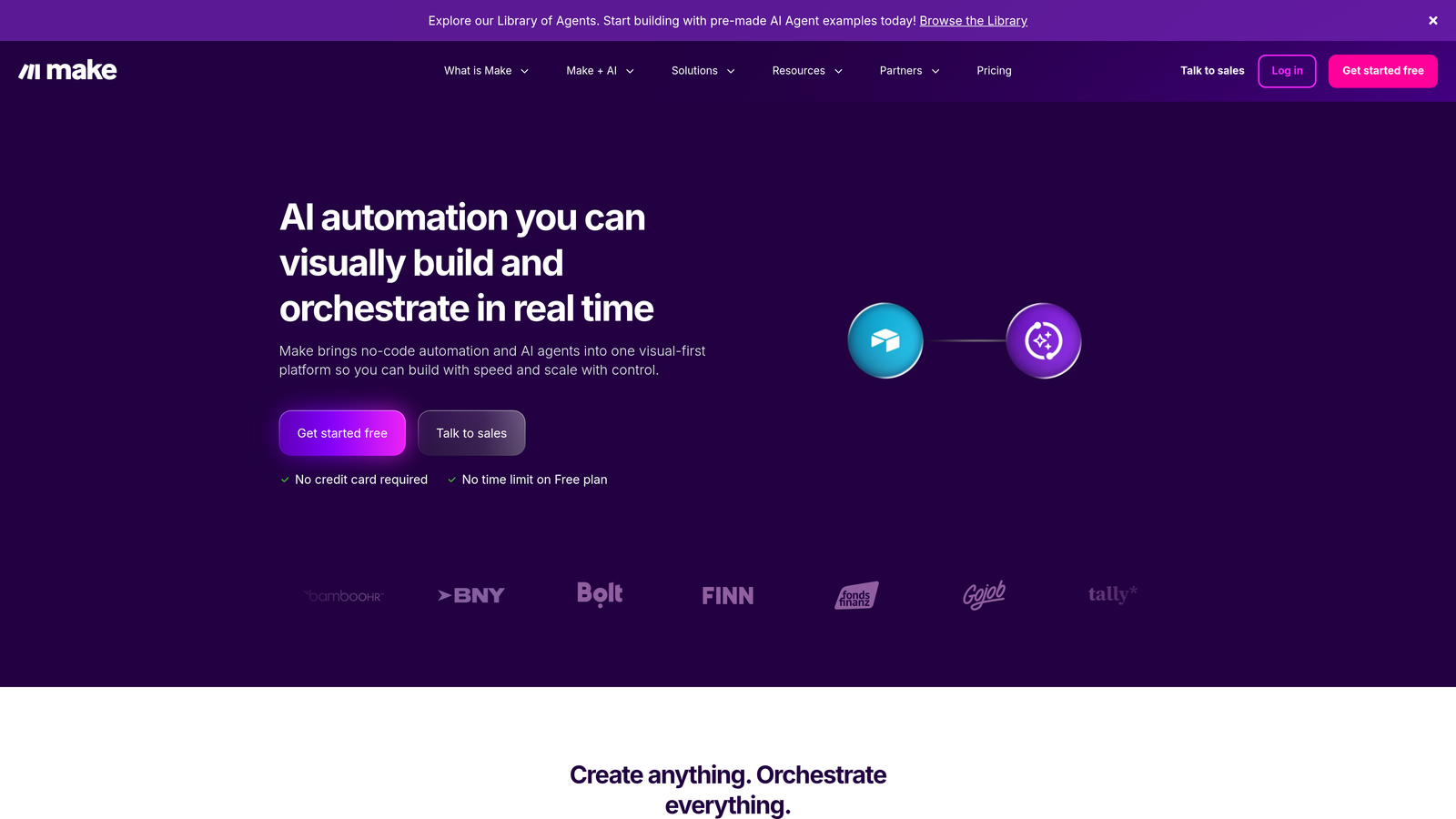
Make offers a more powerful alternative to Zapier, with visual scenario building that handles complex data transformations and conditional branching.
Where This Tool Shines
Make's visual builder gives you granular control over how data flows between systems. You can transform content formats, split workflows into parallel paths, and handle edge cases that would require custom code in other platforms.
The pricing model is more generous than Zapier for high-volume operations. Make counts operations rather than tasks, which often results in lower costs when you're processing large batches of content.
Key Features
Visual Scenario Builder: Drag-and-drop interface shows exactly how data flows through your automation, making complex workflows easier to understand and debug.
Advanced Data Manipulation: Built-in functions for transforming text, parsing JSON, formatting dates, and restructuring data without external services.
Error Handling and Retry Logic: Configure custom error responses, automatic retries with exponential backoff, and fallback actions.
Webhook Triggers: Accept real-time data from external systems to trigger publishing workflows instantly when events occur.
Execution History: Detailed logs of every scenario run with input/output data for troubleshooting and auditing.
Best For
Technical marketing teams comfortable with visual programming who need more control than Zapier provides. Ideal for agencies managing publishing workflows for multiple clients with varying requirements.
Pricing
Free tier available with 1,000 operations per month; paid plans start at $9/month for 10,000 operations.
5. CoSchedule
Best for: Marketing teams coordinating blog posts with social media and email campaigns
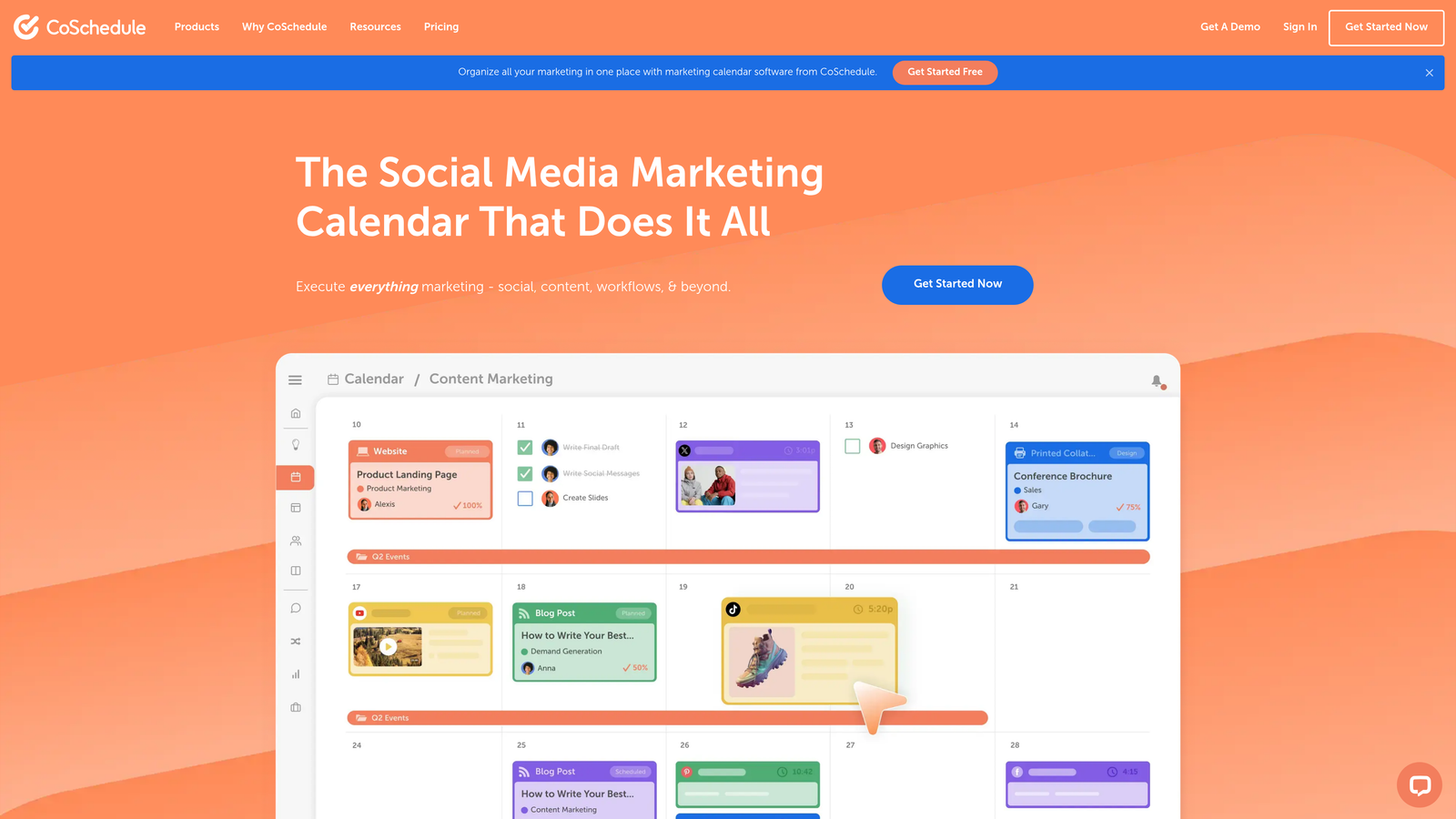
CoSchedule combines a marketing calendar with direct WordPress publishing, creating a unified view of all your content marketing activities.
Where This Tool Shines
CoSchedule's calendar-first approach helps teams visualize content distribution across channels. You can see blog posts, social updates, and email campaigns on the same timeline, making it easier to coordinate launches and avoid content conflicts.
The WordPress integration is bidirectional—you can create and schedule posts directly in CoSchedule or manage WordPress-created content from the calendar interface. This flexibility accommodates different team workflows without forcing everyone into one system.
Key Features
Unified Marketing Calendar: View and manage blog posts, social media, email campaigns, and events in a single color-coded timeline.
WordPress Integration: Publish directly to WordPress from CoSchedule or sync existing WordPress posts to the calendar for scheduling and social promotion.
Social Media Bundling: Automatically create social promotion tasks when scheduling blog posts, ensuring consistent cross-channel distribution.
Team Collaboration: Built-in approval workflows, task assignments, and comment threads keep everyone aligned on publishing schedules.
ReQueue: Automatically reshare evergreen content to fill gaps in your social calendar without manual scheduling.
Best For
Content marketing teams who publish regularly and need to coordinate blog content with social media promotion. Works well for organizations where content and social teams need shared visibility into publishing schedules.
Pricing
Marketing Calendar available free for basic scheduling; Marketing Suite pricing available on request for advanced features and integrations.
6. Contentful
Best for: Enterprise teams publishing content across web, mobile, and IoT channels simultaneously
Contentful is a headless CMS that separates content management from presentation, enabling automatic publishing to any platform via API.
Where This Tool Shines
Contentful's API-first architecture means your content isn't locked into a specific website template or mobile app. Write once, publish everywhere—your blog post can simultaneously appear on your website, mobile app, smartwatch interface, and digital signage with a single publish action.
The release management system lets you bundle multiple content updates into a single scheduled release. This is particularly valuable for product launches or campaign rollouts where dozens of pages need to go live simultaneously.
Key Features
API-First Content Delivery: Deliver content to any platform that can make HTTP requests, from websites to mobile apps to IoT devices.
Scheduled Publishing with Releases: Group content changes into releases that publish automatically at specified times across all connected channels.
Multi-Environment Workflows: Test content in staging environments before automatically promoting to production on schedule.
Webhooks for External Systems: Trigger external automation, cache invalidation, or deployment pipelines when content publishes.
Content Preview: See how content will appear across different channels before it goes live.
Best For
Enterprise organizations with omnichannel content strategies who need to publish simultaneously to web, mobile, and emerging platforms. Best suited for teams with developer resources to build custom integrations.
Pricing
Free tier available for small projects; Team plan starts at $489/month for production use with higher API limits and advanced features.
7. Sanity.io
Best for: Development teams needing real-time collaborative editing with flexible content structures
Sanity.io offers a customizable headless CMS where editors and developers work in the same real-time environment.
Where This Tool Shines
Sanity's real-time collaboration feels more like Google Docs than traditional CMS editing. Multiple team members can edit the same content simultaneously, seeing each other's changes instantly without refresh or save conflicts.
The customizable content studio means developers can build exactly the editing interface your team needs. If your content has unique structures or specialized workflows, Sanity adapts to your requirements rather than forcing you into predefined templates.
Key Features
Real-Time Collaborative Editing: Multiple editors work in the same document simultaneously with live cursor tracking and instant updates.
Customizable Content Studio: Developers can modify the editing interface, add custom input components, and build specialized content workflows.
GROQ Query Language: Powerful query language for retrieving exactly the content you need with complex filtering and joins.
Scheduled Publishing via Plugins: Community plugins add scheduling capabilities for time-based automatic publishing.
Portable Text: Rich text format that works across any platform without HTML lock-in.
Best For
Development-heavy teams building custom digital experiences who need more flexibility than traditional CMS platforms provide. Works well for media companies and publishers with complex content structures.
Pricing
Free tier available for development and small projects; Team plan starts at $99/month per project with higher usage limits and collaboration features.
8. Publii
Best for: Privacy-focused publishers wanting static sites with offline editing capabilities
Publii is a desktop application that generates static websites and publishes them to various hosting providers with one click.
Where This Tool Shines
Publii's desktop-first approach means you can write and edit content completely offline. Your content lives on your computer until you're ready to publish, which appeals to privacy-conscious creators who don't want their drafts stored in cloud services.
The static site output makes your published content incredibly fast and secure. There's no database to hack, no server-side code to exploit—just HTML files that load instantly and cost almost nothing to host.
Key Features
Desktop App with Offline Editing: Write and preview content locally without internet connection; publish when ready.
One-Click Deployment: Push sites to GitHub Pages, Netlify, Amazon S3, or any SFTP server with a single button.
Built-In SEO Tools: Automatic XML sitemaps, meta tag management, and structured data generation without plugins.
No Database Required: Static site generation eliminates server requirements and database vulnerabilities.
Theme Customization: Visual theme editor lets non-developers customize appearance without touching code.
Best For
Bloggers and small publishers who value privacy, speed, and simplicity over complex features. Ideal for personal sites, documentation, and portfolios where static content is sufficient.
Pricing
Free and open source—no subscription fees or usage limits.
9. Wordable
Best for: Teams writing in Google Docs who need clean WordPress exports
Wordable bridges the gap between Google Docs and WordPress, preserving formatting and media during the transfer.
Where This Tool Shines
Many teams write in Google Docs because the collaboration features are superior to WordPress's editor. Wordable eliminates the painful copy-paste process that usually follows, maintaining your formatting, images, and internal links automatically.
The bulk export feature is a time-saver when you have multiple writers finishing content simultaneously. Export an entire folder of Google Docs to WordPress in one operation rather than handling each document individually.
Key Features
One-Click Export from Google Docs: Send formatted content directly to WordPress without manual copying or cleanup.
Preserves Formatting and Media: Maintains headings, lists, bold, italics, images, and hyperlinks during transfer.
Bulk Export: Process multiple Google Docs simultaneously, ideal for high-volume publishing operations.
Custom Field Mapping: Map Google Docs metadata to WordPress custom fields, categories, and tags automatically.
Image Optimization: Automatically compress and resize images during upload to improve page load times.
Best For
Content teams who prefer Google Docs' collaboration features but publish to WordPress. Particularly valuable for agencies managing content from multiple freelance writers who work in Docs.
Pricing
Starts at $49/month for 50 exports; higher-volume plans available for teams with frequent publishing needs.
Making the Right Choice
Your ideal automatic CMS publishing tool depends on where your content originates and how complex your distribution needs are.
For teams generating content with AI who want a complete solution from creation through indexing, Sight AI eliminates the most manual steps by combining generation with publishing and search engine notification. The IndexNow integration is particularly valuable if you're focused on getting content discovered quickly.
If you're working within existing tool ecosystems and need to connect them, Zapier offers the broadest integration library while Make provides more power for complex workflows. CoSchedule makes sense when you're coordinating blog content with social media and need that unified calendar view.
For teams embracing headless architecture and omnichannel publishing, Contentful and Sanity deliver the flexibility to publish anywhere. The choice between them often comes down to whether you need Contentful's enterprise features or Sanity's customization capabilities.
Wordable solves a specific pain point elegantly if your team lives in Google Docs but publishes to WordPress. And Publii offers a unique privacy-focused approach for those who want their content offline until it's ready to publish.
The common thread across all these tools is eliminating manual publishing friction. Whether that means scheduling posts while you sleep, connecting disparate systems, or pushing AI-generated content live automatically, the right automation can reclaim hours each week that you can redirect toward strategy and creativity.
Stop guessing how AI models like ChatGPT and Claude talk about your brand—get visibility into every mention, track content opportunities, and automate your path to organic traffic growth. Start tracking your AI visibility today and see exactly where your brand appears across top AI platforms.