Getting your content indexed quickly is the difference between ranking tomorrow and waiting weeks for search engines to discover your pages. Manual indexing requests are tedious, inconsistent, and don't scale—especially when you're publishing content regularly.
Website indexing automation tools solve this by automatically notifying search engines when you publish or update content, leveraging protocols like IndexNow to accelerate discovery. Here are the top tools that automate your indexing workflow, from all-in-one SEO platforms to specialized indexing solutions.
1. Sight AI
Best for: Content teams wanting AI-powered publishing with built-in indexing automation
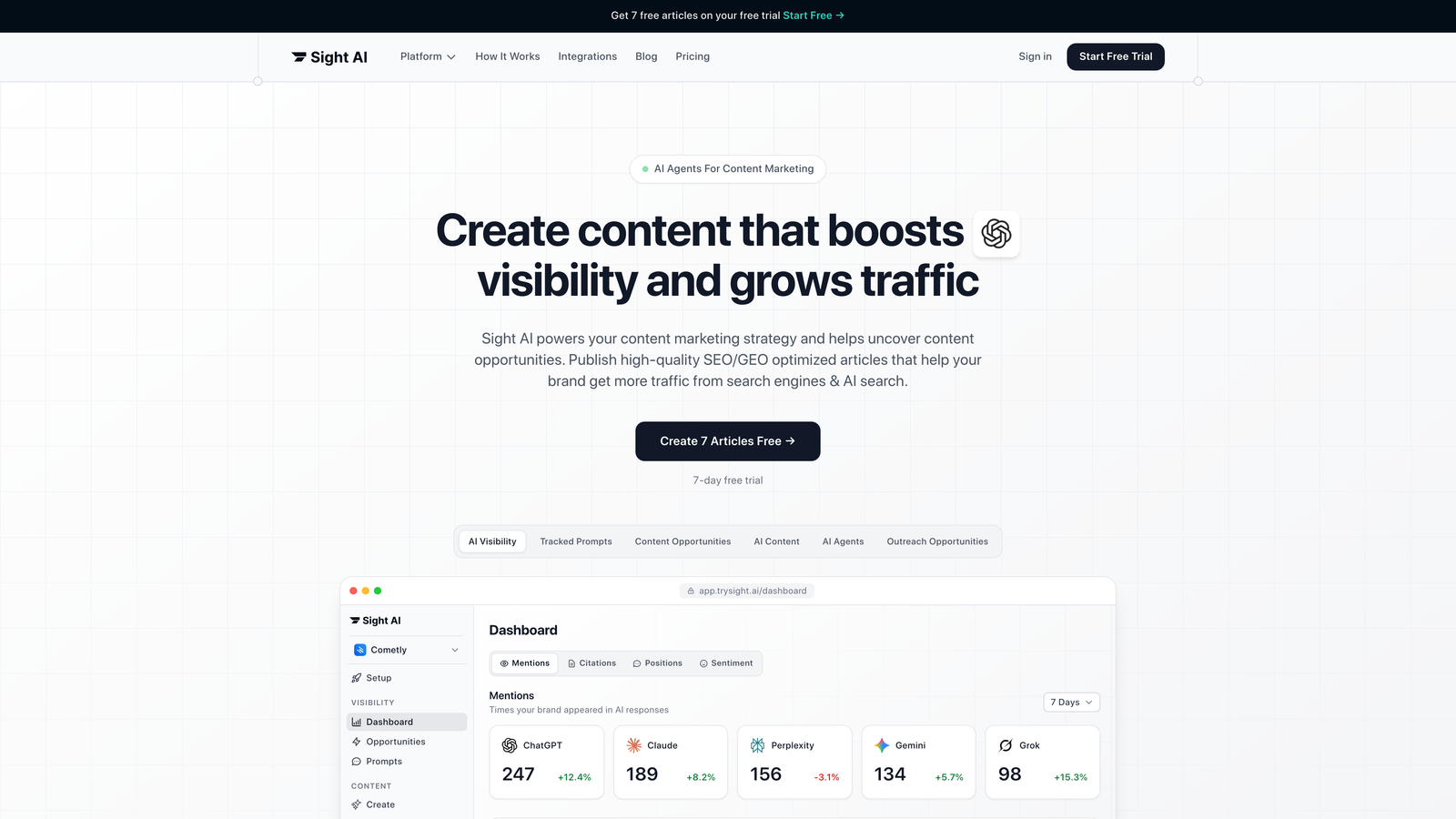
Sight AI is an all-in-one platform that combines AI content creation, AI visibility tracking, and automated website indexing with IndexNow integration.
Where This Tool Shines
Sight AI stands out by connecting the entire content workflow—from creation to indexing—in a single platform. When you publish content through its AI writer, the platform automatically handles indexing notifications, eliminating the gap between "content ready" and "search engines notified."
The platform's 13+ specialized AI agents generate SEO and GEO-optimized content designed to get mentioned by AI models like ChatGPT and Claude, while the indexing automation ensures that content gets discovered immediately. This end-to-end approach is particularly valuable for teams managing high publishing volumes.
Key Features
IndexNow Integration: Automatically notifies search engines the moment content publishes or updates.
Automated Sitemap Updates: Keeps sitemaps current without manual intervention when new content goes live.
CMS Auto-Publishing: Publishes content directly with built-in indexing triggers already configured.
AI Content Writer: 13+ specialized agents create optimized articles, listicles, and guides with Autopilot Mode.
AI Visibility Tracking: Monitor how AI models mention your brand across ChatGPT, Claude, and Perplexity.
Best For
Marketing teams and agencies focused on organic traffic growth who want to streamline everything from content creation to search engine discovery. Particularly valuable if you're publishing regularly and need indexing to happen automatically without adding extra steps to your workflow.
Pricing
Contact for pricing. Indexing automation is included in all plans alongside AI content generation and visibility tracking features.
2. IndexNow Plugin for WordPress
Best for: WordPress users wanting zero-configuration automatic indexing
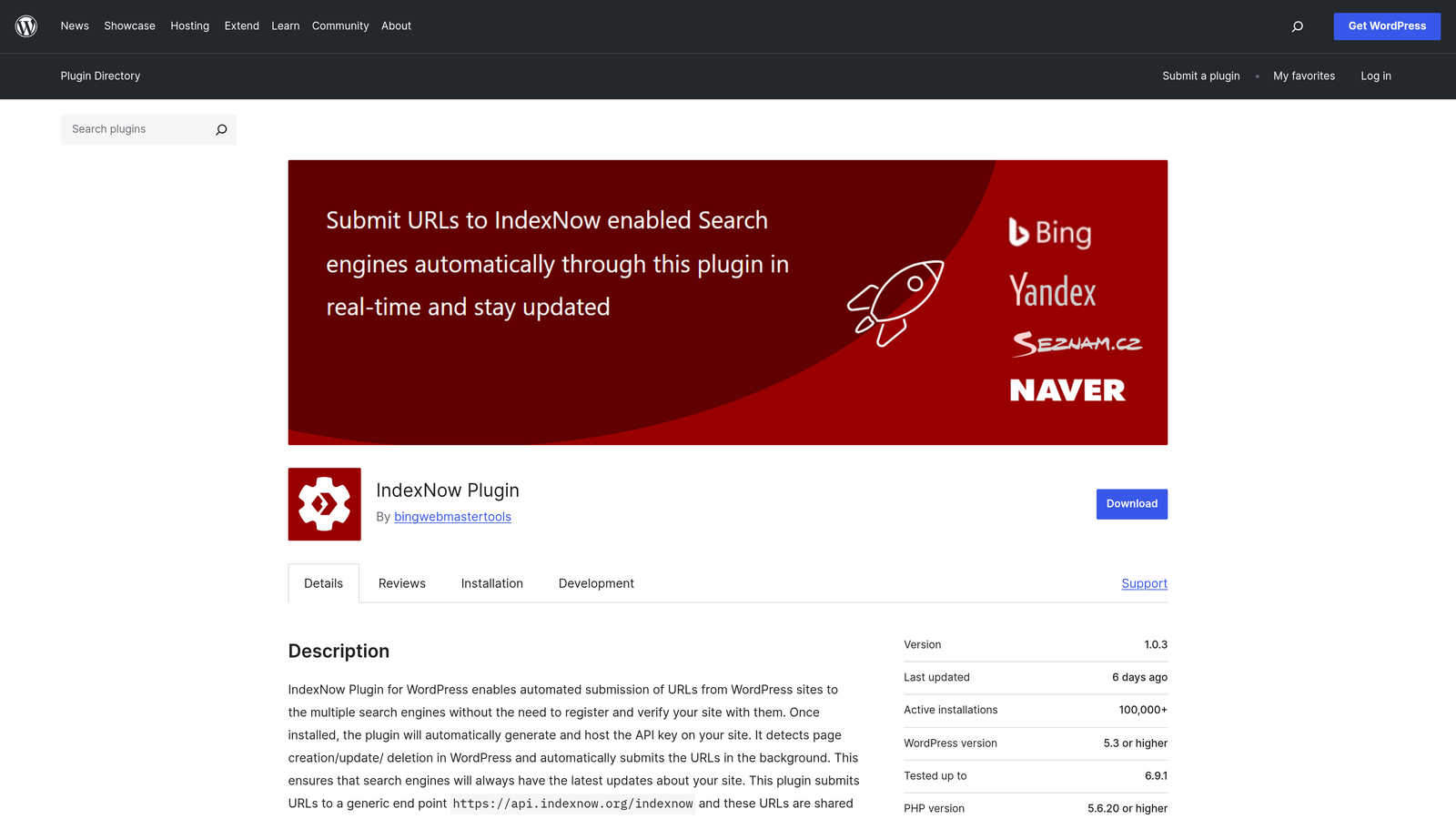
The IndexNow Plugin is the official WordPress plugin enabling automatic IndexNow submissions when content is published or updated.
Where This Tool Shines
This plugin does exactly one thing and does it well: automatically ping IndexNow-supporting search engines whenever you publish or update content. There's no complex setup, no configuration screens to navigate, and no ongoing maintenance required.
Install it, and it works. For WordPress users who just need basic indexing automation without the overhead of a full SEO suite, this is the cleanest solution available.
Key Features
Automatic Submissions: Pings search engines instantly when you publish or update posts, pages, or custom post types.
Zero Configuration: Works immediately after installation with no API keys or setup required.
Open Source: Free, transparent code maintained by the IndexNow community.
Lightweight: Minimal impact on site performance with no bloat.
Broad Content Support: Works with all WordPress content types, not just posts.
Best For
WordPress site owners who want automatic indexing without paying for premium SEO plugins or managing complex configurations. Perfect for bloggers, small businesses, and anyone who values simplicity over advanced features.
Pricing
Completely free. No premium tiers or upsells.
3. Rank Math SEO
Best for: WordPress users wanting comprehensive SEO features alongside indexing automation
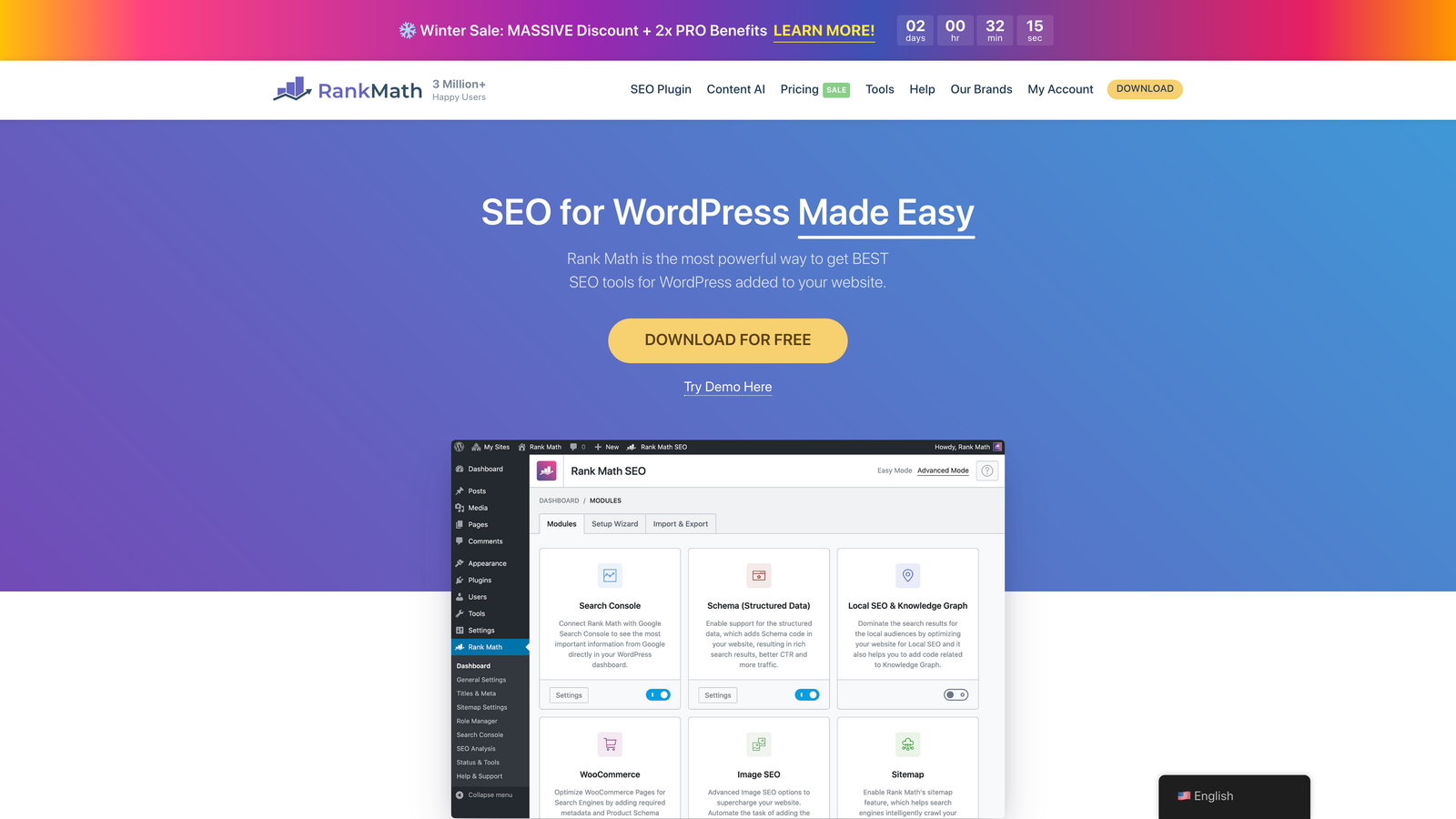
Rank Math SEO is a comprehensive WordPress SEO plugin with built-in IndexNow support and instant indexing features.
Where This Tool Shines
Rank Math combines IndexNow automation with Google's Indexing API support, giving you coverage across multiple search engines from a single plugin. The instant indexing feature is particularly powerful for time-sensitive content—think news sites or trending topic coverage.
Beyond indexing, you get a full SEO toolkit including schema markup, on-page analysis, and automated sitemap generation. The interface is intuitive, making advanced features accessible even if you're not an SEO expert.
Key Features
Dual Protocol Support: Native IndexNow integration plus Google Indexing API for comprehensive coverage.
Instant Indexing: Submit URLs directly to Google's API for priority crawling on supported content types.
Automated Sitemaps: Generate and submit XML sitemaps automatically as content changes.
On-Page SEO Analysis: Real-time optimization suggestions as you write content.
Schema Markup: Automatic structured data implementation for rich search results.
Best For
WordPress site owners who want professional-grade SEO features without paying enterprise prices. Ideal if you're managing multiple aspects of SEO and want indexing automation integrated into your broader optimization workflow.
Pricing
Free version includes IndexNow support. Pro plans start at $6.99/month and add Google Indexing API, advanced schema, and additional features.
4. Yoast SEO Premium
Best for: Established WordPress sites already invested in the Yoast ecosystem
Yoast SEO Premium is the industry-standard WordPress SEO plugin with IndexNow support in its premium tier.

Where This Tool Shines
Yoast built its reputation on making SEO accessible, and that philosophy extends to its IndexNow integration. The plugin handles indexing automation alongside its well-known content optimization features, internal linking suggestions, and redirect management.
If you're already using Yoast Free and want to add automatic indexing without switching plugins, upgrading to Premium is the natural path. The learning curve is minimal since you're staying within a familiar interface.
Key Features
IndexNow Integration: Available in Premium tier for automatic search engine notification.
XML Sitemap Automation: Automatically generates and updates sitemaps as content changes.
Redirect Manager: Handle URL changes without losing link equity or creating indexing confusion.
Internal Linking Suggestions: Helps search engines discover and index related content on your site.
Content Optimization: Readability analysis and SEO recommendations as you write.
Best For
WordPress users already familiar with Yoast who want to add indexing automation without learning a new tool. Works well for established sites with existing SEO workflows built around the Yoast interface.
Pricing
Premium starts at $99/year for a single site. IndexNow support is included in all Premium plans.
5. IndexMeNow
Best for: Managing bulk URL submissions across multiple websites and platforms
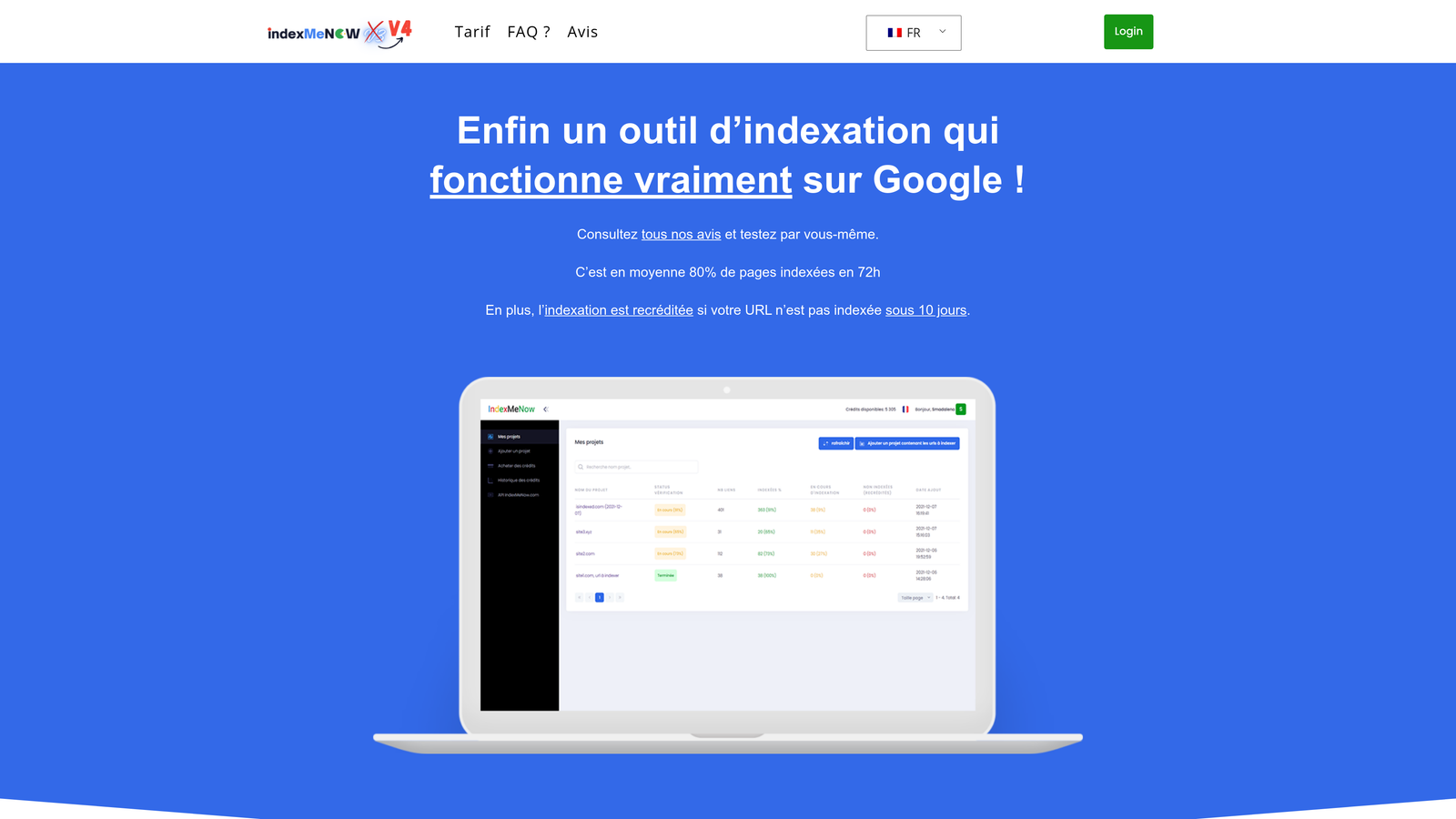
IndexMeNow is a dedicated indexing tool for bulk URL submissions across multiple websites and platforms.
Where This Tool Shines
IndexMeNow is built specifically for indexing at scale. If you're managing multiple websites, migrating large volumes of content, or need to submit hundreds of URLs at once, this platform handles the heavy lifting.
Unlike WordPress plugins that only work within a single CMS, IndexMeNow is platform-agnostic. You can manage indexing for WordPress sites, custom-built platforms, e-commerce stores, and static sites all from one dashboard.
Key Features
Bulk URL Submission: Submit hundreds of URLs to Google and Bing simultaneously.
Queue Management: Organize and prioritize indexing requests for large sites with thousands of pages.
Platform-Agnostic: Works with any website platform, not limited to WordPress.
Indexing Status Tracking: Monitor which URLs have been submitted and track indexing progress.
API Access: Integrate indexing into custom workflows and automation scripts.
Best For
Agencies managing multiple client sites, large publishers with high content volumes, or technical teams who need programmatic control over indexing. Particularly valuable when dealing with content migrations or site relaunches.
Pricing
Starts at $19/month. Pricing scales based on the number of URLs submitted and websites managed.
6. Bing Webmaster Tools
Best for: Direct access to Microsoft's indexing infrastructure at no cost
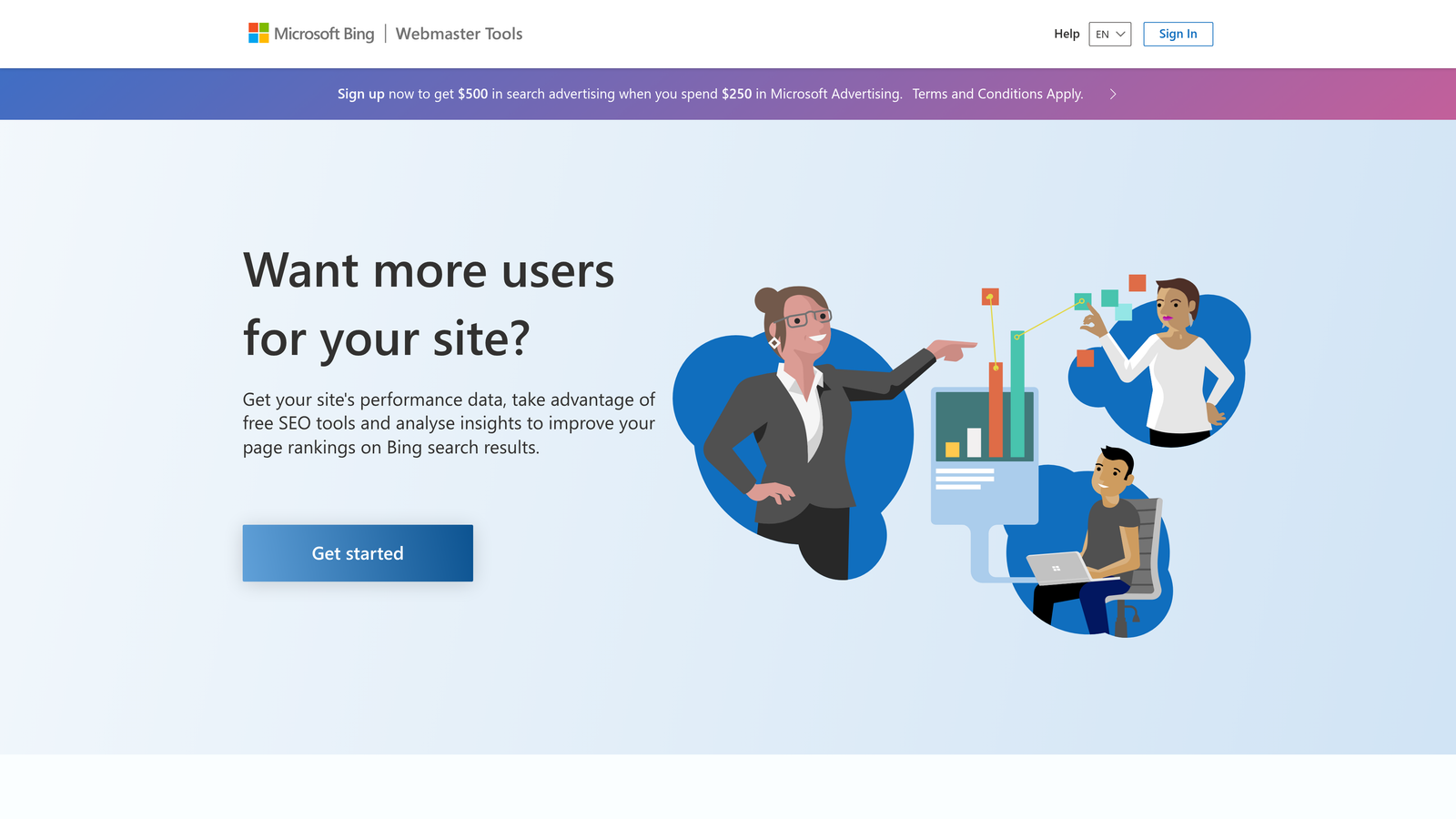
Bing Webmaster Tools is the free official tool from Microsoft with native IndexNow support and URL submission capabilities.
Where This Tool Shines
Since Microsoft developed IndexNow, Bing Webmaster Tools offers the most direct integration with the protocol. You get immediate URL submission capabilities, detailed crawl diagnostics, and insights into how Bing's crawler interacts with your site.
The platform also serves as a diagnostic tool—you can inspect specific URLs to understand why they might not be indexing, check for crawl errors, and monitor sitemap processing. All of this comes at no cost, making it essential for any site targeting Bing traffic.
Key Features
Direct IndexNow Submission: Submit URLs directly through Microsoft's native implementation of the protocol.
URL Inspection Tool: Check indexing status and diagnose issues for specific pages.
Sitemap Submission: Submit and monitor XML sitemaps with detailed processing reports.
Crawl Statistics: Understand how frequently Bing crawls your site and which pages get priority.
Diagnostic Tools: Identify technical issues affecting indexability like robots.txt problems or server errors.
Best For
Any website owner who wants to ensure their content is discoverable on Bing and other IndexNow-supporting search engines. Essential for sites with significant Bing traffic or those targeting markets where Bing has strong presence.
Pricing
Completely free for all users with no limitations on features or usage.
7. Screaming Frog SEO Spider
Best for: Auditing indexing status and diagnosing technical SEO issues
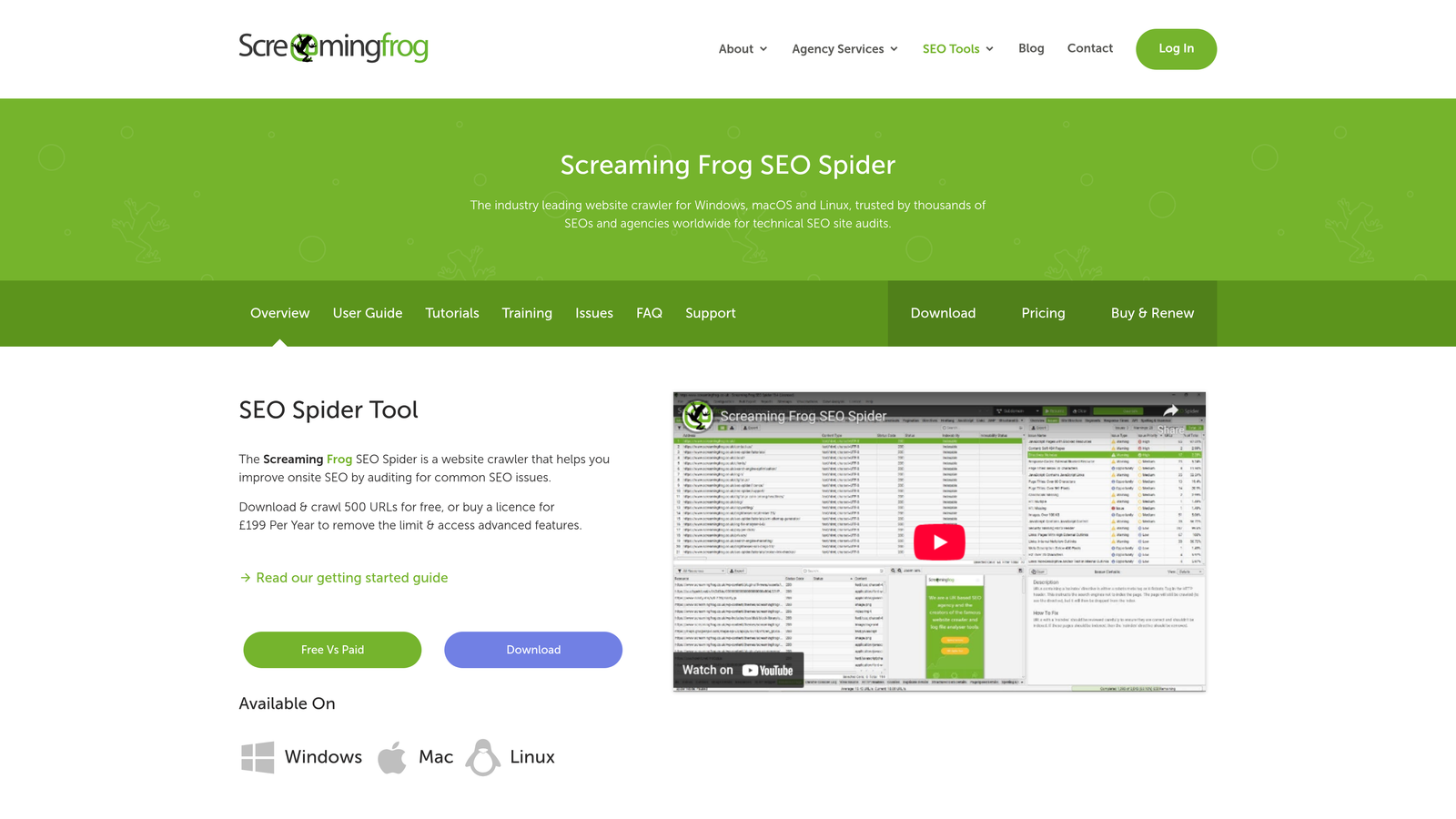
Screaming Frog SEO Spider is a desktop crawler for auditing indexing status and identifying technical SEO issues affecting discoverability.
Where This Tool Shines
Screaming Frog doesn't automate indexing submissions, but it's invaluable for understanding why pages aren't getting indexed in the first place. The crawler mimics how search engines see your site, revealing issues like blocked URLs, incorrect canonicals, or meta robots directives preventing indexing.
When you integrate it with Google Search Console, you can compare which pages you think should be indexed against which pages actually are indexed, quickly identifying gaps in coverage.
Key Features
Site Crawling: Crawl websites to identify pages with indexing blockers like noindex tags or robots.txt restrictions.
Robots.txt Analysis: Check which pages are being blocked from crawlers and why.
Canonical and Redirect Auditing: Ensure canonicals point correctly and redirects aren't creating indexing confusion.
Search Console Integration: Compare crawl data against actual indexing status in Google.
Export Capabilities: Export findings for use in automated workflows or reporting.
Best For
Technical SEO professionals and developers who need to diagnose why pages aren't indexing. Essential for site migrations, large-scale content audits, or troubleshooting sudden drops in indexed pages.
Pricing
Free for sites up to 500 URLs. Paid license costs $259/year and removes the URL limit, adding advanced features like JavaScript rendering and automated scheduling.
8. Oncrawl
Best for: Enterprise sites needing log file analysis and crawl budget optimization
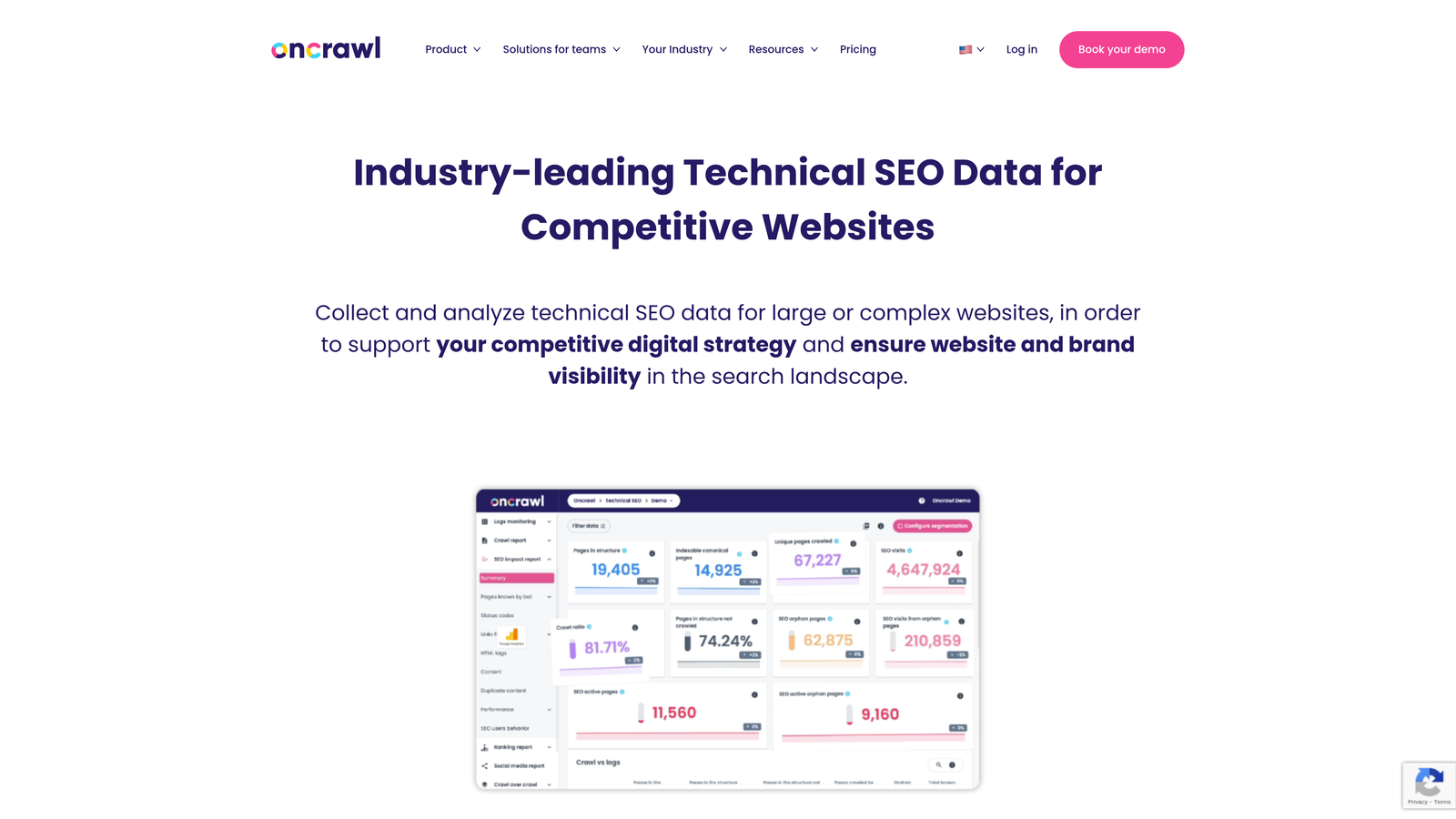
Oncrawl is an enterprise SEO platform with log file analysis to understand how search engines crawl and index your site.
Where This Tool Shines
Oncrawl goes deeper than surface-level indexing checks by analyzing server log files to see exactly how search engines interact with your site. You can identify pages that crawlers are ignoring, understand crawl budget allocation, and spot patterns in how Google prioritizes different sections of your site.
For large sites with hundreds of thousands of pages, this level of insight is critical. You might discover that search engines are wasting crawl budget on low-value pages while missing important content that should be indexed.
Key Features
Log File Analysis: Parse server logs to understand actual crawler behavior and indexing patterns.
Crawl Budget Insights: Identify how search engines allocate crawl resources across your site.
Unindexed Page Detection: Find pages that aren't being crawled or indexed despite being accessible.
Data Segmentation: Analyze crawl behavior by page type, category, or custom segments on large sites.
Custom Dashboards: Build reports tailored to your specific indexing and crawl optimization goals.
Best For
Enterprise websites, large e-commerce platforms, and publishers with complex site architectures. Most valuable when you're dealing with crawl budget constraints or need to optimize how search engines discover and index massive content volumes.
Pricing
Custom pricing based on site size and features needed. Oncrawl is positioned as an enterprise solution with pricing to match.
9. ContentKing
Best for: Real-time monitoring of indexing status and instant alerts
ContentKing is a real-time SEO monitoring platform that alerts you instantly when indexing status changes.
Where This Tool Shines
ContentKing monitors your site 24/7, alerting you the moment something changes that could affect indexing. If a developer accidentally adds a noindex tag to an important page, you'll know within minutes instead of discovering it weeks later when traffic drops.
The platform tracks historical changes, so you can see exactly when indexing issues appeared and correlate them with site updates or deployments. This is invaluable for diagnosing problems and preventing future issues.
Key Features
24/7 Website Monitoring: Continuous scanning for changes affecting indexability and SEO.
Instant Alerts: Get notified immediately when indexing status changes or issues appear.
Indexability Tracking: Monitor noindex tags, canonical changes, and redirect implementations in real-time.
Historical Change Tracking: See when issues first appeared and track their resolution over time.
Team Collaboration: Share alerts and findings with team members for coordinated response.
Best For
Teams managing high-value websites where indexing issues directly impact revenue. Particularly useful for sites with frequent updates, multiple contributors, or complex deployment processes where mistakes can slip through.
Pricing
Starts at $89/month. Pricing scales based on the number of pages monitored and team size.
Making the Right Choice
The right indexing automation tool depends on your publishing workflow and technical requirements. For content teams wanting an all-in-one solution that combines AI content creation with automatic indexing, Sight AI streamlines the entire publish-to-index workflow without requiring multiple platforms.
WordPress users on a budget should start with the free IndexNow Plugin—it handles automatic submissions with zero configuration. If you need comprehensive SEO features alongside indexing, Rank Math offers excellent value at $6.99/month, while Yoast Premium works well if you're already invested in that ecosystem.
Managing multiple sites or dealing with bulk submissions? IndexMeNow's platform-agnostic approach handles indexing at scale across different CMSs. Don't overlook Bing Webmaster Tools either—it's free, directly integrates with IndexNow, and provides valuable diagnostic data.
Enterprise teams dealing with complex sites benefit from Oncrawl's log file analysis for crawl budget optimization, while ContentKing's real-time monitoring prevents indexing issues before they impact traffic. For technical audits and troubleshooting, Screaming Frog remains the gold standard for identifying what's blocking pages from being indexed.
The key is matching your tool to your publishing volume. High-frequency publishers need robust automation that eliminates manual steps entirely. Occasional updaters can rely on simpler solutions that just handle the basics. Whichever tool you choose, the goal is the same: eliminate manual indexing requests and let your content get discovered faster.
Stop guessing how AI models like ChatGPT and Claude talk about your brand—get visibility into every mention, track content opportunities, and automate your path to organic traffic growth. Start tracking your AI visibility today and see exactly where your brand appears across top AI platforms.