Publishing content consistently is one of the biggest bottlenecks for marketing teams. Between writing, editing, formatting, and scheduling across multiple platforms, the manual work adds up fast. Content autopilot publishing tools solve this by automating the entire workflow—from content creation to CMS publishing—without constant human intervention.
This guide covers the top tools that let you set up automated content pipelines, schedule posts in advance, and push content directly to your website or blog. Whether you need AI-powered content generation with auto-publishing or simple scheduling automation, these tools help you maintain a steady content cadence while freeing up time for strategy.
1. Sight AI
Best for: Teams wanting AI-generated content that auto-publishes and gets indexed immediately
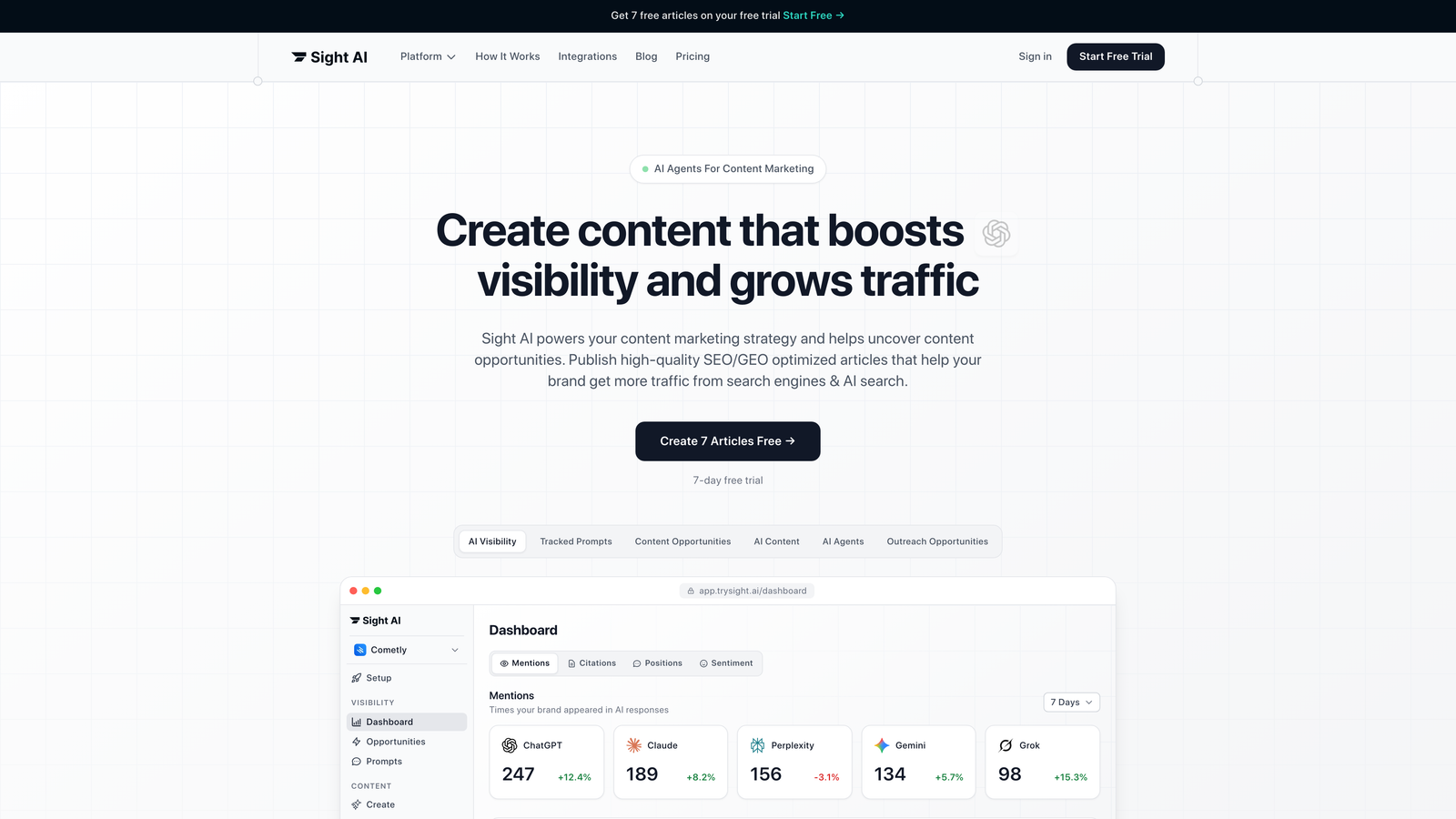
Sight AI is an AI-powered content platform with 13+ specialized agents that generates SEO/GEO-optimized articles and auto-publishes directly to your CMS.
Where This Tool Shines
What sets Sight AI apart is its end-to-end automation. You're not just scheduling content someone else wrote—the platform generates optimized articles using specialized AI agents, then automatically publishes them to your CMS and triggers IndexNow for immediate search engine discovery.
The Autopilot Mode handles everything from content creation to indexing without manual intervention. This means you can set up content pipelines that run continuously, generating articles tailored to your brand voice and publishing them on your schedule while you focus on strategy.
Key Features
Autopilot Mode: Hands-off content generation and publishing that runs without constant oversight.
13+ Specialized AI Agents: Different agents handle listicles, guides, explainers, and other content types with format-specific optimization.
Native CMS Auto-Publishing: Direct integration with WordPress and other platforms for seamless content delivery.
IndexNow Integration: Automatic submission to search engines for faster indexing and discovery.
AI Visibility Tracking: Monitor how AI models like ChatGPT and Claude mention your brand across platforms.
Best For
Marketing teams and agencies that need both content creation and publishing automation in one platform. Particularly valuable if you're managing multiple websites or want to optimize for AI search visibility alongside traditional SEO.
Pricing
See pricing page for current plans tailored to content volume and team size.
2. WordPress Auto-Publish with Jetpack
Best for: WordPress users needing native scheduling and social sharing automation
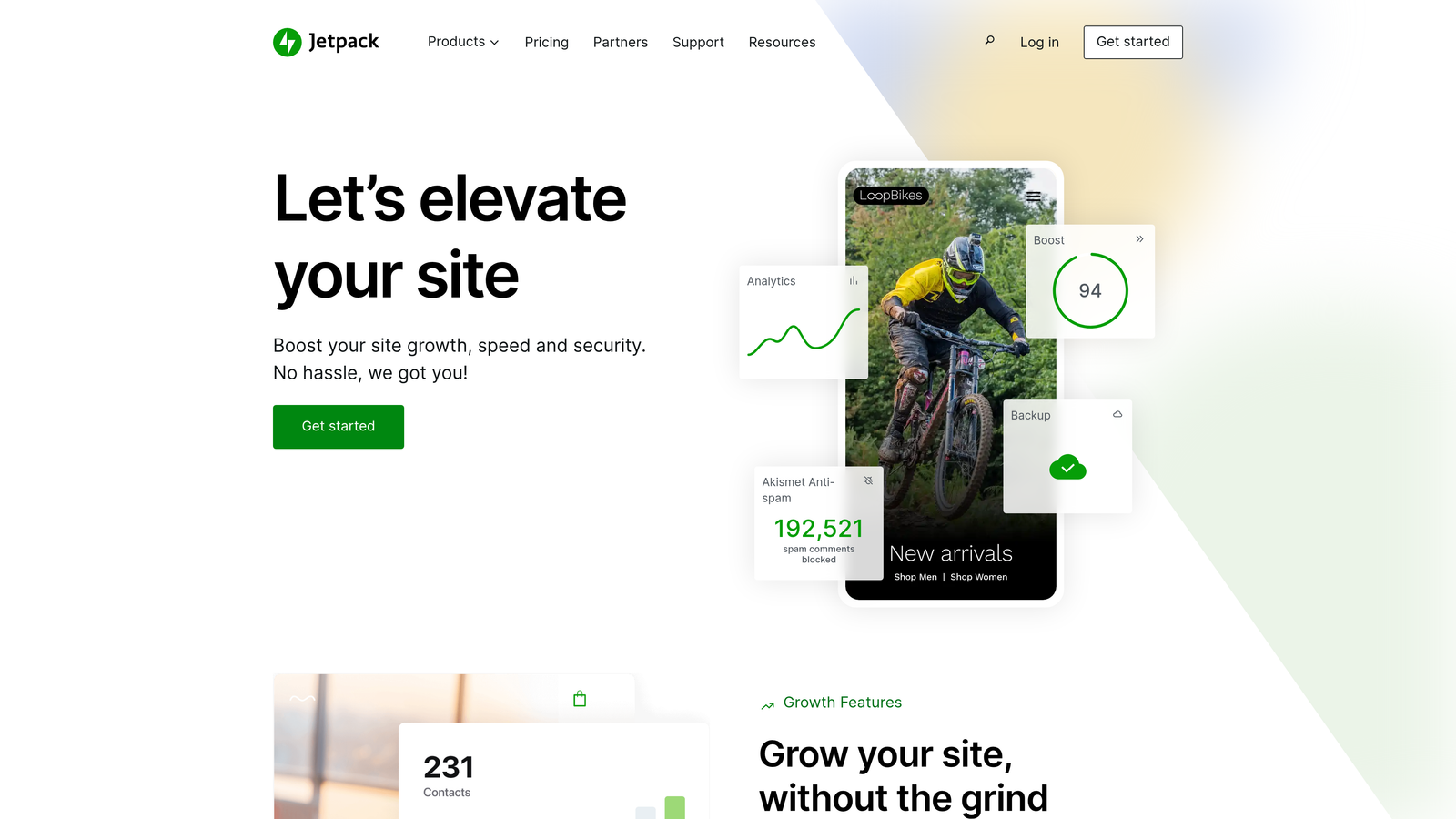
Jetpack is a native WordPress plugin that enables scheduled publishing and automatic social media sharing for blog content.
Where This Tool Shines
If you're already running WordPress, Jetpack offers the simplest path to autopilot publishing. The native integration means no third-party connections to maintain—everything works directly within your WordPress dashboard.
The Publicize feature automatically shares your posts to social media the moment they go live. Set up your content calendar, and Jetpack handles both the publishing timing and initial distribution without additional tools.
Key Features
Native WordPress Scheduling: Built-in calendar interface for planning posts weeks or months ahead.
Auto-Share to Social Media: Automatic posting to Facebook, LinkedIn, and other platforms on publish.
Publicize Feature: Multi-platform distribution with customizable messages per network.
Built-in Site Stats: Performance monitoring and analytics without external tracking tools.
Best For
WordPress site owners who want straightforward scheduling without complex automation setups. Ideal for bloggers and small marketing teams already invested in the WordPress ecosystem.
Pricing
Free tier available with basic features; paid plans start at $4/month for advanced scheduling and social tools.
3. Zapier
Best for: Connecting multiple tools into custom content publishing workflows
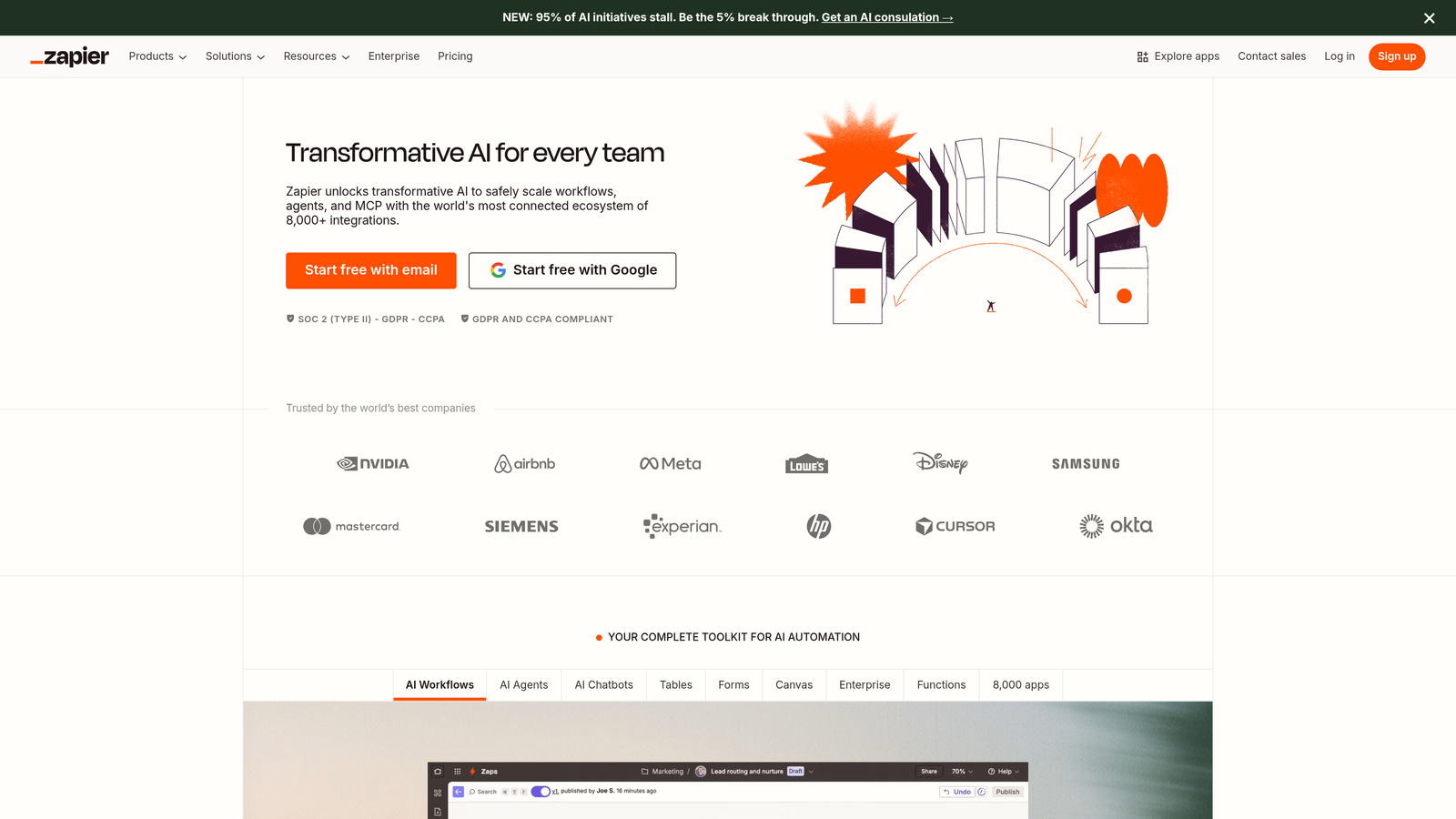
Zapier is a no-code automation platform that connects content tools, CMS platforms, and publishing workflows through customizable triggers and actions.
Where This Tool Shines
Think of Zapier as the universal connector for your content stack. You can build workflows that pull content from Google Docs, format it automatically, publish to your CMS, then notify your team in Slack—all without writing code.
The scheduled triggers let you create time-based publishing pipelines. For example, every Monday at 9 AM, Zapier can grab approved content from Airtable, push it to WordPress, and schedule social posts in Buffer. The flexibility is nearly unlimited.
Key Features
5,000+ App Integrations: Connect major CMS platforms, content tools, and marketing apps in one workflow.
Multi-Step Workflows: Chain together complex sequences like content approval, formatting, publishing, and distribution.
Scheduled Triggers: Set up time-based automation for consistent publishing cadences.
Conditional Logic: Route content differently based on tags, categories, or custom fields.
Best For
Teams with diverse tech stacks who need to connect tools that don't natively integrate. Perfect for marketing operations professionals building custom content pipelines.
Pricing
Free tier includes 100 tasks per month; paid plans start at $19.99/month with higher task limits and premium integrations.
4. CoSchedule
Best for: Editorial teams managing complex content calendars across channels
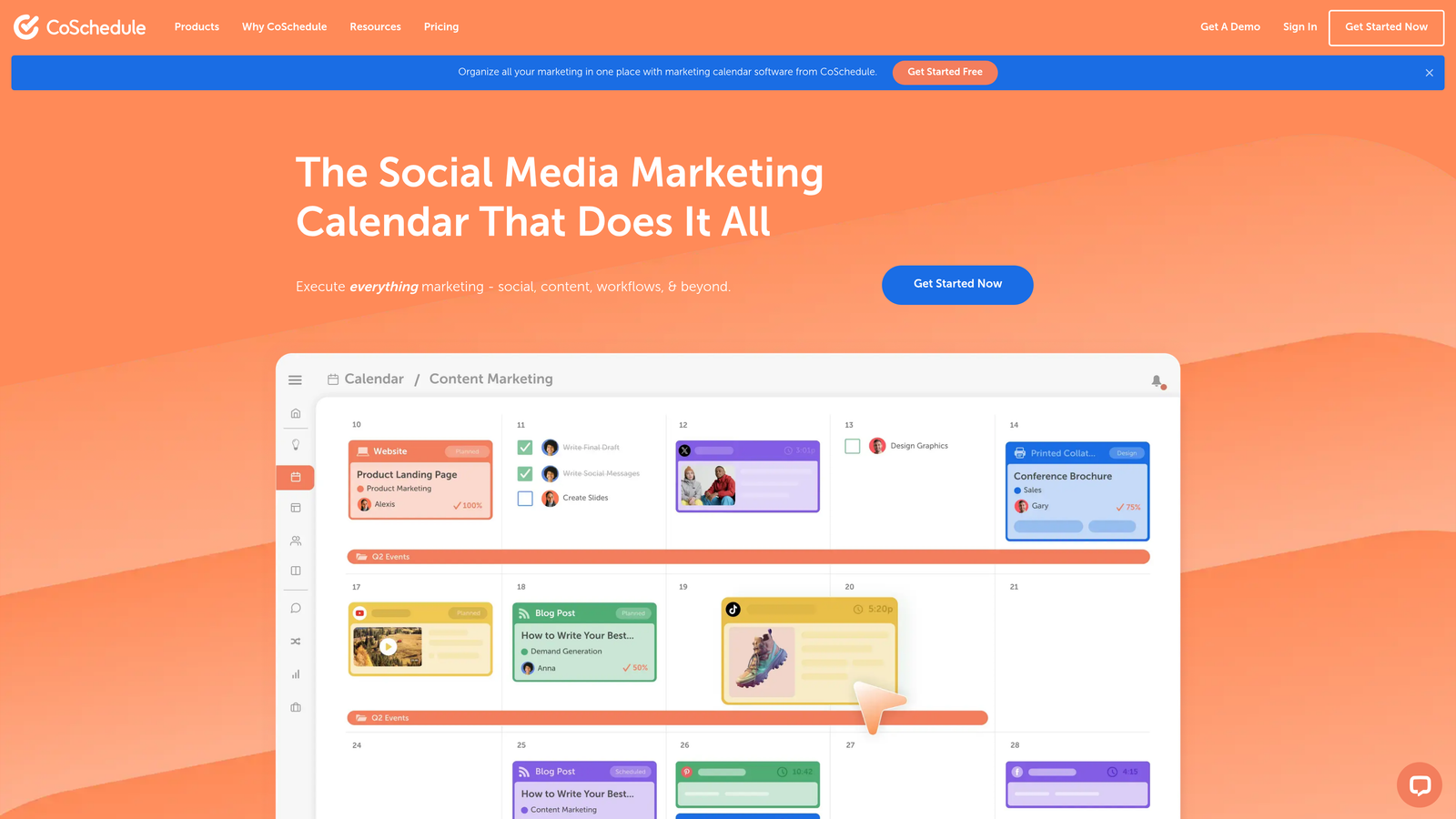
CoSchedule is a marketing calendar platform that unifies blog scheduling, social media publishing, and team collaboration in one editorial workflow.
Where This Tool Shines
CoSchedule's unified calendar view shows your entire content operation in one place—blog posts, social campaigns, email sends, and team tasks. This visibility makes it easy to spot gaps, balance workload, and maintain consistent publishing.
The ReQueue feature is particularly clever for autopilot publishing. It automatically reshares your best-performing content at optimal times, filling gaps in your social calendar without manual scheduling. Your evergreen content keeps working long after the initial publish.
Key Features
Unified Marketing Calendar: See all content, campaigns, and tasks in one visual timeline.
ReQueue for Intelligent Resharing: Automatic social media posting of top content based on performance data.
WordPress and HubSpot Integrations: Direct publishing to major CMS platforms from the calendar interface.
Team Workflow Management: Approval processes, task assignments, and collaboration tools built in.
Best For
Content marketing teams juggling multiple channels and needing editorial workflow management alongside publishing automation. Particularly strong for agencies managing multiple client calendars.
Pricing
Marketing Calendar starts at $29/month for individual users; Marketing Suite with advanced features requires custom pricing.
5. Buffer
Best for: Social media autopilot with optimal timing and queue management
Buffer is a social media scheduling platform with queue-based autopilot publishing and analytics for optimal posting times.

Where This Tool Shines
Buffer's queue system is beautifully simple. Load up your queue with content, set your posting schedule (like 9 AM, 1 PM, and 5 PM daily), and Buffer automatically publishes the next item in line at each time slot. No manual date-picking for every post.
The optimal timing suggestions analyze when your audience is most engaged and recommend posting schedules accordingly. Over time, Buffer learns your best-performing times and helps you maximize reach without constant testing.
Key Features
Queue-Based Scheduling: Load content once and let Buffer distribute it across your defined time slots.
Optimal Timing Suggestions: Data-driven recommendations for when to post based on engagement patterns.
Multi-Platform Publishing: Manage Facebook, Instagram, LinkedIn, Twitter, and Pinterest from one dashboard.
Content Performance Analytics: Track engagement, reach, and clicks to identify what resonates.
Best For
Social media managers and small teams focused primarily on social distribution rather than blog content. Works well for maintaining consistent social presence without daily scheduling work.
Pricing
Free tier covers 3 social channels with basic scheduling; paid plans start at $5/month per channel with advanced features.
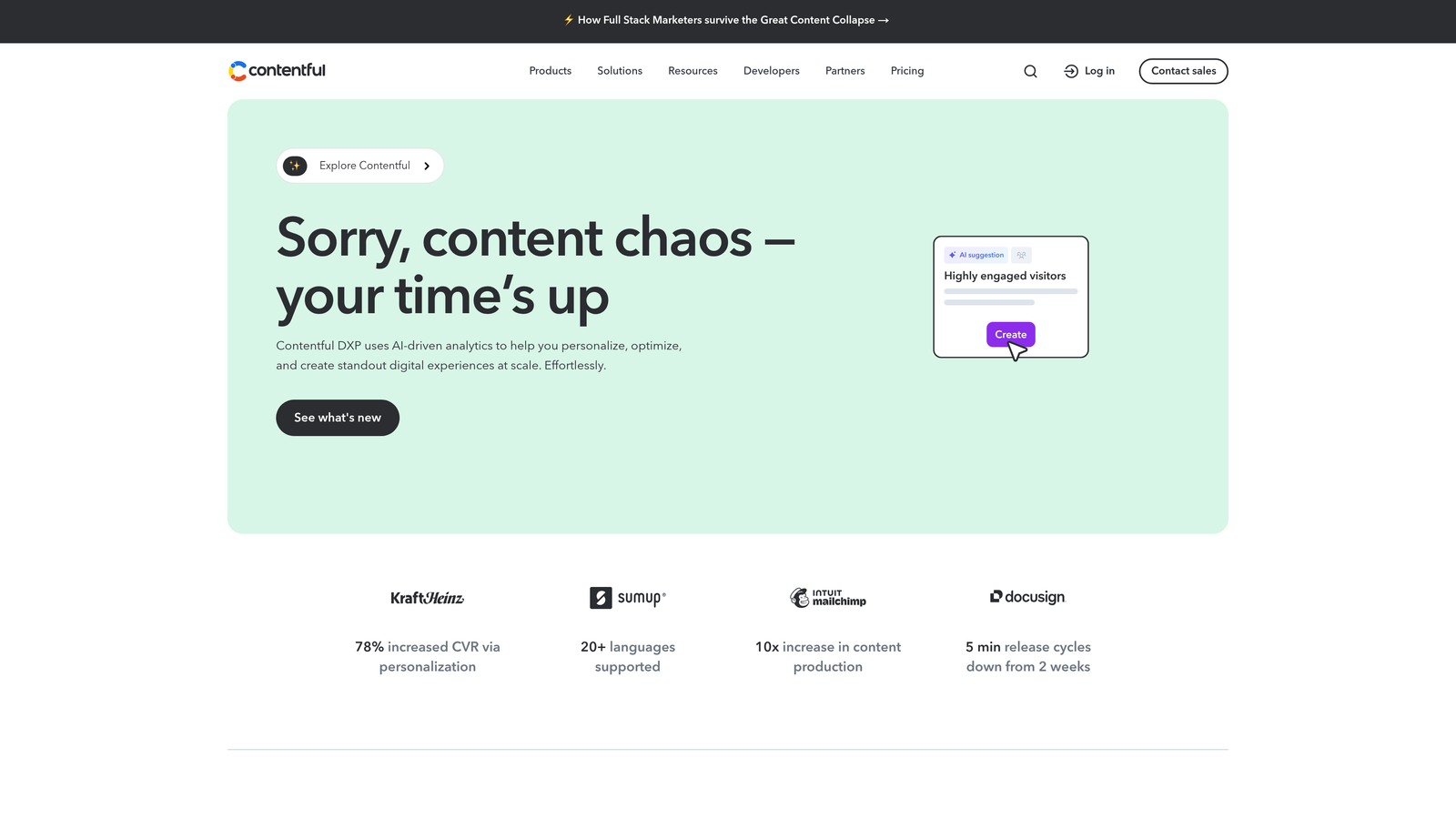
6. Contentful
Best for: Enterprise teams with headless CMS needs and multi-channel delivery
Contentful is an enterprise headless CMS with scheduled publishing, API-first architecture, and multi-channel content delivery capabilities.
Where This Tool Shines
Contentful's headless architecture means your content lives independently from your presentation layer. Create once, then automatically publish to your website, mobile app, digital signage, and any other channel through APIs.
The scheduled publishing with release management lets you coordinate complex launches. Bundle multiple content updates together, schedule them for a specific time, and Contentful pushes everything live simultaneously across all channels. This is particularly powerful for product launches or campaign rollouts.
Key Features
Scheduled Publishing with Release Management: Coordinate multi-piece content updates with precise timing control.
API-First Architecture: Build custom automation integrations and delivery workflows tailored to your stack.
Multi-Channel Content Delivery: Publish the same content to websites, apps, IoT devices, and more.
Workflow Automation with Compose: Visual workflow builder for approval processes and publishing rules.
Best For
Enterprise organizations with complex content needs across multiple digital properties. Best suited for teams with development resources to leverage the API capabilities.
Pricing
Free tier available for small projects; Team plans start at $489/month with higher content volume and user limits.
7. HubSpot Content Hub
Best for: Marketing teams wanting CRM-connected content with AI assistance
HubSpot Content Hub is an integrated content management platform with blog scheduling, AI content assistant, and CRM-connected publishing workflows.

Where This Tool Shines
HubSpot's integration with its CRM creates unique publishing possibilities. You can schedule content that automatically personalizes based on visitor data, or trigger blog recommendations based on contact behavior. This connection between content and customer data sets it apart from standalone scheduling tools.
The AI content assistant helps draft outlines and suggestions directly in the editor, streamlining the creation process before automated publishing kicks in. Combined with built-in SEO recommendations, you're optimizing as you schedule.
Key Features
Blog Scheduling with SEO Recommendations: Calendar-based publishing with real-time optimization suggestions.
AI Content Assistant: Drafting help and content suggestions integrated into the editing workflow.
CRM Integration: Connect content publishing to contact data for personalized experiences.
Multi-Language Content Management: Schedule and publish content variations across different languages and regions.
Best For
B2B marketing teams already using HubSpot's CRM who want tight integration between content publishing and lead management. Most valuable when leveraging the full HubSpot ecosystem.
Pricing
Free tools available with basic features; Professional tier starts at $800/month with advanced content and automation capabilities.
8. Publer
Best for: Bulk scheduling with auto-optimization and team collaboration
Publer is a bulk scheduling platform with auto-scheduling features, optimal time detection, and workspace collaboration for teams.

Where This Tool Shines
Publer's bulk scheduling capability lets you upload dozens of posts at once via CSV or manual entry, then automatically distribute them across your calendar. This is particularly useful for planning entire months of content in one session.
The auto-schedule feature analyzes your audience engagement patterns and automatically assigns posts to optimal time slots. You provide the content, Publer figures out when to publish it for maximum impact. The RSS feed auto-posting also keeps your social channels active by automatically sharing new blog content.
Key Features
Bulk Scheduling: Upload and schedule multiple posts simultaneously with CSV import or batch creation.
Auto-Schedule with Best Time Detection: Let the platform determine optimal posting times based on engagement data.
Workspace Collaboration: Team access with approval workflows and role-based permissions.
RSS Feed Auto-Posting: Automatically share new blog posts to social channels as they publish.
Best For
Social media managers and agencies handling high content volumes across multiple client accounts. The bulk features save significant time for teams planning weeks or months ahead.
Pricing
Free tier covers 3 social accounts with basic scheduling; paid plans start at $12/month with unlimited scheduling and advanced features.
9. n8n
Best for: Technical teams wanting self-hosted control over publishing automation
n8n is an open-source workflow automation platform for technical teams wanting self-hosted control over content publishing pipelines.
Where This Tool Shines
For teams with development resources, n8n offers complete control over your automation infrastructure. The self-hosted option means your content workflows and data never leave your servers—critical for organizations with strict security requirements.
The visual workflow builder makes automation accessible without deep coding knowledge, but you can also inject custom JavaScript for complex logic. This flexibility lets you build exactly the publishing pipeline you need, from simple scheduling to sophisticated multi-step content processing.
Key Features
Self-Hosted or Cloud Deployment: Choose between running on your infrastructure or using n8n's cloud hosting.
Visual Workflow Builder with Code Options: Drag-and-drop interface with the ability to add custom JavaScript when needed.
400+ Integrations: Connect to major CMS platforms, databases, APIs, and content tools.
Custom Webhook Triggers: Build event-driven publishing workflows that respond to content events in real-time.
Best For
Development teams, agencies with technical resources, and organizations requiring self-hosted solutions for compliance or security. Best when you need custom workflows that commercial tools can't provide.
Pricing
Self-hosted version is completely free and open-source; cloud hosting starts at $20/month for managed infrastructure.
Making the Right Choice for Your Content Workflow
Your ideal autopilot publishing tool depends on where your biggest bottleneck lives. If you're struggling with content creation itself—not just distribution—you need a platform that handles both generation and publishing. Sight AI addresses this end-to-end challenge with AI-powered content creation, automated CMS publishing, and immediate indexing through IndexNow integration.
For WordPress users already comfortable with content creation, Jetpack offers the simplest native scheduling solution. Marketing teams managing complex editorial calendars across multiple channels will find CoSchedule's unified approach invaluable, while enterprises with headless CMS requirements should explore Contentful's robust scheduled publishing capabilities.
If your tech stack includes tools that don't naturally integrate, Zapier and n8n provide the connective tissue to build custom workflows. Zapier works well for non-technical teams needing quick automation, while n8n gives technical teams complete control with self-hosted options. For social-focused distribution, Buffer and Publer streamline queue management with optimal timing features that maximize engagement without constant manual scheduling.
The key is matching the tool to your specific pain point. Content creation automation differs fundamentally from scheduling automation, and both differ from multi-platform distribution. Teams often need more than one tool—perhaps AI content generation paired with social scheduling—to cover the full publishing workflow.
Stop guessing how AI models like ChatGPT and Claude talk about your brand—get visibility into every mention, track content opportunities, and automate your path to organic traffic growth. Start tracking your AI visibility today and see exactly where your brand appears across top AI platforms.