Publishing SEO content consistently remains one of the biggest bottlenecks for marketing teams. You create the content, optimize it for search, then spend hours manually uploading to your CMS, formatting, adding meta tags, and scheduling. Autopublishing tools eliminate this friction by connecting your content workflow directly to your website.
The best solutions go beyond simple scheduling—they handle SEO optimization, indexing notifications, and even content generation. This guide covers top tools that streamline the publish-to-rank pipeline, from AI-powered platforms that write and publish in one workflow to specialized schedulers that integrate with your existing content stack.
1. Sight AI
Best for: Teams who want AI content generation and autopublishing in one unified platform
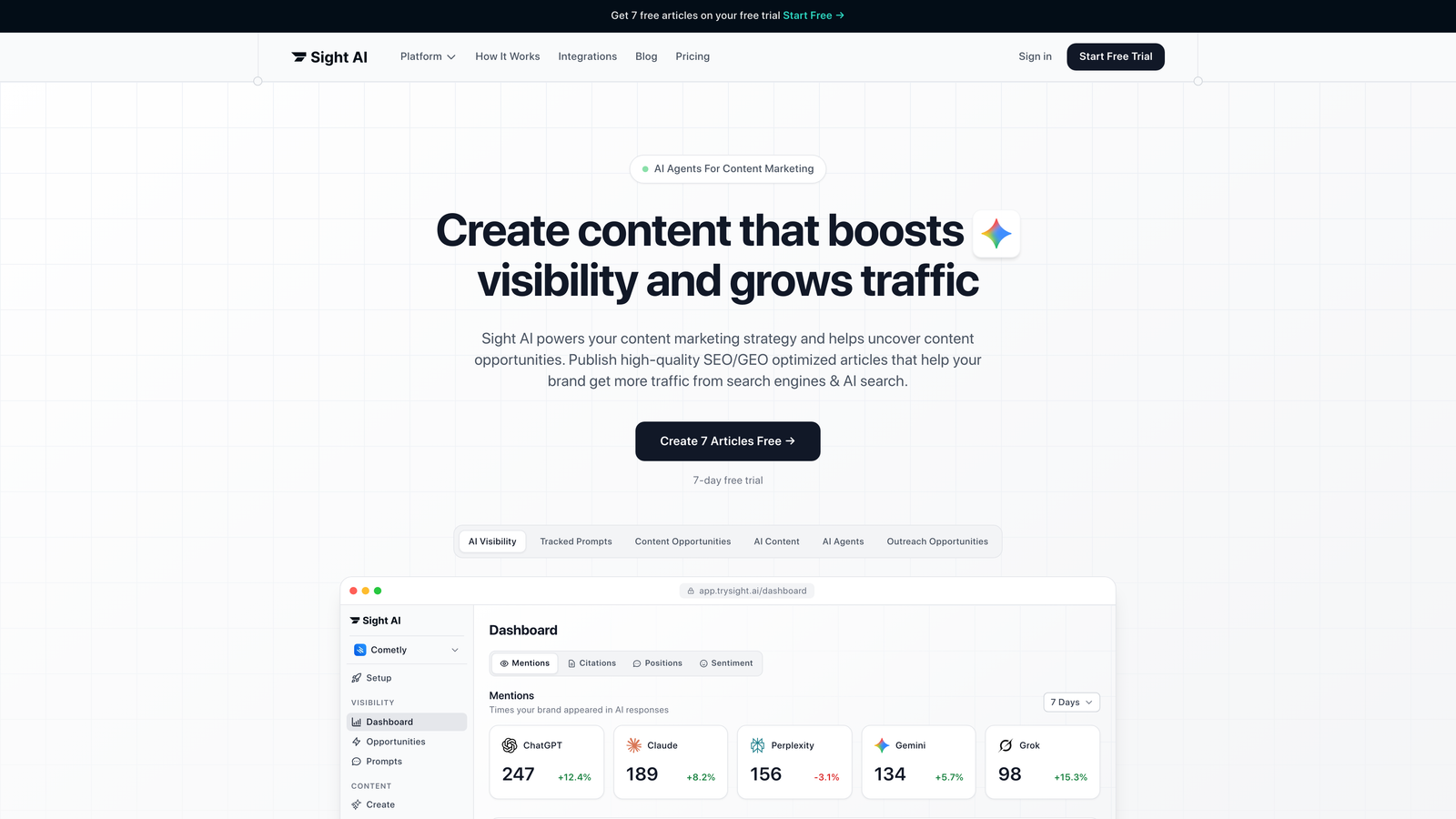
Sight AI combines content creation with automated publishing, letting you generate SEO-optimized articles and push them directly to your CMS without manual intervention.
Where This Tool Shines
The platform's biggest strength is eliminating workflow steps. Instead of writing in one tool, optimizing in another, then manually publishing, you handle everything in sequence. The 13+ specialized AI agents tackle different content types—listicles, guides, explainers—with templates tuned for each format.
What sets it apart is the IndexNow integration. When your content publishes, the system automatically notifies search engines, potentially cutting discovery time from days to hours. This matters when you're publishing time-sensitive content or trying to rank quickly in competitive spaces.
Key Features
Autopilot Mode: Schedule content generation and publishing in advance—the system creates and publishes articles on your timeline without manual intervention.
CMS Integration: Direct publishing to WordPress and other platforms with one-click deployment.
AI Visibility Tracking: Monitor how AI models like ChatGPT, Claude, and Perplexity mention your brand across queries.
IndexNow Notifications: Automatic indexing alerts to search engines when new content goes live.
Multi-Agent System: Different AI agents specialized for various content formats and SEO optimization approaches.
Best For
Marketing teams and agencies managing multiple content calendars who need to scale output without hiring more writers. Particularly valuable if you're tracking how AI search engines surface your brand and want content that performs in both traditional SEO and generative engine optimization.
Pricing
Visit the pricing page for current plan options and feature tiers.
2. Surfer SEO
Best for: Writers who need real-time optimization feedback while creating content
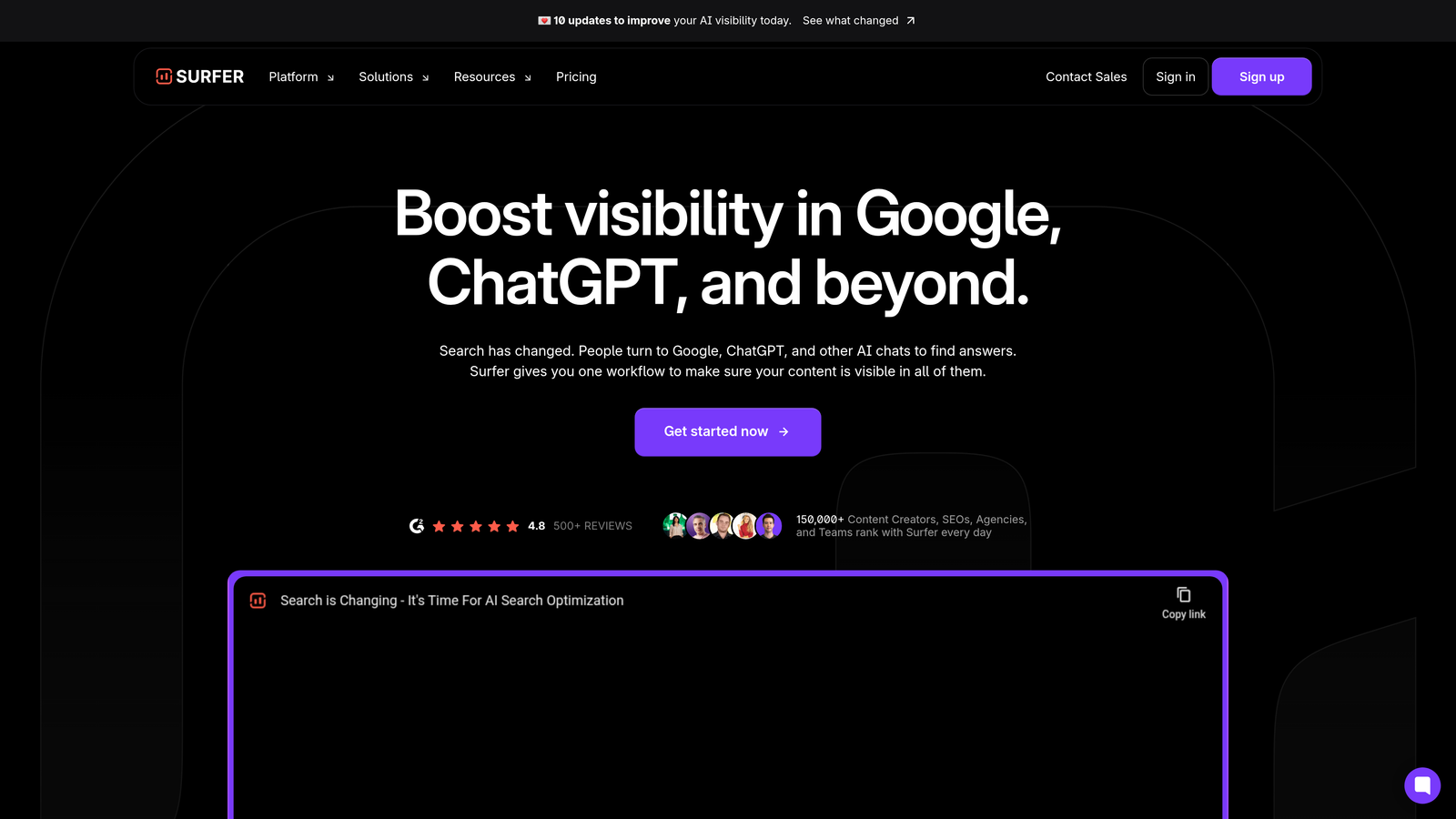
Surfer SEO analyzes top-ranking pages for your target keywords and gives you a content score as you write, with direct publishing to WordPress.
Where This Tool Shines
The real-time content editor is where Surfer earns its reputation. As you type, it compares your draft against top-ranking competitors, showing exactly where you need more depth or different keyword variants. The scoring system removes guesswork—you know when your content is competitive before you hit publish.
The WordPress plugin brings this optimization directly into your CMS. You can write in WordPress and see Surfer's recommendations in the sidebar, then publish without switching tools. For teams already comfortable with WordPress workflows, this integration feels native rather than bolted-on.
Key Features
Content Score: Real-time optimization scoring based on SERP analysis of your target keyword.
NLP Keywords: Semantic keyword suggestions pulled from top-ranking content to improve topical relevance.
WordPress Plugin: Direct integration for writing and optimizing inside your CMS.
SERP Analyzer: Breakdown of what's ranking now, including word count, headers, and keyword density patterns.
Content Audit: Scan existing articles to identify optimization opportunities and content gaps.
Best For
Content teams focused on ranking in competitive niches where on-page optimization makes the difference between page one and page three. Works well if you have writers who understand SEO but need data-driven guidance on how much is enough.
Pricing
Plans start at $89 per month for the Essential tier, with higher tiers adding team collaboration and increased article limits.
3. Jasper AI
Best for: Enterprise teams managing brand voice consistency across multiple content creators
Jasper AI focuses on AI content generation with enterprise-grade brand controls and team workflows, including publishing integrations through its marketplace.
Where This Tool Shines
Brand voice enforcement is Jasper's standout feature. You can upload style guides, tone preferences, and brand rules—the AI learns your voice and maintains consistency across all generated content. This matters when you have multiple team members creating content or agencies working on your behalf.
The campaign-level organization helps teams manage content projects from brief to publication. You can group related articles, track which pieces are in progress, and maintain a content calendar view. The collaboration features let editors review AI drafts and provide feedback without leaving the platform.
Key Features
Brand Voice: Custom AI training on your brand guidelines and writing style for consistent output.
Campaign Workflows: Organize content projects with briefs, drafts, and review stages in one workspace.
Team Collaboration: Multi-user editing, commenting, and approval workflows for content teams.
Integration Marketplace: Connect to CMS platforms and marketing tools through native integrations and API access.
Templates Library: Pre-built frameworks for blog posts, product descriptions, ad copy, and social content.
Best For
Companies with established brand guidelines who need to scale content production while maintaining quality and voice consistency. Particularly useful for teams where non-writers need to create content that sounds on-brand.
Pricing
Creator plan starts at $49 per month for individual users, with Teams and Business tiers adding collaboration features and higher word limits.
4. CoSchedule
Best for: Marketing teams who think in calendar views and need cross-channel coordination
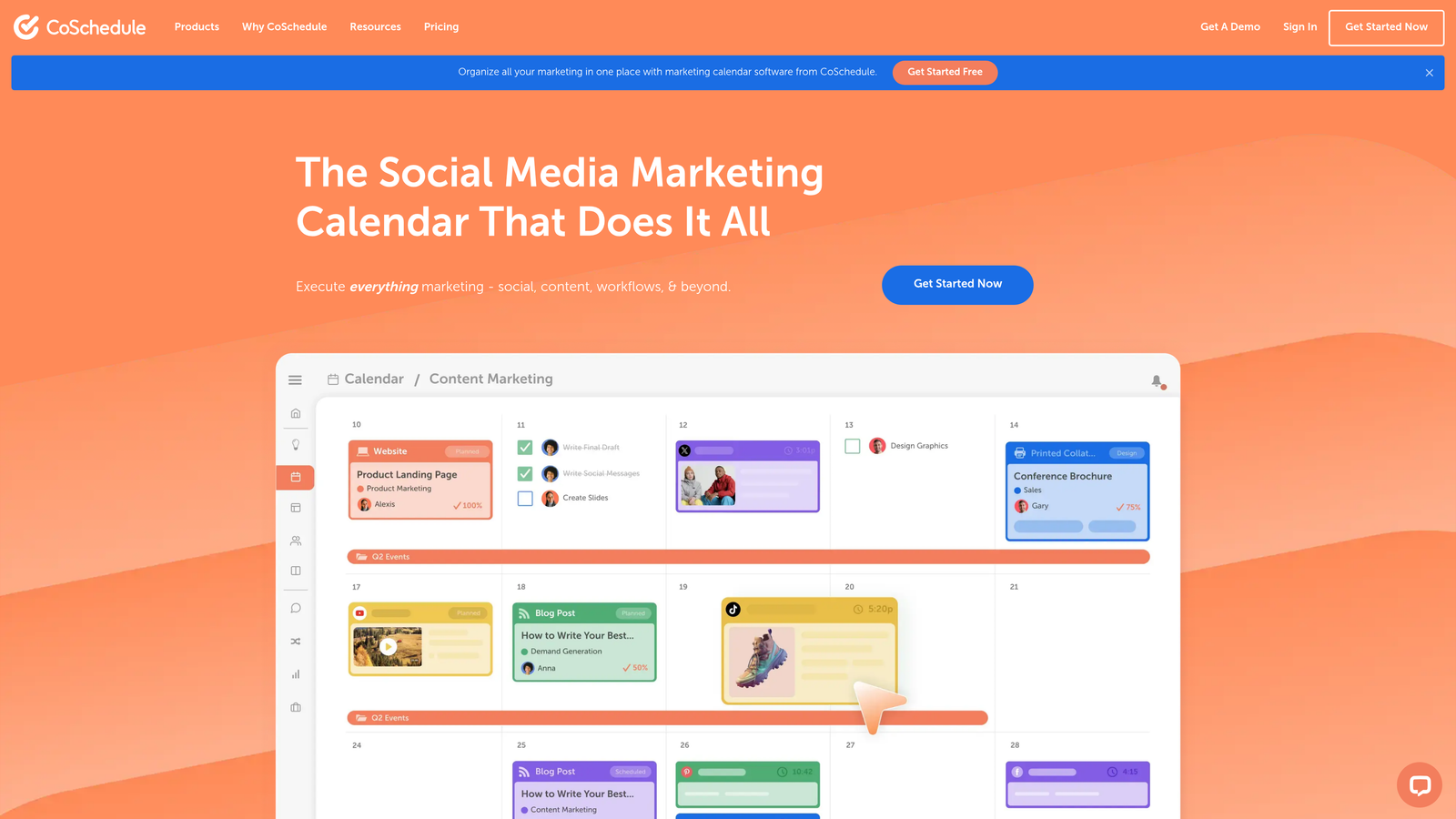
CoSchedule centers on a visual marketing calendar with WordPress autopublishing and social media scheduling built around your content schedule.
Where This Tool Shines
The calendar-first approach changes how teams plan content. Instead of scattered spreadsheets and separate publishing tools, everything lives on one timeline. You see blog posts, social promotions, email campaigns, and project deadlines in a single view. This visibility helps teams spot gaps and avoid publishing conflicts.
The WordPress integration handles the technical publishing work. Schedule a blog post in CoSchedule, and it publishes to your site at the designated time—complete with categories, tags, and featured images. The ReQueue feature automatically reshares evergreen content on social media, extending the life of your best pieces without manual work.
Key Features
Marketing Calendar: Unified timeline view of all content, campaigns, and marketing activities.
WordPress Autopublishing: Schedule and publish blog posts directly from the calendar interface.
Social Scheduling: Coordinate social promotion with content publication across multiple platforms.
ReQueue: Automatically recycle top-performing social content to fill gaps in your posting schedule.
Team Workflows: Assign tasks, set approval processes, and track project progress within the calendar.
Best For
Small to mid-size marketing teams juggling multiple content types and channels who need coordination more than advanced SEO features. Works especially well for teams transitioning from spreadsheet-based planning to integrated tools.
Pricing
Free calendar available with basic features. Marketing Suite pricing is customized based on team size and required features—contact their sales team for quotes.
5. Contentful
Best for: Developer-led teams building custom publishing workflows across multiple sites
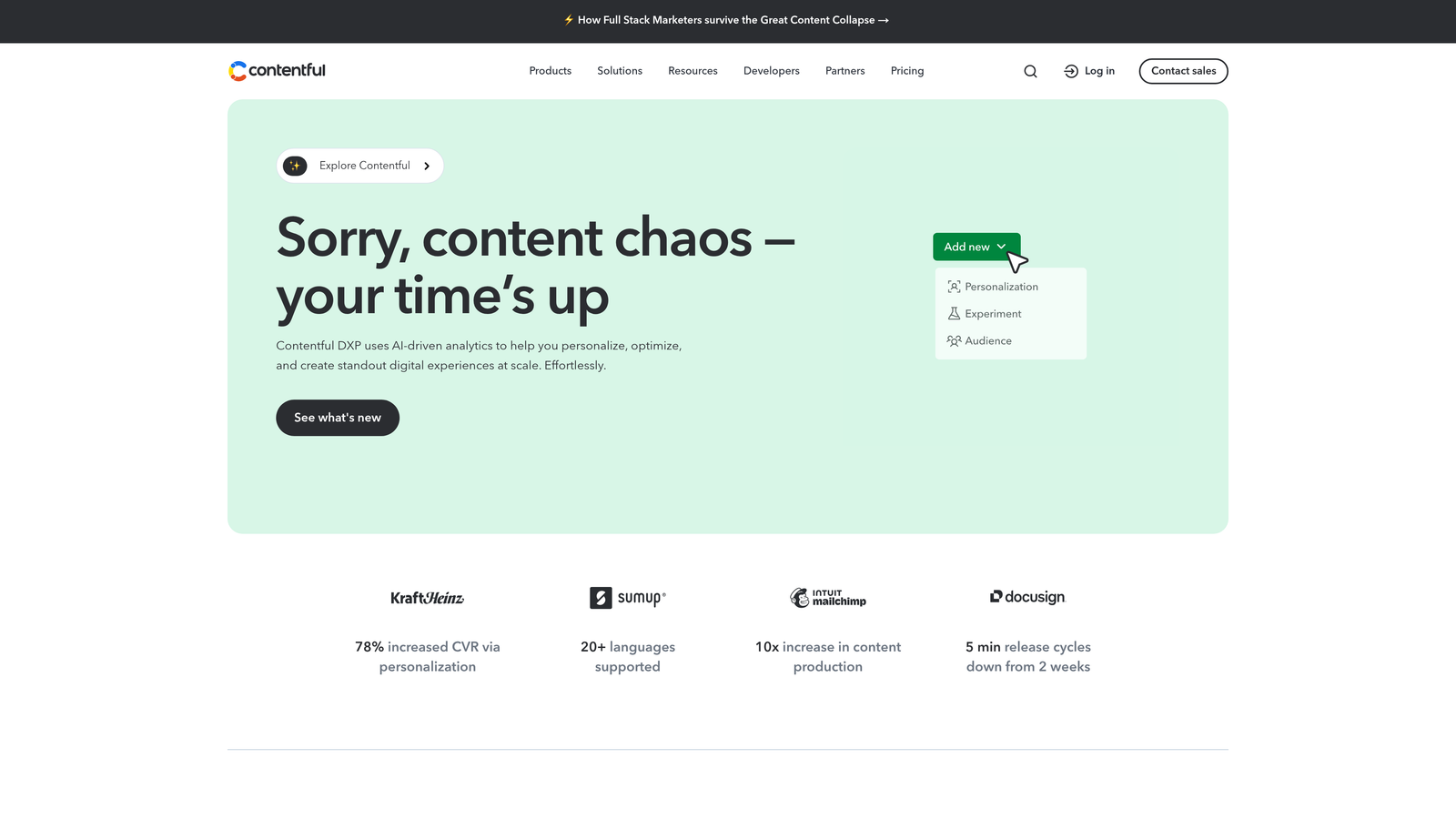
Contentful is a headless CMS with API-first architecture, letting you publish content to websites, apps, and digital experiences from a single content source.
Where This Tool Shines
The API-first design means content lives independently from presentation. Create an article once, then publish it to your website, mobile app, and digital signage using the same content entry. This separation matters for brands managing multiple digital properties or planning to expand beyond traditional websites.
The structured content modeling gives you granular control over content types and relationships. Instead of dumping everything into a WYSIWYG editor, you define fields, data types, and validation rules. This structure makes content more reusable and enables better SEO through consistent schema markup and metadata.
Key Features
API-First Delivery: Publish content anywhere through RESTful and GraphQL APIs.
Content Modeling: Define custom content types with structured fields and relationships.
Multi-Site Publishing: Manage content for multiple websites and apps from one central repository.
Webhooks: Trigger automated workflows when content changes, enabling custom publishing logic.
Developer SDK: Client libraries for JavaScript, Python, Ruby, and other languages for custom integrations.
Best For
Organizations with development resources who need flexibility beyond traditional CMS constraints. Ideal for companies managing content across multiple digital channels or building custom publishing workflows that standard tools can't accommodate.
Pricing
Free tier available for small projects. Team plan starts at $489 per month with increased API calls and user limits.
6. WordPress + Jetpack
Best for: WordPress users who want enhanced scheduling without switching platforms
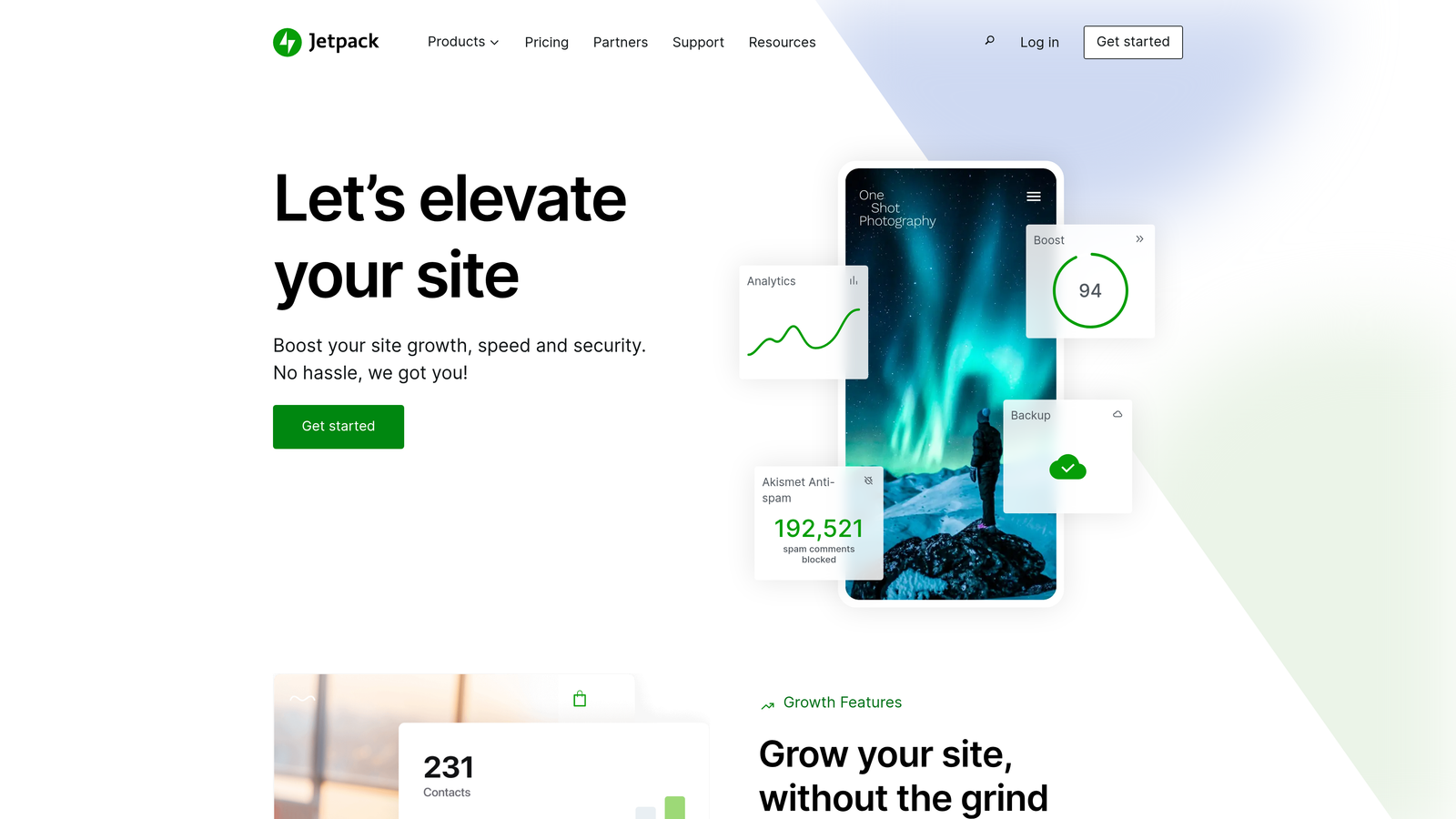
Jetpack extends WordPress's native scheduling with automation features, social sharing, and performance optimization—all while keeping your content in the familiar WordPress environment.
Where This Tool Shines
The beauty of this approach is simplicity. WordPress already includes post scheduling—Jetpack enhances it without forcing you to learn a new platform. The social media auto-sharing connects your publishing schedule to Twitter, Facebook, and LinkedIn, promoting posts automatically when they go live.
Jetpack works seamlessly with popular SEO plugins like Yoast and RankMath. You're not choosing between Jetpack's features and your preferred SEO tools—they coexist in the same interface. The backup and security features protect your content investment, while performance optimization helps published posts load faster.
Key Features
Enhanced Scheduling: Improved post scheduling interface with better calendar views and bulk scheduling options.
Social Auto-Share: Automatically post to connected social accounts when content publishes.
SEO Plugin Compatibility: Works alongside Yoast, RankMath, and other WordPress SEO tools.
Site Backup: Automated backups protect your content and site configuration.
Performance Tools: CDN and image optimization to improve page speed for published content.
Best For
WordPress site owners who want more automation without migrating to a new platform. Perfect for bloggers and small businesses comfortable with WordPress who need social integration and reliability features.
Pricing
Free tier includes basic features. Premium plans start at $9.95 per month, with higher tiers adding backup, security scanning, and priority support.
7. Frase
Best for: Content teams who start with research and need AI writing assistance built on SERP data
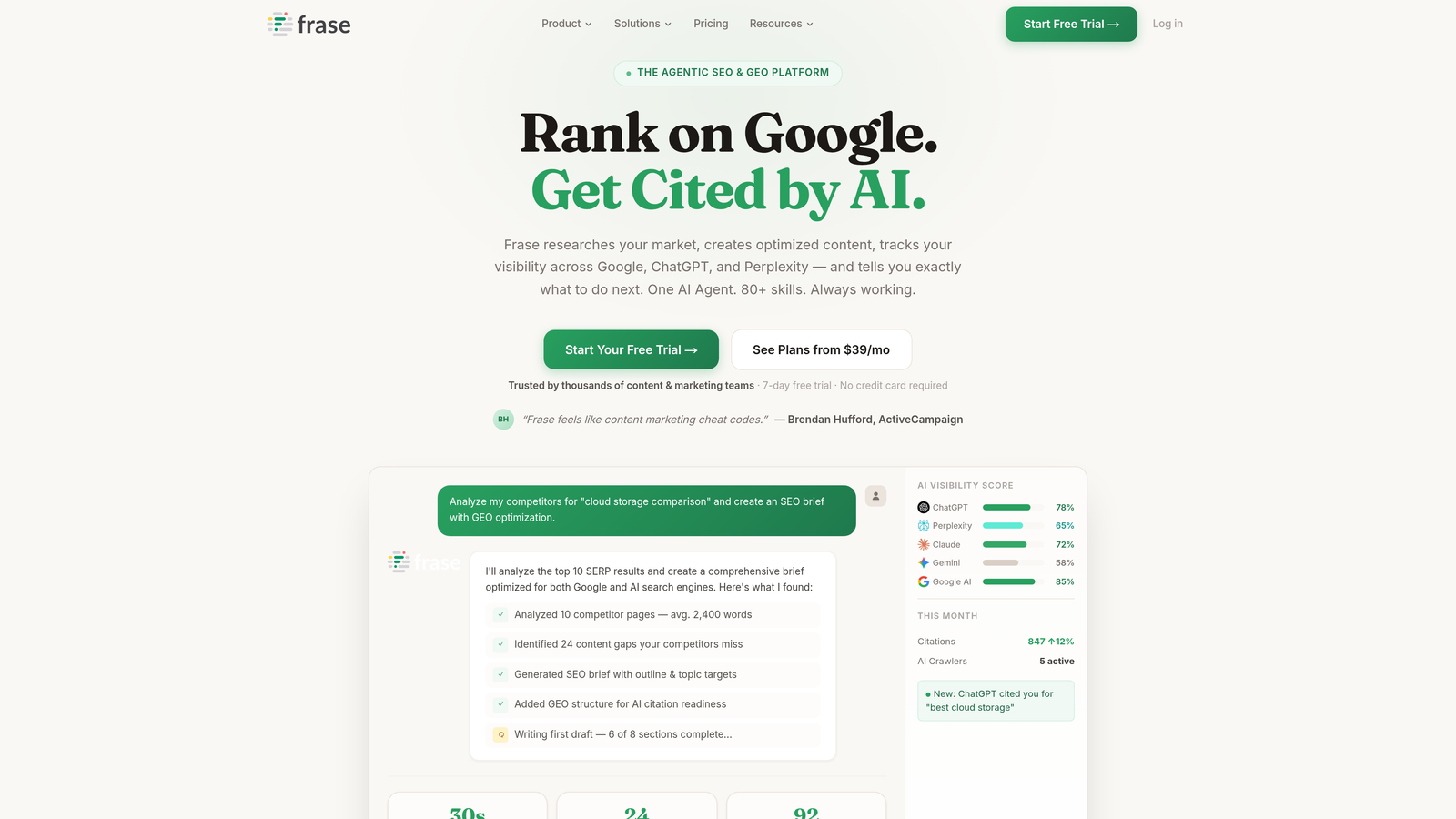
Frase combines search engine results analysis with AI content generation, creating briefs based on what's ranking and helping you write content that competes.
Where This Tool Shines
The research-first workflow sets Frase apart. Enter a keyword, and it pulls top-ranking pages, extracts common topics and questions, then generates a content brief. This approach grounds your content in actual search intent rather than guessing what to write about.
The question research feature mines "People Also Ask" boxes and forum discussions to surface questions your audience is asking. These questions become natural H2 and H3 headings that align with how people search. The AI writing assistant then helps you answer those questions with relevant content, maintaining topical depth throughout the piece.
Key Features
SERP Analysis: Automatic analysis of top-ranking content to identify topics and patterns.
Content Briefs: AI-generated outlines based on competitive research and search intent.
Question Research: Extract questions from search results and forums to guide content structure.
Optimization Scoring: Real-time content score showing how your draft compares to ranking pages.
Google Docs Integration: Write in Google Docs with Frase's optimization sidebar for team collaboration.
Best For
Content strategists and writers who value research-backed content over pure AI generation. Works well for teams creating in-depth guides and thought leadership where topical authority matters more than publishing speed.
Pricing
Solo plan starts at $15 per month for individual users, with Basic and Team tiers adding more articles and user seats.
8. HubSpot Content Hub
Best for: Inbound marketing teams already using HubSpot CRM who want content connected to customer data
HubSpot Content Hub integrates content management with CRM data, letting you personalize content based on visitor behavior and track which articles drive conversions.
Where This Tool Shines
The CRM integration creates content opportunities that standalone tools miss. You can show different blog content to visitors based on their industry, company size, or previous interactions. This personalization turns generic blog posts into targeted experiences that move prospects through your funnel.
The attribution reporting connects content to revenue. You see which blog posts generate leads, which topics drive qualified traffic, and how content influences deal progression. This data helps justify content investment and guides topic selection based on business impact rather than just traffic volume.
Key Features
Built-In SEO Tools: On-page optimization recommendations and topic cluster management within the CMS.
Smart Content: Personalize blog content based on visitor location, device, lifecycle stage, or list membership.
A/B Testing: Test different headlines, CTAs, and content variations to improve engagement.
CRM Integration: Connect content to contact records and track which articles influence deals.
Analytics Dashboard: Track traffic, conversions, and revenue attribution for published content.
Best For
B2B companies using HubSpot for CRM and marketing automation who want content tightly integrated with their sales funnel. Most valuable when you need to prove content ROI and justify marketing spend to leadership.
Pricing
Free tools available with basic features. Professional tier starts at $800 per month, including advanced content features and automation capabilities.
9. Sanity.io
Best for: Technical teams building custom content experiences with real-time collaboration needs
Sanity.io offers a customizable content platform with structured data and real-time editing, giving developers full control over content modeling and publishing workflows.
Where This Tool Shines
The real-time collaboration changes how content teams work. Multiple editors can work on the same document simultaneously, seeing each other's changes instantly. This matters for teams coordinating complex content updates or working across time zones where asynchronous editing creates version conflicts.
The structured content approach makes SEO implementation more reliable. Instead of hoping editors remember to add meta descriptions and schema markup, you build those fields into your content model. The portable text format maintains content structure across different platforms, ensuring consistent formatting whether you're publishing to web, mobile, or other channels.
Key Features
Real-Time Editing: Multiple users can edit content simultaneously with instant synchronization.
Structured Content: Define custom content schemas with fields optimized for SEO and metadata.
Portable Text: Rich text format that maintains structure across different publishing platforms.
Custom Workflows: Build publishing approval processes and content governance rules tailored to your team.
GROQ Query Language: Powerful query syntax for retrieving and filtering content through the API.
Best For
Organizations with development teams who need a content platform that adapts to their specific workflows rather than forcing them into predefined patterns. Ideal for companies building unique digital experiences where standard CMS features feel limiting.
Pricing
Free tier supports small projects and development. Team plan starts at $99 per month with increased API bandwidth and user seats.
Making the Right Choice
The right autopublishing tool depends on where your bottleneck sits. If you're struggling to create enough content, platforms like Sight AI that combine generation and publishing solve multiple problems at once. The automatic indexing notifications help your content get discovered faster—particularly valuable when you're scaling output and can't manually submit URLs.
Choose Surfer SEO or Frase if your content quality is the limiting factor. These tools help you write better-optimized pieces that rank higher, with publishing integrations that feel secondary to the optimization features. The real value is knowing your content is competitive before you hit publish.
Pick CoSchedule or HubSpot if coordination is your challenge. CoSchedule works for teams managing multiple content types across channels who need visibility into what's publishing when. HubSpot makes sense when you're already invested in their ecosystem and want content connected to your CRM data.
For developer-led teams building custom solutions, Contentful and Sanity offer the API flexibility to publish content anywhere. You trade ease of use for complete control over how content flows through your systems.
Many teams combine tools—using an AI platform for content generation, an SEO tool for optimization, and their CMS's native scheduling for publication. The trend toward all-in-one platforms like Sight AI reflects the market's desire to reduce these workflow steps. Stop guessing how AI models like ChatGPT and Claude talk about your brand—get visibility into every mention, track content opportunities, and automate your path to organic traffic growth. Start tracking your AI visibility today and see exactly where your brand appears across top AI platforms.