Getting your content indexed quickly is the difference between ranking tomorrow and waiting weeks for Google to notice your pages. Whether you're publishing daily blog posts, launching new product pages, or managing a large e-commerce catalog, the right indexing tool can dramatically accelerate your path to organic traffic. Here are the top website indexing tools available today—from all-in-one platforms that combine indexing with content creation to specialized solutions for enterprise sites.
1. Sight AI
Best for: Teams that want content creation and indexing in one unified platform
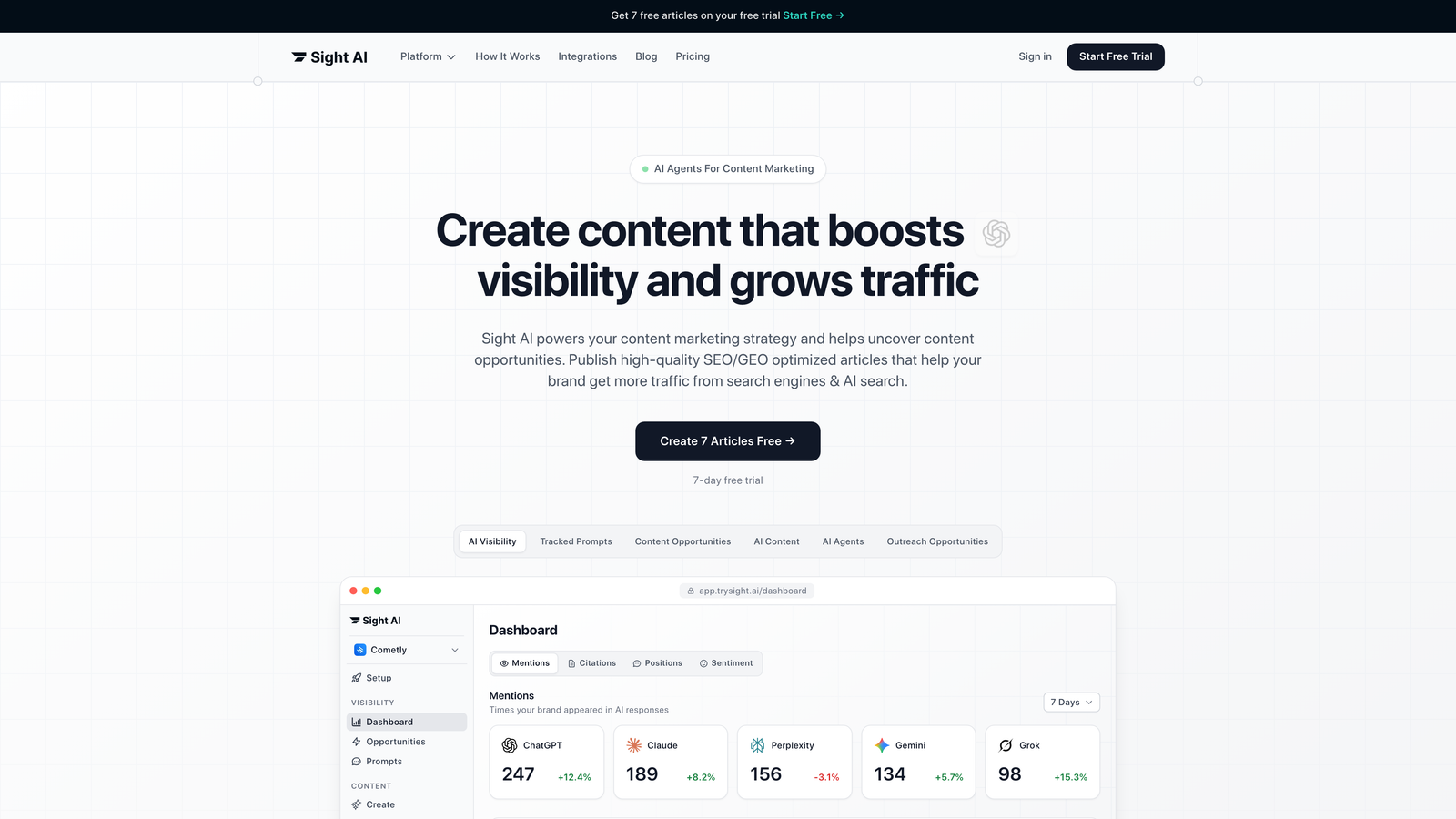
Sight AI combines AI-powered content generation with automated website indexing, eliminating the gap between publishing and search engine discovery.
Where This Tool Shines
Most indexing tools force you to bounce between your content creation workflow and a separate indexing service. Sight AI solves this by integrating IndexNow protocol directly into its content publishing pipeline.
When you publish an article through Sight AI's CMS auto-publishing feature, the platform automatically notifies search engines through IndexNow and updates your sitemap—no manual steps required. This unified approach means your content starts competing for rankings the moment it goes live.
Key Features
IndexNow Integration: Automatically pings Bing, Yandex, and other participating search engines when content publishes or updates.
Automated Sitemap Management: Keeps your XML sitemap current without manual regeneration after each publish.
CMS Auto-Publishing: Publishes directly to your website with indexing requests built into the workflow.
AI Content Writer: 13+ specialized agents generate SEO/GEO-optimized articles designed for both traditional search and AI platforms.
Unified Dashboard: Monitor content performance and indexing status from a single interface.
Best For
Content teams and agencies that publish frequently and want to eliminate the technical overhead of managing separate tools for writing, publishing, and indexing. Particularly valuable if you're focused on AI visibility alongside traditional SEO.
Pricing
Contact for pricing; indexing features are included in content plans, making it cost-effective for teams already investing in content creation tools.
2. IndexNow API
Best for: Developers who want direct control over indexing without third-party services
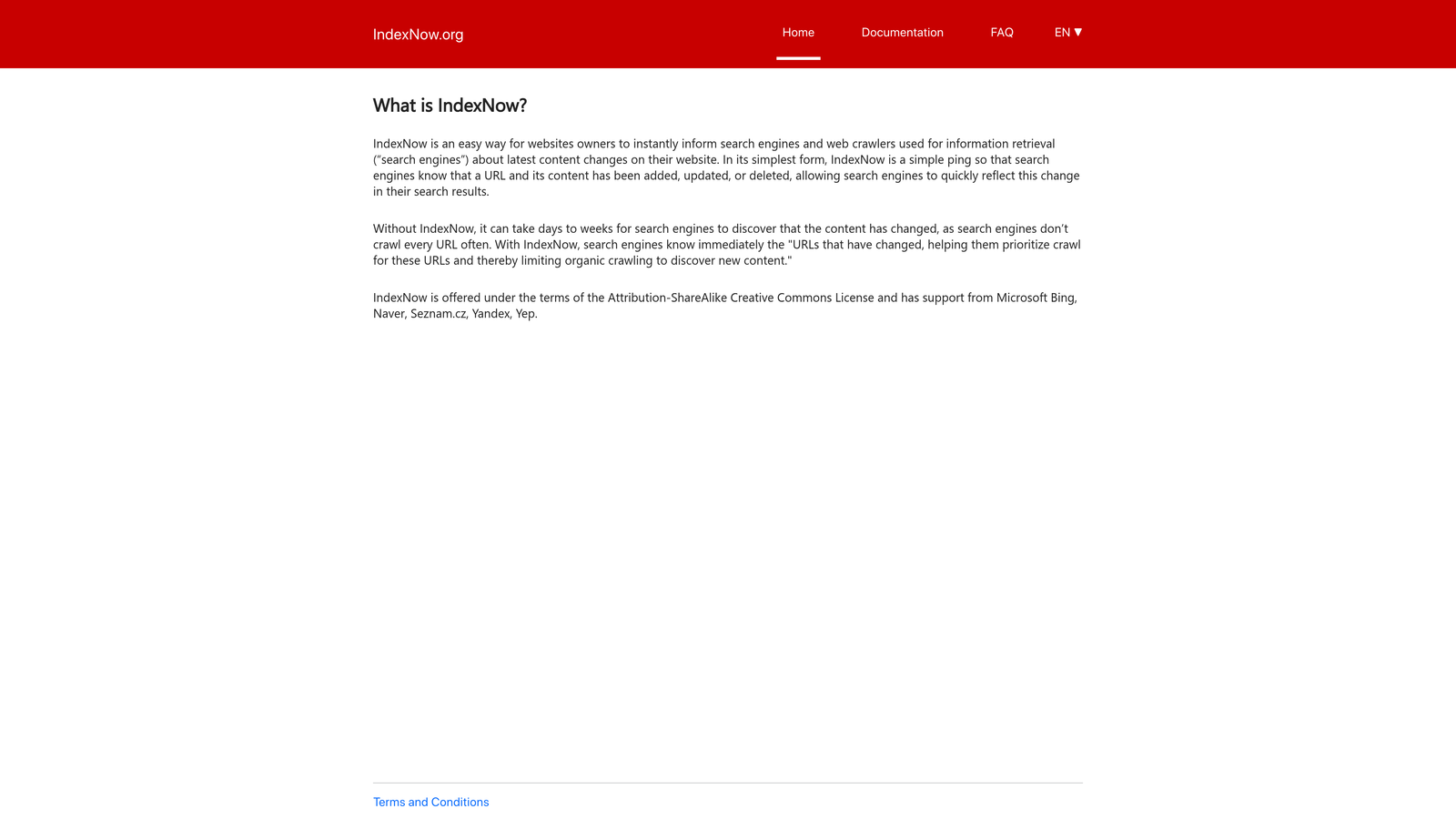
IndexNow API is an open protocol that lets you notify search engines instantly when URLs are created or updated.
Where This Tool Shines
Think of IndexNow as the plumbing that powers many indexing tools. Instead of waiting for crawlers to discover changes, you send a simple API request that says "hey, this URL changed—come check it out."
The protocol is supported by Bing, Yandex, and a growing list of search engines. One submission reaches all participating engines simultaneously, and there's no rate limiting for legitimate use. If you have technical resources, implementing IndexNow directly gives you maximum control without ongoing subscription costs.
Key Features
Free and Open Protocol: No licensing fees or usage limits for legitimate indexing requests.
Multi-Engine Reach: Single submission notifies Bing, Yandex, and other participating search engines.
Simple API Implementation: Straightforward endpoint that accepts URL lists via POST request.
Batch Submission Support: Submit up to 10,000 URLs in a single request for efficient bulk indexing.
No Authentication Required: Uses API key verification through a text file on your domain.
Best For
Development teams comfortable with API integration who want the most direct path to search engine notification without relying on third-party platforms.
Pricing
Completely free. You just need technical resources to implement the API calls in your publishing workflow.
3. Rank Math SEO
Best for: WordPress users who want automated indexing without leaving their dashboard
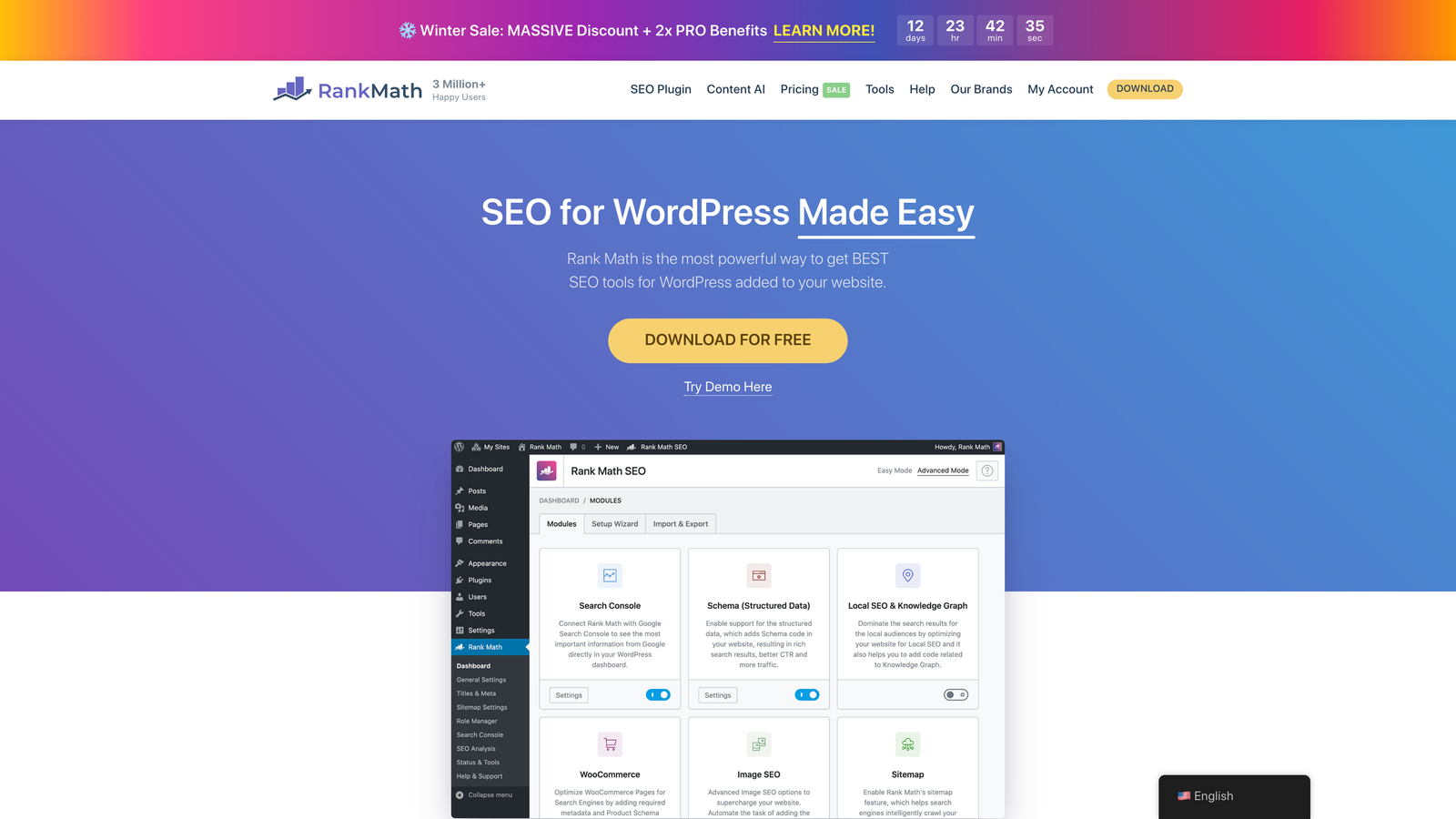
Rank Math SEO is a WordPress plugin that handles everything from on-page optimization to automatic indexing requests through IndexNow.
Where This Tool Shines
Rank Math turns indexing into a background process you never think about. Enable IndexNow in the settings once, and every time you publish or update a post, the plugin automatically notifies search engines.
The instant indexing dashboard shows you which URLs have been submitted and tracks their status. You can also manually trigger indexing for older content or pages that didn't get picked up initially. The interface is clean and requires zero technical knowledge—just toggle switches and watch your content get indexed.
Key Features
One-Click IndexNow Activation: Enable automatic indexing with a single setting toggle.
Automatic Publish Notifications: Sends indexing requests immediately when content goes live or updates.
Indexing Status Dashboard: Track which URLs have been submitted and monitor their indexing progress.
Sitemap Generation: Automatically creates and updates XML sitemaps for search engines.
Google Search Console Integration: Connect your GSC account for additional indexing insights.
Best For
WordPress site owners who want comprehensive SEO functionality with indexing automation built in, especially if you're already considering an SEO plugin upgrade.
Pricing
Free version includes IndexNow support. Pro version starts at $6.99/month and adds features like schema markup and WooCommerce optimization.
4. Yoast SEO Premium
Best for: Established WordPress sites already invested in the Yoast ecosystem
Yoast SEO Premium combines its well-known content optimization features with IndexNow protocol support for faster indexing.
Where This Tool Shines
Yoast's strength is its maturity and comprehensive feature set. If you're already using Yoast Free and familiar with its interface, Premium adds IndexNow support without forcing you to learn a new tool.
The plugin integrates indexing into your existing workflow seamlessly. Publish a post, and Yoast handles the indexing notification automatically. The redirect manager is particularly valuable if you're restructuring URLs—it ensures search engines discover your new URL structure quickly while managing 301 redirects.
Key Features
IndexNow Support: Available in Premium tier for automatic search engine notification.
Automatic Sitemap Generation: Creates and maintains XML sitemaps with no configuration needed.
Redirect Manager: Handles URL changes and ensures new URLs get indexed promptly.
Content Analysis: Real-time feedback on readability and SEO optimization as you write.
Multi-Site Support: Manage indexing and SEO across multiple WordPress installations.
Best For
WordPress users who value Yoast's content optimization guidance and want to add indexing automation without switching plugins.
Pricing
Premium starts at $99/year per site. The price includes all features including IndexNow support and premium customer support.
5. Indexification
Best for: High-volume sites that need to index thousands of URLs quickly
Indexification specializes in bulk URL submission with drip-feed technology that avoids triggering spam filters.
Where This Tool Shines
When you're launching a new site section with hundreds of pages or migrating content, manual indexing requests become impractical. Indexification handles bulk submissions intelligently by spreading requests over time rather than flooding search engines all at once.
The drip-feed approach mimics natural discovery patterns, which reduces the risk of your indexing requests being flagged as suspicious. The platform supports multiple search engines and provides detailed reporting on submission status and indexing success rates.
Key Features
Bulk URL Submission: Upload thousands of URLs at once via CSV or API integration.
Drip-Feed Scheduling: Automatically spaces out submissions to avoid spam detection.
Multi-Engine Support: Submits to Google, Bing, Yandex, and other search engines simultaneously.
API Access: Integrate indexing requests into your custom publishing workflows.
Detailed Reporting: Track submission status and indexing success rates per URL.
Best For
E-commerce sites with large product catalogs, content sites migrating archives, or any scenario where you need to index hundreds or thousands of URLs efficiently.
Pricing
Starts at $17.97/month for 10,000 URLs. Higher-volume plans available for enterprise needs.
6. OneUpApp
Best for: Content creators who schedule posts across multiple platforms
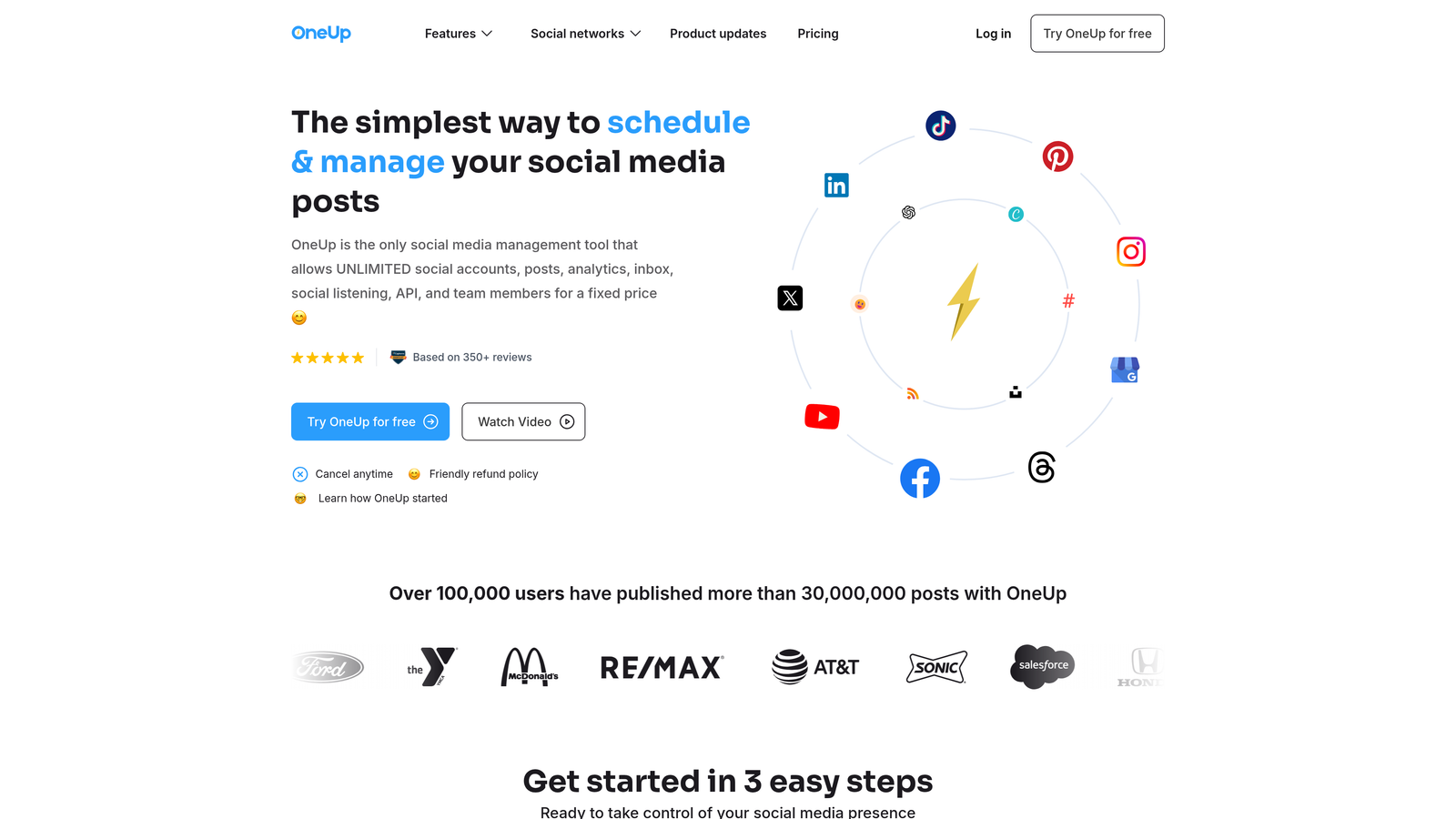
OneUpApp combines social media scheduling with Google indexing API integration for a unified content distribution workflow.
Where This Tool Shines
OneUpApp solves the problem of fragmented content workflows. Schedule a blog post, and the platform can automatically share it to social media while simultaneously submitting it to Google's indexing API.
The RSS feed automation is particularly clever—connect your blog's RSS feed, and OneUpApp can auto-schedule new posts to social platforms and trigger indexing requests without manual intervention. This makes it valuable for solo creators and small teams who don't have time for multi-tool workflows.
Key Features
Google Indexing API Integration: Submit URLs directly to Google's indexing queue from the scheduling dashboard.
Content Scheduling with Auto-Index: Set up posts to publish and index automatically at scheduled times.
Social Media Cross-Posting: Distribute content to Facebook, Twitter, LinkedIn, and other platforms simultaneously.
RSS Feed Automation: Automatically pull new blog posts and trigger indexing plus social sharing.
Simple Dashboard: Unified interface for managing content distribution and indexing.
Best For
Bloggers, influencers, and small marketing teams who publish regularly and want to streamline both social distribution and search indexing.
Pricing
Starts at $18/month. Higher tiers add more social accounts and advanced scheduling features.
7. Omega Indexer
Best for: SEO professionals focused on backlink indexing
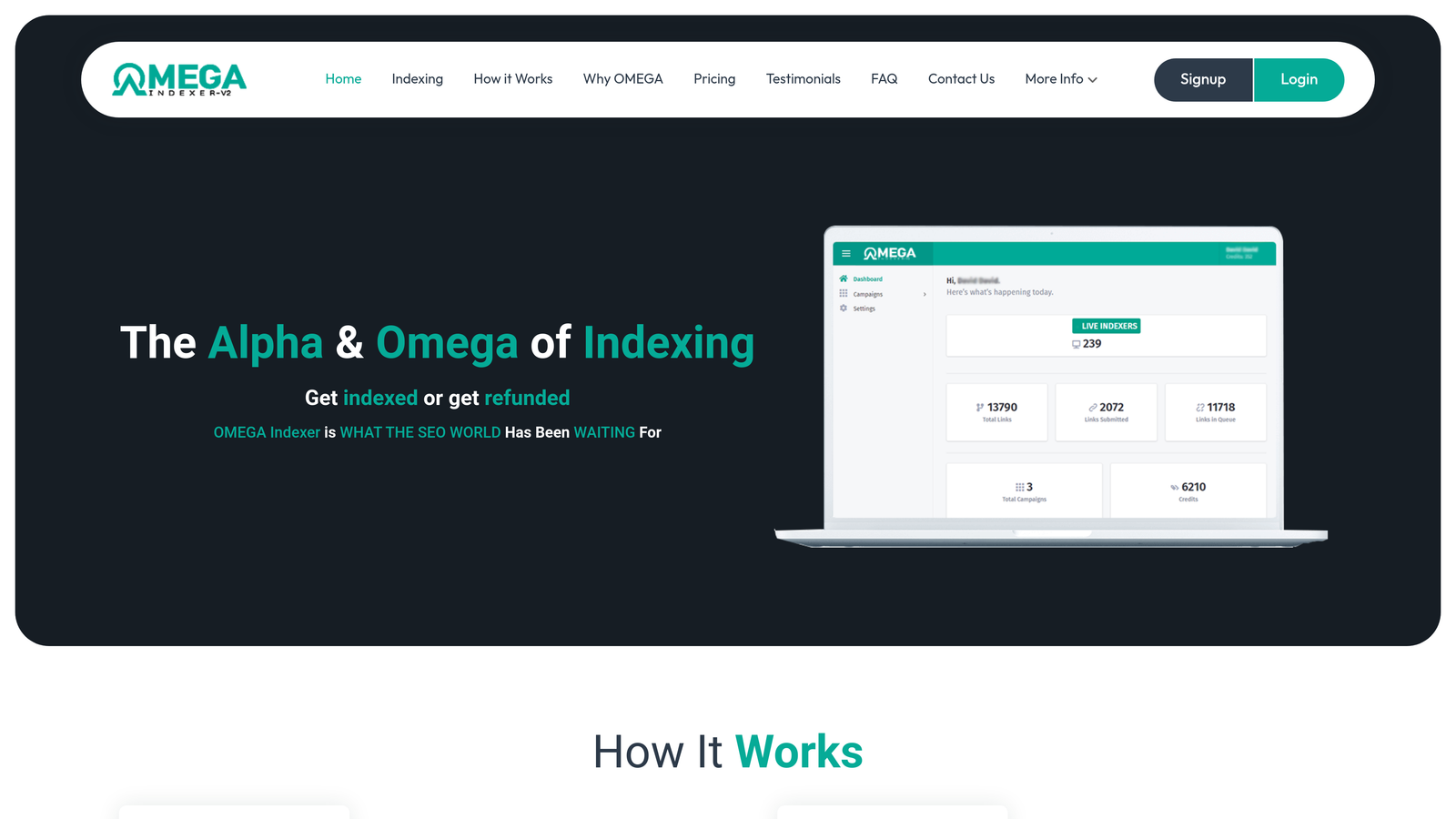
Omega Indexer is a cloud-based service that specializes in getting backlinks and web pages indexed quickly.
Where This Tool Shines
Backlinks don't help your rankings until search engines discover and index them. Omega Indexer focuses specifically on this problem by using multiple indexing methods to ensure your backlinks get recognized.
The credit-based pricing model gives you flexibility—buy credits when you need them rather than committing to a monthly subscription. The recurring submission feature is valuable for important backlinks that initially fail to index, as it automatically resubmits them until they're discovered.
Key Features
Cloud-Based Platform: No software installation required; manage everything through a web dashboard.
High-Volume Processing: Handle thousands of URLs efficiently with batch submission.
Backlink Indexing Focus: Optimized specifically for getting link profiles recognized by search engines.
Recurring Submissions: Automatically resubmit URLs that don't index on the first attempt.
Credit-Based Flexibility: Purchase credits as needed rather than paying for monthly capacity you might not use.
Best For
SEO agencies and link builders who need reliable indexing for backlinks and don't want to commit to fixed monthly costs.
Pricing
Credits start at $7 for 500 URLs. Volume discounts available for larger credit purchases.
8. Google Search Console
Best for: Manual indexing requests and monitoring Google's view of your site
Google Search Console is Google's free tool for requesting indexing and diagnosing crawl issues.
Where This Tool Shines
Search Console is the only tool that gives you direct communication with Google about your site's indexing status. The URL Inspection tool lets you see exactly how Google views a specific page—whether it's indexed, what issues it found, and when it was last crawled.
When you request indexing through Search Console, you're essentially asking Google to prioritize that URL in its crawl queue. While it doesn't guarantee instant indexing, it's often faster than waiting for natural discovery. The index coverage reports help you identify systemic problems that might be preventing pages from getting indexed.
Key Features
URL Inspection Tool: Check indexing status and request indexing for individual URLs directly from Google.
Direct Indexing Requests: Submit priority crawl requests for new or updated content.
Sitemap Submission: Upload XML sitemaps and monitor how many URLs Google has indexed from them.
Index Coverage Reporting: Identify pages with indexing errors, warnings, or exclusions.
Mobile Usability Insights: Ensure your pages meet Google's mobile-first indexing requirements.
Best For
Every website owner. Search Console is essential for understanding how Google sees your site, regardless of what other indexing tools you use.
Pricing
Completely free. Just verify ownership of your domain to access all features.
9. Screaming Frog SEO Spider
Best for: Technical SEO audits to identify indexing blockers before they become problems
Screaming Frog SEO Spider crawls your website to identify issues that prevent proper indexing.
Where This Tool Shines
Indexing tools can submit URLs all day, but if your site has technical issues blocking crawlers, those submissions won't help. Screaming Frog acts as a diagnostic tool that shows you what search engines see when they crawl your site.
The tool identifies pages blocked by robots.txt, meta robots tags, canonical issues, and other indexing barriers. The integration with Google Search Console lets you cross-reference what you think should be indexed against what Google has actually indexed. This makes it invaluable for troubleshooting why specific pages aren't appearing in search results despite indexing requests.
Key Features
Free Tier: Crawl up to 500 URLs without any cost, sufficient for small to medium sites.
Indexability Analysis: Identify pages blocked from indexing by technical directives.
Robots.txt and Meta Robots Auditing: Spot directives that might be preventing crawler access.
Canonical Tag Review: Find canonical issues that could be consolidating indexing signals incorrectly.
Search Console Integration: Compare your site structure against Google's indexed URL list.
Best For
Technical SEOs, developers, and site owners who want to proactively identify and fix indexing problems rather than just submitting URLs and hoping.
Pricing
Free for up to 500 URLs. Unlimited crawling costs £199/year (approximately $250).
Making the Right Choice
The best indexing tool depends on your technical resources and publishing volume. If you're publishing content regularly and want indexing to happen automatically without thinking about it, platforms like Sight AI or WordPress plugins like Rank Math eliminate manual steps entirely.
For developers comfortable with API integration, implementing IndexNow directly gives you maximum control without ongoing costs. This approach works well if you have custom publishing systems or need to integrate indexing into existing workflows.
High-volume sites with thousands of URLs benefit from dedicated services like Indexification that handle bulk submissions intelligently. The drip-feed approach prevents spam flags while ensuring comprehensive coverage of large catalogs or content archives.
Don't overlook diagnostic tools like Screaming Frog and Google Search Console. Submitting URLs for indexing doesn't help if technical issues are blocking crawlers. Use these tools to identify and fix indexing barriers before they impact your visibility.
The indexing landscape continues evolving as more search engines adopt IndexNow protocol. Tools that integrate this standard offer the fastest path to discovery across multiple platforms. But remember that indexing is just the first step—your content still needs to be high-quality and optimized to actually rank.
Speaking of optimization, indexing traditional search engines is only part of the visibility equation. AI platforms like ChatGPT, Claude, and Perplexity are increasingly influencing how people discover brands and information. Start tracking your AI visibility today and see exactly where your brand appears across top AI platforms—then use those insights to create content that gets mentioned by both traditional search engines and AI models.