Getting your content indexed quickly can mean the difference between capturing trending traffic and missing the moment entirely—and in 2026, with content competition at an all-time high, speed to index matters more than ever. Traditional crawling can take days or even weeks, leaving fresh content invisible to searchers when timing matters most.
Instant indexing tools solve this by pushing your URLs directly to search engines through protocols like IndexNow, bypassing the waiting game entirely. Instead of hoping crawlers find your updates, you notify search engines the moment content goes live.
This guide covers the top solutions for accelerating your website's indexing in 2026—from all-in-one platforms to specialized plugins—so you can choose the right tool for your workflow and technical setup.
1. Sight AI
Best for: Content teams automating the entire publish-to-index workflow with AI-powered content generation
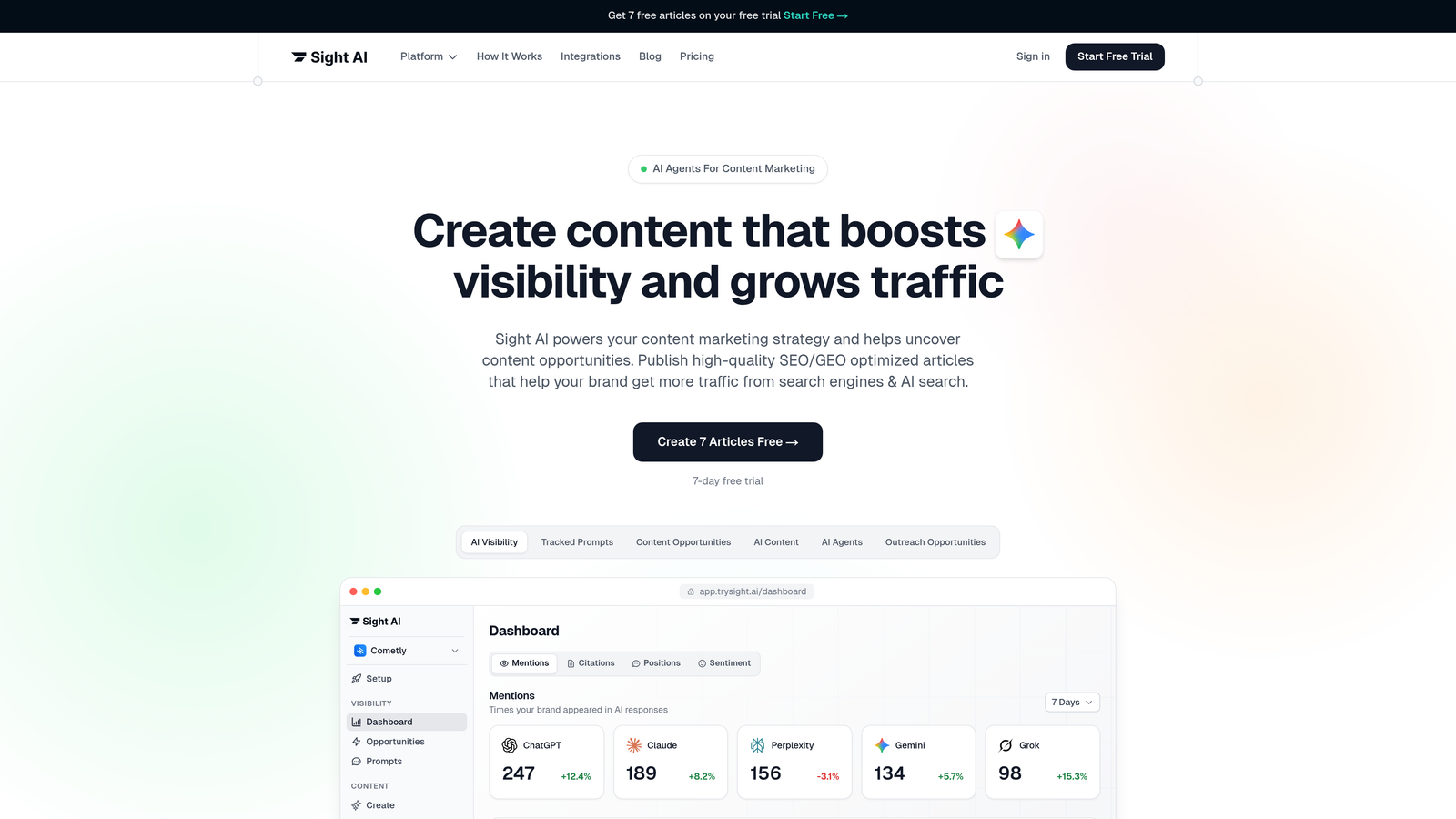
Sight AI combines AI content creation with built-in indexing automation, eliminating the manual steps between writing and search visibility.
Where This Tool Shines
The platform integrates IndexNow directly into the publishing workflow, automatically notifying search engines the moment content goes live. This removes the friction of managing indexing as a separate task.
What sets it apart is the combination of 13+ specialized AI agents for content generation with automatic sitemap updates and CMS publishing. You create optimized content and push it live with indexing handled automatically in the background.
Key Features
IndexNow Integration: Automatic URL submission to Bing, Yandex, and other IndexNow partners when content publishes.
Automated Sitemap Updates: Dynamic sitemap generation keeps search engines informed of new and updated content without manual intervention.
CMS Auto-Publishing: Direct publishing to your website with indexing built into the workflow—no separate submission steps.
AI Content Generation: 13+ AI agents create SEO/GEO-optimized articles designed for both traditional search and AI model visibility.
AI Visibility Tracking: Monitor how AI models like ChatGPT and Claude mention your brand across 6+ platforms.
Best For
Marketing teams and agencies managing high-volume content production who want to streamline from ideation through indexing. Particularly valuable if you're focused on AI visibility alongside traditional SEO.
Pricing
Check trysight.ai/pricing for current plans tailored to content volume and team size.
2. IndexNow Plugin for WordPress
Best for: WordPress users wanting lightweight instant indexing with zero configuration
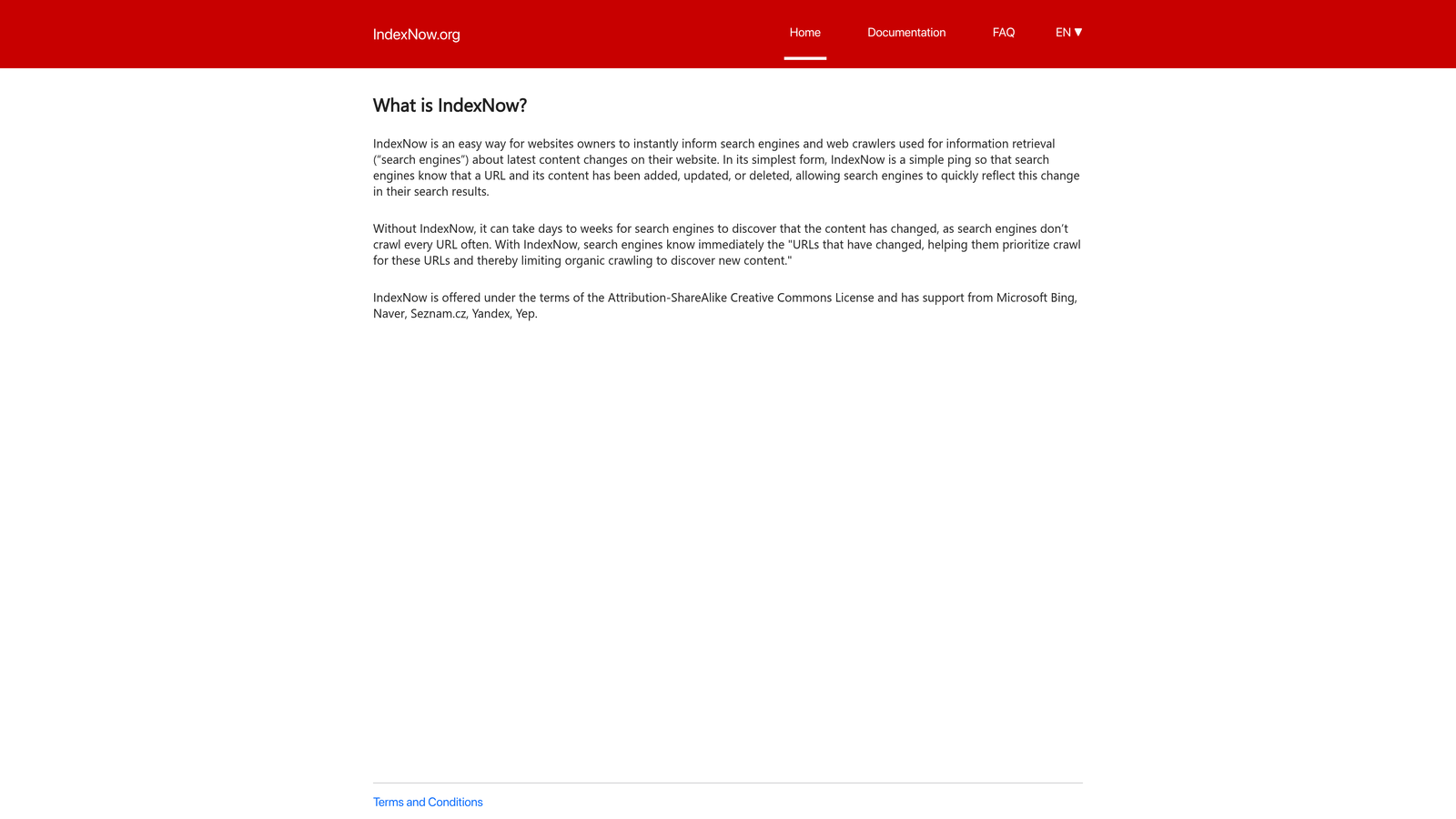
IndexNow Plugin is the official WordPress implementation of the IndexNow protocol, enabling automatic URL submission to participating search engines.
Where This Tool Shines
This plugin does exactly one thing exceptionally well: it pings search engines the moment you publish, update, or delete content. No complex settings, no feature bloat—just reliable instant notification.
Because it's the official plugin from the IndexNow team, you get guaranteed compatibility with the protocol's evolving specifications. It works silently in the background without impacting site performance.
Key Features
Automatic Pinging: Sends notifications on publish, update, or delete actions without manual intervention.
Multi-Engine Support: Notifies Bing, Yandex, and all other IndexNow-participating search engines simultaneously.
Zero Configuration: Install, activate, and it works—no API keys or complex setup required.
Minimal Footprint: Lightweight code with negligible impact on site speed or server resources.
Best For
WordPress site owners who want instant indexing without learning technical setup or managing API credentials. Ideal if you prefer focused tools over all-in-one SEO suites.
Pricing
Completely free with no premium tiers or upsells.
3. Rank Math SEO
Best for: WordPress users needing comprehensive SEO features alongside instant indexing for multiple search engines
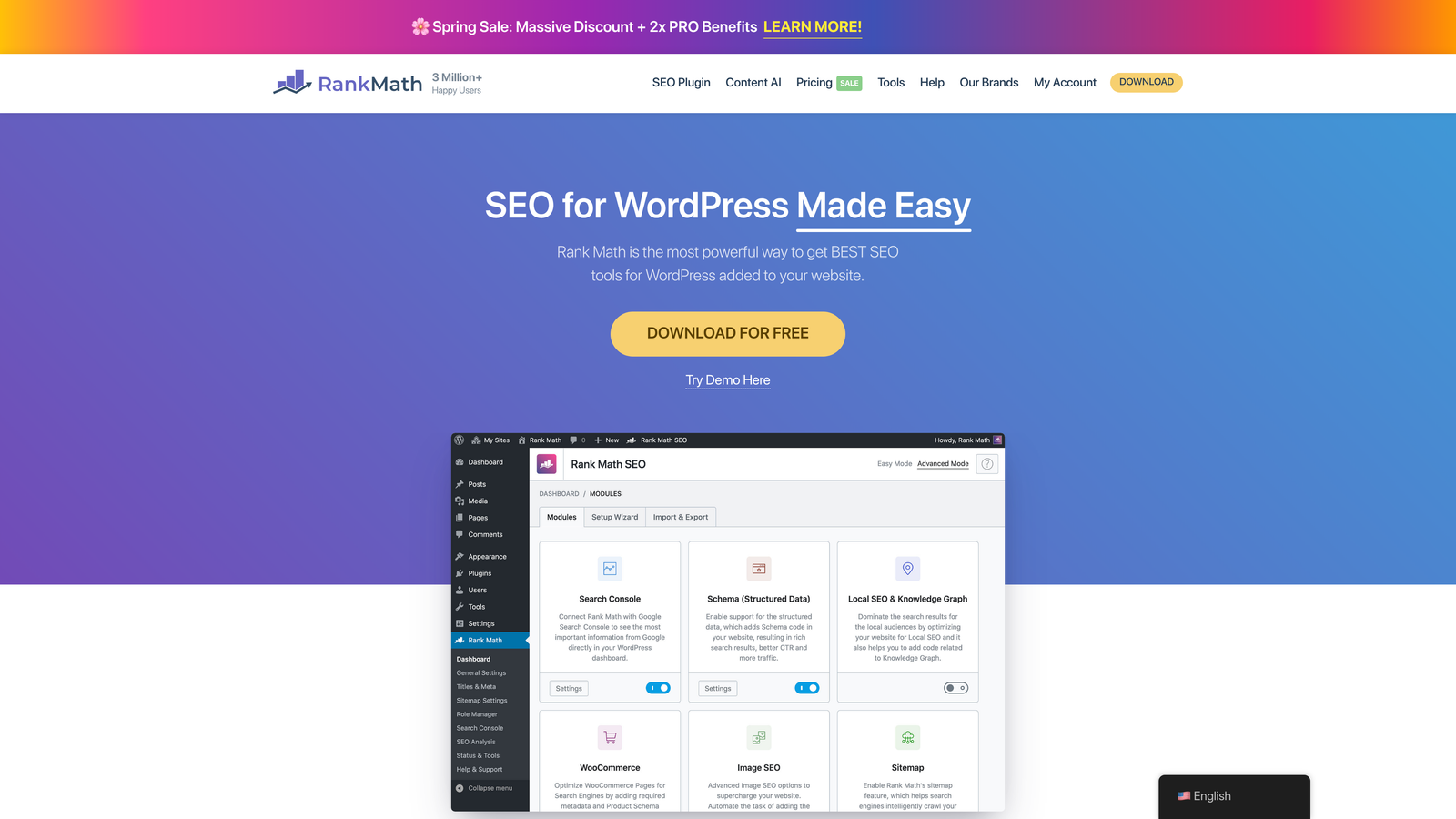
Rank Math SEO combines traditional SEO optimization with instant indexing support for both IndexNow and Google's Indexing API.
Where This Tool Shines
Rank Math gives you dual-protocol support: IndexNow for Bing and Yandex, plus Google Indexing API integration for direct submission to Google. This covers all major search engines from a single dashboard.
The bulk indexing interface lets you submit multiple URLs at once, valuable when launching new site sections or updating existing content at scale. Schema markup tools help ensure your content is understood correctly when indexed.
Key Features
One-Click IndexNow Activation: Enable instant submission to IndexNow partners directly from plugin settings.
Google Indexing API Integration: Submit URLs directly to Google for rapid indexing of eligible content types.
Schema Markup Generator: Add structured data to help search engines understand and display your content properly.
Bulk Indexing Actions: Submit multiple URLs simultaneously from the WordPress dashboard.
Technical SEO Toolkit: Includes redirect management, breadcrumb configuration, and XML sitemap generation.
Best For
WordPress site owners who want instant indexing as part of a broader SEO toolkit rather than a standalone feature. Particularly useful if you manage technical SEO in-house.
Pricing
Free version includes IndexNow support; Pro version starts at $6.99/month with Google Indexing API integration and advanced features.
4. Yoast SEO Premium
Best for: Established WordPress sites already using Yoast who want to add instant indexing capabilities
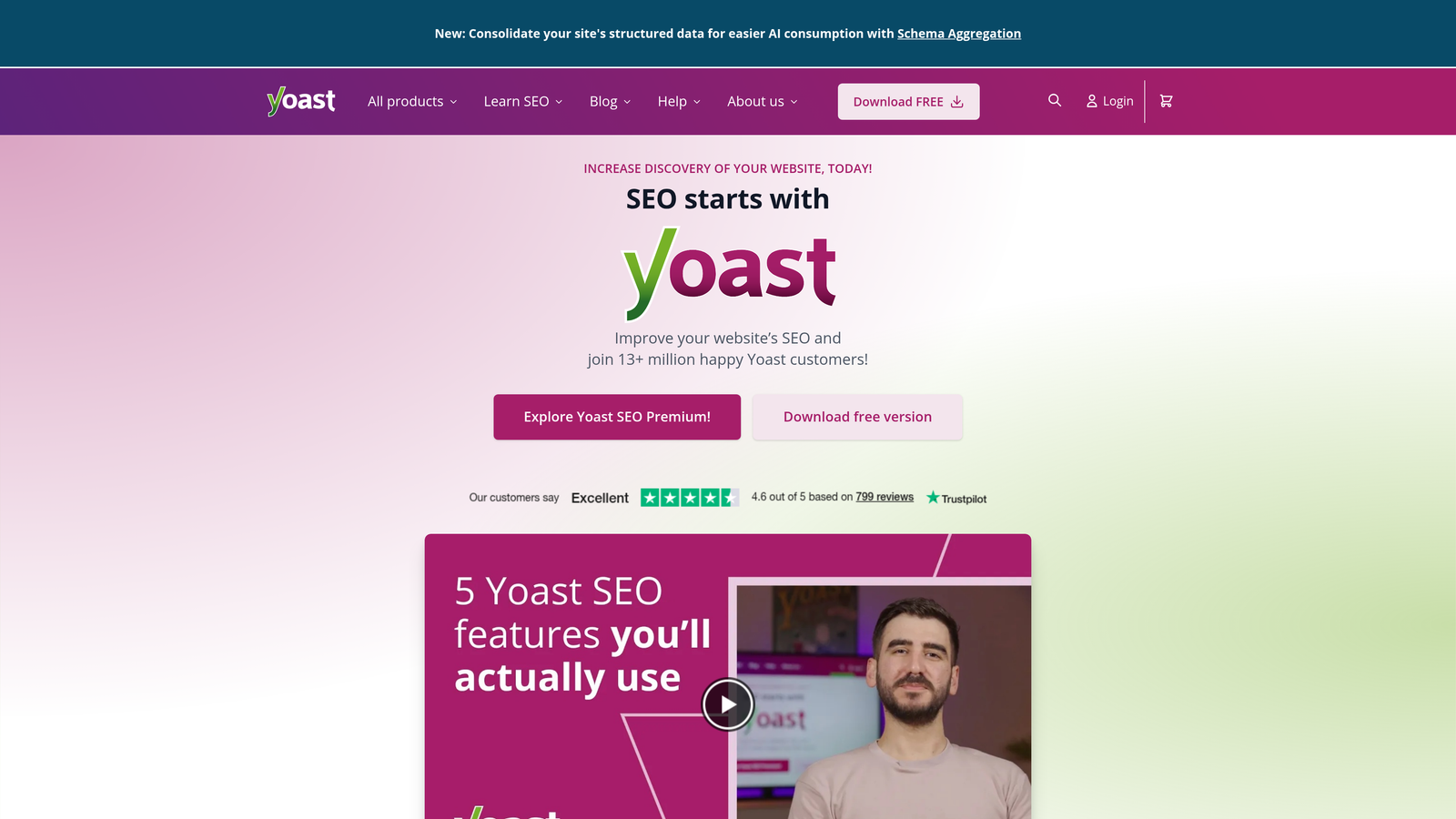
Yoast SEO is the industry-standard WordPress SEO plugin, with IndexNow support added to its premium tier.
Where This Tool Shines
If you're already invested in the Yoast ecosystem, adding IndexNow support requires only a premium upgrade rather than learning a new tool. The integration works seamlessly with Yoast's existing content analysis and optimization features.
The redirect manager becomes particularly valuable when combined with instant indexing—you can update URLs and immediately notify search engines of the changes, minimizing the window where old URLs return 404 errors.
Key Features
IndexNow Integration: Automatic submission to IndexNow-supporting search engines when content publishes or updates.
Automatic XML Sitemaps: Dynamic sitemap generation that updates as your site changes.
Redirect Manager: Handle URL changes cleanly and notify search engines of redirects immediately.
Internal Linking Suggestions: Automated recommendations help search engines discover and index related content.
Best For
WordPress users already familiar with Yoast's interface who want to extend their existing setup with instant indexing rather than switching to a different SEO plugin.
Pricing
Premium version costs $99/year for a single site, with IndexNow support included.
5. Google Indexing API
Best for: Developers managing job posting or livestream content requiring rapid Google indexing
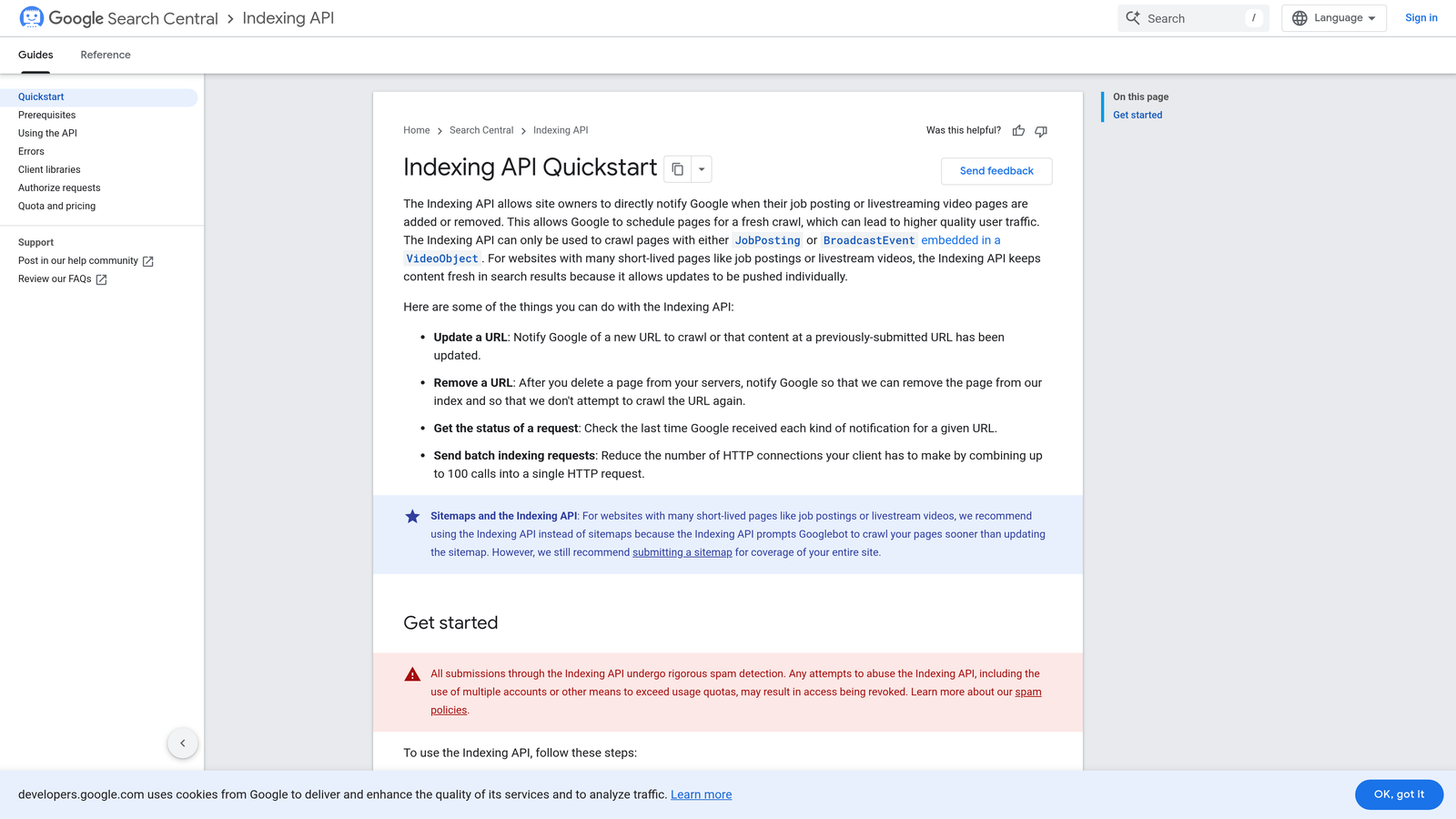
Google Indexing API is Google's official method for requesting immediate indexing of specific content types.
Where This Tool Shines
This is the fastest official path to Google's index for supported content types—job postings and livestream structured data. While some sites report success with other content types, Google officially limits the API to these categories.
The batch submission capability lets you notify Google of multiple URLs in a single API call, efficient for sites publishing content at scale. Real-time notification means Google knows about changes within minutes rather than waiting for the next crawl.
Key Features
Direct Google Submission: Send URLs straight to Google's indexing queue without waiting for crawlers.
Fastest Official Method: Bypass traditional crawl schedules for eligible content types.
Batch Submission Support: Submit up to 100 URLs per API call for efficient large-scale operations.
Real-Time Notifications: Alert Google immediately when content is created, updated, or removed.
Best For
Job boards, recruitment sites, and platforms publishing livestream content who need guaranteed rapid indexing in Google. Requires technical implementation but delivers the most direct path to Google's index.
Pricing
Free to use, though requires setting up a Google Cloud project and managing API credentials.
6. Bing Webmaster Tools
Best for: Site owners managing Bing visibility with direct URL submission and IndexNow key management
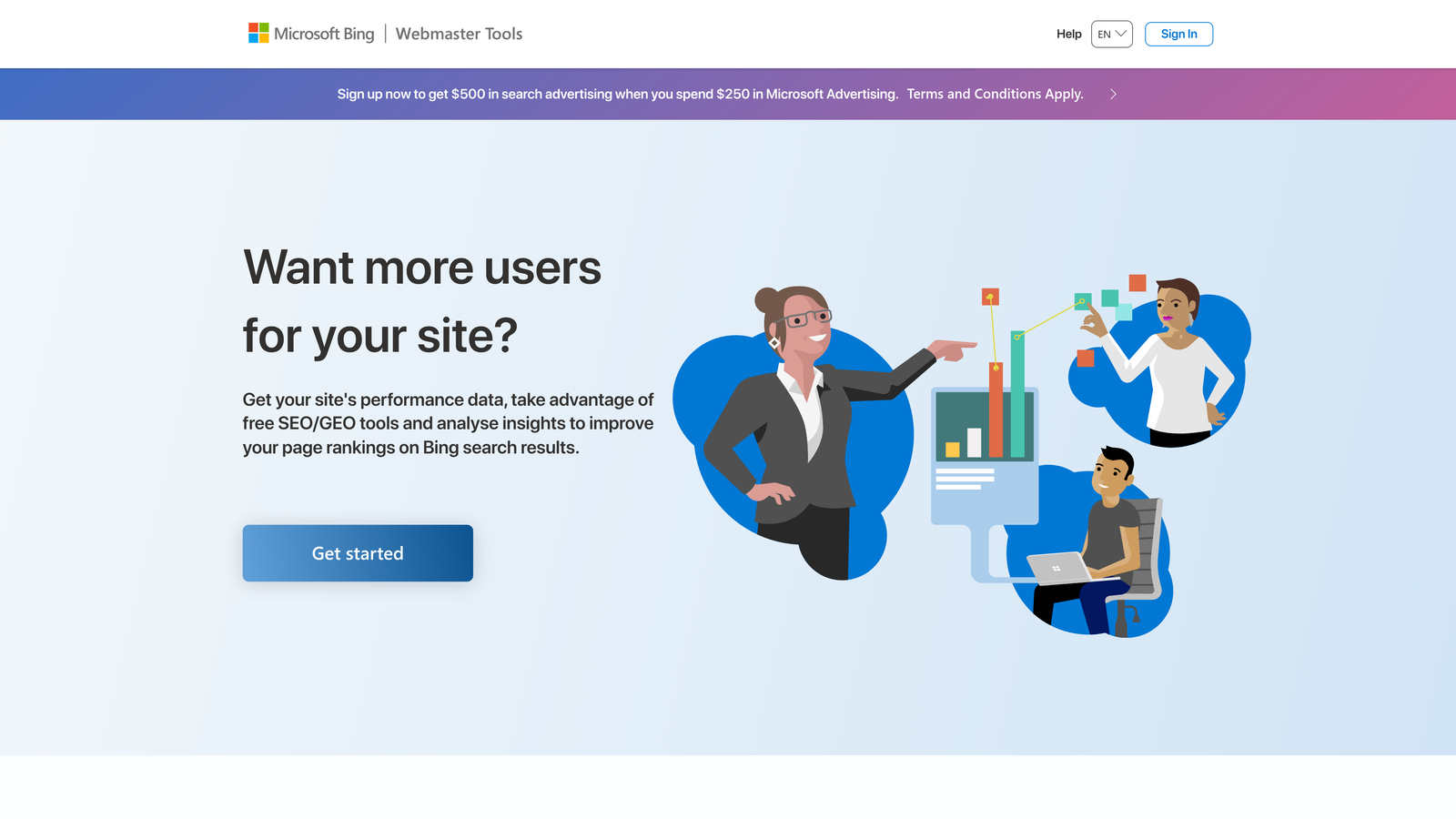
Bing Webmaster Tools is Microsoft's free platform for managing site presence in Bing, with native IndexNow support built in.
Where This Tool Shines
The platform serves as both your IndexNow key generator and submission interface. You can manually submit individual URLs through the dashboard or generate an API key for automated submissions from your CMS.
Crawl and index status monitoring shows exactly which URLs Bing has discovered and indexed, helping you identify content that's been submitted but not yet processed. The site scan feature catches technical issues that might block indexing before they become problems.
Key Features
Direct URL Submission: Manual submission interface for immediate URL notification to Bing.
IndexNow Key Generation: Create and manage API keys for automated IndexNow submissions from your site.
Crawl Status Monitoring: Track which URLs have been crawled and indexed with detailed status reports.
Site Scan Tools: Automated technical SEO audits identify issues affecting crawlability and indexing.
Best For
Website owners who want comprehensive Bing visibility management alongside instant indexing capabilities. Particularly valuable if Bing represents a meaningful portion of your search traffic.
Pricing
Completely free with no usage limits or premium tiers.
7. Oncrawl
Best for: Enterprise teams diagnosing complex indexing issues through log file analysis and crawl data
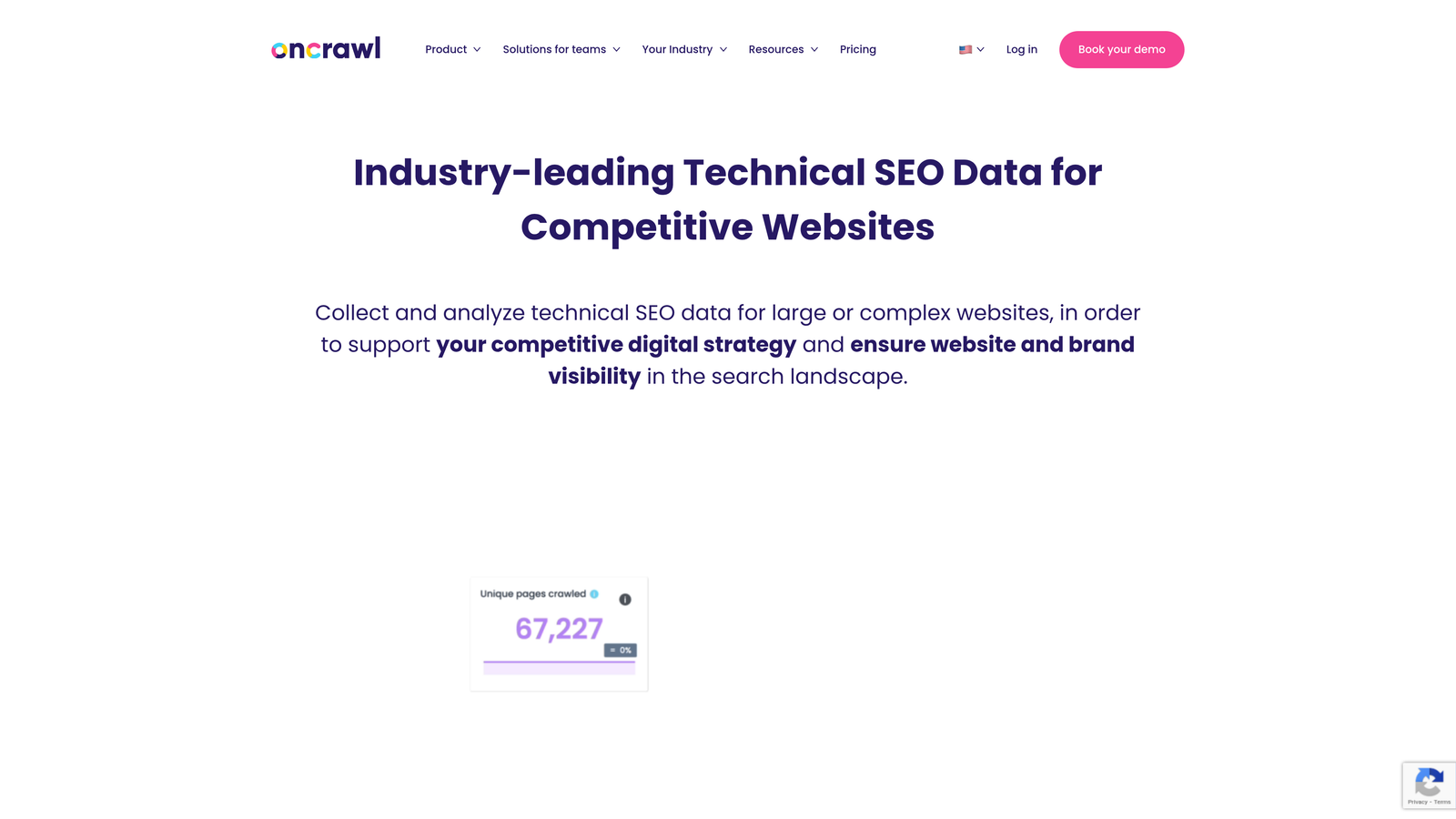
Oncrawl combines website crawling with server log analysis to show exactly how search engines interact with your site.
Where This Tool Shines
While other tools help you request indexing, Oncrawl shows you why content isn't being indexed in the first place. Log file analysis reveals actual bot behavior—which URLs they're crawling, how often, and where they're hitting errors.
The crawl budget optimization insights are particularly valuable for large sites where search engines can't crawl everything. You can identify wasted crawls on low-value pages and redirect bot attention to content that matters.
Key Features
Log File Analysis: See exactly how search engine bots interact with your site, including crawl frequency and patterns.
Crawl Budget Optimization: Identify inefficient bot behavior and prioritize high-value content for crawling.
Indexability Scoring: Each URL receives a score indicating likelihood of being indexed based on technical factors.
Search Console Integration: Combine crawl data with actual indexing status from Google Search Console.
Best For
Large enterprise sites with complex technical SEO challenges where understanding bot behavior is critical to improving indexing rates. Best suited for teams with dedicated technical SEO resources.
Pricing
Plans start at $69/month, scaling based on site size and crawl frequency needs.
8. Screaming Frog SEO Spider
Best for: Technical SEO audits identifying indexability issues before they impact search visibility
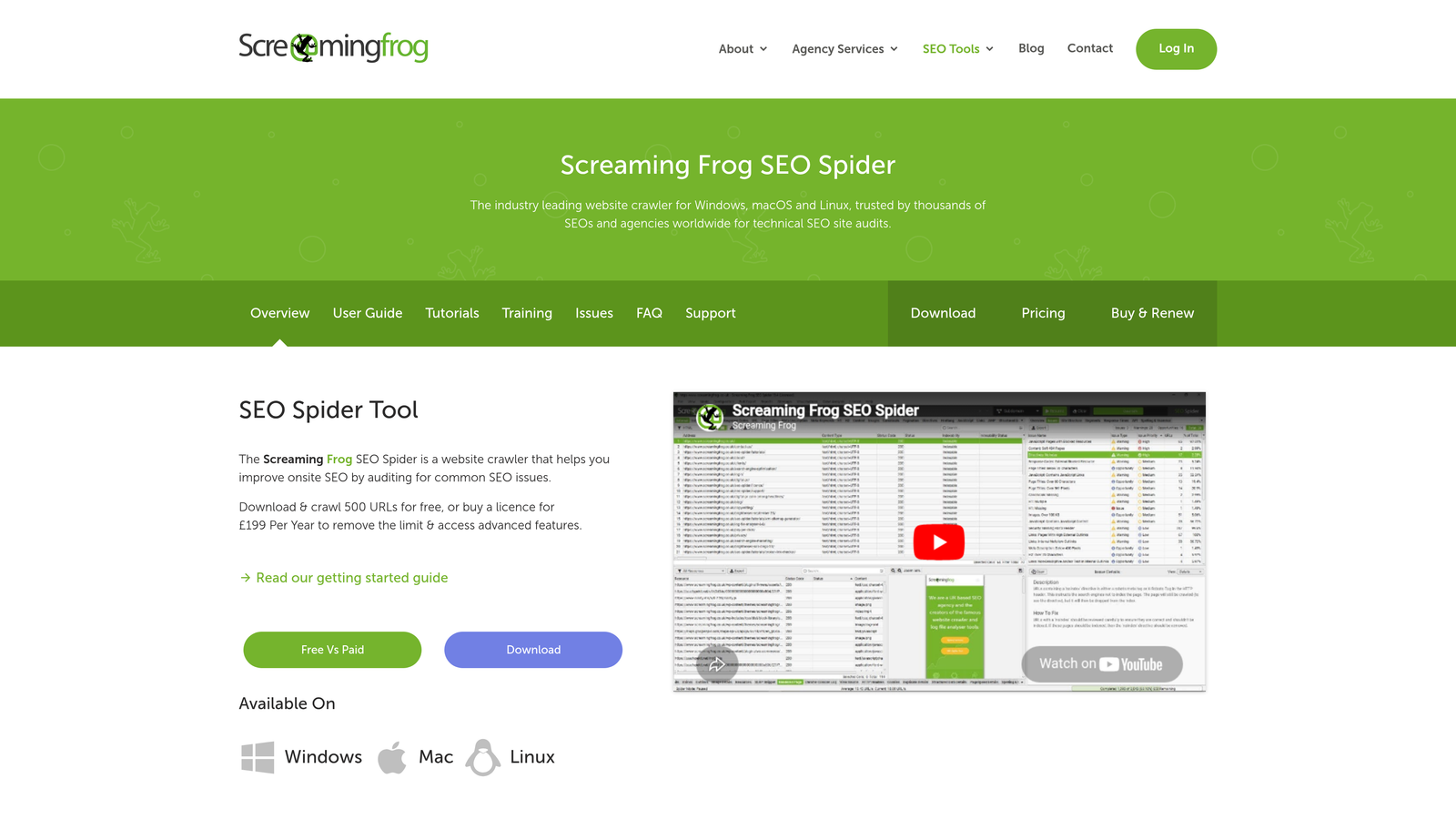
Screaming Frog SEO Spider is a desktop crawler that simulates search engine behavior to audit your site's technical health.
Where This Tool Shines
The tool crawls your site exactly as search engines do, revealing issues that prevent indexing: blocked URLs, redirect chains, broken links, and meta robots conflicts. The Search Console integration shows which URLs are actually indexed versus which ones your site allows.
Bulk export capabilities let you generate lists of indexing issues for developer handoff. You can filter by specific problems—say, all URLs with noindex tags or canonicals pointing to non-existent pages—and fix them systematically.
Key Features
Crawl Simulation: Mirrors search engine behavior to identify technical barriers to indexing.
Index Status Checking: Integrates with Google Search Console to compare crawlable URLs against actual index status.
Robots.txt Analysis: Identifies URLs accidentally blocked by robots.txt or meta robots tags.
Bulk Issue Export: Generate spreadsheets of indexing problems for systematic resolution.
Best For
Technical SEO professionals and developers who need detailed diagnostics on indexability issues. Particularly useful during site migrations or when troubleshooting sudden indexing drops.
Pricing
Free version crawls up to 500 URLs; full version costs £199/year with unlimited crawling.
9. Sitebulb
Best for: Visual learners needing clear, prioritized recommendations for fixing indexability problems
Sitebulb is a desktop crawler that presents technical SEO data through visual interfaces and prioritized action lists.
Where This Tool Shines
The visual crawl maps make complex site architecture instantly understandable, color-coding URLs by index status so you can see at a glance which sections have indexing problems. This visual approach helps non-technical stakeholders understand technical issues.
Prioritized hints rank issues by impact, so you tackle the most critical indexing barriers first rather than getting lost in minor technical details. The JavaScript rendering capability ensures you're seeing what search engines actually see on modern single-page applications.
Key Features
Visual Crawl Maps: Interactive diagrams show site structure with color-coded index status for each URL.
Prioritized Hints: Ranked recommendations focus attention on high-impact indexing issues first.
JavaScript Rendering: Crawls SPAs and JavaScript-heavy sites as search engines actually see them.
Comparison Crawls: Track changes between crawls to verify that indexing fixes worked as intended.
Best For
Agencies and consultants who need to communicate technical SEO issues to clients clearly, or in-house teams where visual explanations help bridge technical and non-technical stakeholders.
Pricing
Lite plan starts at $13.50/month; Pro plan with full features costs $35/month.
Making the Right Choice
Your ideal instant indexing solution depends on your content workflow, technical resources, and whether you need indexing as a standalone feature or part of a broader platform.
For content teams managing AI-optimized content alongside traditional SEO, Sight AI streamlines the entire publish-to-index pipeline with built-in automation. You create, publish, and notify search engines without switching between tools. Start tracking your AI visibility today and see exactly where your brand appears across top AI platforms while ensuring your content gets indexed immediately.
WordPress users have excellent options depending on their needs. The official IndexNow Plugin delivers lightweight instant indexing with zero configuration—install it and forget it. Rank Math provides comprehensive SEO features alongside dual-protocol support for both IndexNow and Google's Indexing API, making it ideal if you manage technical SEO in-house. Yoast Premium works best for sites already invested in the Yoast ecosystem who want to add instant indexing without changing tools.
Developers working with job postings or livestream content should implement Google's Indexing API directly. It's the fastest official path to Google's index for these content types, though it requires technical implementation and API credential management.
Enterprise teams dealing with complex indexing challenges benefit most from diagnostic tools like Oncrawl or Sitebulb. These platforms help you understand why content isn't being indexed rather than just requesting indexing. Oncrawl's log file analysis reveals actual bot behavior patterns, while Sitebulb's visual interface makes technical issues accessible to non-technical stakeholders.
The right choice ultimately depends on your technical comfort level and where indexing fits in your workflow. If you're publishing content regularly and want automation, choose a platform with built-in indexing. If you're troubleshooting indexing problems on an established site, diagnostic crawlers provide the insights you need to fix root causes.