Launching a new website is exciting—until you realize Google hasn't discovered it yet. New sites face a frustrating reality: without domain authority or backlinks, search engines can take weeks or even months to crawl and index your pages.
Every day your content sits unindexed is a day of lost organic traffic.
The good news? Modern indexing tools can dramatically accelerate this process, pushing your pages to search engines and getting you discovered faster. We've evaluated the top indexing solutions specifically for new websites, considering factors like IndexNow support, ease of setup, automation capabilities, and value for sites without established authority.
Here are the top tools to get your new website indexed quickly.
1. Sight AI
Best for: New websites needing end-to-end automation from content creation to indexing and AI visibility tracking
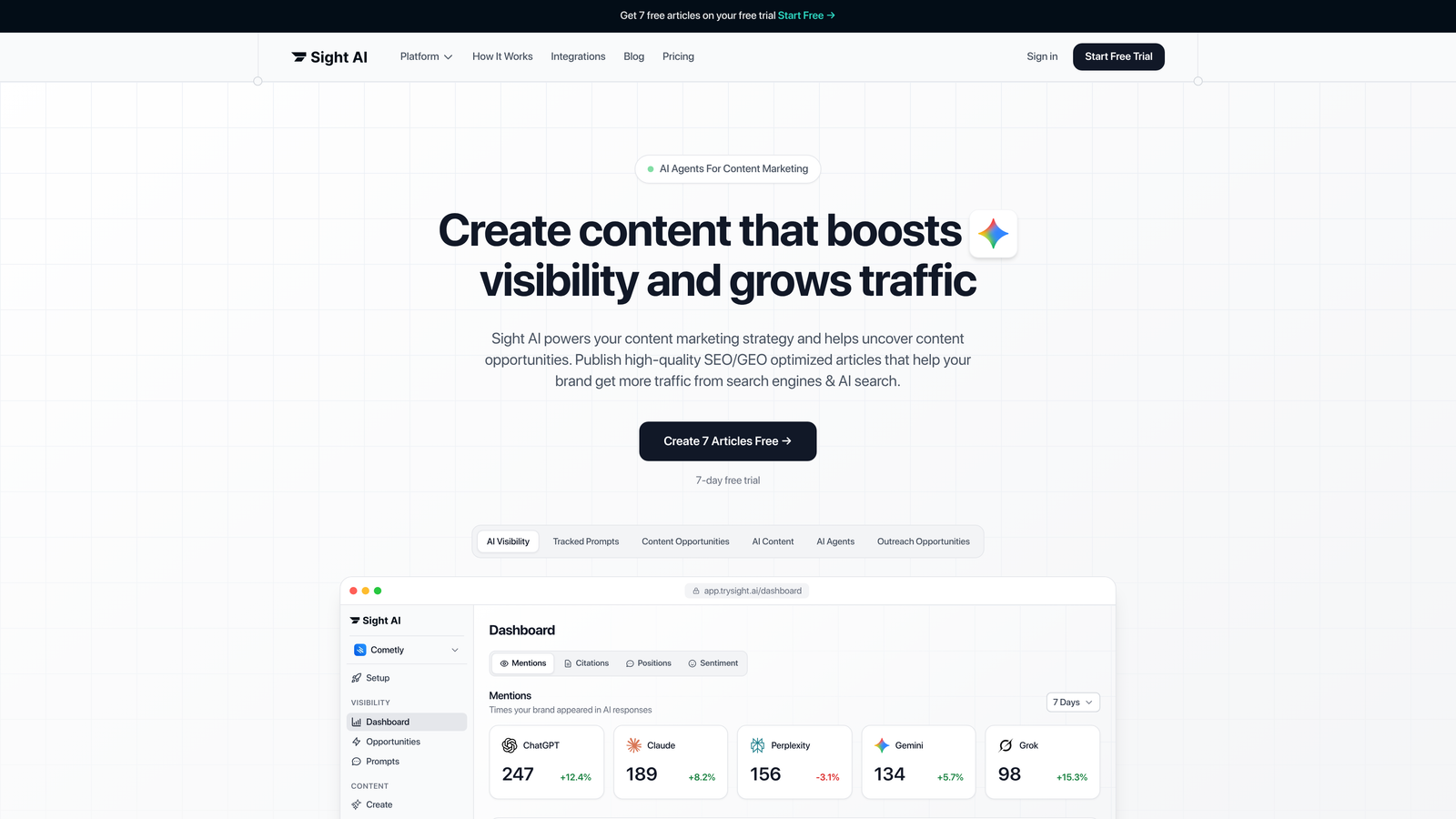
Sight AI is an all-in-one platform that combines AI content generation, automated website indexing, and AI visibility tracking specifically designed for new websites building organic presence from scratch.
Where This Tool Shines
Unlike standalone indexing tools, Sight AI addresses the entire content-to-discovery workflow. You're not just pushing URLs to search engines—you're generating SEO/GEO-optimized content, automatically publishing it, and tracking how AI models like ChatGPT and Claude mention your brand.
For new websites, this integrated approach eliminates the need to juggle multiple tools. The platform's IndexNow integration ensures your fresh content gets submitted to search engines immediately upon publication, while the AI visibility tracking helps you understand how your brand appears in AI-generated responses.
Key Features
IndexNow Integration: Automated search engine notifications with sitemap updates whenever new content is published.
CMS Auto-Publishing: Direct publishing to WordPress and other platforms, streamlining your content workflow.
AI Content Writer: 13+ specialized AI agents generate SEO/GEO-optimized articles including listicles, guides, and explainers.
AI Visibility Tracking: Monitor how ChatGPT, Claude, Perplexity, and other AI platforms mention your brand across different prompts.
Autopilot Mode: Set content generation and publishing schedules for hands-off operation.
Best For
New websites that need to build content libraries quickly while ensuring fast indexing and tracking their emerging presence across both traditional search and AI platforms. Particularly valuable for marketers and founders who want automation without managing multiple separate tools.
Pricing
Visit the pricing page for current plans tailored to different content volume needs.
2. IndexNow API
Best for: Technical teams wanting direct control over search engine notifications without third-party dependencies
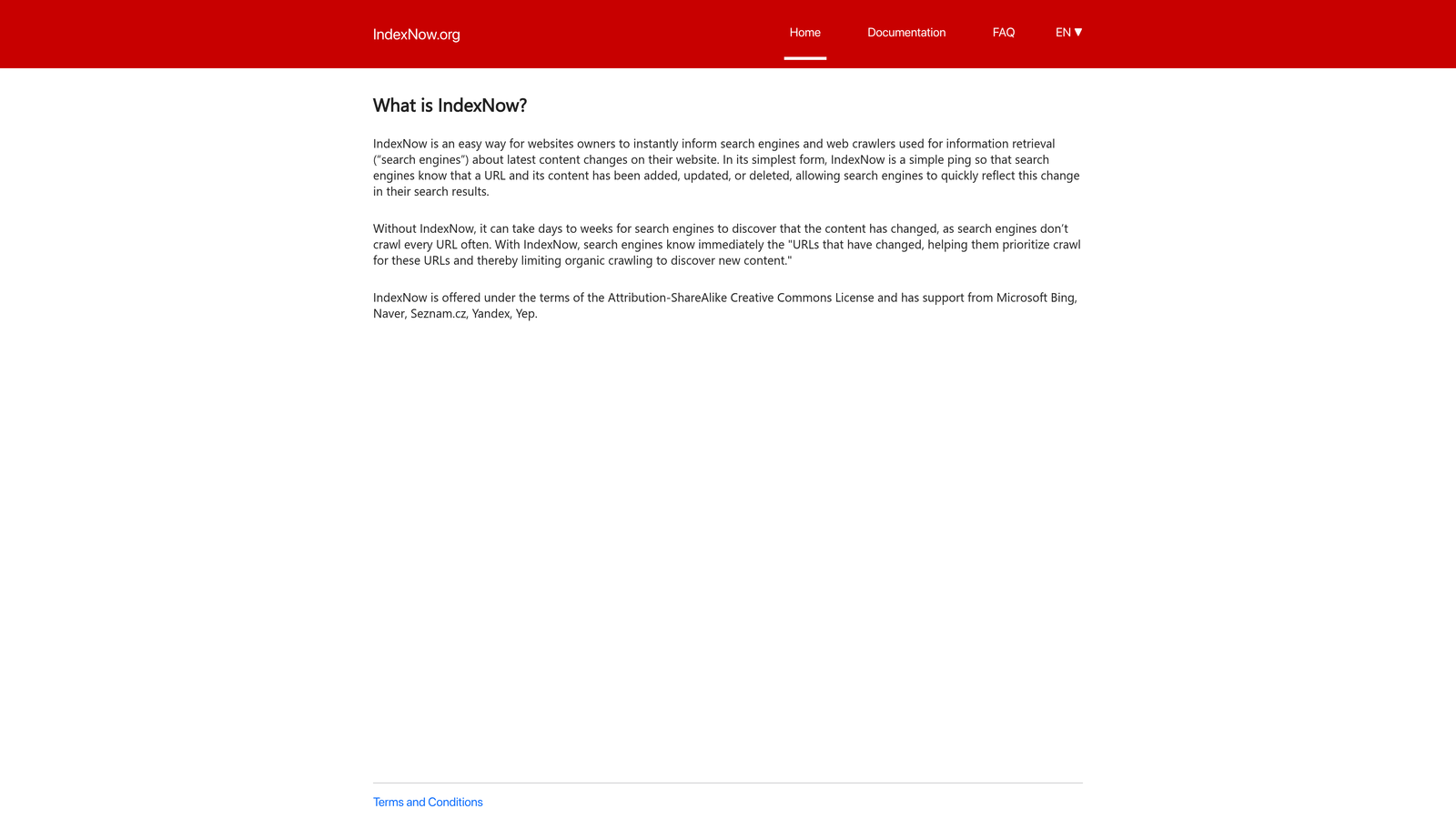
IndexNow API is an open protocol that allows websites to instantly notify search engines about content changes, supported by Bing, Yandex, Seznam, and Naver.
Where This Tool Shines
IndexNow bypasses traditional crawling entirely. Instead of waiting for search engine bots to discover your new pages, you proactively notify them the moment content goes live. For new websites without backlinks or domain authority, this is transformative—you're not competing for crawl budget.
The protocol is completely free and gives you full control over submission logic. You can integrate it into your publishing workflow, trigger submissions from your CMS, or batch-submit URLs programmatically.
Key Features
Direct Search Engine Communication: Push notifications directly to Bing, Yandex, and other supporting engines.
Free and Open Protocol: No licensing fees, API limits, or subscription costs.
Multi-Engine Support: Single submission notifies all participating search engines simultaneously.
Simple Implementation: Requires only a key file hosted on your domain and HTTP POST requests.
Full Control: Build custom submission logic based on your content strategy and publishing schedule.
Best For
Developers and technical teams comfortable implementing API integrations. Ideal for custom CMS platforms, headless setups, or unique publishing workflows where plugin solutions don't fit.
Pricing
Completely free with no usage limits or restrictions.
3. Google Search Console
Best for: Monitoring Google indexing status and requesting manual URL indexing for priority pages
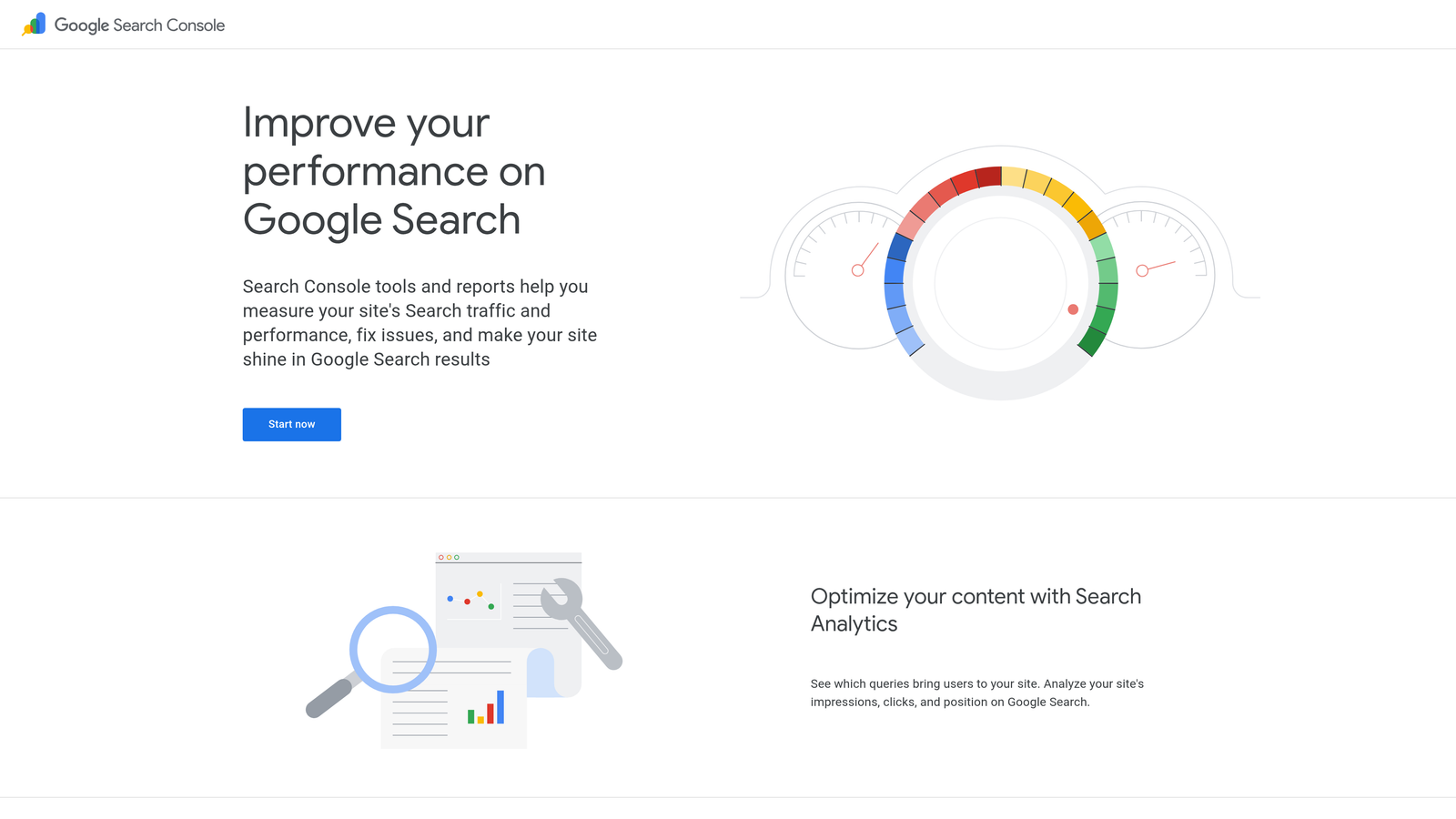
Google Search Console is Google's official webmaster tool for monitoring indexing status, requesting URL indexing, and identifying crawl issues that may prevent discovery.
Where This Tool Shines
Search Console is non-negotiable for new websites. It's your direct line to Google, showing exactly which pages are indexed, which are blocked, and why. The URL Inspection Tool lets you request indexing for specific pages—critical when you've just published high-priority content.
The Index Coverage report reveals issues preventing indexing: blocked by robots.txt, noindex tags, canonical conflicts, or server errors. For new sites, identifying these problems early prevents weeks of invisible content.
Key Features
URL Inspection and Indexing Requests: Check indexing status for specific URLs and request priority crawling.
Sitemap Submission: Submit XML sitemaps to help Google discover your site structure.
Index Coverage Reports: Detailed breakdown of indexed, excluded, and error pages.
Core Web Vitals Monitoring: Track page experience metrics that influence rankings.
Manual Action Notifications: Alerts if Google applies penalties or identifies spam issues.
Best For
Every website targeting Google search traffic. This is baseline infrastructure—set it up on day one and check it regularly as you publish new content.
Pricing
Completely free for all website owners.
4. Bing Webmaster Tools
Best for: Fast indexing with native IndexNow support and detailed SEO insights beyond Google
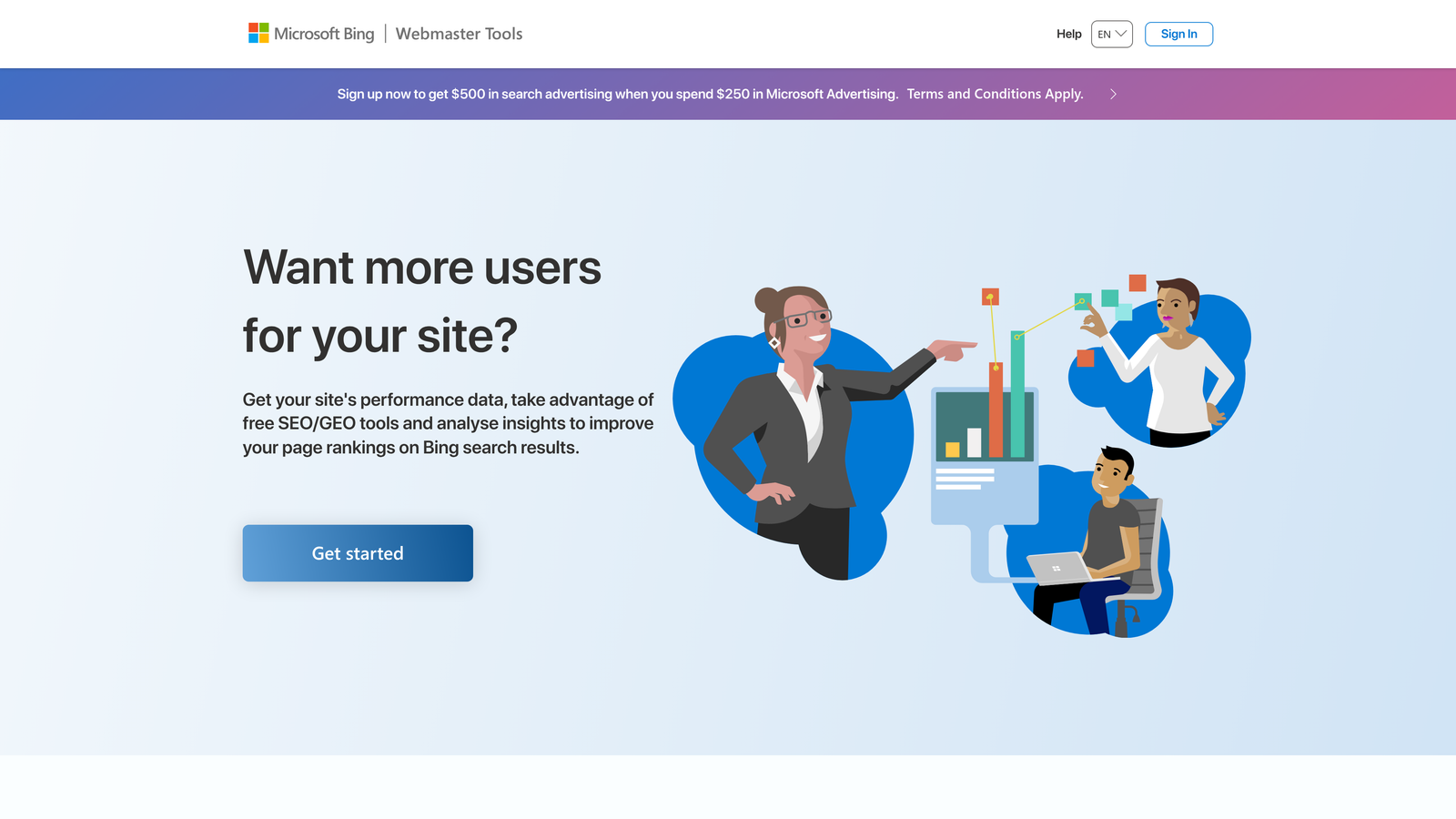
Bing Webmaster Tools is Bing's webmaster platform with native IndexNow support, often providing faster indexing for new sites than Google.
Where This Tool Shines
Bing adopted IndexNow early and built native support directly into Webmaster Tools. You can generate IndexNow keys, submit URLs instantly, and track submission results—all from the dashboard. Many new websites report faster initial indexing with Bing than Google.
Beyond indexing, Bing Webmaster Tools provides SEO recommendations, backlink analysis, and keyword research data. For new sites, this competitive intelligence helps identify content opportunities before you've built significant authority.
Key Features
Native IndexNow Key Generation: Create and manage IndexNow keys directly in the dashboard.
URL Submission API: Programmatic submission for automated workflows.
SEO Reports and Recommendations: Actionable insights for improving site health and rankings.
Backlink Data: See which sites are linking to yours, valuable for tracking early link acquisition.
Crawl Control: Set crawl rate preferences and identify crawl errors.
Best For
New websites serious about capturing traffic from Bing and other IndexNow-supporting search engines. Also valuable for the SEO insights and backlink tracking even if Bing isn't your primary focus.
Pricing
Completely free for all website owners.
5. Rank Math SEO
Best for: WordPress sites needing one-click IndexNow integration with comprehensive on-page SEO tools
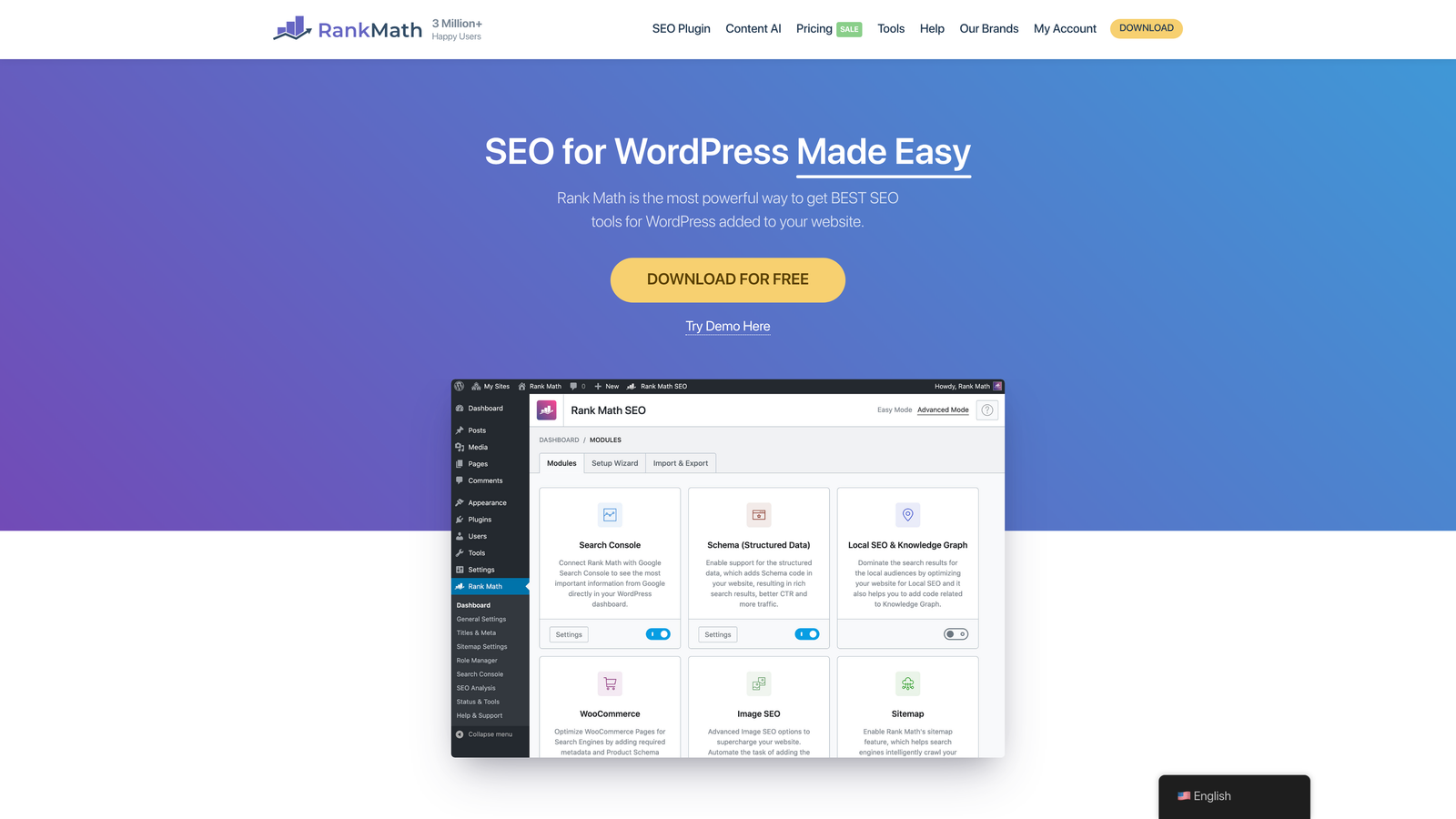
Rank Math SEO is a WordPress SEO plugin with built-in IndexNow integration, enabling automatic search engine pings when content is published or updated.
Where This Tool Shines
Rank Math makes IndexNow implementation effortless for WordPress users. Enable it once in settings, and every time you publish or update content, Rank Math automatically notifies search engines. No API coding, no manual submissions—just publish and go.
The plugin bundles IndexNow with full-featured SEO tools: schema markup, XML sitemaps, redirect management, and content analysis. For new WordPress sites, this consolidates multiple needs into a single interface.
Key Features
One-Click IndexNow Setup: Enable automatic search engine notifications with a single toggle.
Automatic Ping on Publish: Every new or updated post triggers IndexNow submissions without manual intervention.
XML Sitemap Generation: Automatically creates and updates sitemaps as you add content.
Schema Markup Support: Add structured data to help search engines understand your content.
Content Analysis: Real-time SEO suggestions as you write posts.
Best For
WordPress users who want IndexNow automation combined with robust on-page SEO tools. The free version includes IndexNow, making it accessible for new sites on tight budgets.
Pricing
Free version includes IndexNow; Pro starts at $6.99/month for advanced features like redirects and local SEO.
6. Yoast SEO Premium
Best for: Established WordPress sites already using Yoast who want to add IndexNow to their existing workflow
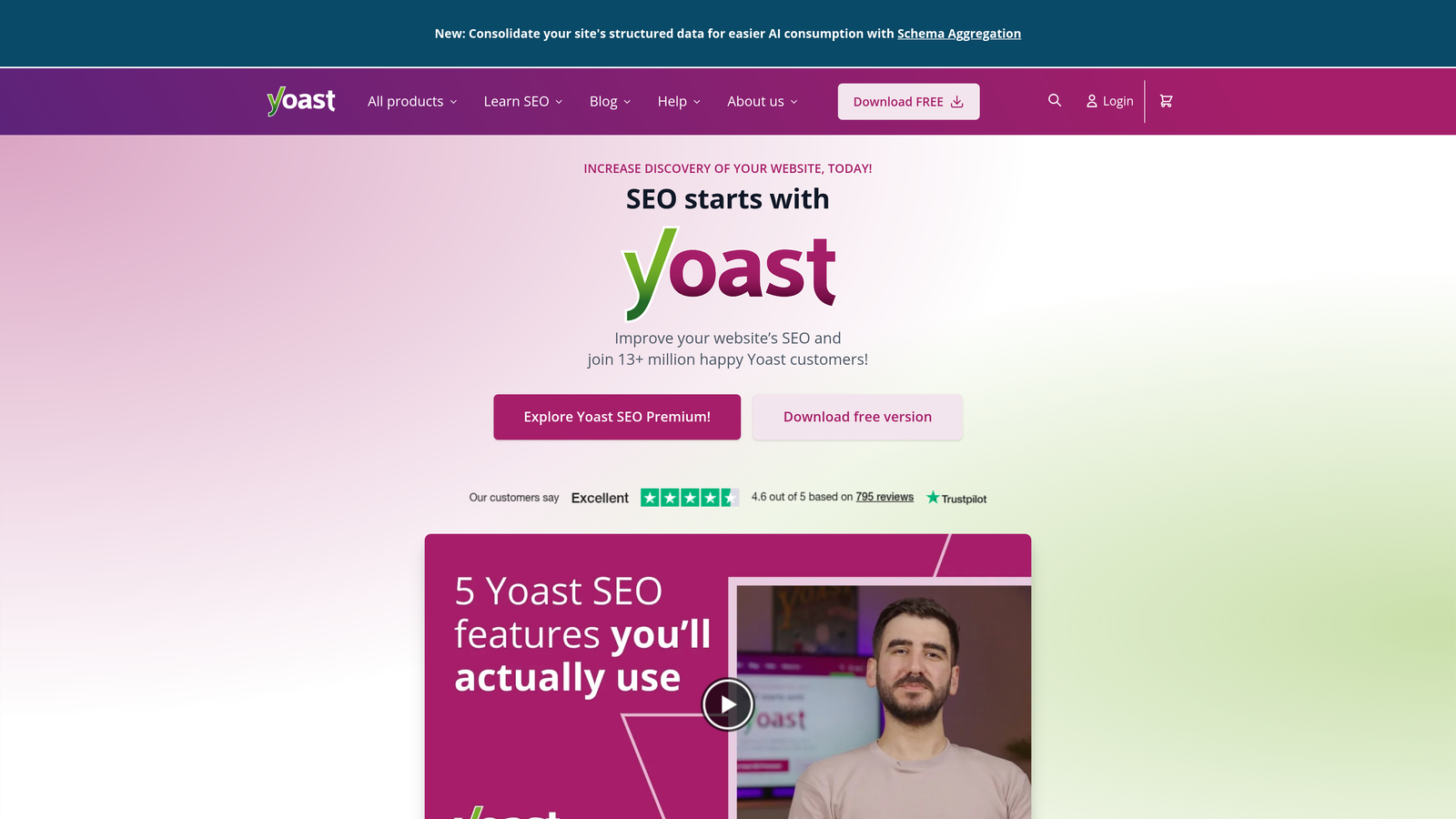
Yoast SEO Premium is the premium version of the popular WordPress SEO plugin, offering IndexNow integration alongside comprehensive on-page SEO tools and content optimization.
Where This Tool Shines
Yoast is one of the most widely adopted WordPress SEO plugins, and the Premium version now includes IndexNow integration. If you're already using Yoast Free, upgrading gives you automatic indexing notifications plus advanced features like redirect management and internal linking suggestions.
The plugin's content analysis provides real-time feedback on readability and SEO, helping new sites publish optimized content from day one. Combined with IndexNow, you're ensuring that well-optimized content gets discovered quickly.
Key Features
IndexNow Integration: Available in Premium, automatically notifies search engines when content changes.
Automatic Sitemap Updates: XML sitemaps regenerate as you publish, keeping search engines informed.
Redirect Manager: Handle URL changes without losing SEO value or creating broken links.
Internal Linking Suggestions: Get recommendations for linking related content as you write.
Content Analysis: Real-time SEO and readability feedback during content creation.
Best For
WordPress sites already invested in the Yoast ecosystem who want to add IndexNow without switching plugins. Best suited for sites that value the complete feature set beyond just indexing.
Pricing
Free version available without IndexNow; Premium at $99/year for a single site.
7. Screaming Frog SEO Spider
Best for: Auditing technical SEO issues that prevent proper indexing before they become problems
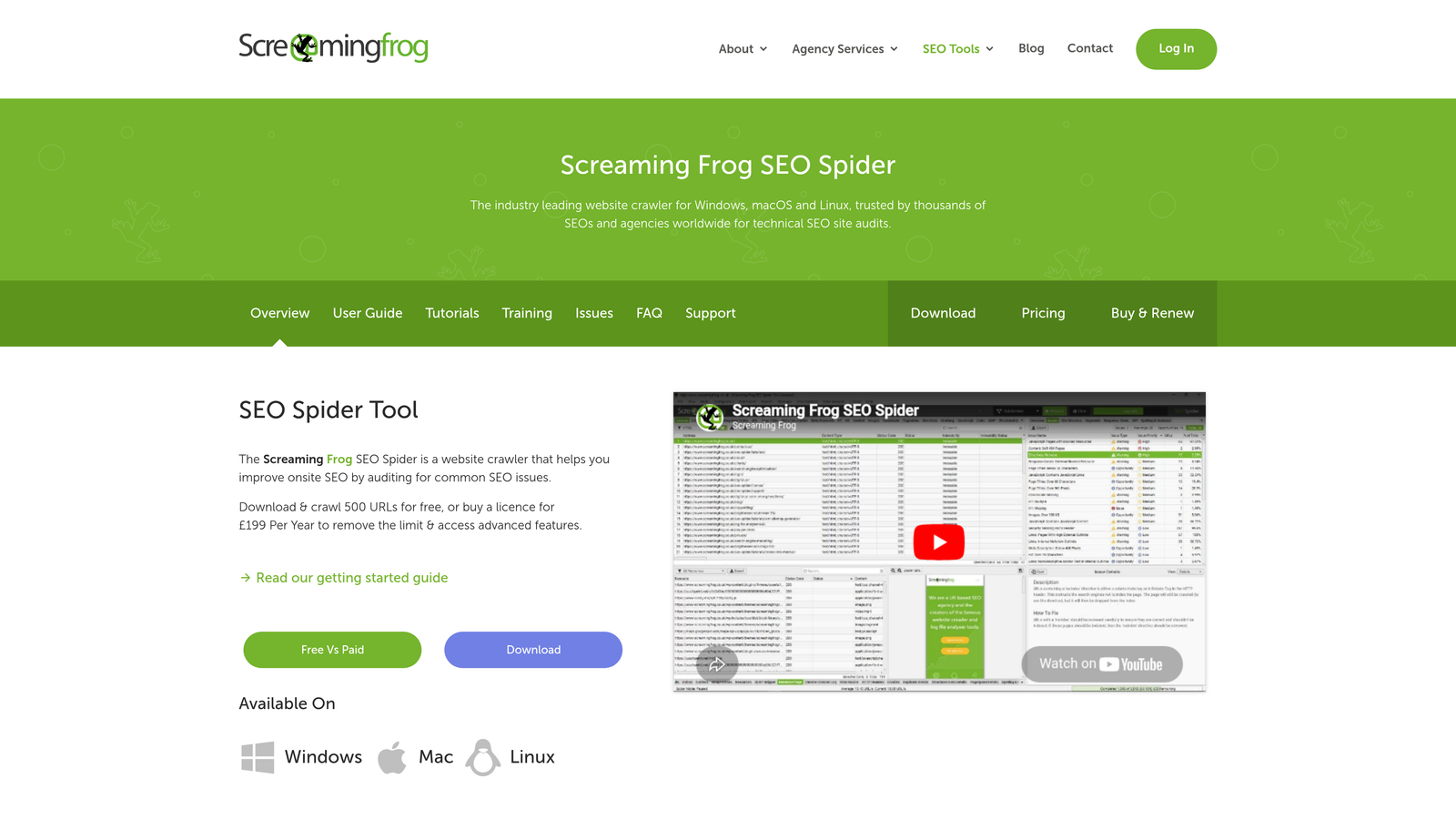
Screaming Frog SEO Spider is a desktop crawler that audits websites for technical SEO issues, identifying problems that may prevent search engines from indexing your content.
Where This Tool Shines
Screaming Frog doesn't submit URLs to search engines—it identifies why they might not be getting indexed in the first place. The crawler simulates how search engine bots see your site, revealing broken links, redirect chains, duplicate content, and indexing directives that block discovery.
For new websites, running an audit before launch catches configuration mistakes: accidentally blocking pages with robots.txt, missing canonical tags, or orphaned content with no internal links. Fixing these issues ensures your indexing efforts aren't wasted on unfindable pages.
Key Features
Crawl Analysis for Indexing Blockers: Identifies noindex tags, robots.txt blocks, and meta directives preventing indexing.
Robots.txt and Canonical Tag Audits: Ensures these critical elements are configured correctly.
Broken Link Detection: Finds 404 errors and redirect issues that harm crawlability.
XML Sitemap Generation: Creates sitemaps based on crawl results for accurate search engine submission.
Duplicate Content Identification: Flags pages competing for the same keywords or lacking unique content.
Best For
Technical SEOs and developers who want to ensure site infrastructure supports indexing. Run audits before launch and periodically as you add content to catch issues early.
Pricing
Free for sites up to 500 URLs; paid license at £199/year for unlimited crawling.
8. Cloudflare Crawler Hints
Best for: Sites using Cloudflare CDN who want zero-configuration IndexNow submissions
Cloudflare Crawler Hints automatically submits IndexNow notifications for sites using Cloudflare CDN, requiring no additional configuration or setup.
Where This Tool Shines
If your site already uses Cloudflare for DNS or CDN services, Crawler Hints works automatically. Cloudflare detects when your content changes at the edge and submits IndexNow notifications on your behalf—no plugins, no API keys, no manual setup.
This is particularly valuable for new sites using static site generators, headless CMS platforms, or custom frameworks where plugin-based solutions don't apply. You get IndexNow benefits without writing a single line of code.
Key Features
Automatic IndexNow at the Edge: Cloudflare detects content changes and submits notifications automatically.
No Configuration Required: Works immediately for sites using Cloudflare with no setup steps.
Works with Existing Cloudflare Setup: Integrates seamlessly with your current CDN configuration.
Supports All Site Types: Functions with WordPress, static sites, headless CMS, and custom platforms.
No Performance Impact: Runs at Cloudflare's edge without affecting your origin server.
Best For
Sites already using Cloudflare who want IndexNow benefits without additional tools. Especially useful for non-WordPress sites where plugin options don't exist.
Pricing
Included with all Cloudflare plans; free tier available for basic CDN and DNS services.
9. Ahrefs Webmaster Tools
Best for: Monitoring indexing status and identifying technical issues through comprehensive site audits
Ahrefs Webmaster Tools is a free site audit tool that monitors indexing status, identifies technical issues preventing indexing, and tracks backlink growth for verified site owners.
Where This Tool Shines
Ahrefs Webmaster Tools provides enterprise-grade site auditing completely free for your own websites. The crawler identifies over 100 technical SEO issues, many of which directly impact indexing: slow page speed, broken internal links, duplicate content, and missing structured data.
For new websites, the backlink monitoring feature is particularly valuable. You can track your earliest link acquisitions—critical signals that help search engines discover and trust your site. The organic traffic tracking shows which pages are gaining visibility as indexing takes effect.
Key Features
Site Audit for Indexing Issues: Comprehensive crawl identifying technical problems that prevent proper indexing.
Index Status Monitoring: Track which pages are indexed and identify indexing errors.
Backlink Analysis: Monitor incoming links that help search engines discover your new site.
Organic Traffic Tracking: See which pages are gaining search visibility as they get indexed.
SERP Position Tracking: Monitor keyword rankings for your indexed pages.
Best For
New websites that want professional-grade site auditing without enterprise pricing. Particularly useful for identifying technical barriers to indexing that simpler tools might miss.
Pricing
Completely free for verified site owners with no feature limitations on your own domains.
Selecting the Right Indexing Tool for Your New Site
The fastest path to getting your new website discovered depends on your technical setup and workflow preferences.
For all-in-one automation from content creation to indexing and AI visibility tracking, Sight AI streamlines the entire workflow. You're not just pushing URLs to search engines—you're generating optimized content, publishing automatically, and tracking how AI platforms mention your brand. This integrated approach eliminates tool sprawl for new sites building organic presence from scratch.
WordPress users should start with Rank Math or Yoast Premium for built-in IndexNow. These plugins make automatic search engine notifications effortless—just enable the feature and every publish triggers submissions. Combined with their SEO tools, you're optimizing content and ensuring discovery in a single interface.
Technical teams comfortable with APIs can implement IndexNow directly for maximum control. The protocol is free, well-documented, and gives you complete flexibility over submission logic. Pair it with custom publishing workflows or headless CMS setups where plugin solutions don't fit.
Everyone should set up Google Search Console and Bing Webmaster Tools as baseline monitoring. These free platforms show exactly what's indexed, what's blocked, and why. Use them to request priority indexing for important pages and catch configuration mistakes before they cost you traffic.
Sites using Cloudflare get automatic IndexNow through Crawler Hints with zero configuration. If you're already on Cloudflare for CDN or DNS, you're getting indexing benefits without lifting a finger.
For identifying technical barriers to indexing, run periodic audits with Screaming Frog or Ahrefs Webmaster Tools. These crawlers catch issues that prevent discovery: blocked pages, broken links, duplicate content, and missing structured data. Fix these problems before they waste your indexing efforts.
For new websites, speed matters. The faster search engines discover your content, the sooner you can start building organic traffic and authority. But indexing is just one piece of the visibility puzzle. Modern discovery increasingly happens through AI platforms like ChatGPT, Claude, and Perplexity—and you need to know how these models talk about your brand.
Start tracking your AI visibility today and see exactly where your brand appears across top AI platforms. Stop guessing how AI models reference your content and get actionable insights for building presence in the next generation of search.