Every day, billions of people type a URL into a browser's address bar without a second thought. It's one of the most automatic actions in modern life, like flipping a light switch or unlocking a phone. But for marketers, founders, and agencies trying to grow organic traffic, that simple string of characters carries enormous strategic weight.
The structure of a URL determines whether your page gets crawled efficiently, whether users click through from search results, and increasingly, whether AI models like ChatGPT, Claude, or Perplexity cite your content when answering questions. A messy URL isn't just an aesthetic problem. It's a technical liability that compounds over time, quietly eroding your search visibility and your chances of being surfaced in AI-generated responses.
This article breaks down everything you need to know about URLs: how they're structured, how browsers and search engines process them, what mistakes are silently hurting your rankings, and how clean URL architecture connects to the emerging discipline of AI search optimization. Whether you're auditing an existing site or building a new content strategy from scratch, understanding URLs at this level gives a foundational edge.
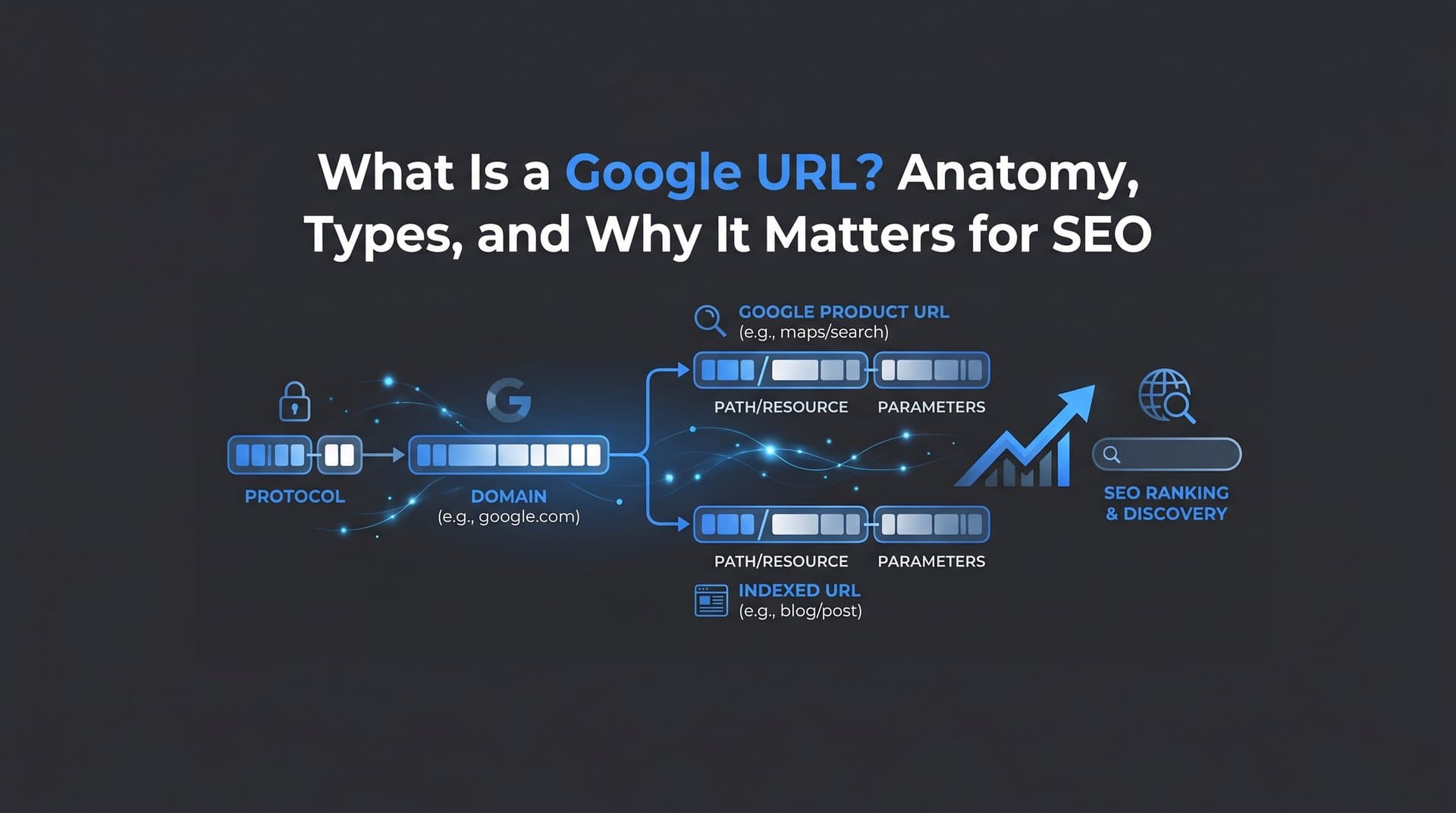
Anatomy of a URL: Breaking Down Every Component
A URL, short for Uniform Resource Locator, is a standardized address format defined by RFC 3986 from the Internet Engineering Task Force. It's the web's universal addressing system, and every part of it carries meaning for both browsers and search engines.
Take a typical URL like https://www.example.com/blog/seo-tips?category=technical#section2. That string is actually composed of several distinct components, each playing a specific role.
Protocol (Scheme): The https:// at the start tells the browser which communication protocol to use. HTTPS (Hypertext Transfer Protocol Secure) encrypts data between the browser and the server. Google has confirmed HTTPS as a ranking signal, meaning sites without it face a trust disadvantage in search results. HTTP without the "S" is increasingly flagged by browsers as "not secure," which also erodes user confidence and click-through rates.
Subdomain: The www before the main domain name is a subdomain. While www is conventional, subdomains like blog.example.com or shop.example.com can segment a site into distinct sections. Search engines can treat subdomains as separate entities, which has implications for how link authority flows across your site.
Domain Name and TLD: The example.com portion combines the registered domain name with a top-level domain (TLD) like .com, .org, or .io. This is the human-readable identity of a website, mapped to a specific IP address through the DNS system.
Path: Everything after the domain, like /blog/seo-tips, describes the location of a specific resource on the server. This is where your URL slug lives, and it's one of the most SEO-sensitive parts of the entire address. Understanding how search engine indexing works helps explain why the path matters so much for discoverability.
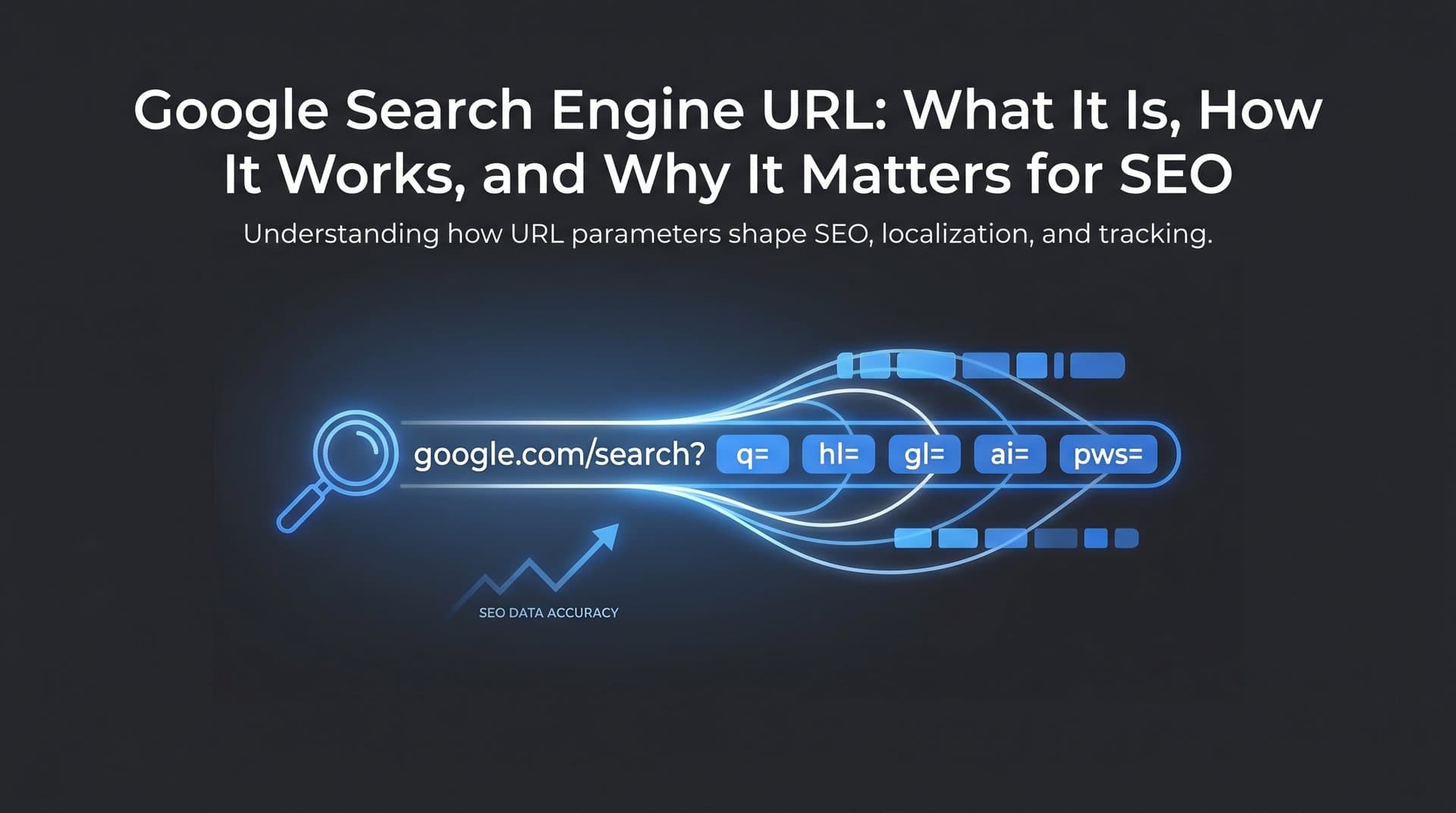
Query Parameters: The ?category=technical portion passes additional data to the server, often used for filtering, sorting, or tracking. These can create significant SEO complications when not managed carefully.
Fragment Identifier: The #section2 at the end points to a specific section within a page. Fragments are processed entirely by the browser and are not sent to the server, meaning search engines generally do not index them as separate pages.
One distinction worth clarifying: when you type a URL directly into the address bar, the browser attempts to navigate to that exact resource. When you type a search query, the browser routes that text to your default search engine instead. Modern browsers make this seamless, but the underlying behavior is completely different. Understanding this matters when thinking about how users discover your content versus how they navigate directly to it.
From Address Bar to Web Page: The Technical Journey Behind Every Request
When someone types a URL and hits enter, what happens next is a remarkably fast sequence of technical steps, and each one has implications for your site's performance and crawlability.
First, the browser checks its local cache to see if it already has a recent copy of the resource. If not, it initiates a DNS (Domain Name System) lookup to translate the human-readable domain name into a numeric IP address. Think of DNS like a phone book: you know the name, and the DNS system tells you the number. This lookup typically takes milliseconds, but slow DNS resolution can add noticeable latency.
Once the browser has the IP address, it sends an HTTP or HTTPS request to the web server hosting that address. The server then responds with a status code that tells the browser what happened.
200 OK: The request succeeded and the content is being delivered. This is the ideal response for every page you want indexed.
301 Moved Permanently: The resource has permanently moved to a new URL. Search engines follow this redirect and transfer most of the original page's authority to the new destination.
404 Not Found: The server can't find the requested resource. From an SEO perspective, frequent 404 errors signal poor site maintenance and waste crawl budget.
This brings up a concept that's easy to overlook: crawl budget optimization. Search engines don't have unlimited capacity to crawl every page on your site on every visit. They allocate a finite number of requests per crawl cycle. When crawlers encounter chains of redirects, broken URLs, or large volumes of duplicate parameter-based URLs, they burn through that budget without indexing the content that actually matters.
Canonical tags play a related role here. If the same content is accessible at multiple URLs, a canonical tag tells search engines which version is the "official" one to index. Without canonical tags, you risk splitting your page's authority across multiple versions and confusing crawlers about which URL to rank.
Server configuration also matters. Misconfigured servers can serve the same content over both HTTP and HTTPS, or both www and non-www versions, creating duplicate content issues that silently dilute your search visibility. Addressing these at the server or CMS level, rather than relying on workarounds, is always the cleaner solution.
URL Structure Best Practices That Boost Search Visibility
Google's Search Central documentation is explicit about URL best practices: use simple, descriptive URLs with readable words rather than long ID numbers, use hyphens to separate words, and stick with HTTPS. These aren't just stylistic suggestions. They directly affect how well search engines and AI models understand your content.
Here's what SEO-friendly URL structure looks like in practice.
Keep paths short and descriptive: A URL like /blog/seo-url-best-practices is immediately understandable to both humans and crawlers. A URL like /p?id=4829&ref=home&session=abc123 tells nobody anything useful about the content. Short, descriptive paths also perform better in search result snippets, where users scan URLs to judge relevance before clicking.
Use hyphens, not underscores: Google treats hyphens as word separators. Underscores are not treated the same way, meaning seo_tips may be read as a single token rather than two separate words. This is a small but documented difference that can affect keyword matching in URLs.
Maintain lowercase consistency: URLs are case-sensitive on most servers. /Blog/SEO-Tips and /blog/seo-tips can resolve as different pages, creating duplicate content issues. Standardizing on lowercase across all URLs eliminates this risk entirely.
Avoid dynamic parameter strings where possible: Query parameters like ?sort=price&filter=color&page=3 can generate enormous numbers of URL variations that all point to nearly identical content. Google advises against this specifically because it creates unnecessarily high numbers of indexable URLs that dilute crawl efficiency. Where parameters are necessary, use Google Search Console's URL parameter handling tools or robots.txt configurations to guide crawler behavior.
Reflect site hierarchy in the path: A URL like /resources/guides/technical-seo signals a clear content hierarchy. This helps both search engines understand topic relationships and users navigate your site intuitively. It also reinforces topical authority by grouping related content under logical parent categories.
The connection between URL slugs and click-through rates is also worth noting. When a URL appears in a SERP snippet or an AI-generated citation, it functions as a secondary signal of relevance. A URL that matches the user's query intent reinforces their confidence that the page will answer their question. That confidence translates directly into clicks.
Common URL Mistakes That Hurt Indexing and Rankings
Even well-intentioned sites accumulate URL problems over time. Some are introduced during migrations or redesigns. Others develop gradually as content management systems generate URLs automatically without consistent rules. The result is a collection of technical issues that quietly undermine your organic performance.
www vs. non-www and HTTP vs. HTTPS inconsistencies: If your site serves content on both http://example.com and https://www.example.com, search engines may treat these as separate sites with duplicate content. The fix is straightforward: choose one canonical version and redirect all other variations to it permanently with a 301 redirect. This consolidates your authority and eliminates ambiguity for crawlers.
Trailing slash inconsistencies: /blog/seo-tips/ and /blog/seo-tips can be treated as different URLs by some servers. Like the www issue, the solution is to pick one convention and enforce it consistently across all URLs and internal links.
Broken URLs and orphan pages: Broken URLs return 404 errors and waste crawl budget. Orphan pages, those with no internal links pointing to them, are effectively invisible to search engines even if they technically exist. Regular crawl audits surface both problems before they compound into larger ranking issues. Running a website crawl test on a regular schedule is one of the most effective ways to catch these issues early.
Excessive URL parameters: As mentioned earlier, parameter-heavy URLs can inflate your indexable URL count dramatically without adding real content value. This is particularly common on e-commerce category pages with faceted navigation. Crawlers can end up processing thousands of near-identical pages, leaving less capacity for your genuinely unique content.
Outdated URL structures after migrations: Site migrations are a common source of URL damage. If old URLs aren't properly redirected to new ones, you lose accumulated authority and break inbound links. A comprehensive redirect map, created before migration and validated after, is non-negotiable.
Auditing your URL health doesn't require advanced technical skills. Crawl tools can systematically map every URL on your site, flag broken links, identify redirect chains, and surface duplicate content issues. Pairing a crawl audit with your indexing data in Google Search Console gives you a clear picture of which URLs are being indexed, which are being ignored, and why. If you're finding that pages aren't appearing in search results, our guide on Google not indexing your site walks through the most common causes and fixes.
URLs in the Age of AI Search: Why Structure Matters More Than Ever
The way people find information is changing. AI-powered search tools like Perplexity, ChatGPT with web browsing, and Claude increasingly answer questions directly, pulling from web sources and citing them inline. This shift introduces a new dimension to URL strategy that many marketers haven't fully accounted for yet.
When AI models cite sources, they surface URLs alongside their answers. Perplexity, for example, explicitly displays source URLs as part of its responses. A clean, descriptive URL like /guides/technical-seo-checklist is more likely to be recognized as a relevant, credible source than a cryptic parameter string. The URL itself functions as a content signal, reinforcing what the page is about before any content is even parsed.
This is where GEO, or Generative Engine Optimization, enters the picture. GEO is the emerging discipline of optimizing content so it gets surfaced and cited by AI-powered search tools, not just traditional search engines. URL structure is one component of a broader GEO strategy that also includes schema markup, clear content organization, authoritative sourcing, and topical depth. Learning how to optimize content for SEO and AI visibility simultaneously is becoming essential for modern marketers.
Schema markup deserves specific mention here. Structured data helps AI models understand the context and type of content on a page, from articles and FAQs to products and events. Combined with a clean URL that reinforces the topic, schema markup increases the likelihood that your content is accurately interpreted and cited by AI systems.
There's also a growing need to monitor how AI platforms actually reference your brand and content. Knowing whether your URLs are being cited, how your brand is described in AI responses, and which content gaps AI models are filling with competitor sources is actionable intelligence. This is the foundation of AI visibility tracking, a capability that's becoming as important as traditional keyword ranking tracking for brands serious about organic growth.
Tools like Sight AI are built specifically for this: tracking how AI models mention your brand across platforms like ChatGPT, Claude, and Perplexity, identifying content opportunities, and connecting that intelligence to your content and indexing workflows.
Putting It All Together: Turning URL Hygiene Into a Growth Lever
Typing a URL is the simplest action on the web. But the structure behind that URL determines whether your content gets crawled efficiently, ranked appropriately, clicked confidently, and cited by AI models answering questions in your space.
The key takeaways from this breakdown are straightforward. Use HTTPS universally. Keep URL paths short, descriptive, and lowercase. Use hyphens as word separators. Eliminate parameter-heavy URL variations that inflate your indexable page count without adding value. Enforce consistency on www, trailing slashes, and protocol versions. Audit regularly to catch broken URLs and orphan pages before they compound.
Beyond these fundamentals, the emerging reality of AI search means URL structure is no longer just a traditional SEO concern. It's a GEO concern. Clean, descriptive URLs increase the likelihood that AI models correctly interpret and cite your content. Schema markup amplifies that signal. And tracking how your brand and URLs appear across AI platforms gives you the feedback loop needed to continuously improve your visibility.
The actionable next steps are clear: start with a crawl audit of your existing URLs, fix the inconsistencies you find, implement clean URL conventions for all new content going forward, and connect your indexing workflow to a monitoring system that tells you what's actually getting discovered and cited.
Every URL you publish is an opportunity to either accelerate or undermine your organic growth. The difference between the two often comes down to the details covered in this article.
Start tracking your AI visibility today and see exactly where your brand appears across top AI platforms. Stop guessing how AI models like ChatGPT and Claude talk about your brand. Get visibility into every mention, uncover content opportunities, and automate your path to organic traffic growth with tools built for the way search actually works in 2026.