Open any Chrome browser and you'll see a simple prompt staring back at you: "Search Google or type a URL." It seems almost too simple. One little bar, one little instruction. But this single input field, officially called the omnibox, is one of the most quietly powerful navigation tools on the modern web.
Whether you're a casual user wondering what that prompt actually means or a marketer trying to understand how people discover content online, the omnibox is worth understanding at a deeper level. It sits at the exact intersection of user intent and web infrastructure, processing billions of queries every day and routing people toward answers, products, services, and brands.
This article breaks down exactly what happens when you type into that bar, how Chrome decides whether you're searching or navigating, what unfolds behind the scenes after you hit Enter, and why all of this matters enormously for SEO, content strategy, and the emerging world of AI visibility.
The Omnibox: One Bar to Rule Them All
If you used the internet before 2008, you probably remember browsers with two separate input fields: one for typing web addresses and another for searching. They were distinct tools with distinct purposes. Then Google introduced Chrome, and with it, a deceptively simple innovation: combining both into a single bar called the omnibox.
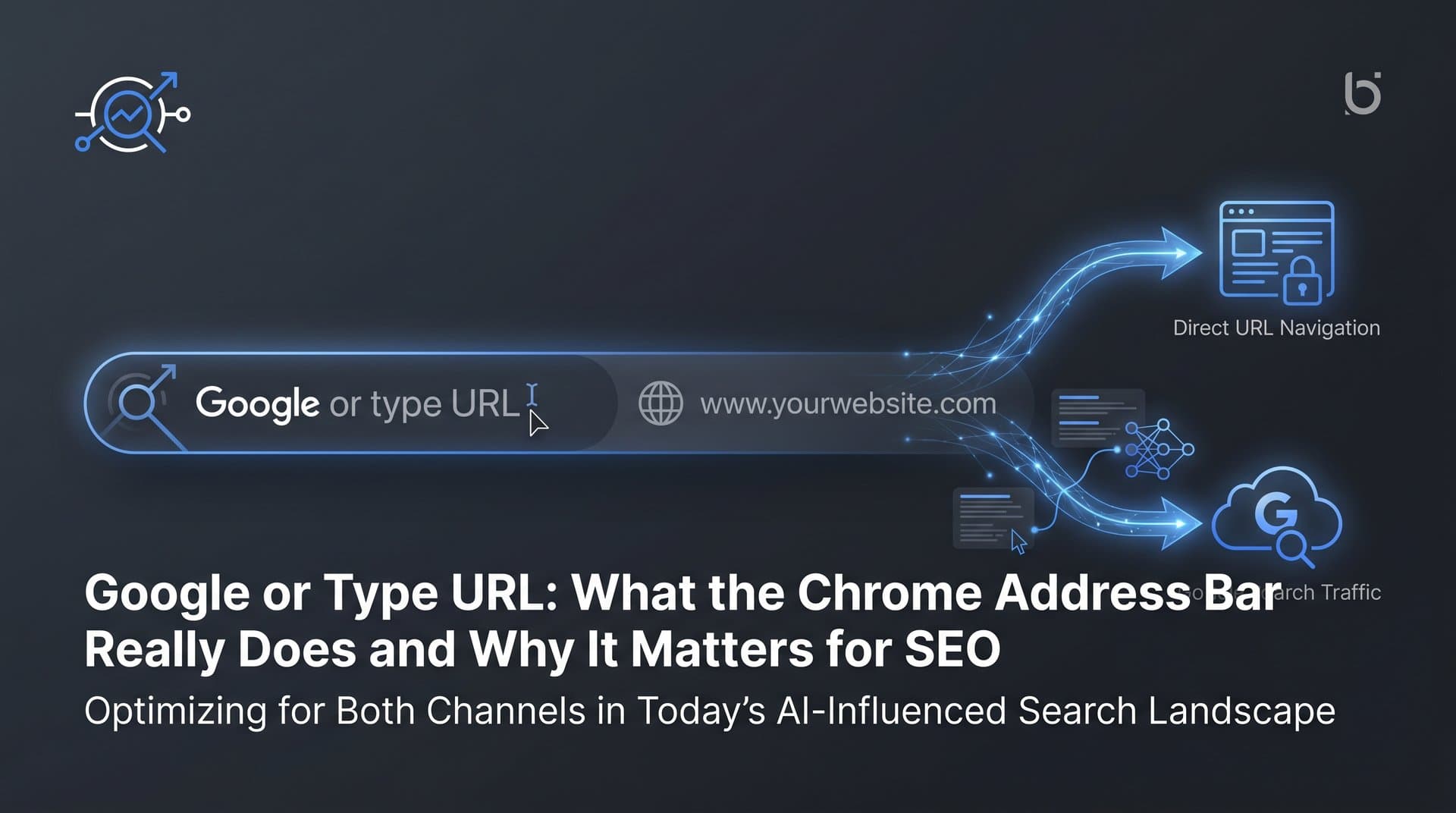
The omnibox handles two fundamentally different tasks depending on what you type. Type a web address and it navigates you directly to that destination. Type a question, a phrase, or anything that doesn't look like a URL and it sends your input to Google as a search query. One field, two completely different journeys.
What makes this feel seamless is Chrome's autocomplete system, which activates the moment you start typing. Before you've even finished your thought, the browser is already predicting what you're looking for. These suggestions pull from several sources at once.
Browsing history: Sites you've visited recently or frequently bubble up as suggestions, making it fast to return to familiar destinations.
Bookmarks: Saved pages appear in the dropdown, giving you quick access without remembering exact URLs.
Trending searches: Google's real-time data on popular queries gets surfaced, especially for news-related or high-volume topics.
Predictive search: Based on your previous search patterns and general query trends, Chrome anticipates what you're likely to type next.
This real-time intelligence means the omnibox is doing a lot of work before you ever press Enter. It's essentially a micro-search engine layered on top of a navigation tool, constantly narrowing down possibilities based on context.
For users, this is pure convenience. For marketers, it's a window into how people actually discover content. The queries that surface in autocomplete reflect genuine user intent, which is exactly why keyword research tools often draw from this same data pool. Understanding what people type into that bar is the foundation of any content strategy worth building.
The omnibox also supports a range of shortcuts that most users never discover. You can type a site name, press Tab, and search directly within that site's internal search. You can type a calculator expression and get the answer without leaving the bar. You can even type a currency conversion or a unit measurement and Chrome will handle it inline. It's a surprisingly deep tool wearing a very minimal interface.
Search Query vs. Direct URL: How Chrome Reads Your Intent
The omnibox's most important job is figuring out what you actually mean. Are you trying to go somewhere specific, or are you looking for information? Chrome makes this determination automatically, and the logic behind it is more nuanced than it might appear.
The primary signal Chrome looks for is the presence of a top-level domain (TLD). If your input includes a recognizable TLD like .com, .org, .net, .io, or .co, Chrome interprets it as a URL and attempts to navigate directly to that address. Type "trysight.ai" and Chrome understands you want to visit that specific site, not search for the phrase "trysight ai."
Spaces are another strong signal. The moment your input contains a space, Chrome almost always routes it to the search engine, because web addresses don't contain spaces. So "content marketing strategy" goes to Google as a query, while "contentmarketingstrategy.com" would be treated as a URL.
Special characters matter too. Slashes, dots in the right positions, and certain URL structures all signal to Chrome that you're navigating rather than searching. The browser runs these heuristics in milliseconds, invisibly, before you've even released the Enter key.
Edge cases are where things get interesting. Type a single word like "facebook" and Chrome faces a genuine ambiguity. Is that a URL (facebook.com) or a search query? Chrome typically tries to resolve it as a URL first, effectively appending ".com" and attempting navigation. If that fails, it falls back to a search. This is why typing "facebook" in the omnibox usually takes you directly to Facebook rather than showing you search results about it.
This behavior has real implications for brand discoverability. Brands with strong, recognizable names that match common typing patterns benefit from this direct navigation behavior. Users who know your brand often bypass search entirely and type directly, which means that traffic doesn't show up in your organic search analytics. It appears as direct traffic instead.
The default search engine setting is another layer of this picture. For most Chrome users, queries route to Google automatically. But users and organizations can change this to Bing, DuckDuckGo, Yahoo, or other providers. For marketers, this matters because optimizing solely for Google may leave visibility gaps on other platforms. Enterprise environments, privacy-focused users, and certain geographic markets may have meaningfully different default search engine distributions.
Organizations deploying Chrome at scale through enterprise management can even enforce specific default search engines across their entire user base, which is a consideration for B2B marketers thinking about where their audience actually searches.
What Actually Happens After You Hit Enter
You've typed your query and pressed Enter. What happens next is a cascade of technical events that unfolds in fractions of a second, and the path differs significantly depending on whether you submitted a search query or a direct URL.
When you submit a search query, Chrome packages your input and sends it to Google's servers. Google's ranking systems then evaluate the query against an enormous index of web pages, applying hundreds of signals to determine relevance, authority, and user intent. The result is a Search Engine Results Page (SERP) that returns in your browser, typically within a second or less.
That SERP has become considerably more complex in recent years. What you see now often includes AI Overviews at the very top, which are AI-generated summaries that attempt to answer your query directly without requiring a click. Below those, you might find featured snippets, knowledge panels, local packs, shopping results, video carousels, and then the traditional organic "blue links" that SEO has historically focused on. You can check your position in Google search to understand where your pages appear in this complex layout.
This layered SERP structure means that even if your page ranks well organically, a user might get their answer from an AI Overview and never click through to your site at all. This is a significant shift in how search traffic flows, and it's reshaping content strategy for marketers who relied on click-through rates as their primary success metric.
When you submit a direct URL, the journey is different. Chrome sends a request to a Domain Name System (DNS) server, which translates the human-readable domain name into an IP address. That IP address points to the web server hosting the site. The server receives the request, processes it, and sends back the page's HTML, CSS, JavaScript, and other assets. Chrome then renders all of that into the visual page you see.
Page speed becomes critical at this stage. Slow server response times, unoptimized images, excessive JavaScript, and poor hosting infrastructure all add friction to this rendering process. Search engines factor page speed into rankings, and users abandon slow pages quickly. The connection between technical performance and visibility is direct and measurable.
Indexing status matters here too. If Google hasn't crawled and indexed a page, it won't appear in search results regardless of how well-optimized the content is. A page can be perfectly written, load instantly, and still be completely invisible if it hasn't been discovered and indexed by search engine crawlers. This is why proper indexing infrastructure, including sitemaps, robots.txt configuration, and tools like IndexNow for faster discovery, is a foundational requirement for any site that wants organic visibility. Understanding search engine indexing optimization can help you accelerate this process significantly.
Google's AI Overviews and Bing's Copilot integration represent the newest layer in this ecosystem. These AI-generated responses now appear before traditional results in many queries, fundamentally changing what users see first. For brands, appearing in these AI-generated answers has become a new form of visibility that operates alongside, and sometimes above, traditional organic rankings.
Why This Matters for SEO and Getting Found Online
Here's the fundamental reality: the vast majority of web sessions begin with a search query, not a direct URL. Most people don't know your web address. They don't type it from memory. They type what they're looking for into the omnibox, and Google decides what they see next. That's the entire premise of SEO.
Ranking in organic search results is how brands get discovered by people who don't already know they exist. It's the difference between being visible and being invisible to the portion of your audience that's actively looking for what you offer. If your website is not showing up on Google, you're missing this critical discovery channel entirely.
The queries people type into Chrome's omnibox become the keywords that marketers target. Keyword research is essentially the practice of listening to what your audience is already asking and then creating content that answers those questions better than anyone else. The omnibox is where intent lives, and intent is what drives every meaningful conversion.
Content optimization connects directly to this. A page that uses the language your audience uses, structured in a way that matches their intent, and technically sound enough to load quickly and be indexed properly, is a page that earns visibility. Strip away any one of those elements and the others become less effective. Leveraging the right SEO content tools can help you build pages that check all of these boxes.
Indexing deserves special attention here because it's often the invisible bottleneck. You can produce excellent content consistently, but if search engines aren't crawling and indexing your pages promptly, that content won't appear in results when users search for it. This is particularly acute for sites that publish frequently, have large page counts, or operate in competitive niches where freshness matters.
Tools that automate indexing, like those using the IndexNow protocol, help ensure that new and updated content gets discovered faster. Rather than waiting for Google's crawlers to find your pages on their own schedule, you can proactively submit your URL to Google the moment content is published. For content-heavy sites and fast-moving industries, that speed advantage compounds over time.
Structured data is another layer of the visibility equation. By adding schema markup to your pages, you give search engines explicit signals about what your content contains, which can unlock rich results like FAQ dropdowns, star ratings, event listings, and more. These enhanced results occupy more visual space in the SERP and often attract higher click-through rates than standard blue links.
Beyond the Omnibox: AI Visibility and the New Discovery Layer
Something significant is happening to how people find information, and it extends well beyond the Chrome omnibox. A growing number of users are bypassing traditional search entirely and asking questions directly to AI models like ChatGPT, Claude, and Perplexity. These platforms generate conversational answers that synthesize information from across the web, often without sending users to any specific website at all.
This creates a new discovery layer that operates in parallel with traditional search. When someone asks ChatGPT "what's the best tool for tracking AI visibility?" or asks Claude "which content marketing platforms use AI agents?", the answers those models generate determine which brands get mentioned and which don't. The trend of AI replacing Google search traffic is something every marketer needs to understand and prepare for.
This is where Generative Engine Optimization (GEO) enters the picture. GEO is the practice of optimizing your content and brand presence so that AI models include you in relevant responses. It involves creating content that AI systems can draw from accurately, establishing your brand as a credible source in your domain, and ensuring your information is accessible and well-structured enough to be synthesized effectively.
For marketers and founders, this means the traditional SEO playbook needs a parallel track. Ranking on Google still matters enormously. But if your brand is invisible across AI platforms, you're missing a growing share of discovery that doesn't flow through the Chrome omnibox at all.
Sight AI is built specifically for this challenge. The platform tracks how your brand is mentioned across major AI models including ChatGPT, Claude, and Perplexity, giving you an AI Visibility Score with sentiment analysis and prompt tracking. You can see exactly how AI models describe your brand, identify gaps and inaccuracies, and understand which content opportunities would improve your presence in AI-generated responses. Combined with Sight AI's content generation tools, which use specialized AI agents to produce SEO and GEO-optimized articles, the platform connects the visibility gap between traditional search and AI discovery.
Power Moves: Getting More from Every Search
Whether you're a daily Chrome user or a marketer thinking about how your audience searches, there are practical techniques that make the omnibox significantly more useful.
Use search operators for precision: The "site:" operator lets you search within a specific domain. Typing "site:trysight.ai content marketing" returns only pages from that site matching your query. This is useful for competitive research, content auditing, and checking whether specific pages have been indexed. You can also use this technique to find indexed pages in Google for any domain.
Use quotation marks for exact match: Wrapping a phrase in quotes tells Google to find results containing that exact phrase in that exact order. This is valuable for researching specific topics, checking for duplicate content, or finding precise mentions of your brand.
Use the Tab shortcut for site search: Type a site name in the omnibox, press Tab when Chrome offers to search within that site, and you can search that site's internal index directly from the address bar. It's a fast way to navigate large sites without loading them first.
For marketers, the practical priorities are more strategic. Ensure your site is properly indexed by submitting a sitemap to Google and using IndexNow-compatible tools that notify search engines automatically when new content is published. Don't let good content sit undiscovered because of indexing lag.
Optimize for query intent, not just keywords: The queries your audience types reflect specific intents: informational, navigational, commercial, or transactional. Content that matches the intent behind a query, not just its surface-level keywords, performs better in both rankings and engagement.
Monitor your brand across AI platforms: Traditional rank tracking shows you where you appear in Google. But it tells you nothing about how AI models describe your brand when users ask relevant questions. Building this visibility into your monitoring practice is increasingly important as AI-assisted search grows.
Prioritize content freshness: Search engines favor content that's regularly updated, particularly for topics where information changes over time. A content calendar that includes regular refreshes of high-performing pages, not just net-new publishing, keeps your site competitive in dynamic SERPs.
Invest in page speed and Core Web Vitals: Google's Core Web Vitals are a set of performance metrics that measure real-world user experience. Pages that load quickly, respond to interactions promptly, and maintain visual stability during loading perform better in rankings and convert better once users arrive.
Putting It All Together
That little prompt, "Search Google or type a URL," is the starting point for billions of web journeys every single day. It looks simple. It's anything but. Behind it sits a sophisticated system for interpreting intent, routing queries, resolving addresses, and connecting users to content across the entire web.
For casual users, understanding the omnibox means getting more out of every search. For marketers and founders, it means understanding the exact mechanism through which your audience discovers, or fails to discover, your brand.
SEO remains the foundation: getting your content indexed, optimizing for the queries your audience types, and ensuring your pages load fast and appear prominently in SERPs. But the discovery landscape is expanding. AI models are becoming primary information sources for a growing share of users, and visibility in those systems requires a deliberate strategy that goes beyond traditional search optimization.
Sight AI gives you both sides of that picture. Track your brand mentions across AI platforms, understand how you're being described, identify content gaps, and publish SEO and GEO-optimized content that earns visibility in both search engines and AI-generated responses. Every piece of content you publish, every page you index, and every query you optimize for is a step toward being the brand that gets found, whether someone types a URL, searches Google, or asks an AI.
Start tracking your AI visibility today and see exactly where your brand appears across top AI platforms. Stop guessing how ChatGPT, Claude, and Perplexity describe your brand, and start building the visibility that turns AI discovery into organic growth.