SEO reporting dashboards have evolved well beyond basic rank tracking. Today's teams need platforms that pull data from multiple sources, including search consoles, analytics tools, content platforms, and increasingly, AI visibility signals, into a single actionable view. The challenge isn't finding a dashboard; it's finding one that integrates cleanly with your existing stack and surfaces insights you can actually act on.
This list covers the best SEO reporting dashboard tools with strong integration capabilities in 2026, evaluated on data source depth, ease of integration, reporting flexibility, and how well they serve marketers, founders, and agencies managing organic growth at scale. Whether you're consolidating a fragmented reporting setup or building a modern SEO stack from scratch, this guide will help you choose the right platform.
1. Sight AI
Best for: Teams that need to track both traditional SEO performance and AI search visibility in one dashboard.
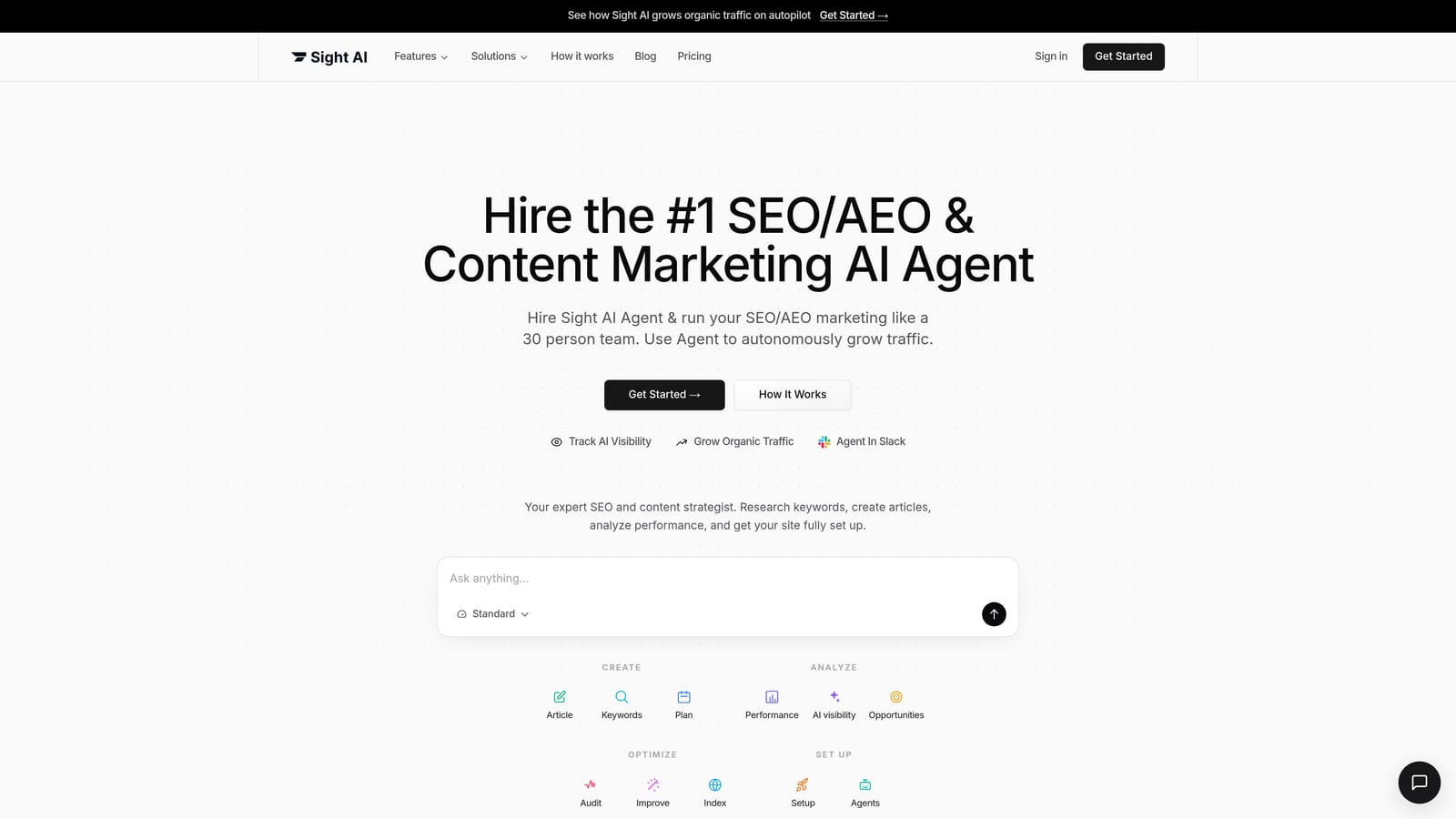
Sight AI is an all-in-one AI-powered SEO platform that combines AI visibility tracking, content generation, and website indexing into a single reporting environment.
Where This Tool Shines
Most SEO dashboards track where you rank on Google. Sight AI also tracks whether your brand appears when someone asks ChatGPT, Claude, or Perplexity a relevant question. That's a reporting gap that every traditional dashboard currently leaves open, and it's increasingly important as AI-generated answers become a primary way people discover brands and products.
The integration story here is genuinely different. Instead of stitching together a rank tracker, a content tool, and an indexing monitor, Sight AI connects AI mention data with content performance and indexing status in one view. You can see which prompts trigger brand mentions across AI platforms, monitor sentiment, and tie that back to the content your team is publishing.
Key Features
AI Visibility Score: Tracks brand mentions and sentiment across 6+ AI platforms including ChatGPT, Claude, and Perplexity, giving you a quantified view of your AI search presence.
Prompt Tracking: Identifies which specific queries trigger AI-generated responses that mention your brand, so you know exactly where you're appearing and where you're missing.
Integrated SEO/GEO Content Reporting: Connects content performance data to 13+ AI writing agents, so you can see which content is driving visibility and generate more of it without leaving the platform.
IndexNow Integration: Reports on real-time indexing status and automates sitemap updates, so you always know how quickly new content is being discovered by search engines.
Autopilot Mode: Automates content publishing with built-in performance monitoring, giving teams a closed-loop reporting view from content creation through indexing and visibility.
Best For
Founders and growth marketers who want a single dashboard covering both Google rankings and AI search presence. Also well-suited for content teams that want to connect publishing workflows directly to performance data without managing multiple disconnected tools.
Pricing
Paid plans available. Visit trysight.ai for current pricing details and plan options.
2. Google Looker Studio
Best for: Google-centric teams that want flexible, free dashboards with deep native integrations.
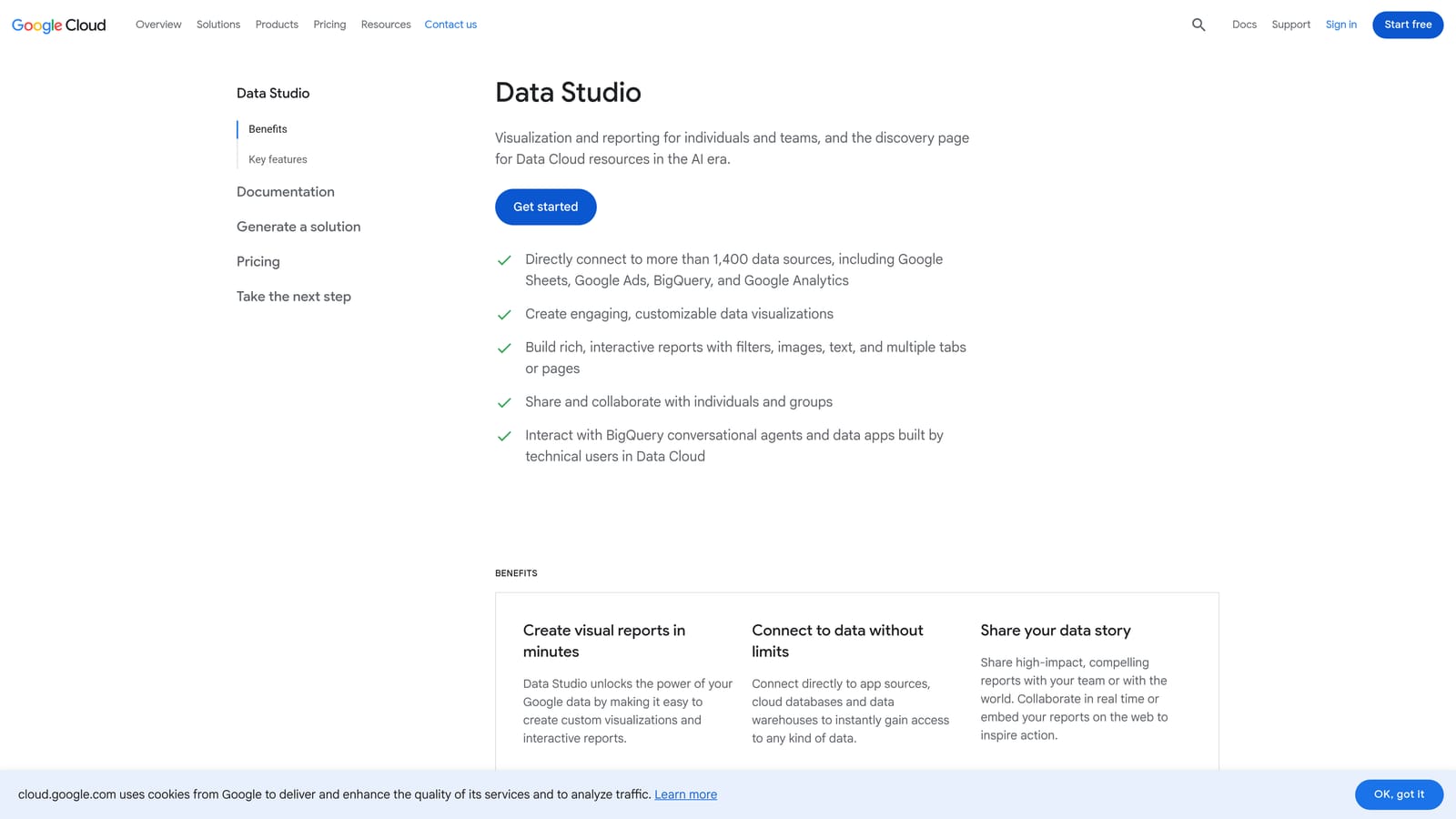
Google Looker Studio is a free data visualization platform with native connectors to the entire Google ecosystem and an extensible library of community connectors for third-party SEO tools.
Where This Tool Shines
If your reporting stack is built around Google Search Console, GA4, Google Ads, and BigQuery, Looker Studio is the natural home for your SEO dashboard. The native connections are tight, the data is real-time, and there are no per-user licensing fees. For in-house teams already living in Google's ecosystem, the cost-to-value ratio is hard to beat.
The flexibility is also a genuine strength. You can build almost any report layout you need, blend data sources, and share dashboards with clients or stakeholders without them needing an account. The tradeoff is setup time: Looker Studio rewards teams willing to invest in configuration upfront.
Key Features
Native Google Integrations: Direct connections to GA4, Google Search Console, Google Ads, and BigQuery with no additional configuration required.
Community Connectors: Extend reporting to Semrush, Ahrefs, and dozens of other SEO platforms through third-party connectors, though quality varies by connector.
Drag-and-Drop Builder: Flexible layout editor lets you design dashboards that match your specific reporting needs without writing code.
Shareable Real-Time Dashboards: Generate shareable links for live dashboards, eliminating the need for PDF exports or scheduled email reports in most cases.
Template Gallery: Pre-built SEO report templates provide a starting point that most teams can customize quickly.
Best For
In-house marketing teams with strong Google ecosystem adoption and the technical capacity to configure dashboards. Also a smart choice for agencies that want a free reporting layer on top of their existing SEO tools.
Pricing
Free. No paid tiers or per-user fees. Some community connectors may carry their own costs.
3. Semrush
Best for: Teams that want an all-in-one SEO platform with competitive intelligence built into every dashboard view.
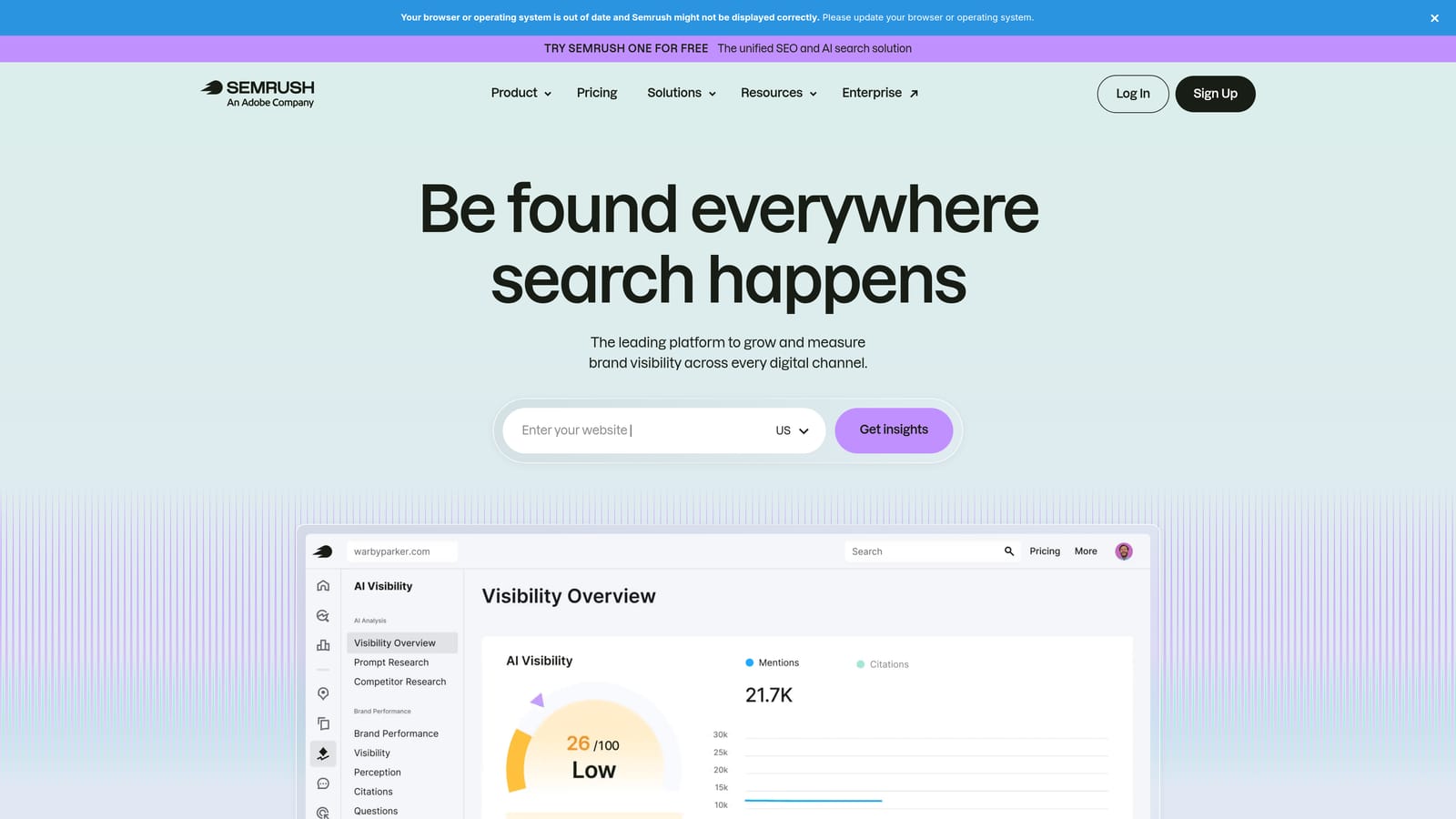
Semrush is a comprehensive SEO and competitive intelligence platform with built-in dashboards covering keyword rankings, backlinks, site health, and traffic analytics in one integrated environment.
Where This Tool Shines
Semrush's core advantage is density. Keyword tracking, site audits, backlink analysis, traffic analytics, and position tracking all live in the same platform, which means your reporting dashboard doesn't require external integrations to cover most of what SEO teams care about day-to-day.
The competitive intelligence layer is particularly strong. You can overlay competitor performance data directly on your own dashboards, which makes it easier to contextualize your rankings and traffic trends without jumping between tools. For agencies that need to show clients how they stack up against competitors, this is a meaningful differentiator.
Key Features
Integrated Position Tracking: Keyword ranking dashboards with historical trend data, SERP feature tracking, and competitor comparison in a single view.
My Reports: Custom, branded SEO reporting with drag-and-drop widgets, scheduled delivery, and white-label options for client-facing reports.
GA4 and GSC Integration: Blends Google Analytics and Search Console data with Semrush's own metrics for a more complete performance picture.
Site Audit Dashboard: Crawl-based technical SEO reporting with prioritized issue lists and historical trend tracking.
Traffic Analytics: Estimates competitor organic and paid traffic, allowing benchmarking without relying solely on your own data.
Best For
Agencies and in-house SEO teams that want a single platform covering research, tracking, auditing, and reporting. Particularly strong for teams where competitive analysis is a regular part of client reporting.
Pricing
Starts at approximately $139.95/month for the Pro plan. Verify current pricing at semrush.com before committing.
4. Ahrefs
Best for: SEO teams that prioritize backlink analysis and content performance data in their reporting dashboards.
Ahrefs is an SEO toolset known for its extensive backlink index, with dashboard views spanning organic keywords, link acquisition, content performance, and rank tracking.
Where This Tool Shines
Ahrefs has long been the go-to for backlink reporting, and that reputation is well-earned. The link data is extensive, the index updates frequently, and the Site Explorer dashboard gives you a clear picture of your link profile alongside organic traffic trends. For teams where link acquisition is a core SEO activity, the reporting here is hard to match.
Content Explorer is another standout. It lets you identify top-performing content by topic across the web, which is useful both for competitive research and for understanding which content formats and subjects are driving organic performance in your niche.
Key Features
Site Explorer Dashboard: Combines organic traffic estimates, keyword rankings, and backlink data in a single property view with historical trend lines.
Rank Tracker: Keyword position monitoring with historical data, SERP feature tracking, and visibility score calculations over time.
Content Explorer: Identifies top-performing content by topic, useful for content gap analysis and competitive research within your reporting workflow.
Google Search Console Integration: Blends GSC performance data with Ahrefs' own organic metrics for a more complete picture of search visibility.
Portfolio View: Monitor multiple websites in a single dashboard, useful for agencies or teams managing more than one domain.
Best For
SEO professionals and in-house teams where backlink analysis and content performance are central reporting priorities. Less focused on client-facing report generation than agency-specific platforms, but strong for internal analysis workflows.
Pricing
Starts at approximately $129/month for the Lite plan. Verify current pricing at ahrefs.com.
5. AgencyAnalytics
Best for: Digital marketing agencies that need white-label dashboards and multi-client reporting at scale.
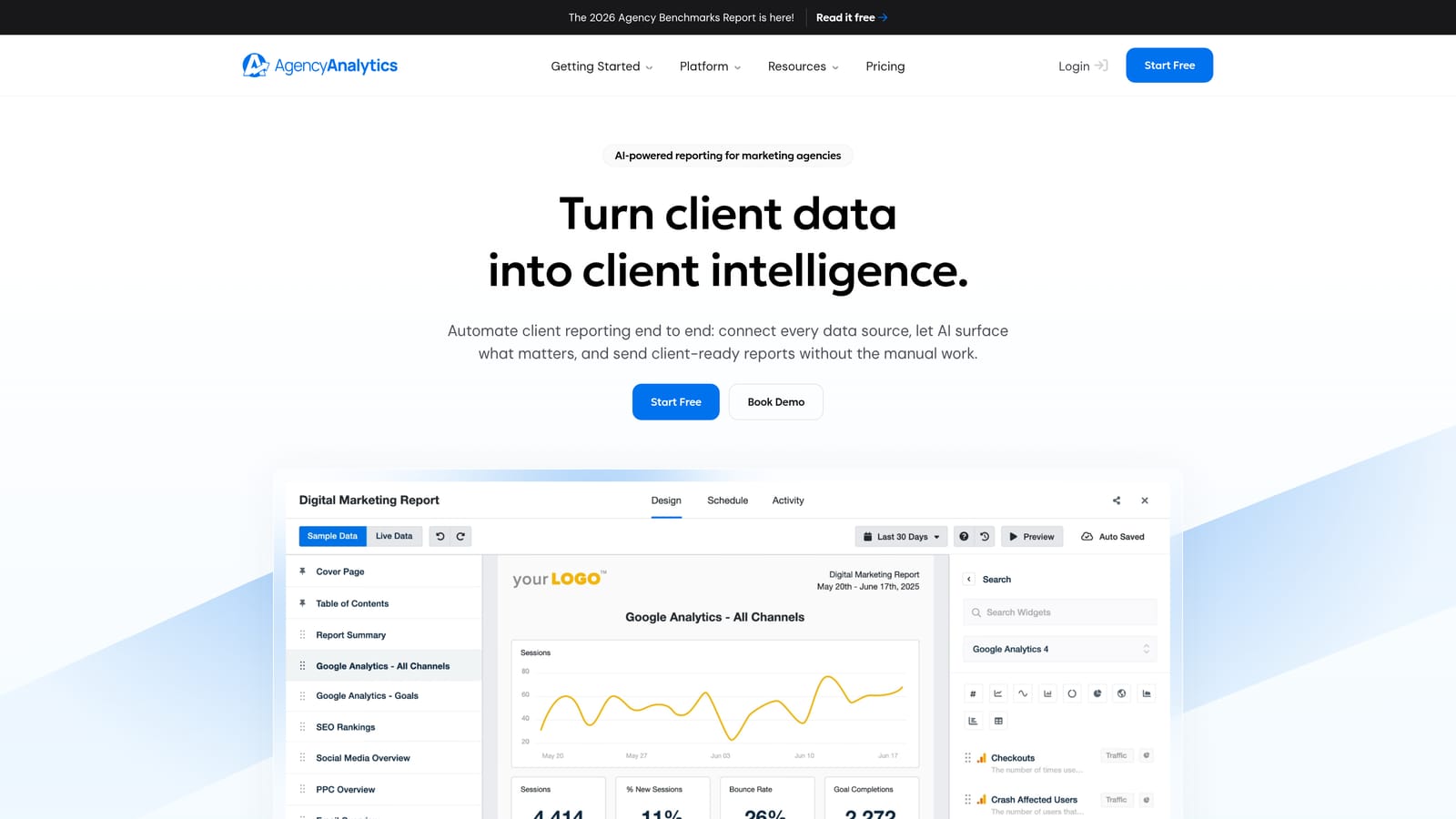
AgencyAnalytics is a reporting platform built specifically for digital marketing agencies, offering white-label dashboards with 80+ integrations across SEO, social, PPC, and review platforms.
Where This Tool Shines
AgencyAnalytics is purpose-built for the agency workflow, and that focus shows. The platform handles the parts of reporting that take agencies the most time: pulling data from a dozen different client tools, formatting it into something presentable, and delivering it automatically. The white-label capabilities mean clients see your branding, not the tool's.
The breadth of integrations is genuinely impressive. Connecting GSC and GA4 is table stakes at this point, but AgencyAnalytics also pulls from Semrush, Ahrefs, Facebook, Google Ads, review platforms, and more. For agencies running multi-channel campaigns, that coverage reduces the number of separate exports and manual stitching significantly.
Key Features
80+ Integrations: Covers GSC, GA4, Semrush, Ahrefs, Facebook, Google Ads, and review platforms, making it one of the broadest integration libraries in this category.
White-Label Dashboards: Full custom branding on dashboards and reports, with client portal access available under your agency's domain.
Automated Report Scheduling: Set up recurring reports with email delivery, eliminating manual report generation for recurring client deliverables.
Multi-Client Management: Per-campaign dashboards with a centralized agency view for monitoring performance across all clients simultaneously.
Built-In SEO Tools: Rank tracking, site audits, and backlink monitoring included natively, reducing reliance on external tools for core SEO data.
Best For
Digital marketing agencies managing multiple clients across SEO, social, and paid channels. The per-client pricing model scales well for growing agencies adding new accounts regularly.
Pricing
Starts at approximately $12/month per client campaign. Verify current pricing at agencyanalytics.com.
6. Databox
Best for: Founders and growth teams that want SEO metrics alongside business KPIs in a single performance dashboard.
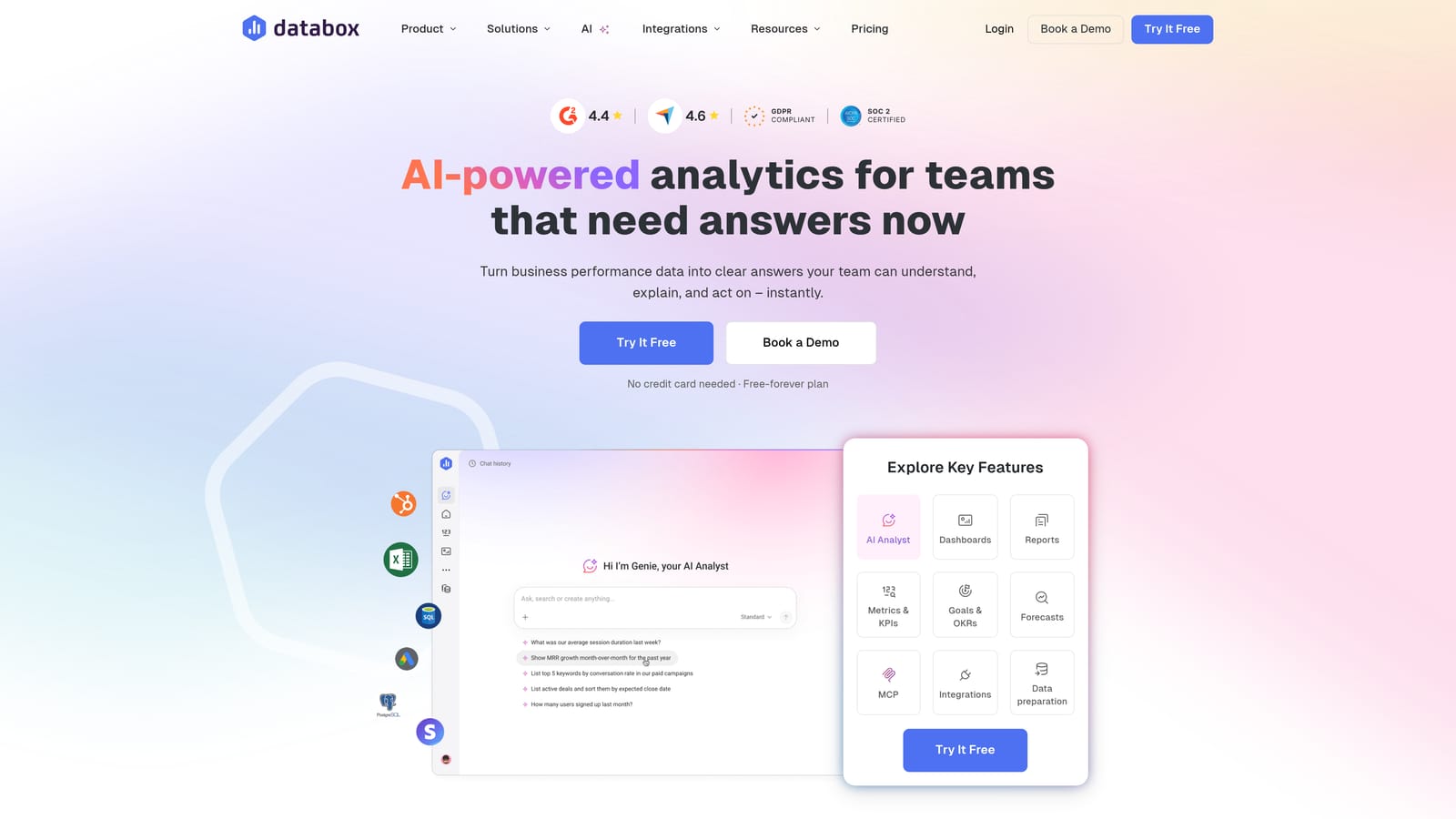
Databox is a no-code KPI dashboard platform with 100+ native integrations that lets teams combine SEO metrics with revenue, product, and marketing data in a single performance view.
Where This Tool Shines
Most SEO dashboards exist in a silo. Databox breaks that pattern by letting you combine organic traffic data from GSC and GA4 with HubSpot pipeline data, Salesforce revenue figures, or product metrics from other sources. For founders and growth teams who need to connect SEO performance to business outcomes, that cross-channel view is genuinely useful.
The no-code builder is accessible to non-technical users, and the mobile-optimized dashboards make it easy to check performance on the go. The free tier also makes it a reasonable starting point for smaller teams that aren't ready to commit to a paid reporting tool.
Key Features
100+ Native Integrations: Connects to GSC, GA4, HubSpot, Salesforce, Semrush, and many more, enabling true cross-channel reporting without custom development.
No-Code Dashboard Builder: Drag-and-drop metric blocks let non-technical team members build and modify dashboards without engineering support.
Goal Tracking and Alerts: Set performance targets for key SEO KPIs and receive alerts when metrics move outside expected ranges.
Mobile-Optimized Dashboards: Dashboards are designed for mobile viewing, useful for founders and executives checking performance outside the office.
Free Tier: Available for teams with basic reporting needs, making it accessible for early-stage companies evaluating their reporting options.
Best For
Founders, growth marketers, and in-house teams that want to connect SEO performance to broader business metrics. Also a strong choice for teams that currently manage reporting across multiple disconnected tools and want a unified view.
Pricing
Free tier available. Paid plans start at approximately $47/month. Verify current pricing at databox.com.
7. Whatagraph
Best for: Agencies that need visually polished, automated client reports with cross-channel data blending.
Whatagraph is an agency-focused reporting platform with multi-source data blending, visual report templates, and strong automation for scheduled client SEO report delivery.
Where This Tool Shines
Whatagraph sits in a similar space to AgencyAnalytics but leans harder into visual presentation and report aesthetics. The templates are genuinely polished, and the cross-channel blending makes it easy to show clients a unified performance story across SEO, social, and paid in a single document. For agencies where the look of client deliverables matters, Whatagraph stands out.
The automation layer is also well-developed. You can configure recurring reports that pull live data, apply your templates, and deliver to clients on a schedule, without manual intervention each reporting cycle. That kind of automation compounds in value as an agency scales its client base.
Key Features
Multi-Source Data Blending: Combines SEO, social, and PPC data into unified reports, eliminating the need for separate channel-specific deliverables.
Visual Report Templates: Presentation-ready designs that make client reports look polished without requiring design work from your team.
Automated Report Scheduling: Configure recurring delivery with live data pulls, so reports go out on time without manual preparation.
Cross-Channel Performance Views: Single reports that span multiple marketing channels, giving clients a complete picture of their digital performance.
Team Collaboration Features: Workflow tools designed for agency teams managing multiple client accounts simultaneously.
Best For
Agencies that prioritize the visual quality of client deliverables and need strong automation for recurring report delivery. Particularly useful for teams managing clients across multiple digital marketing channels simultaneously.
Pricing
Paid plans available. Verify current pricing at whatagraph.com.
8. Moz Pro
Best for: SEO consultants and teams that rely on Domain Authority metrics as a core part of their client reporting.
Moz Pro is an established SEO platform with campaign-based reporting dashboards, proprietary Domain Authority metrics, and integrations with Google Search Console for blended performance data.
Where This Tool Shines
Moz's Domain Authority metric has become a widely recognized benchmark in the SEO industry, and for consultants whose clients are familiar with DA as a measure of site strength, having it natively integrated into every reporting view is a practical advantage. It removes the need to explain third-party metrics pulled from external tools.
The campaign-based structure also suits consultants and smaller agencies well. Each campaign organizes rank tracking, site crawl data, and on-page recommendations around a specific client or project, which keeps reporting organized without requiring extensive configuration.
Key Features
Proprietary DA and PA Metrics: Domain Authority and Page Authority appear throughout all reporting views, providing a consistent authority benchmark familiar to many clients.
Campaign-Based Rank Tracking: Keyword performance dashboards organized by campaign, with historical position data and visibility trend tracking.
Site Crawl Reporting: Technical SEO issue identification with prioritized recommendations, updated on a regular crawl schedule.
Local SEO Dashboard: Tracks location-based rankings for businesses targeting geographic search queries, a useful layer for local and multi-location clients.
Best For
SEO consultants and smaller agencies whose clients are familiar with Domain Authority as a reporting metric. Also a solid choice for businesses with local SEO needs, given the dedicated local ranking dashboard.
Pricing
Starts at approximately $99/month for the Starter plan. Verify current pricing at moz.com.
9. DashThis
Best for: Freelancers and lean agency teams that need fast-to-deploy SEO reports without extensive configuration.
DashThis is a template-driven SEO reporting tool designed for fast setup, with pre-built report templates and plug-and-play integrations for teams that prioritize speed over deep customization.
Where This Tool Shines
DashThis is the tool for teams that need to get a client report running in under an hour. The pre-built templates cover the most common SEO reporting scenarios, the integrations connect quickly, and the output looks professional without requiring design skills. It deliberately trades deep customization for speed and simplicity.
For freelancers managing a handful of clients, or lean agency teams that don't have the bandwidth to configure complex dashboards, DashThis fills a practical gap. The white-label options also mean client-facing reports look branded without requiring a full agency reporting platform investment.
Key Features
Pre-Built SEO Templates: Ready-to-use report layouts covering standard SEO KPIs, deployable immediately without custom configuration.
Plug-and-Play Integrations: Connects to GSC, GA4, Semrush, Moz, and social platforms with minimal setup required.
Automated Report Sharing: Distribute reports via shareable URL or PDF export, with scheduling options for recurring delivery.
White-Label Options: Custom branding for client-facing reports, available on paid plans.
Minimal Configuration: The platform is intentionally designed for speed to reporting, not for teams that need highly customized data views.
Best For
Freelancers and small agency teams that need professional-looking SEO reports deployed quickly. Not the right fit for teams that need deep data blending or highly customized dashboard layouts, but excellent for straightforward reporting workflows.
Pricing
Starts at approximately $49/month for 3 dashboards. Verify current pricing at dashthis.com.
Which Dashboard Is Right for Your Team
The right SEO reporting dashboard comes down to two things: which data sources matter most to your team, and which integrations actually connect to them without manual exports or workarounds. Aesthetics and feature lists are secondary to that fit.
Here's a quick way to think through the decision by use case:
Agencies managing multiple clients: AgencyAnalytics and Whatagraph are the strongest options, with white-label reporting, automation, and multi-client management built into their core workflows.
In-house teams in the Google ecosystem: Looker Studio delivers strong value at no cost, particularly for teams already using GA4, Search Console, and Google Ads as their primary data sources.
Founders and growth teams: Databox stands out for connecting SEO metrics to broader business KPIs, giving leadership a single dashboard that spans channels without requiring separate tools for each.
Teams building for AI-era search: This is where the landscape shifts. Traditional dashboards track Google and Bing rankings, but they have no visibility into whether your brand appears when someone asks ChatGPT or Perplexity a relevant question. For teams where AI search presence matters alongside traditional rankings, Sight AI is currently the only platform in this list that covers both in one reporting environment.
Before committing to any platform, audit your current stack. Identify which tools generate your most important SEO data, then check which dashboard connects to all of them natively. That integration fit matters more than any individual feature. Start there, then layer in the reporting capabilities that match your team's actual workflow.
For teams ready to track both traditional SEO performance and AI search visibility in one place, start tracking your AI visibility today and see exactly where your brand appears across the top AI platforms. Stop guessing how ChatGPT and Claude talk about your brand, and get a complete picture of your organic presence across both traditional and AI search.