The best SEO software with CMS integration depends on how deep the connection needs to go. Plugins such as Yoast SEO and Rank Math run natively inside WordPress. Editor-level tools such as Surfer, Clearscope and Semrush score drafts in your CMS or Google Docs. Platforms such as Sight AI write and auto-publish content directly to WordPress, Webflow and other CMSs. Choose based on whether you need read-only analysis, in-editor feedback or full read/write publishing.
Disconnected tools slow content teams down. Keyword research sits in one platform, drafts in another and publishing in a third, so optimization turns into copy-pasting. This guide compares nine platforms that connect to WordPress, Webflow and headless CMSs. Each tool was evaluated on integration depth, automation, ease of setup and value for teams that publish often.
How SEO CMS integrations actually differ
"Integrates with your CMS" can describe very different levels of access. Check which of these four levels a vendor supports before you buy:
- Native plugin (in-CMS): The tool runs inside the CMS itself. Yoast and Rank Math are examples. It controls meta tags, schema, sitemaps and redirects directly, but works on that one CMS only.
- Editor overlay (read): A plugin or browser extension reads your draft and scores it against the SERP. Surfer, Clearscope and the Semrush SEO Writing Assistant work this way. Nothing gets pushed back to the CMS automatically.
- Publishing connector (write): The tool authenticates against the CMS API, usually the WordPress REST API with application passwords, the Webflow CMS API, or a token for a headless CMS. It then creates or updates posts, slugs, meta fields and featured images.
- Two-way sync (read + write): The tool pulls existing content for audits, pushes edits back, and publishes new pages. This is the level you need for content refreshes at scale and for programmatic SEO.
For headless CMSs such as Sanity, Contentful or Strapi, plugins rarely exist. In practice you need either a vendor with an API connector that maps to your content schema, or a webhook or custom script that sits between the SEO tool and the CMS. Ask vendors three questions:
- Which content types and fields can the tool write to?
- Does it support drafts and scheduled publishing?
- Does it trigger reindexing after a publish?
1. Sight AI
Best for: Teams prioritizing AI visibility tracking with automated CMS publishing workflows
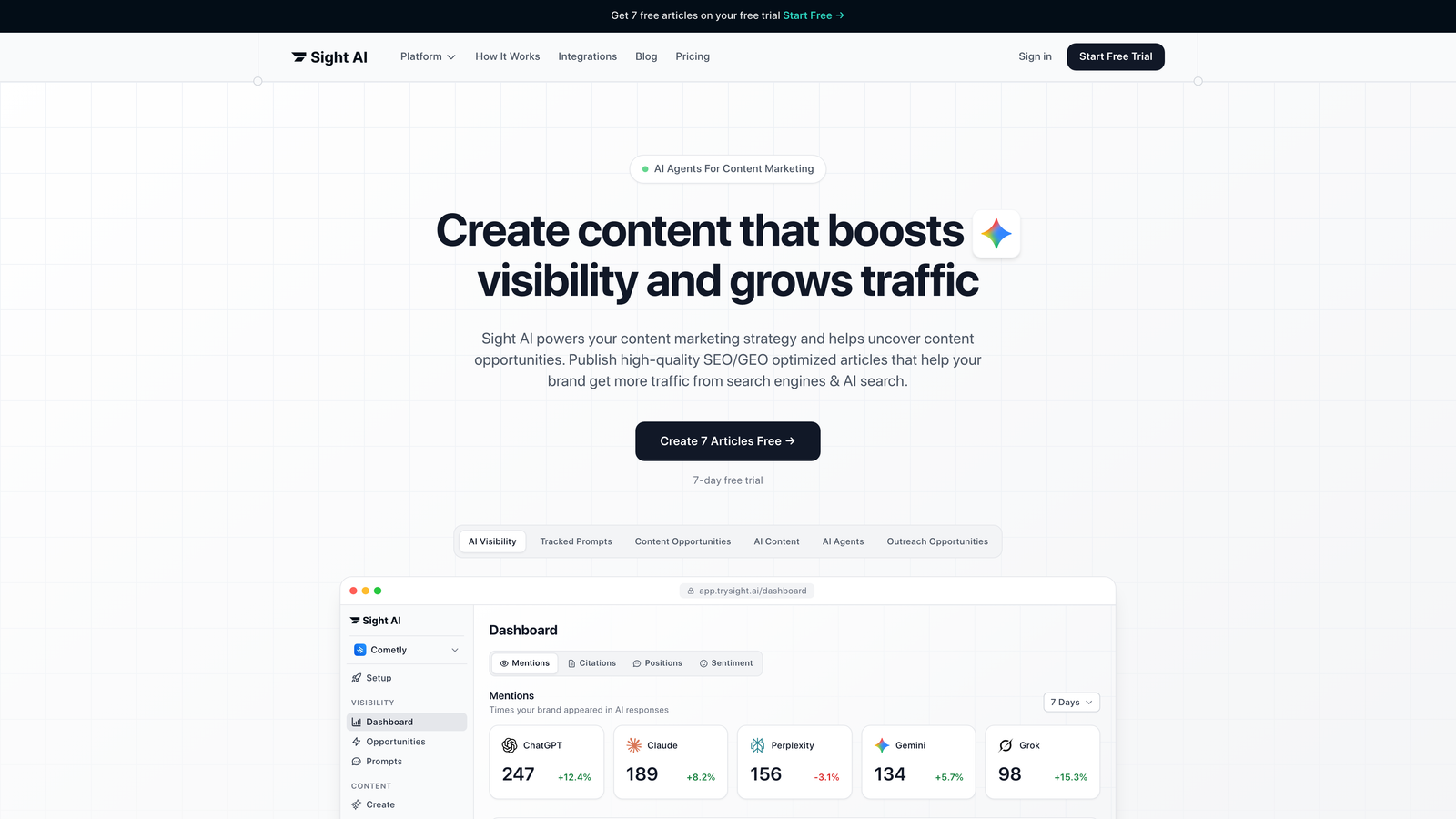
Sight AI is an AI-powered SEO platform that combines content generation, AI visibility tracking and native CMS auto-publishing.
Where This Tool Shines
Sight AI handles AI search optimization alongside traditional SEO. The platform tracks how large language models such as ChatGPT, Claude and Perplexity mention your brand. That gives you visibility into AI-generated recommendations, which traditional SEO tools miss entirely. If you are new to this area, see our explainer on generative engine optimization (GEO).
The auto-publishing feature connects directly to WordPress, Webflow and other CMS platforms, so you no longer copy optimized content into your editor by hand. Combined with IndexNow-based instant indexing, new content gets discovered faster than it would on standard crawl schedules alone.
Key Features
Auto-Publish to Multiple CMS Platforms: Direct integration with WordPress, Webflow and other content management systems for one-click publishing.
IndexNow Integration: Instant indexing notifications to participating search engines such as Bing, plus faster discovery overall.
13+ Specialized AI Agents: Purpose-built agents that generate SEO- and GEO-optimized content across different formats.
AI Visibility Tracking: Monitor brand mentions across ChatGPT, Claude, Perplexity and other language models.
Automated Sitemap Updates: Your sitemap refreshes automatically when new content publishes, keeping search engines informed.
Best For
Marketing teams and agencies managing multiple client sites. It suits teams that need to track both traditional SEO performance and AI search visibility, and it is particularly valuable for brands that rely on content velocity as a growth strategy.
Pricing
Contact for pricing. A free trial is available to test the CMS integration and AI visibility features.
2. Surfer SEO
Best for: Content teams needing real-time optimization feedback directly in their WordPress editor
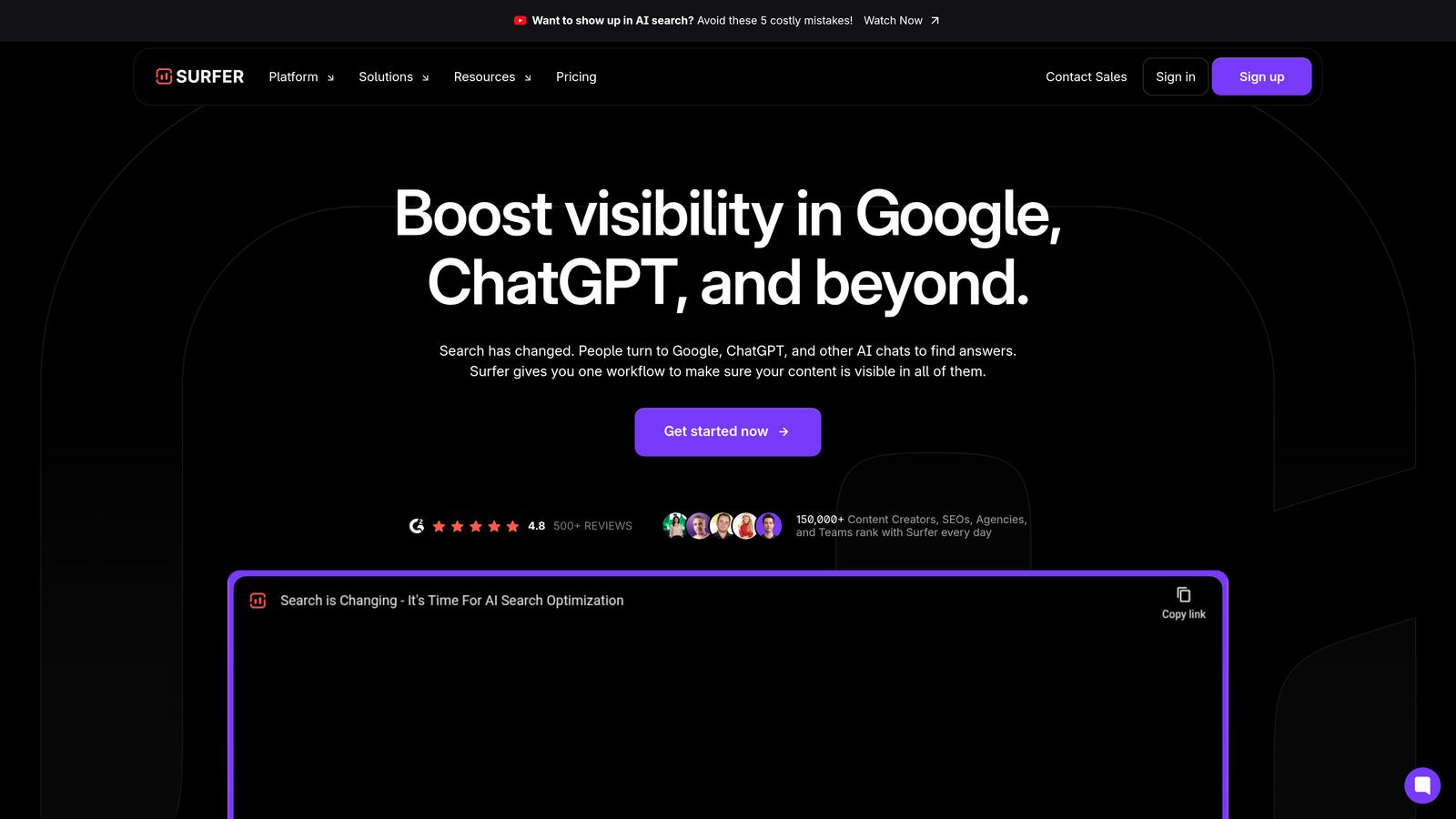
Surfer SEO is a content optimization platform. It analyzes top-ranking pages and gives NLP-based recommendations while you write.
Where This Tool Shines
Surfer's WordPress plugin shows optimization scores directly in the block editor, so you get real-time feedback without leaving your CMS. The Content Editor analyzes SERP competitors. It then suggests keyword usage, heading structure and content length based on what currently ranks.
The tool makes technical SEO recommendations accessible to writers who aren't SEO specialists. Color-coded scoring and clear suggestions help content teams hit optimization targets without deep technical knowledge.
Key Features
Content Editor with SERP Analysis: Real-time optimization based on the top-ranking pages for your target keyword.
WordPress Plugin: Native editing experience with optimization metrics visible in your CMS dashboard.
Google Docs Add-On: Optimize content in Google Docs before publishing to any CMS.
Content Audit Tools: Identify underperforming pages and get refresh recommendations.
Keyword Clustering: Group related keywords into content briefs for comprehensive topic coverage.
Best For
Content marketers and SEO teams who publish frequently to WordPress and want optimization guidance without switching tools. It also works well for agencies managing multiple client sites.
Pricing
Starts at $89/month for the Essential plan with basic WordPress integration.
3. Clearscope
Best for: Enterprise content teams collaborating on optimization with built-in editorial workflows
Clearscope is a content optimization platform that helps editorial teams produce search-friendly content at scale.

Where This Tool Shines
Clearscope's strengths are its clean interface and team collaboration features. The WordPress plugin and Google Docs integration let several team members work on optimization at the same time. Letter-grade scoring makes progress visible to everyone involved.
The platform focuses on content quality signals beyond keyword density. Its competitor analysis shows which terms to include and also how thoroughly top-ranking pages cover the topic. That helps writers create genuinely better content rather than just hitting keyword targets.
Key Features
WordPress Plugin for In-Editor Optimization: Optimize content directly in your WordPress editor with real-time scoring.
Letter-Grade Content Scoring: A simple grading system that makes optimization progress clear to non-technical writers.
Competitor Content Analysis: Detailed analysis of what makes top-ranking content successful.
Google Docs Integration: Collaborate on optimization before content reaches your CMS.
Team Workflow Features: Assign optimization tasks and track progress across multiple writers.
Best For
Enterprise content teams and larger agencies with dedicated writers, editors and SEO specialists who need collaborative optimization workflows. Best suited to organizations publishing high-value, long-form content.
Pricing
Starts at $170/month, with custom enterprise pricing for larger teams.
4. Semrush
Best for: Teams needing comprehensive SEO capabilities alongside content optimization and CMS integration
Semrush is an all-in-one SEO platform that includes keyword research, competitor analysis, site audits and content optimization tools.

Where This Tool Shines
Semrush's SEO Writing Assistant works as a browser extension and a WordPress plugin, so its recommendations are available in several environments. You can optimize content whether you write in WordPress, Google Docs, Microsoft Word or directly in Semrush.
The platform's real advantage is breadth. You get content optimization alongside rank tracking, technical SEO audits, backlink analysis and competitor research. For teams running a complete SEO strategy rather than just producing content, this consolidation removes the need for several specialized tools.
Key Features
SEO Writing Assistant Browser Extension: Optimize content in any web-based editor or CMS.
WordPress Plugin: Native WordPress integration for in-editor optimization feedback.
Comprehensive Keyword Research: Access to a large keyword database with difficulty scores and search volume.
Site Audit and Technical SEO: Crawl your site for technical issues and get prioritized fix recommendations.
Competitor Analysis Tools: Track competitor rankings, backlinks and content strategies.
Best For
Marketing teams and agencies running complete SEO strategies who need content optimization as part of a larger toolkit. It works well for teams handling both technical SEO and content production.
Pricing
Starts at $139.95/month for the Pro plan with basic integrations.
5. Frase
Best for: Content teams focused on research-driven optimization with AI assistance
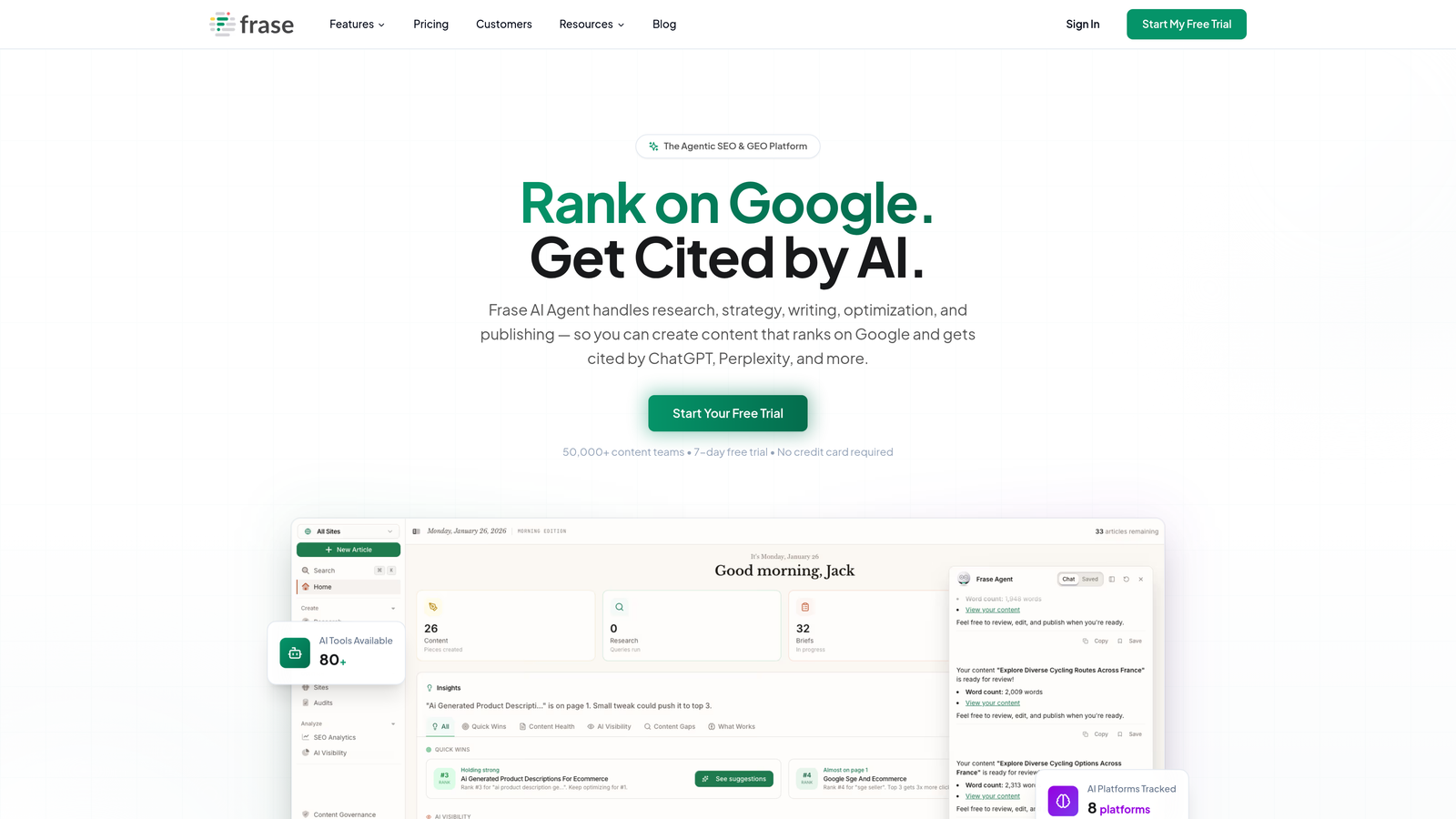
Frase is an AI content platform that generates research briefs and optimization recommendations based on SERP analysis.
Where This Tool Shines
Frase automates the research phase that usually slows down content production. The platform analyzes top-ranking pages and generates content briefs with suggested headings, questions to answer and topics to cover. This research-first approach helps writers produce comprehensive content faster.
The Google Docs and WordPress integrations let you optimize while writing, but Frase's main value comes earlier in the process. Writers start from a detailed brief, so they have a clear roadmap instead of guessing what to include.
Key Features
AI Content Brief Generation: Automatically create detailed content outlines based on SERP analysis.
SERP Analysis and Optimization: Analyze top-ranking content and get specific optimization recommendations.
Google Docs Add-On: Optimize content directly in Google Docs before publishing.
WordPress Integration: Publish optimized content directly to WordPress from the Frase platform.
Answer Engine Optimization: Tools designed for optimizing content for featured snippets and AI search.
Best For
Content marketers and small teams who need research-backed content quickly without dedicated SEO specialists. Particularly useful for teams targeting featured snippets and answer box placements.
Pricing
Starts at $15/month for the Solo plan with basic integrations.
6. MarketMuse
Best for: Content strategists managing large content inventories with gap analysis needs
MarketMuse is an AI-driven content strategy platform that focuses on topic modeling and competitive content analysis.
Where This Tool Shines
MarketMuse works at the strategy level rather than optimizing individual pages. The platform analyzes your entire content inventory and identifies topic gaps compared with competitors. It then recommends which content to create, update or remove.
The WordPress integration lets you audit existing content directly from your CMS. It scores each page's topical authority and suggests improvements, which makes refresh projects more strategic because effort goes to the pages with the most room to improve.
Key Features
Content Inventory and Audit Tools: Comprehensive analysis of your existing content with scoring and prioritization.
WordPress Integration for Analysis: Audit and score WordPress content without exporting to external platforms.
Topic Modeling and Clustering: Identify content gaps and opportunities based on topical authority analysis.
Content Scoring and Recommendations: Get specific suggestions for improving the topical coverage of existing content.
Competitive Content Gap Analysis: See which topics competitors cover that you're missing.
Best For
Content strategists and SEO managers at companies with large existing content libraries. Most valuable for teams planning content strategy rather than individual writers optimizing single pages.
Pricing
Free tier available with limited features; paid plans start at $149/month.
7. Yoast SEO
Best for: WordPress users needing comprehensive on-page SEO without external tools
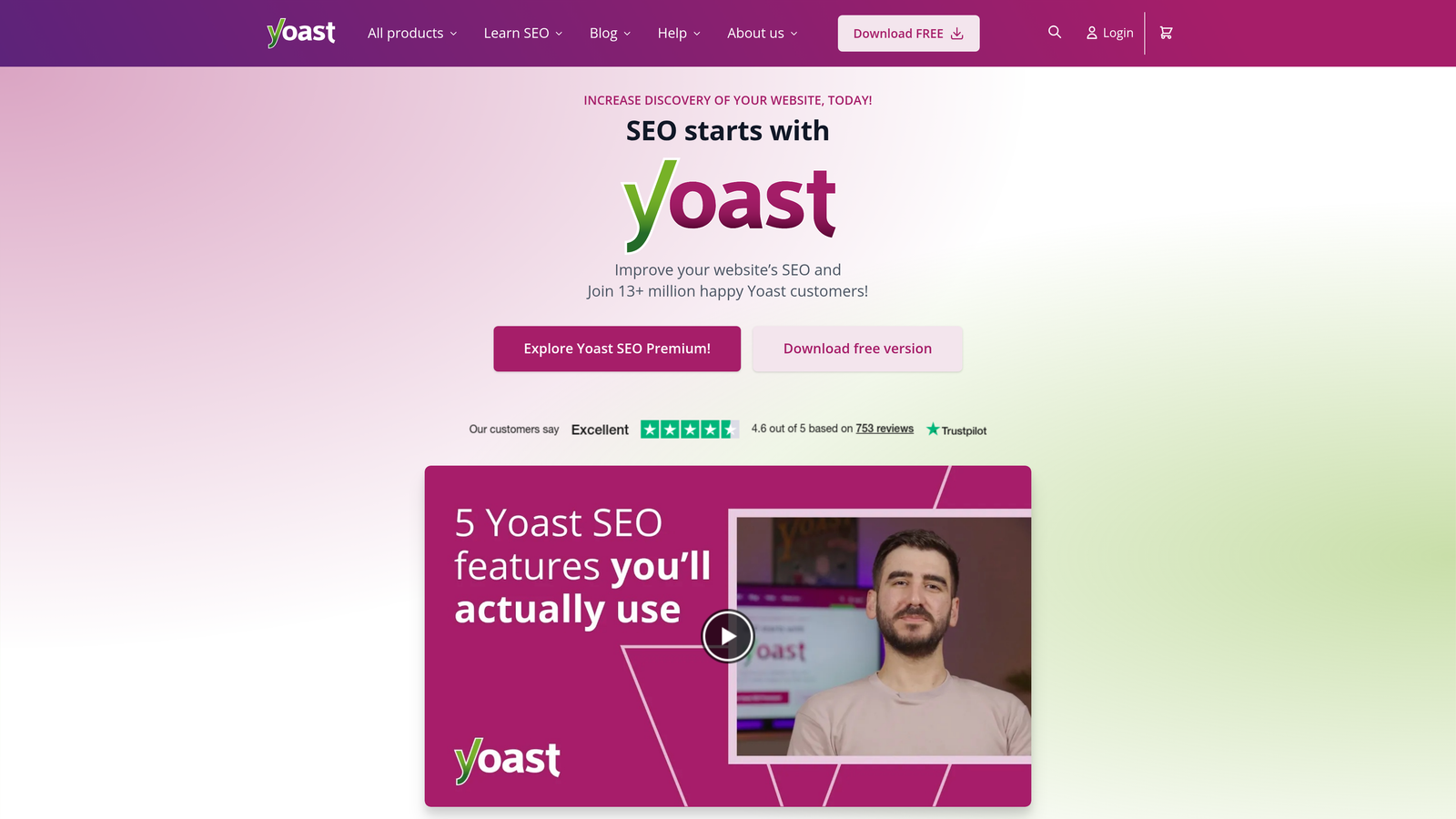
Yoast SEO is the most widely used WordPress SEO plugin, with over 5 million active installations.
Where This Tool Shines
Yoast integrates deeply with WordPress, so every optimization feature lives natively in the block editor. You see real-time SEO and readability scoring as you write, with traffic-light indicators that show what needs work. The plugin also handles technical SEO fundamentals automatically, including XML sitemaps, canonical URLs and schema markup.
For teams that publish only to WordPress, Yoast removes the need for external optimization tools. Everything happens in one interface. Its wide adoption also means extensive documentation and community support for troubleshooting.
Key Features
Native WordPress Block Editor Integration: Optimization metrics and recommendations appear directly in your editing interface.
Real-Time SEO and Readability Scoring: A traffic-light system makes it clear when content meets optimization standards.
Schema Markup Automation: Automatic structured data for articles, products and other content types.
XML Sitemap Generation: Automatic sitemap creation and updates with no manual configuration.
Social Media Preview Optimization: Control how content appears when shared on social platforms.
Best For
WordPress-focused teams, bloggers and small businesses who want solid SEO fundamentals without managing multiple tools. It works well for teams without dedicated SEO specialists.
Pricing
The free version covers core SEO needs. Premium costs $99/year and adds features such as redirect management and internal linking suggestions.
8. SE Ranking
Best for: Agencies managing multiple client sites with white-label reporting requirements
SE Ranking is an agency-focused SEO platform that combines content optimization with client management and reporting tools.
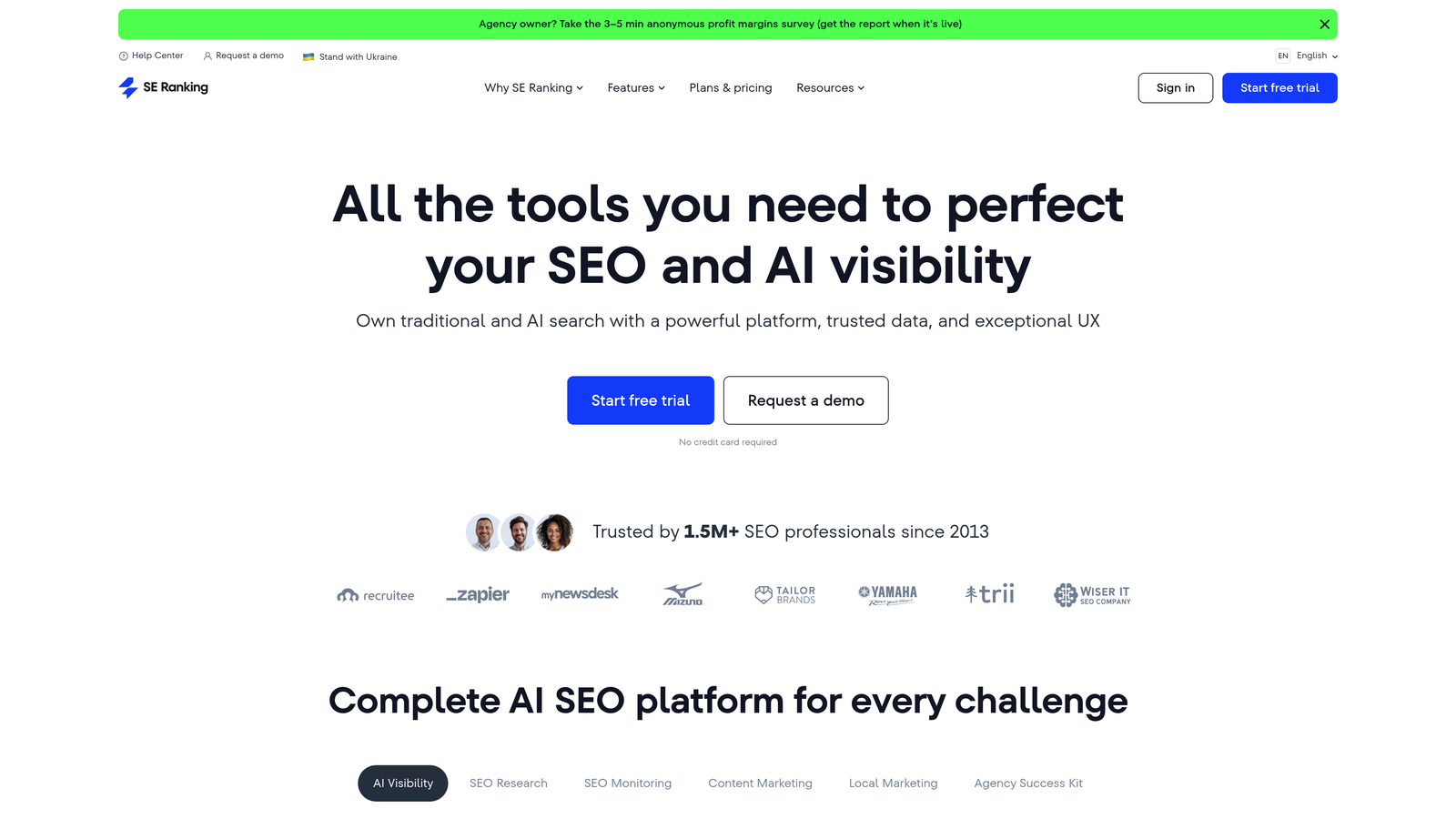
Where This Tool Shines
SE Ranking's multi-site management lets agencies handle dozens of client websites from a single dashboard. Its Content Editor gives optimization recommendations similar to other platforms. For agencies, the bigger draw is white-label reporting and the client portal.
The platform balances depth and usability well. You get rank tracking, competitor analysis and technical audits alongside content optimization, and the interface stays simple enough for junior team members to use effectively.
Key Features
Content Editor with SEO Recommendations: Optimize content based on SERP analysis and competitor research.
Multi-Site Management for Agencies: Manage client projects from a centralized dashboard.
White-Label Reporting: Generate branded reports for clients with custom domains and logos.
Rank Tracking and Competitor Analysis: Monitor rankings across multiple search engines and locations.
On-Page SEO Checker: Automated audits with prioritized recommendations for improvement.
Best For
Digital marketing agencies and freelancers managing multiple client accounts who need professional reporting alongside optimization tools. Particularly valuable for agencies offering SEO as a white-label service.
Pricing
Starts at $65/month for the Essential plan, with higher tiers for agencies managing more projects.
9. Rank Math
Best for: WordPress power users wanting advanced SEO features at an accessible price point
Rank Math is a feature-rich WordPress SEO plugin that competes directly with Yoast and offers more advanced capabilities.
Where This Tool Shines
Rank Math packs features usually found in enterprise tools into a WordPress plugin at a fraction of the cost. Its schema markup generator supports more types than most competitors, so you can add structured data for anything from recipes to local business information without touching code.
Deep Gutenberg integration means recommendations appear in context as you build pages with blocks. The built-in redirect manager handles 301 redirects without a separate plugin. Google Search Console integration brings search performance data directly into your WordPress dashboard.
Key Features
Deep WordPress and Gutenberg Integration: Optimization features work smoothly with WordPress's block editor.
Advanced Schema Markup Generator: Support for 20+ schema types with a visual configuration interface.
Built-In Redirect Manager: Handle 301 redirects and track 404 errors without additional plugins.
Google Search Console Integration: View search performance data directly in WordPress.
Content AI for Optimization Suggestions: AI-powered recommendations for improving content based on top-ranking pages.
Best For
WordPress users who want maximum features and control without paying for external SEO platforms. Ideal for developers and technical marketers comfortable with more configuration options.
Pricing
The free version includes most features. Pro costs $6.99/month and adds Content AI and advanced analytics.
Integration depth at a glance
| Tool | CMS connection | Read existing content | Write / publish | Starting price |
|---|---|---|---|---|
| Sight AI | WordPress, Webflow and other CMSs | Yes | Yes, auto-publish + IndexNow | Contact / free trial |
| Surfer SEO | WordPress plugin, Google Docs | Yes (in editor) | No auto-publish | $89/mo |
| Clearscope | WordPress plugin, Google Docs | Yes (in editor) | No auto-publish | $170/mo |
| Semrush | WordPress plugin, browser extension | Yes (in editor) | No auto-publish | $139.95/mo |
| Frase | WordPress, Google Docs | Yes | Yes, to WordPress | $15/mo |
| MarketMuse | WordPress | Yes (audits) | No auto-publish | Free / $149/mo |
| Yoast SEO | Native WordPress plugin | Yes | Manages meta, schema, sitemaps | Free / $99/yr |
| SE Ranking | Content Editor, site audits | Yes (audits) | No auto-publish | $65/mo |
| Rank Math | Native WordPress plugin | Yes | Manages meta, schema, redirects | Free / $6.99/mo |
Pricing reflects entry plans at the time of writing; confirm current tiers with each vendor before buying.
Making the Right Choice
The right SEO software with CMS integration depends on three things: your publishing platform, your team size, and whether you track only traditional search visibility or AI search as well.
If you are exclusively on WordPress and need solid fundamentals without external tools, Yoast SEO or Rank Math deliver comprehensive on-page optimization at minimal cost. Both plugins handle technical SEO automatically and give real-time feedback as you write.
For content teams that prioritize optimization quality and will pay for dedicated tools, Surfer SEO and Clearscope offer sophisticated SERP analysis with WordPress integration. Both help writers hit optimization targets without deep SEO knowledge.
Agencies managing multiple client sites benefit most from SE Ranking's multi-site management and white-label reporting. Teams that need a complete SEO suite alongside content optimization should consider Semrush.
Teams focused on content strategy and gap analysis will get more from MarketMuse's topic modeling than from a traditional content editor. The platform helps you decide what to create before you start writing.
For organizations tracking both traditional SEO and AI search visibility, Sight AI fills a gap most tools leave open. It combines content optimization and CMS auto-publishing with AI visibility tracking across ChatGPT, Claude and Perplexity. Language models increasingly shape purchase decisions and brand discovery, so knowing how AI describes your brand now matters as much as traditional rankings.
Frequently asked questions
What integrations do SEO software platforms typically support?
Most SEO platforms connect to Google Search Console and Google Analytics for performance data. They usually offer a WordPress plugin or browser extension for in-editor scoring, plus Google Docs add-ons for drafting. More advanced tools add API connectors for Webflow or headless CMSs, IndexNow pings, Looker Studio reporting, and Slack or Zapier notifications. Always check whether a CMS integration is read-only or can write and publish content.
Which tools can both read and write content in a CMS?
Read/write tools pull existing pages for analysis, push edits back and publish new posts through the CMS API. In this list, Sight AI auto-publishes to WordPress, Webflow and other CMSs, and Frase publishes to WordPress. Surfer, Clearscope and Semrush mainly read and score drafts inside the editor. Before committing to any vendor, including enterprise AI-visibility platforms, test write access, draft handling and field mapping in a trial.
What are the best SEO tools for a headless CMS like Sanity?
Headless CMSs such as Sanity, Contentful and Strapi rarely have plugins. You need a tool that writes through the CMS API with a scoped token, or a small middleware script triggered by webhooks. Check that the tool can map to your custom schema fields, including portable text, slugs and SEO objects. It should also create drafts rather than publishing live without review.
Which tools help with programmatic SEO on popular CMS platforms?
Programmatic SEO needs bulk page creation from templates plus structured data, so look for API-based publishing rather than editor plugins. Webflow's CMS API, the WordPress REST API and headless CMSs all support it. Pair publishing with automatic sitemap updates and instant indexing so thousands of new URLs get discovered. Sight AI's auto-publishing and IndexNow features cover the publish-and-index side of this workflow.
What tools help manage internal linking at the CMS level?
On WordPress, Yoast SEO Premium and Rank Math suggest internal links while you edit. Link Whisper is a dedicated plugin for the same job. For other CMSs, internal linking is usually handled by the content platform before publishing, or by a periodic crawl that finds orphan pages and broken links. Combine suggestions with a regular audit so links stay accurate as URLs change.
Stop guessing how AI models like ChatGPT and Claude talk about your brand. Get visibility into every mention, track content opportunities, and automate your path to organic traffic growth. Start tracking your AI visibility today and see exactly where your brand appears across top AI platforms.