Rank checking used to mean one question: what position does this page hold on Google for this keyword? That question still matters, but it is no longer the only one. This list is for marketers, in-house SEOs, and agencies choosing a tracker. We compared each tool on tracking accuracy, update frequency, location and device coverage, reporting, pricing transparency, and how it handles AI search visibility. Pricing and limits change often, so check each vendor's pricing page before you commit.
Quick Comparison of the Rank Checking Tools
- Sight AI: marketers measuring AI search visibility; pricing on website; tracks brand mentions and sentiment inside ChatGPT, Claude, and Perplexity answers.
- Semrush: teams wanting tracking plus research and audits; tiered subscriptions, see website; rank tracking with SERP feature and visibility share data inside a full suite.
- Ahrefs Rank Tracker: SEOs who pair rankings with backlink analysis; tiered subscriptions, see website; historical SERP snapshots showing who outranked you and when.
- AccuRanker: agencies and enterprises with very large keyword sets; pricing on website; fast bulk on-demand refreshes.
- SE Ranking: small agencies and in-house teams on a budget; tiered by keyword count and frequency, see website; plans that scale by keyword volume and check frequency.
- Advanced Web Ranking: agencies building custom client reports; pricing on website; granular reporting with BI data connectors.
- Moz Pro: beginners and small businesses; tiered subscriptions, see website; Domain Authority plus learning resources.
- Nightwatch: local and multi-location monitoring; pricing on website; fine-grained location-level tracking with visual dashboards.
- Google Search Console: anyone needing an authoritative baseline; free; first-party Google data at no cost.
1. Sight AI
Sight AI is the odd one out on this list, and we say so up front: it does not provide traditional Google keyword position tracking. It measures AI visibility, meaning how often and how favorably AI models such as ChatGPT, Claude, and Perplexity mention your brand when users ask questions in your category. It is built for marketers, founders, and agencies who already track blue-link rankings and now need to know what AI assistants say about them.
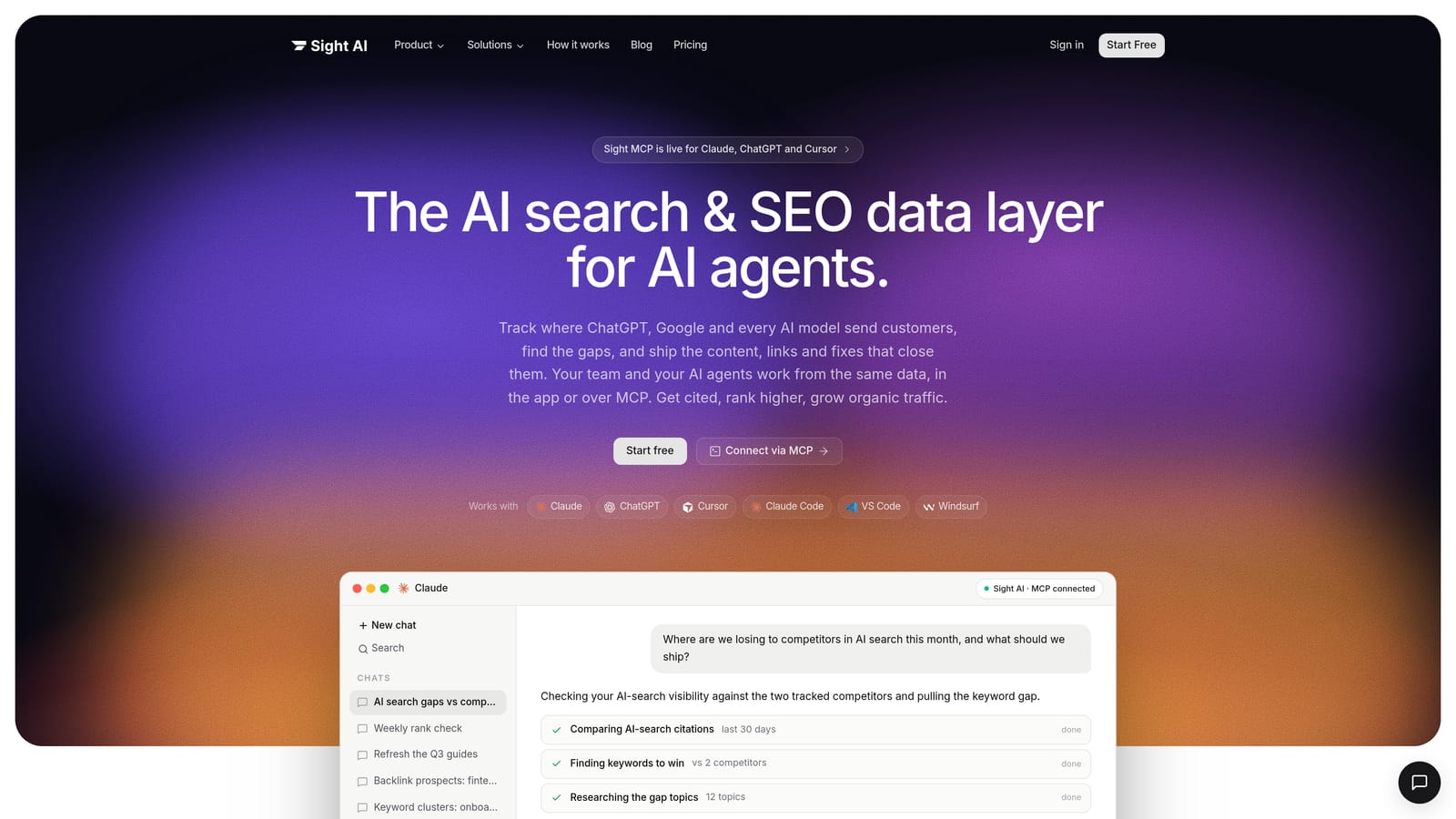
What it does distinctively well is turn AI answers into something you can monitor over time. Instead of a position number, you get an AI Visibility Score, sentiment on how your brand is described, and the prompts where you appear or are missing. None of the other tools here measure that.
- AI Visibility Score with sentiment analysis shows whether mentions are frequent and whether they are positive, neutral, or negative.
- Prompt tracking across 6+ AI platforms lets you watch the specific questions your buyers ask and see where competitors are recommended instead of you.
- AI Content Writer with 13+ agents produces SEO and GEO-optimized articles such as listicles, guides, and explainers aimed at the gaps tracking uncovers.
- IndexNow indexing and automated sitemaps push new and updated pages to participating search engines faster than waiting for a crawl.
- CMS auto-publishing moves approved content to your site without manual copy and paste.
Setup is light: you define your brand, competitors, and prompts, and connect your CMS if you want auto-publishing. Marketers typically run it day to day, with content teams using the writer. The integrations are IndexNow and CMS publishing, so do not expect Search Console or Looker Studio connectors in the way the classic trackers offer them.
The limitation matters: if you need daily Google positions by keyword, location, and device, you need a second tool from this list. Sight AI works best alongside a classic rank tracker, not in place of one. Pricing is not stated here; see the Sight AI website for current plans.
Best for: Marketers who need to measure and improve AI search visibility.
2. Semrush
Semrush is an all-in-one SEO suite, and its Position Tracking tool is the part relevant here. It suits teams that want rank data sitting next to keyword research, site audits, and competitor analysis, so one subscription covers most of the SEO workflow.
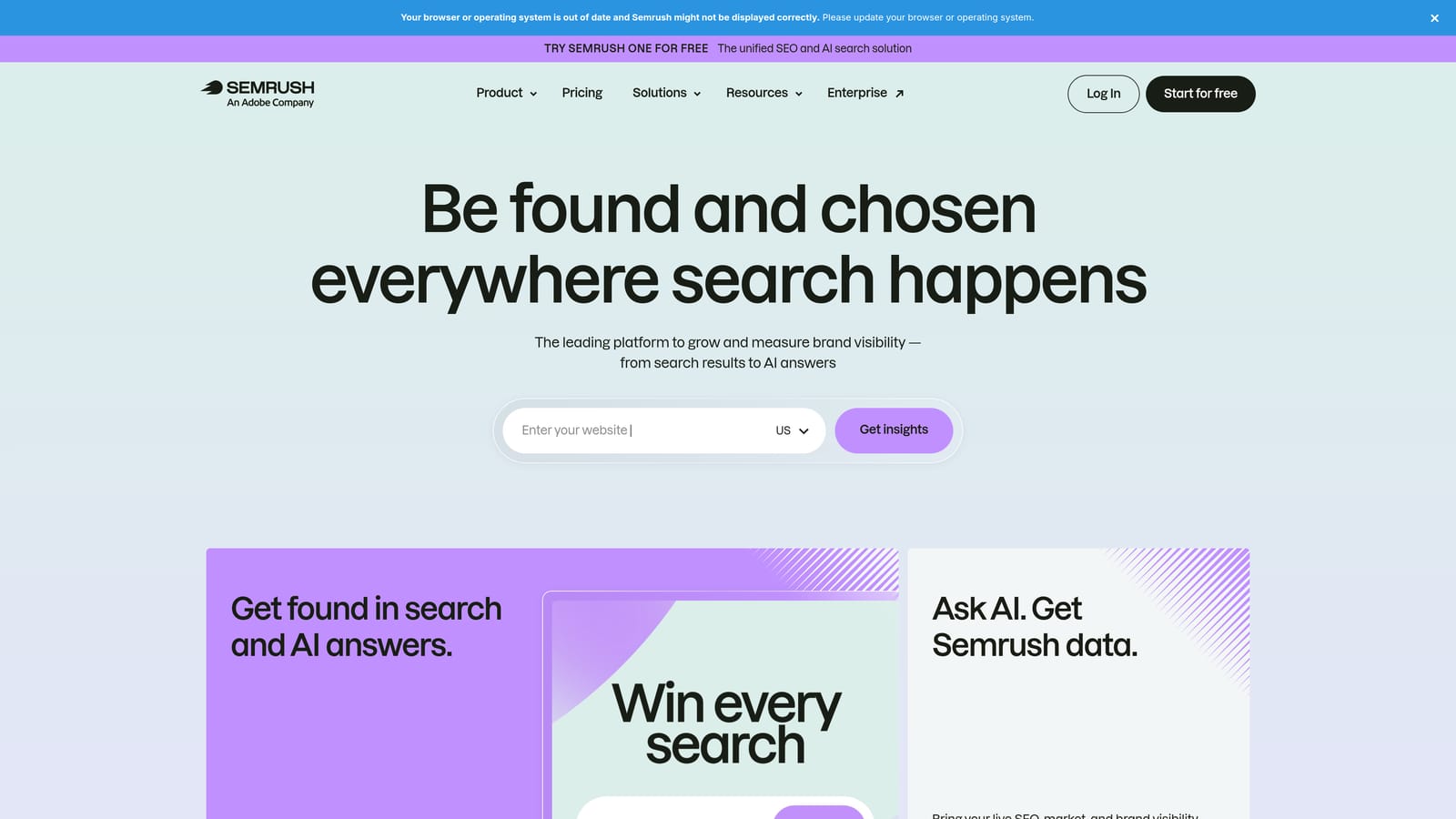
Its distinguishing strength against dedicated trackers is context. Position Tracking reports SERP features and a visibility share metric, so you see not only where you rank but how much of the available click opportunity you hold compared with competitors. That is useful when a featured snippet or local pack pushes your organic listing down the page.
- Tracking by device and location lets you separate desktop and mobile results and monitor specific markets.
- Competitor comparison puts your keyword set against rivals' so you can see who gains and loses share.
- SERP feature tracking shows which keywords trigger snippets, packs, and similar elements and whether you own them.
- Keyword research and site audit in the same account means a ranking drop can be investigated without switching tools.
It connects with Google Search Console, Google Analytics, and Looker Studio. Setup is moderate: you create a tracking project, add keywords, set location and device, and wait for the first data. Because the suite is broad, someone needs to own it; small teams can find it heavy.
The main drawback is cost. Tracking limits, and add-ons beyond the core plan, push the price up as your keyword count and project count grow. Tiered subscriptions apply; as of 2026, confirm current tiers and limits on the pricing page.
Best for: Teams wanting rank tracking plus research and audits in one subscription.
3. Ahrefs Rank Tracker
Ahrefs Rank Tracker is the rank tracking module of the Ahrefs platform, and it is most compelling if you already use Ahrefs for backlinks and keyword data. The buyer is typically an SEO who wants to connect a ranking change to a link gain, a competitor move, or a content update without exporting data between tools.
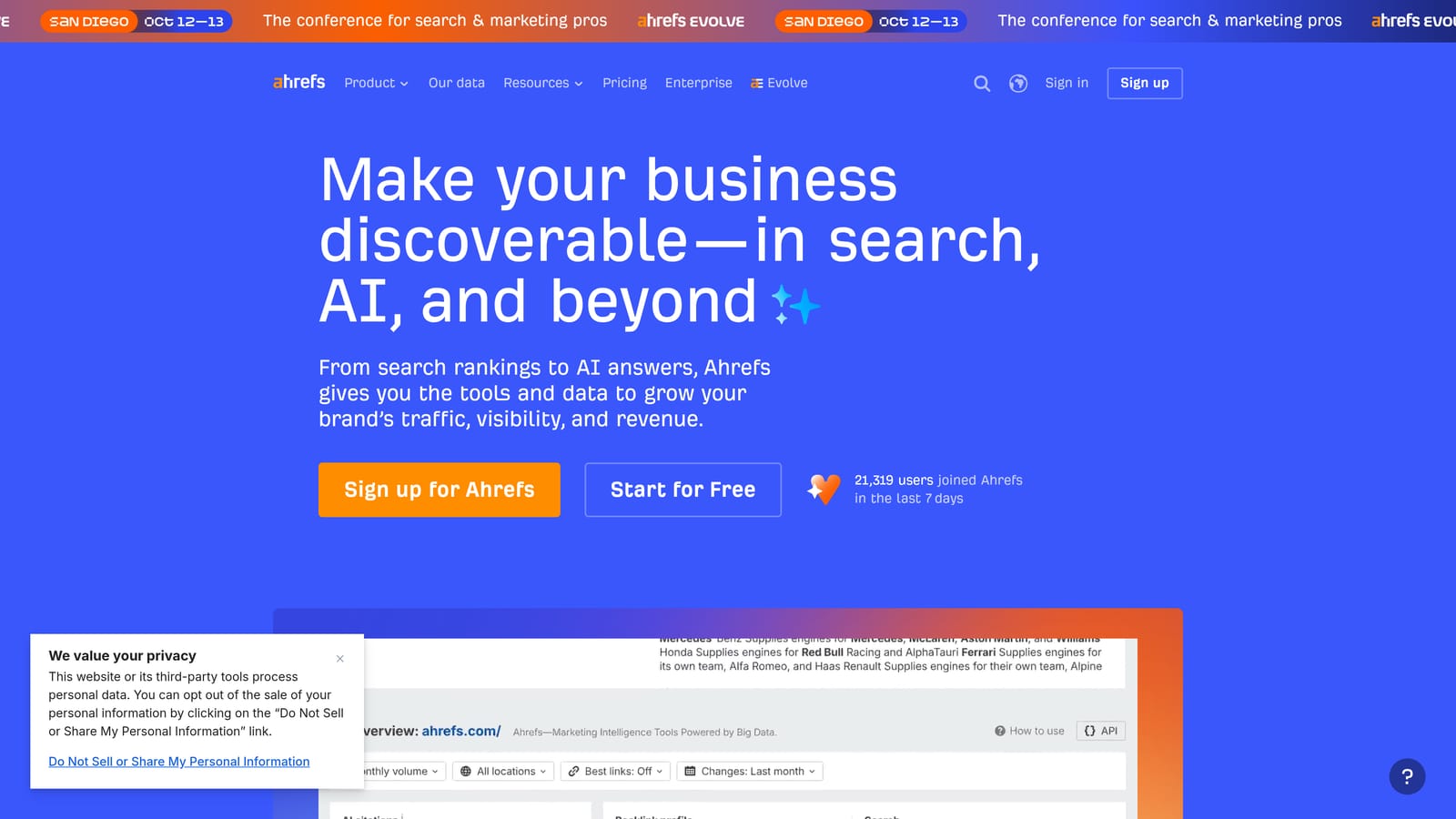
Its standout is SERP history. Rather than only logging your own position, it keeps snapshots of the results page, so when you drop you can look back and see which pages overtook you and when. That diagnostic value is something a plain position log cannot give you.
- Daily or scheduled updates by plan let you choose how fresh the data is, within what your tier allows.
- SERP history snapshots reveal who outranked you and when the change happened.
- Competitor tracking shows how rivals move across the same keyword set.
- Backlink and keyword data integration helps you tie position shifts to link and content changes.
Integrations include Google Search Console, Google Analytics, and Looker Studio. Setup is simple for existing users, since projects and keywords are already in the same account. A single SEO or small team can run it.
Keyword and update limits depend on the plan, so heavy trackers may hit ceilings. It is also best value if you use the wider platform; buying it solely as a rank checker is harder to justify when dedicated tools exist. Tiered subscriptions apply; check the Ahrefs pricing page for current numbers.
Best for: SEOs who combine rank tracking with backlink analysis.
4. AccuRanker
AccuRanker is a dedicated rank tracker built around speed and scale. It is designed for agencies and enterprise teams that monitor tens or hundreds of thousands of keywords across many clients or markets and cannot wait for a nightly cycle when something changes.
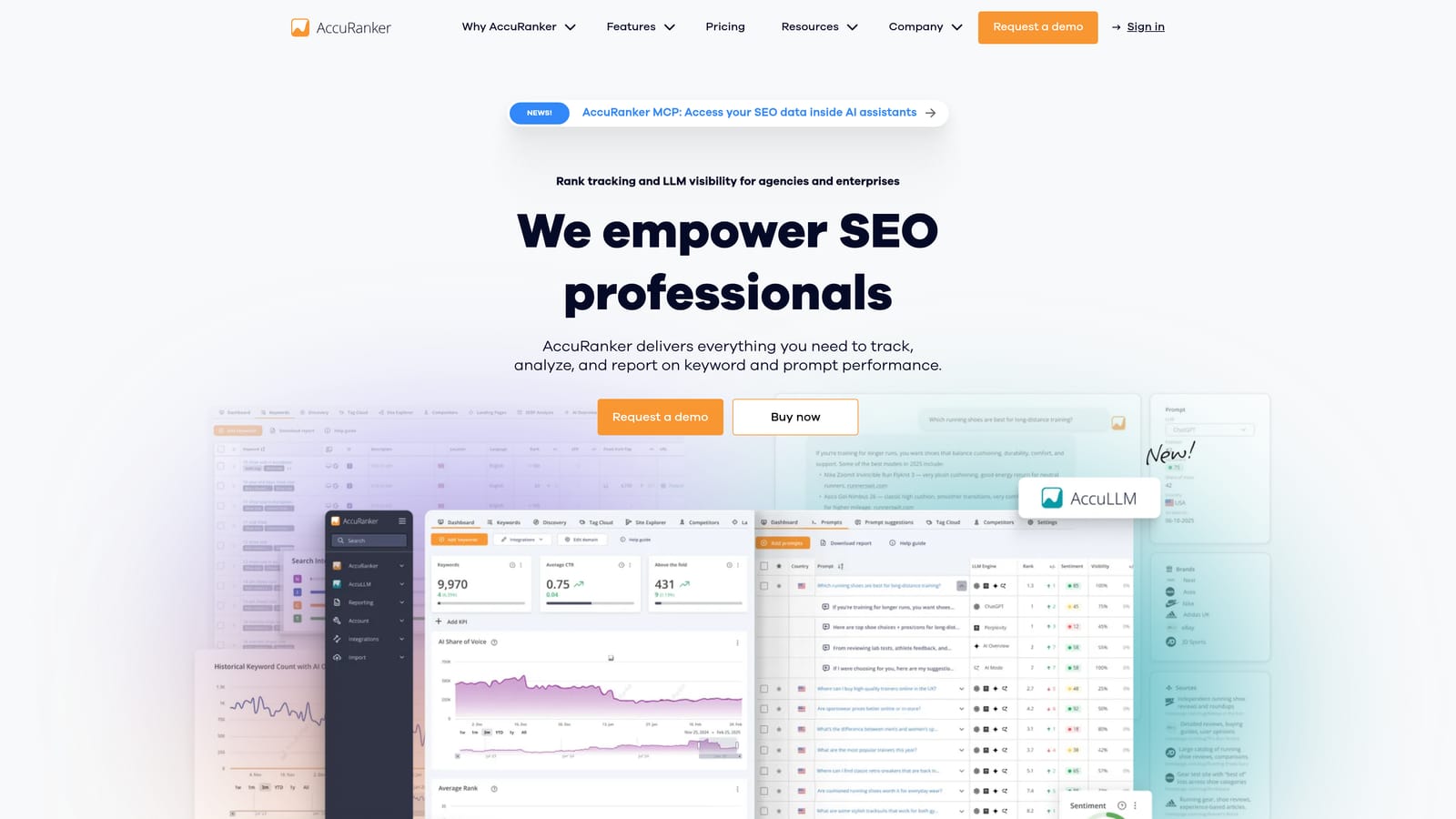
The distinctive strength is on-demand refresh. When you ship a major update or see a volatile day, you can request fresh positions for large keyword sets in bulk instead of waiting for the next scheduled check. Few tools here are as focused on that workflow.
- On-demand rank refreshes let you verify the impact of a change immediately.
- Large keyword volume handling keeps big portfolios manageable with grouping and filtering.
- Reporting and white-label options let agencies deliver branded reports to clients.
- Local and mobile tracking covers the location and device splits that change results.
It integrates with Google Search Console, Google Analytics, and Looker Studio. Setup is quick because the scope is narrow: import keywords, set markets and devices, and schedule reports. An SEO analyst or agency account manager usually runs it.
The narrow scope is the limitation. There is no full keyword research tool or site audit suite, so you will pair it with other software. If you track a few hundred keywords for one site, you are paying for scale you will not use. Pricing is not listed here; see the AccuRanker website, and expect cost to track with keyword volume.
Best for: Agencies and enterprises tracking very large keyword sets.
5. SE Ranking
SE Ranking is an affordable all-in-one SEO platform with rank tracking at its core. It is aimed at small agencies and in-house teams that need reliable position data, audits, and client reports without an enterprise-sized bill.
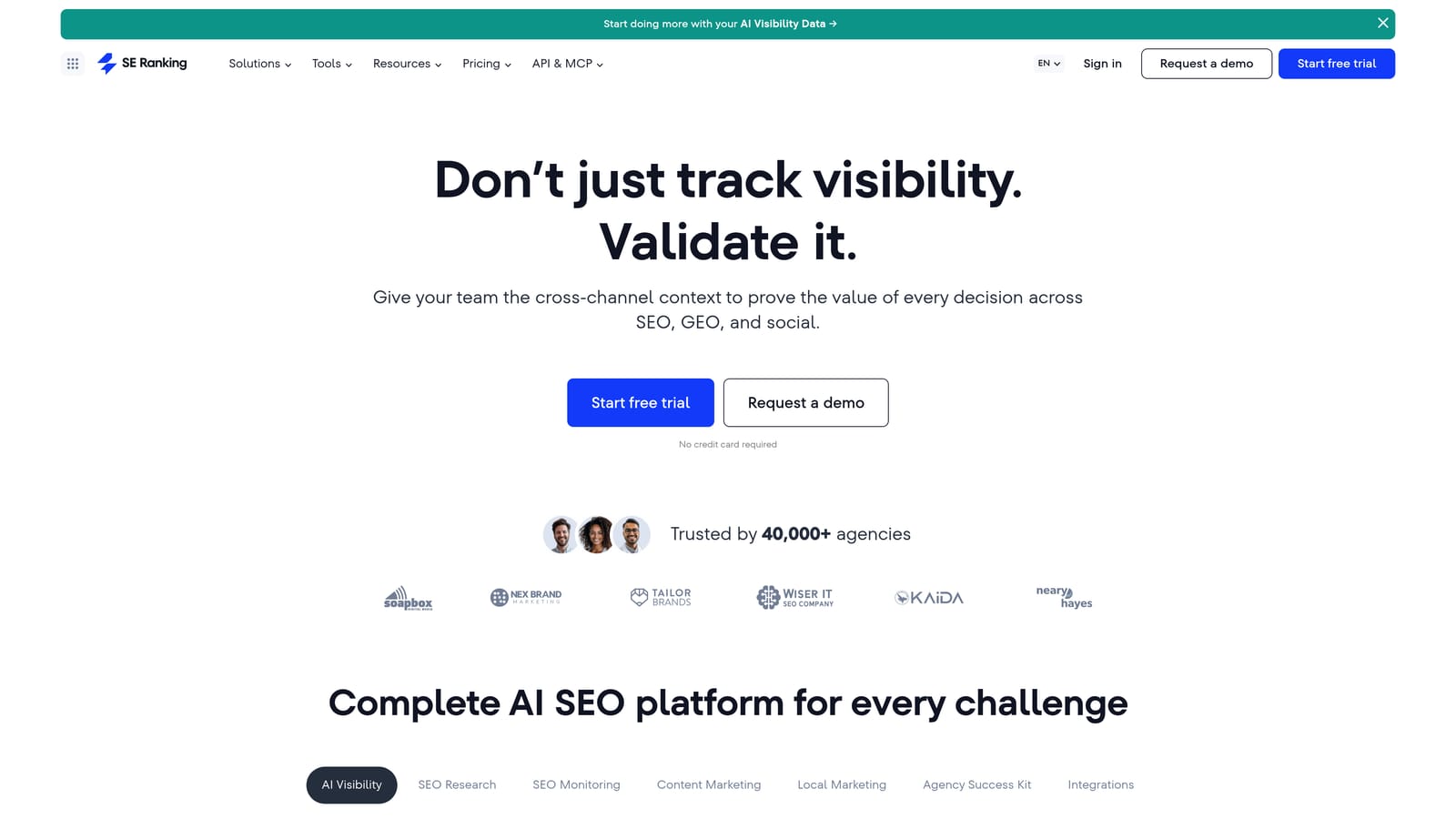
What sets it apart on this list is how its plans are structured. You pay according to how many keywords you track and how often they are checked, so a small team can keep daily checks for priority terms and lower frequency for the long tail, keeping spend proportional to need.
- Adjustable check frequency lets you spend update budget where it matters.
- Site audit flags technical issues that might explain ranking movement.
- White-label reports give agencies client-ready deliverables under their own brand.
- Competitor research shows which keywords and pages rivals rank for.
It connects with Google Search Console, Google Analytics, and Looker Studio. Setup is straightforward and the interface is approachable, so one marketer can run it without specialist training.
The trade-off is depth. Competitor and backlink data are lighter than in the largest suites, so link-heavy competitive analysis may need another source. Plans are tiered by keyword count and frequency; as of 2026, check the pricing page for current tiers.
Best for: Small agencies and in-house teams on a budget.
6. Advanced Web Ranking
Advanced Web Ranking is a rank tracking and reporting platform designed for agencies. The buyer is a team whose main problem is not collecting positions but presenting them: different clients want different metrics, layouts, and delivery formats.
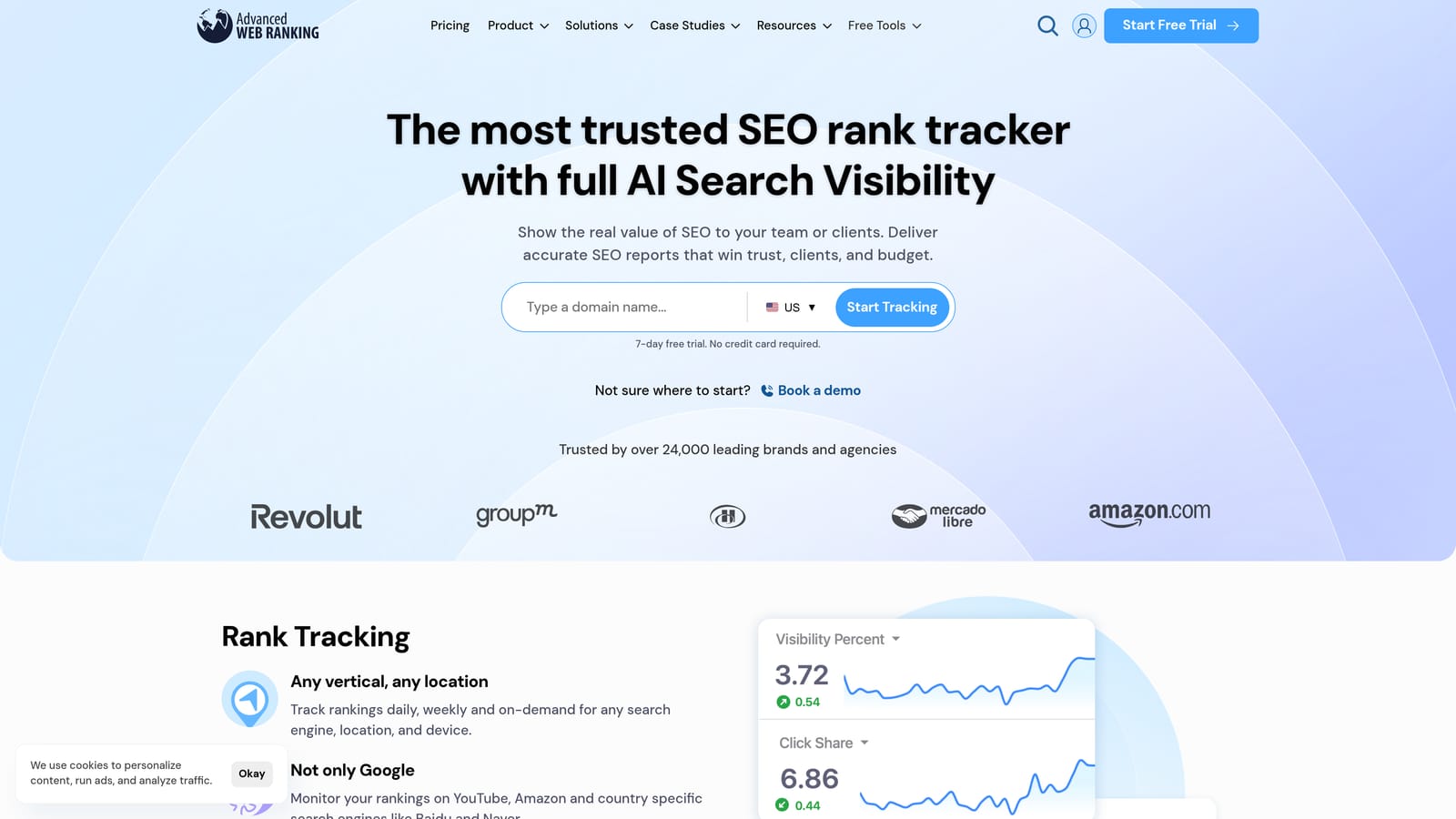
Its edge is reporting flexibility. Dashboards are highly customizable, and data connectors push ranking data into business intelligence tools, so you can blend positions with analytics, revenue, or CRM data in whatever format a client expects.
- Customizable dashboards let you shape views per client or per stakeholder.
- Client reporting produces presentable outputs without rebuilding them each month.
- Local and mobile tracking covers the market and device splits agencies are asked about.
- Data connectors feed ranking data into external reporting and BI environments.
Integrations include Looker Studio, Google Search Console, and Google Analytics. Setup takes more effort than simpler tools because the flexibility has to be configured; expect an account manager or analyst to build the templates once and reuse them.
That flexibility brings a learning curve, and pricing is oriented to agencies, which can be more than a solo marketer or single-site team needs. It is also a tracking and reporting product, not a research suite. See the website for current pricing.
Best for: Agencies building custom client reporting.
7. Moz Pro
Moz Pro is an SEO suite with keyword rank tracking, and it is probably the most approachable option here for people new to search. It is designed for beginners and small businesses who want to track rankings while learning why they move.
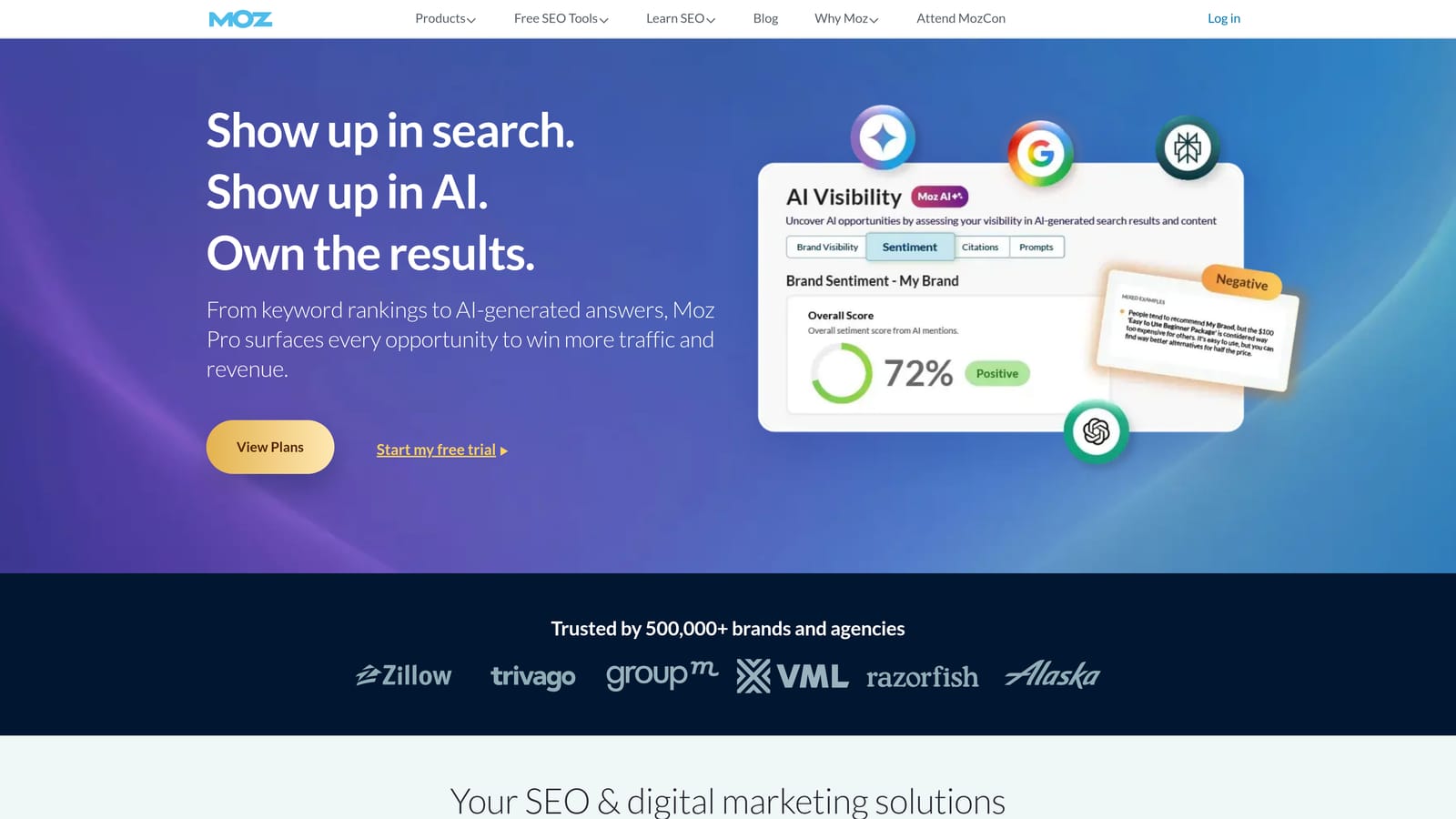
The standout is the combination of Domain Authority, a widely recognized site strength metric, and Moz's educational material. Domain Authority is a Moz-developed predictive score, not a Google ranking factor, but it is a common shorthand in client conversations and competitor comparisons.
- Rank tracking with history lets you see trends rather than isolated snapshots.
- SERP feature data shows which results pages carry snippets and similar elements.
- Domain Authority gives a quick, comparable authority benchmark against competitors.
- Site crawl surfaces technical problems alongside your rankings.
It integrates with Google Analytics and Google Search Console. Setup is easy and the interface favors clarity over density, so a generalist marketer or business owner can run it.
The limitation is a smaller data index than the largest competitors, which can mean thinner keyword and link coverage for competitive research. Teams that outgrow the basics often move to a larger suite. Tiered subscriptions apply; confirm current pricing on the Moz site.
Best for: Beginners and small businesses learning SEO.
8. Nightwatch
Nightwatch is a rank tracker with daily updates and visual reporting. It is built for people whose rankings vary by place: local businesses, multi-location brands, and agencies that serve them.
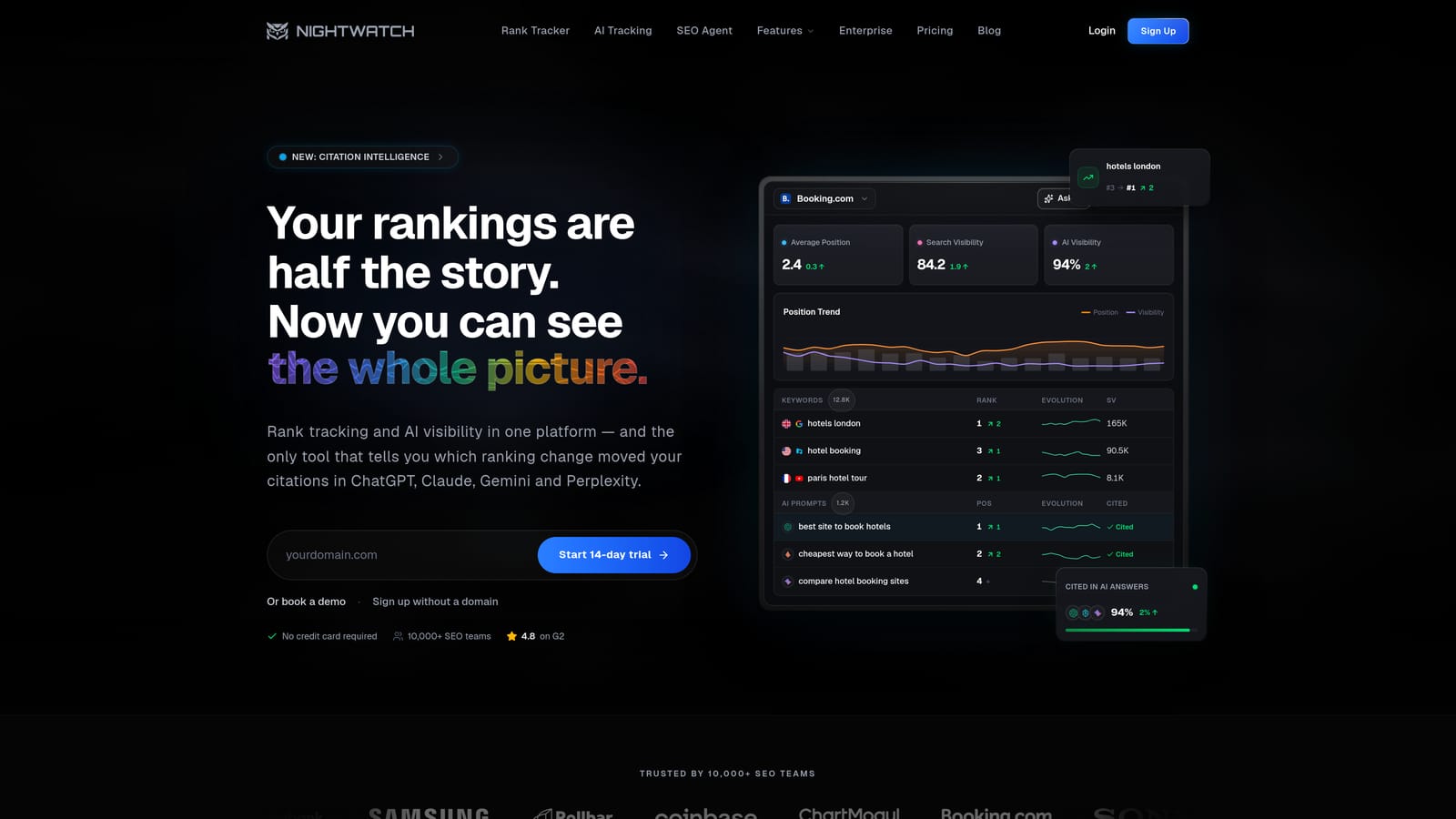
Its distinctive strength is granular location tracking. Instead of one national position, you can monitor how a keyword performs in specific places and read it on clear visual dashboards. For businesses where a result in one city means little in another, that matters.
- Daily rank updates keep positions current for fast-moving keywords.
- Local tracking shows position by location rather than a single average.
- Reporting dashboards turn movement into visuals stakeholders can read quickly.
- Competitor tracking lets you compare against local rivals on the same terms.
It works with Looker Studio, Google Search Console, and Google Analytics. Setup is quick: add keywords, choose locations, and schedule reports. A local SEO specialist or agency account manager would typically run it.
Outside tracking and reporting the toolset is limited, so you will need other software for keyword research, audits, or backlinks. Pricing is not stated here; see the Nightwatch website, and expect it to depend on keyword and location volume.
Best for: Local and multi-location SEO monitoring.
9. Google Search Console
Google Search Console is Google's free tool for seeing how a verified site performs in search. It is not a rank checker in the strict sense, but it is the baseline every other tool on this list should be compared against.
The reason is provenance. The data is first-party, coming directly from Google, so impressions, clicks, and positions reflect real searches rather than a vendor's simulated queries. When a paid tracker and Search Console disagree, Search Console is usually the better reference for what actually happened.
What the data does and does not mean
The position figure is an average, calculated across all the impressions a query or page received, including different locations, devices, and personalized results. It is not an exact ranking, and it will not match a tracker that checks one location and device. Treat it as a trend and validation signal.
- Average position per query and page shows broad movement across everything you rank for.
- Impressions and clicks connect position to actual traffic outcomes.
- Index coverage reports reveal pages that are not being indexed at all.
- URL inspection checks how Google sees a specific page and lets you request indexing.
It connects to Google Analytics and Looker Studio, and setup means verifying site ownership, usually through DNS or an HTML tag. A marketer or developer can do it in minutes.
The limits are clear: no competitor data and no tracking of AI assistant answers, and you cannot choose a location or device to simulate. It costs nothing.
Best for: Anyone needing a free, authoritative baseline.
Choosing a Rank Checker, and What to Pair It With
Match the tool to the job. Agencies with large keyword sets and client reporting needs should look at AccuRanker for speed and scale, or Advanced Web Ranking when custom reporting is the priority. Small teams on a budget get the most flexibility from SE Ranking, where you pay for the keyword count and check frequency you actually use.
If you want one subscription for tracking, research, and audits, Semrush covers the widest ground, and Ahrefs is the stronger pick when backlink analysis sits beside your rankings. Beginners can start with Moz Pro, and local or multi-location businesses should test Nightwatch. Whatever you buy, connect Google Search Console as a free baseline, and remember that a position depends on location, device, and personalization, so no single number is absolute. Tracking the right keywords beats tracking the most.
The gap none of the classic trackers fill is AI search. If customers ask ChatGPT, Claude, or Perplexity for recommendations, a position report will not tell you whether your brand is named. Pairing a classic tracker with Sight AI covers both: blue-link positions from one, mentions and sentiment in AI answers from the other.
Stop guessing how AI models like ChatGPT and Claude talk about your brand. Get visibility into every mention, track content opportunities, and automate your path to organic traffic growth. Start tracking your AI visibility today and see exactly where your brand appears across top AI platforms.