Open any Chrome browser and you'll see that familiar prompt staring back at you: "Search Google or type a URL." It's one of the most viewed phrases on the internet, appearing billions of times a day across laptops, desktops, and Chromebooks worldwide. Yet most people never stop to think about where it came from, who designed it, or why it's worded exactly that way.
That phrase isn't accidental. It's the product of deliberate design decisions made by a team of engineers and UX designers at Google who fundamentally rethought how browsers should work. And for marketers, founders, and SEO practitioners, understanding the mechanics behind that simple prompt reveals something important: the browser bar is the first battleground for organic visibility.
This article unpacks the origin of Chrome's omnibox, the team behind its creation, how the feature actually works under the hood, and why browser search behavior directly shapes how your content gets discovered. We'll also connect this to the modern challenge of AI visibility, because the omnibox is no longer just a search bar. It's becoming an AI-assisted discovery engine, and the brands that understand this will be better positioned to capture organic traffic in 2026 and beyond.
The Omnibox Origin Story: How Chrome Unified Search and Navigation
Before Chrome arrived, browsers were built on a two-bar model. You had an address bar at the top for typing URLs, and a separate search box, usually tucked in the corner, for querying a search engine. It was functional, but it created an unnecessary cognitive split. Users had to decide which bar to use before they even knew what they were looking for.
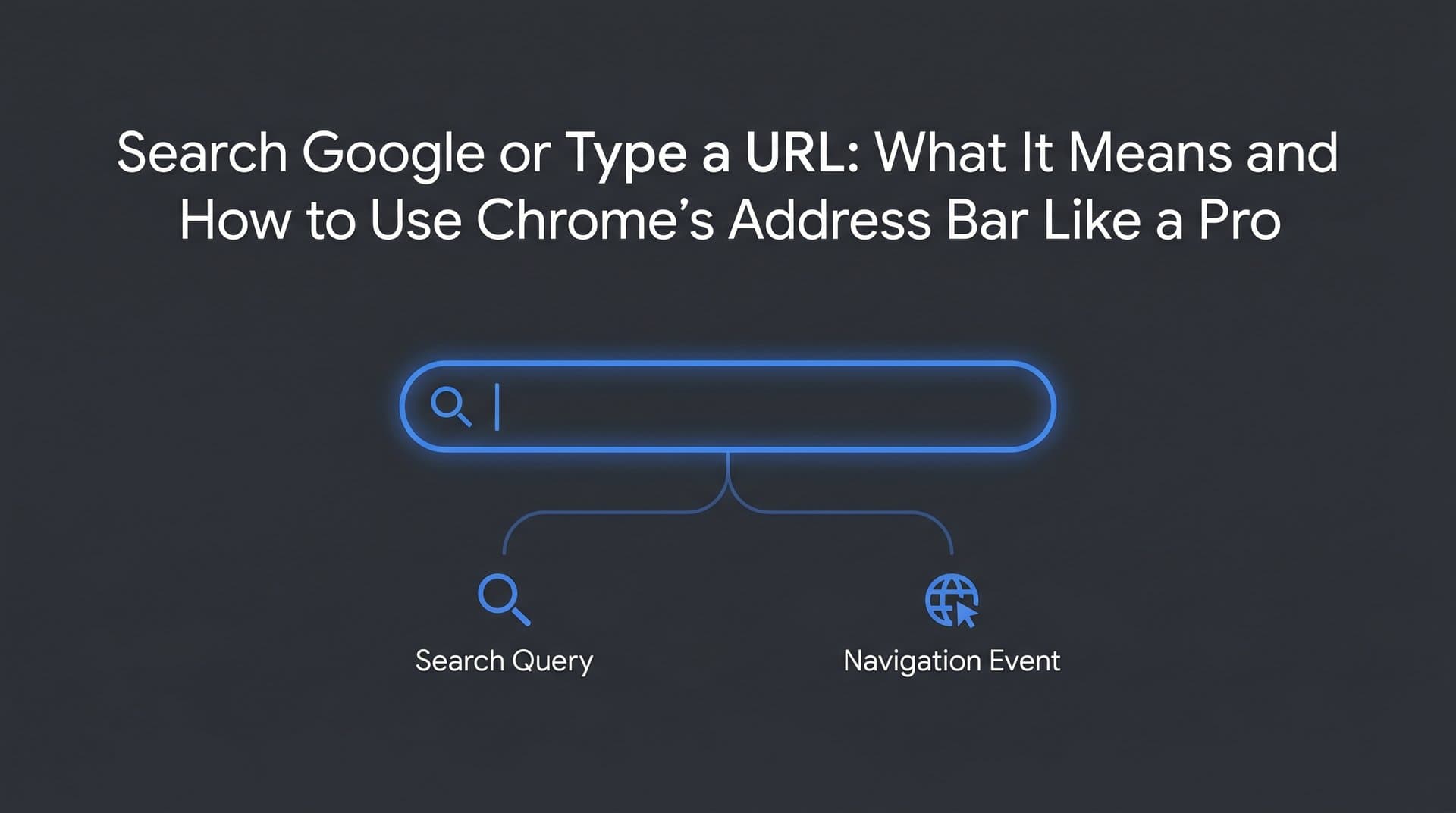
Google Chrome launched on September 2, 2008, and it threw out that model entirely. In its place came a single unified input field called the omnibox, short for "omnipotent box." The concept was radical at the time: one field that handled both navigation and search, intelligently routing your input to the right destination based on what you typed.
This wasn't a minor UI tweak. It was a philosophical statement about how people actually use the web. The Chrome team, led by engineers Ben Goodger and Darin Fisher, recognized that the line between "going to a website" and "searching for something" had blurred significantly. Users didn't always know the exact URL they needed. They just knew what they were looking for. Understanding search intent in SEO starts with recognizing this exact behavioral shift.
Google even released an official Chrome comic book, illustrated by Scott McCloud, alongside the browser's launch. That comic documented the design thinking behind Chrome's features, including the omnibox. It explained the dual-function concept in accessible terms and signaled that this wasn't an afterthought. It was a core design principle.
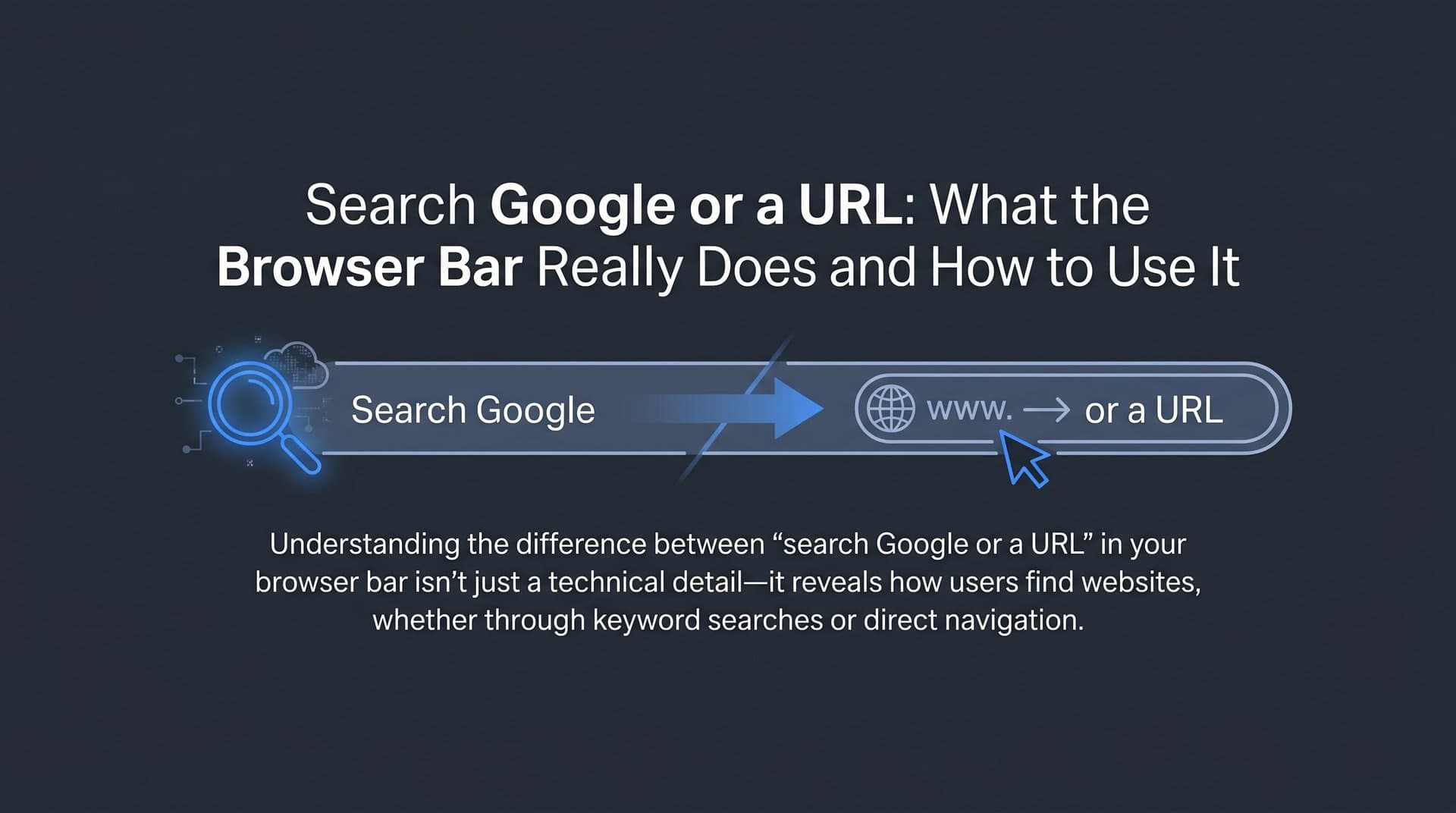
The placeholder text "Search Google or type a URL" was crafted to communicate this dual functionality immediately and clearly. It tells a new user exactly what they can do in that single field without any instruction manual. The phrasing is intentional: search comes first, reflecting Chrome's identity as a Google product, but typing a URL is equally valid.
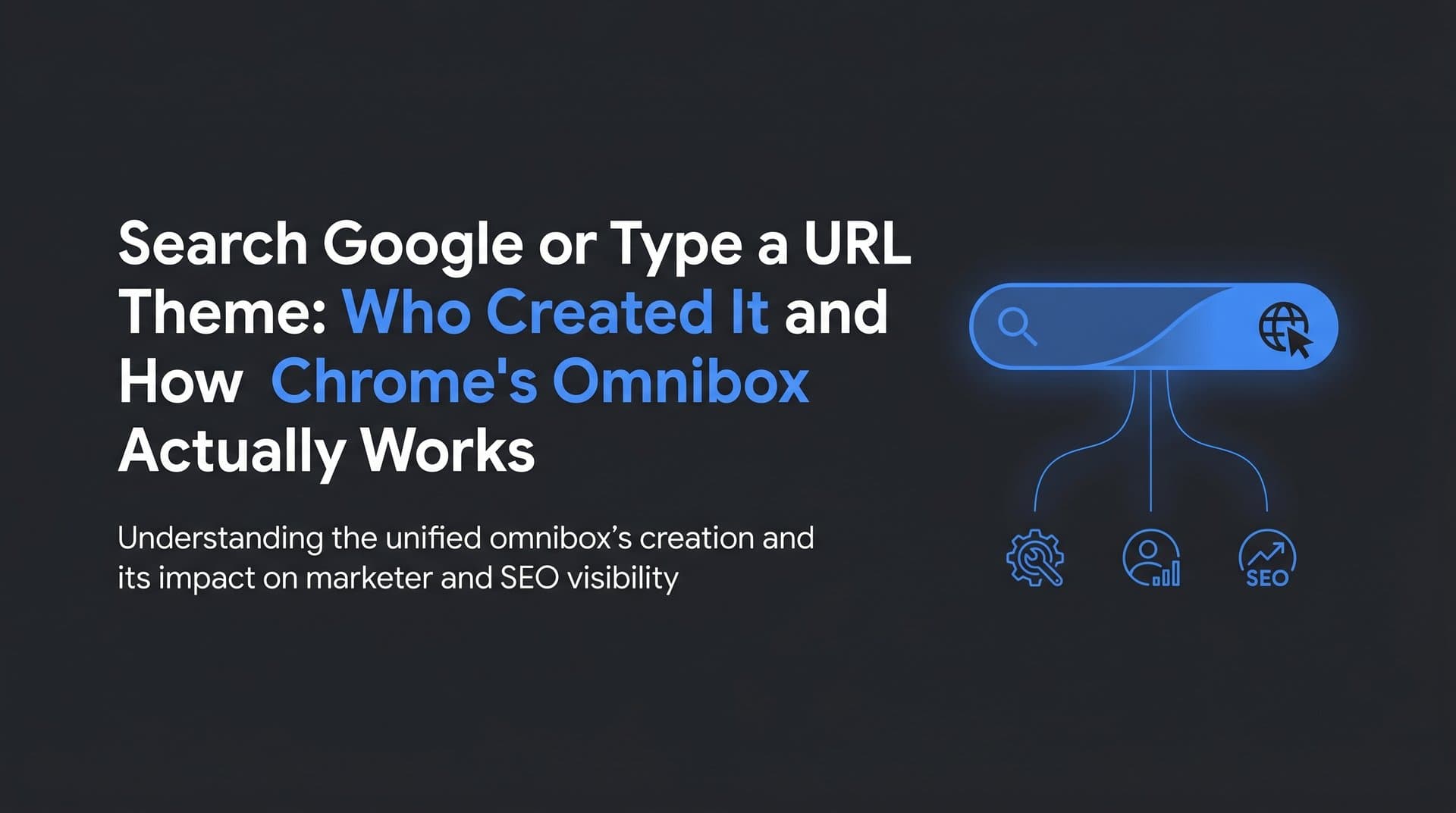
It's worth clarifying a common point of confusion: the default Chrome New Tab Page (NTP) and its omnibox styling are not "themes" in the traditional sense. They are built directly into the browser by Google's Chrome team as part of the browser's core interface. The minimalist "content-first" design philosophy that shaped Chrome's look, including that clean white page with the centered search prompt, was the work of Google's internal design team, not a third-party developer or external theme creator.
This distinction matters when people search for "search Google or type a URL theme created by," expecting to find an independent designer or plugin author. The answer is Google's own Chrome UX and engineering team, working within the Chromium open-source project that underpins the browser.
How the Omnibox Processes Your Input in Real Time
Typing a single character into Chrome's omnibox triggers a surprisingly sophisticated process. The browser doesn't wait for you to finish. It starts making decisions immediately, and understanding those decisions helps explain why certain brands and sites appear as suggestions while others don't.
Chrome's omnibox applies a classification algorithm to everything you type. It checks whether your input looks like a valid URL format, meaning it contains a domain extension, a protocol like "https://", or matches a known site in your history. If it does, Chrome treats it as a navigation request and routes you directly to that address when you press Enter.
If your input doesn't match a URL pattern, Chrome treats it as a search query and routes it through your default search engine. For most users, that's Google. This routing happens seamlessly and invisibly, which is exactly the point. The omnibox removes the decision burden from the user. Understanding how AI search engines work helps explain the intelligence behind this routing logic.
The autocomplete predictions you see while typing are powered by several data sources working together. Chrome pulls from your browsing history, your bookmarks, and Google's Suggest API, which provides real-time query predictions based on what millions of other users search for. The result is a ranked list of suggestions that appears before you even finish typing your query.
The omnibox also handles a surprising range of additional functions that many users never discover. Type a math equation and Chrome calculates it inline. Type a unit conversion like "50 miles in km" and get an instant answer. Search directly within a specific site if Chrome has learned that site's search functionality. These features make the omnibox far more than a simple input field.
For site owners and marketers, the autocomplete behavior is particularly significant. When a user types a brand name or a partial query, the suggestions that appear can direct traffic to specific sites. Brands that appear in autocomplete suggestions benefit from a visibility advantage that doesn't require a user to complete a full search. This is why brand search volume and organic search keywords matter beyond just traditional keyword rankings.
Chrome Themes, the New Tab Page, and What Can Actually Be Customized
Here's where the "theme created by" question gets interesting. Chrome does have a robust theming system, and users can install thousands of custom themes from the Chrome Web Store. These themes can change the browser's color scheme, add background images to the toolbar, customize tab strip styling, and transform the visual personality of the entire browser interface.
But there's a clear boundary between what themes can change and what they can't touch.
The New Tab Page that displays "Search Google or type a URL" is built into Chrome's core code as part of the Chromium open-source project. Google's Chrome team maintains it directly. While third-party themes can modify the background and visual styling of the NTP, the omnibox prompt text itself is hardcoded into Chrome's interface strings. It's not a customizable element from a theme perspective.
Extensions can go further than themes. Some Chrome extensions replace the New Tab Page entirely with a custom experience, showing different search interfaces, productivity tools, or branded dashboards. When you install one of these extensions, you might see a completely different NTP layout. But even then, the underlying omnibox in the browser toolbar, the one at the very top of the window, retains Chrome's default behavior and prompt text.
The search engine that powers the omnibox is configurable. Users can set Bing, DuckDuckGo, or other search engines as their default, which changes where queries are routed. But the prompt text "Search Google or type a URL" reflects Chrome's default state. If you change your default search engine, the text updates accordingly to reflect your chosen provider.
For businesses and marketers, this architecture has practical implications. You can't influence the omnibox prompt through a theme or extension. Your path to appearing in the omnibox's suggestions runs through search signals: indexed content, brand search volume, site authority, and the quality of your presence in Google's index. Understanding the AI search engine ranking factors that drive visibility is essential for earning that presence.
Why Browser Search Behavior Is a Critical SEO Signal
The omnibox is often the very first touchpoint in a user's search journey. Before a user lands on your site, before they click a result, before they even finish typing their query, Chrome is already shaping their path. This makes browser search behavior a meaningful factor in how organic traffic actually flows.
One practical distinction for marketers is the difference between users who type a direct URL and users who type a search query. Direct URL navigation typically signals strong brand recall. The user already knows your site and is going there intentionally. Search query navigation, on the other hand, means your site needs to win a position in the results. Both paths matter, but they require different strategies to optimize. Learning how to improve organic search ranking is critical for winning on the query-driven path.
Google's omnibox autocomplete suggestions can meaningfully influence which sites users visit, particularly for navigational queries. When someone types a brand name or a category term, the suggestions that appear create a shortlist of options before the search results page even loads. Brands with strong search presence and high query volume are more likely to appear in these suggestions, reinforcing a visibility loop where popular brands become more discoverable.
As Google continues integrating AI features into Search, including AI Overviews that appear directly in search results, the omnibox is evolving into something more than a routing mechanism. It's becoming the entry point to an AI-assisted discovery layer. When a user types a query and lands on a results page with an AI-generated summary at the top, the brands and sources cited in that summary have effectively won a new kind of visibility, one that doesn't depend on a user clicking through to page one results. This is the core of search generative experience optimization.
This shift has real consequences for content strategy. Optimizing purely for traditional blue-link rankings is no longer sufficient. Brands need to think about how their content is structured, cited, and surfaced by AI systems that are increasingly integrated into the browser experience. The omnibox is the gateway; AI-generated answers are becoming the destination.
Understanding browser search behavior also informs how you think about branded versus non-branded traffic. If users are searching for your brand name directly, that's a signal of brand strength. If they're finding you through generic category queries, that reflects your SEO footprint. Both are valuable, and both start with that same input field at the top of Chrome.
From the Browser Bar to AI Search: Building Visibility That Lasts
The path from a user typing in Chrome's omnibox to your brand appearing as a result runs through several layers of optimization, and each one matters more as AI features become embedded in the search experience.
The foundation is technical: your website needs to be properly indexed and crawlable. If search engines can't access and understand your content, it won't appear in omnibox autocomplete suggestions or search results regardless of how good the content is. This means maintaining a clean sitemap, resolving crawl errors, and ensuring your pages are discoverable. Tools that automate search engine indexing optimization can accelerate this process by notifying search engines of new or updated content in real time rather than waiting for the next crawl cycle.
Beyond technical indexing, the quality and structure of your content determines how it competes across both traditional search results and AI-generated answers. SEO-optimized content targets the queries your audience types into the omnibox. GEO-optimized content, short for generative engine optimization, goes a step further by structuring information in ways that AI systems can accurately cite and summarize. As AI Overviews and similar features become standard in browser-integrated search, learning how to optimize for AI search engines is shifting from a nice-to-have to a core content strategy requirement.
There's also the emerging challenge of AI model visibility. When users interact with ChatGPT, Claude, Perplexity, or Google's own AI features, those systems draw on their training data and real-time retrieval to decide which brands and sources to mention. Your presence in these AI-generated responses is a new dimension of organic visibility that operates alongside, and increasingly influences, traditional search traffic.
Tracking how AI models reference your brand gives you a concrete picture of where you stand in this new landscape. Are you being mentioned when users ask about your category? Is the sentiment positive? Are competitors ranking in AI search results instead of you? These are questions that traditional SEO analytics don't answer, but AI visibility tracking platforms are designed to surface exactly this kind of intelligence.
Platforms like Sight AI allow marketers and founders to monitor brand mentions across multiple AI systems, track sentiment, identify content gaps, and generate optimized articles that improve both traditional search rankings and AI citation rates. This kind of integrated approach treats the omnibox as what it's becoming: the entry point to a layered discovery ecosystem that spans blue-link results, AI summaries, and conversational AI responses.
Putting It All Together: The Browser Bar Is Your Organic Opportunity
The "Search Google or type a URL" prompt was created by Google's Chrome engineering and UX team, not a third-party developer or theme designer. It's built into Chrome's core code as a fundamental expression of the browser's design philosophy: one field, two functions, zero friction for the user.
But for the people building websites, creating content, and growing brands online, that simple phrase represents something much larger. It's the starting point of nearly every search journey on the web's most popular browser. How your brand appears, or doesn't appear, after a user types in that field is the outcome of your entire organic visibility strategy.
Traditional SEO, technical indexing, content quality, brand search volume, GEO optimization, and AI visibility tracking all feed into that single moment when Chrome routes a user's input toward a result. As browsers continue integrating AI into the search experience, the brands investing in comprehensive visibility strategies will be the ones users find, whether they type a URL or ask a question.
The omnibox has always been smarter than it looks. Now, so is the search landscape it connects to.
Start tracking your AI visibility today and see exactly where your brand appears across top AI platforms. Stop guessing how AI models like ChatGPT and Claude talk about your brand. Get visibility into every mention, uncover content opportunities, and automate your path to organic traffic growth.