Getting your content indexed quickly can mean the difference between ranking for a trending topic and missing the wave entirely. But with indexing tools ranging from free to enterprise-tier pricing, choosing the right solution requires understanding what you're actually paying for.
This comparison breaks down leading indexing tools by their pricing structures, feature sets, and overall value—helping you match your budget to your indexing needs. Whether you're managing a small blog or coordinating thousands of pages across multiple sites, you'll find a clear picture of what each tool costs and what you get in return.
1. Sight AI
Best for: Teams wanting indexing bundled with AI content generation and visibility tracking
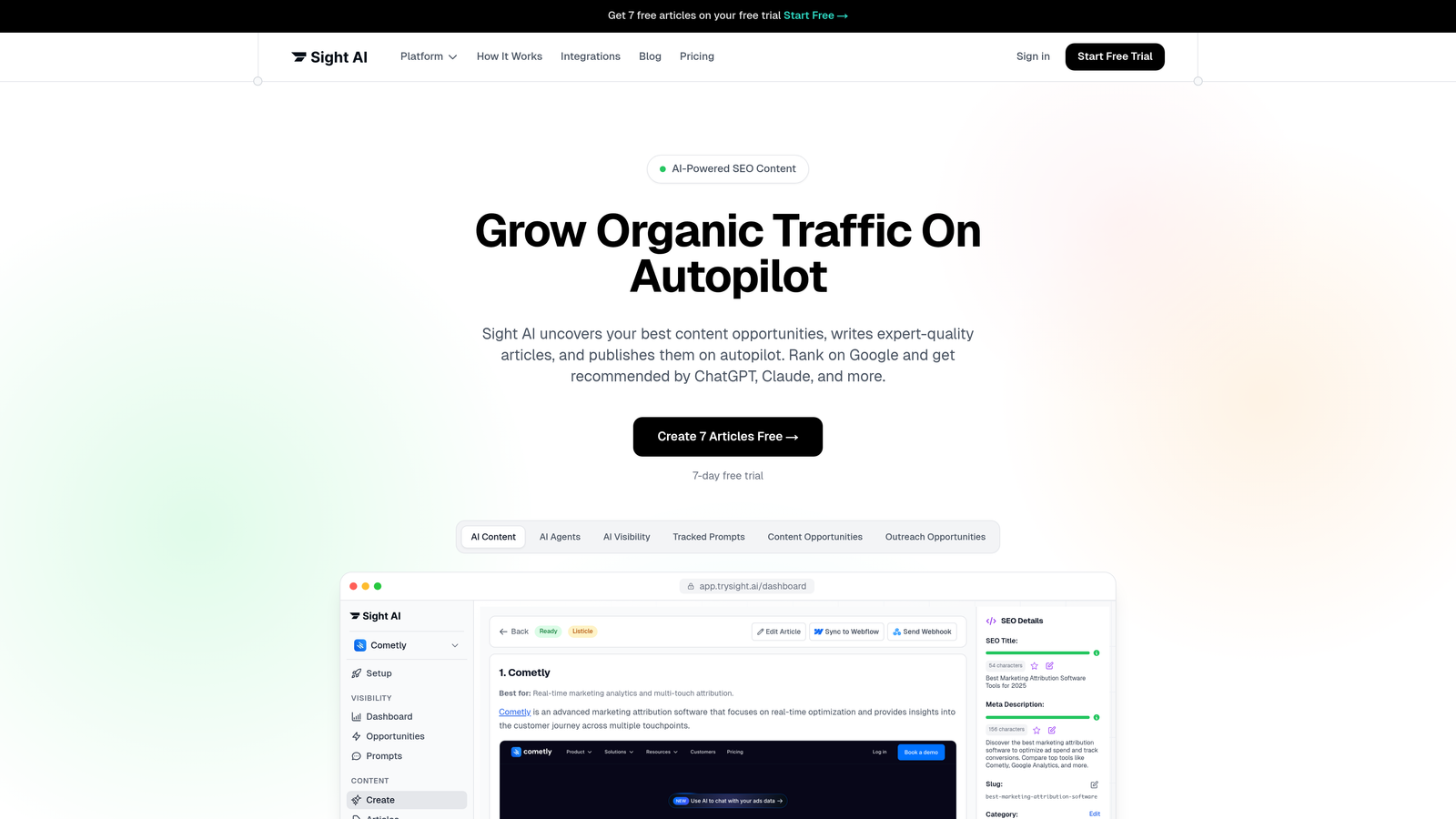
Sight AI is an all-in-one SEO platform that combines IndexNow-powered website indexing with AI content generation and AI visibility tracking capabilities.
Where This Tool Shines
Sight AI takes a different approach by bundling indexing into a comprehensive platform rather than offering it as a standalone service. This makes sense if you're already creating content and tracking how AI models reference your brand—you get automatic indexing without juggling multiple tools.
The IndexNow integration means your content gets submitted to Bing and Yandex instantly upon publication. Combined with automated sitemap updates and CMS auto-publishing, it creates a streamlined workflow from content creation to search engine notification.
Key Features
Automatic IndexNow Submission: Instant notification to Bing and Yandex whenever new content publishes.
Automated Sitemap Updates: Your XML sitemap stays current without manual intervention.
AI Content Writer Integration: Generate SEO/GEO-optimized content with 13+ specialized AI agents, then index it automatically.
AI Visibility Tracking: Monitor how AI models like ChatGPT and Claude mention your brand across 6+ platforms.
CMS Auto-Publishing: Push content directly to your site and trigger indexing in one workflow.
Best For
Marketing teams and agencies that want indexing as part of a broader content and visibility strategy. If you're already investing in AI-optimized content creation and tracking AI mentions, the bundled indexing adds value without additional subscription complexity.
Pricing
Indexing is included in platform plans rather than priced separately. Check trysight.ai/pricing for current tier options based on your content volume and feature needs.
2. IndexNow
Best for: Anyone wanting free, instant indexing for Bing and Yandex
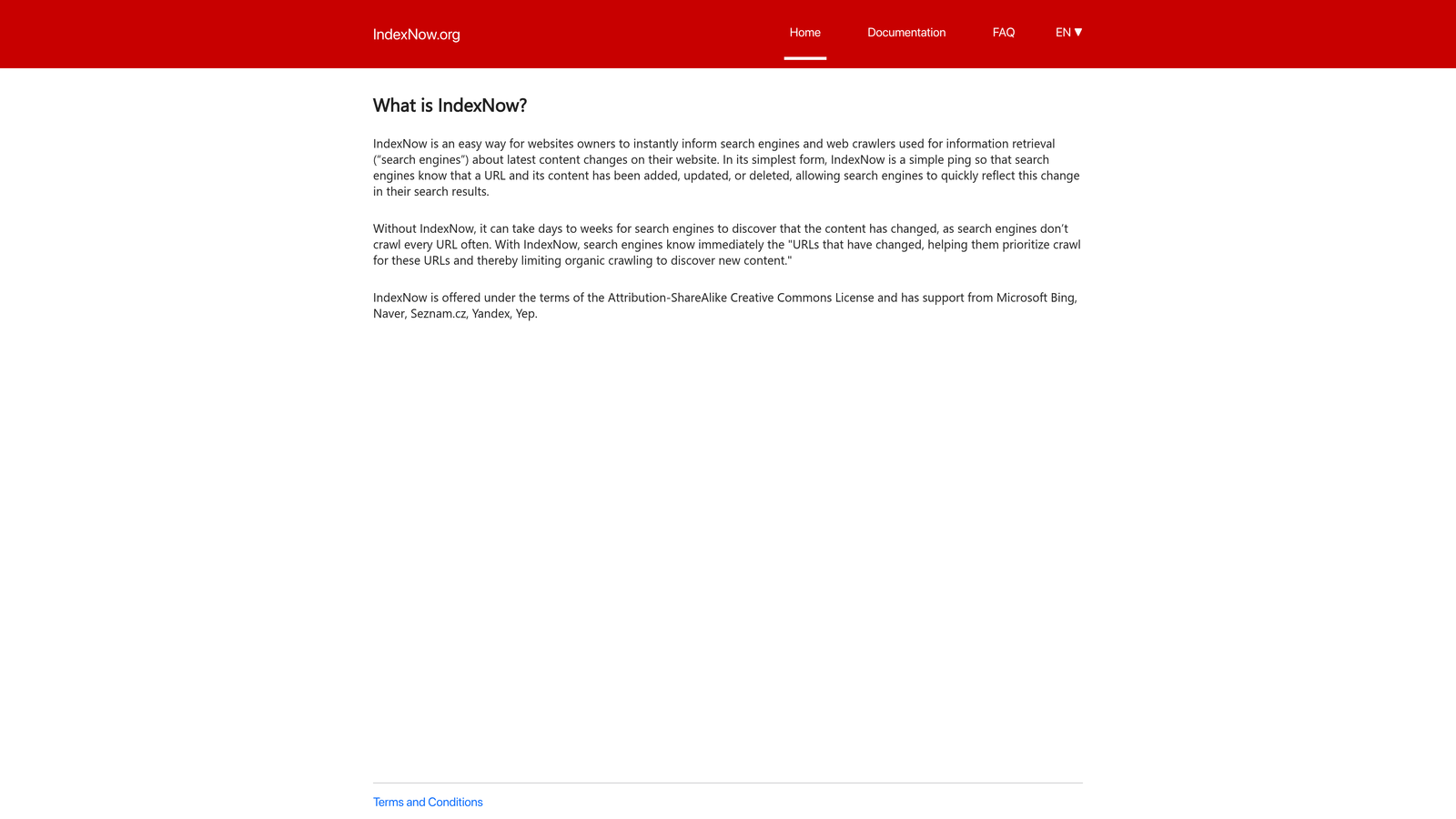
IndexNow is an open protocol that lets you notify participating search engines instantly when you publish or update URLs.
Where This Tool Shines
IndexNow changed the indexing game by making instant notification free and accessible. Instead of waiting for search engines to discover your updates through crawling, you ping them directly. Bing and Yandex both participate, along with several smaller engines.
The protocol's simplicity means it's been adopted by major CMS platforms and plugins. Many WordPress sites now use IndexNow automatically without users even realizing it's running in the background.
Key Features
Free Open Protocol: No cost to implement or use—just submit your API key and URLs.
Instant Notification: Participating engines receive your updates immediately rather than waiting for next crawl.
Easy API Implementation: Simple REST API that most developers can integrate in under an hour.
Wide Plugin Support: Available as plugins for WordPress, Joomla, and other popular CMS platforms.
Batch Submission: Submit multiple URLs in a single API call for efficiency.
Best For
Any website owner who publishes content regularly and wants faster Bing/Yandex indexing. Particularly valuable if you're targeting markets where Bing has significant share or if you publish time-sensitive content.
Pricing
Completely free. It's an open protocol with no licensing fees or usage limits.
3. Google Search Console
Best for: Direct Google indexing requests and comprehensive site health monitoring
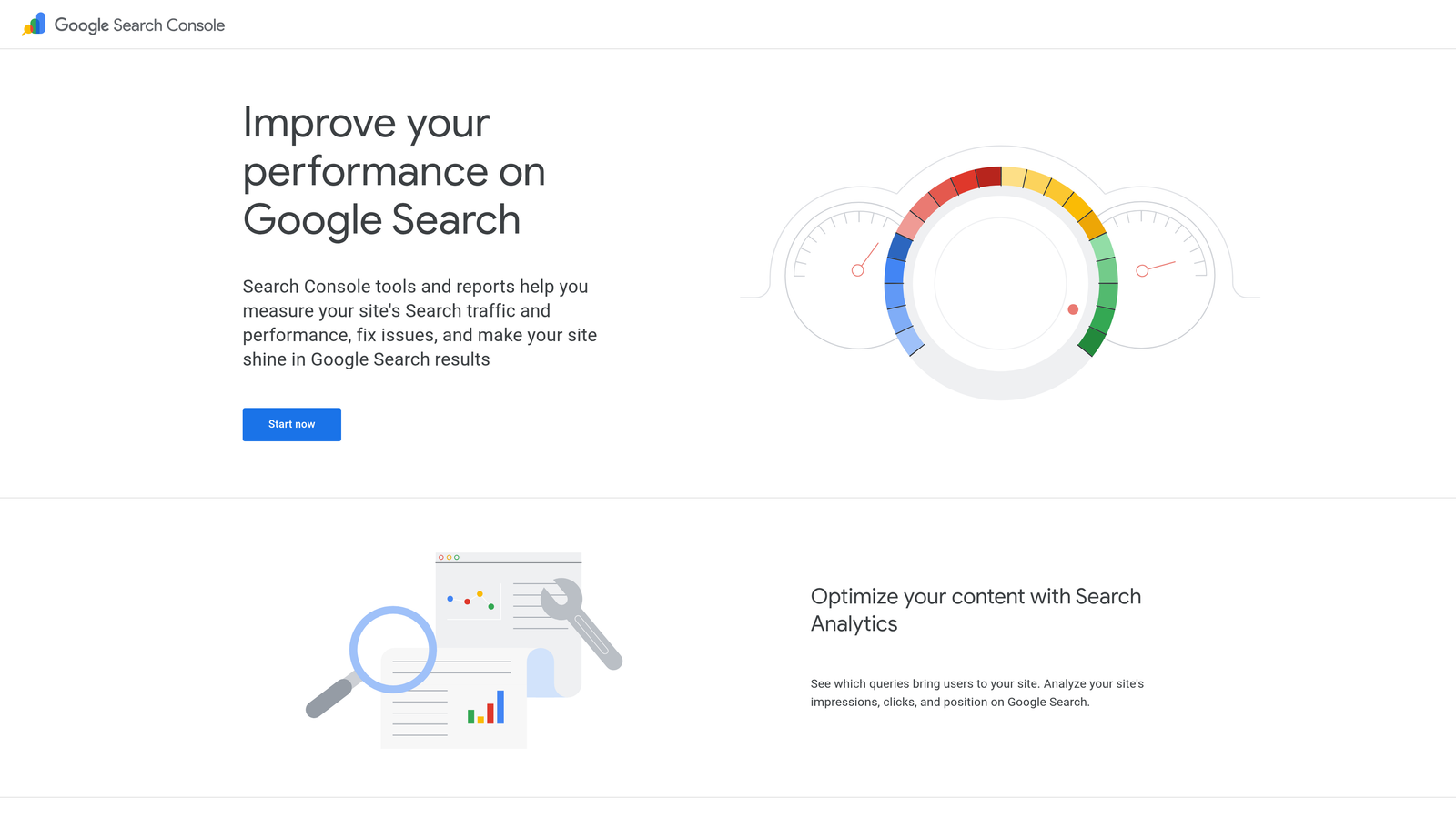
Google Search Console is Google's free webmaster tool that includes URL inspection and indexing request capabilities alongside broader site analytics.
Where This Tool Shines
Search Console remains the only way to directly request Google indexing for specific URLs. While Google doesn't guarantee immediate indexing, the request does prioritize your URL for the next crawl cycle.
Beyond indexing requests, Search Console provides the diagnostic data you need to understand why pages might not be indexing. The index coverage reports show exactly which pages Google has indexed, which it's excluded, and why—invaluable for troubleshooting.
Key Features
Direct Indexing Requests: Request Google to crawl and index specific URLs through URL Inspection tool.
Sitemap Submission: Submit and monitor XML sitemaps to help Google discover your content.
Index Coverage Reports: See which pages are indexed, excluded, or have errors preventing indexing.
Crawl Stats: Understand how Googlebot crawls your site and identify crawl budget issues.
URL Inspection: Check the indexed version of any URL and troubleshoot indexing problems.
Best For
Every website owner, regardless of size or budget. Since Google dominates search traffic in most markets, having Search Console properly configured is non-negotiable. The indexing request feature is particularly useful for new sites or urgent content updates.
Pricing
Free for all users. No limits on properties, URLs, or requests.
4. Indexification
Best for: High-volume bulk indexing with flexible credit-based pricing
Indexification is a bulk indexing service that uses a credit system to help you submit large numbers of URLs efficiently.
Where This Tool Shines
Indexification targets the gap between manual submissions (too slow for hundreds of URLs) and waiting for natural discovery (too unpredictable). The credit-based model means you only pay for what you use, making it flexible for campaigns with variable indexing needs.
The service generates RSS feeds and uses other notification methods to help search engines discover your URLs faster. While it can't guarantee indexing, it increases the probability by creating multiple discovery pathways.
Key Features
Bulk URL Submission: Upload hundreds or thousands of URLs at once via CSV or API.
Credit-Based Pricing: Buy credits in packages and use them as needed without monthly commitments.
RSS Feed Generation: Creates dynamic RSS feeds that search engines can discover and crawl.
Progress Tracking: Dashboard shows submission status and indexing progress over time.
No Expiration: Credits typically don't expire, so you can buy in bulk and use them gradually.
Best For
SEO agencies managing multiple client sites, e-commerce sites with large product catalogs, or anyone running link building campaigns who needs to index backlinks at scale. The credit model works well for sporadic high-volume needs.
Pricing
Credit packages start around $17 for 5,000 links, with volume discounts for larger purchases. Works out to roughly $0.003 per URL at entry level.
5. Omega Indexer
Best for: SEO agencies needing consistent backlink indexing with drip-feed capabilities
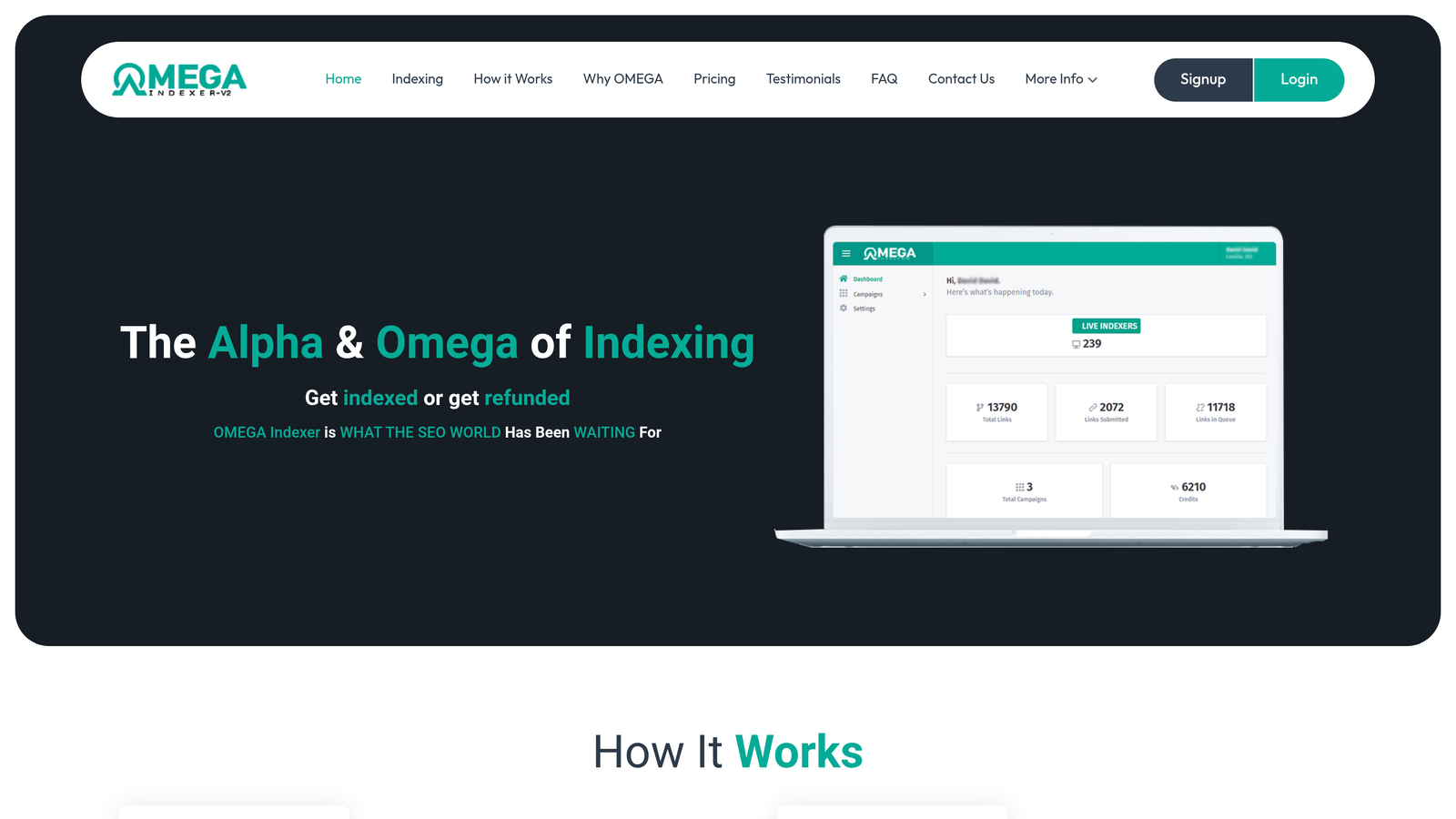
Omega Indexer is a subscription-based indexing service popular with SEO professionals for backlink and page indexing.
Where This Tool Shines
Omega Indexer built its reputation in the SEO community by focusing on backlink indexing—helping the links you build actually count by getting them into search engine indexes. The drip-feed feature lets you submit links gradually over time, which appears more natural than bulk submissions.
The tiered subscription model works well for agencies with predictable monthly indexing volumes. You know your costs upfront and can budget accordingly, unlike credit systems where usage might vary significantly month to month.
Key Features
Tiered Subscription Plans: Choose monthly plans based on your typical URL volume needs.
Backlink Indexing Focus: Specialized in helping backlinks get discovered and indexed quickly.
Drip-Feed Submission: Spread submissions over days or weeks for more natural-looking patterns.
Multi-Site Management: Handle indexing for multiple client sites from one dashboard.
Indexing Reports: Track which URLs have been successfully indexed over time.
Best For
SEO agencies and consultants who build links regularly and need reliable indexing as part of their service offering. Also suitable for affiliate marketers managing multiple sites with ongoing link building efforts.
Pricing
Plans typically range from approximately $10 to $50 per month depending on URL volume limits. Higher tiers offer more monthly submissions and faster processing.
6. SpeedyIndex
Best for: Fast Google indexing with flexible pay-per-URL or subscription options
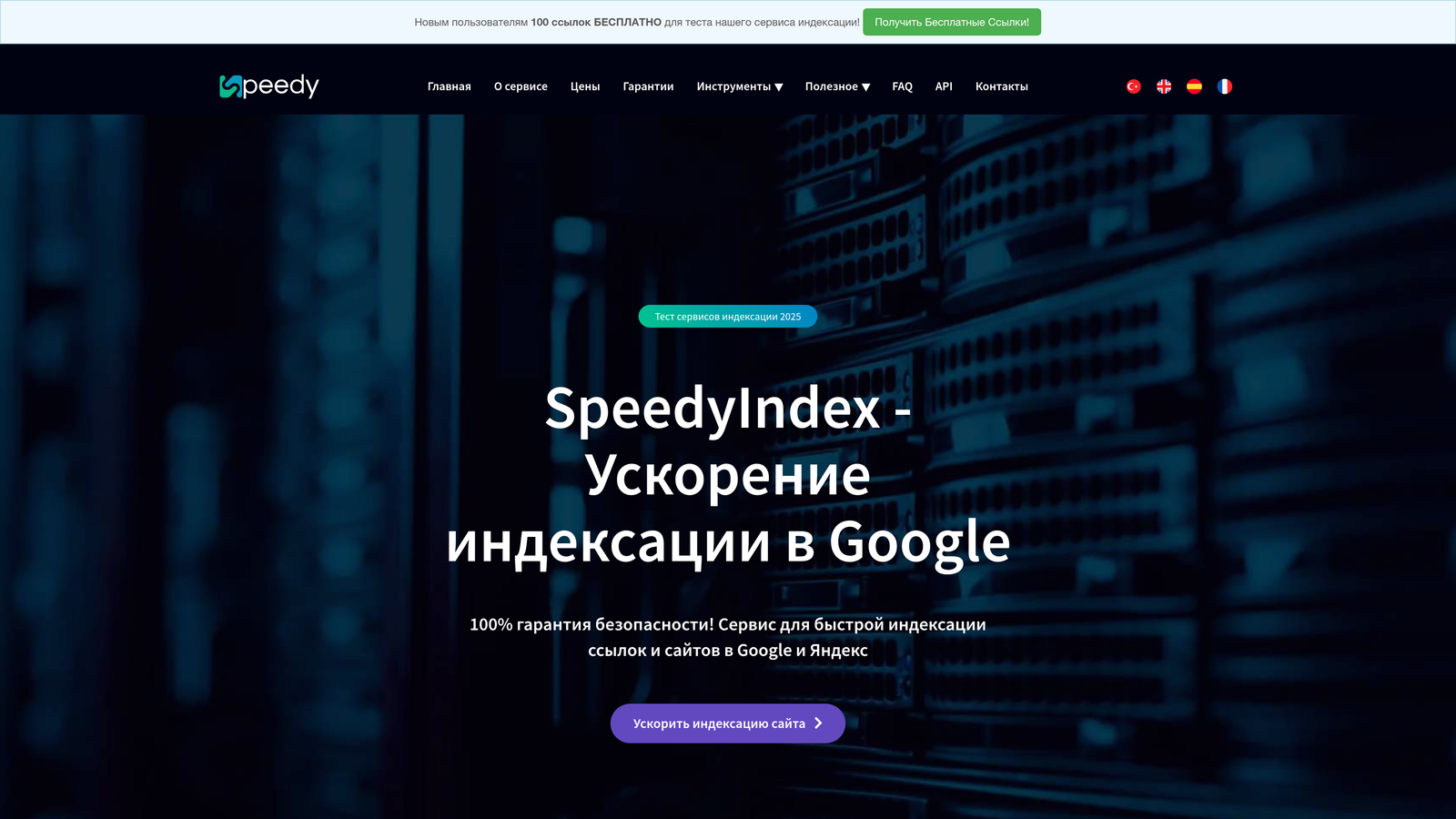
SpeedyIndex is a fast-indexing service focused on getting pages into Google quickly through various submission methods.
Where This Tool Shines
SpeedyIndex prioritizes speed above all else, using multiple techniques to help Google discover and index your URLs faster than natural crawling would achieve. The dual pricing model—pay-per-URL or subscription—gives you flexibility based on whether your needs are occasional or ongoing.
The service provides real-time indexing status updates so you can see when URLs move from submitted to indexed. This transparency helps you understand whether the service is delivering value for your specific URLs.
Key Features
Google-Focused Indexing: Optimized specifically for getting URLs into Google's index quickly.
Speed-Optimized Submission: Uses multiple methods to accelerate Google's discovery and indexing process.
Flexible Pricing Options: Choose pay-per-URL for occasional needs or subscription for regular usage.
Indexing Status Tracking: Real-time dashboard shows which URLs are submitted, crawled, and indexed.
Bulk Upload: Submit multiple URLs at once via CSV or API integration.
Best For
Publishers and content creators who need Google indexing speed for time-sensitive content like news, trending topics, or product launches. The pay-per-URL option works well for occasional urgent indexing needs.
Pricing
Pay-per-URL pricing starts around $0.02 per URL, with subscription plans offering better per-URL rates for regular users. Monthly subscriptions typically provide credits that reset each billing cycle.
7. Ping Farm / Mass Ping Tools
Best for: Basic free notification to multiple search engines and directories
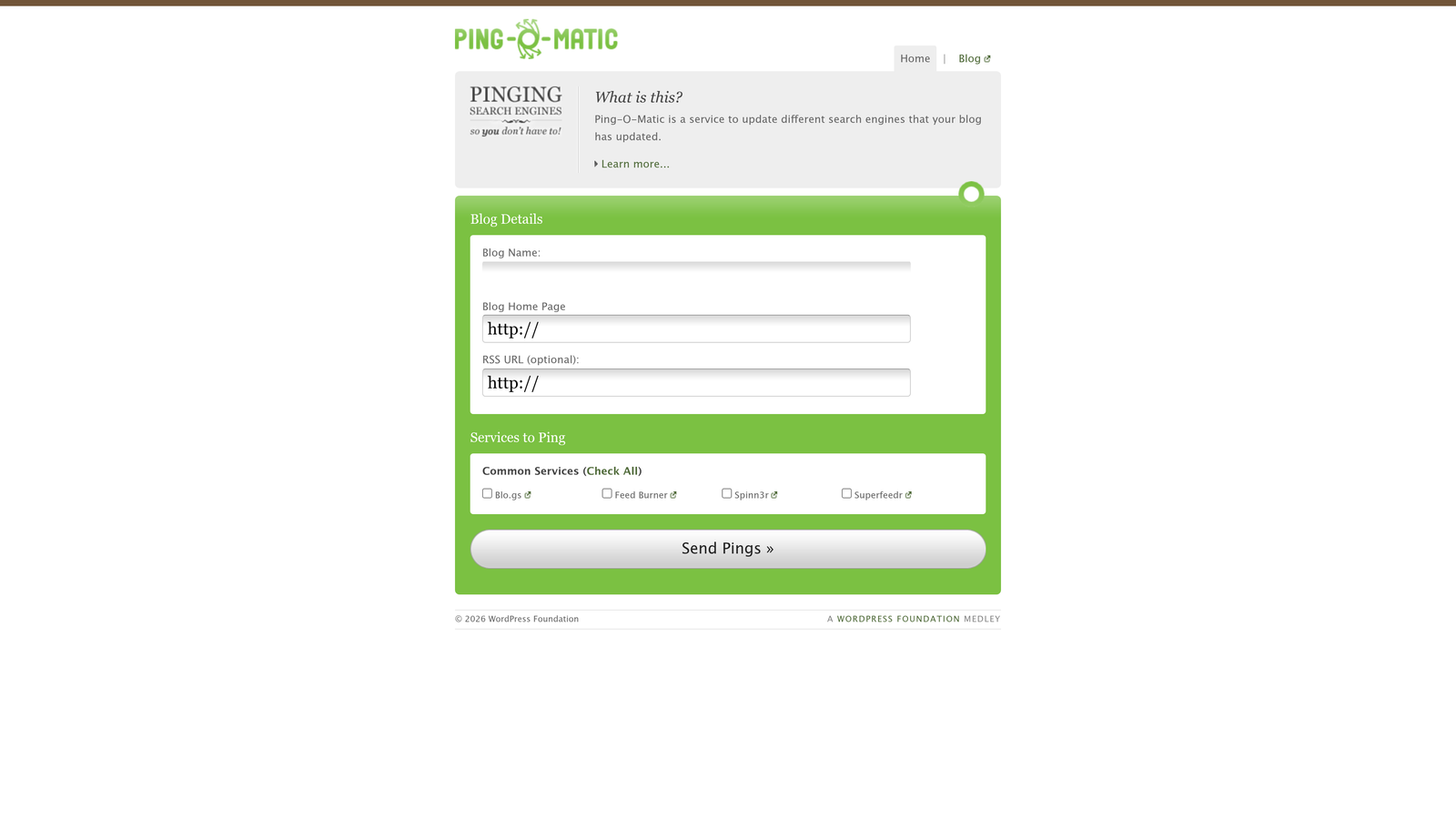
Ping-O-Matic and similar ping services provide basic notification to search engines when you publish new content.
Where This Tool Shines
Ping services represent the original method of notifying search engines about new content, dating back to the early blog era. While they're less sophisticated than modern indexing tools, they're still useful for basic notification and completely free.
These tools ping multiple endpoints simultaneously—search engines, blog directories, and feed aggregators. It's a shotgun approach that increases the chances of your content being discovered through various channels.
Key Features
Free Service: No cost, no account required for most ping services.
One-Click Submission: Simple interface where you enter your URL and blog name, then ping.
Multiple Endpoints: Notifies dozens of search engines and directories in one submission.
No Technical Setup: Just visit the website and use the form—no API keys or integration needed.
Best For
Bloggers and small site owners who want a free, simple way to notify search engines of new posts. It's a low-effort addition to your publishing workflow that might marginally speed up discovery.
Pricing
Free for most services. Some offer premium features for a small fee, but the core ping functionality costs nothing.
8. OnCrawl
Best for: Enterprise technical SEO with deep crawl analysis and indexing diagnostics
OnCrawl is an enterprise technical SEO platform that includes comprehensive crawl analysis and indexing diagnostics alongside broader site optimization features.
Where This Tool Shines
OnCrawl approaches indexing from a diagnostic perspective rather than a submission tool. It helps you understand why pages aren't indexing by analyzing your site architecture, crawl budget usage, and technical barriers that might prevent search engines from discovering or indexing your content.
The log file analysis feature shows you exactly how search engines are crawling your site—which pages they prioritize, which they ignore, and where they're wasting crawl budget. This intelligence helps you optimize for natural indexing rather than relying solely on manual submissions.
Key Features
Deep Crawl Analysis: Comprehensive site crawls that identify technical issues affecting indexability.
Index Coverage Diagnostics: Compare your site structure against what's actually indexed to find gaps.
Log File Analysis: Understand how search engines crawl your site and optimize crawl budget allocation.
Enterprise Reporting: Custom dashboards and automated reports for large-scale site management.
Segmentation: Analyze indexing performance by page type, template, or custom segments.
Best For
Enterprise sites with thousands or millions of pages where crawl budget optimization and technical indexing barriers significantly impact organic visibility. E-commerce platforms, large publishers, and corporate sites with complex architectures benefit most.
Pricing
Enterprise pricing typically starts around $500 per month and scales based on site size and feature requirements. Contact sales for specific quotes based on your needs.
9. Screaming Frog + API Integration
Best for: Technical SEOs who want custom indexing workflows with powerful crawling capabilities
Screaming Frog SEO Spider is a desktop crawler that can integrate with Search Console API for custom indexing workflows and analysis.
Where This Tool Shines
Screaming Frog isn't technically an indexing tool, but its Search Console API integration lets you build custom workflows that combine comprehensive site crawling with targeted indexing requests. You can crawl your site, identify pages that should be indexed but aren't, and submit them to Google directly from the tool.
The one-time license option makes it cost-effective for long-term use compared to monthly subscriptions. For technical SEOs who already use Screaming Frog for audits, adding indexing workflows extends the tool's value without additional recurring costs.
Key Features
Comprehensive Site Crawling: Desktop crawler that analyzes your entire site structure and technical SEO elements.
Search Console API Integration: Connect to Search Console to pull indexing data and submit URLs directly.
Custom Extraction: Build custom workflows that combine crawl data with indexing actions.
Automation Capabilities: Schedule crawls and automate repetitive indexing tasks via command line.
One-Time License: Pay once annually rather than monthly subscriptions for most features.
Best For
Technical SEO professionals and agencies who need powerful crawling capabilities combined with custom indexing workflows. Particularly valuable if you're already using Screaming Frog for technical audits and want to add indexing to your existing toolkit.
Pricing
Free version crawls up to 500 URLs. Full license costs £199 per year (approximately $250 USD), providing unlimited crawling and advanced features including API integrations.
Making the Right Choice for Your Indexing Needs
The indexing tool landscape in 2026 offers something for every budget and use case, but the right choice depends on understanding your actual needs rather than just comparing per-URL costs.
If you're already investing in AI-optimized content creation and tracking how AI models reference your brand, Sight AI's bundled approach eliminates tool sprawl by combining indexing with content generation and visibility tracking. For teams managing the full content lifecycle, paying for indexing as part of a comprehensive platform often delivers better value than cobbling together separate point solutions.
For basic indexing needs, the free options—IndexNow, Google Search Console, and ping services—cover most scenarios adequately. IndexNow handles Bing and Yandex instantly, Search Console gives you direct Google access, and together they cost nothing. Many sites never need to move beyond these tools.
The paid services make sense in specific scenarios. Bulk indexing tools like Indexification and Omega Indexer target high-volume needs where manual submission becomes impractical—think link building campaigns, large product catalogs, or multi-site management. SpeedyIndex fills the speed gap when you need Google indexing faster than Search Console's standard prioritization delivers.
Enterprise platforms like OnCrawl solve different problems entirely. They're not about submitting more URLs faster—they're about understanding why pages aren't indexing naturally and fixing the underlying technical barriers. For large sites where crawl budget optimization matters, this diagnostic approach often delivers better ROI than brute-force submission services.
The key is evaluating total cost of ownership rather than just per-URL pricing. A tool that costs $50/month but saves you 10 hours of manual work is cheaper than a free tool that requires constant attention. Similarly, a bundled platform that costs more upfront but eliminates three separate subscriptions might actually reduce your total spend while simplifying your workflow.
Consider these questions when choosing: How many URLs do you need to index monthly? Is speed critical for your content type? Are you building links that need indexing? Do you need diagnostic capabilities to understand indexing barriers? Would bundling indexing with other tools you already need reduce complexity?
Stop guessing how AI models like ChatGPT and Claude talk about your brand—get visibility into every mention, track content opportunities, and automate your path to organic traffic growth. Start tracking your AI visibility today and see exactly where your brand appears across top AI platforms.