Content teams face mounting pressure to produce more high-quality content while maintaining consistency across channels. Between coordinating writers, managing approvals, tracking deadlines, and optimizing for both traditional SEO and AI visibility, inefficiencies can quickly derail even the best content strategies. The right tools transform chaotic workflows into streamlined operations—automating repetitive tasks, centralizing collaboration, and providing the insights needed to make smarter decisions.
Here are the top content team efficiency tools that help teams work faster without sacrificing quality.
1. Sight AI
Best for: Teams optimizing content for AI search and tracking brand visibility across AI platforms
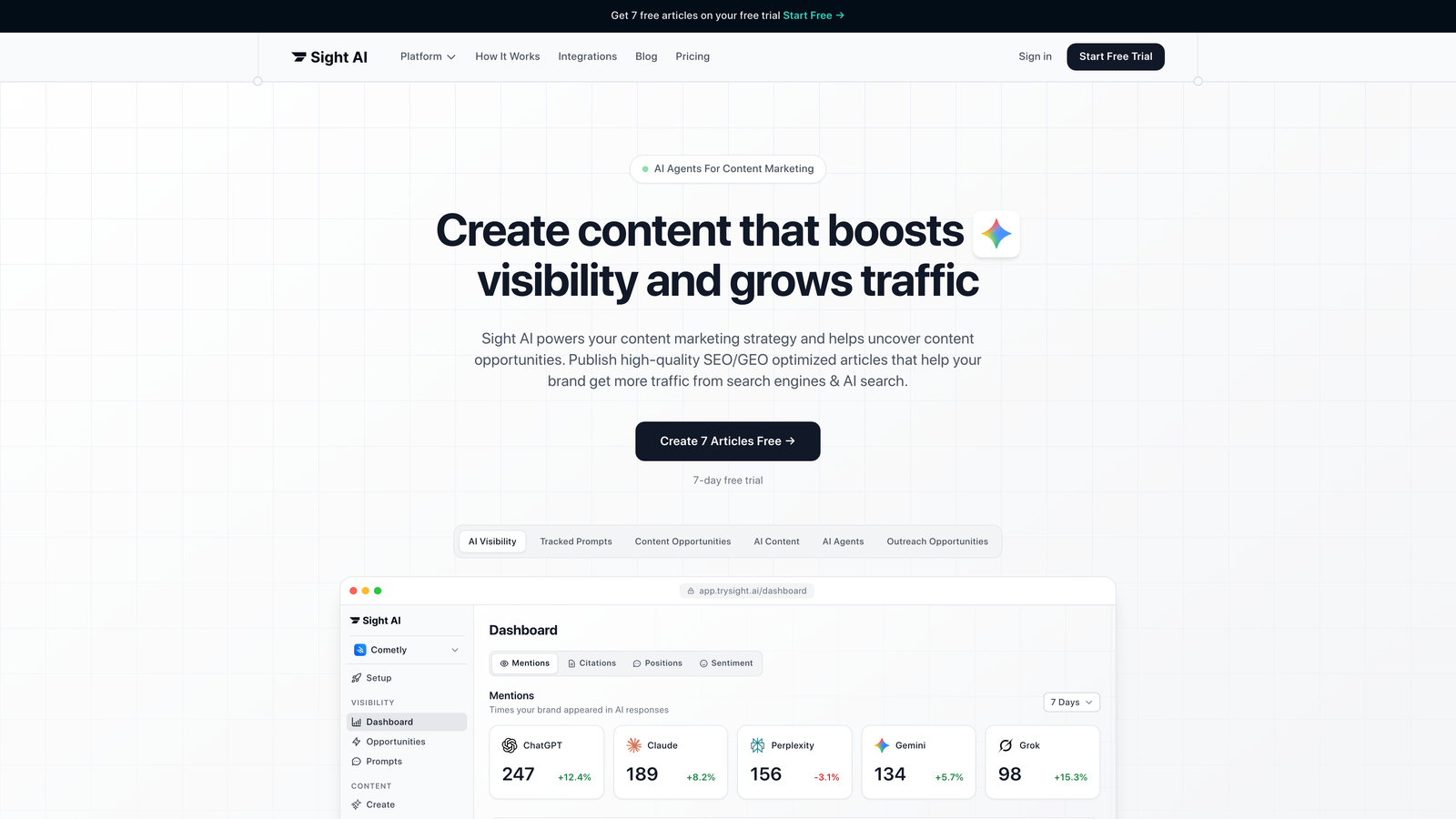
Sight AI combines AI-powered content generation with visibility tracking across major AI models including ChatGPT, Claude, and Perplexity.
Where This Tool Shines
The platform addresses a critical gap most content teams don't even realize exists: understanding how AI models discuss your brand. As more users turn to AI chatbots for recommendations and research, traditional SEO tracking misses an entire channel of brand discovery.
Sight AI's 13+ specialized agents handle different content formats—from listicles to explainer articles—while the Autopilot Mode automates the entire generation process. The AI Visibility Score shows exactly where and how your brand appears in AI responses, complete with sentiment analysis.
Key Features
AI Visibility Tracking: Monitor brand mentions across six AI platforms with sentiment analysis and prompt tracking.
Specialized Content Agents: Thirteen purpose-built AI agents optimized for different content types and formats.
IndexNow Integration: Automatic content indexing for faster search engine discovery and crawling.
CMS Auto-Publishing: Direct publishing capabilities that eliminate manual content upload steps.
GEO Optimization: Content generation specifically optimized for Generative Engine Optimization alongside traditional SEO.
Best For
Marketing teams and agencies managing high-volume content production who need to optimize for both traditional search and AI visibility. Particularly valuable for teams tracking brand reputation across emerging AI channels.
Pricing
Contact for custom pricing based on team size and feature requirements.
2. Notion
Best for: Teams needing flexible documentation, planning, and knowledge management in one workspace
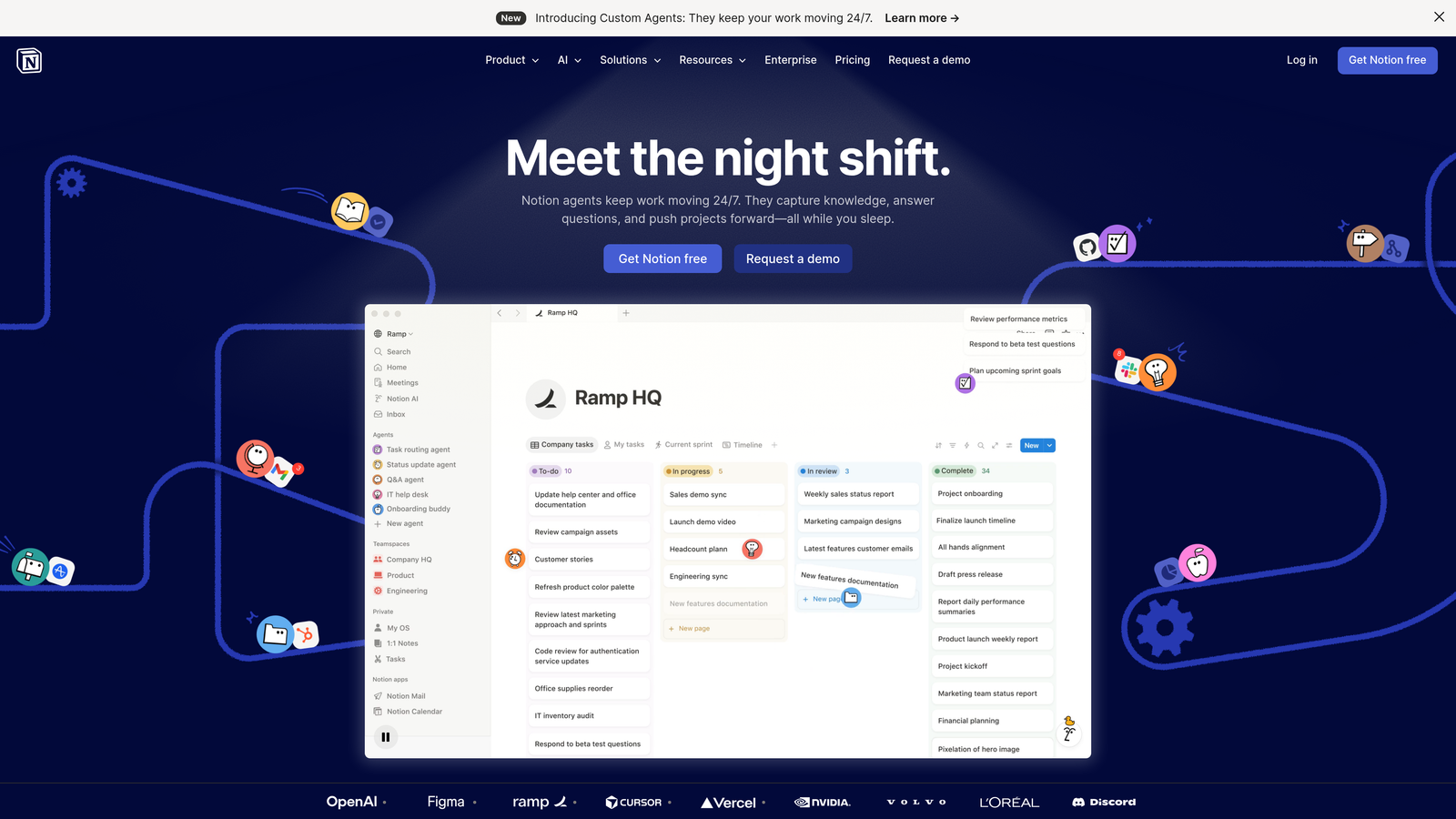
Notion serves as an all-in-one workspace combining notes, databases, wikis, and project management capabilities.
Where This Tool Shines
Notion's strength lies in its adaptability. Content teams can build custom editorial calendars, maintain style guides, store content briefs, and track performance metrics—all without switching between tools. The database functionality transforms static documents into dynamic systems.
Real-time collaboration means writers, editors, and stakeholders can comment directly on content briefs or drafts. The template library accelerates repetitive tasks like creating new content briefs or project kickoff documents.
Key Features
Customizable Databases: Build editorial calendars with custom fields, filters, and views tailored to your workflow.
Team Wikis: Centralize style guides, SOPs, and institutional knowledge in searchable documentation.
Real-Time Collaboration: Multiple team members can edit simultaneously with inline comments and mentions.
Template System: Pre-built and custom templates for content briefs, project plans, and meeting notes.
API Integrations: Connect with thousands of tools through native integrations and Zapier connections.
Best For
Content teams prioritizing flexibility and customization over rigid structure. Works well for remote teams needing centralized documentation and planning.
Pricing
Free tier includes unlimited pages and blocks. Plus plan starts at $10 per user monthly with advanced features.
3. Monday.com
Best for: Visual workflow management with powerful automation for content production pipelines
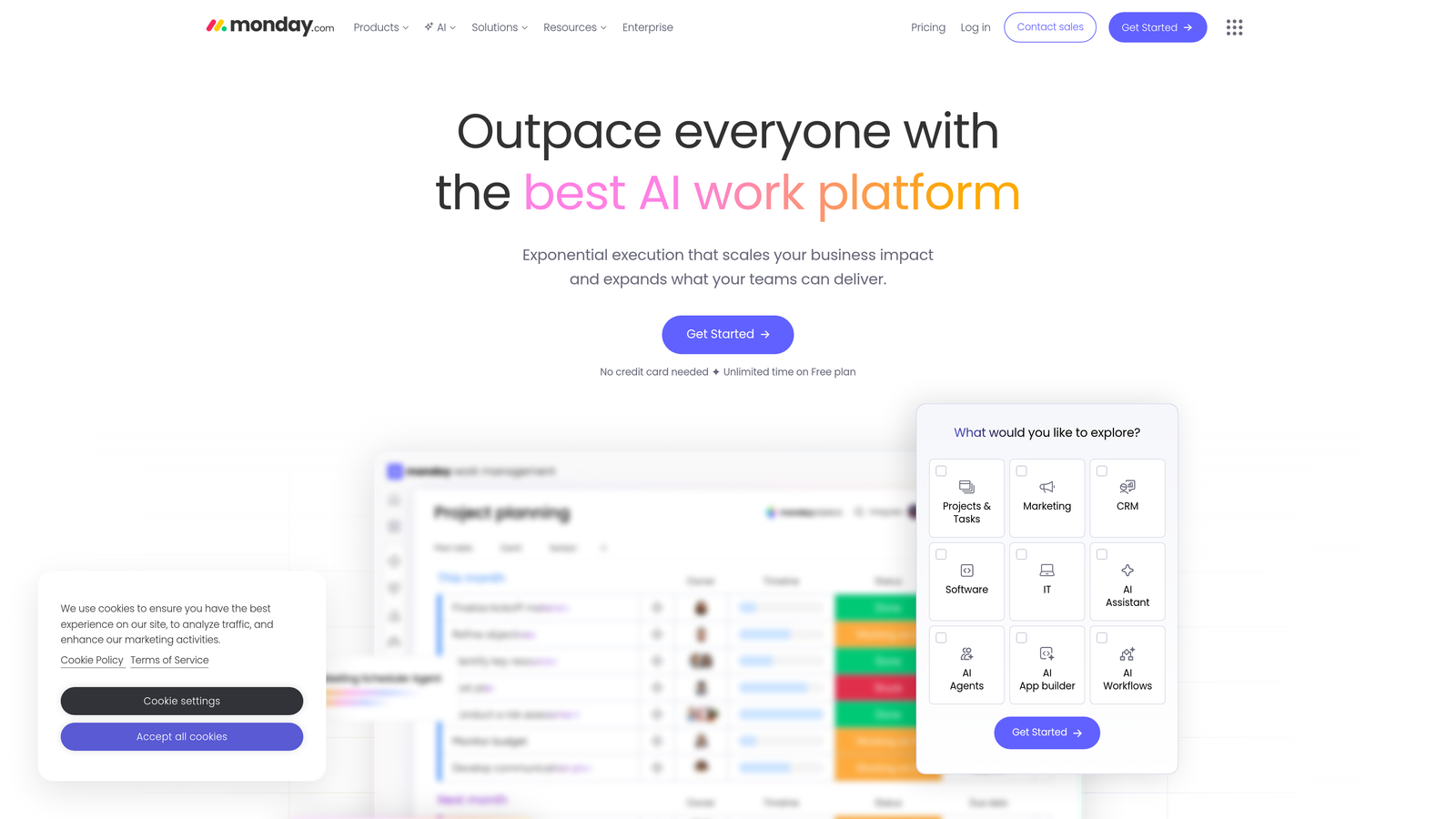
Monday.com provides visual work management with extensive automation capabilities designed for content workflows.
Where This Tool Shines
The platform excels at visualizing complex content workflows across multiple formats and channels. Teams can switch between Kanban boards for sprint planning, Gantt charts for deadline dependencies, and calendar views for publication schedules—all viewing the same underlying data.
Automation recipes eliminate repetitive status updates. When a writer moves a piece to "Ready for Edit," Monday.com automatically notifies the editor, updates the timeline, and logs the transition. File proofing features let stakeholders approve visual assets without leaving the platform.
Key Features
Multiple View Options: Switch between Kanban, Gantt, calendar, and table views without recreating data.
Workflow Automation: Pre-built automation recipes for notifications, status changes, and deadline reminders.
Time Tracking: Built-in time logging and workload management to prevent team burnout.
Custom Dashboards: Visualize content metrics, team performance, and project health in real-time.
Approval Workflows: File proofing and approval routing for visual content and design assets.
Best For
Content teams managing multiple concurrent projects with complex dependencies and approval chains. Particularly effective for teams producing visual-heavy content.
Pricing
Free for up to two users. Basic plan starts at $9 per seat monthly with core features.
4. Asana
Best for: Managing complex content projects with multiple dependencies and cross-functional coordination
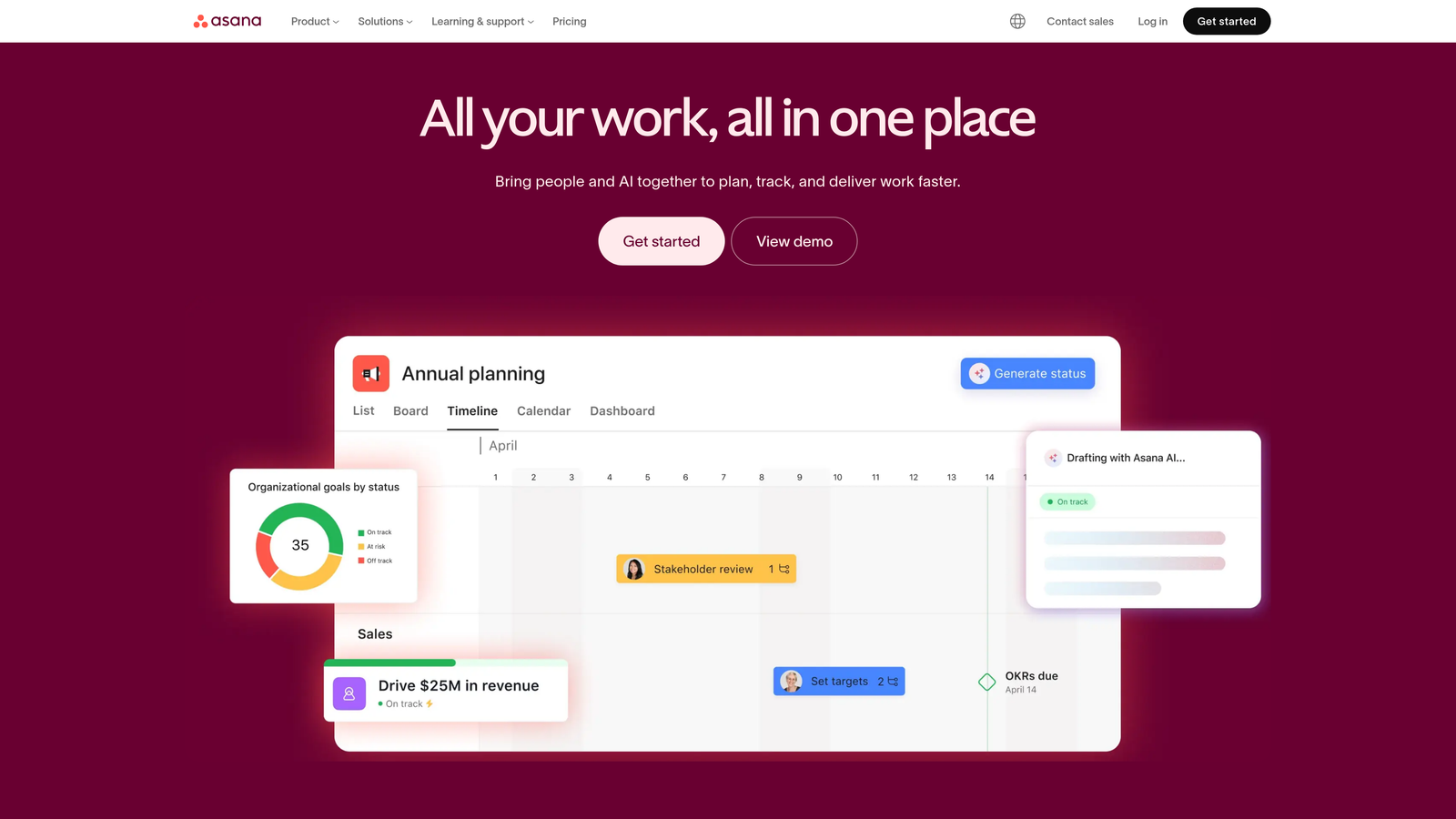
Asana focuses on project management for content initiatives requiring detailed planning and team coordination.
Where This Tool Shines
Asana's Timeline view makes it simple to spot scheduling conflicts before they become problems. When a research phase runs long, you can instantly see which downstream tasks need adjustment. The Workload view prevents individual contributors from getting overwhelmed by showing capacity across the team.
The platform handles content request intake through customizable forms. Marketing requests from other departments flow into a standardized queue, complete with all necessary details, eliminating the back-and-forth emails that slow production.
Key Features
Timeline Management: Gantt-style view for managing content deadlines and identifying scheduling conflicts.
Workload Balancing: Capacity planning that shows team member availability and prevents overallocation.
Goals Tracking: Connect individual tasks to broader content goals and OKRs.
Request Forms: Standardized intake forms for content requests from stakeholders.
Portfolio View: Manage multiple content projects simultaneously with cross-project visibility.
Best For
Content operations teams managing enterprise-level content production with multiple stakeholders and complex approval processes.
Pricing
Free tier available with basic features. Starter plan at $10.99 per user monthly adds Timeline and advanced features.
5. Airtable
Best for: Flexible content operations requiring custom databases and relational data management
Airtable combines spreadsheet simplicity with database power for content asset management and workflow tracking.
Where This Tool Shines
Think of Airtable as a spreadsheet that grew up into a full database. Content teams can link related records—connecting blog posts to their source research, associated social posts, and performance metrics. This relational capability makes content audits and inventory management significantly easier.
The platform shines for teams managing large content libraries. You can track every piece of content ever created, tag it by topic and format, link it to campaigns, and filter views by publication status or performance tier. Custom interfaces let different team members see exactly the data they need without overwhelming complexity.
Key Features
Relational Databases: Link content pieces to campaigns, keywords, writers, and performance data.
Content Auditing: Track entire content inventories with custom fields and filtering.
Custom Views: Create filtered views for different team roles and workflow stages.
Workflow Automation: Trigger actions based on field changes or scheduled events.
Interface Designer: Build custom dashboards and portals for team members and stakeholders.
Best For
Content teams managing extensive content libraries who need sophisticated tracking beyond simple project management.
Pricing
Free tier includes unlimited bases with 1,200 records per base. Team plan starts at $20 per seat monthly.
6. CoSchedule
Best for: Marketing teams coordinating content and social media across multiple channels
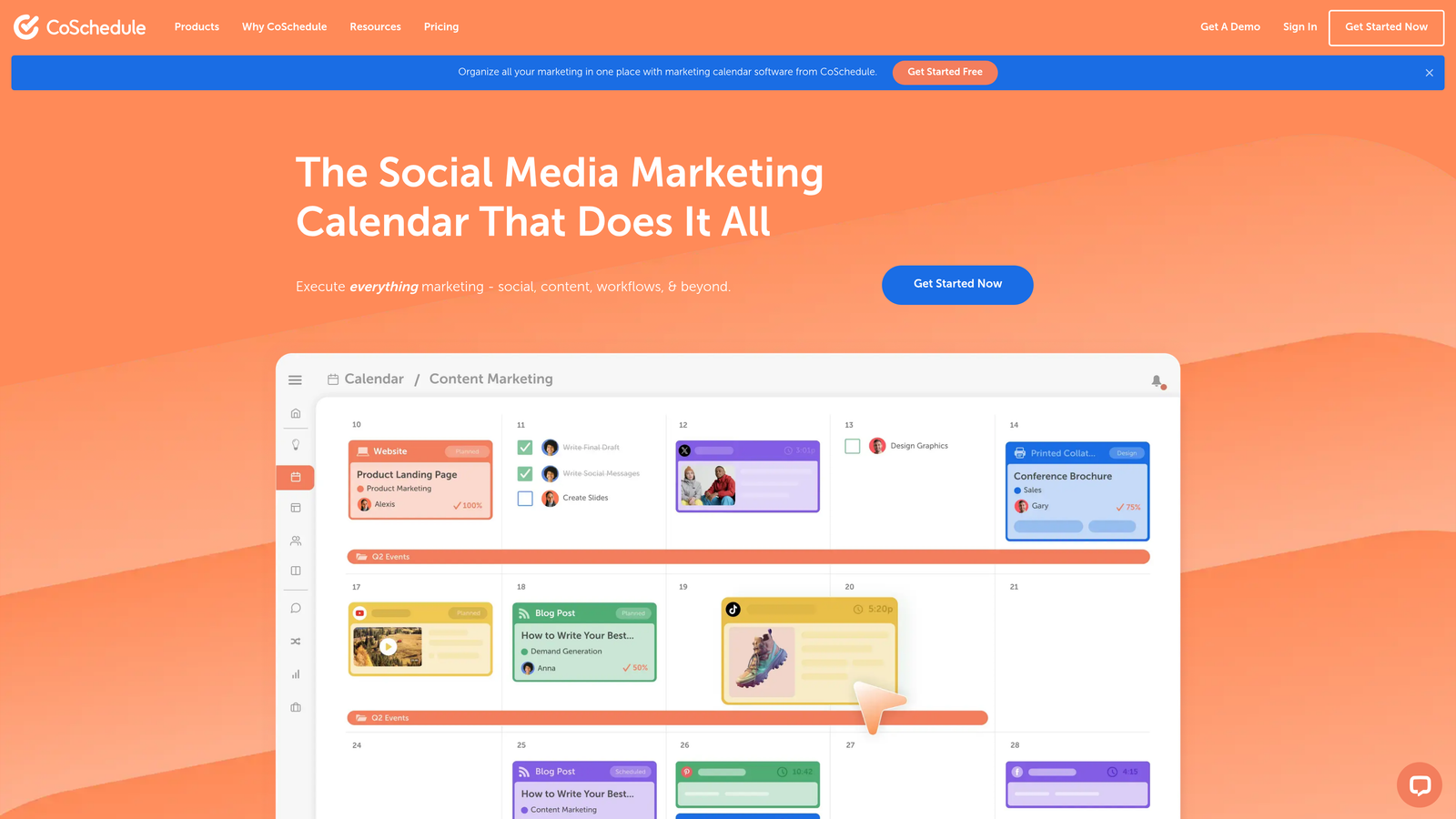
CoSchedule provides a unified marketing calendar built specifically for content and social coordination.
Where This Tool Shines
CoSchedule consolidates every content marketing activity into a single calendar view. Blog posts, social updates, email campaigns, and promotional activities all appear together, making it easy to spot gaps or overcrowded periods. The visual density helps teams maintain consistent publishing cadence.
The ReQueue feature automatically recycles evergreen social content, filling gaps in your schedule without manual intervention. The Headline Analyzer provides instant feedback on title effectiveness before publication.
Key Features
Unified Calendar: Visualize all content and marketing activities in one centralized timeline.
Social Scheduling: Plan and publish social media content directly from the platform with analytics.
ReQueue Automation: Automatically recycle top-performing evergreen content to fill scheduling gaps.
Headline Analyzer: Score headlines for SEO, readability, and emotional impact before publishing.
Approval Workflows: Route content through team review and stakeholder approval processes.
Best For
Marketing teams managing integrated content and social strategies who need visibility across all channels.
Pricing
Free marketing calendar available. Marketing Suite pricing available on request based on team needs.
7. Grammarly Business
Best for: Maintaining brand voice consistency and writing quality across distributed content teams
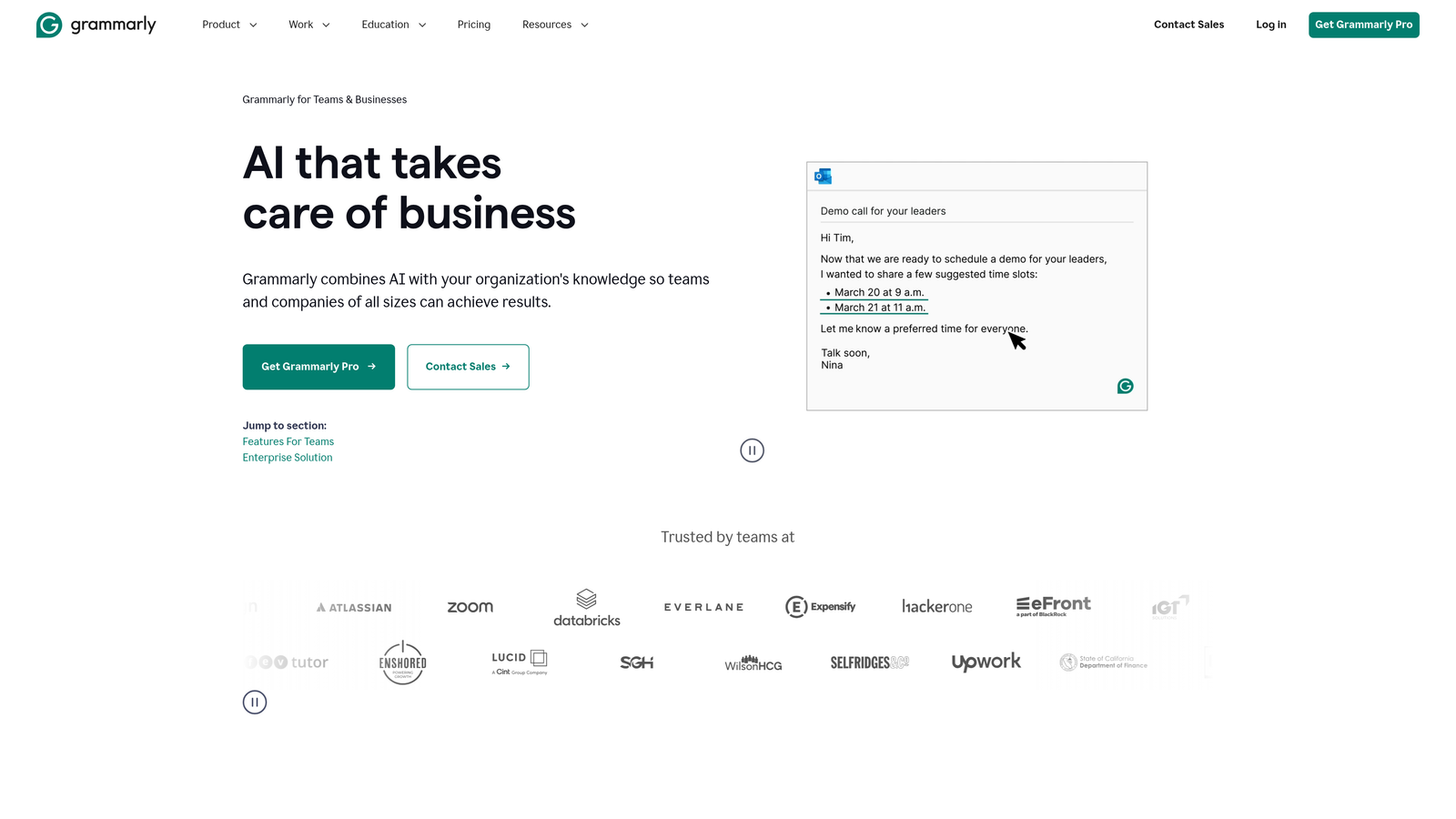
Grammarly Business extends AI writing assistance with team-specific style guides and usage analytics.
Where This Tool Shines
When multiple writers contribute to your content, maintaining consistent brand voice becomes challenging. Grammarly Business solves this by letting you codify style preferences into custom guides. The AI then flags deviations in real-time—catching informal language in formal pieces or passive voice in action-oriented copy.
The tone detection goes beyond grammar to analyze how writing will be perceived. Team analytics show which members might need additional training or support, helping content managers identify coaching opportunities before quality suffers.
Key Features
Custom Style Guides: Define brand-specific vocabulary, tone preferences, and writing standards.
Tone Analysis: Real-time feedback on how writing will be perceived by readers.
Team Analytics: Usage reports and performance metrics across team members.
Universal Integration: Browser extensions and app integrations work across writing platforms.
Plagiarism Detection: Check content against billions of web pages for originality.
Best For
Content teams with multiple writers who need to maintain consistent quality and brand voice at scale.
Pricing
Starts at $15 per member monthly with annual commitment. Custom enterprise pricing available.
8. Loom
Best for: Async video communication that reduces meetings and accelerates content feedback
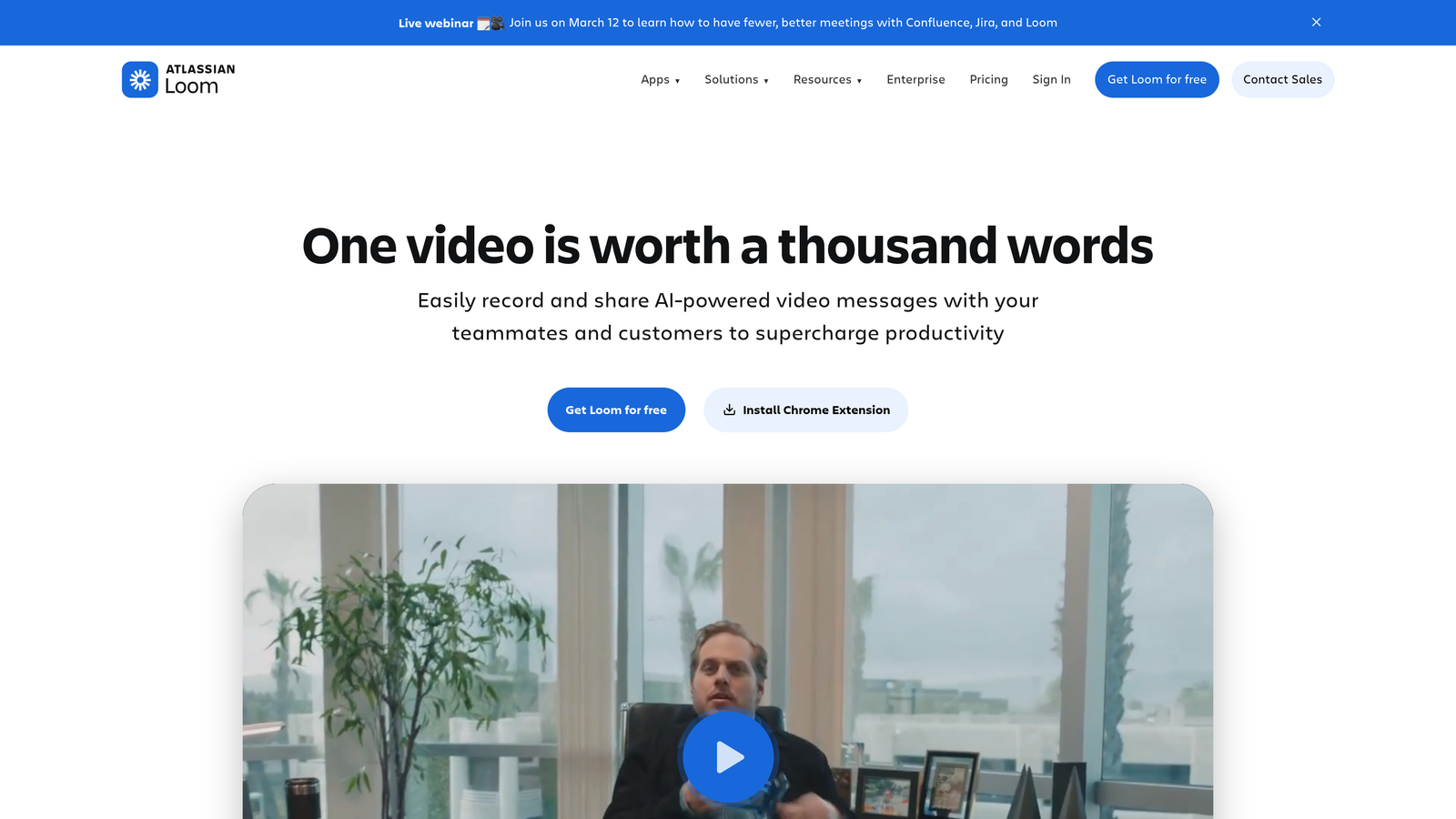
Loom enables quick screen and camera recordings for asynchronous team communication.
Where This Tool Shines
Content feedback often requires nuanced explanation that's difficult to convey in written comments. Loom lets editors record their screen while walking through suggested changes, explaining the reasoning behind edits in their own voice. This reduces misunderstandings and speeds up revision cycles.
The platform eliminates unnecessary meetings. Instead of scheduling a 30-minute call to discuss content strategy, record a 5-minute Loom explaining your thinking. Team members watch when convenient and respond with timestamped comments or their own video responses.
Key Features
Screen Recording: Capture screen, camera, or both simultaneously for comprehensive walkthroughs.
Timestamped Comments: Team members can comment on specific moments in videos.
Automatic Transcription: Searchable text transcripts generated for every video.
Video Editing: Trim recordings and remove filler without re-recording.
Engagement Analytics: See who watched your videos and for how long.
Best For
Remote content teams needing efficient async communication for feedback and training.
Pricing
Free tier includes up to 25 videos. Business plan at $12.50 per creator monthly adds unlimited videos.
9. Zapier
Best for: Connecting content tools and automating workflows without coding
Zapier automates workflows between apps, eliminating manual data transfer and repetitive tasks.
Where This Tool Shines
Content teams typically use 5-10 different tools, and information rarely flows smoothly between them. Zapier bridges these gaps with automated workflows. When a new blog post publishes in WordPress, Zapier can automatically create social posts in your scheduler, add performance tracking to Airtable, and notify your team in Slack.
The multi-step workflow capability handles complex automation. You can build conditional logic: if a content piece performs above a certain threshold, automatically add it to the ReQueue rotation. If it underperforms, create a task for optimization review.
Key Features
Extensive Integrations: Connect over 6,000 apps including all major content and marketing platforms.
Multi-Step Workflows: Chain multiple actions together in sophisticated automation sequences.
Conditional Logic: Add if/then rules and filters to create intelligent workflows.
Scheduled Triggers: Run automations on time-based schedules for recurring tasks.
Team Collaboration: Share workflows across team members for consistent automation.
Best For
Content teams using multiple tools who want to eliminate manual handoffs and data entry.
Pricing
Free tier includes 100 tasks monthly. Starter plan at $19.99 monthly adds multi-step workflows.
Making the Right Choice
Choosing the right efficiency tools depends on where your content team struggles most.
For teams drowning in content creation demands while trying to optimize for AI search visibility, Sight AI offers a comprehensive solution that handles both generation and tracking. The platform's unique ability to monitor how AI models discuss your brand fills a critical gap as more users turn to ChatGPT and Claude for recommendations.
If your primary challenge is project coordination, Monday.com or Asana provide robust workflow management with different strengths. Monday.com excels at visual workflows and automation, while Asana handles complex dependencies across multiple projects. Teams needing flexible documentation and planning benefit from Notion or Airtable's customizable databases—Notion for general workspace needs, Airtable when you need sophisticated relational data management.
For maintaining quality at scale, Grammarly Business keeps everyone aligned with brand standards through custom style guides and real-time feedback. CoSchedule serves teams juggling content and social across channels, while Loom accelerates feedback cycles through async video communication.
Most successful content teams combine several tools—using Zapier to connect them into a cohesive system. Start by identifying your biggest bottleneck. Is it content creation velocity? AI visibility tracking? Team coordination? Quality consistency? Match that challenge to the tool designed to solve it, implement it well, then expand your stack strategically.
Stop guessing how AI models like ChatGPT and Claude talk about your brand. Start tracking your AI visibility today and see exactly where your brand appears across top AI platforms—while generating optimized content that increases those mentions.