Getting content from draft to published shouldn't feel like herding cats through a maze. Yet for many marketing teams, the gap between 'content ready' and 'content live' is filled with manual uploads, formatting headaches, and endless platform switching.
The right content publishing tools eliminate these friction points—automating distribution, ensuring SEO optimization, and getting your work in front of audiences faster. We evaluated dozens of platforms based on publishing speed, automation capabilities, SEO features, and integration depth.
Here are the top tools that actually deliver on their promises.
1. Sight AI
Best for: Teams prioritizing AI-generated SEO/GEO content with automated publishing and instant indexing
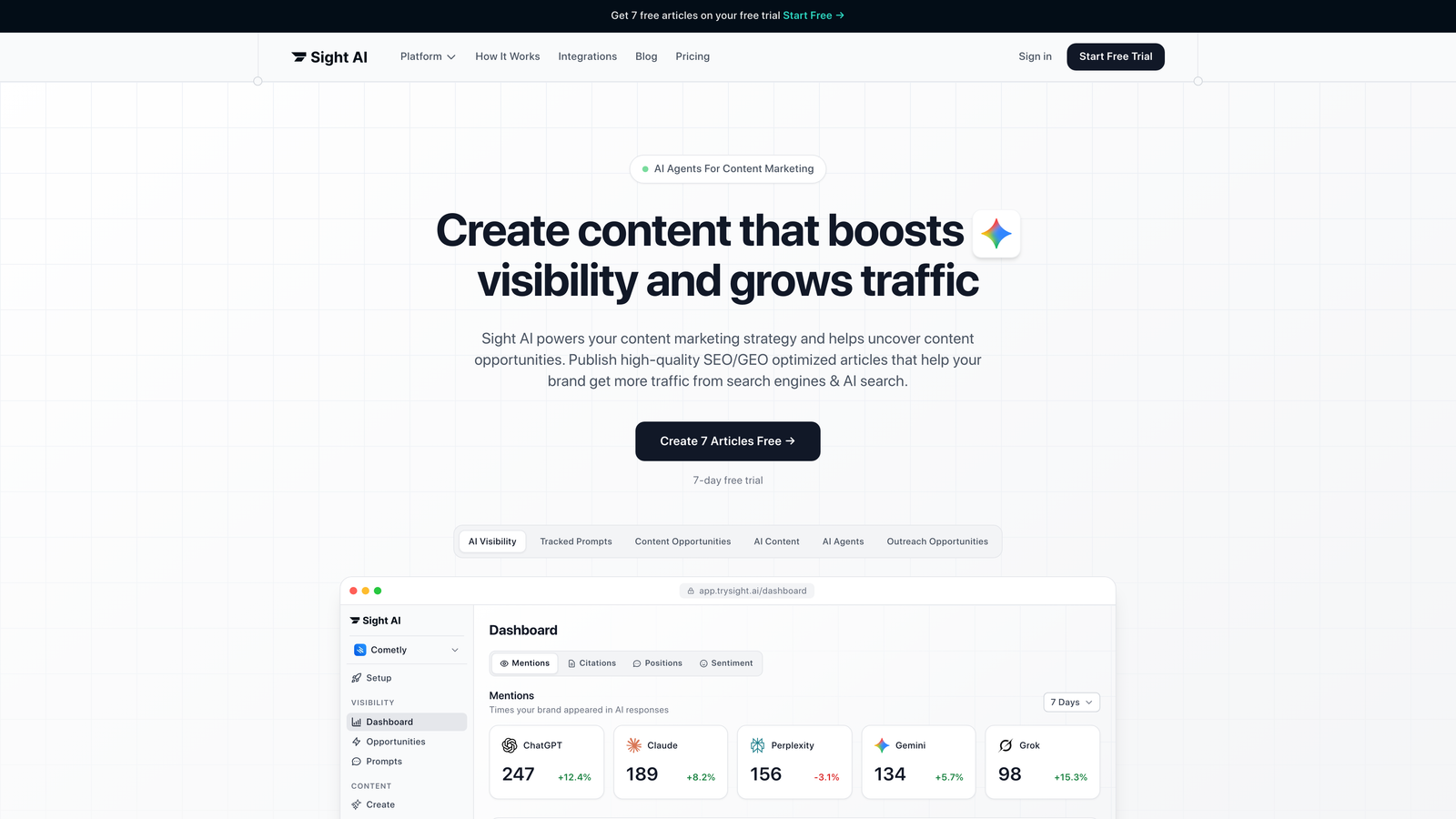
Sight AI combines content generation, publishing automation, and AI visibility tracking in a single platform designed for modern organic growth strategies.
Where This Tool Shines
Sight AI addresses a problem most publishing tools ignore: getting content discovered by both traditional search engines and AI models. While other platforms focus solely on CMS integration, Sight AI tracks how your brand appears in ChatGPT, Claude, and Perplexity responses.
The platform's 13+ specialized AI agents generate content optimized for this new landscape—not just keyword-stuffed articles, but pieces structured to earn mentions in AI-generated answers. When combined with automatic CMS publishing and IndexNow integration, you get content that goes live and gets discovered faster than traditional workflows allow.
Key Features
13+ Specialized AI Agents: Different agents handle listicles, guides, explainers, and other content types with format-specific optimization.
Auto-Publishing: Direct integration with WordPress and other CMS platforms eliminates manual upload steps.
IndexNow Integration: Instant notifications to search engines accelerate discovery and indexing.
AI Visibility Tracking: Monitor brand mentions across ChatGPT, Claude, Perplexity, and other AI platforms with sentiment analysis.
Autopilot Mode: Hands-off content generation with preset parameters for consistent output.
Best For
Marketing teams and agencies managing high content volumes who need to optimize for both traditional SEO and emerging AI search. Particularly valuable for brands investing in thought leadership where AI visibility matters as much as Google rankings.
Pricing
Contact for pricing; offers tiered plans based on content volume and publishing frequency.
2. WordPress with Jetpack
Best for: Established blogs and content sites needing maximum flexibility and plugin options
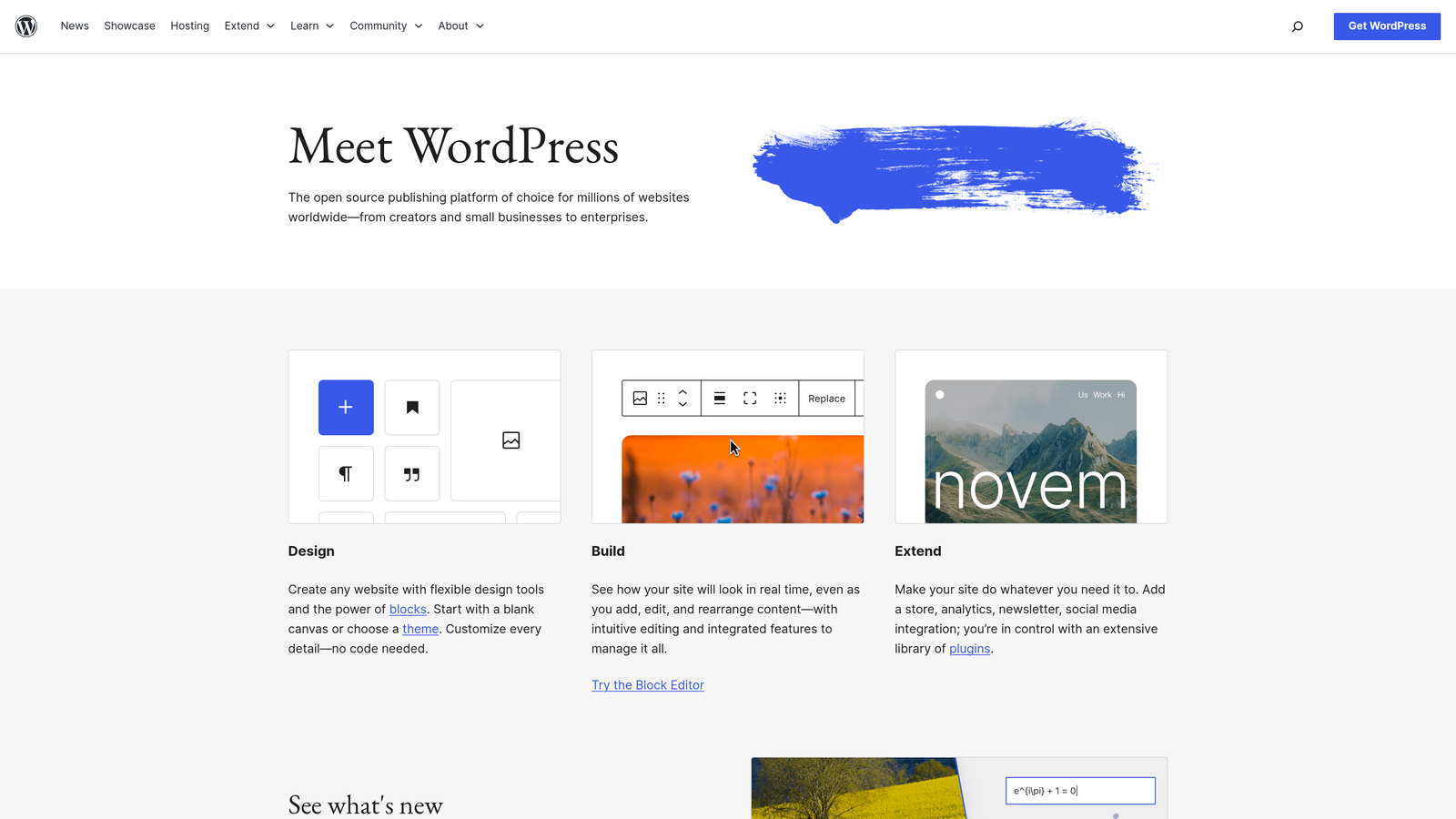
WordPress powers over 40% of the web, and when paired with Jetpack's publishing enhancements, it becomes a comprehensive content management solution.
Where This Tool Shines
The WordPress ecosystem offers unmatched extensibility. Need advanced SEO? Install Yoast or RankMath. Want social auto-sharing? Add a plugin. Require custom workflows? Build them with the right combination of tools.
Jetpack specifically enhances WordPress's publishing capabilities with performance optimization, security features, and automated social distribution. The combination gives you enterprise-level features while maintaining the flexibility WordPress is known for.
Key Features
Extensive Plugin Ecosystem: Thousands of plugins cover every conceivable publishing need from SEO to e-commerce.
Built-in SEO Tools: Yoast and RankMath provide real-time optimization suggestions as you write.
Social Media Auto-Sharing: Jetpack automatically distributes new posts across connected social channels.
Scheduled Publishing: Queue content weeks in advance with revision history for tracking changes.
Gutenberg Block Editor: Modern visual editing with reusable content blocks.
Best For
Publishers who value control and customization over simplicity. Works well for teams with technical resources who can manage plugins and updates, or content creators comfortable with the WordPress learning curve.
Pricing
WordPress core is free and open-source; Jetpack plans start at $4.95/month with higher tiers offering advanced features.
3. Contentful
Best for: Enterprise teams delivering content across multiple digital channels via API
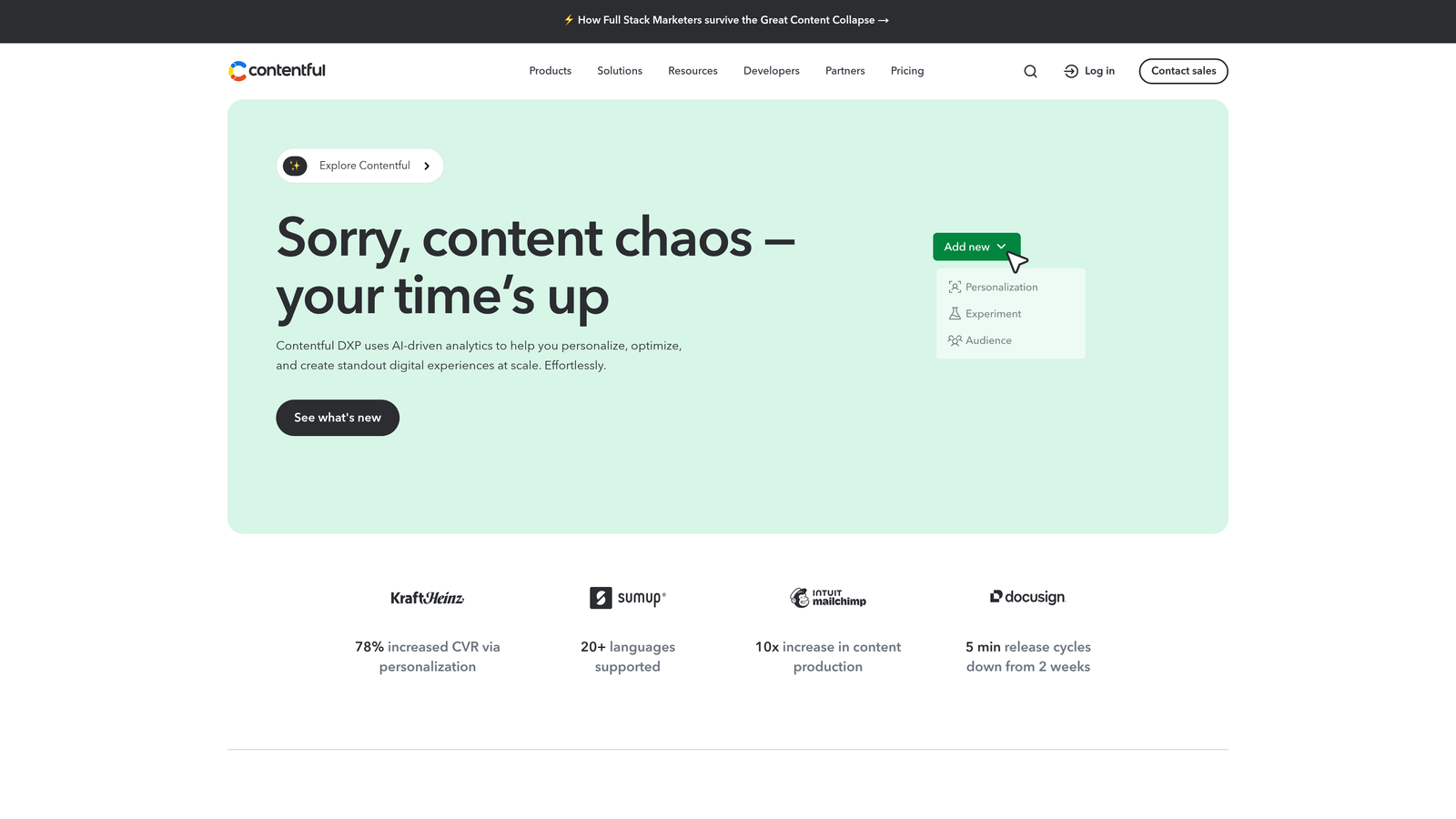
Contentful is a headless CMS that separates content management from presentation, enabling delivery to websites, apps, and any digital touchpoint.
Where This Tool Shines
Traditional CMSs tie content to specific templates and layouts. Contentful breaks this connection with an API-first architecture that lets developers pull content into any experience they build.
This approach excels when you publish to multiple platforms simultaneously—your website, mobile app, smart displays, and emerging channels all pull from the same content repository. Marketing teams create once, and developers distribute everywhere.
Key Features
API-First Architecture: RESTful and GraphQL APIs provide flexible content delivery to any platform.
Flexible Content Modeling: Create custom content types that match your specific needs rather than forcing content into predefined templates.
Multi-Environment Workflows: Separate development, staging, and production environments for safe testing.
Extensive App Marketplace: Pre-built integrations with tools like Shopify, Gatsby, and translation services.
Localization Support: Manage content in multiple languages with translation workflow features.
Best For
Organizations with development resources building omnichannel experiences. Particularly valuable for brands maintaining consistent content across web, mobile apps, digital signage, and IoT devices.
Pricing
Free tier available for small projects; Team plans start at $489/month with enterprise pricing for larger organizations.
4. HubSpot Content Hub
Best for: Marketing teams wanting content management integrated with CRM and analytics
HubSpot Content Hub combines CMS functionality with the broader HubSpot ecosystem, creating seamless connections between content, customer data, and marketing automation.

Where This Tool Shines
Most publishing tools treat content as isolated from customer relationships. HubSpot connects every published piece to your CRM, enabling personalized content experiences based on visitor data.
The platform's AI-powered recommendations suggest content topics based on what's converting, while built-in analytics show exactly which pages drive leads. For marketing teams already using HubSpot's CRM, adding Content Hub eliminates data silos between content performance and sales outcomes.
Key Features
Native CRM Integration: Personalize content based on contact properties and lifecycle stages without third-party tools.
AI-Powered Recommendations: Content suggestions based on performance data and conversion patterns.
Built-in SEO Tools: Real-time optimization suggestions with topic cluster organization for pillar content strategies.
Multi-Language Management: Create and manage content variations for different languages and regions.
Drag-and-Drop Editor: Visual page builder with mobile-responsive templates.
Best For
B2B marketing teams focused on lead generation where connecting content to pipeline matters. Most valuable when you're already invested in HubSpot's CRM or marketing automation tools.
Pricing
Starter tier at $20/month for basic features; Professional at $500/month includes advanced personalization and automation.
5. CoSchedule
Best for: Editorial teams coordinating content across multiple channels and team members
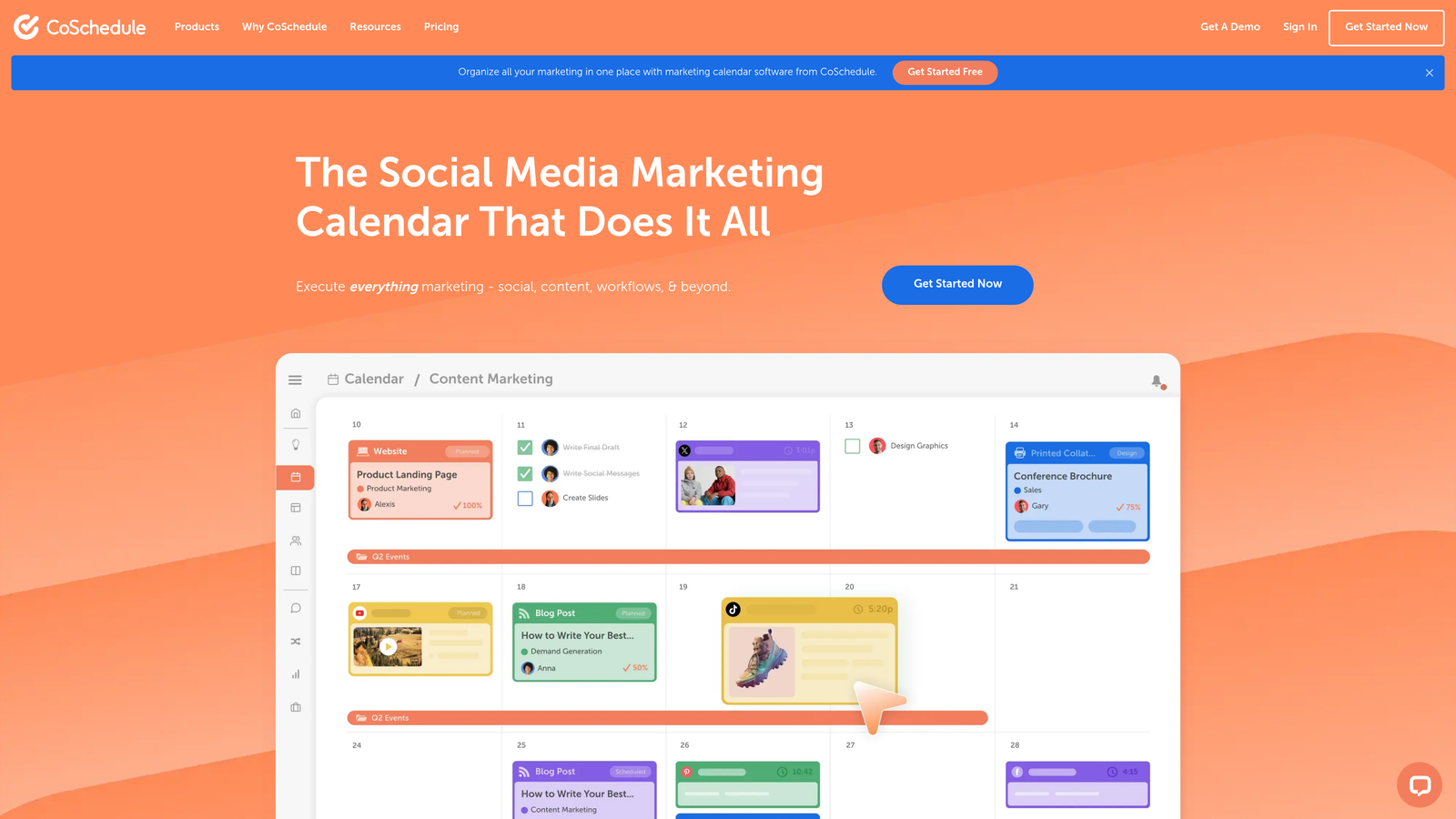
CoSchedule transforms content publishing from a chaotic scramble into an organized workflow with its visual marketing calendar and team coordination features.
Where This Tool Shines
Publishing content involves more than hitting a button. There are approvals, revisions, social promotion, and cross-team dependencies. CoSchedule visualizes all these moving pieces in a drag-and-drop calendar that shows what's publishing when and who's responsible.
The ReQueue feature automatically recycles evergreen content, ensuring your best pieces continue reaching new audiences without manual rescheduling. For teams managing dozens of content pieces monthly, this visibility prevents bottlenecks and missed deadlines.
Key Features
Drag-and-Drop Marketing Calendar: Visual timeline showing all content, social posts, and campaigns in one view.
Social Media Integration: Schedule social promotion directly from the calendar interface.
Team Workflow Management: Assign tasks, set approval processes, and track progress across team members.
ReQueue for Evergreen Content: Automatically republish high-performing content on optimized schedules.
Analytics Dashboard: Performance metrics for published content and social engagement.
Best For
Content teams of five or more people juggling multiple content types, channels, and approval workflows. Particularly useful for agencies managing content calendars for multiple clients.
Pricing
Marketing Calendar available free; Marketing Suite starts at $29/user/month with additional features for larger teams.
6. Webflow
Best for: Design-focused teams wanting visual control without sacrificing CMS functionality
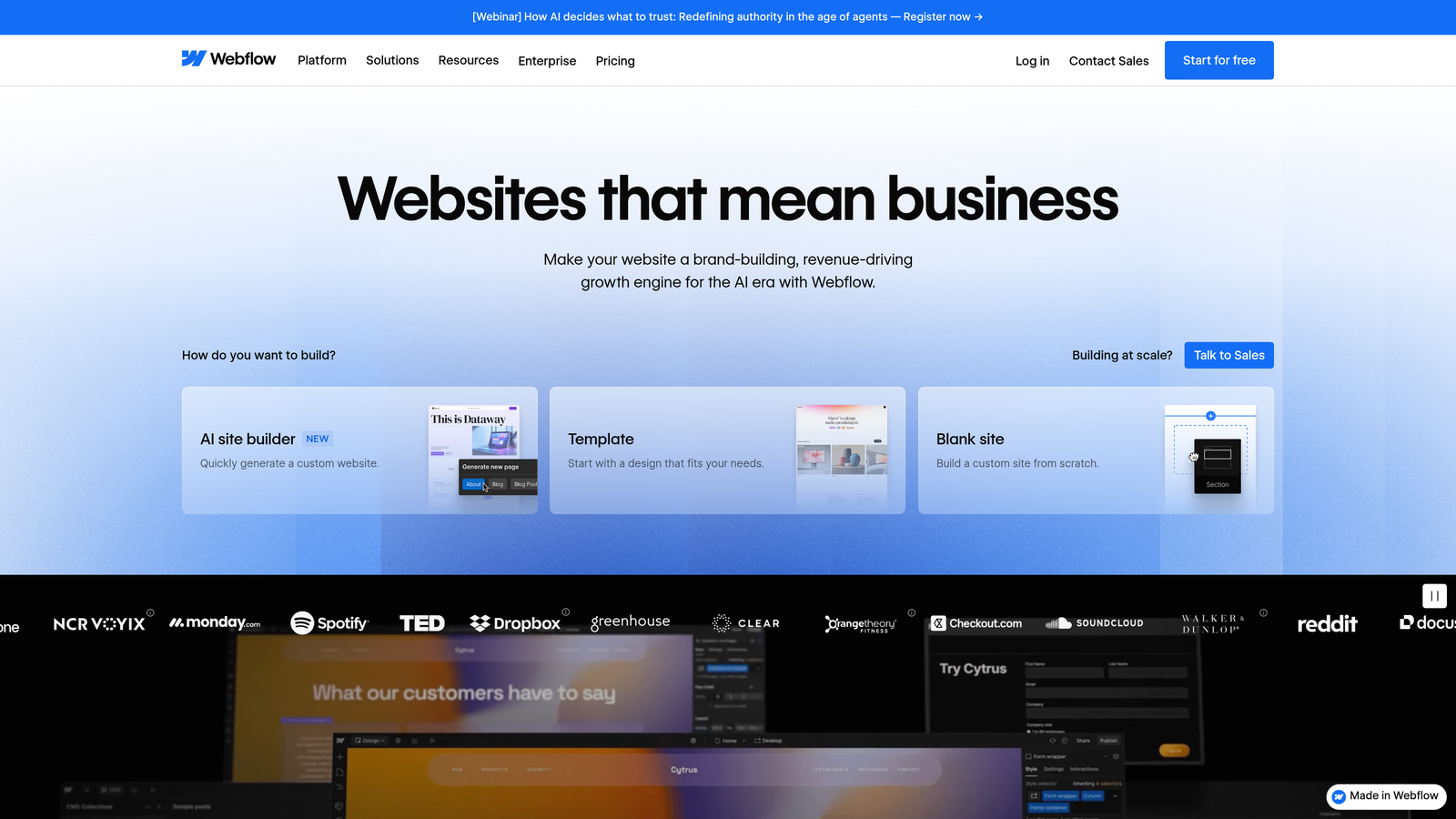
Webflow bridges the gap between visual web design and content management, offering no-code design flexibility with built-in CMS and hosting.
Where This Tool Shines
Traditional CMSs force you into predefined templates. Webflow gives designers pixel-perfect control while maintaining the dynamic content capabilities of a full CMS.
The visual editor lets designers create custom layouts that automatically adapt to different screen sizes. Meanwhile, Editor mode provides a simplified interface for content teams to update text and images without touching design elements. This separation means designers build once, and content teams publish forever without breaking layouts.
Key Features
Visual CMS: Design custom content structures with a visual interface rather than coding templates.
Built-in Hosting: Global CDN hosting included with automatic SSL and performance optimization.
SEO Controls: Customizable meta tags, automatic sitemap generation, and clean semantic HTML.
Editor Mode: Simplified interface for content teams to update pages without accessing design tools.
Interactions and Animations: Add sophisticated animations without JavaScript knowledge.
Best For
Marketing teams with design sensibilities who need more control than WordPress templates offer but don't want to code custom solutions. Works well for brand-focused companies where visual presentation matters as much as content.
Pricing
CMS plans start at $23/month for basic sites; Business tier at $39/month adds advanced CMS features.
7. Ghost
Best for: Professional bloggers and newsletter creators monetizing through memberships
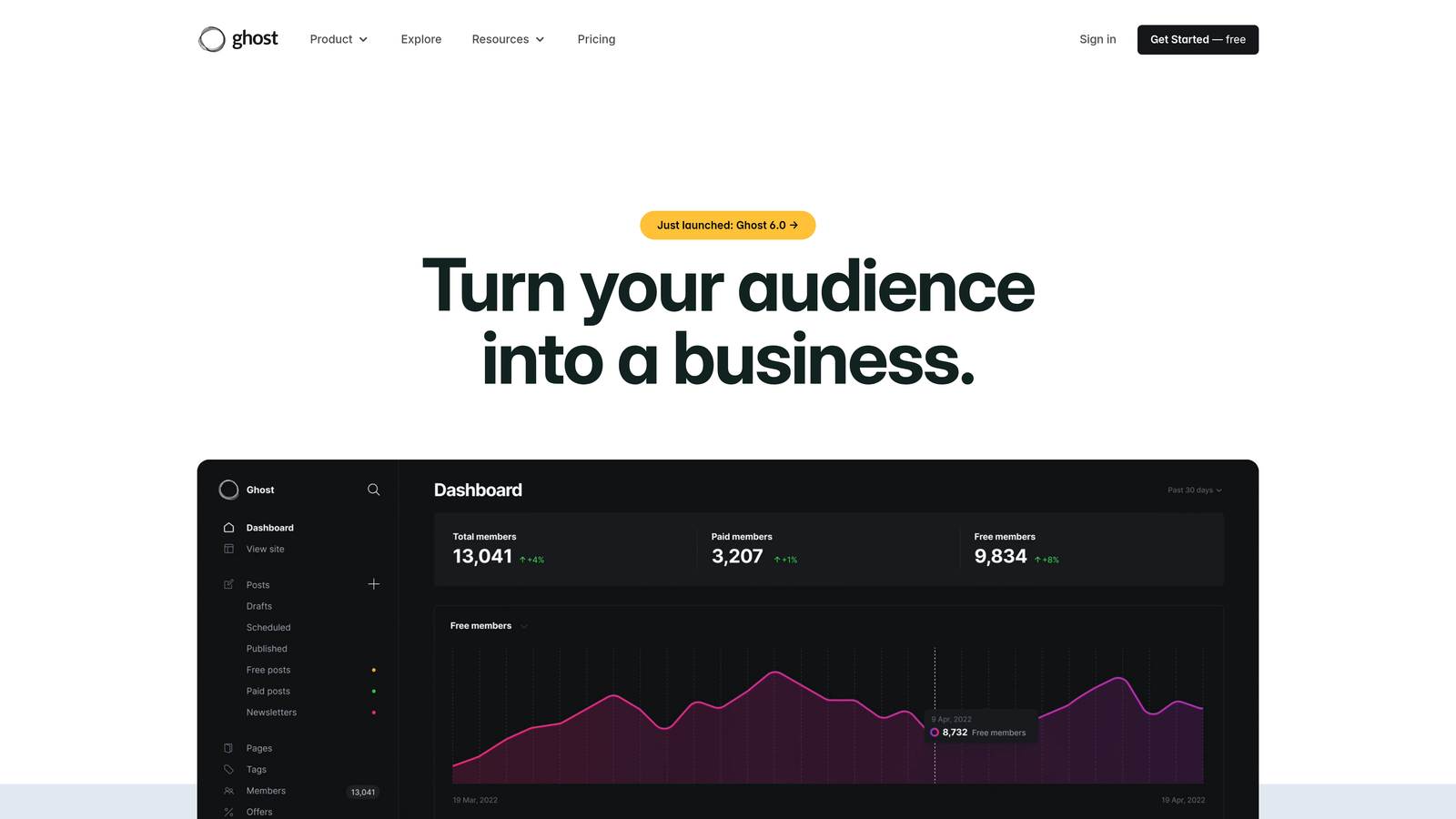
Ghost is a modern publishing platform built specifically for creators who want to own their audience through newsletters and paid memberships.
Where This Tool Shines
While other platforms treat newsletters as an afterthought, Ghost makes them central. Every post can simultaneously publish to your website and email subscribers, with native support for free and paid membership tiers.
The editor focuses on writing without distractions. No complex page builders or overwhelming options—just a clean interface that gets out of your way. The open-source foundation means you can self-host for complete control or use Ghost(Pro) for managed hosting.
Key Features
Native Newsletter Features: Built-in email sending with subscriber management and segmentation.
Membership and Subscriptions: Create free and paid tiers with Stripe integration for payments.
Clean Editor: Distraction-free writing interface with Markdown support.
Built-in SEO: Automatic sitemaps, meta tag management, and structured data.
Open-Source: Self-host on your infrastructure or use managed Ghost(Pro) hosting.
Best For
Independent creators, journalists, and niche publishers building direct relationships with audiences. Particularly valuable if you're monetizing through subscriptions rather than advertising.
Pricing
Ghost(Pro) managed hosting starts at $9/month; self-hosting is free but requires technical setup.
8. Sanity
Best for: Development teams building custom content experiences with real-time collaboration
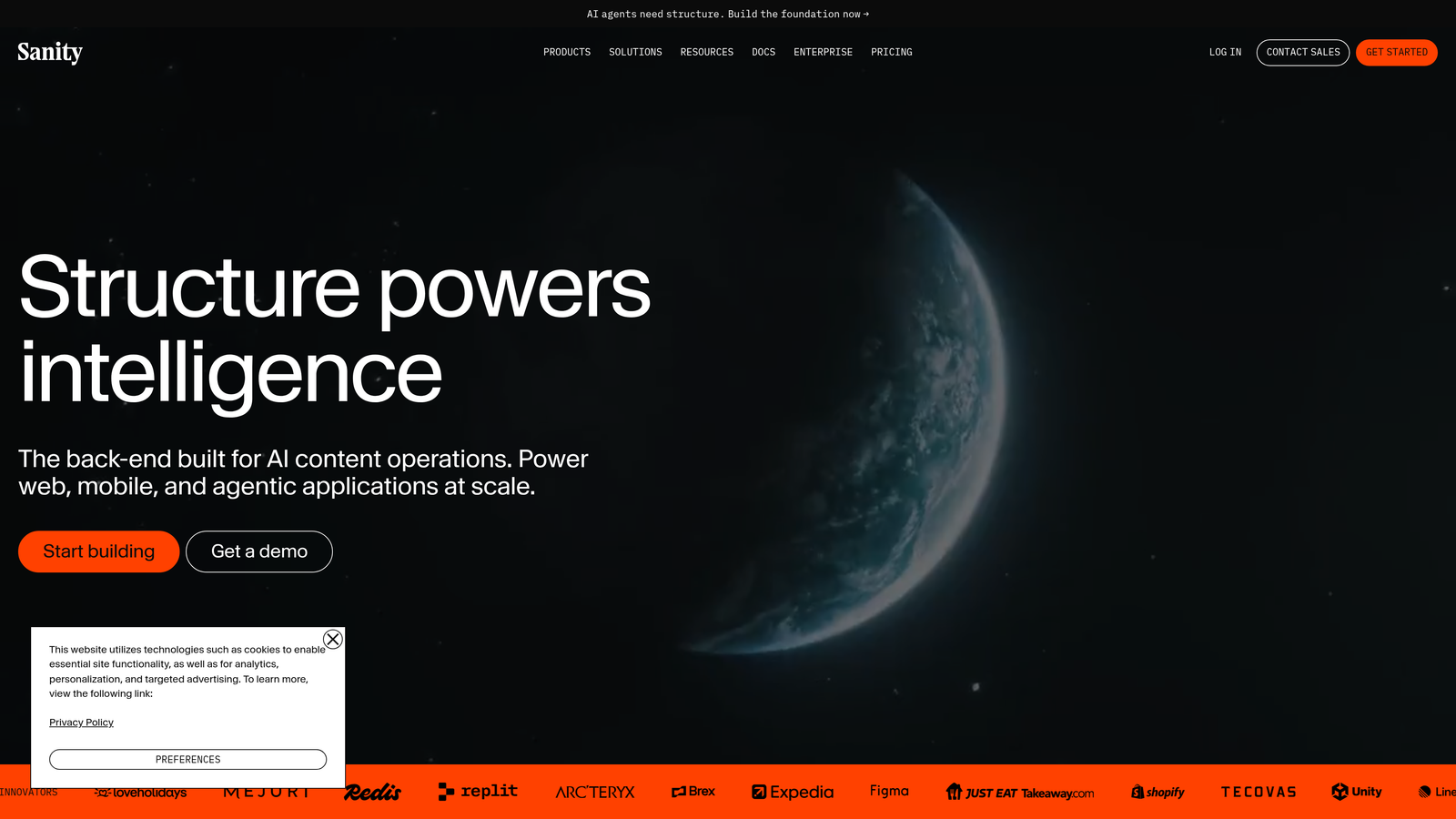
Sanity is a composable content platform that treats content as structured data, enabling real-time collaboration and flexible delivery across any channel.
Where This Tool Shines
Sanity's real-time collaboration feels like Google Docs for structured content. Multiple team members can edit simultaneously, seeing each other's changes instantly without conflicts or overwrites.
The customizable content studio adapts to your specific workflows rather than forcing you into predefined structures. GROQ, Sanity's query language, gives developers powerful control over how content gets retrieved and displayed. This flexibility makes Sanity ideal for complex content operations where off-the-shelf CMSs fall short.
Key Features
Real-Time Collaboration: Multiple editors work simultaneously with instant synchronization and conflict resolution.
Customizable Content Studio: Build custom editing interfaces that match your team's specific needs.
Portable Text: Rich text format that's presentation-agnostic and works across any platform.
GROQ Query Language: Powerful content retrieval with filtering, sorting, and transformation capabilities.
Content Lake: Centralized content repository accessible via APIs for omnichannel delivery.
Best For
Development teams building sophisticated digital experiences where content needs to flow to multiple touchpoints. Works well for agencies creating custom solutions for clients with unique content requirements.
Pricing
Free tier available for small projects; Team plan at $99/month includes collaboration features and higher usage limits.
9. Buffer
Best for: Social media-first content distribution with scheduling and analytics
Buffer simplifies social media publishing by letting you schedule content across multiple platforms from a single interface.
Where This Tool Shines
Content publishing doesn't end when your blog post goes live. Social distribution often drives more immediate traffic than organic search. Buffer streamlines this process by queuing social posts across platforms without logging into each individually.
The AI Assistant generates caption variations optimized for different platforms, saving time while maintaining voice consistency. Analytics show which posts drive engagement, helping you refine your social strategy based on actual performance rather than guesswork.
Key Features
Multi-Platform Scheduling: Queue posts for Instagram, Twitter, LinkedIn, Facebook, and Pinterest from one dashboard.
AI Assistant: Generate platform-optimized captions with tone and length variations.
Analytics Dashboard: Track engagement, reach, and clicks across all connected platforms.
Team Collaboration: Assign posts, set approval workflows, and manage multiple team members.
Browser Extension: Share content directly from any webpage to your Buffer queue.
Best For
Content creators and small marketing teams where social media drives significant traffic. Most valuable when managing multiple social accounts or coordinating posts across several platforms daily.
Pricing
Free plan available with limited posts; Essentials at $6/month per social channel with unlimited scheduling.
10. Notion + Make
Best for: Teams wanting custom publishing workflows without coding from scratch
Notion combined with Make (formerly Integromat) creates flexible publishing workflows tailored to your specific process.
Where This Tool Shines
Off-the-shelf publishing tools work great until they don't. When your workflow includes unique approval steps, custom metadata, or unconventional distribution channels, you need flexibility that pre-built platforms can't provide.
Notion's database functionality organizes content with custom properties and views. Make connects Notion to virtually any other tool through automated workflows. Together, they let you build publishing systems that match your process rather than forcing your team to adapt to someone else's vision.
Key Features
Database-Driven Organization: Structure content with custom properties, tags, and relational databases.
Customizable Templates: Create reusable content templates with predefined structures and checklists.
Make Integration: Automate publishing workflows connecting Notion to CMS platforms, social media, and other tools.
Team Collaboration: Granular permissions control who can view, edit, and publish content.
Flexible Views: Switch between table, board, calendar, and gallery views of your content pipeline.
Best For
Teams with specific workflow requirements that standard publishing tools don't accommodate. Requires some technical comfort to set up Make automations, but no coding knowledge necessary.
Pricing
Notion offers a free tier for individuals; Make starts at $9/month for basic automation with higher tiers for complex workflows.
11. StoryChief
Best for: Multi-channel distribution from a single interface with built-in collaboration
StoryChief enables one-click publishing across your website, social media, and email simultaneously from a unified workspace.
Where This Tool Shines
Publishing the same content across multiple channels typically means copying, pasting, and reformatting for each platform. StoryChief eliminates this repetition by letting you write once and distribute everywhere with platform-specific optimizations.
The SEO copywriting assistant provides real-time suggestions as you write, ensuring content meets optimization standards before publication. Analytics aggregate performance data from all published channels, giving you a complete view of how content performs across your entire distribution network.
Key Features
Multi-Channel Distribution: Publish simultaneously to WordPress, Medium, LinkedIn, and other platforms from one interface.
SEO Copywriting Assistant: Real-time optimization suggestions for readability, keywords, and structure.
Content Calendar: Visual planning with drag-and-drop scheduling across all channels.
Team Collaboration: Approval workflows, comments, and version history for team coordination.
Cross-Channel Analytics: Unified dashboard showing performance metrics from all published destinations.
Best For
Content teams distributing to multiple platforms who want to eliminate the manual work of reformatting and republishing. Works well for agencies managing content for clients across various channels.
Pricing
Starts at $100/month for teams with scaling pricing based on users and publishing volume.
Making the Right Choice
The best content publishing tool depends on three factors: your distribution channels, technical resources, and content volume.
Sight AI stands out for teams prioritizing AI-optimized content with automated publishing and instant indexing. If your growth strategy includes AI visibility—how your brand appears in ChatGPT and Claude responses—it's the only platform that combines content generation, publishing, and AI tracking in one system.
WordPress with Jetpack remains the go-to for established blogs needing maximum flexibility. The plugin ecosystem handles virtually any requirement, though you'll need technical comfort or developer support.
For enterprise teams publishing across multiple digital channels, Contentful and Sanity provide the API-first architecture that headless content strategies require. Both excel when you're delivering content to websites, apps, and emerging platforms simultaneously.
HubSpot Content Hub makes sense when you're already invested in their CRM ecosystem. The native integration between content and customer data enables personalization that standalone publishing tools can't match.
CoSchedule solves the coordination problem for editorial teams managing complex calendars with multiple contributors. The visual workflow prevents bottlenecks and keeps everyone aligned on what's publishing when.
Ghost serves creators monetizing through newsletters and memberships. If you're building direct audience relationships rather than relying on advertising, its native subscription features eliminate the need for third-party tools.
The gap between content creation and content impact shrinks when you choose tools that automate the tedious parts—formatting, distribution, indexing—while giving you control over what matters. All eleven platforms here will accelerate your publishing workflow. The right choice comes down to which friction points slow your team down most.
Stop guessing how AI models like ChatGPT and Claude talk about your brand—get visibility into every mention, track content opportunities, and automate your path to organic traffic growth. Start tracking your AI visibility today and see exactly where your brand appears across top AI platforms.