Publishing content manually across multiple platforms drains time that could be spent on strategy and creation. CMS auto publishing tools eliminate the repetitive work of scheduling, formatting, and distributing content—letting you focus on what actually moves the needle.
Whether you're a solo marketer juggling multiple client sites or an agency scaling content operations, the right automation tool transforms your publishing workflow from a bottleneck into a competitive advantage.
Here are the top CMS auto publishing solutions available today, evaluated on ease of integration, automation capabilities, and value for content-focused teams.
1. Sight AI
Best for: Teams that want AI-powered content creation with automated publishing and instant search indexing
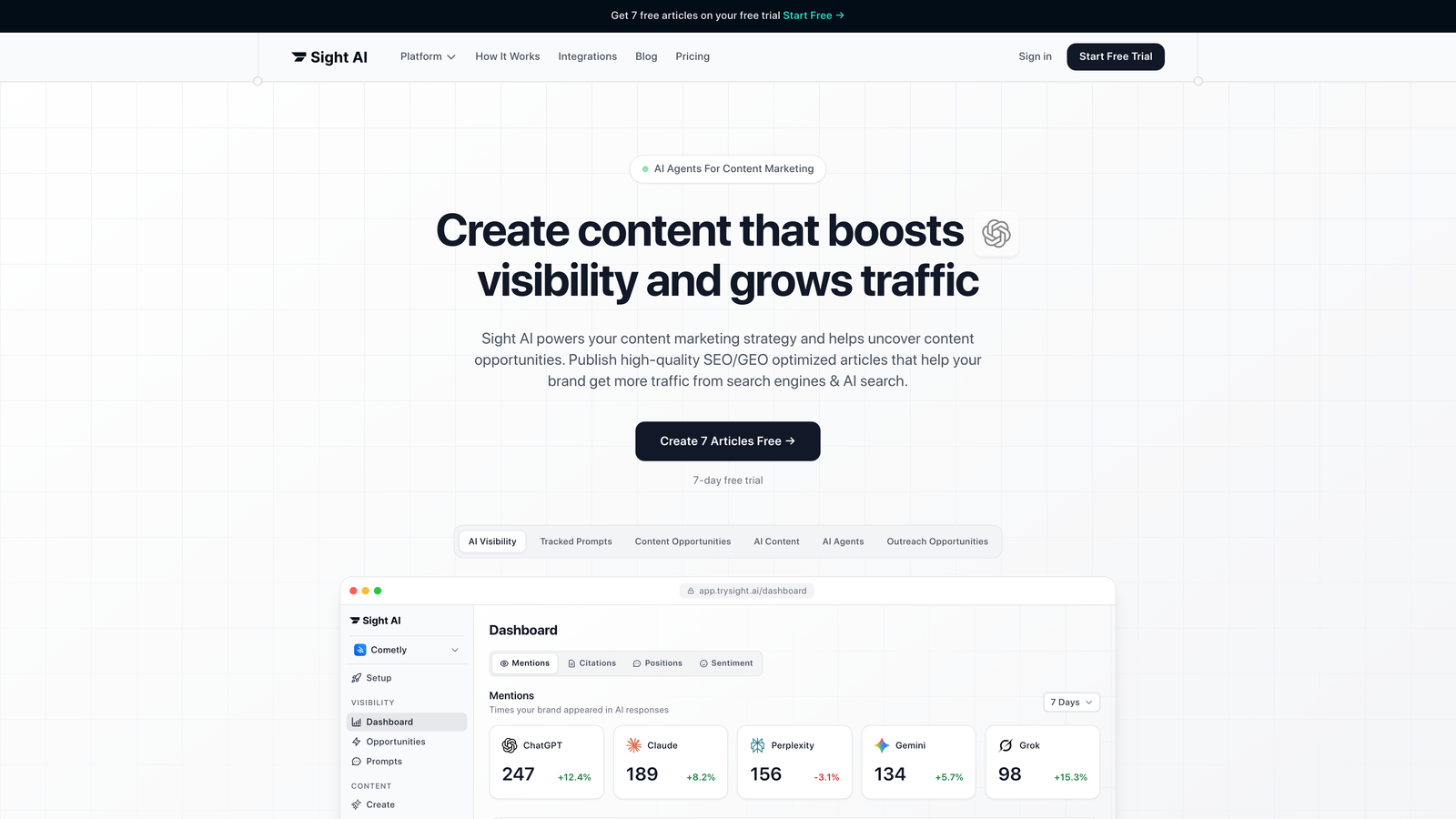
Sight AI combines content generation, CMS auto-publishing, and search engine indexing into a single platform designed for organic traffic growth.
Where This Tool Shines
The standout feature is how Sight AI connects the entire content lifecycle—from creation through publishing to search discovery. Most tools handle one piece of this puzzle, but Sight AI's integration of 13+ specialized AI agents with direct CMS publishing means you can generate SEO-optimized articles and push them live without switching platforms.
The IndexNow integration is particularly valuable for teams focused on organic traffic. Instead of waiting for search engines to crawl your sitemap naturally, Sight AI automatically notifies search engines when new content goes live, dramatically reducing the time between publish and indexing.
Key Features
13+ AI Agents: Specialized agents for different content types (listicles, guides, explainers) that generate SEO and GEO-optimized articles.
Direct CMS Auto-Publishing: Push content directly to WordPress and other CMS platforms without manual export/import workflows.
IndexNow Integration: Automatically notify search engines when content publishes, with automated sitemap updates for faster discovery.
AI Visibility Tracking: Monitor how AI models like ChatGPT, Claude, and Perplexity mention your brand across 6+ platforms.
Autopilot Mode: Set content workflows to run hands-off, from generation through publishing to indexing.
Best For
Marketing teams and agencies that want to scale content production while maintaining quality and SEO performance. Particularly valuable if you're tracking AI visibility alongside traditional search rankings, or if you need to publish across multiple client sites efficiently.
Pricing
Contact for pricing. Offers tiered plans designed for agencies and teams with varying content volume needs.
2. WordPress with Jetpack
Best for: WordPress users who want native scheduling automation without complex third-party integrations
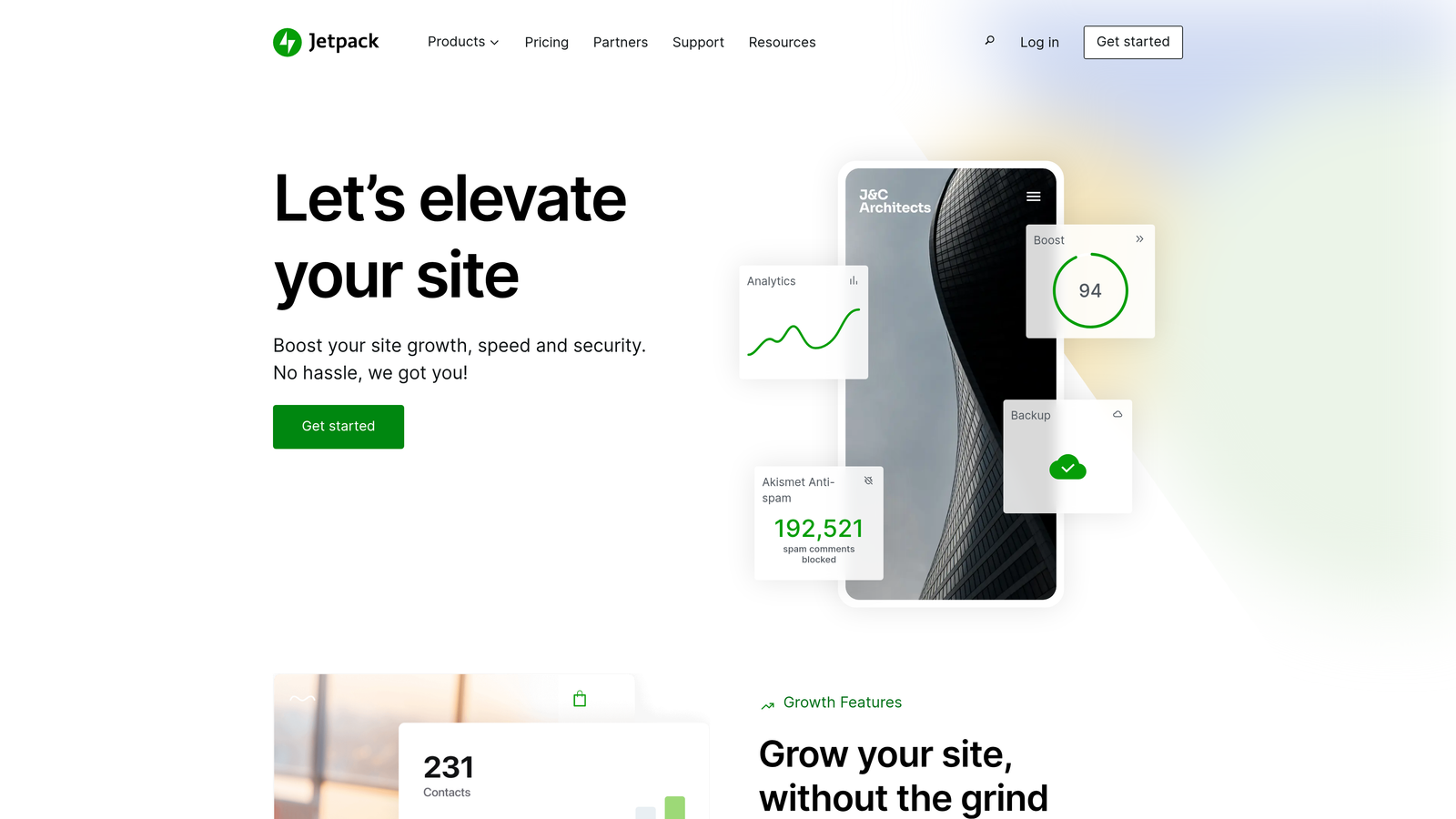
Jetpack enhances WordPress with automated scheduling, social sharing, and performance optimization in a single plugin.
Where This Tool Shines
If you're already running WordPress, Jetpack offers the path of least resistance for basic auto-publishing needs. The native integration means no authentication headaches or API connection issues—everything works within your familiar WordPress dashboard.
The automatic social media sharing is particularly useful for small teams. Write your post, schedule it, and Jetpack handles distribution to your connected social accounts when it goes live. No need to manually cross-post or use separate scheduling tools.
Key Features
Built-in Post Scheduling: Set publish times with timezone support directly from the WordPress editor.
Automatic Social Sharing: Push published content to connected social media accounts without manual intervention.
Site Backup Automation: Scheduled backups with one-click restore if something breaks.
Performance Optimization: Built-in CDN and image optimization to speed up content delivery.
Security Monitoring: Automatic scanning for vulnerabilities and malware with instant notifications.
Best For
Solo bloggers and small marketing teams running WordPress who need reliable scheduling and social automation without managing multiple tools. Ideal if you value simplicity over advanced workflow customization.
Pricing
Free tier available with basic features. Premium plans start at $10/month for scheduling and social automation, with higher tiers adding backup and security features.
3. HubSpot CMS Hub
Best for: Enterprise teams that need CMS automation tightly integrated with marketing workflows and CRM data
HubSpot CMS Hub combines content management with marketing automation, enabling personalized publishing based on visitor data and lifecycle stage.

Where This Tool Shines
HubSpot's strength lies in its workflow automation capabilities. You can build sophisticated publishing rules that trigger based on CRM data, visitor behavior, or campaign performance. Think: automatically publishing targeted content when a lead reaches a specific lifecycle stage, or adjusting content visibility based on A/B test results.
The smart content feature lets you create one piece that adapts to different audience segments automatically. Same URL, different content based on who's viewing—powerful for personalization at scale without managing multiple versions manually.
Key Features
Workflow-Based Publishing: Create automated publishing rules triggered by CRM events, form submissions, or custom conditions.
Smart Content Personalization: Serve different content variations to different visitor segments from a single page.
Native CRM Integration: Access full contact and company data when setting publishing rules and personalization logic.
A/B Testing Automation: Run tests and automatically apply winning variations without manual intervention.
Multi-Language Publishing: Manage and publish content variations across languages from one dashboard.
Best For
B2B marketing teams and enterprises already using HubSpot's CRM or marketing automation tools. Makes the most sense when you need publishing decisions informed by customer data and lifecycle stages.
Pricing
Starter plan from $25/month for basic features. Professional tier starts at $400/month and includes advanced automation and smart content capabilities.
4. Contentful
Best for: Development teams building multi-channel experiences that need API-driven content delivery
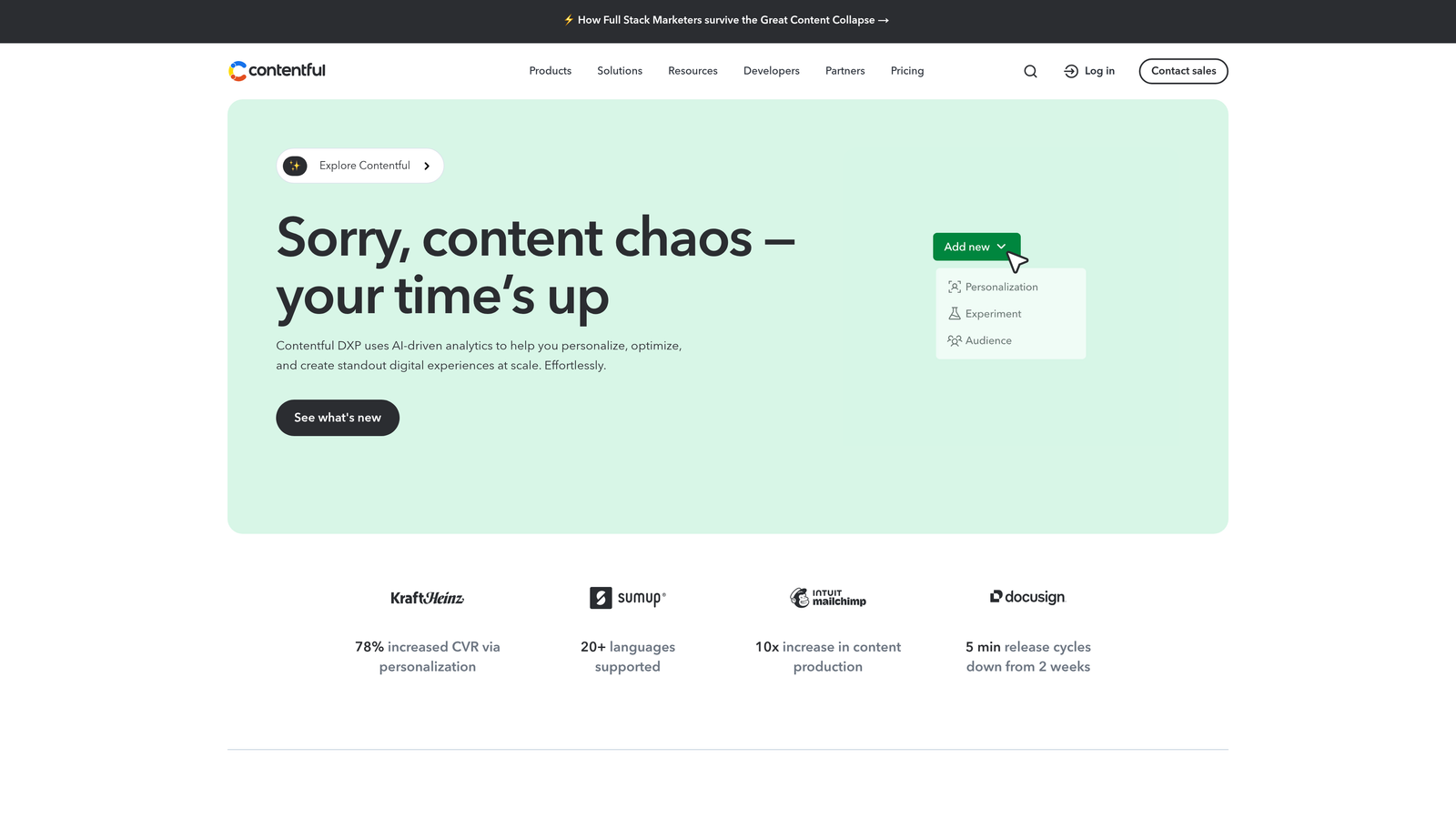
Contentful is a headless CMS that separates content management from presentation, enabling automated publishing across websites, apps, and IoT devices through APIs.
Where This Tool Shines
Contentful's API-first architecture means you can publish the same content to your website, mobile app, digital signage, and voice assistant simultaneously. Create once, distribute everywhere—automatically. The scheduled publishing works across all connected channels, so your content update hits every touchpoint at the same time.
The webhook system is particularly powerful for complex workflows. Trigger external automations when content publishes—update your search index, send Slack notifications, generate social media posts, or kick off analytics tracking. If you can hit an API endpoint, you can automate it.
Key Features
API-First Architecture: Deliver content to any frontend through RESTful and GraphQL APIs.
Scheduled Publishing: Set publish times with environment staging for testing before content goes live.
Webhook Triggers: Fire automated actions to external services when content publishes or updates.
Content Modeling: Build reusable content structures that maintain consistency across channels.
Environment Management: Test content changes in staging before pushing to production.
Best For
Product teams and agencies building omnichannel experiences where content needs to flow to multiple platforms automatically. Requires developer resources to set up and maintain the integrations.
Pricing
Free tier available for small projects with basic features. Team plans start at $489/month for production use with higher API limits and collaboration features.
5. CoSchedule
Best for: Marketing teams that need a unified calendar for coordinating content publishing across channels
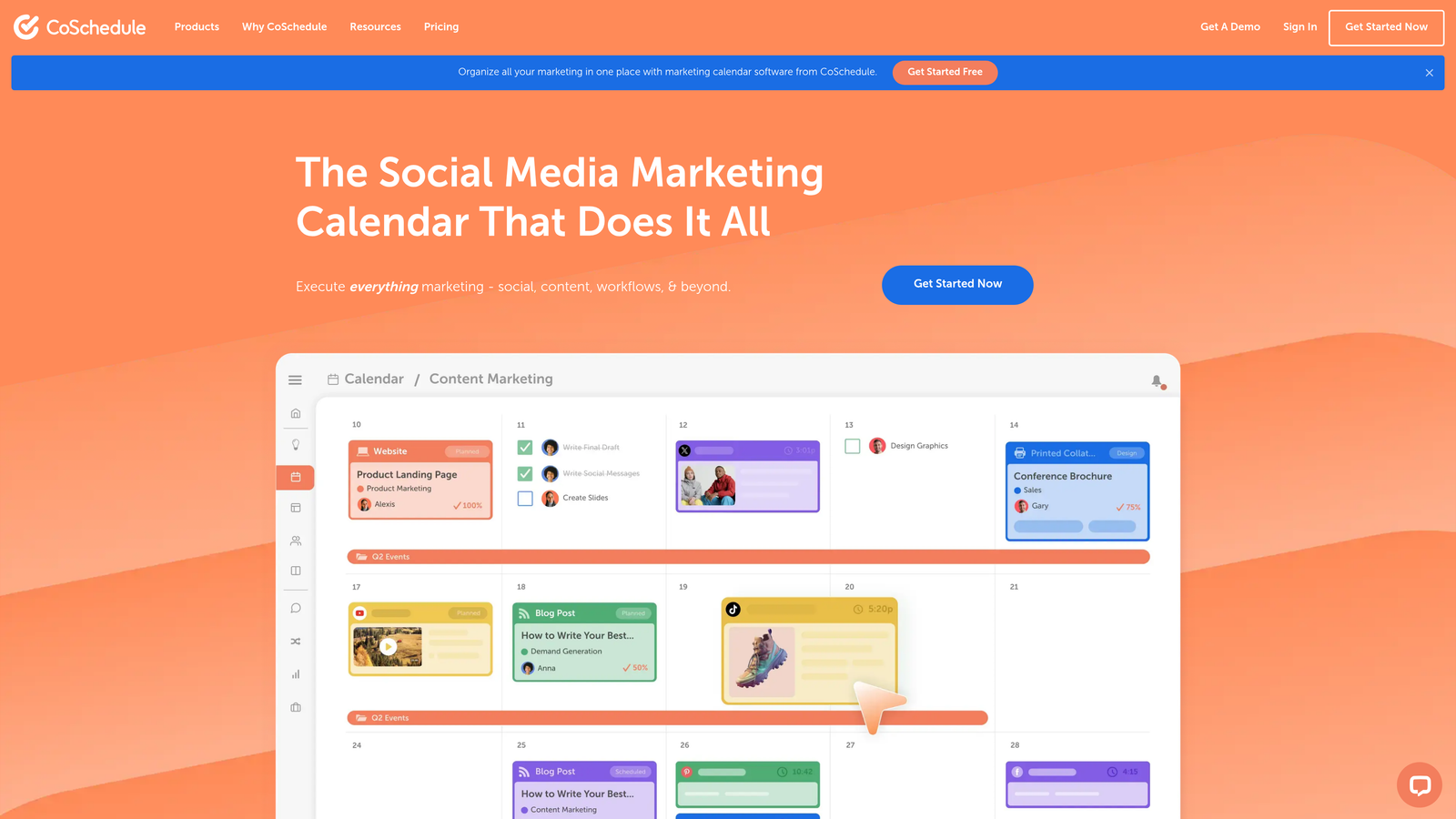
CoSchedule provides a marketing calendar that connects blog publishing, social media scheduling, and campaign management in one visual interface.
Where This Tool Shines
The marketing calendar view makes it easy to see how all your content pieces fit together. You can spot gaps in your publishing schedule, avoid conflicts, and coordinate launches across blog posts, social campaigns, and email sends from a single dashboard.
The WordPress integration is particularly smooth—write in WordPress, schedule through CoSchedule, and the tool handles both blog publishing and social distribution automatically. The ReQueue feature adds another automation layer by resharing evergreen content on a schedule you define, keeping your social feeds active without constant manual posting.
Key Features
Unified Marketing Calendar: Visual timeline showing all content, campaigns, and social posts in one place.
WordPress Direct Publishing: Schedule and publish WordPress posts directly from the CoSchedule interface.
Social Campaign Automation: Generate and schedule social posts automatically when blog content publishes.
ReQueue: Automatically reshare top-performing evergreen content on a recurring schedule.
Team Workflows: Assign tasks, set approval processes, and track content progress through production stages.
Best For
Content marketing teams managing multiple channels who need better visibility into what's publishing when. Particularly valuable for agencies juggling multiple client calendars.
Pricing
Marketing Calendar plans start at $29/user/month. Higher tiers add social automation and advanced workflow features.
6. Sanity
Best for: Teams that need real-time collaboration and customizable publishing workflows
Sanity is a headless CMS built for real-time collaboration, with customizable workflows and webhook-driven automation for complex publishing scenarios.
Where This Tool Shines
Sanity's real-time collaboration feels like working in Google Docs—multiple team members can edit the same content simultaneously without conflicts. This is particularly valuable for newsrooms or fast-moving marketing teams where speed matters.
The custom workflow capabilities let you build publishing processes that match your team's actual approval chains. Define custom states (draft, legal review, ready to publish), set transition rules, and trigger automations at each stage. The webhook system can notify external tools when content moves through your pipeline, enabling sophisticated multi-step publishing workflows.
Key Features
Real-Time Collaboration: Multiple users can edit content simultaneously with instant sync across devices.
Custom Workflow States: Define your own content stages and transition rules beyond simple draft/published.
GROQ Query Language: Powerful content querying for building automated content relationships and dynamic publishing rules.
Webhook Triggers: Fire automations when content publishes or reaches specific workflow states.
Portable Text: Structured content format that renders consistently across any platform or device.
Best For
Development teams and agencies building custom publishing workflows that don't fit standard CMS patterns. Requires technical expertise to configure and maintain, but offers maximum flexibility.
Pricing
Free tier for small projects. Team plans start at $99/month with higher collaboration limits and advanced features.
7. Buffer Publish
Best for: Teams focused on automating social media distribution from blog content
Buffer Publish specializes in social media scheduling with RSS feed automation that turns blog posts into social content automatically.

Where This Tool Shines
Buffer's RSS feed automation creates a bridge between your CMS and social channels without manual intervention. Point Buffer at your blog's RSS feed, set your posting frequency, and it automatically pulls new posts and shares them across your connected social accounts.
The queue management system helps maintain consistent social presence even when you're not actively creating content. Load up your queue with posts, set optimal timing based on audience activity, and Buffer handles the distribution. The browser extension makes it easy to grab content from anywhere on the web and add it to your publishing queue instantly.
Key Features
RSS Feed Automation: Automatically share new blog posts to social media as they publish.
Multi-Platform Scheduling: Manage posts for Facebook, Twitter, LinkedIn, Instagram, and Pinterest from one dashboard.
Queue Management: Set posting schedules and Buffer automatically distributes content at optimal times.
Browser Extension: Quick-share content from any website directly to your Buffer queue.
Analytics Dashboard: Track engagement metrics across all connected social accounts.
Best For
Bloggers and content marketers who need reliable social media automation without complex workflow requirements. Works best when your primary goal is distributing blog content to social channels consistently.
Pricing
Free plan covers 3 social channels with basic scheduling. Essentials plans start at $6/channel/month for advanced features and analytics.
8. Strapi
Best for: Teams that want full control through self-hosted, open-source CMS infrastructure
Strapi is an open-source headless CMS that you can self-host, offering complete customization of content types, APIs, and webhook automations.
Where This Tool Shines
Being open-source means you own your infrastructure completely. No vendor lock-in, no usage limits based on pricing tiers, and full access to modify the codebase if your needs evolve. For teams with development resources, this flexibility is invaluable.
The webhook configuration system lets you connect Strapi to virtually any external service. When content publishes, trigger deployments to static site generators, update search indexes, send notifications to Slack, or kick off complex multi-step workflows. The role-based publishing permissions ensure the right people control what goes live when, even in complex organizational structures.
Key Features
100% Open-Source: Self-host on your own infrastructure with full code access and no licensing restrictions.
Custom Content Types: Build any content structure you need with custom fields and relationships.
API Endpoints: Automatically generated REST and GraphQL APIs for every content type you create.
Webhook Configuration: Set up automated triggers for any integration when content publishes or updates.
Role-Based Permissions: Granular control over who can create, edit, and publish different content types.
Best For
Development teams and agencies that need complete control over their CMS infrastructure and have the technical expertise to manage self-hosted solutions. Ideal when you need custom functionality that SaaS platforms can't provide.
Pricing
Free for self-hosted deployments. Managed cloud hosting starts at $99/month for teams that want the open-source benefits without infrastructure management.
9. Publii
Best for: Solo creators and small teams who want static site publishing without server management
Publii is a desktop-based CMS that generates static websites and publishes them to various hosting platforms with one-click deployment.
Where This Tool Shines
Publii eliminates the server entirely from your content workflow. You edit content in a desktop app while offline, then push the generated static files to GitHub Pages, Netlify, S3, or any hosting platform with a single click. No database to maintain, no security patches to apply, no server costs to worry about.
The built-in SEO tools and schema markup generation help your content rank without requiring separate plugins or technical configuration. Everything you need for basic publishing automation lives in the desktop app—create content, set publish schedules, and let Publii handle deployment to your hosting platform automatically.
Key Features
Desktop App: Edit content offline with a native application instead of browser-based interfaces.
One-Click Deployment: Publish to GitHub Pages, Netlify, S3, or FTP with automated file sync.
Static Site Generation: Creates fast, secure static HTML with no server-side processing required.
Built-in SEO Tools: Automatic schema markup, meta tag management, and sitemap generation.
Theme Customization: Visual theme editor for adjusting design without touching code.
Best For
Bloggers and small businesses that want the speed and security of static sites without learning complex build processes. Perfect if you prefer working offline or want to minimize hosting costs and maintenance overhead.
Pricing
Completely free and open-source. No subscription fees or usage limits.
Making the Right Choice
Your ideal CMS auto publishing tool depends on where content creation and distribution fit into your broader marketing operations.
If you're building an integrated content engine that connects creation, publishing, and search visibility, Sight AI offers the most complete solution—especially valuable when you're tracking how AI models reference your brand alongside traditional SEO metrics. The combination of AI-powered content generation with automated publishing and IndexNow integration addresses the full content lifecycle.
For teams already invested in WordPress, Jetpack provides the simplest path to basic automation without adding complexity. HubSpot CMS Hub makes sense when you need publishing decisions driven by CRM data and customer lifecycle stages—ideal for B2B teams with sophisticated nurture workflows.
Development teams building omnichannel experiences should evaluate Contentful or Sanity for their API-first architectures and webhook capabilities. Both excel at distributing content across multiple platforms simultaneously, though Sanity's real-time collaboration gives it an edge for fast-moving editorial teams.
CoSchedule stands out for marketing teams that need better visibility across channels—the unified calendar view helps coordinate complex campaigns. Buffer Publish focuses specifically on the blog-to-social automation workflow, making it a strong choice if social distribution is your primary concern.
For teams with development resources and a preference for open-source solutions, Strapi offers maximum flexibility without vendor lock-in. Publii serves a different niche entirely—solo creators who want static site speed and security without server management complexity.
The automation landscape continues evolving rapidly. Tools that integrate content creation, publishing, and search discovery into unified workflows are becoming increasingly valuable as marketing teams look to do more with leaner resources. Stop guessing how AI models like ChatGPT and Claude talk about your brand—get visibility into every mention, track content opportunities, and automate your path to organic traffic growth. Start tracking your AI visibility today and see exactly where your brand appears across top AI platforms.