Getting your content crawled and indexed quickly is the difference between ranking in days versus weeks. With search engines processing billions of pages and AI platforms pulling from indexed content, slow indexing means missed traffic and lost visibility. The right content indexing software automates submissions, monitors crawl status, and ensures your new pages get discovered by both traditional search engines and AI models. Here are the top tools for faster content discovery in 2026.
1. Sight AI
Best for: Teams wanting AI visibility tracking combined with automated content indexing
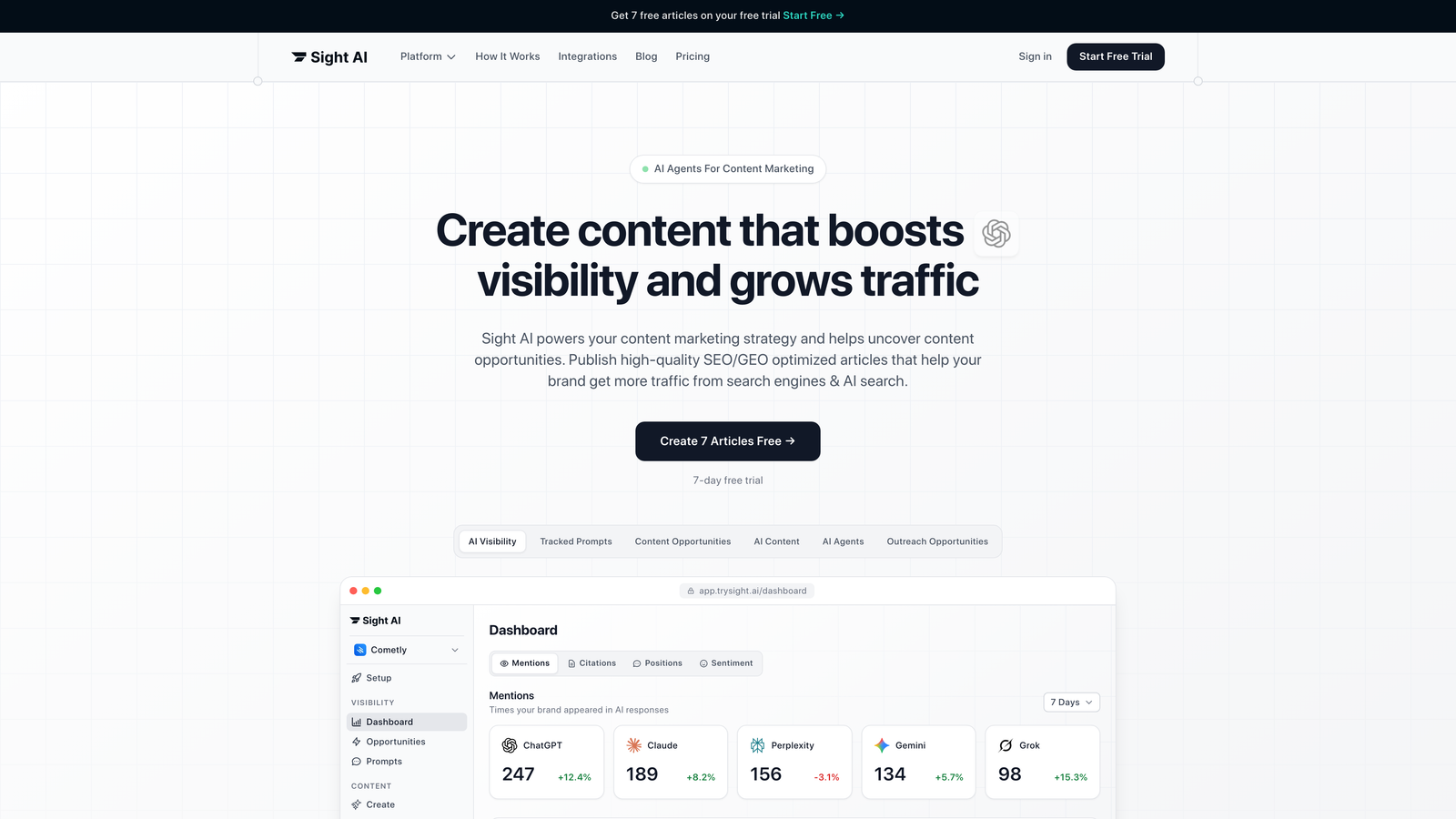
Sight AI is an all-in-one platform that tracks how AI models mention your brand while automating your content indexing workflow.
Where This Tool Shines
Sight AI solves two problems at once: it shows you exactly how ChatGPT, Claude, and Perplexity talk about your brand, while automatically getting your new content indexed across search engines. When you publish through the platform, it triggers IndexNow submissions instantly.
The AI visibility tracking gives you something most indexing tools don't: insight into whether your indexed content actually gets mentioned by AI platforms. You can see which prompts trigger your brand mentions and track sentiment across different AI models.
Key Features
IndexNow Integration: Automatic URL submission to Bing, Yandex, and other participating search engines the moment you publish.
Automated Sitemap Updates: Your sitemap stays current without manual intervention, ensuring search engines always have the latest content map.
AI Visibility Tracking: Monitor brand mentions across ChatGPT, Claude, Perplexity, and other AI platforms with sentiment analysis.
CMS Auto-Publishing: Content generation and publishing workflows automatically trigger indexing requests.
AI Content Writer: Generate SEO/GEO-optimized articles with 13+ specialized AI agents designed to increase brand mentions.
Best For
Marketing teams and agencies that need both traditional search indexing and AI visibility tracking. If you're publishing content regularly and want to understand how AI models discover and reference your brand, this combines both capabilities in one platform.
Pricing
Contact for pricing. Indexing features are included in all plans alongside AI visibility tracking and content generation tools.
2. IndexNow API
Best for: Developers implementing instant indexing across multiple search engines
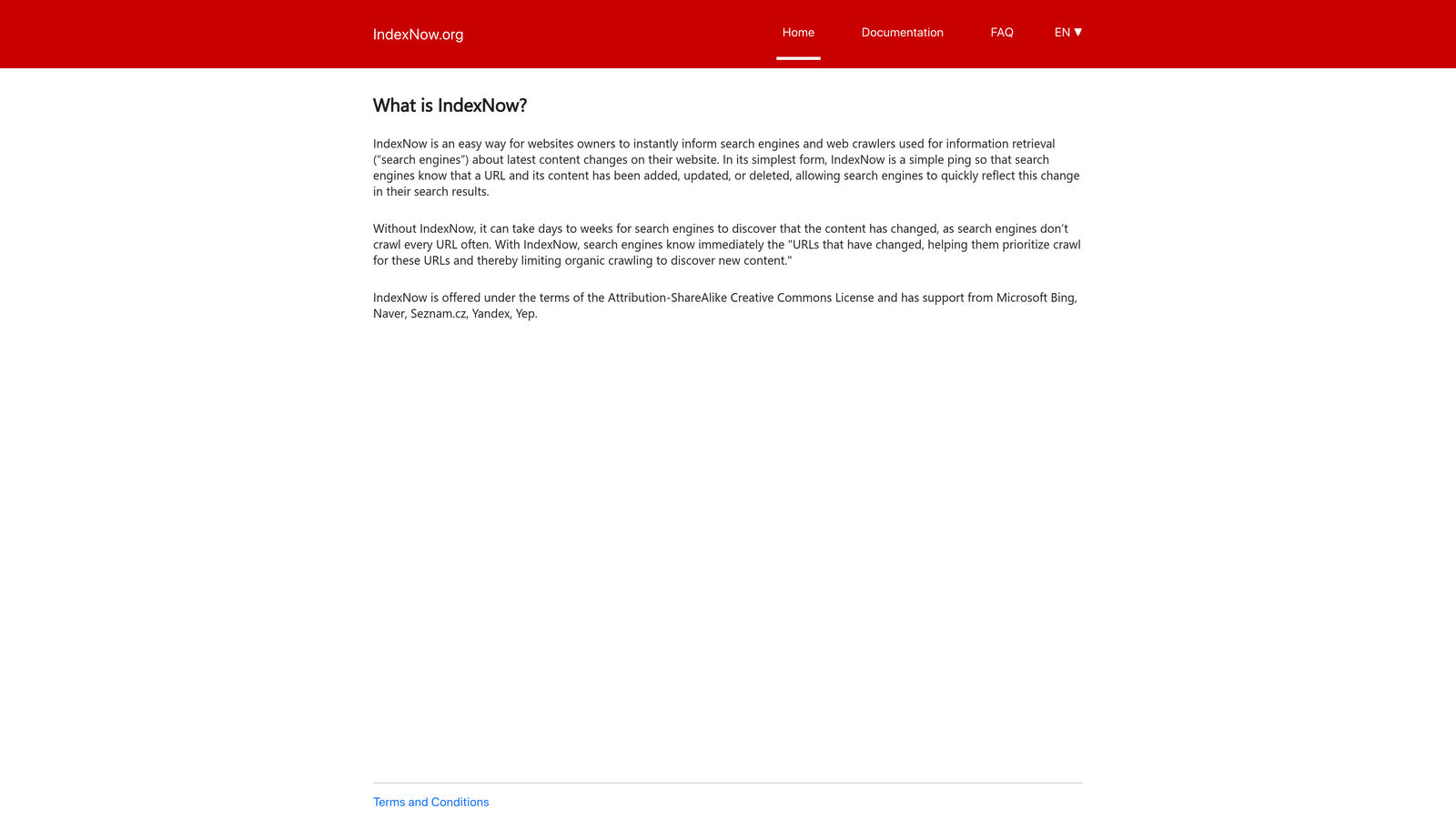
IndexNow API is an open protocol that lets you notify search engines instantly when you publish or update content.
Where This Tool Shines
IndexNow changed the game by creating a simple, unified way to tell search engines about new content. Instead of waiting for crawlers to discover your pages, you ping participating engines directly. Bing and Yandex adopted it immediately, and more engines continue to join.
The protocol is lightweight and free—you just need to implement the API endpoint and submit URLs as you publish. One submission notifies all participating engines, which is far more efficient than managing separate submission workflows.
Key Features
Open Protocol: Free to use with no licensing fees or platform restrictions.
Multi-Engine Support: One submission reaches Bing, Yandex, and other participating search engines simultaneously.
Simple Implementation: Basic HTTP POST request with your URL and API key—straightforward for any developer.
No Rate Limits: Submit URLs as frequently as you publish without worrying about throttling.
Instant Notification: Search engines receive your update immediately rather than waiting for scheduled crawls.
Best For
Developers building custom CMS platforms or anyone who wants direct control over indexing without relying on third-party tools. Perfect for high-volume publishers who need programmatic indexing.
Pricing
Completely free. It's an open protocol maintained by Microsoft and Yandex with no usage costs.
3. Rank Math SEO
Best for: WordPress users wanting one-click indexing with comprehensive SEO features
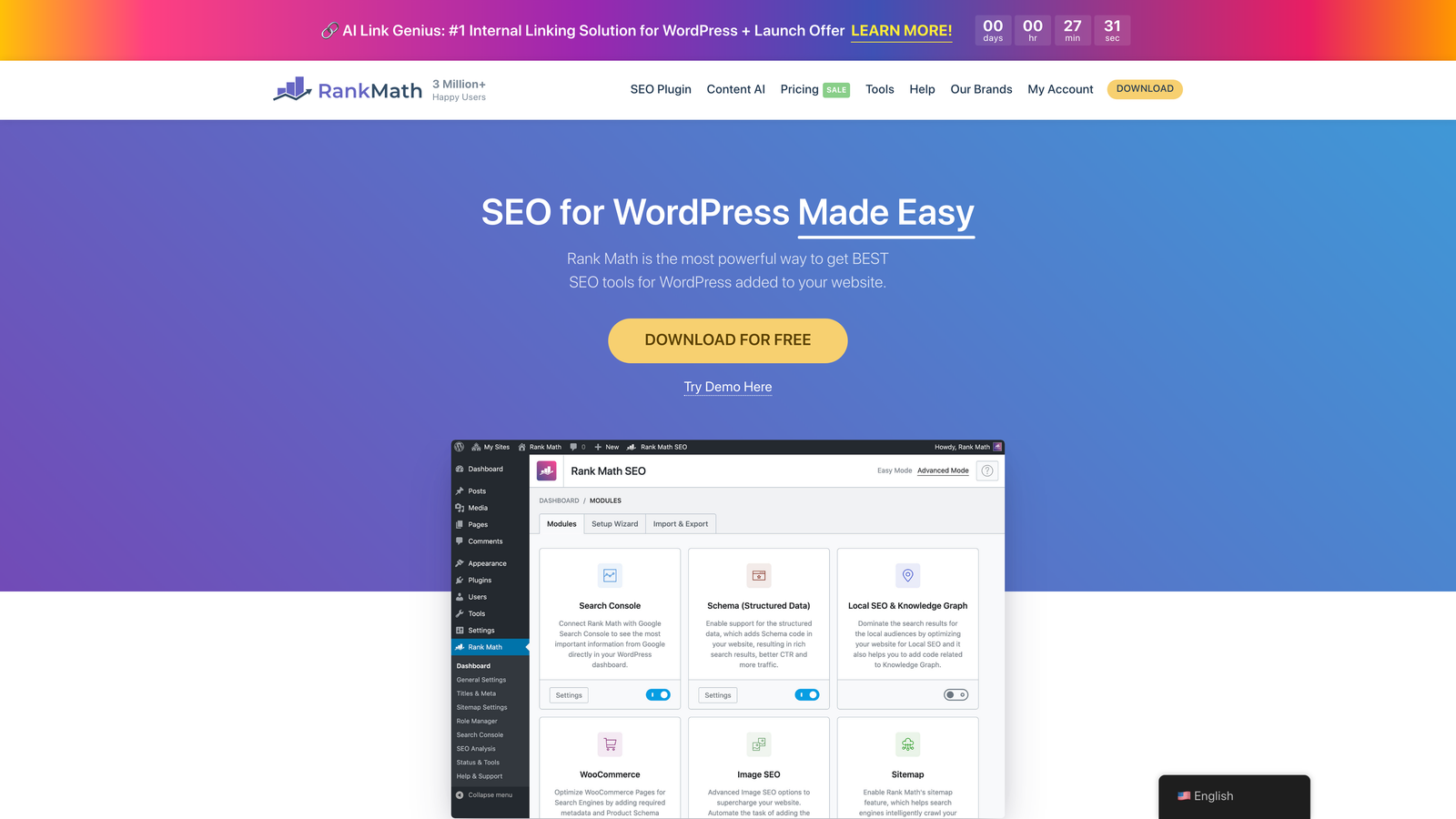
Rank Math SEO is a WordPress plugin that combines advanced SEO optimization with built-in instant indexing capabilities.
Where This Tool Shines
Rank Math made IndexNow adoption easy for WordPress users by building it directly into the plugin. You don't need to configure APIs or manage separate tools—publishing a post automatically triggers indexing submissions. The interface shows you exactly which URLs have been submitted and when.
Beyond indexing, you get a full SEO suite: schema markup, content analysis, redirect management, and local SEO features. It's like having an SEO team built into your WordPress dashboard, with indexing as one integrated piece.
Key Features
One-Click IndexNow: Submit individual URLs to IndexNow with a single click from the post editor.
Automatic Indexing: New posts trigger IndexNow submissions automatically on publish.
Sitemap Management: Generate and manage XML sitemaps with automatic updates when content changes.
Index Status Monitoring: Track which URLs have been submitted and view submission history.
Schema Markup: Add structured data to help search engines understand your content context.
Best For
WordPress site owners who want indexing automation without technical setup. Ideal for bloggers, content marketers, and small businesses managing their own SEO.
Pricing
Free version includes IndexNow support. Pro version starts at $6.99/month with advanced features like WooCommerce SEO and video sitemap support.
4. Yoast SEO Premium
Best for: WordPress users already invested in the Yoast ecosystem
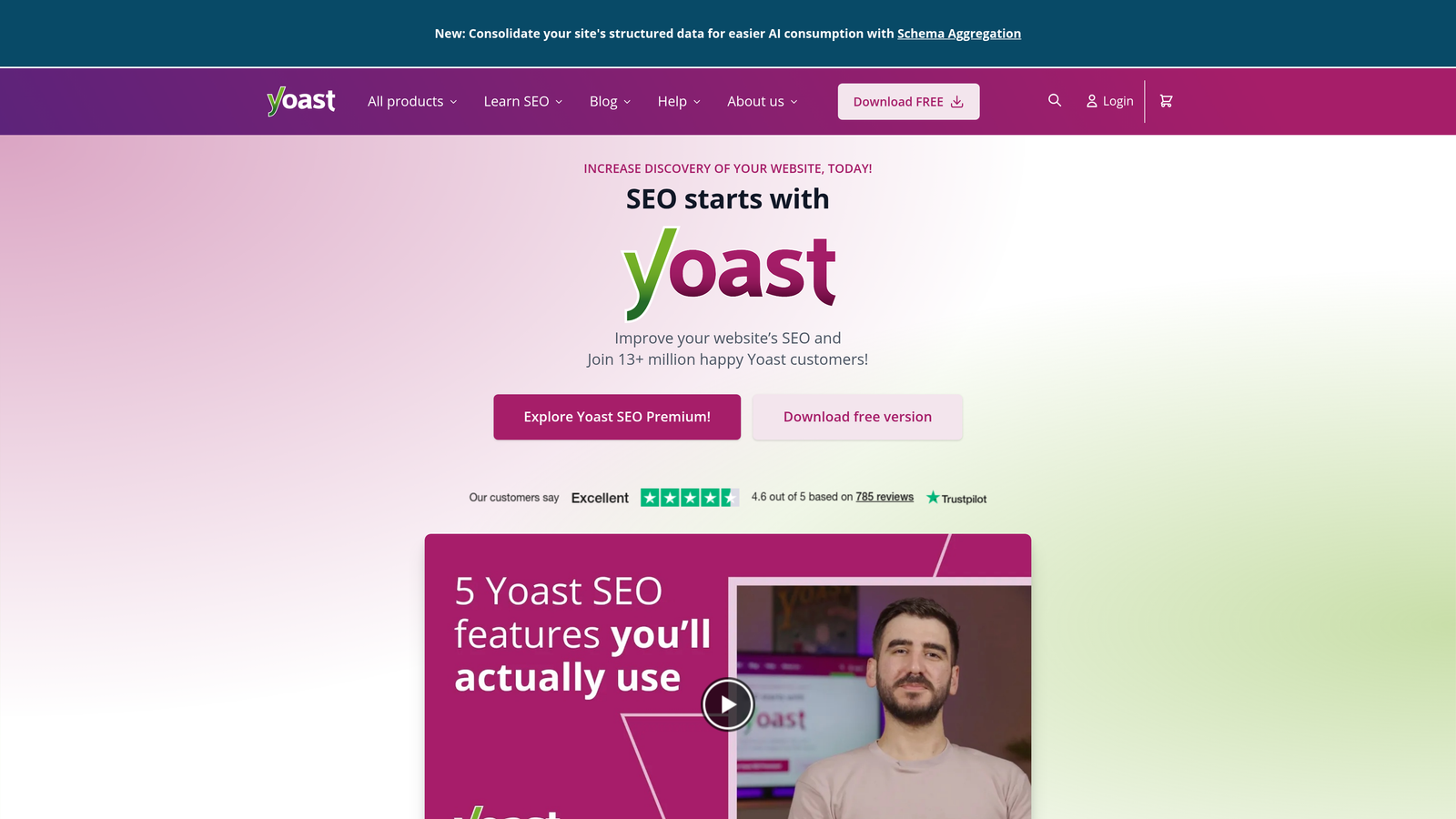
Yoast SEO Premium is one of the most popular WordPress SEO plugins, now including IndexNow integration in its premium tier.
Where This Tool Shines
Yoast built its reputation on making SEO accessible to non-technical users, and that philosophy extends to their indexing features. The Premium version includes IndexNow support alongside their trademark content analysis and optimization suggestions.
If you're already using Yoast Free and comfortable with its workflow, upgrading to Premium gives you instant indexing without learning a new interface. The redirect manager is particularly valuable for maintaining SEO value when restructuring content.
Key Features
IndexNow Integration: Automatic URL submission to participating search engines when you publish or update content.
XML Sitemap Optimization: Intelligent sitemap generation that excludes low-value pages and updates automatically.
Redirect Manager: Create and manage redirects without touching server configuration files.
Internal Linking Suggestions: Get recommendations for linking to related content as you write.
Crawl Optimization: Control which pages search engines should focus on crawling.
Best For
WordPress users who prefer Yoast's content analysis approach and want to add indexing automation to their existing workflow. Makes sense if you're already planning to upgrade for other Premium features.
Pricing
Premium starts at $99 per year for one site. IndexNow support is only available in the Premium version, not the free tier.
5. Screaming Frog SEO Spider
Best for: Technical SEO audits and identifying what's blocking indexation
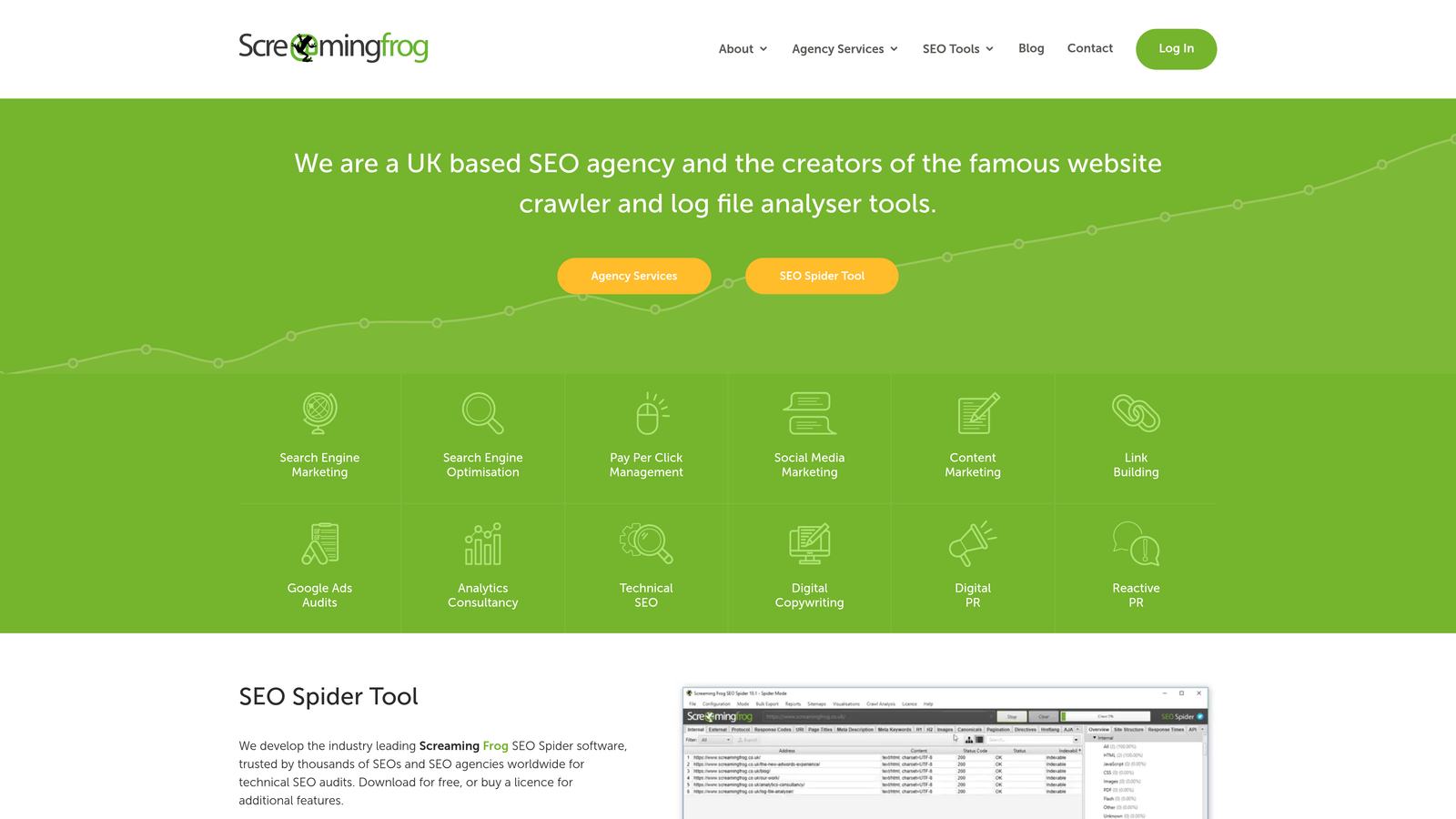
Screaming Frog SEO Spider is a desktop crawler that shows you exactly how search engines see your site and what's preventing pages from being indexed.
Where This Tool Shines
Think of Screaming Frog as your diagnostic tool. It doesn't submit URLs for indexing—it shows you why pages aren't getting indexed in the first place. The crawler identifies robots.txt blocks, noindex tags, broken redirects, and other technical issues that keep search engines out.
The Google Search Console integration is powerful: you can compare what you think should be indexed against what Google actually has indexed, then export the gaps for bulk fixing. For large sites, this saves hours of manual checking.
Key Features
Comprehensive Crawling: Analyze up to 500 URLs free or unlimited with the paid version.
Indexability Analysis: Identify pages blocked by robots.txt, noindex tags, or canonical issues.
Search Console Integration: Compare crawl data against actual Google index status.
Bulk Export: Export issues to spreadsheets for systematic fixing across large sites.
Custom Extraction: Pull specific data from pages using XPath or regex patterns.
Best For
Technical SEOs, agencies, and developers who need to diagnose indexing problems on medium to large websites. Essential for site migrations and technical audits.
Pricing
Free version crawls up to 500 URLs. Paid license is £199 per year for unlimited crawling and advanced features.
6. Google Search Console
Best for: Monitoring Google index status and requesting manual URL indexing
Google Search Console is Google's free webmaster platform for monitoring how your site appears in Google Search.
Where This Tool Shines
Search Console is your direct line to Google. The URL Inspection tool lets you check if a page is indexed and request indexing if it's not. You'll see exactly why Google excluded a page—whether it's a crawl error, robots.txt block, or manual action.
The Index Coverage report shows indexing trends over time, helping you spot problems before they impact traffic. When you submit a sitemap, you can track how many URLs Google discovered versus how many it actually indexed.
Key Features
URL Inspection Tool: Check index status for individual URLs and request immediate indexing.
Index Coverage Reports: See which pages are indexed, which have errors, and which are excluded.
Sitemap Submission: Submit XML sitemaps and monitor how many URLs Google processes.
Crawl Stats: Track how often Googlebot visits your site and which pages it prioritizes.
Performance Data: See which queries drive traffic and how your pages perform in search results.
Best For
Every website owner, regardless of size or industry. It's free, directly from Google, and essential for understanding your Google indexing status.
Pricing
Completely free. Google provides this tool at no cost to all website owners.
7. Bing Webmaster Tools
Best for: Native IndexNow support and Bing-specific indexing optimization
Bing Webmaster Tools is Microsoft's webmaster platform with built-in IndexNow protocol support.
Where This Tool Shines
Bing Webmaster Tools was the first major search platform to fully embrace IndexNow, and it shows. The integration is seamless—you can submit URLs instantly through the interface or use the API for automated submissions. Since Microsoft co-developed IndexNow, the implementation here is the reference standard.
The platform includes site scan tools that identify SEO issues specific to Bing's ranking factors. While Google dominates search volume, Bing powers a significant portion of searches and is the engine behind ChatGPT's web search feature.
Key Features
Native IndexNow Support: Submit URLs instantly using the protocol Bing helped create.
URL Submission API: Programmatic access for automated indexing workflows.
Crawl Control Settings: Adjust crawl rate and schedule to match your server capacity.
Site Scan: Automated SEO audits that identify technical issues affecting Bing indexing.
Keyword Research: Access Bing-specific search volume and keyword data.
Best For
Sites that want to optimize for Bing specifically, or anyone implementing IndexNow who wants to verify it's working correctly. Also valuable for tracking how your content performs in Bing's ecosystem.
Pricing
Free. Microsoft provides full access to all Webmaster Tools features at no cost.
8. Oncrawl
Best for: Enterprise sites needing advanced crawl budget optimization
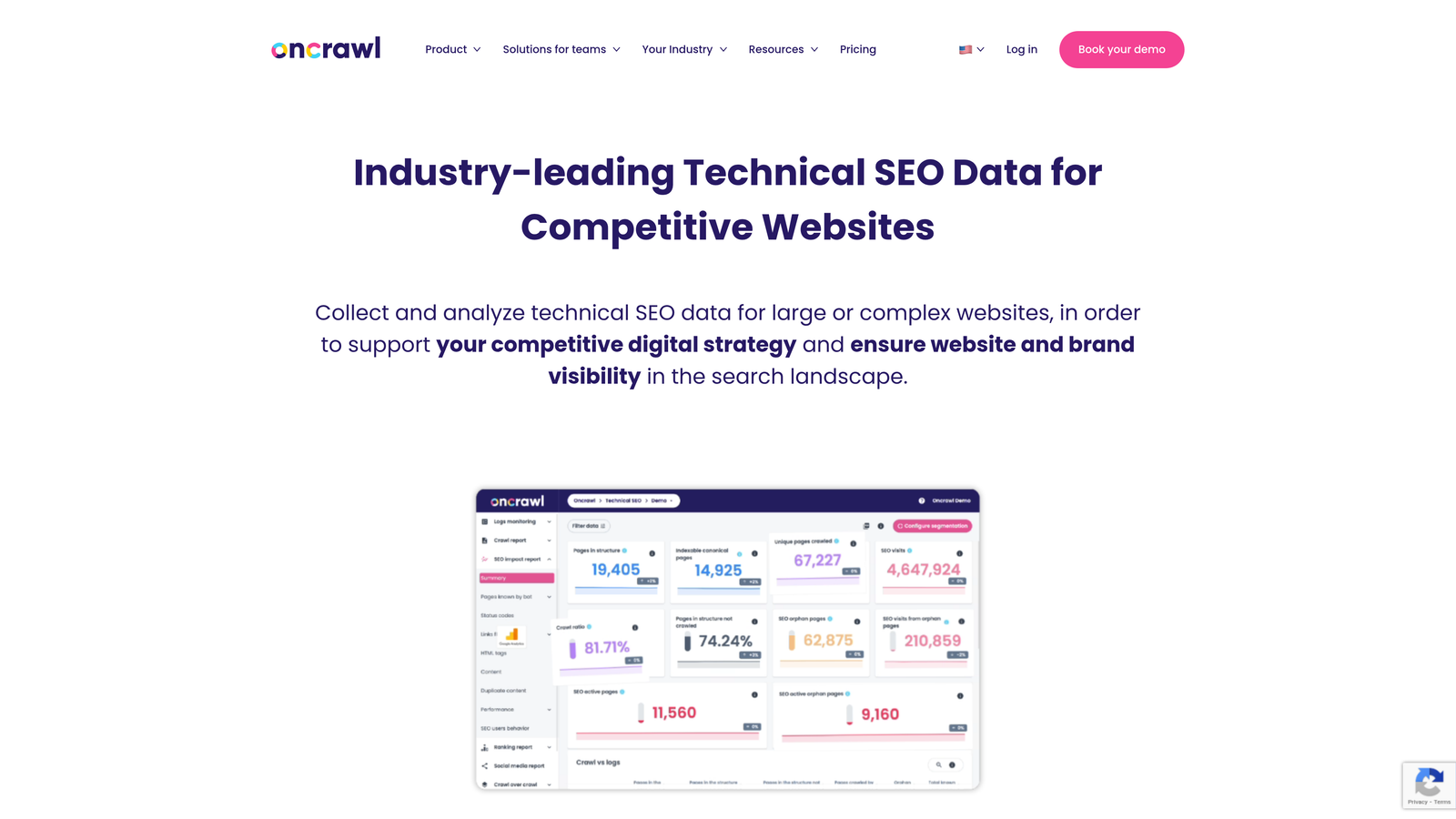
Oncrawl is an enterprise SEO platform that analyzes how search engines crawl your site and optimizes crawl budget allocation.
Where This Tool Shines
Oncrawl tackles the problem large sites face: search engines won't crawl every page on every visit, so you need to make sure they prioritize your most important content. The platform analyzes server log files to show you exactly which pages Googlebot visits, how often, and which URLs it ignores.
The log file analysis reveals patterns you can't see anywhere else. You might discover that search engines waste crawl budget on low-value pages while missing your key content. Oncrawl helps you fix this through strategic internal linking and crawl directive optimization.
Key Features
Log File Analysis: Parse server logs to understand actual search engine crawling behavior.
Crawl Budget Optimization: Identify and fix issues that waste search engine resources on low-value pages.
Indexation Tracking: Monitor which pages get indexed and correlate with crawl frequency.
Data Studio Integration: Export data to Google Data Studio for custom reporting and visualization.
Segmentation: Analyze crawl behavior by page type, template, or custom segments.
Best For
Enterprise websites with thousands of pages, particularly e-commerce sites, news publishers, and large content libraries where crawl budget optimization directly impacts indexing efficiency.
Pricing
Starts at $69 per month for smaller sites. Enterprise pricing varies based on site size and crawl frequency requirements.
9. ContentKing
Best for: Real-time monitoring of indexability changes across your entire site
ContentKing is a real-time SEO monitoring platform that alerts you the moment something changes that could affect indexing.
Where This Tool Shines
ContentKing watches your site 24/7, recrawling pages whenever they change. If a developer accidentally adds a noindex tag or breaks a canonical chain, you get an alert within minutes instead of discovering the problem weeks later when traffic drops.
The real-time aspect is what sets it apart. Most tools crawl on a schedule—daily or weekly. ContentKing monitors continuously, which is critical for sites that deploy changes frequently or have multiple people making updates.
Key Features
24/7 Website Monitoring: Continuous crawling that detects changes as they happen, not on a schedule.
Instant Change Alerts: Get notified immediately when indexability factors change on any page.
Indexability Tracking: Monitor robots.txt, meta tags, canonicals, and other factors that control indexing.
Issue Detection: Automatically identify problems like broken internal links or missing meta descriptions.
Historical Data: Track how your site's SEO health changes over time with detailed historical records.
Best For
Enterprise sites with frequent deployments, agencies managing multiple client sites, or any organization where indexing issues could cause significant revenue loss.
Pricing
Contact for pricing. ContentKing focuses on enterprise customers and prices based on site size and monitoring requirements.
Making the Right Choice
Your ideal content indexing solution depends on your tech stack and whether you need monitoring, automation, or both. If you're on WordPress and want simple automation, Rank Math gives you one-click IndexNow submissions without technical setup. For technical audits and diagnosing why pages aren't getting indexed, Screaming Frog is the diagnostic tool of choice.
Google Search Console and Bing Webmaster Tools are your free baseline—set these up first regardless of which paid tools you choose. They give you direct visibility into how the two major search engines see your site.
For teams that need both traditional search indexing and AI visibility tracking, Sight AI combines automated IndexNow submissions with monitoring of how ChatGPT, Claude, and Perplexity mention your brand. This matters because getting indexed is just step one—understanding whether AI platforms actually reference your content is increasingly important for organic visibility.
Enterprise sites with thousands of pages should consider Oncrawl for crawl budget optimization or ContentKing for real-time monitoring. Both address problems that only emerge at scale, where indexing inefficiencies directly impact revenue.
Stop guessing how AI models like ChatGPT and Claude talk about your brand—get visibility into every mention, track content opportunities, and automate your path to organic traffic growth. Start tracking your AI visibility today and see exactly where your brand appears across top AI platforms.