Managing content across multiple CMS platforms manually is a productivity killer. Between formatting, scheduling, and ensuring consistent publishing, marketers lose hours that could be spent on strategy and creation. Automated publishing tools solve this by connecting your content workflow directly to your CMS—whether that's WordPress, Webflow, HubSpot, or custom platforms.
Here are the top tools for automating your CMS publishing workflow, from AI-powered content platforms to specialized automation connectors. We evaluated each based on CMS compatibility, ease of setup, scheduling capabilities, and workflow integration.
1. Sight AI
Best for: Teams wanting AI content generation with built-in CMS publishing and search indexing
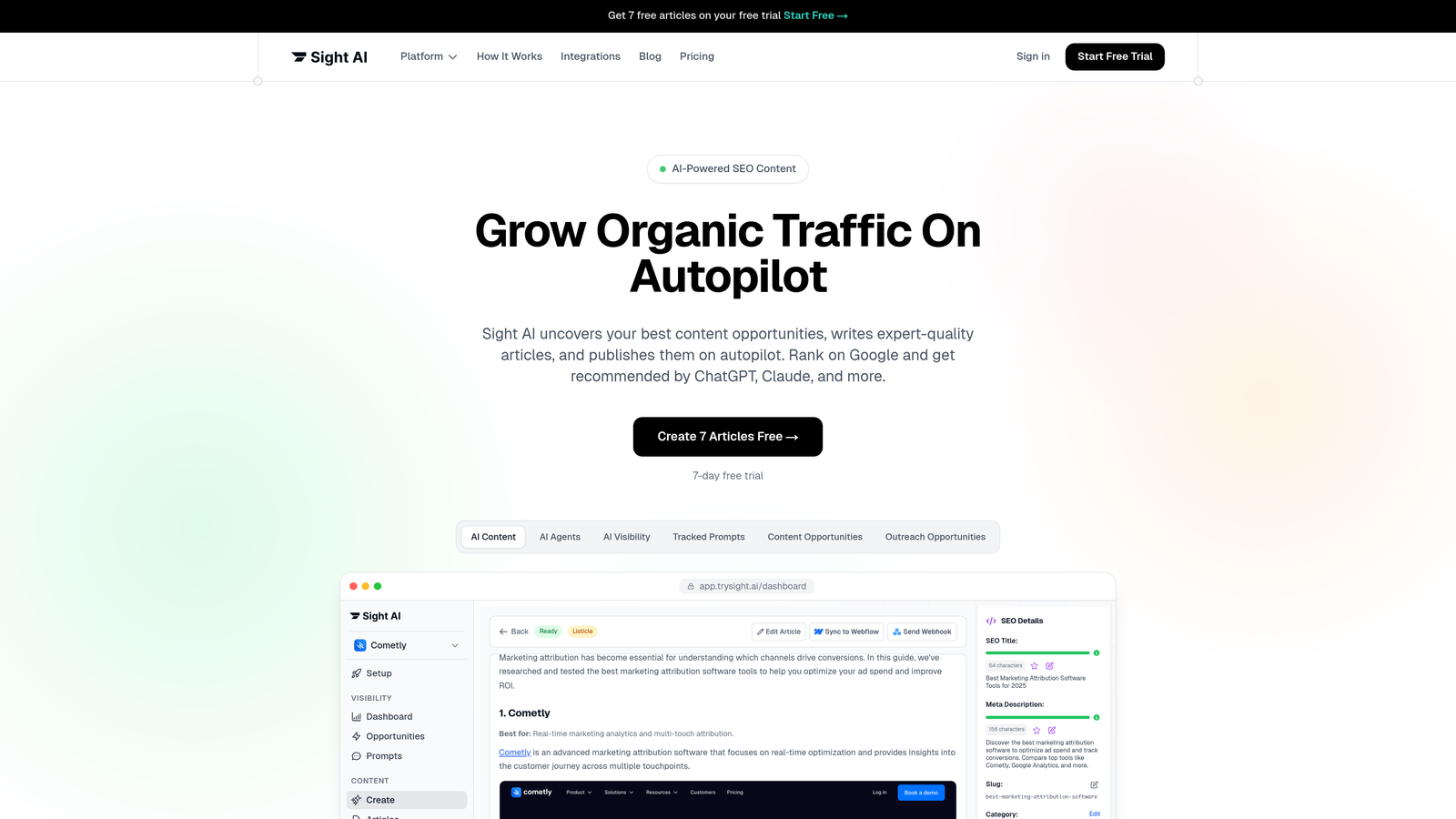
Sight AI is an AI-powered content platform that combines content creation with native CMS auto-publishing capabilities.
Where This Tool Shines
Sight AI eliminates the gap between content creation and publishing. Instead of generating content in one tool and manually uploading it to your CMS, the platform handles both steps in a single workflow.
The IndexNow integration is particularly valuable for time-sensitive content. When Sight AI publishes to your CMS, it simultaneously notifies search engines, potentially cutting discovery time from days to hours. This matters for news-driven content, product launches, or competitive topics where speed impacts rankings.
Key Features
13+ AI Agents: Specialized agents generate SEO and GEO-optimized content across formats including listicles, guides, and explainers.
Native CMS Publishing: Direct publishing to WordPress, Webflow, and other platforms without manual export/import steps.
IndexNow Integration: Automatic search engine notification when content publishes, accelerating indexing.
Automated Sitemap Updates: Keeps your XML sitemap current without manual intervention.
Autopilot Mode: Hands-off content workflows that generate and publish on schedule.
Best For
Marketing teams and agencies managing high-volume content calendars who want to combine AI writing with automated publishing. Particularly valuable if you're focused on organic traffic growth and need faster search engine discovery of new content.
Pricing
Contact for pricing; free trial available to test the platform's capabilities.
2. WordPress Jetpack
Best for: WordPress site owners wanting native scheduling and social sharing automation
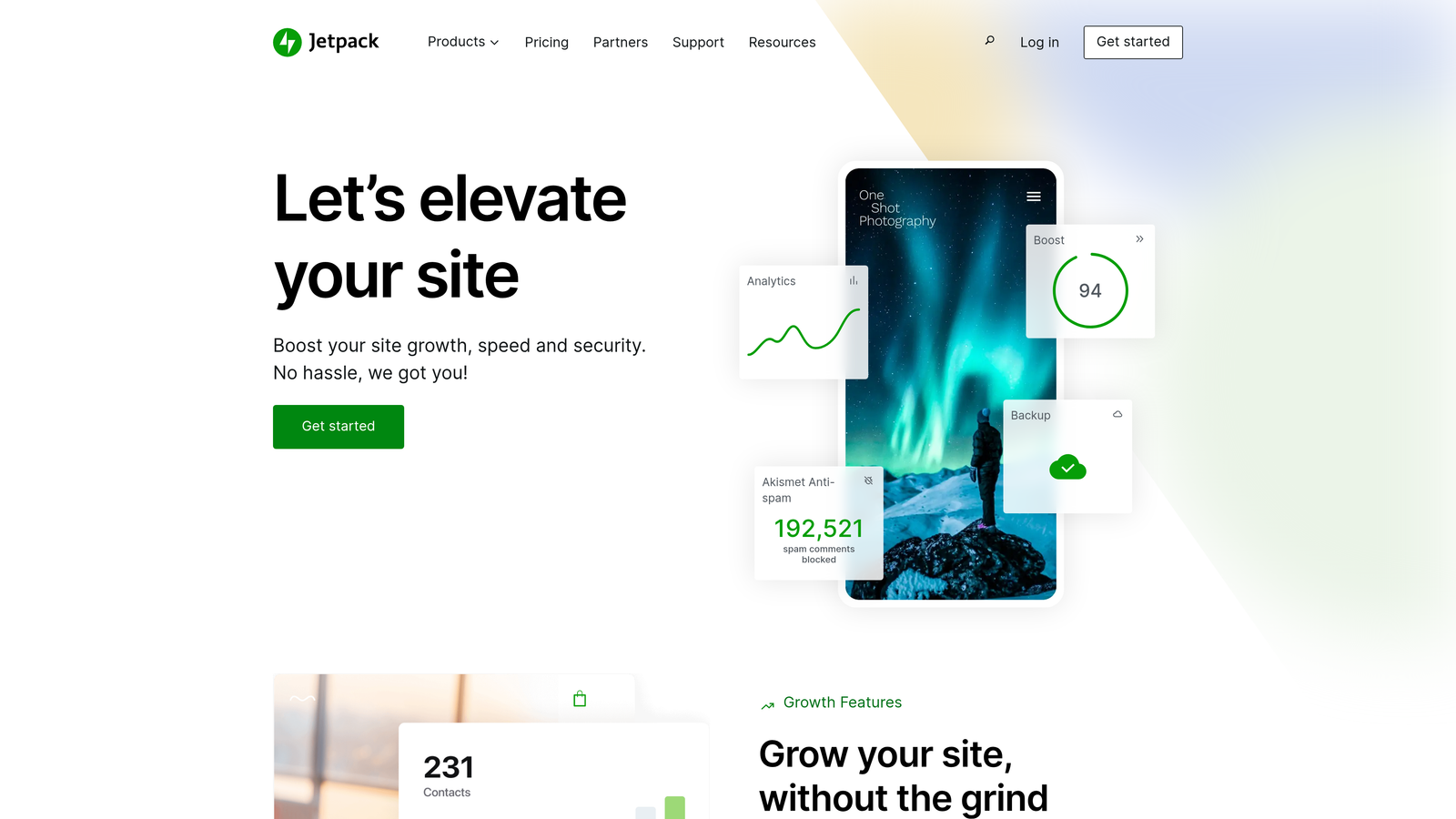
Jetpack is a WordPress plugin offering scheduled publishing, automatic social sharing, and integrated site management features.
Where This Tool Shines
Jetpack works seamlessly because it's built specifically for WordPress. There's no learning curve for complex automation logic—you schedule posts through the familiar WordPress editor interface.
The social auto-sharing feature saves time by simultaneously publishing content to your site and social channels. When your post goes live, Jetpack automatically shares it to connected platforms like Twitter, Facebook, and LinkedIn with customizable messaging.
Key Features
Scheduled Publishing: Set publish times with timezone support directly in the WordPress editor.
Social Auto-Sharing: Automatically post to social media when content publishes.
Content Delivery Network: Speeds up image loading through Jetpack's CDN.
Built-in Analytics: Track post performance without installing separate analytics plugins.
Best For
WordPress site owners who want straightforward scheduling and social sharing without connecting external automation platforms. Ideal for bloggers, small businesses, and content creators who publish primarily to WordPress.
Pricing
Free tier includes basic features; paid plans start at $4/month for additional capabilities.
3. Zapier
Best for: Multi-platform publishers needing flexible automation across diverse CMS and content tools
Zapier is a universal automation platform connecting content sources to virtually any CMS through pre-built integrations.

Where This Tool Shines
Zapier's strength is its breadth. With over 6,000 app integrations, you can connect content from Google Docs, Airtable, Notion, or custom databases to WordPress, Webflow, HubSpot, or proprietary CMS platforms.
The multi-step workflow capability lets you build sophisticated publishing logic. For example: trigger when a content manager marks a Google Sheet row as "approved," format the content, create a draft in WordPress, send a Slack notification, and schedule publication—all without writing code.
Key Features
6000+ Integrations: Connect virtually any content source to any CMS platform.
Multi-Step Zaps: Chain multiple actions together for complex publishing workflows.
Conditional Logic: Add filters and paths to handle different content types or approval states.
Scheduling Options: Delay actions or schedule workflows for specific times.
Best For
Marketing teams publishing to multiple CMS platforms or using non-standard content workflows. Particularly valuable when your content originates in tools like Airtable, Notion, or Google Workspace and needs to reach various publishing destinations.
Pricing
Free tier includes 100 tasks per month; paid plans start at $19.99/month with higher task limits.
4. Make (formerly Integromat)
Best for: Technical teams needing advanced conditional logic and error handling in publishing workflows
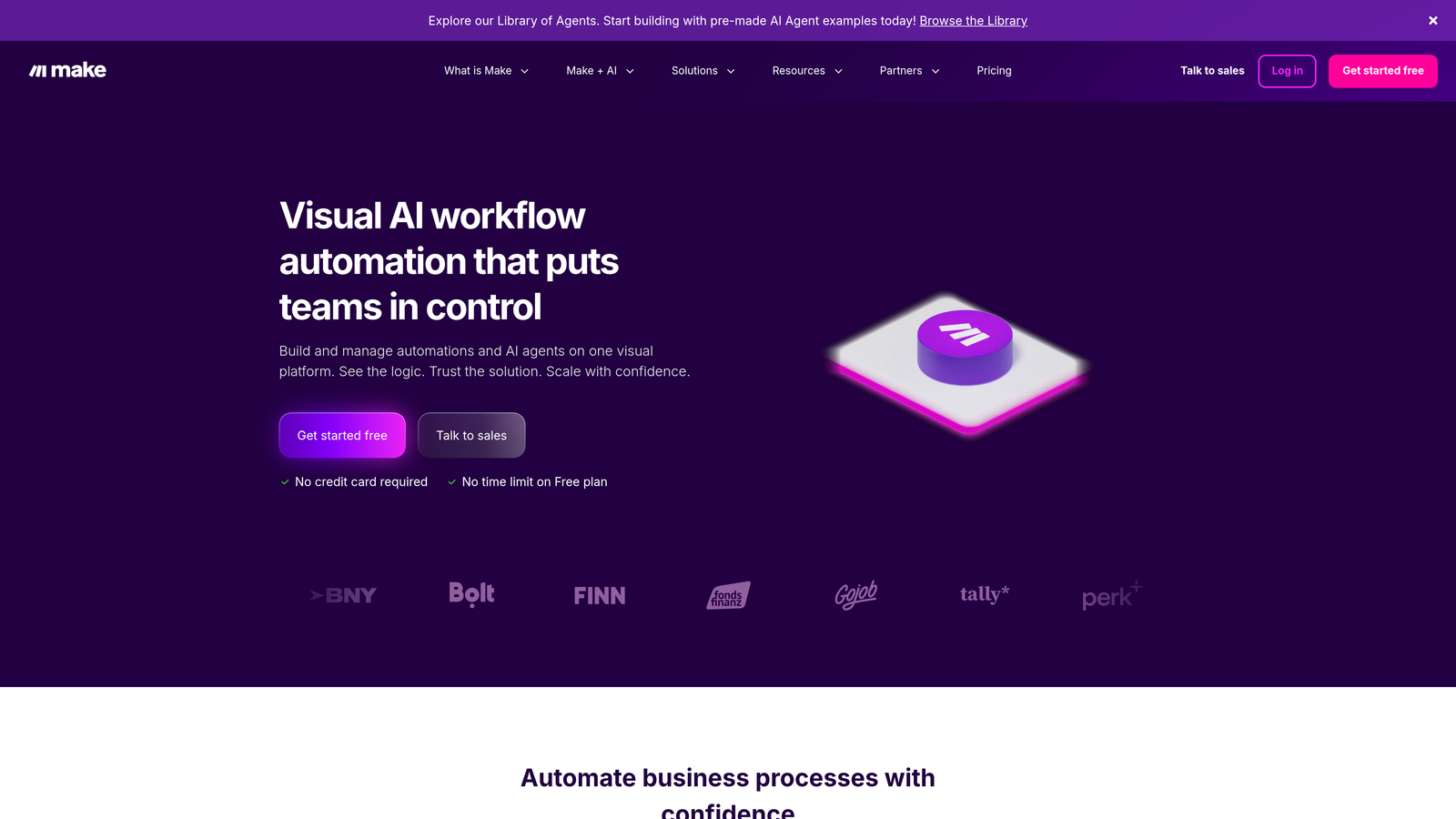
Make is a visual automation platform with sophisticated branching capabilities for complex CMS publishing scenarios.
Where This Tool Shines
Make's visual workflow builder makes complex automation logic easier to understand and debug. You can see exactly how data flows through your publishing workflow, where transformations happen, and how errors are handled.
The platform excels at scenarios requiring conditional publishing logic. For instance, you might route content to different CMS platforms based on content type, apply different formatting rules based on word count, or trigger approval workflows for sensitive topics before publishing.
Key Features
Visual Workflow Builder: Drag-and-drop interface shows your entire automation logic at a glance.
Advanced Branching: Create conditional paths based on content attributes or approval status.
Real-Time Monitoring: Watch workflows execute in real-time to troubleshoot issues.
HTTP/Webhook Modules: Connect to custom CMS platforms or proprietary publishing systems.
Best For
Technical marketing teams or agencies managing complex, multi-step publishing workflows with conditional logic. Best when you need more control than Zapier offers but want to avoid custom coding.
Pricing
Free tier available for basic workflows; paid plans start at $9/month.
5. CoSchedule
Best for: Marketing teams coordinating content calendars with integrated publishing and social promotion
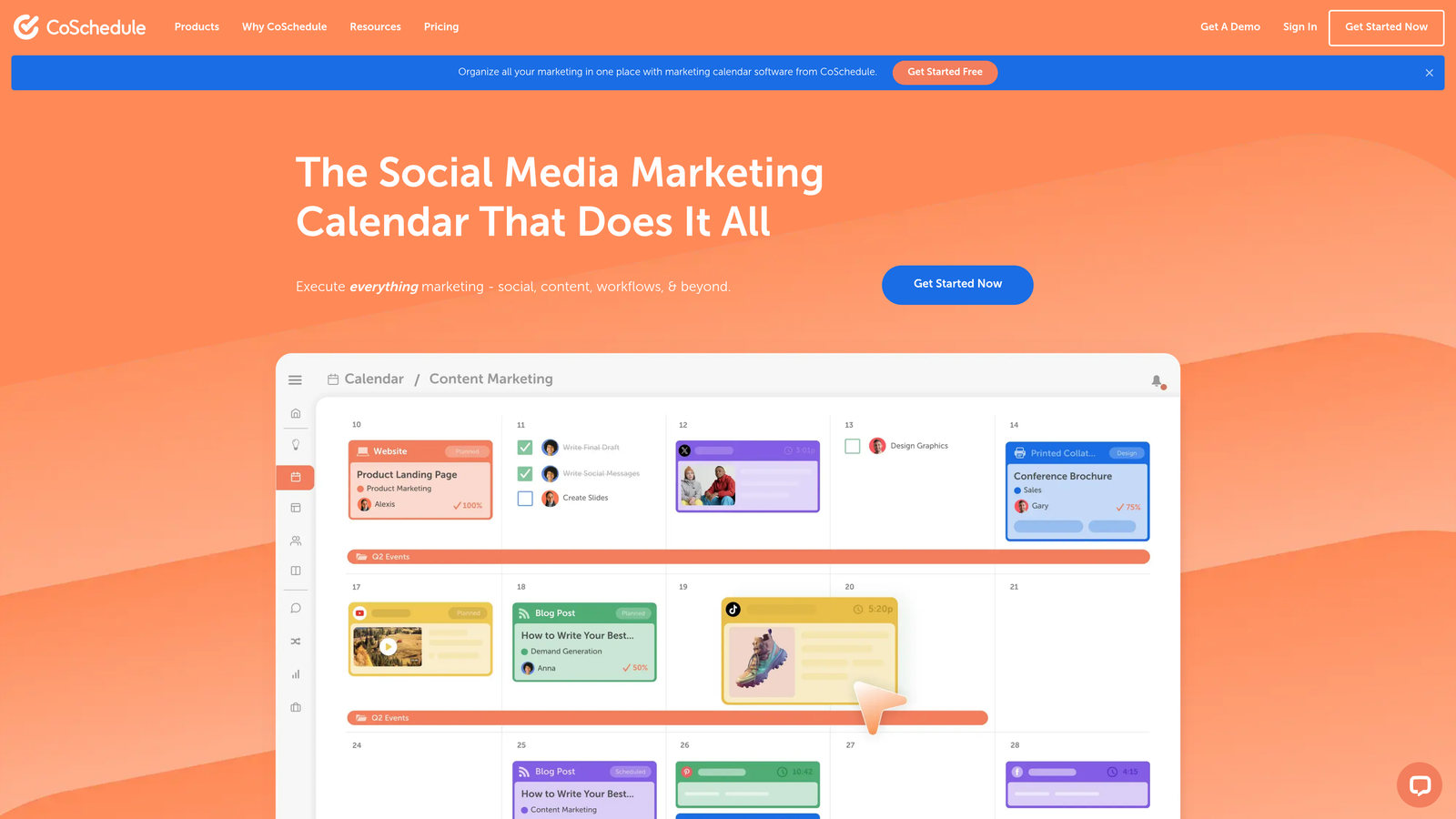
CoSchedule is a marketing calendar platform combining content scheduling, team collaboration, and automated publishing features.
Where This Tool Shines
CoSchedule treats content publishing as part of a broader marketing calendar. You see blog posts, social campaigns, email sends, and product launches in a unified timeline, making it easier to coordinate cross-channel initiatives.
The ReQueue feature automatically reshares evergreen content on social media, extending the life of published posts without manual intervention. This is particularly valuable for educational content, product guides, or resource pages that remain relevant over time.
Key Features
Marketing Calendar View: Unified timeline showing all content and campaign activities.
Direct CMS Publishing: Publish directly to WordPress and HubSpot from the calendar interface.
ReQueue Automation: Automatically reshare evergreen content on social channels.
Team Workflows: Built-in approval processes and task management for content teams.
Best For
Marketing teams managing integrated campaigns across content, social, and email channels. Most valuable when you need team collaboration features alongside publishing automation.
Pricing
Marketing Calendar plans start at $29 per user per month.
6. Contentful
Best for: Enterprise teams publishing to multiple digital channels through a headless CMS architecture
Contentful is a headless CMS enabling API-driven content publishing to any frontend or digital experience.

Where This Tool Shines
Contentful separates content management from presentation. You create content once in Contentful, then publish it to websites, mobile apps, digital displays, or IoT devices through APIs. This architecture is essential for brands managing content across multiple digital touchpoints.
The scheduled publishing and release management features let you coordinate content launches across channels. You might schedule a product announcement to appear simultaneously on your website, mobile app, and in-store displays—all managed from a single content entry.
Key Features
API-First Architecture: Publish content to any platform or device through RESTful or GraphQL APIs.
Scheduled Publishing: Set release times with coordinated multi-channel launches.
Webhooks: Trigger external workflows or notifications when content publishes.
Content Modeling: Define custom content structures matching your specific needs.
Best For
Enterprise organizations publishing content across websites, mobile apps, and other digital channels. Essential for brands requiring a single source of truth for content distributed to multiple platforms.
Pricing
Free tier available for small projects; Team plans start at $489/month.
7. Buffer
Best for: Repurposing CMS content automatically across social media channels
Buffer is a social media management platform that auto-publishes and repurposes CMS content to social channels.

Where This Tool Shines
Buffer bridges the gap between your CMS and social media presence. The RSS feed integration automatically pulls new blog posts from your site and queues them for social sharing, eliminating manual copy-paste workflows.
The scheduling queue approach is particularly efficient. Instead of scheduling each post individually, you load Buffer with content and let it publish at optimal times you've pre-set. This works well for teams maintaining consistent social presence without daily manual posting.
Key Features
RSS to Social Automation: Automatically share new blog posts from your CMS RSS feed.
Multi-Platform Queue: Schedule content across Twitter, LinkedIn, Facebook, and Instagram from one interface.
Browser Extension: Quickly share content you discover while browsing.
Analytics Dashboard: Track engagement and performance across social channels.
Best For
Content marketers who need to amplify CMS-published content across social media without manual posting. Ideal for blogs, news sites, and content-heavy brands maintaining active social presence.
Pricing
Free tier supports 3 social channels; paid plans start at $5 per channel per month.
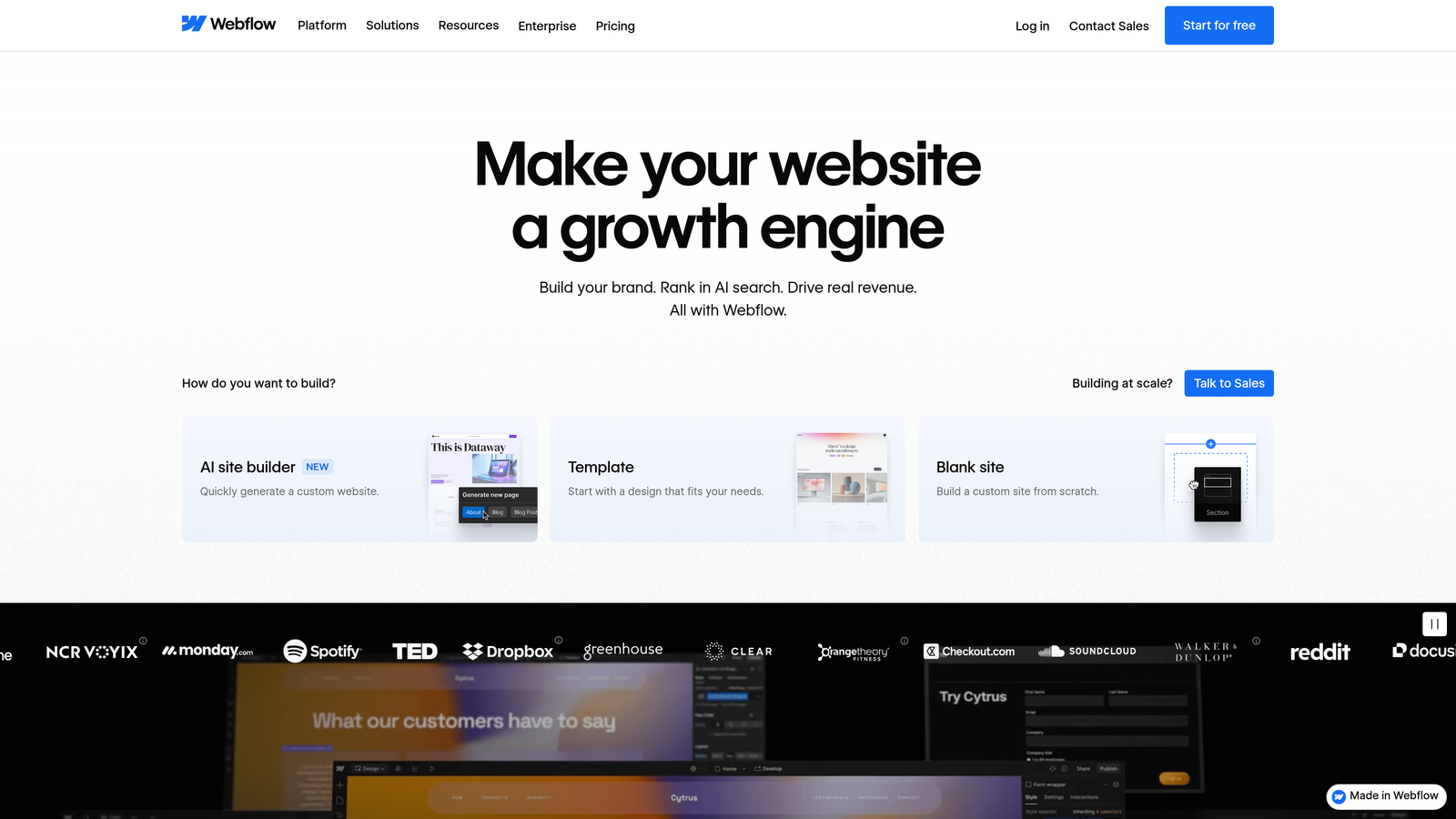
8. Webflow Logic
Best for: Webflow users automating publishing workflows within the Webflow ecosystem
Webflow Logic is a native automation tool for triggering publishing workflows directly within Webflow sites.
Where This Tool Shines
Webflow Logic eliminates the need for external automation platforms when working within Webflow. You can trigger publishing workflows based on form submissions, CMS item creation, or scheduled times—all without leaving Webflow or connecting third-party services.
The no-code builder makes automation accessible to designers and marketers who don't write code. You can create sophisticated publishing logic using visual triggers, conditions, and actions that feel natural within the Webflow interface.
Key Features
No-Code Builder: Visual automation interface matching Webflow's design-focused approach.
Native CMS Integration: Direct access to Webflow CMS items without API complexity.
Multiple Triggers: Activate workflows based on form submissions, CMS changes, or scheduled times.
External Webhooks: Connect to external services when needed while staying within Webflow.
Best For
Webflow site owners and agencies managing client sites on Webflow. Most valuable when your entire workflow lives within Webflow and you want to avoid external automation platforms.
Pricing
Included with Webflow site plans; no additional cost for Logic features.
9. n8n
Best for: Technical teams requiring self-hosted automation with complete data control
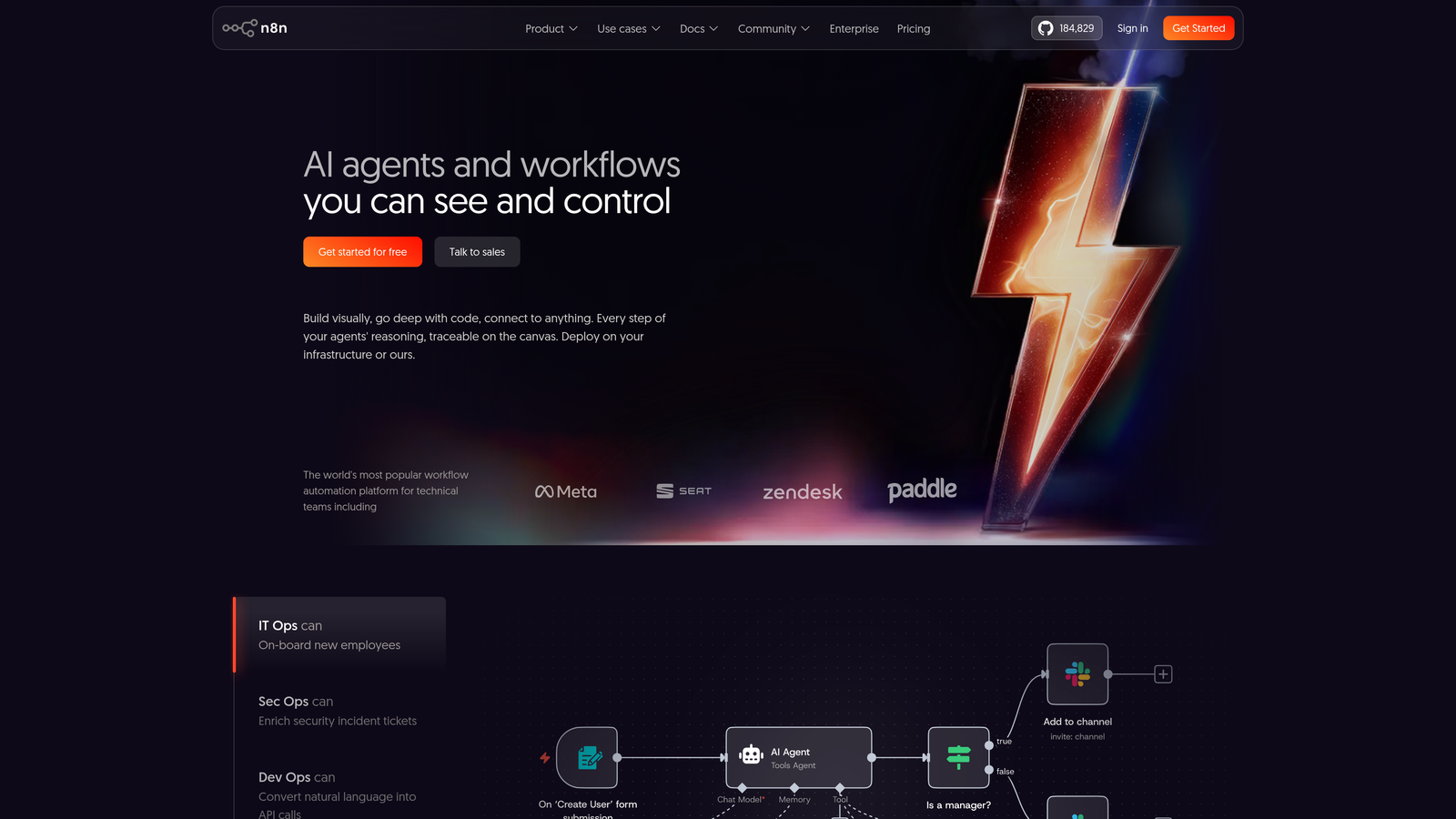
n8n is an open-source workflow automation platform offering self-hosted CMS publishing automation with full data privacy control.
Where This Tool Shines
n8n gives you complete control over your automation infrastructure. By self-hosting, you ensure content and publishing workflows never leave your servers—critical for organizations with strict data privacy requirements or compliance needs.
The platform's extensibility through custom code nodes means you're never limited by pre-built integrations. If your CMS has an API, you can connect it to n8n. If you need custom data transformations, you can write JavaScript or Python directly in the workflow.
Key Features
Self-Hosted Option: Run n8n on your own infrastructure for complete data control.
400+ Integrations: Connect to WordPress, Ghost, Strapi, and other popular CMS platforms.
Visual Workflow Editor: Design automation logic with a drag-and-drop interface.
Custom Code Nodes: Write JavaScript or Python for complex data transformations or custom integrations.
Best For
Technical teams with data privacy requirements, custom CMS platforms, or complex publishing workflows requiring custom code. Best when you have development resources to manage self-hosted infrastructure.
Pricing
Free for self-hosted deployments; cloud hosting starts at €20/month.
Making the Right Choice
Selecting the right automated publishing tool depends on your CMS ecosystem and workflow complexity. For teams wanting AI content creation with built-in publishing, Sight AI offers an end-to-end solution that eliminates the gap between content generation and CMS delivery. The IndexNow integration provides an additional advantage for teams focused on organic traffic growth.
WordPress users benefit from Jetpack's native integration and straightforward approach, while multi-platform publishers should consider Zapier or Make for flexibility across diverse CMS platforms. CoSchedule works well when you need team collaboration features alongside publishing automation.
Enterprise teams managing headless architectures will find Contentful's API-driven approach most scalable for multi-channel publishing. Webflow users should start with Webflow Logic before considering external platforms. For organizations with strict data privacy requirements or custom CMS platforms, n8n's self-hosted option provides the necessary control.
Start by mapping your current publishing bottlenecks. Are you manually uploading content to multiple platforms? Do you need approval workflows? Is search engine discovery speed important? Match these pain points to the tool that addresses your specific needs.
Stop guessing how AI models like ChatGPT and Claude talk about your brand—get visibility into every mention, track content opportunities, and automate your path to organic traffic growth. Start tracking your AI visibility today and see exactly where your brand appears across top AI platforms.