Publishing content manually across multiple platforms drains time that marketers and founders could spend on strategy and growth. Automated CMS publishing tools eliminate the repetitive tasks of scheduling, formatting, and distributing content—letting teams publish faster while maintaining consistency.
This guide covers the top automated CMS publishing solutions for 2026, selected based on integration capabilities, automation depth, ease of use, and value for marketing teams. Whether you need to streamline WordPress publishing, sync content across multiple sites, or integrate AI-generated content directly into your CMS, these tools deliver.
1. Sight AI
Best for: Teams wanting AI content generation paired with instant CMS publishing and search indexing
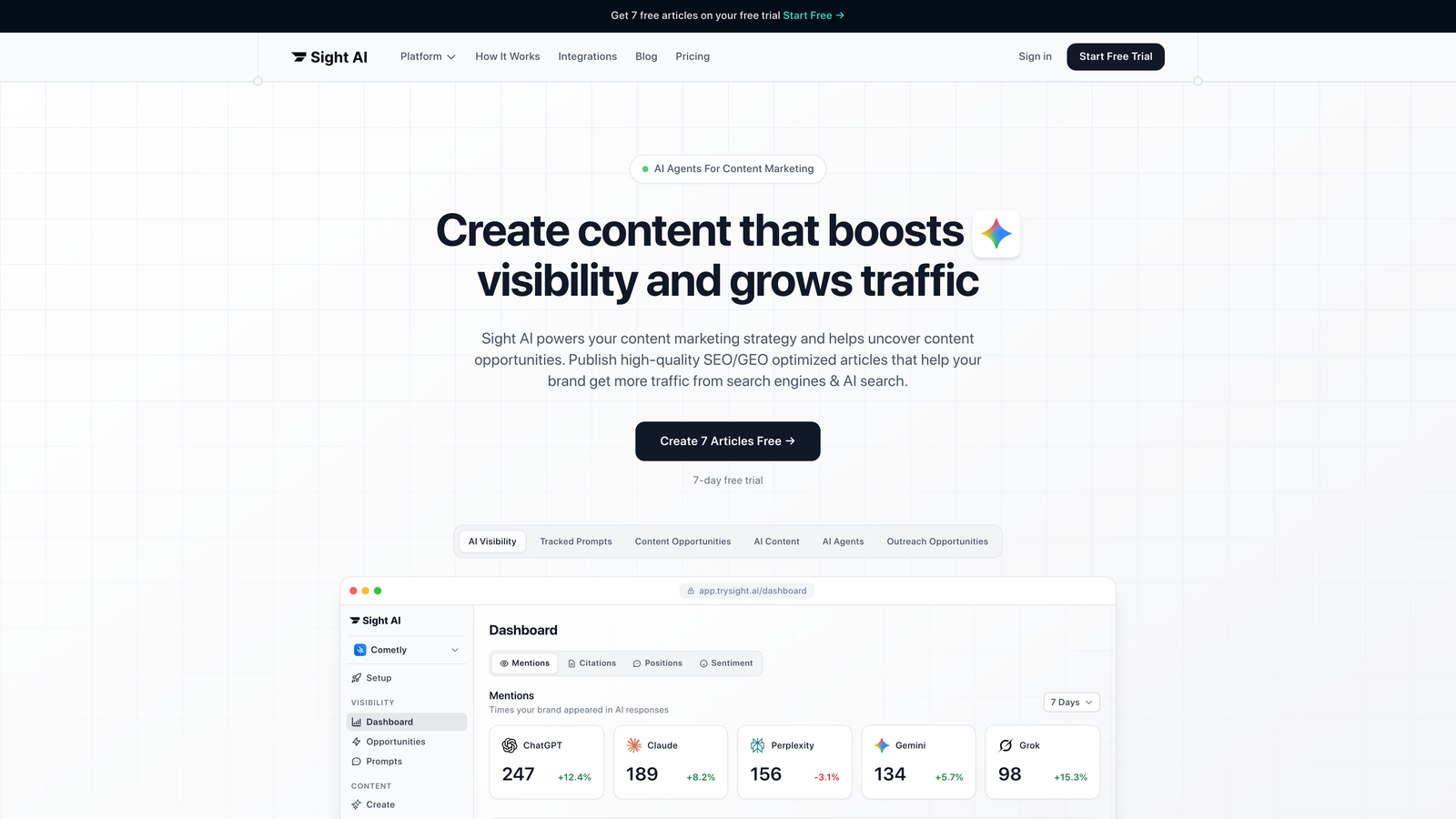
Sight AI is an AI-powered content platform that combines content generation with built-in CMS auto-publishing capabilities.
Where This Tool Shines
Sight AI bridges the gap between content creation and distribution in a single workflow. While most tools focus on either content generation or publishing automation, this platform handles both—letting you create SEO-optimized articles and push them directly to your CMS without manual copying and pasting.
The IndexNow integration is particularly valuable for teams focused on organic traffic growth. When you publish content, Sight AI automatically notifies search engines, potentially cutting indexing time from days to hours. The automated sitemap updates ensure search engines always have current information about your content structure.
Key Features
Direct CMS Auto-Publishing: Push content to WordPress and other platforms without manual export and import steps.
IndexNow Integration: Automatically notify search engines when new content publishes for faster indexing.
Automated Sitemap Updates: Keep sitemaps current with every publish action to maintain search engine visibility.
13+ AI Agents: Generate various content types including listicles, guides, and explainers optimized for both SEO and AI visibility.
End-to-End Workflow: Complete the journey from content brief to published article within a single platform.
Best For
Marketing teams and agencies that want to combine AI content generation with automated publishing workflows. Particularly valuable for businesses focused on improving their visibility in AI search results while maintaining traditional SEO practices.
Pricing
Contact for pricing; free trial available to test the platform's publishing automation capabilities.
2. WordPress Jetpack
Best for: WordPress site owners needing native scheduling and social media auto-sharing
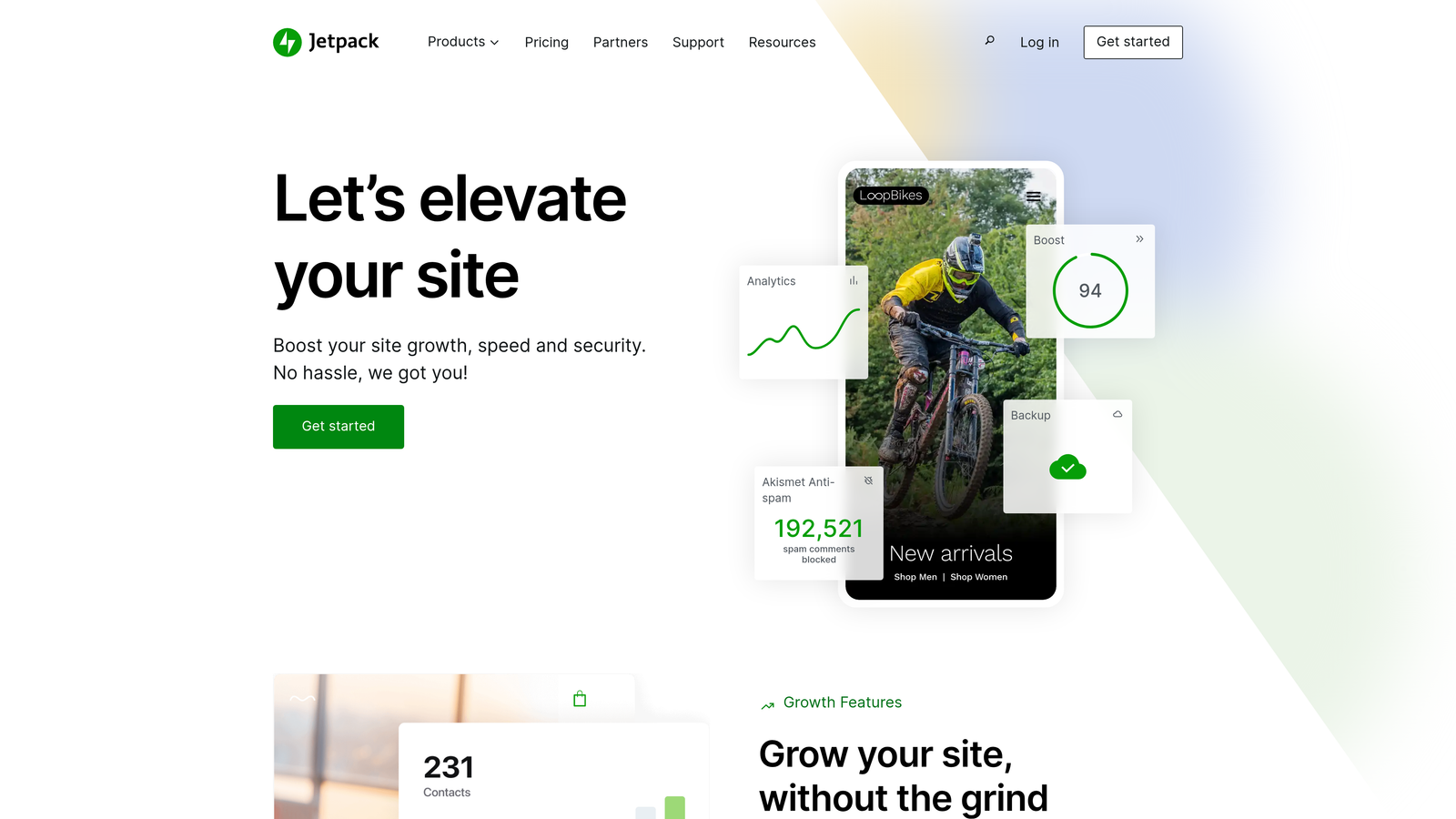
WordPress Jetpack is a WordPress-native plugin offering scheduled publishing, social media automation, and performance optimization tools.
Where This Tool Shines
Jetpack lives inside WordPress itself, which means no context switching between platforms. You write, schedule, and publish without leaving your dashboard. The timezone support is more sophisticated than many realize—you can schedule posts for optimal times across different regions without manual time conversion.
The automatic social media sharing on publish saves the step of manually cross-posting to Twitter, Facebook, and LinkedIn. Write once, publish everywhere becomes reality rather than aspiration.
Key Features
Scheduled Publishing: Set posts to publish at specific times with full timezone support for global audiences.
Social Media Auto-Sharing: Automatically push published posts to connected social platforms without manual posting.
Performance Tools: Built-in CDN for media files and site performance optimization features.
Security Features: Includes malware scanning and brute force protection alongside publishing tools.
Mobile App Publishing: Schedule and publish from iOS or Android devices with full feature access.
Best For
WordPress site owners who want reliable scheduling and social distribution without adding multiple plugins. Works well for solo bloggers and small teams managing a single WordPress installation.
Pricing
Free tier includes basic features; paid plans start at $4.95/month with advanced automation and security features.
3. CoSchedule
Best for: Editorial teams managing complex content calendars with WordPress integration
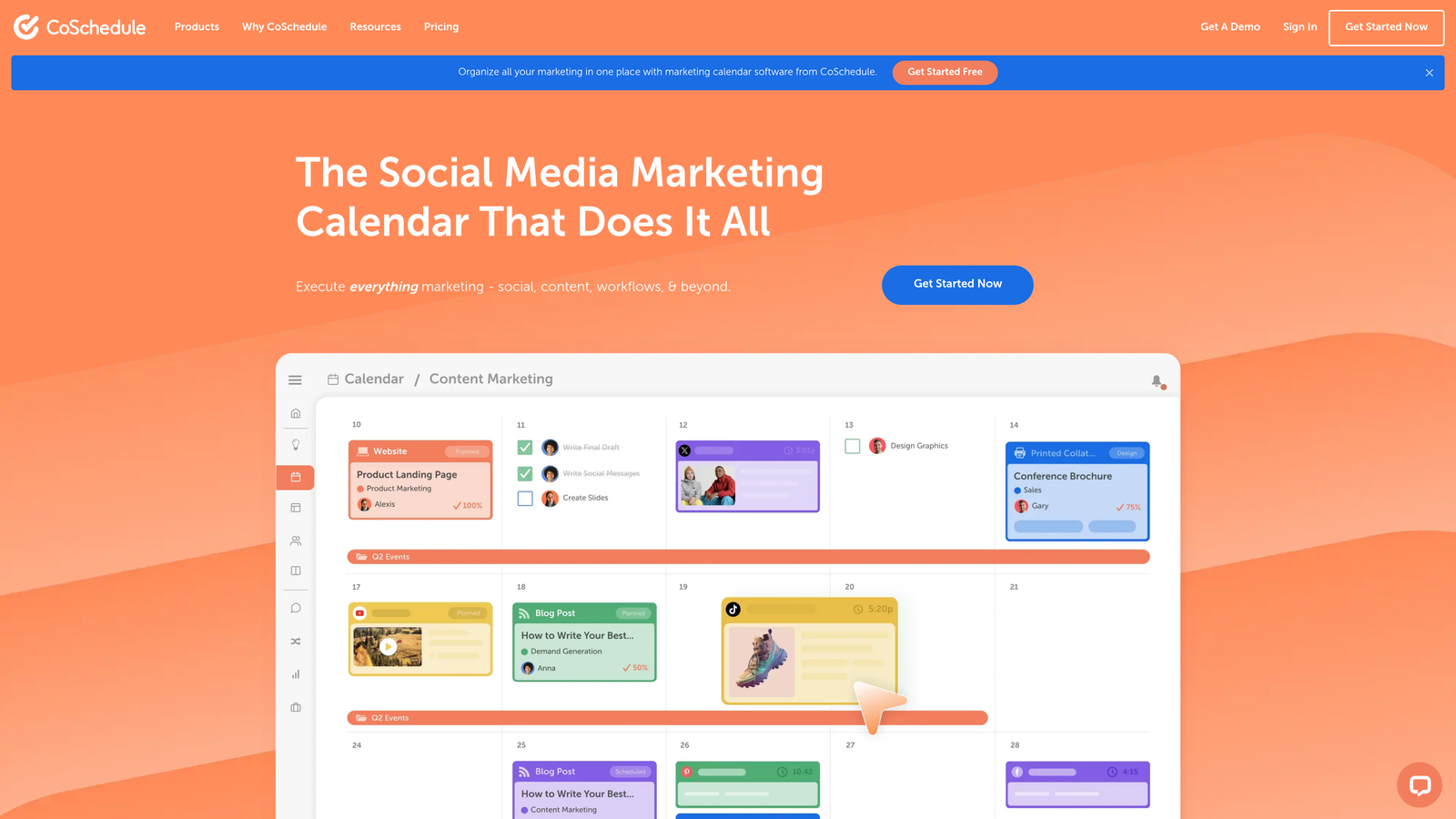
CoSchedule is a marketing calendar platform with WordPress integration for editorial planning and automated publishing workflows.
Where This Tool Shines
CoSchedule treats content as part of a broader marketing calendar rather than isolated blog posts. You can see blog content alongside email campaigns, social media, and product launches—giving you the full picture of what's publishing when. This prevents content collisions where multiple pieces compete for attention on the same day.
The approval workflow automation is particularly valuable for agencies and larger teams. Content moves through defined stages—draft, review, approval, scheduled—without manual status updates or email chains asking "Is this ready to publish?"
Key Features
Unified Marketing Calendar: View blog posts, social media, emails, and campaigns in a single timeline view.
WordPress Integration: Sync content directly to WordPress with scheduled publishing and automatic updates.
Workflow Automation: Define approval stages and automatically route content through team review processes.
Social Scheduling: Schedule social media posts to promote blog content from the same calendar.
Team Collaboration: Assign tasks, set deadlines, and track progress across multiple content pieces.
Best For
Marketing teams and agencies managing multiple content types across various channels. Particularly useful when coordinating blog content with broader campaign launches and promotional activities.
Pricing
Starts at $29/month per user; higher tiers include advanced workflow automation and analytics features.
4. Contentful
Best for: Enterprise teams delivering content across websites, apps, and multiple digital properties
Contentful is an enterprise headless CMS with API-first architecture enabling automated content delivery across any frontend.
Where This Tool Shines
Contentful separates content from presentation, which means you create content once and deliver it anywhere—your website, mobile app, smartwatch interface, or platforms that don't exist yet. The API-first approach lets developers build custom publishing workflows that trigger automatically based on content changes.
The multi-environment publishing is crucial for larger organizations. Content moves through staging environments where teams can preview and test before pushing to production. This prevents publishing mistakes that would be visible to customers.
Key Features
API-First Delivery: Push content to any frontend through RESTful and GraphQL APIs without platform constraints.
Webhooks: Trigger automated workflows when content publishes, updates, or reaches specific states.
Content Modeling: Create reusable content components that maintain consistency across all publishing channels.
Multi-Environment Publishing: Test content in staging environments before deploying to production sites.
Version Control: Track content changes over time and roll back to previous versions when needed.
Best For
Enterprise organizations with development resources who need to deliver content across multiple digital properties. Works best when you have developers who can build custom publishing workflows using the API.
Pricing
Free tier available for small projects; paid plans start at $300/month for teams requiring advanced features and higher usage limits.
5. Buffer
Best for: Automating blog content distribution to social media channels
Buffer is a social media management platform that automates content distribution from blogs and CMS platforms to social channels.

Where This Tool Shines
Buffer's RSS feed integration turns your blog into a social media content engine. Point Buffer at your blog's RSS feed, and it automatically pulls new posts and schedules them across your social profiles. You write once, and Buffer handles the cross-platform distribution without manual posting.
The scheduling intelligence helps you publish when your audience is actually online. Rather than posting immediately when content goes live on your blog, Buffer can queue posts for optimal engagement times across different platforms.
Key Features
RSS Feed Integration: Automatically pull blog content and schedule it across social platforms without manual copying.
Cross-Platform Scheduling: Manage posting schedules for Twitter, LinkedIn, Facebook, and Instagram from a single dashboard.
Analytics Tracking: Monitor engagement and reach across all connected social platforms.
Browser Extension: Share content quickly while browsing with a one-click browser extension.
Team Collaboration: Allow multiple team members to schedule and approve social posts.
Best For
Content creators and marketing teams who want to maximize blog content reach through automated social media distribution. Particularly useful for maintaining consistent social presence without dedicating hours to manual posting.
Pricing
Free tier available for basic scheduling; paid plans start at $6/month per social channel with increased posting limits and analytics.
6. Zapier
Best for: Building custom publishing workflows connecting CMS platforms with other business tools
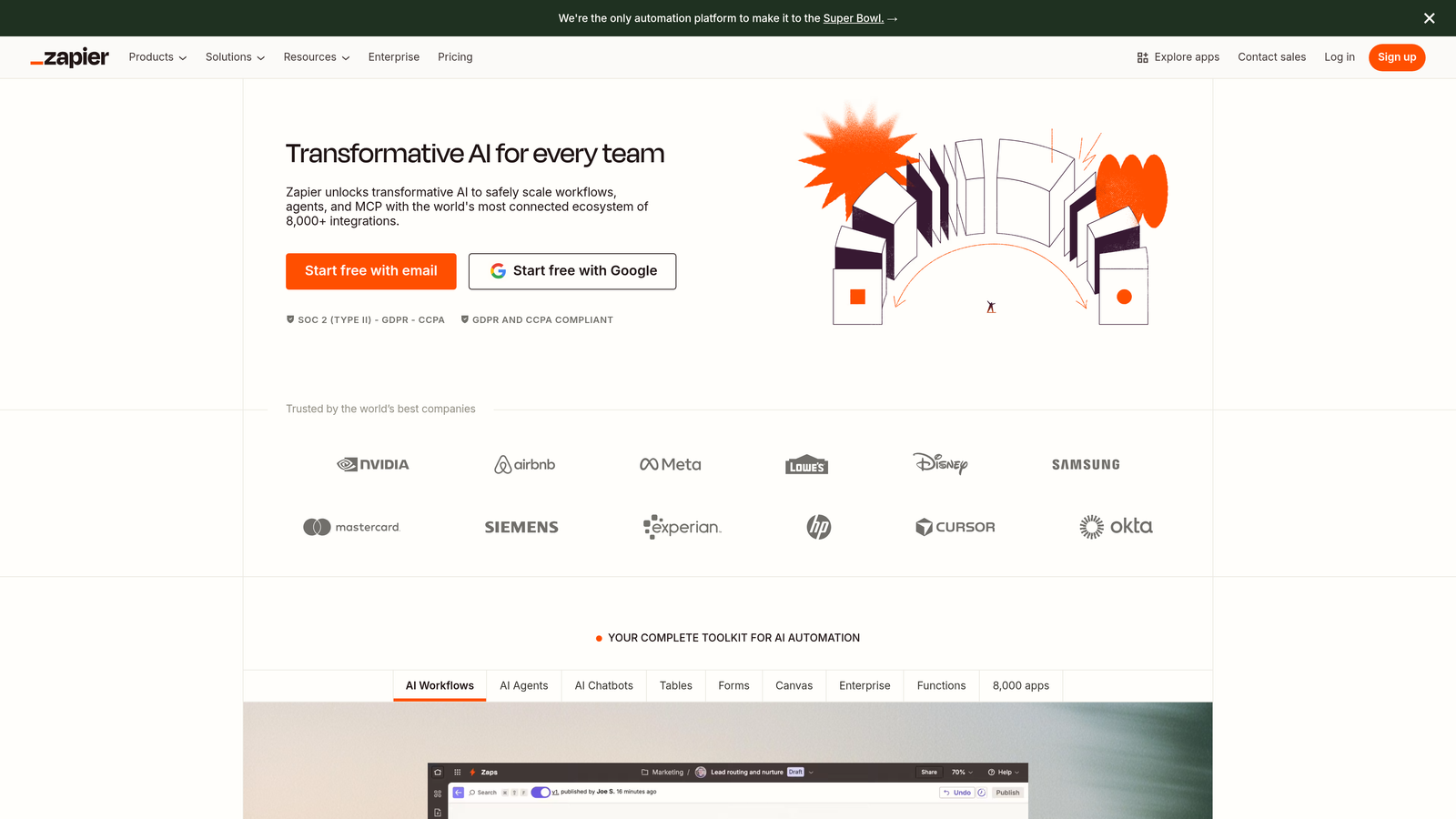
Zapier is a no-code automation platform connecting CMS platforms with thousands of apps for custom publishing workflows.
Where This Tool Shines
Zapier is the Swiss Army knife of publishing automation. Rather than being locked into what a specific tool offers, you build exactly the workflow your team needs. When a post publishes in WordPress, Zapier can notify your Slack channel, add a row to your Google Sheet tracking content, send an email to stakeholders, and post to social media—all automatically.
The conditional logic lets you create sophisticated publishing rules. You might auto-publish blog posts tagged "news" immediately while routing posts tagged "evergreen" through an approval workflow first. This flexibility is difficult to achieve with single-purpose tools.
Key Features
6,000+ App Integrations: Connect WordPress, Webflow, Ghost, and other CMS platforms with virtually any business tool.
Multi-Step Workflows: Chain multiple actions together so one publishing event triggers a sequence of automated tasks.
Conditional Logic: Create if-then rules that route content differently based on tags, categories, or custom fields.
Scheduled Automations: Trigger workflows at specific times or intervals, not just when content publishes.
Filters and Formatting: Transform data between systems so information flows correctly across different platforms.
Best For
Teams with unique publishing workflows that don't fit standard tools. Particularly valuable when you need to connect your CMS with internal systems, project management tools, or custom databases.
Pricing
Free tier includes 100 tasks per month; paid plans start at $19.99/month with increased task limits and access to premium app integrations.
7. HubSpot CMS Hub
Best for: Marketing teams wanting CRM-powered content personalization with publishing automation
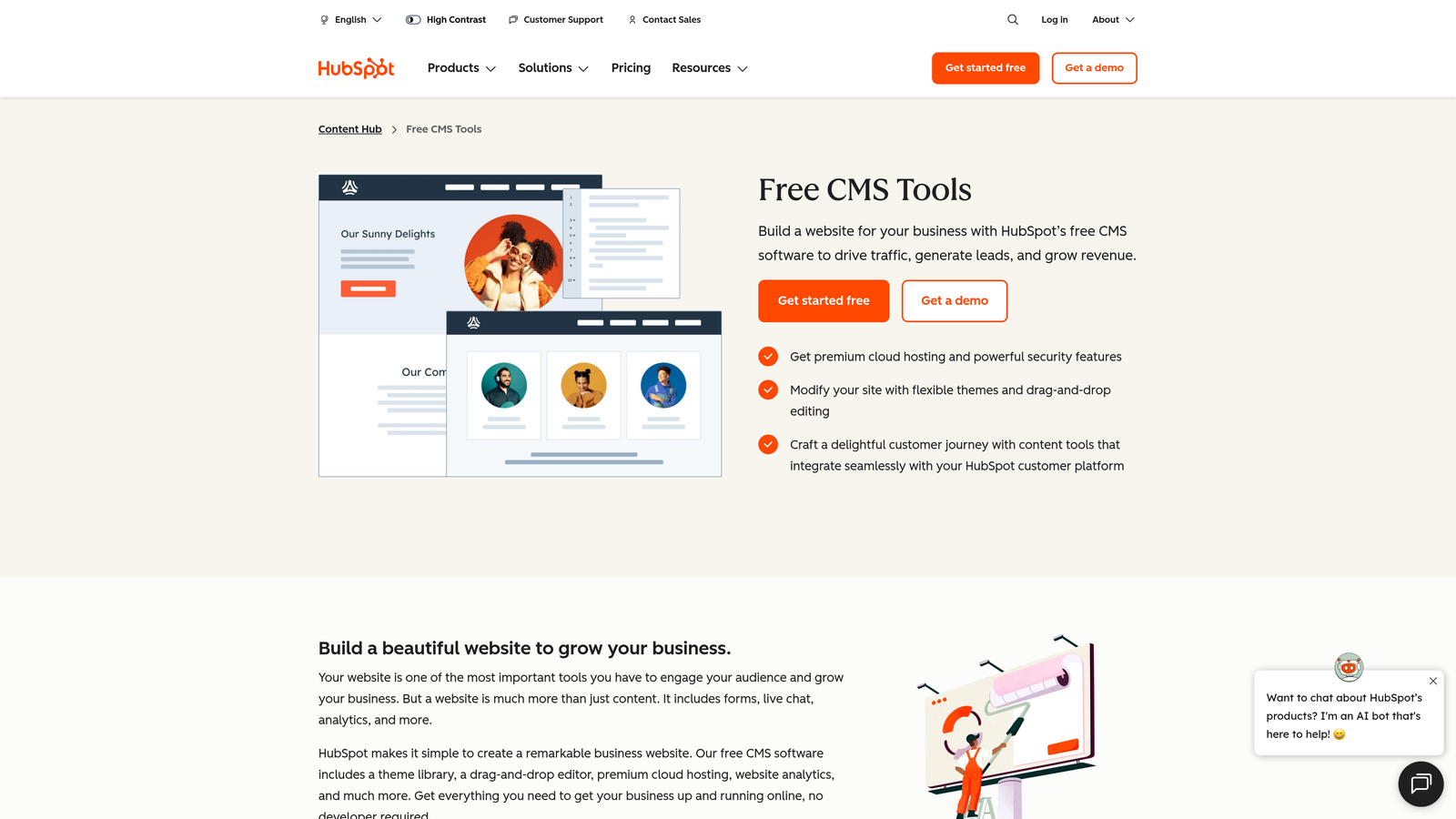
HubSpot CMS Hub is a marketing-focused CMS with built-in automation, CRM integration, and smart content personalization.
Where This Tool Shines
HubSpot connects content publishing directly to your CRM data, which means you can show different content to different visitors based on their industry, company size, or previous interactions with your site. This level of personalization is difficult to achieve when your CMS and CRM live in separate systems.
The built-in SEO recommendations appear as you write, catching issues before content publishes. Rather than auditing published content and fixing problems later, you optimize during the creation process. This saves the cycle of publish, audit, revise, republish.
Key Features
CRM-Powered Personalization: Display different content versions based on visitor data stored in HubSpot CRM.
Built-In SEO Tools: Receive optimization recommendations while writing, before content publishes to your site.
Scheduled Publishing: Set publish times and dates with workflow automation for approval processes.
A/B Testing: Test different content versions and automatically publish the better-performing variant.
Marketing Automation: Trigger email campaigns, lead scoring, and other marketing actions when specific content publishes.
Best For
B2B marketing teams already using HubSpot's CRM and marketing tools who want tighter integration between content publishing and lead generation activities. Works best when personalization and lead nurturing are core to your content strategy.
Pricing
Starts at $25/month for basic features; professional tier begins at $400/month with advanced automation and personalization capabilities.
8. Sanity
Best for: Developer-driven teams building custom content experiences with real-time collaboration
Sanity is a headless CMS with real-time collaboration and customizable content studio for developer-driven publishing automation.
Where This Tool Shines
Sanity gives developers complete control over the content editing experience. Unlike traditional CMS platforms with fixed interfaces, Sanity lets you build custom content studios tailored to your team's specific workflow. Content editors see only the fields and options relevant to their work, reducing complexity and publishing errors.
The real-time collaboration means multiple team members can work on content simultaneously without version conflicts. Changes appear instantly for all collaborators, similar to Google Docs but for structured content. This speeds up content production when multiple people contribute to a single piece.
Key Features
Real-Time Collaboration: Multiple team members can edit content simultaneously with changes appearing instantly.
GROQ Query Language: Write custom queries to automate content selection and publishing based on complex criteria.
Customizable Content Studio: Build tailored editing interfaces that match your team's specific workflow needs.
Webhooks and APIs: Trigger automated publishing workflows and integrate with external systems.
Content Lake: Store all content in a structured format accessible across any frontend or application.
Best For
Development teams building custom publishing experiences for content-heavy applications. Particularly valuable when you need complete control over the content editing interface and publishing logic.
Pricing
Free tier available for development and small projects; paid plans start at $99/month for teams requiring higher usage limits and additional features.
9. Publii
Best for: Privacy-focused teams wanting desktop-based publishing with one-click deployment to multiple hosts
Publii is a desktop-based static site CMS with one-click publishing to multiple hosting providers including GitHub Pages, Netlify, and S3.
Where This Tool Shines
Publii takes a different approach by keeping your content on your local machine rather than in a cloud-based CMS. You work offline, and when you're ready to publish, Publii generates a static site and pushes it to your chosen host. This eliminates the security vulnerabilities and performance issues that come with database-driven CMS platforms.
The one-click publishing to multiple hosts means you can deploy the same content to GitHub Pages for a project site, Netlify for your main site, and S3 for a backup—all from the same desktop application. This flexibility is difficult to achieve with traditional web-based CMS platforms.
Key Features
Local-First Workflow: Work on content offline without database dependencies or internet connectivity requirements.
One-Click Multi-Host Publishing: Deploy to GitHub Pages, Netlify, S3, and other hosts with a single click.
Static Site Generation: Generate fast-loading static HTML sites that don't require server-side processing.
Built-In SEO Optimization: Includes SEO tools and performance optimization without requiring additional plugins.
Privacy-Focused: No tracking, no data collection, and complete control over where your content lives.
Best For
Individual developers and small teams who prioritize privacy, site performance, and simplicity over collaborative editing features. Works well for documentation sites, portfolios, and blogs that don't require frequent multi-author collaboration.
Pricing
Free and open source with no paid tiers or usage limits.
Making the Right Choice
The best automated CMS publishing tool depends on your specific workflow and technical requirements. Sight AI stands out for teams wanting to combine AI content generation with instant publishing and search indexing—eliminating the gap between content creation and distribution. The IndexNow integration and automated sitemap updates are particularly valuable for teams focused on organic traffic growth.
For teams already invested in specific ecosystems, the choice becomes clearer. WordPress users benefit from Jetpack's native integration, while HubSpot customers gain the most value from CMS Hub's CRM-powered personalization. Editorial teams managing complex calendars across multiple channels should consider CoSchedule's unified marketing calendar approach.
Developer-driven teams have strong options in Contentful and Sanity, both offering API-first architectures that enable custom publishing workflows. The key difference: Contentful provides more enterprise features out of the box, while Sanity offers greater customization of the content editing experience. Zapier fills the gap for teams needing to connect existing tools into automated workflows without switching CMS platforms.
Budget-conscious teams can achieve significant automation with free or low-cost options. Buffer's RSS integration automates social distribution, Publii offers completely free static site publishing, and Zapier's free tier handles basic workflow automation. These tools prove that effective publishing automation doesn't require enterprise budgets.
The trend toward headless CMS architecture reflects a broader shift in how teams think about content. Rather than locking content inside a specific platform, headless systems treat content as a reusable asset deliverable anywhere. This approach becomes increasingly valuable as teams publish across websites, mobile apps, and emerging platforms.
Stop guessing how AI models like ChatGPT and Claude talk about your brand—get visibility into every mention, track content opportunities, and automate your path to organic traffic growth. Start tracking your AI visibility today and see exactly where your brand appears across top AI platforms.