Publishing content manually across multiple platforms drains time that marketers and founders could spend on strategy. Automated publishing software eliminates repetitive tasks—scheduling posts, pushing content to your CMS, updating sitemaps, and syncing across channels—so your content reaches audiences faster without the manual grind.
This guide compares nine automated publishing tools suited for different needs, from AI-powered content platforms to enterprise scheduling systems. Whether you're a solo marketer managing a blog or an agency handling dozens of client sites, you'll find options that match your workflow and budget.
1. Sight AI
Best for: AI-powered content creation with built-in CMS publishing and search engine indexing
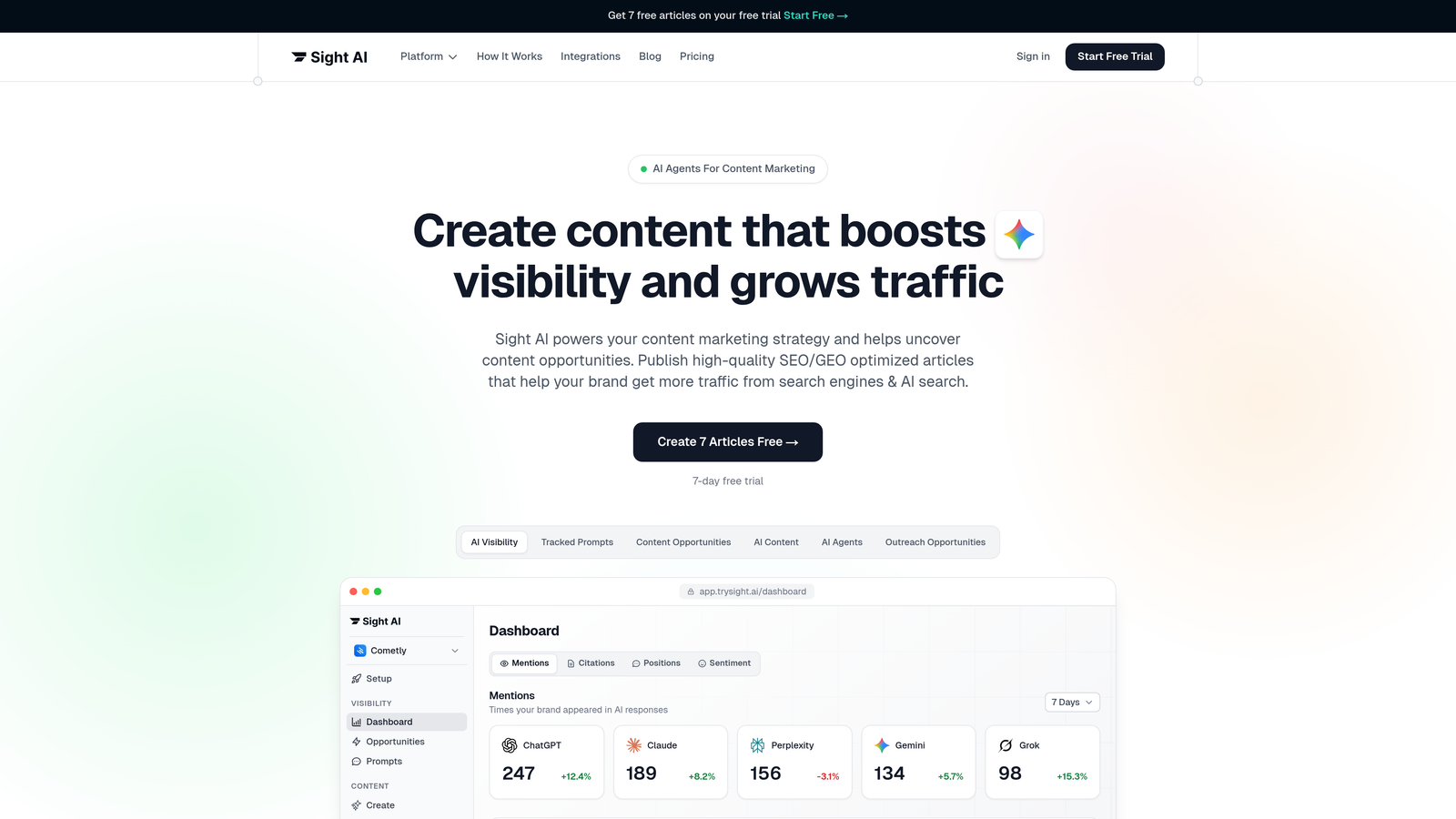
Sight AI is an AI-powered content platform that combines content generation with automated publishing capabilities, designed specifically for marketers focused on organic traffic growth.
Where This Tool Shines
Sight AI stands out by connecting the entire content workflow—from AI-powered creation to automated publishing and instant search indexing. The platform uses 13+ specialized AI agents to generate SEO and GEO-optimized articles, then automatically publishes them to your WordPress site or other CMS platforms.
The IndexNow integration is particularly valuable. Instead of waiting days or weeks for search engines to discover new content, IndexNow notifies them immediately, accelerating the path from publication to indexing. Combined with automated sitemap updates, this ensures your content gets discovered faster than traditional publishing workflows allow.
Key Features
CMS Auto-Publishing: Direct integration with WordPress and other platforms eliminates manual content uploads.
IndexNow Integration: Instant notification to search engines when new content publishes, reducing discovery time from days to minutes.
Automated Sitemap Updates: Your XML sitemap refreshes automatically with each new article, maintaining accurate site structure for crawlers.
13+ AI Agents: Specialized agents handle different content types—listicles, guides, explainers—with built-in SEO and GEO optimization.
Autopilot Mode: Set your content strategy and let the system generate, optimize, and publish on schedule without manual intervention.
Best For
Marketers and agencies who want to combine AI content generation with automated publishing in one platform. Particularly valuable if you're focused on organic traffic growth and need faster search engine discovery than traditional publishing workflows provide.
Pricing
Contact for pricing; free trial available to test the platform's content generation and auto-publishing capabilities.
2. WordPress with Jetpack
Best for: Native WordPress users who need simple scheduling and social sharing
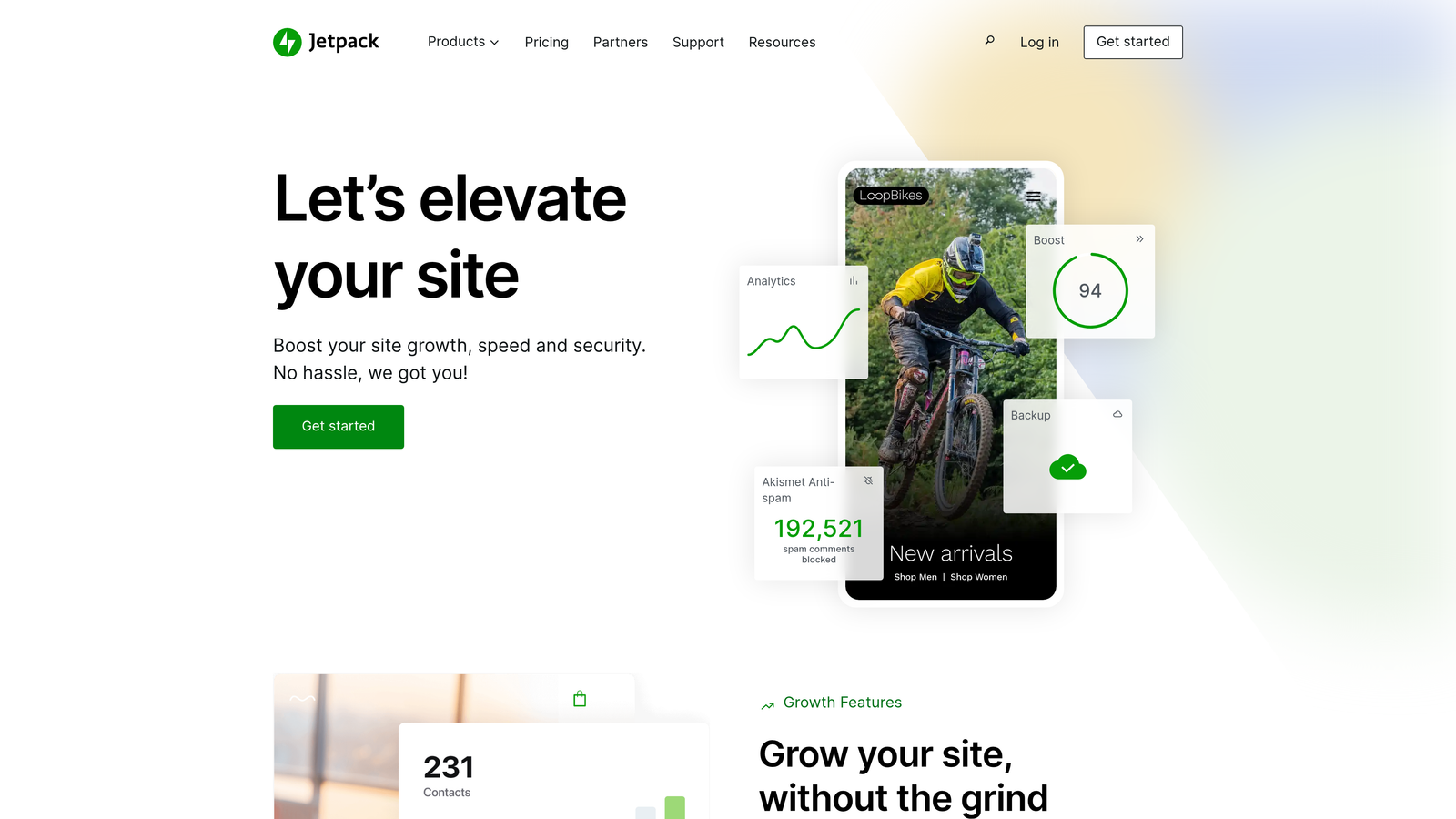
Jetpack is a WordPress plugin that extends your site's native capabilities with scheduling, social media auto-sharing, and performance optimization.
Where This Tool Shines
Jetpack works directly within your WordPress dashboard, making it the most seamless option if you're already managing a WordPress site. The interface feels native because it is—no learning curve, no separate platform to log into.
The social auto-share feature is straightforward: write your post, schedule it, and Jetpack automatically pushes it to your connected social networks when it goes live. For small teams or solo bloggers who want basic automation without complexity, this simplicity is the main draw.
Key Features
Built-in Post Scheduling: Schedule posts weeks or months in advance directly from the WordPress editor.
Auto-Share to Social Networks: Automatically publish to Facebook, Twitter/X, LinkedIn, and Tumblr when posts go live.
Site Performance Optimization: Includes image CDN and lazy loading to improve page speed alongside publishing features.
Backup and Security: Real-time backups and security scanning protect your content as you publish.
Best For
WordPress site owners who want straightforward scheduling and social sharing without managing a separate platform. Best suited for individual bloggers or small teams with simple publishing needs.
Pricing
Free tier includes basic features; paid plans start at $4/month for additional capabilities like site backups and security scanning.
3. Buffer
Best for: Social media scheduling across multiple platforms from a single dashboard
Buffer is a social media scheduling platform that lets you plan, queue, and publish posts across Instagram, Twitter/X, LinkedIn, and Facebook.

Where This Tool Shines
Buffer's queue system is its signature feature. Instead of scheduling individual posts to specific times, you set up time slots—say, 9 AM, 1 PM, and 5 PM daily—and Buffer automatically fills those slots with queued content. This approach simplifies scheduling when you're batching content creation.
The analytics dashboard shows which posts drive engagement, helping you refine your content strategy over time. For teams managing multiple brand accounts, Buffer's clean interface and straightforward permissions make collaboration easy without overwhelming users with enterprise features they don't need.
Key Features
Multi-Platform Scheduling: Publish to Instagram, Twitter/X, LinkedIn, and Facebook from one dashboard.
Queue Management: Set time slots and let Buffer automatically schedule queued content to fill them.
Analytics and Engagement Tracking: Monitor post performance and engagement metrics across all connected accounts.
Team Collaboration: Assign roles, approve content, and coordinate publishing across team members.
Best For
Small to mid-sized teams focused primarily on social media publishing. Works well for content marketers who batch-create social posts and want a simple queue system rather than complex campaign management.
Pricing
Free tier supports up to 3 channels; paid plans start at $5/month per channel with additional features like analytics and team collaboration.
4. Hootsuite
Best for: Enterprise teams needing comprehensive social management with approval workflows
Hootsuite is an enterprise social media management platform with scheduling, analytics, and team workflows across 35+ social networks.

Where This Tool Shines
Hootsuite's strength is organizational control. The platform supports complex approval workflows where content moves through drafting, review, and approval stages before publishing. For brands with strict compliance requirements or multiple stakeholders, these governance features prevent unauthorized content from going live.
The social listening capabilities extend beyond basic scheduling. You can monitor brand mentions, track competitor activity, and identify trending topics—then respond or create content directly from the same dashboard where you schedule posts.
Key Features
Scheduling Across 35+ Networks: Publish to major social platforms plus niche networks from one unified dashboard.
Content Calendar with Approval Workflows: Multi-stage approval process ensures content meets brand standards before publishing.
Advanced Analytics and Reporting: Custom reports track performance across all channels with exportable data for stakeholders.
Social Listening and Monitoring: Track brand mentions, hashtags, and competitor activity alongside your publishing schedule.
Best For
Enterprise marketing teams managing multiple brands or client accounts with strict approval requirements. Particularly valuable for agencies coordinating content across numerous social channels simultaneously.
Pricing
Professional plans start at $99/month; Enterprise pricing requires custom quotes based on team size and feature requirements.
5. CoSchedule
Best for: Marketing teams coordinating content calendars with WordPress blog publishing
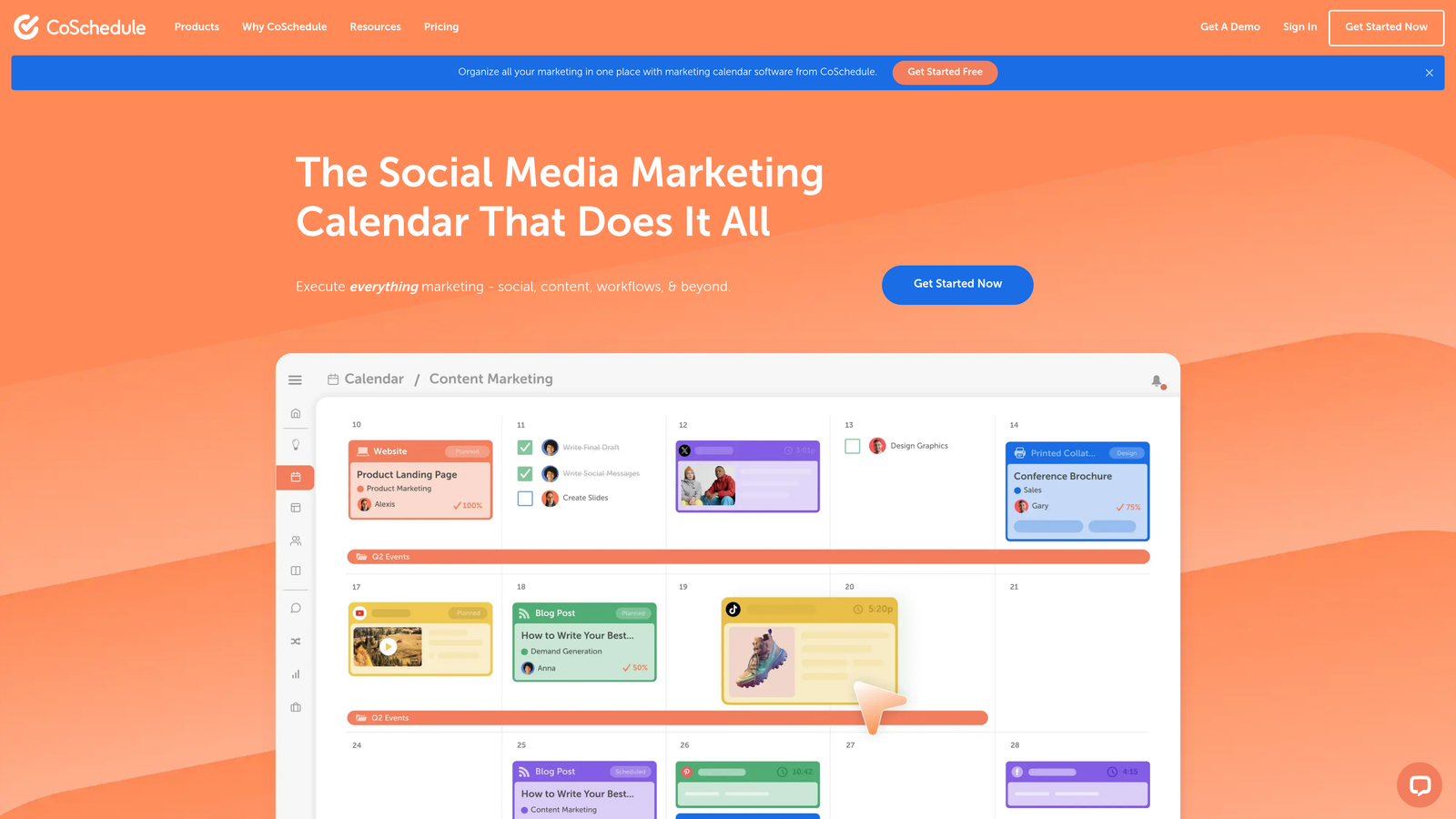
CoSchedule is a marketing calendar platform that unifies content planning with WordPress publishing and social campaign automation.
Where This Tool Shines
CoSchedule's marketing calendar view gives teams a bird's-eye perspective of all content initiatives—blog posts, social campaigns, email sends, and product launches—in one visual timeline. This holistic view prevents scheduling conflicts and helps teams identify content gaps before they become problems.
The WordPress integration is particularly tight. You can draft blog posts directly in CoSchedule or sync existing WordPress drafts, then coordinate social promotion around each post's publish date. The ReQueue feature automatically recycles evergreen content, filling empty calendar slots with high-performing posts from your archive.
Key Features
Unified Marketing Calendar: Visualize all content initiatives—blog posts, social campaigns, emails—in one timeline view.
WordPress Integration: Draft and schedule blog posts directly from CoSchedule or sync existing WordPress content.
Social Campaign Automation: Coordinate social promotion around blog publish dates with automated cross-channel posting.
ReQueue for Evergreen Content: Automatically recycle high-performing posts to fill calendar gaps without manual rescheduling.
Best For
Marketing teams managing WordPress blogs alongside social campaigns who need a unified calendar view. Works well for content marketers coordinating multiple content types across channels.
Pricing
Marketing Calendar is free with basic features; Marketing Suite starts at $29/month for advanced scheduling and team collaboration.
6. Contentful
Best for: Headless CMS needs with API-driven publishing across multiple digital channels
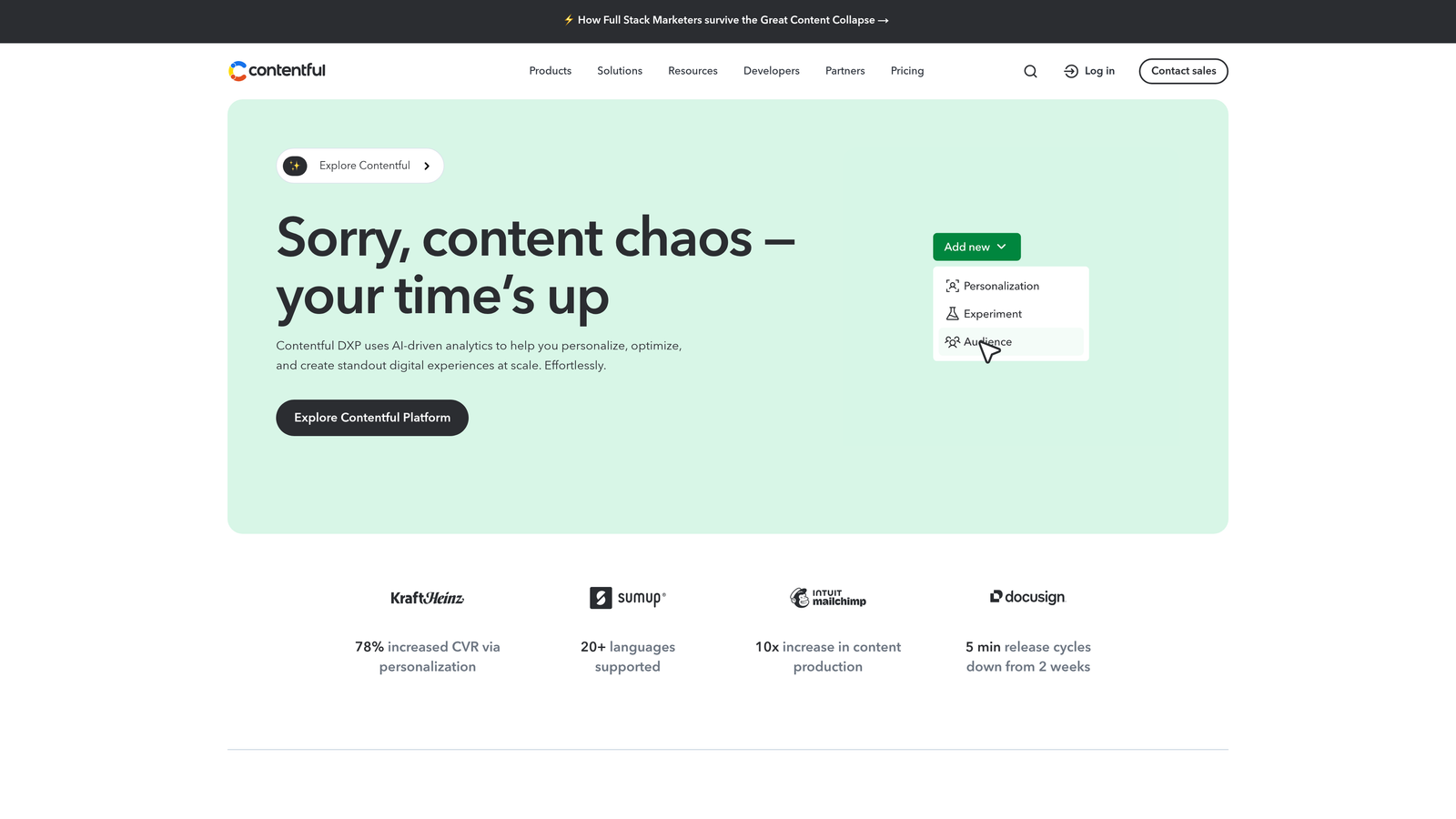
Contentful is a headless CMS with API-driven content delivery for automated publishing across websites, mobile apps, and digital displays.
Where This Tool Shines
Contentful separates content from presentation, letting you create once and publish everywhere. A product description written in Contentful can simultaneously appear on your website, mobile app, in-store kiosk, and voice assistant—all from a single content entry. This architecture eliminates the need to manually duplicate content across platforms.
The scheduled publishing system includes version control, so you can stage content updates weeks in advance, preview how they'll look across different channels, and roll back changes if needed. Webhooks trigger automated workflows when content publishes, enabling integrations with virtually any external system.
Key Features
API-First Content Delivery: Publish content to any digital channel—web, mobile, IoT devices—through flexible APIs.
Multi-Channel Publishing: Create content once and deliver it across unlimited platforms from a single source.
Scheduled Publishing with Version Control: Stage content updates in advance with full revision history and rollback capabilities.
Webhooks for Automation Triggers: Trigger external workflows automatically when content publishes or updates.
Best For
Enterprise organizations with complex multi-channel publishing needs or developers building custom digital experiences. Best suited for teams with technical resources to implement and maintain API integrations.
Pricing
Free tier available for small projects; Team plans start at $489/month for production environments with higher limits.
7. Publer
Best for: Budget-conscious marketers needing auto-scheduling with content recycling
Publer is a budget-friendly social scheduling platform with auto-scheduling based on engagement data and content recycling for evergreen posts.

Where This Tool Shines
Publer's auto-scheduling feature analyzes when your audience is most engaged and automatically schedules posts for those optimal times. Instead of manually researching the best posting times for each platform, Publer handles that analysis and adjusts your schedule accordingly.
The content recycling feature is particularly valuable for evergreen content. Set posts to recycle at intervals you define—weekly, monthly, or custom schedules—and Publer automatically republishes them without manual intervention. Combined with bulk scheduling via CSV uploads, you can plan months of content in minutes.
Key Features
Auto-Scheduling Based on Engagement Data: Automatically schedule posts when your audience is most active and engaged.
Content Recycling: Set evergreen posts to automatically republish at defined intervals without manual rescheduling.
Bulk Scheduling via CSV: Upload months of content at once through CSV files for efficient batch scheduling.
Canva and Media Library Integration: Design graphics directly in Canva and access them within Publer's publishing workflow.
Best For
Solo marketers and small businesses managing social media on tight budgets. Ideal for those who want automation features like content recycling without paying enterprise prices.
Pricing
Free tier supports up to 3 social accounts; Pro plans start at $12/month with unlimited scheduling and advanced features.
8. Sprinklr
Best for: Enterprise unified customer experience with AI-powered publishing across 30+ channels
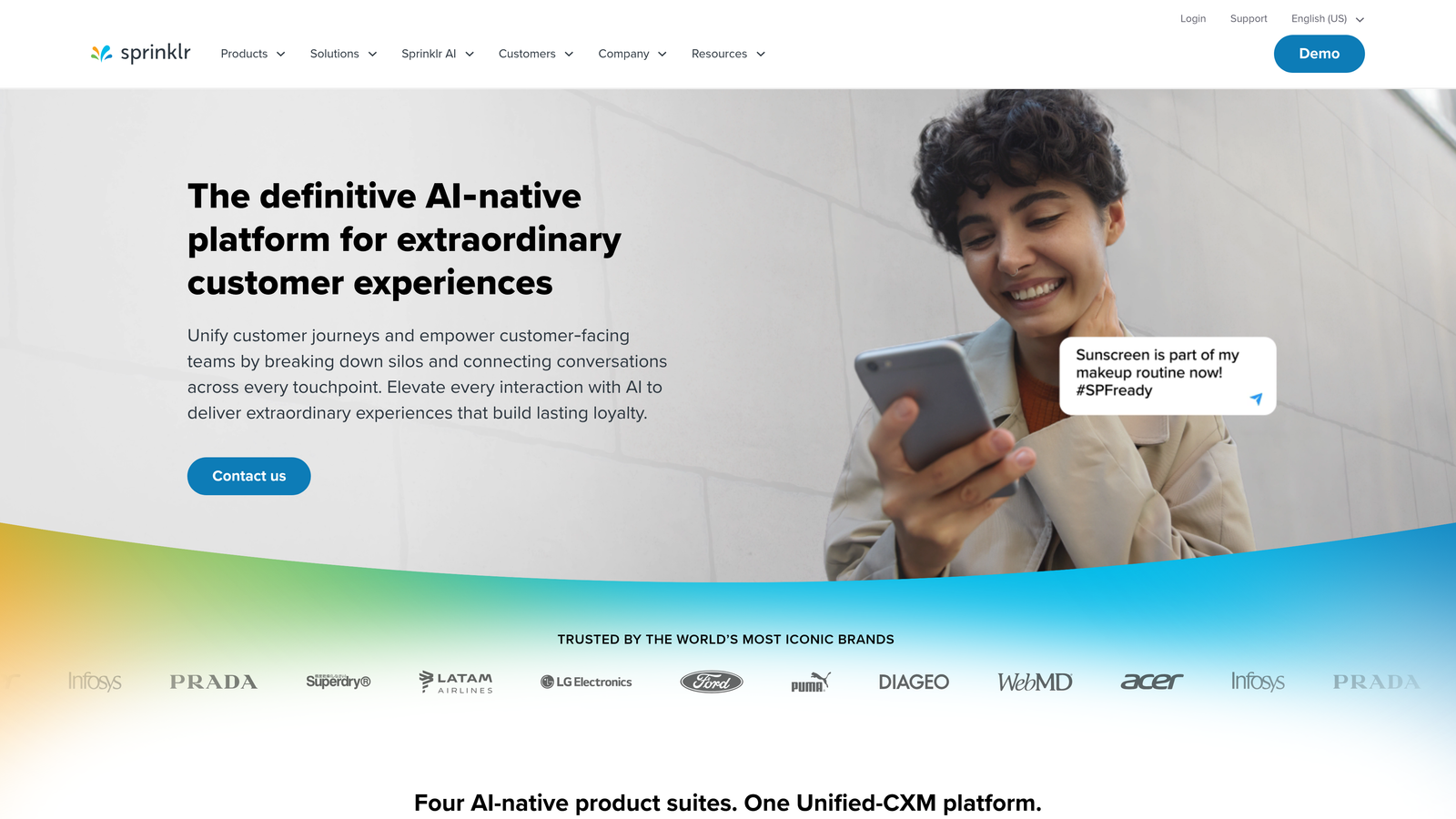
Sprinklr is an enterprise unified customer experience platform with AI-powered publishing, analytics, and governance across 30+ digital channels.
Where This Tool Shines
Sprinklr positions itself as a unified CXM platform rather than just a publishing tool. The system connects social media, messaging apps, review sites, and community forums into one dashboard, giving enterprise teams visibility across every customer touchpoint. Publishing capabilities integrate with customer service, social listening, and advertising management.
The AI-powered content recommendations analyze past performance to suggest optimal posting times, content formats, and messaging approaches. Enterprise governance features ensure brand consistency across global teams, with role-based permissions and approval workflows that scale to organizations with hundreds of users.
Key Features
Publishing Across 30+ Digital Channels: Manage social networks, messaging apps, review sites, and communities from one platform.
AI-Powered Content Recommendations: Machine learning suggests optimal posting times, formats, and messaging based on performance data.
Enterprise Governance and Compliance: Role-based permissions, approval workflows, and audit trails ensure brand consistency at scale.
Unified Analytics Dashboard: Track performance across all channels with customizable reports and real-time monitoring.
Best For
Large enterprises managing complex customer experience programs across numerous channels and global teams. Best suited for organizations with substantial budgets and dedicated teams to implement and manage the platform.
Pricing
Enterprise pricing only; contact Sprinklr for custom quotes based on organization size, channels, and feature requirements.
9. Zapier with CMS Integrations
Best for: Custom publishing workflows connecting any tools through automation
Zapier is a workflow automation platform that connects 6,000+ apps, enabling custom publishing pipelines between any tools in your tech stack.
Where This Tool Shines
Zapier's flexibility is unmatched. Instead of being locked into a specific publishing platform's features, you build exactly the workflow you need. Want to automatically publish Airtable records to WordPress, then share on Twitter, update your Google Sheet, and notify your team in Slack? Zapier connects all those apps without writing code.
Multi-step Zaps handle complex publishing logic. You can add conditional branches—if the post is tagged "urgent," publish immediately and notify the team; otherwise, add it to the scheduled queue. This level of customization makes Zapier valuable for organizations with unique workflows that off-the-shelf publishing tools can't accommodate.
Key Features
Connect 6,000+ Apps: Build custom workflows between virtually any tools in your tech stack without coding.
Trigger-Based Automated Publishing: Set triggers—new spreadsheet row, form submission, calendar event—to automatically publish content.
Multi-Step Zaps for Complex Pipelines: Chain multiple actions together with conditional logic for sophisticated publishing workflows.
Webhooks and API Integrations: Connect custom applications or services not available in Zapier's app directory.
Best For
Teams with unique publishing workflows that require custom integrations between specific tools. Particularly valuable when your tech stack includes niche applications without native integrations.
Pricing
Free tier includes 100 tasks per month; Starter plans begin at $19.99/month with increased task limits and premium app access.
Making the Right Choice
Your ideal automated publishing software depends on what you're publishing and where. For AI-powered content creation combined with automated CMS publishing and instant search indexing, Sight AI handles the full workflow from generation to discovery. If you're focused primarily on social media, Buffer offers straightforward scheduling at accessible prices, while Publer adds content recycling features for even less.
WordPress users already have publishing capabilities built in—Jetpack extends them with social sharing and scheduling. CoSchedule works well if you need a unified marketing calendar that coordinates blog posts with social campaigns. For enterprise teams managing complex approval workflows across numerous channels, Hootsuite or Sprinklr provide the governance features larger organizations require.
Contentful serves headless CMS needs when you're publishing across multiple digital channels beyond just websites and social media. Zapier fills the gaps when your workflow requires custom integrations between specific tools that don't naturally connect.
The trend toward combining content creation with automated publishing represents a significant efficiency gain. Instead of managing separate tools for writing, editing, publishing, and indexing, platforms like Sight AI consolidate these steps into one workflow. The IndexNow protocol adoption across major search engines makes instant indexing notification increasingly valuable—content that reaches search engines faster has more time to accumulate rankings and traffic.
Stop guessing how AI models like ChatGPT and Claude talk about your brand—get visibility into every mention, track content opportunities, and automate your path to organic traffic growth. Start tracking your AI visibility today and see exactly where your brand appears across top AI platforms.