Manual content publishing is a productivity killer. You've written the article, edited it three times, got it approved—and now you're copying paragraphs into your CMS, fixing formatting breaks, uploading images, setting featured images, scheduling the publish time, manually pinging search engines, and updating your sitemap. Rinse and repeat for every single piece of content.
Automated content publishing eliminates these repetitive tasks by connecting your content creation process directly to your CMS. The right tool can take you from "content ready" to "content live and indexed" in minutes instead of hours, freeing your team to focus on strategy and creativity instead of copy-paste workflows.
We evaluated dozens of solutions based on CMS integration capabilities, automation depth, search engine indexing features, and practical value for marketing teams. Here are the top automated content publishing tools that can transform your content operations in 2026.
1. Sight AI
Best for: Marketing teams wanting AI content generation with native CMS auto-publishing and instant indexing
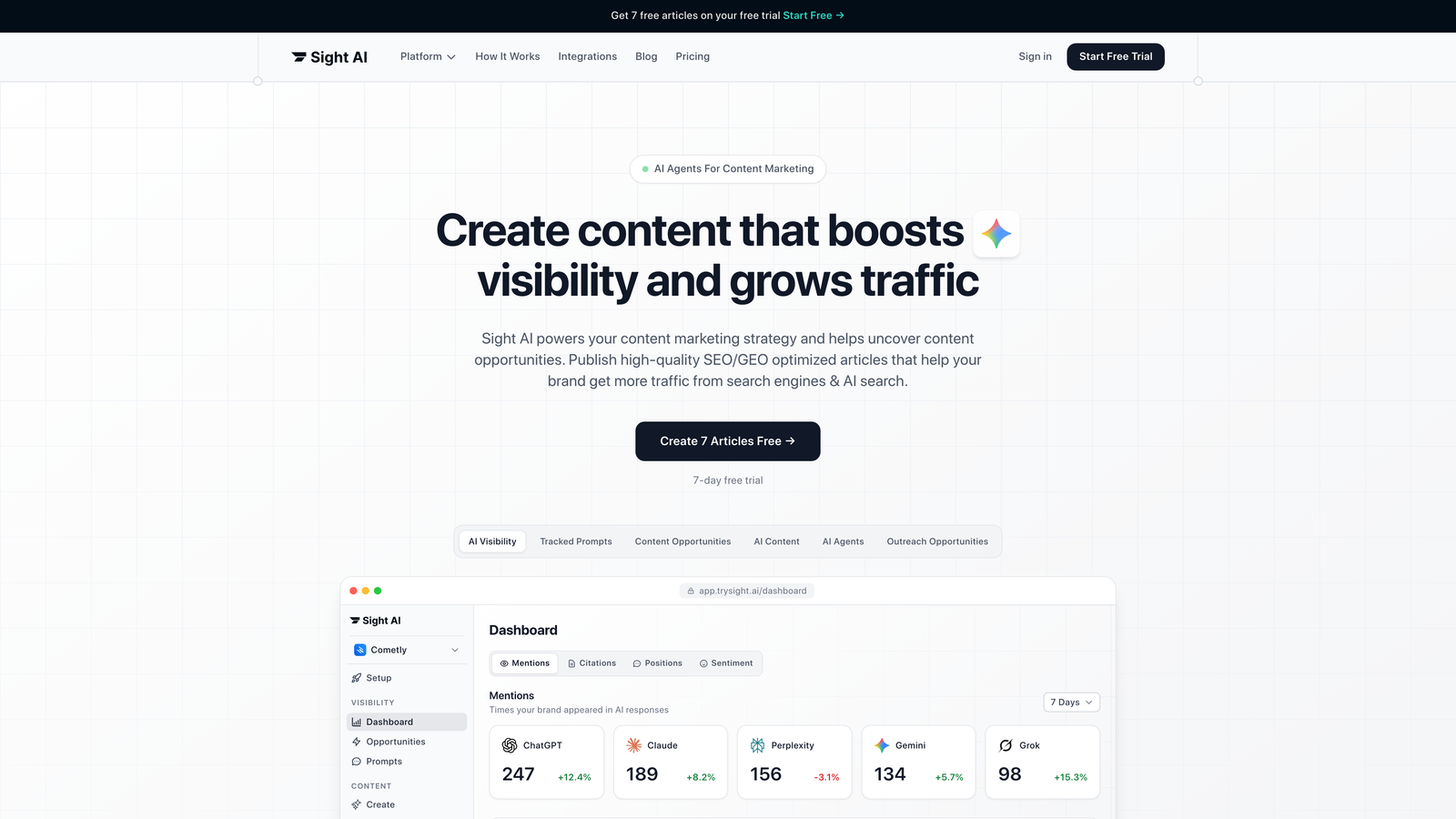
Sight AI is an AI-powered platform that combines content generation with automated CMS publishing and search engine notification in a single workflow.
Where This Tool Shines
Sight AI eliminates the gap between content creation and publication by integrating 13+ specialized AI agents with native CMS publishing capabilities. Unlike tools that only handle scheduling or only generate content, this platform manages the entire pipeline from ideation to indexing.
The IndexNow integration automatically notifies search engines like Bing and Google the moment your content goes live, dramatically reducing the time between publication and discovery. Combined with automated sitemap updates, your content enters the indexing queue without any manual intervention.
Key Features
AI Content Generation: 13+ specialized agents create SEO and GEO-optimized articles including listicles, guides, and explainers tailored for organic traffic.
Native CMS Auto-Publishing: Direct integration with WordPress and other CMS platforms publishes content automatically without manual copying or formatting.
IndexNow Integration: Instant search engine notification ensures your content enters indexing queues immediately after publication.
Automated Sitemap Updates: Your XML sitemap refreshes automatically when new content publishes, keeping search engines informed of site changes.
Autopilot Mode: Hands-off content workflows generate, optimize, and publish content on a schedule you define.
Best For
Content marketing teams and agencies that need to scale output while maintaining quality. Particularly valuable if you're focused on organic traffic growth and want to eliminate manual publishing steps entirely. Works well for teams producing multiple articles weekly who need both generation and distribution automated.
Pricing
Contact for pricing with tiered plans available based on team size and content volume requirements.
2. WordPress with Jetpack
Best for: WordPress publishers needing reliable scheduling and social automation within their existing CMS
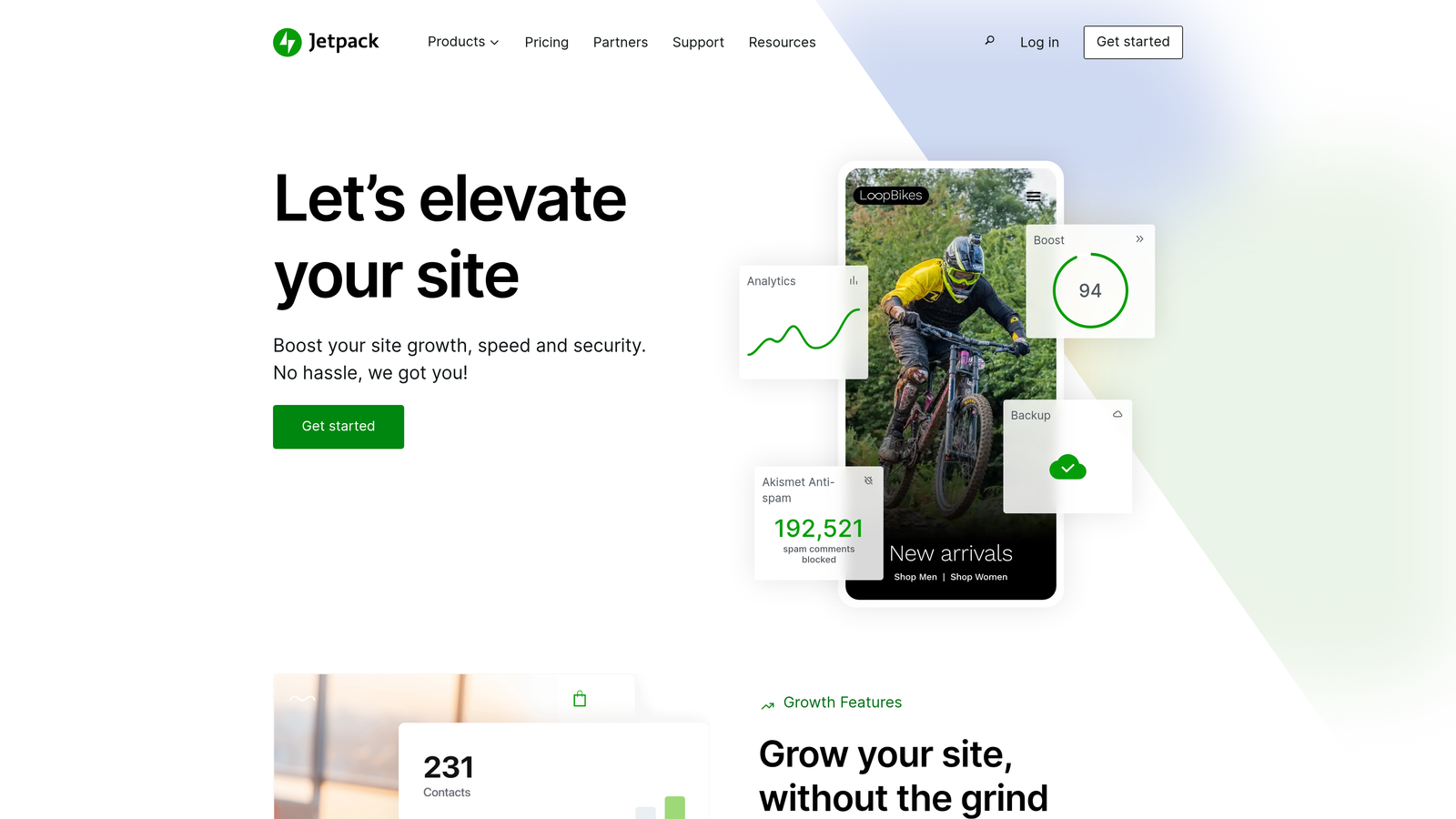
Jetpack is WordPress's native solution for advanced publishing automation, social media integration, and content management enhancements.
Where This Tool Shines
If you're already on WordPress, Jetpack adds enterprise-level publishing features without requiring migration to a new platform. The timezone-aware scheduling prevents those awkward moments when your "morning" post goes live at 3 AM for half your audience.
The automatic social sharing feature publishes your content to multiple platforms the moment it goes live, eliminating the need to manually cross-post. Combined with content staging, you can preview exactly how posts will appear before they're public.
Key Features
Advanced Post Scheduling: Set precise publish times with timezone support to reach audiences when they're most active.
Automatic Social Sharing: Content automatically posts to configured social media accounts when published, with customizable messages per platform.
Content Staging: Preview and test content in a staging environment before pushing live to production.
Built-in Analytics: Track performance of published content directly within WordPress without third-party tools.
Downtime Monitoring: Receive alerts if your site goes down, protecting your publishing schedule from technical issues.
Best For
WordPress site owners who want to enhance their existing setup without learning a new platform. Ideal for bloggers, small marketing teams, and content creators who prioritize simplicity over complex workflow automation.
Pricing
Free tier covers basic features. Premium plans start at $10/month with advanced publishing automation and priority support.
3. HubSpot CMS Hub
Best for: Enterprise marketing teams requiring approval workflows and CRM-integrated content personalization
HubSpot CMS Hub is an enterprise-grade CMS platform that connects content publishing with marketing automation and customer relationship management.

Where This Tool Shines
HubSpot excels when content publishing needs to integrate with broader marketing operations. The multi-stage approval workflows ensure content passes through proper review channels before going live, critical for regulated industries or large teams with multiple stakeholders.
The CRM integration enables dynamic content personalization based on visitor data—your published content can automatically adjust based on who's viewing it. This transforms static publishing into personalized experiences without manual segmentation.
Key Features
Multi-Stage Approval Workflows: Route content through customizable approval chains with role-based permissions and audit trails.
Smart Content Scheduling: Publish content at optimal times based on audience behavior data from your CRM.
CRM-Driven Personalization: Published content adapts dynamically based on visitor attributes, behavior, and lifecycle stage.
A/B Testing Automation: Test different versions of published content and automatically promote winners based on performance metrics.
Team Collaboration Tools: Built-in commenting, task assignment, and notification systems keep distributed teams aligned on content production.
Best For
Marketing departments in mid-to-large organizations that need tight integration between content publishing and marketing automation. Best suited for teams already using HubSpot's CRM or marketing tools who want unified workflows.
Pricing
Starter plans begin at $25/month for basic features. Professional tier starts at $400/month with full automation and personalization capabilities.
4. Contentful
Best for: Technical teams needing API-first architecture for automated multi-channel content delivery
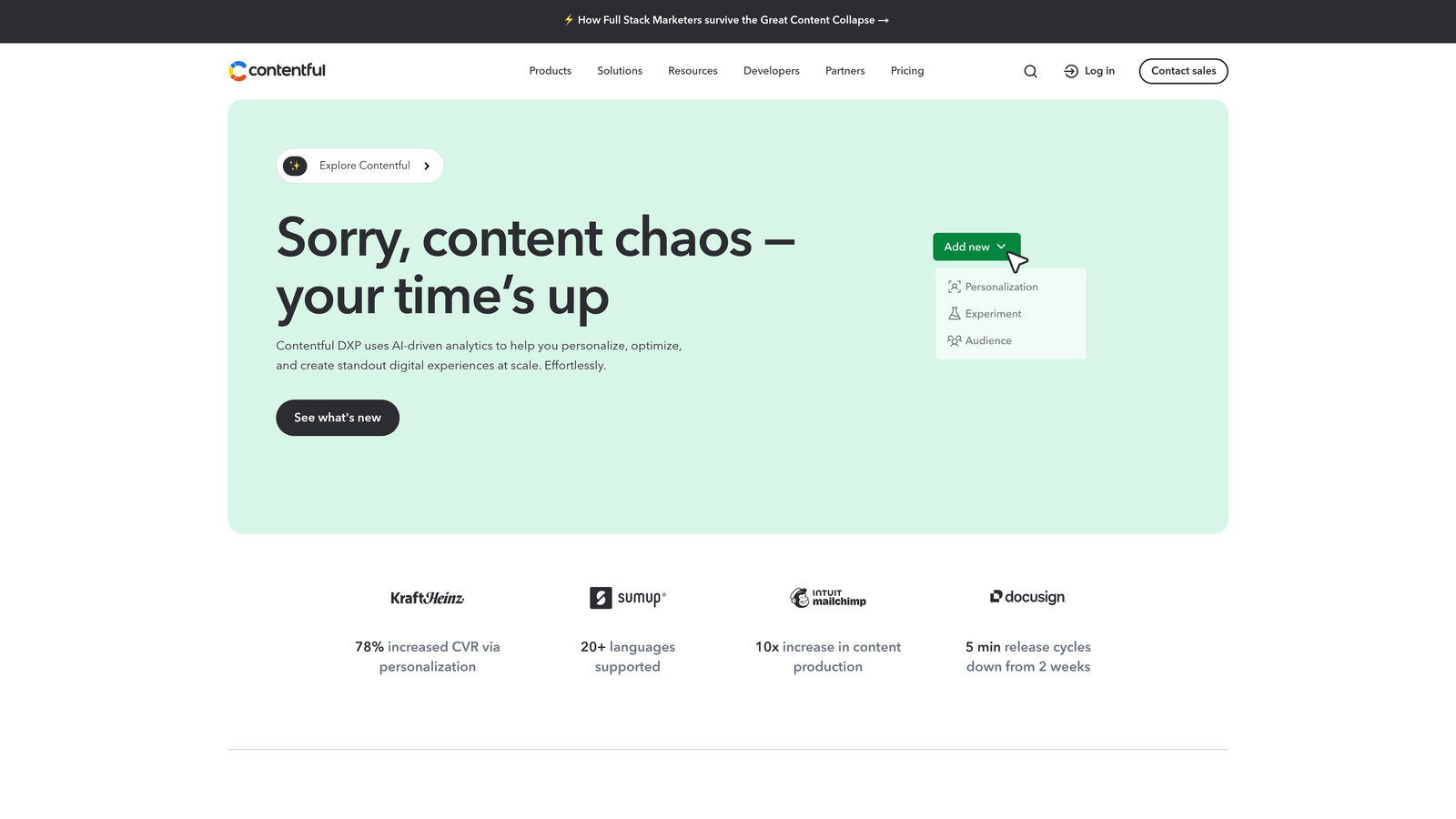
Contentful is a headless CMS built on API-first principles, enabling automated content publishing across websites, apps, and digital experiences.
Where This Tool Shines
Contentful separates content management from presentation, allowing developers to automate publishing to any platform with API access. The webhook system triggers custom workflows whenever content changes, enabling sophisticated automation scenarios that adapt to your specific needs.
The multi-environment architecture lets teams stage content changes in development environments before promoting to production. This prevents publishing mistakes and enables complex release coordination across multiple properties simultaneously.
Key Features
API-Driven Publishing: RESTful and GraphQL APIs enable programmatic content publishing to any connected platform or application.
Webhook Automation: Custom workflow triggers fire when content is created, updated, or published, integrating with external automation tools.
Multi-Environment Staging: Develop and test content changes in isolated environments before deploying to production.
Scheduled Releases: Bundle multiple content changes into scheduled releases that publish together at predetermined times.
Content Modeling: Define reusable content structures that ensure consistency across all published materials.
Best For
Development-led organizations publishing content to multiple channels simultaneously. Works best when you have technical resources to build custom integrations and need flexibility beyond traditional CMS constraints.
Pricing
Free tier supports small projects with limited API calls. Team plans start at $489/month with increased limits and collaboration features.
5. CoSchedule
Best for: Marketing teams coordinating editorial calendars with cross-channel publishing automation
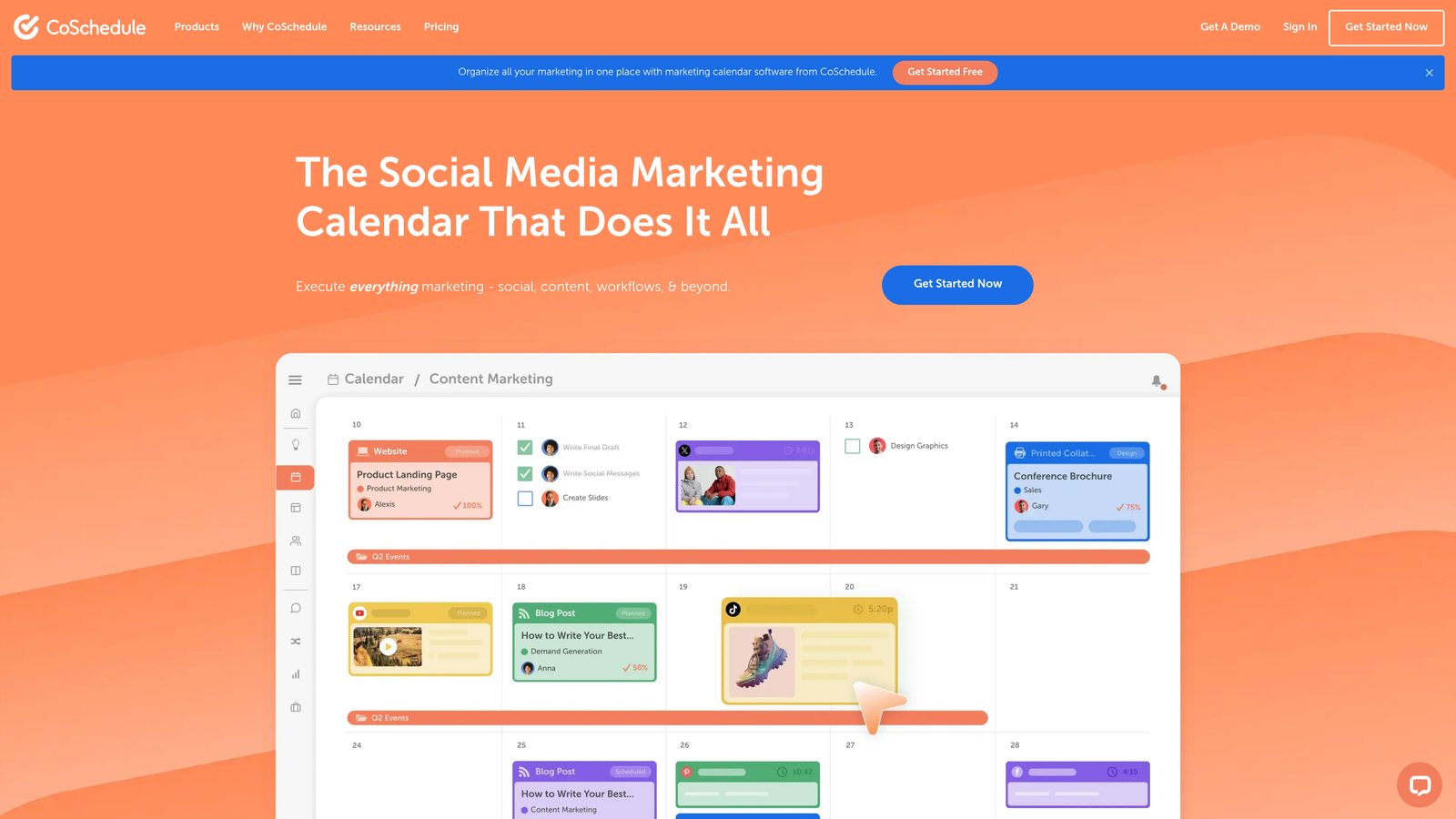
CoSchedule is a marketing calendar platform that centralizes content planning and automates publishing across multiple channels from a unified interface.
Where This Tool Shines
CoSchedule transforms scattered spreadsheets and Slack threads into a visual command center for content operations. The unified calendar shows exactly what's publishing when, across your blog, social media, and email campaigns—eliminating scheduling conflicts and content gaps.
The ReQueue feature automatically republishes evergreen content on optimized schedules, keeping your social feeds active without constant manual posting. This turns your content library into a perpetual traffic engine instead of one-and-done assets.
Key Features
Unified Marketing Calendar: Visualize all content across channels in a single drag-and-drop calendar interface.
WordPress and HubSpot Integration: Direct connections enable one-click publishing to your CMS without leaving the calendar.
Social Media Auto-Publishing: Schedule and automatically publish to multiple social platforms from a single content creation interface.
ReQueue for Evergreen Content: Automatically recirculate high-performing content on intelligent schedules to maximize reach.
Team Task Automation: Assign and track content-related tasks with automated reminders and deadline management.
Best For
Marketing teams managing content across multiple channels who need visibility into the entire content pipeline. Particularly valuable for teams coordinating between content creators, editors, and social media managers.
Pricing
Marketing Calendar starts at $29/month for basic scheduling. Marketing Suite offers custom pricing with advanced automation and team features.
6. Zapier
Best for: Connecting existing tools with custom no-code publishing workflows tailored to your tech stack
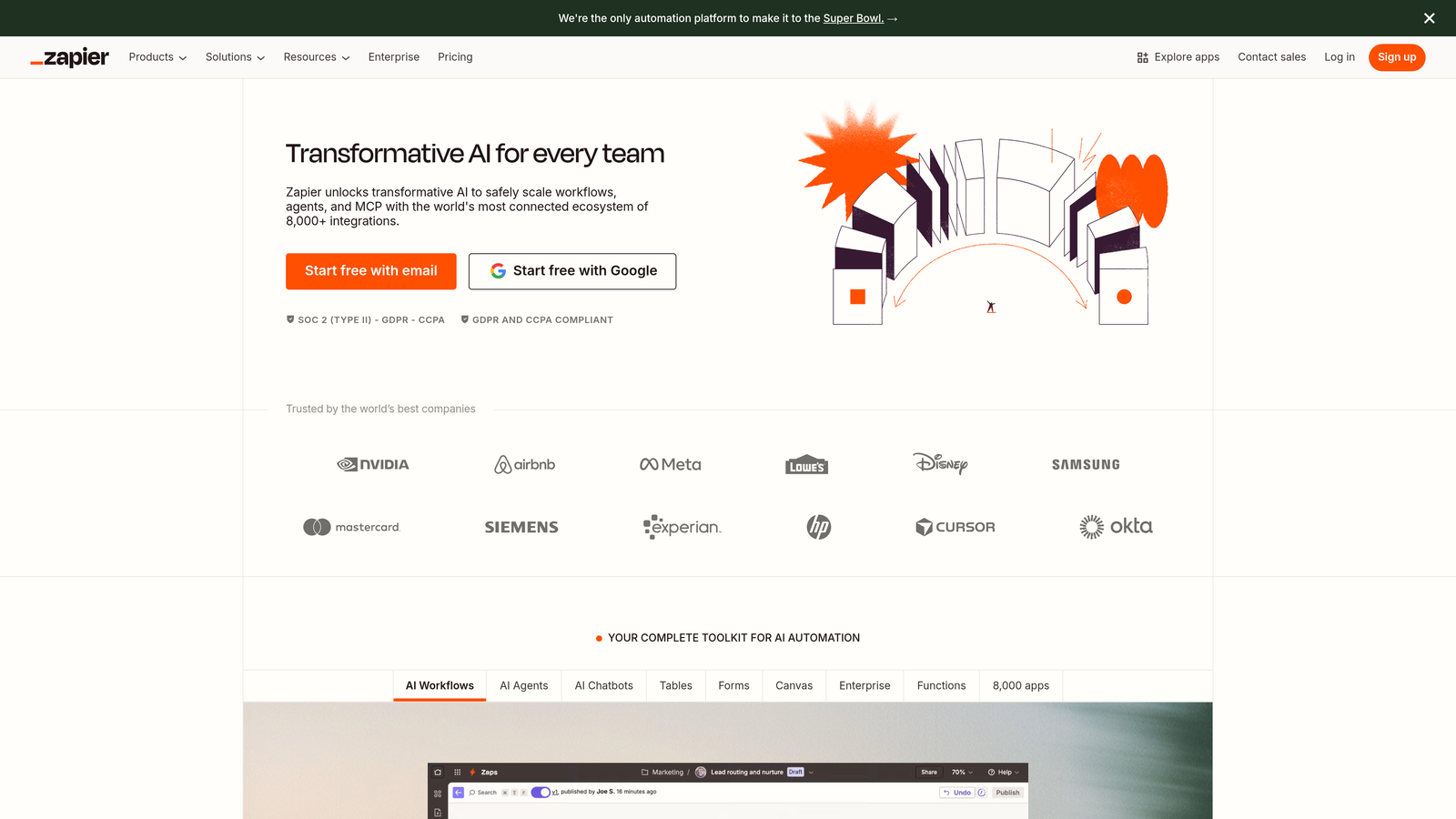
Zapier is a no-code automation platform that creates custom publishing workflows by connecting over 5,000 apps without requiring developer resources.
Where This Tool Shines
Zapier's strength lies in flexibility—it automates publishing workflows between tools that weren't designed to work together. Need to publish Google Docs to WordPress, notify your Slack channel, and update your Airtable content tracker? Zapier handles it in a single automated sequence.
The conditional logic enables sophisticated publishing rules based on content attributes. You can route different content types to different destinations, apply formatting transformations, or trigger approval workflows—all without writing code.
Key Features
5,000+ App Integrations: Connect virtually any content creation tool to any CMS platform with pre-built integrations.
Multi-Step Workflows: Chain multiple actions together in automated sequences called Zaps that execute when triggered.
Conditional Publishing Logic: Apply if-then rules to route content differently based on attributes like category, author, or content type.
Scheduled Triggers: Set up time-based automation that publishes content at specific intervals or times.
Built-in Delays: Add waiting periods between workflow steps to coordinate timing across different systems.
Best For
Teams with established content workflows using multiple specialized tools who need to eliminate manual handoffs between systems. Works well when you want automation without changing your existing tech stack.
Pricing
Free tier includes 100 tasks per month. Starter plans begin at $19.99/month with increased task limits and premium app access.
7. Sanity
Best for: Developer-friendly teams wanting customizable headless CMS with real-time collaboration
Sanity is a headless CMS platform offering extensive customization through its unique GROQ query language and plugin architecture.
Where This Tool Shines
Sanity gives developers unprecedented control over content automation through its GROQ query language, which enables complex content transformations and automated publishing rules that adapt to your specific requirements. Unlike rigid CMS platforms, you can build exactly the publishing workflow your team needs.
The real-time collaborative editing means multiple team members can work on content simultaneously without version conflicts. Changes appear instantly across all connected devices, making content production feel more like Google Docs than traditional CMS publishing.
Key Features
GROQ Query Language: Powerful query syntax enables complex content automation and transformation logic within the CMS.
Webhook-Based Triggers: Fire custom automation workflows when content is created, modified, or published.
Custom Workflow Plugins: Extend core functionality with custom-built plugins tailored to your publishing requirements.
Real-Time Collaboration: Multiple users edit content simultaneously with changes appearing instantly across all sessions.
Portable Text: Structured content format ensures consistent rendering across all publishing destinations.
Best For
Technical teams with developers who can leverage Sanity's customization capabilities. Best suited for organizations publishing to multiple channels who need precise control over content structure and delivery.
Pricing
Free tier available for small projects. Team plans start at $99/month with increased API limits and collaboration features.
8. Buffer
Best for: Social media-focused teams automating multi-platform publishing with team approval workflows
Buffer is a social media scheduling platform that automates content publishing across multiple social networks with team collaboration features.
Where This Tool Shines
Buffer removes the guesswork from social media timing with its optimal scheduling suggestions based on when your audience is most engaged. Instead of manually analyzing analytics, Buffer automatically recommends the best times to publish for maximum reach.
The visual publishing calendar provides instant clarity on your social media pipeline, preventing the common problem of accidentally over-posting on one channel while neglecting others. The approval workflow ensures content passes through proper review before going live to your audience.
Key Features
Visual Publishing Calendar: Drag-and-drop interface shows your entire social media schedule at a glance across all connected platforms.
Optimal Timing Suggestions: AI-powered recommendations identify the best times to publish based on historical engagement data.
Multi-Platform Scheduling: Queue content to publish automatically across Facebook, Twitter, LinkedIn, Instagram, and Pinterest from one interface.
Team Approval Workflows: Route social content through approval chains before scheduled publication.
Performance Analytics: Track engagement metrics on published content to refine your publishing strategy over time.
Best For
Marketing teams and social media managers focused primarily on social publishing rather than website content. Works well for small to medium teams who need reliable scheduling without enterprise complexity.
Pricing
Free tier supports up to 3 social channels. Essentials plans start at $6/month per channel with advanced scheduling and analytics.
9. Strapi
Best for: Technical teams wanting open-source flexibility with self-hosted or cloud deployment options
Strapi is an open-source headless CMS offering complete control over your content infrastructure with plugin-based automation capabilities.
Where This Tool Shines
Strapi's open-source nature means you own your content infrastructure completely—no vendor lock-in, no usage limits you didn't choose, and full access to customize every aspect of your publishing workflow. For organizations with security requirements or data sovereignty concerns, self-hosting eliminates third-party data access entirely.
The plugin ecosystem enables gradual automation expansion as your needs evolve. Start with basic publishing, then add custom workflows, approval chains, or integration plugins as your team grows without migrating platforms.
Key Features
Self-Hosted or Cloud Options: Deploy on your own infrastructure for complete control or use managed cloud hosting for convenience.
REST and GraphQL APIs: Both API styles supported, giving developers flexibility in how they integrate publishing automation.
Custom Plugin Development: Build and install custom plugins to extend functionality exactly as your workflow requires.
Role-Based Publishing Permissions: Granular access controls ensure only authorized users can publish content to production.
Webhook Integrations: Trigger external automation workflows when content is created, updated, or published within Strapi.
Best For
Organizations with technical resources who prioritize control, customization, and data ownership over turnkey convenience. Ideal when you have specific security requirements or need to integrate deeply with proprietary systems.
Pricing
Self-hosted version is free and open-source. Managed cloud hosting starts at $99/month with support and automatic updates included.
Making the Right Choice
Your ideal automated publishing tool depends on where you're starting and what you're trying to achieve. If you're focused on scaling AI-generated content with minimal manual intervention, Sight AI combines generation, publishing, and indexing in a single workflow that eliminates the gaps between systems. The IndexNow integration alone can cut days off your time-to-indexing compared to waiting for search engines to discover new content.
To see which platforms specialize in this, our comparison of the top AI visibility software tools details how each one tracks and improves brand presence across AI search engines.
For enterprise marketing teams already invested in HubSpot's ecosystem, CMS Hub provides the approval workflows and CRM integration that justify its higher price point. WordPress publishers should start with Jetpack before exploring more complex solutions—it adds significant automation without requiring platform migration.
Technical teams building multi-channel experiences will find the most flexibility in headless options like Contentful, Sanity, or Strapi. These platforms trade ease-of-use for customization power, making them ideal when you have developers who can leverage their API-first architectures. Contentful suits teams wanting managed infrastructure, while Strapi appeals to organizations prioritizing data ownership and self-hosting.
If you're connecting existing tools rather than replacing them, Zapier bridges the gaps between systems that weren't designed to work together. It's particularly valuable when you've already invested in specialized tools for different parts of your workflow and just need to eliminate the manual handoffs.
Social media-focused teams should evaluate Buffer or CoSchedule depending on whether they need pure social automation or integrated content calendar management across channels. Buffer excels at social-only workflows, while CoSchedule coordinates website and social publishing from a unified calendar.
The content publishing landscape has evolved beyond simple scheduling. Today's leading tools automate the entire pipeline from creation to indexing, eliminating hours of manual work per piece of content. Start tracking your AI visibility today and see exactly where your brand appears across top AI platforms while automating your path from content generation to publication and discovery.