Every day, billions of people type a URL into a browser address bar and press Enter without a second thought. It feels instant, almost magical. But between that keystroke and the moment a page appears on your screen, a remarkable chain of technical events unfolds at machine speed.
For most users, that's fine. They don't need to know what happens under the hood. But if you're a marketer, founder, or agency responsible for driving organic traffic, every part of that chain is your business. URL structure affects whether pages get indexed, how fast they load, whether search engines trust them, and increasingly, whether AI platforms like ChatGPT and Perplexity will surface them in generated answers.
This article breaks down exactly what happens when you type a URL, why the anatomy of a web address matters more than most people realize, and how to structure your URLs so they work harder for both traditional SEO and AI-powered discovery. By the end, you'll have a clear framework for auditing and optimizing every URL on your site.
Anatomy of a Web Address: Breaking Down Every Component
Before diving into what happens technically when you type a URL, it helps to understand what a URL actually is. The term URL stands for Uniform Resource Locator, and it's the specific address that tells a browser exactly where to find a resource on the internet. It's worth distinguishing this from two related terms that often get confused.
A URI (Uniform Resource Identifier) is the broader category. Every URL is a URI, but not every URI is a URL. A URI can identify something without specifying how to locate it. A domain name, on the other hand, is just one part of a URL: the human-readable name (like "example.com") that maps to an IP address. Marketers often use these terms interchangeably, which is understandable, but knowing the distinction helps when working with developers or interpreting technical documentation.
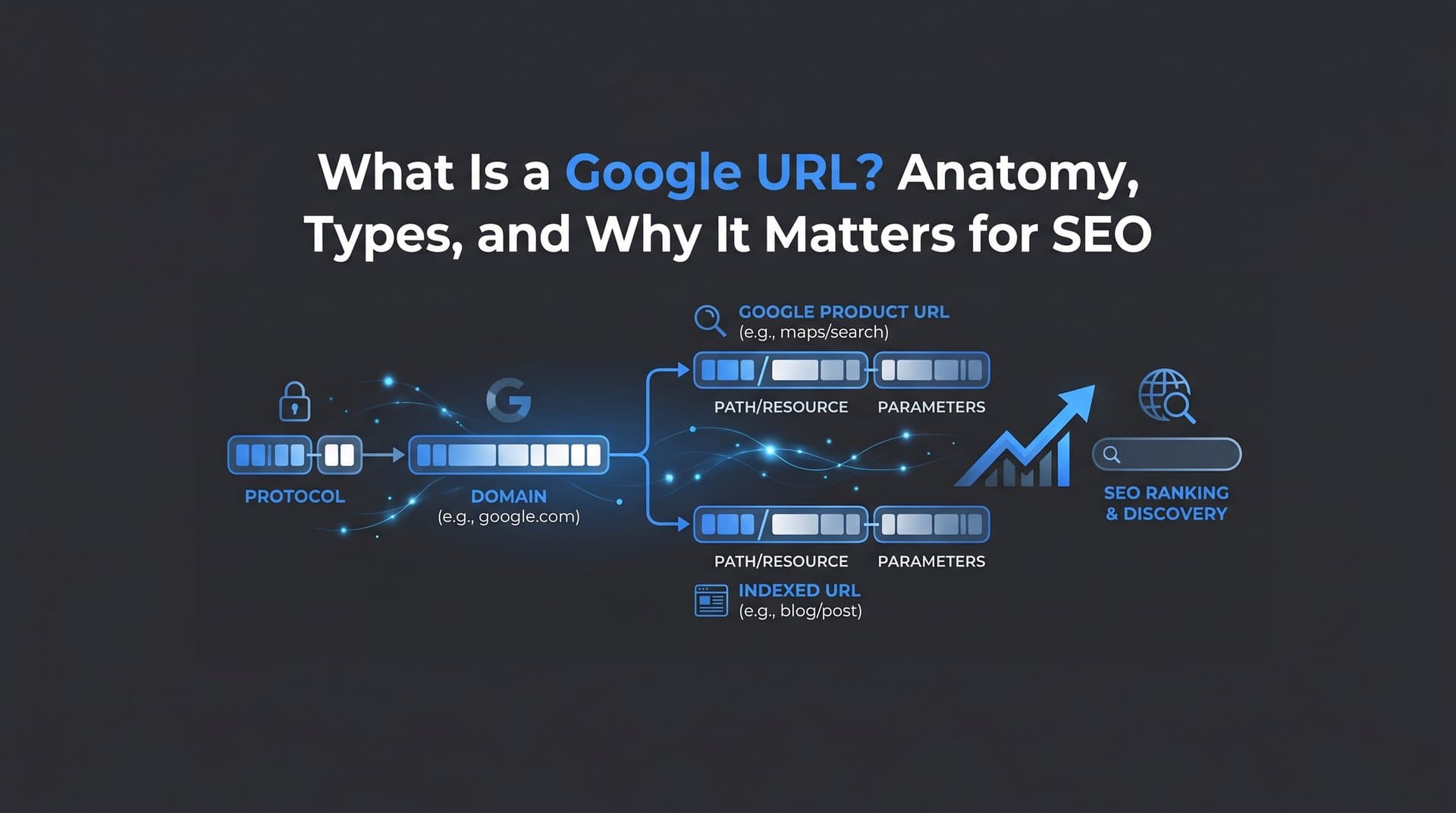
Now let's break a URL into its actual components. Take this example: https://blog.example.com/seo/url-structure?ref=newsletter#section2
Protocol (https://): This tells the browser which communication method to use. HTTPS (HyperText Transfer Protocol Secure) is the encrypted version of HTTP. Google confirmed HTTPS as a ranking signal in 2014 and modern browsers now display security warnings for non-HTTPS pages. Beyond rankings, HTTPS builds user trust and protects data in transit. If your site still runs on HTTP, fixing this is non-negotiable.
Subdomain (blog.): The subdomain appears before the root domain and can be used to organize content into distinct sections. "www" is the most common subdomain, but "blog," "shop," or "app" are also widely used. Search engines can treat subdomains as separate entities from the root domain, which has implications for how link equity and authority flow across your site.
Domain Name (example): This is the core identifier of your brand or organization online. It's what people remember and what builds recognition over time.
Top-Level Domain or TLD (.com): The suffix that follows the domain name. While .com remains the most recognized globally, TLDs like .org, .io, and country-specific extensions like .co.uk all function the same way technically. Some TLDs carry trust associations, but Google has stated it treats all generic TLDs equally for ranking purposes.
Path (/seo/url-structure): The path points to a specific page or resource within the site. It mirrors the folder structure of the website and is one of the most SEO-impactful parts of a URL. A clean, descriptive path communicates topical relevance to both users and search engines.
Query Parameters (?ref=newsletter): These are key-value pairs appended after a question mark. They're commonly used for tracking campaigns, filtering content, or passing data between pages. While useful for analytics, unmanaged parameters can create duplicate content issues, which we'll cover shortly.
Fragment (#section2): The fragment identifier points to a specific section within a page. It's processed entirely by the browser and is not sent to the server, meaning it has no direct impact on search engine indexing or server-side tracking.
Understanding each of these components gives you a precise vocabulary for diagnosing URL issues and communicating fixes with technical teams.
From Keystroke to Loaded Page: The Technical Journey
When you type a URL and press Enter, the browser doesn't simply "go get" the page. It follows a structured sequence of steps, each of which adds time to the overall load. Here's how that journey unfolds.
Step 1: Browser Cache Check. The browser first checks whether it already has a cached version of the requested resource. If it does, and the cache hasn't expired, it can serve the page without making any network requests. This is why revisiting a page feels faster than loading it for the first time.
Step 2: DNS Resolution. If there's no cached version, the browser needs to find the server that hosts the page. It sends a query to a DNS (Domain Name System) resolver, which translates the human-readable domain name into a numeric IP address. The resolver may check its own cache first, then query authoritative nameservers if needed. This lookup typically takes milliseconds, but it adds measurable latency, particularly for first-time visitors or uncached domains.
Step 3: TCP/IP Handshake. Once the browser has the IP address, it establishes a connection with the server using the TCP (Transmission Control Protocol). For HTTPS sites, this step also includes a TLS (Transport Layer Security) handshake to negotiate encryption. This adds a small but real overhead, which is one reason HTTP/2 and HTTP/3 protocols were developed: they reduce the number of round trips required to establish a connection.
Step 4: HTTP Request. With the connection established, the browser sends an HTTP request to the server, specifying the resource it wants (the URL path, headers, cookies, etc.).
Step 5: Server Response. The server processes the request and sends back a response, typically beginning with a status code. A 200 means success. A 301 means the resource has permanently moved to a new URL. A 404 means the resource wasn't found. Each redirect status (301 or 302) triggers the entire cycle again for the new destination URL, adding latency with every hop.
Step 6: Page Rendering. The browser receives the HTML and begins parsing it, fetching additional resources like CSS, JavaScript, and images as it encounters them. This rendering phase is where Core Web Vitals come into play.
Google's Core Web Vitals measure three dimensions of user experience: Largest Contentful Paint (LCP), which tracks how quickly the main content loads; Interaction to Next Paint (INP), which measures responsiveness; and Cumulative Layout Shift (CLS), which captures visual stability. Every step in the chain described above contributes to LCP. A slow DNS lookup, an extra TLS round trip, or a bloated server response time all push LCP higher and can directly affect rankings.
Redirects deserve special attention here. A single 301 redirect adds a full round trip to the process. A chain of redirects, where URL A redirects to B which redirects to C, compounds this latency. Google has also stated that redirect chains of more than a few hops can cause Googlebot to stop following them entirely, meaning the destination page may not get crawled or indexed. For SEO, redirect chains aren't just a performance issue: they're a discoverability risk that can lead to website indexing issues.
URL Mistakes That Silently Kill Your SEO
Most URL-related SEO problems aren't dramatic. They don't trigger error messages or cause obvious failures. They quietly waste crawl budget, dilute link equity, and prevent pages from ranking as well as they should. Here are the most common culprits.
Trailing Slash Inconsistency. The URLs example.com/page and example.com/page/ are technically different addresses. If your server serves the same content at both, search engines may index them as duplicate pages, splitting any ranking signals between two versions. The fix is simple: pick one format and redirect the other consistently across your entire site.
Mixed-Case URLs. URLs are case-sensitive on most web servers. Example.com/SEO-Guide and example.com/seo-guide can resolve as two different pages, again creating duplicate content. Standardizing to lowercase URLs across all internal links and redirects eliminates this risk.
Unmanaged Query Parameters. Parameters like ?sort=price&color=blue are useful for filtering and tracking, but they can generate hundreds or thousands of URL variations that serve nearly identical content. Search engines may crawl and index all of these, wasting crawl budget on pages that add no unique value. Effective crawl budget optimization and canonical tags are your primary tools for managing this.
Broken Redirect Chains. As sites evolve, old redirects accumulate. A URL that was redirected two years ago may now point to another redirected URL, creating a chain. Audit your redirects regularly and update them to point directly to the final destination. Tools like Screaming Frog or similar crawlers can map these chains efficiently.
Session IDs in URLs. Some older platforms append unique session identifiers to URLs, meaning every user sees a different URL for the same page. This creates massive duplicate content problems and is nearly impossible for search engines to reconcile without explicit canonical signals.
The primary fix for most duplicate URL issues is the canonical tag. Adding rel="canonical" to the HTML head of a page tells search engines which version of a URL is the "official" one. Google recommends this approach for consolidating duplicate or near-duplicate pages and ensuring ranking signals flow to the right place.
Beyond canonicals, consistent URL formatting from the start is far easier than cleaning up problems later. Establish a clear URL structure policy before launching new sections of your site, and enforce it through CMS settings and development standards.
Crafting SEO-Friendly URLs: Structure That Ranks
Google's own Search Central documentation is direct on this point: use simple, descriptive URLs with readable words. This isn't just a usability preference. It's a signal to both search engines and users about what a page contains before they even click.
Here's what good URL structure looks like in practice.
Keep slugs short and descriptive. A slug like /seo-url-best-practices is infinitely more useful than /p?id=4829&cat=7. Short slugs are easier to share, easier to remember, and easier for crawlers to parse. Include your target keyword naturally, but don't stuff multiple keywords into a single slug just for SEO. One clear, descriptive phrase is ideal.
Use hyphens, not underscores. Google treats hyphens as word separators in URLs. Underscores, by contrast, are not treated as separators, meaning seo_tips is read as a single word rather than two. This is a small but well-documented distinction that can affect how your URL content is interpreted by search engines.
Build logical URL hierarchy. A URL structure like site.com/category/subcategory/page-name does more than organize your content. It signals topical relevance and site architecture to search engines. When Googlebot crawls site.com/seo/technical-seo/url-structure, it understands the relationship between the page and its parent topics. This hierarchical structure supports automated internal links strategies and helps establish topical authority across your site.
Avoid unnecessary depth. While hierarchy is valuable, deeply nested URLs like site.com/a/b/c/d/e/page can dilute link equity and make crawling less efficient. As a general rule, aim to keep important pages within three to four levels of the root domain.
XML Sitemaps as a Discovery Safety Net. Even with a well-structured URL architecture, search engines may not discover every page through crawling alone. An XML sitemap lists all the important URLs on your site and submits them directly to search engines. This is particularly valuable for new content, recently updated pages, and large sites where crawl budget is a real constraint.
Combining a clean URL structure with a regularly updated sitemap and fast indexing tools creates a system where new content gets discovered and ranked as quickly as possible. Platforms that integrate IndexNow, for example, can notify search engines of new or updated URLs almost immediately after publishing, rather than waiting for the next crawl cycle.
URLs in the Age of AI Search and Generative Engines
The way people find information is changing. AI-powered tools like ChatGPT, Claude, and Perplexity are increasingly used as research interfaces, and they don't just summarize content: they cite it. When an AI model generates an answer and includes a source URL, that citation drives direct traffic and builds brand authority in a new kind of search environment.
This is the emerging discipline of GEO, or Generative Engine Optimization. Where traditional SEO focuses on ranking in a list of blue links, GEO focuses on being referenced and cited by AI-generated answers. And URL structure plays a role here too.
AI models tend to surface content from sources that appear authoritative, well-structured, and clearly indexed. A clean URL like example.com/seo/url-best-practices communicates topical focus clearly. A cryptic URL like example.com/?p=4829 does not. When AI systems process and rank content for inclusion in generated answers, the clarity and authority signals embedded in a URL contribute to how that content is evaluated.
Discoverability also matters. If a page isn't indexed by search engines, it's far less likely to be in the training data or retrieval index that AI platforms draw from. This makes fast, reliable indexing not just an SEO concern but a GEO concern. Every page that fails to get indexed is a page that can't be cited. Understanding what web indexing is and how it works becomes essential in this new landscape.
There's also the question of monitoring. Knowing that AI platforms might cite your URLs is one thing. Knowing which specific URLs are being referenced, in what context, and with what sentiment is a different kind of intelligence entirely. Marketers who track their AI visibility gain insight into which content is resonating with AI models, which topics are generating mentions, and where gaps exist that new content could fill. This kind of visibility is becoming as important as learning how to track keyword rankings for brands that want to stay ahead of how search behavior is evolving.
A URL Optimization Checklist: Your Action Plan
Everything covered in this article points to the same conclusion: every URL on your site is either an asset or a liability. Here's a concise checklist to help you audit and improve your URL structure.
Protocol and Security: Confirm all pages are served over HTTPS. Check for mixed content warnings where HTTP resources are loaded on HTTPS pages.
Slug Quality: Review slugs for clarity and keyword relevance. Replace ID-based or cryptic slugs with descriptive, hyphenated phrases. Remove stop words where they add no value.
Consistency: Standardize trailing slash usage and enforce lowercase URLs sitewide. Audit for mixed-case variations using a website crawl test tool.
Redirect Health: Map all redirects and eliminate chains longer than one hop. Update internal links to point directly to final destination URLs.
Duplicate Content: Identify duplicate URLs caused by parameters, session IDs, or formatting inconsistencies. Implement canonical tags where consolidation is needed.
URL Hierarchy: Ensure your URL structure reflects your site architecture. Important pages should sit within three to four levels of the root domain.
Sitemap and Indexing: Maintain an up-to-date XML sitemap that includes all important URLs. Use IndexNow-compatible tools to submit URLs to Google and accelerate indexing of new and updated content.
AI Visibility: Monitor which of your URLs are being cited by AI platforms. Track brand mentions across ChatGPT, Claude, Perplexity, and other generative tools to understand how your content is being surfaced and referenced.
Running through this checklist quarterly, or after any major site restructure, will keep your URL health in good shape and ensure you're not quietly losing ground to preventable technical issues.
Every URL Is Either Working for You or Against You
Typing a URL is the simplest thing in the world. What happens next is anything but simple. From DNS resolution to TLS handshakes to server responses and page rendering, every millisecond and every redirect in that chain has measurable consequences for user experience, crawl efficiency, and search rankings.
For marketers and founders, the takeaway isn't to memorize every technical detail. It's to recognize that URL structure is a strategic asset. Clean, descriptive, consistently formatted URLs help search engines understand your site, help users trust your links, and increasingly, help AI platforms cite your content in generated answers.
The shift toward AI-powered search makes URL discoverability and authority more important, not less. A page that isn't indexed can't rank. A page that isn't cited can't build AI visibility. The technical foundations you build today determine how your brand shows up tomorrow, in traditional search results and in the AI-generated answers that more people are relying on every day.
Stop guessing how AI models like ChatGPT and Claude talk about your brand. Start tracking your AI visibility today and see exactly where your brand appears across top AI platforms, which URLs are being cited, and where your next content opportunity is hiding.