Building a content hub transforms scattered blog posts into a strategic asset that drives organic traffic and establishes topical authority. The right content hub software helps you organize pillar pages, cluster related content, and create intuitive navigation that both users and search engines love. This guide covers nine tools that excel at different aspects of content hub creation—from AI-powered content generation to visual hub builders and enterprise-grade content management systems. Whether you're building your first topic cluster or scaling an existing content strategy, you'll find a solution that fits your workflow and budget.
1. Sight AI
Best for: AI-assisted content hub creation with automated publishing and AI visibility tracking.
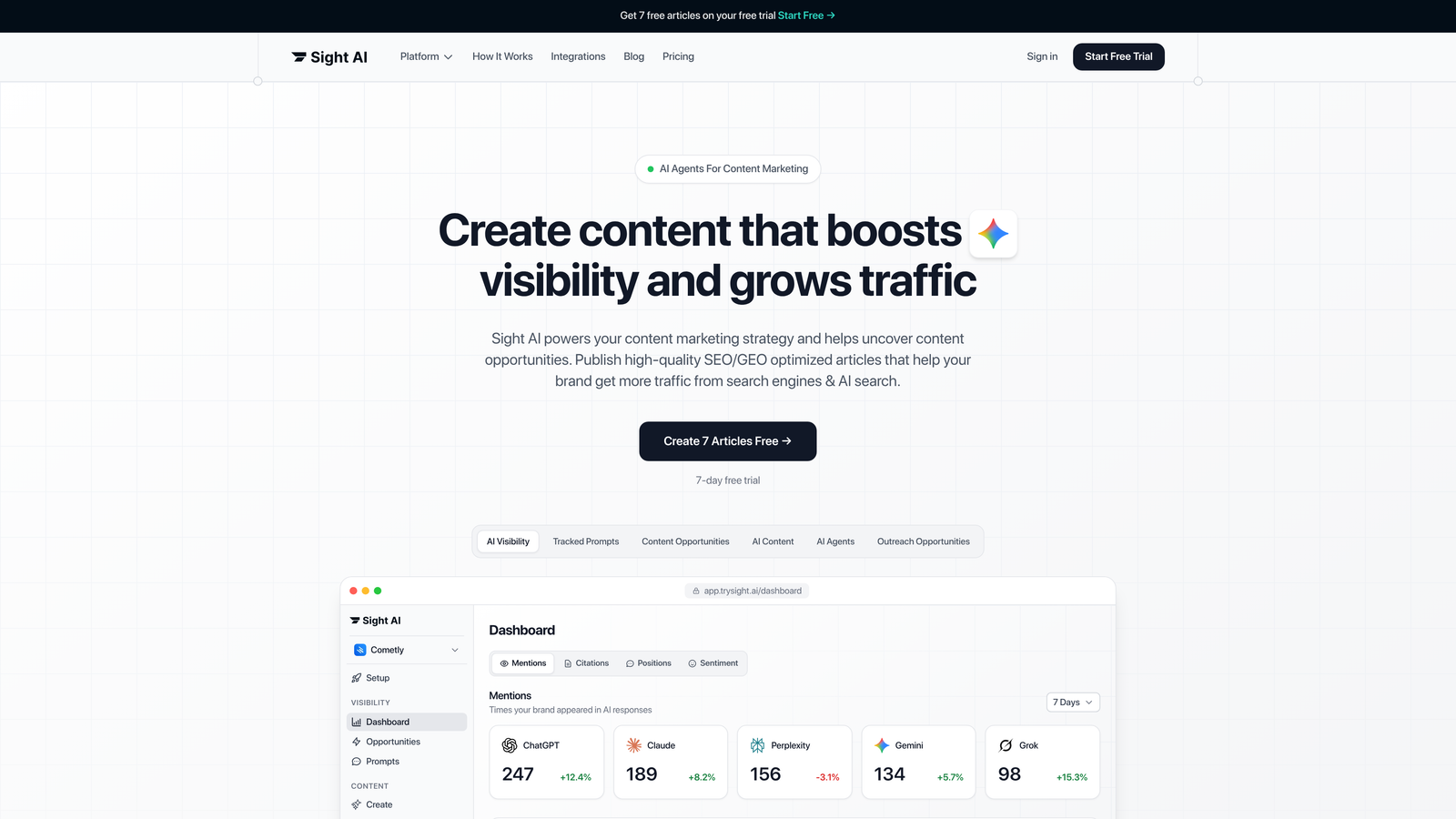
Sight AI combines content generation, publishing automation, and AI visibility monitoring in a single platform designed for modern SEO workflows.
Where This Tool Shines
Sight AI stands out by addressing the entire content hub lifecycle—from creation to distribution to tracking how AI models reference your content. The platform deploys 13+ specialized AI agents that understand different content formats, whether you're building pillar pages, cluster articles, or supporting listicles.
The automatic IndexNow integration ensures your content gets discovered by search engines faster than traditional crawling methods. When you publish a new piece of hub content, IndexNow notifies search engines immediately, accelerating the indexing process and getting your topical authority signals out there sooner.
Key Features
13+ Specialized AI Agents: Different agents handle pillar pages, cluster content, listicles, and explainers with format-specific optimization.
Automatic IndexNow Integration: Notifies search engines immediately when you publish new hub content for faster discovery.
Direct CMS Auto-Publishing: Publishes directly to WordPress and other platforms without manual copy-paste workflows.
AI Visibility Tracking: Monitors how ChatGPT, Claude, Perplexity, and other AI models mention your brand and content.
SEO/GEO Optimization: Content optimized for both traditional search engines and generative AI platforms.
Best For
Marketing teams and agencies building content hubs at scale who want to combine AI-powered content creation with visibility tracking. Particularly valuable if you're focused on getting mentioned by AI models while building traditional topical authority.
Pricing
Contact for pricing; free trial available to test the platform's AI agents and publishing workflow.
2. HubSpot Content Hub
Best for: Enterprise marketing teams needing native topic cluster tools with CRM integration.
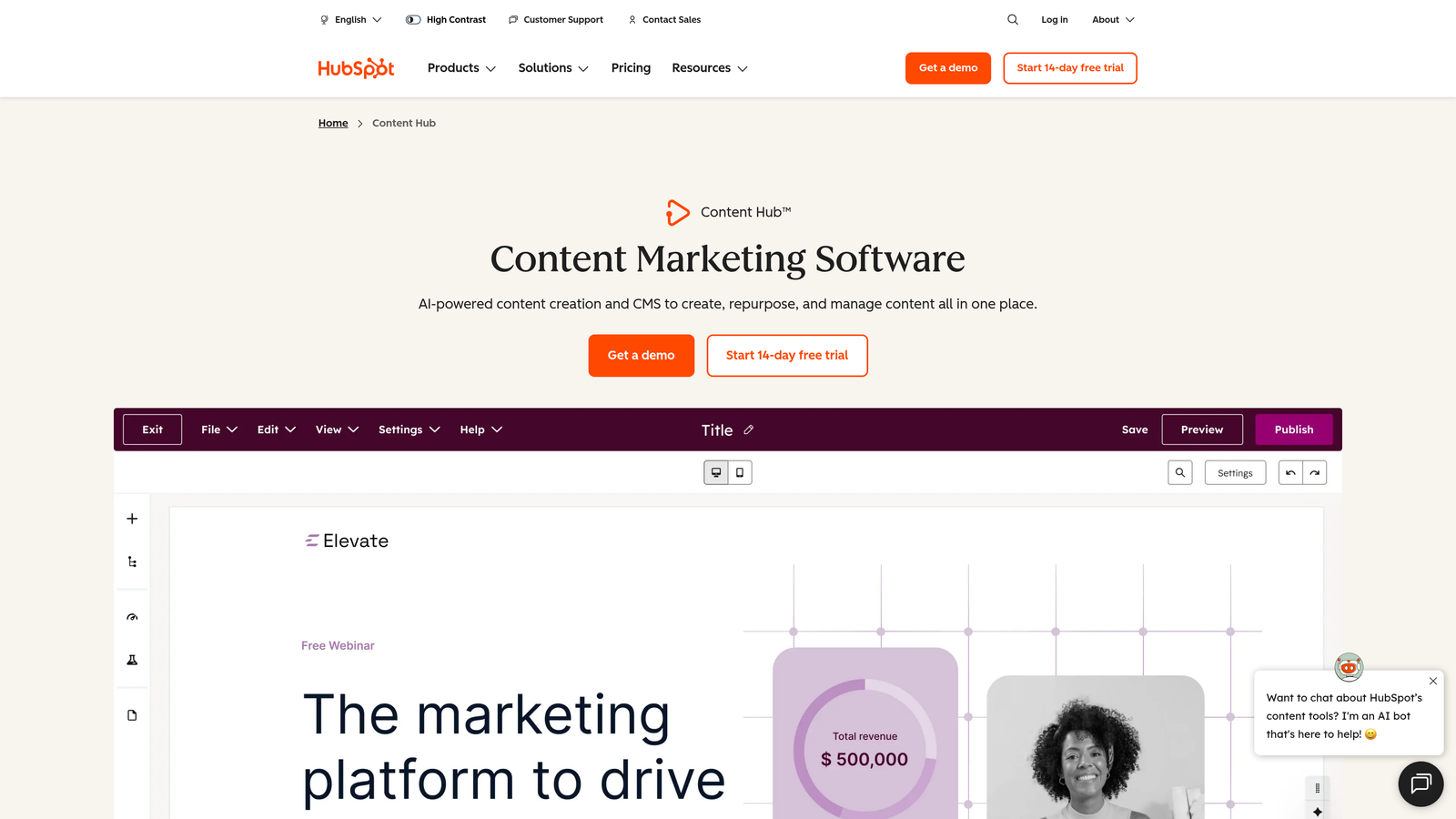
HubSpot Content Hub is an all-in-one marketing platform with built-in content hub features that connect directly to lead generation and customer data.
Where This Tool Shines
HubSpot's native topic cluster functionality eliminates the need for separate plugins or workarounds. You can map pillar pages to cluster content directly in the platform, and the system automatically handles internal linking suggestions based on your content relationships.
The CRM integration creates a powerful feedback loop. You can see which hub content drives conversions, track how leads interact with different topic clusters, and use that data to refine your content strategy. This connection between content performance and revenue metrics sets HubSpot apart from pure content tools.
Key Features
Built-in Topic Cluster Tools: Native pillar page and cluster content organization without additional plugins.
SEO Recommendations: Real-time suggestions integrated directly into the content editor as you write.
CRM Integration: Connects content performance to lead data and revenue metrics.
A/B Testing: Test different hub layouts and content approaches to optimize engagement.
Multi-Channel Publishing: Distribute hub content across website, email, and social from one platform.
Best For
Marketing teams already using HubSpot for CRM or email marketing who want to consolidate their content hub within the same ecosystem. Best suited for B2B companies focused on content-driven lead generation.
Pricing
Free tier available with basic features; paid plans start at $20/month and scale to enterprise pricing for advanced hub features.
3. Webflow
Best for: Design-centric teams wanting complete visual control over hub structure and layout.
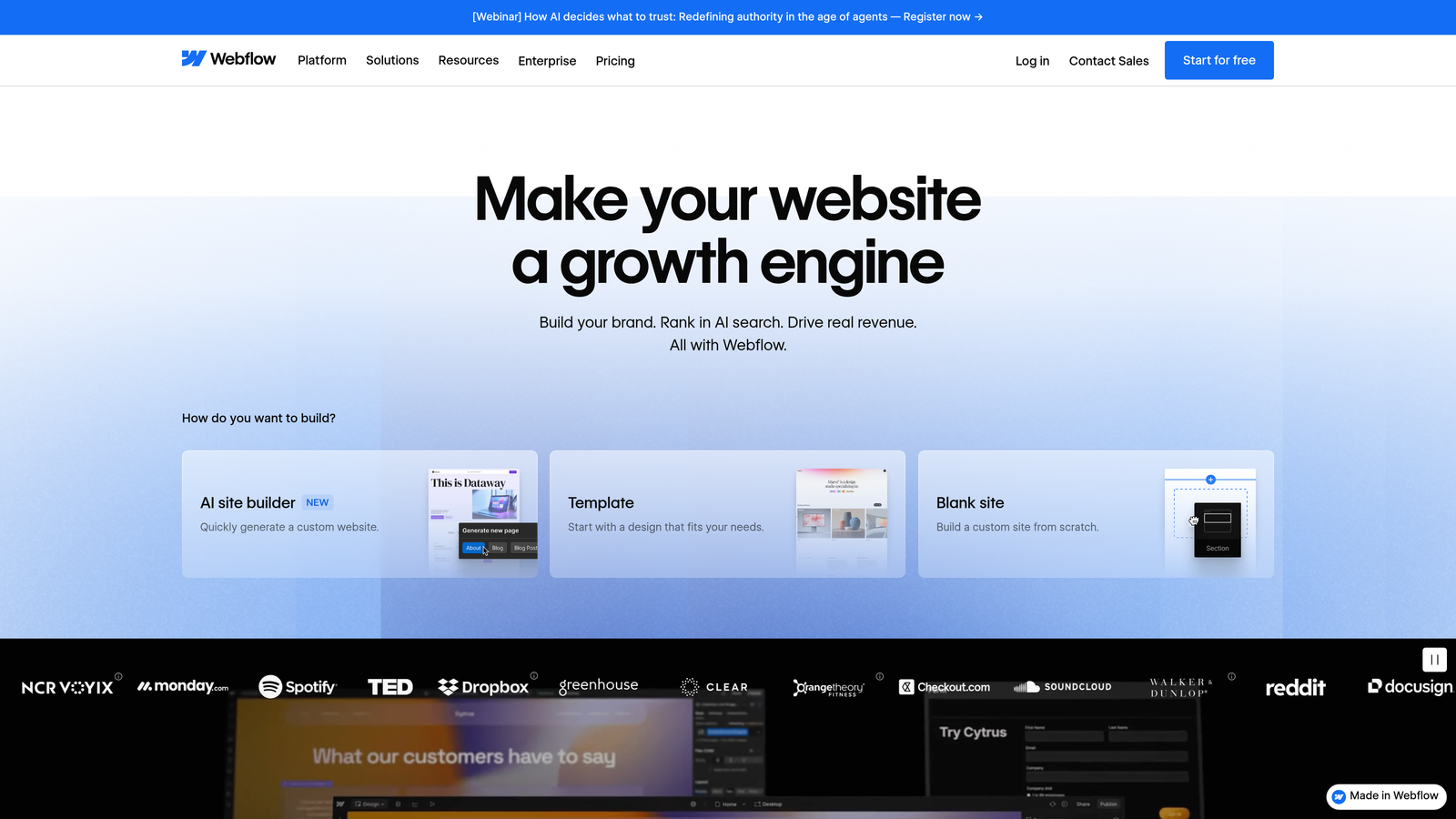
Webflow is a visual website builder with a powerful CMS that lets designers create custom content hub architectures without writing code.
Where This Tool Shines
Webflow gives you pixel-perfect control over how your content hub looks and functions. Unlike template-based systems, you can design custom layouts for pillar pages, create unique navigation patterns for different topic clusters, and build interactive elements that enhance user experience.
The visual CMS means you can set up custom content structures that match your specific hub architecture. Define relationships between pillar pages and cluster content, create custom fields for SEO metadata, and build dynamic collection pages that automatically organize content by topic—all through a visual interface.
Key Features
Visual CMS: Build custom content structures and relationships without database configuration.
Full Design Control: Create unique layouts for different content types within your hub.
Custom URL Hierarchies: Design SEO-friendly URL structures that reflect your hub organization.
Native Hosting with CDN: Fast global content delivery without managing separate hosting.
Responsive Design Tools: Ensure your hub works perfectly across all devices.
Best For
Design-focused teams, agencies, and brands that prioritize visual presentation and user experience. Ideal if you have design resources but limited backend development capabilities.
Pricing
Free tier for basic sites; CMS plans start at $29/month with increasing limits on CMS items and traffic.
4. WordPress with Jenga
Best for: Existing WordPress sites needing visual hub organization and topic clustering.
Jenga is a WordPress plugin that adds visual content hub organization to your existing WordPress installation without migrating platforms.
Where This Tool Shines
Jenga solves a common WordPress challenge: organizing content into clear topic clusters without manually managing complex category structures or custom taxonomies. The drag-and-drop interface lets you visually map pillar pages to cluster content, creating clear content relationships that both users and search engines can follow.
The automatic internal linking suggestions analyze your existing content and recommend strategic links between related pieces. This saves hours of manual work while ensuring your hub architecture is properly interconnected for SEO value.
Key Features
Drag-and-Drop Hub Organization: Visual interface for mapping content relationships without code.
Topic Cluster Mapping: Clear visualization of pillar pages and their supporting cluster content.
Theme Compatibility: Works with existing WordPress themes without requiring custom development.
Internal Linking Suggestions: AI-powered recommendations for strategic content connections.
Hub Navigation Widgets: Pre-built navigation elements for displaying hub structure to visitors.
Best For
WordPress users who want to organize existing content into hubs without migrating to a new platform. Perfect for blogs and content sites ready to implement topic cluster strategies.
Pricing
Free version with basic features; Pro version starts at $99/year with advanced clustering and analytics.
5. Contentful
Best for: Development teams needing API-first flexibility for custom hub architectures.
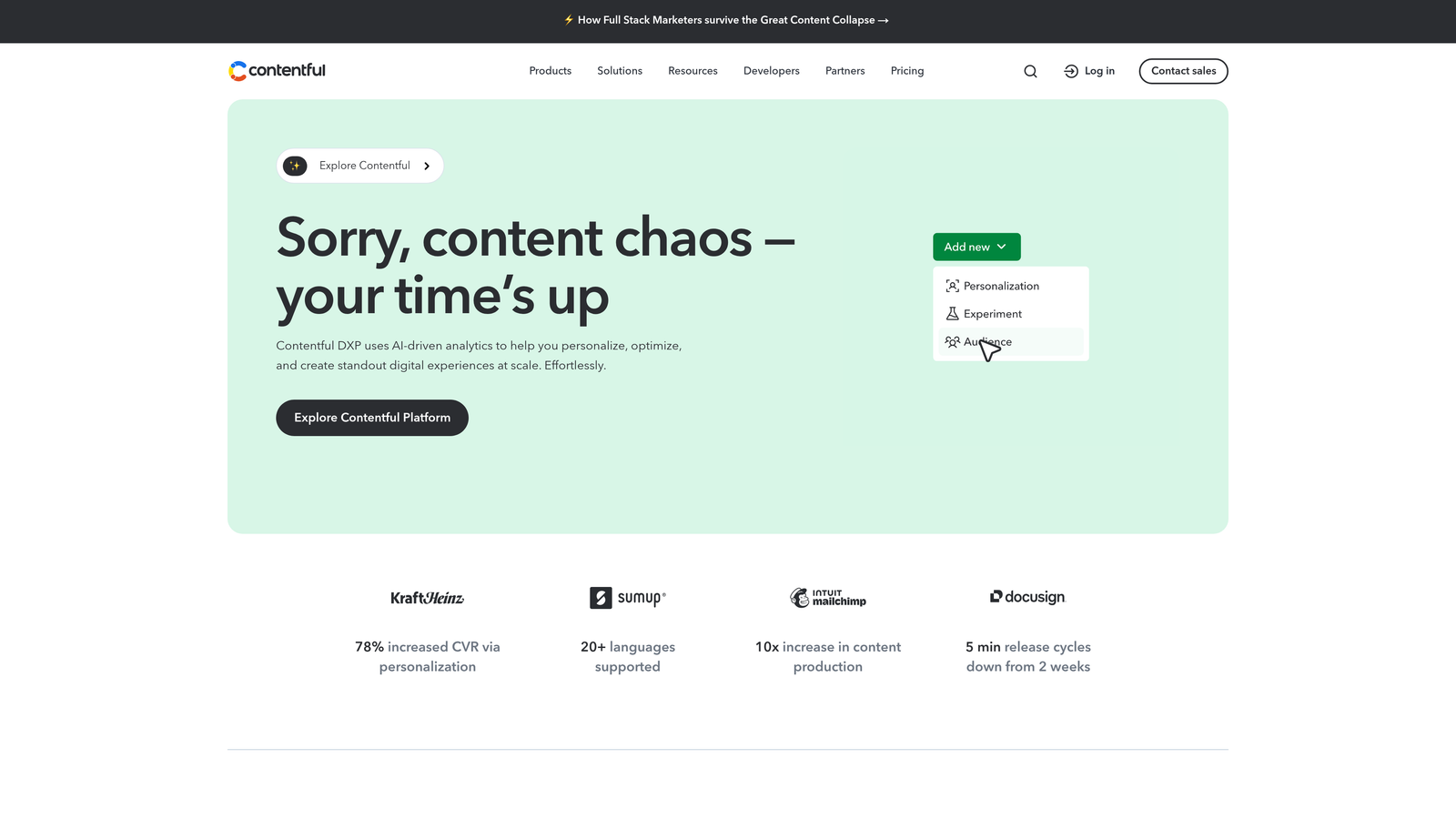
Contentful is a headless CMS that delivers content via API, giving developers complete freedom to build custom content hub experiences.
Where This Tool Shines
Contentful's API-first approach means you can build content hubs that span multiple channels—website, mobile app, voice assistants, or any platform with an internet connection. Your content structure lives independently of your presentation layer, making it easy to repurpose hub content across different experiences.
The custom content modeling capabilities let you define exactly how your hub content relates. Create reference fields between pillar pages and cluster content, build taxonomies that match your topic architecture, and structure metadata in ways that support your specific SEO strategy.
Key Features
API-First Content Delivery: Deliver hub content to any platform via flexible APIs.
Custom Content Modeling: Define content structures that match your hub architecture precisely.
Multi-Channel Publishing: Publish from a single content source to web, mobile, and emerging platforms.
Developer Ecosystem: Extensive integrations and tools for custom implementations.
Version Control: Track content changes and maintain multiple versions of hub content.
Best For
Technical teams and enterprises that need complete flexibility in how content hubs are built and delivered. Best suited for organizations with development resources and multi-channel content strategies.
Pricing
Free tier for small projects; Team plans start at $489/month with enterprise options for larger implementations.
6. MarketMuse
Best for: Strategic content planning with AI-powered topic modeling and gap analysis.
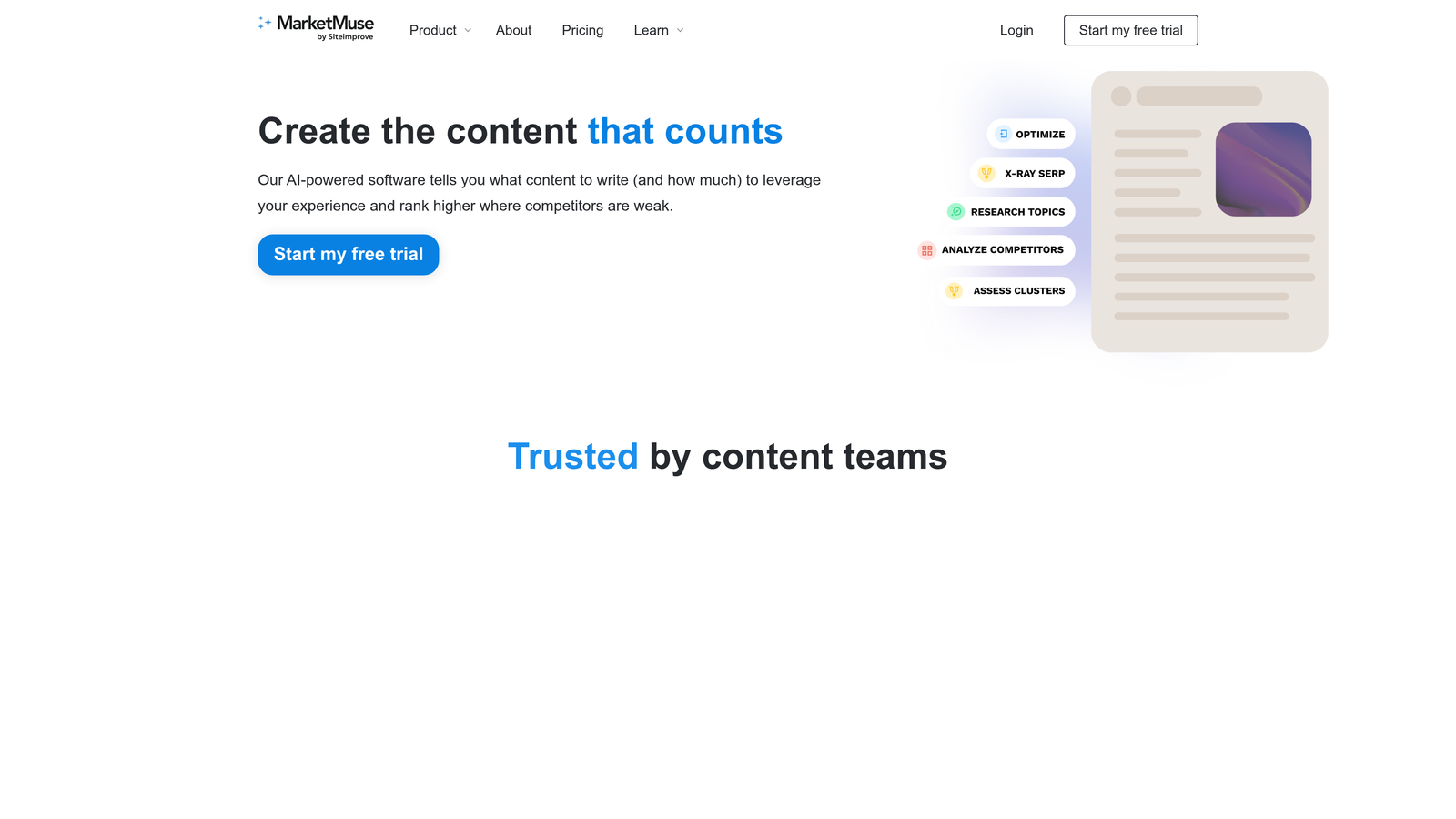
MarketMuse is a content intelligence platform that uses AI to plan content hub architecture, identify topic gaps, and generate detailed content briefs.
Where This Tool Shines
MarketMuse excels at the strategic planning phase of content hub creation. The AI analyzes your existing content and competitive landscape to identify which topics you should cover, how deeply to cover them, and which content gaps are costing you topical authority.
The automated content briefs transform strategic insights into actionable writing guidelines. When you're ready to create cluster content, MarketMuse generates detailed briefs that specify which subtopics to cover, suggested word counts, and semantic keywords to include—ensuring every piece of hub content contributes to your overall topical authority.
Key Features
AI-Powered Topic Modeling: Analyzes topic relationships to plan comprehensive hub architecture.
Content Gap Analysis: Identifies missing topics and opportunities within your content hub.
Automated Content Briefs: Generates detailed writing guidelines for cluster content creation.
Competitive Analysis: Shows how your hub stacks up against competitors' topical coverage.
Content Scoring: Evaluates how well each piece contributes to topical authority.
Best For
Content strategists and editorial teams focused on building comprehensive topical authority through data-driven hub planning. Particularly valuable for competitive industries where thorough topic coverage matters.
Pricing
Free tier with limited features; Standard plans start at $149/month with Team and Premium options for larger content operations.
7. Notion
Best for: Collaborative content hub planning and editorial workflow management.
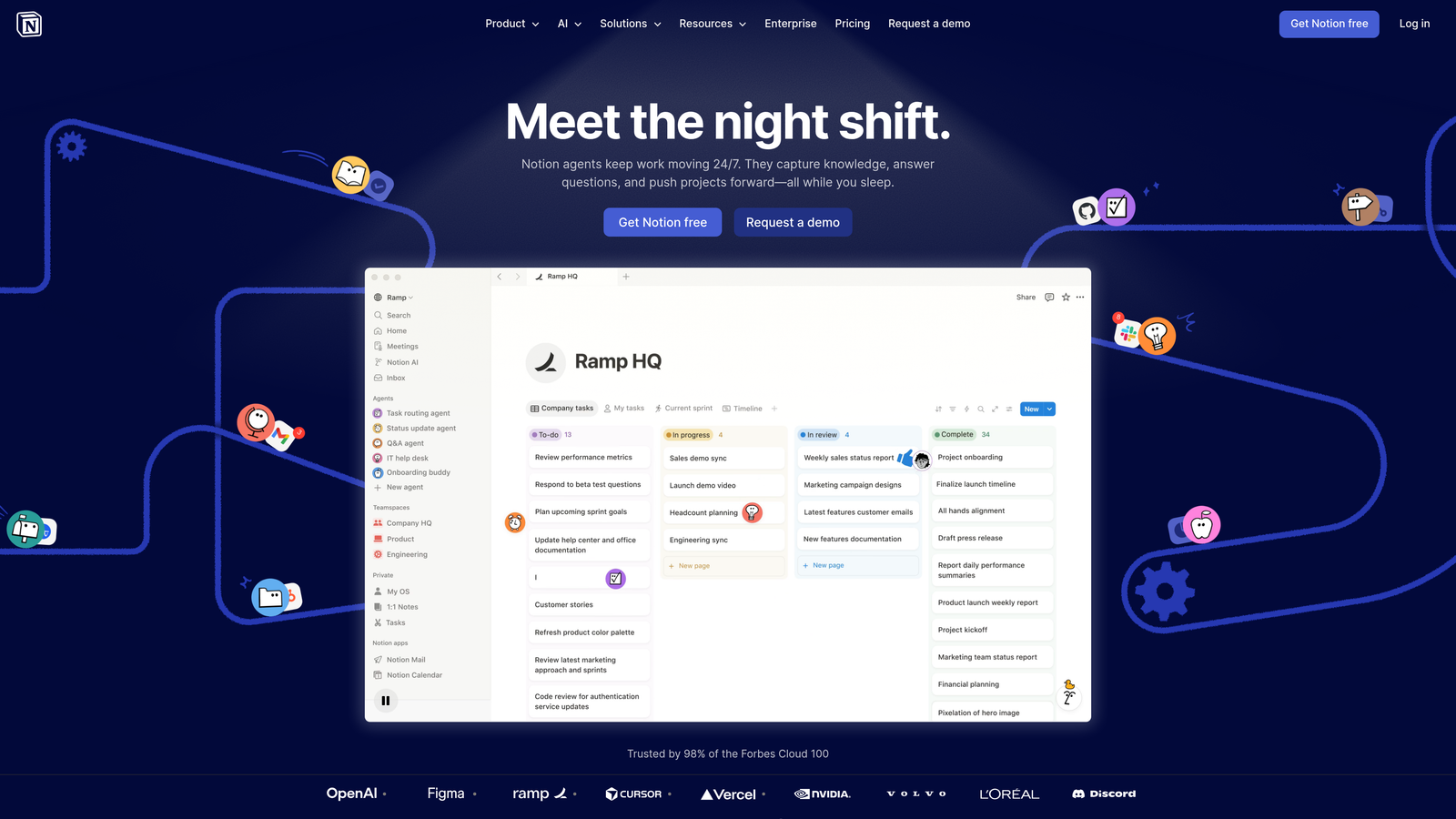
Notion is a flexible workspace that many content teams use for planning hub architecture, managing editorial calendars, and organizing content relationships.
Where This Tool Shines
Notion's database-driven approach makes it surprisingly powerful for content hub planning. You can create databases that represent your pillar pages and cluster content, link related pieces together, and view your hub architecture from multiple perspectives—kanban board for editorial workflow, table view for content inventory, or gallery view for visual organization.
The real-time collaboration features keep entire teams aligned on hub strategy. Writers can see which cluster content is assigned to them, editors can track progress across multiple topic clusters, and strategists can visualize the entire hub architecture in one workspace.
Key Features
Database-Driven Organization: Create linked databases that represent hub content relationships.
Custom Views: Switch between kanban, table, calendar, and gallery views for different workflows.
Real-Time Collaboration: Multiple team members can work in the same workspace simultaneously.
Content Templates: Build reusable templates for pillar pages, cluster content, and content briefs.
Flexible Hierarchies: Nest pages and databases to mirror your hub structure.
Best For
Content teams that need a collaborative planning workspace before publishing to their actual CMS. Works well as a content operations hub that sits above your publishing platform.
Pricing
Free for individuals; Plus plans start at $10/user/month with Business and Enterprise options for larger teams.
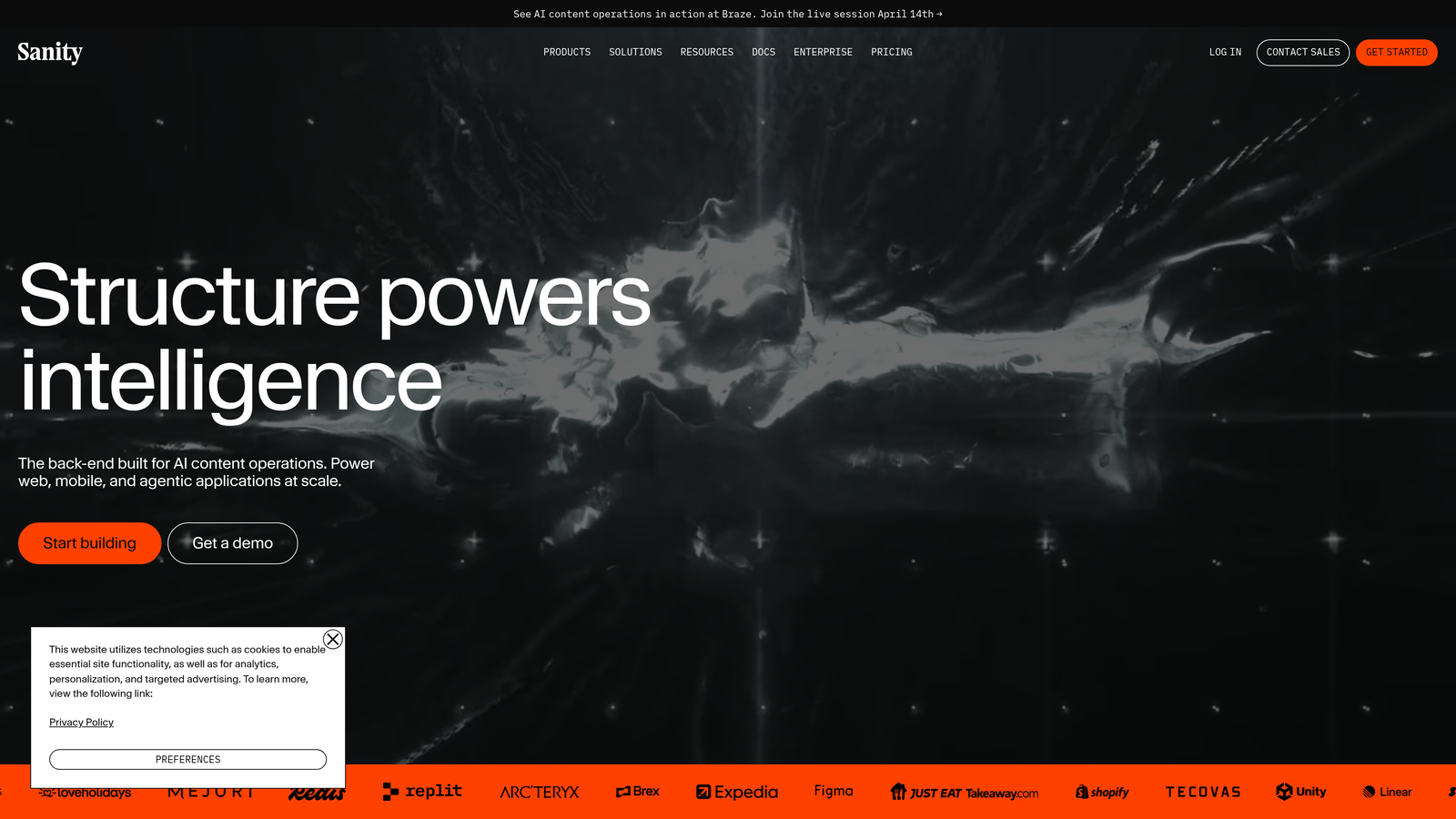
8. Sanity
Best for: Real-time collaborative editing with structured content modeling for complex hubs.
Sanity is a headless CMS with real-time collaborative editing and flexible content modeling ideal for sophisticated content hub relationships.
Where This Tool Shines
Sanity's real-time collaborative editing means multiple team members can work on hub content simultaneously without conflicts or overwrites. Writers, editors, and strategists see each other's changes instantly, making it easier to coordinate complex content hub launches.
The portable text format gives you structured content that works across multiple platforms while maintaining semantic meaning. When you create pillar pages or cluster content, the structured approach ensures consistent formatting and makes it easier to repurpose hub content across different channels.
Key Features
Real-Time Collaborative Editing: Multiple users can edit hub content simultaneously with instant updates.
Portable Text: Structured content format that maintains semantic meaning across platforms.
Custom Content Schemas: Define content structures that match your hub architecture precisely.
Generous Free Tier: Substantial free usage limits for smaller content operations.
Developer-Friendly: React-based studio with extensive customization options.
Best For
Technical teams building complex content hubs that require real-time collaboration and structured content. Best suited for organizations with development resources and multi-platform content strategies.
Pricing
Generous free tier with 3 users and 10k documents; Team plans start at $99/month with enterprise options available.
9. Uberflip
Best for: B2B content experience platforms with personalized buyer journey hubs.
Uberflip organizes content into streams and hubs tailored to different buyer segments and stages of the customer journey.
Where This Tool Shines
Uberflip approaches content hubs from a buyer journey perspective rather than pure SEO. You can create different content streams for different personas or buying stages, ensuring each visitor sees the most relevant hub content for their needs.
The engagement analytics go beyond pageviews to show how prospects interact with your content hub. Track which content sequences drive conversions, see where buyers drop off in their journey, and use that data to optimize your hub architecture for business outcomes rather than just traffic.
Key Features
Content Stream Organization: Group hub content into personalized streams by buyer segment or journey stage.
Personalization by Buyer Segment: Show different hub experiences based on prospect characteristics.
Engagement Analytics: Track how prospects interact with content hubs throughout the buying journey.
Sales Enablement Integrations: Connect hub content to sales tools for account-based marketing.
Content Aggregation: Pull content from multiple sources into unified hub experiences.
Best For
B2B marketing teams focused on account-based marketing and personalized buyer journeys. Particularly valuable for complex sales cycles where content plays a major role in nurturing prospects.
Pricing
Custom pricing based on company size and requirements; contact Uberflip for a quote tailored to your needs.
Finding Your Content Hub Solution
The right content hub software depends on your specific workflow and goals. Sight AI works well for teams that want AI-assisted content creation combined with automatic publishing and visibility tracking across AI platforms. HubSpot makes sense if you're already invested in their marketing ecosystem and want native topic cluster tools connected to lead data.
For design-centric teams that prioritize visual control, Webflow delivers pixel-perfect hub layouts without requiring backend development. MarketMuse excels at the strategic planning phase, helping you identify content gaps and plan comprehensive topic coverage before you start creating.
If you're on WordPress and want to avoid platform migration, Jenga adds visual hub organization to your existing site. Technical teams building custom experiences should consider headless options like Contentful or Sanity, which offer API-first flexibility for multi-channel content delivery.
Most teams benefit from combining tools—using MarketMuse for strategic planning, Notion for collaborative workflow management, and platforms like Sight AI or HubSpot for actual content creation and publishing. The key is matching each tool's strengths to your specific content hub challenges.
Stop guessing how AI models like ChatGPT and Claude talk about your brand—get visibility into every mention, track content opportunities, and automate your path to organic traffic growth. Start tracking your AI visibility today and see exactly where your brand appears across top AI platforms.