Startups face a brutal content paradox: you need consistent, high-quality content to build organic traffic and brand awareness, but you lack the budget for a full content team. Content automation tools solve this by handling the repetitive work—research, drafting, scheduling, distribution—so your lean team can focus on strategy and growth.
This guide covers top tools specifically suited for startup constraints: limited budgets, small teams, and the need for rapid scaling. We evaluated each based on ease of setup, pricing flexibility, output quality, and integration capabilities. Whether you need AI-powered writing, social scheduling, or end-to-end content workflows, you'll find options that match your stage and goals.
1. Sight AI
Best for: Startups focused on AI visibility and organic search growth
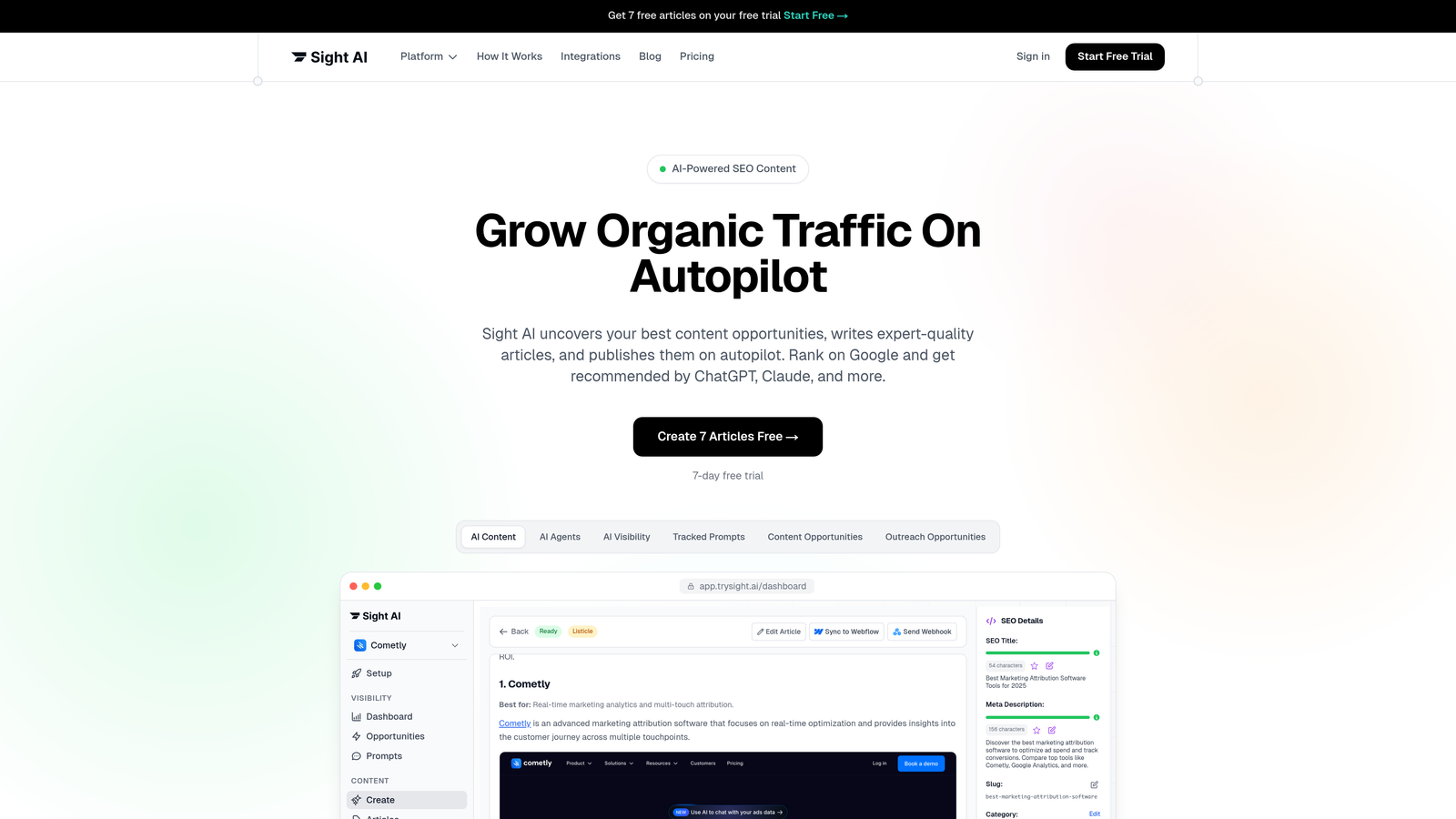
Sight AI is an AI-powered content platform that combines SEO/GEO content generation, AI visibility tracking, and automated website indexing in one unified system.
Where This Tool Shines
The platform addresses a critical gap most startups miss: understanding how AI models like ChatGPT, Claude, and Perplexity talk about your brand. You get an AI Visibility Score that tracks brand mentions across six platforms, plus sentiment analysis and prompt tracking to identify content opportunities.
What sets Sight AI apart is the integration between visibility tracking and content creation. When you spot gaps in AI coverage, the platform's 13 specialized AI agents can generate optimized content to fill those gaps. The Autopilot mode handles the entire workflow—research, writing, optimization, and publishing—without constant oversight.
Key Features
AI Visibility Tracking: Monitor how ChatGPT, Claude, Perplexity, and other AI models mention your brand with sentiment analysis.
13+ Specialized AI Agents: Different agents handle listicles, guides, explainers, and other content types with format-specific optimization.
Autopilot Mode: Hands-off content generation that researches, drafts, optimizes, and publishes without manual intervention.
IndexNow Integration: Automatically submits new content to search engines for faster discovery and indexing.
CMS Auto-Publishing: Direct publishing to your website with automatic sitemap updates and metadata optimization.
Best For
Startups building organic traffic through content marketing who want to track AI search presence while automating the entire content pipeline. Particularly valuable if you're targeting both traditional SEO and emerging AI-powered search channels.
Pricing
Contact for startup-specific pricing. The platform combines multiple tools (content generation, visibility tracking, indexing) that would typically require separate subscriptions.
2. Jasper
Best for: Teams needing enterprise-grade AI writing with brand consistency
Jasper is an AI writing assistant with brand voice training and team collaboration features for consistent content at scale.

Where This Tool Shines
Jasper's brand voice training sets it apart from generic AI writers. You feed it your existing content, style guides, and tone preferences, then the AI learns to write in your specific voice. This matters when you have multiple team members creating content—everyone sounds consistent.
The platform works well for startups transitioning from founder-written content to team-based production. The approval workflows and team workspaces prevent the chaos that comes with rapid scaling. You maintain quality control without becoming a bottleneck.
Key Features
Brand Voice Training: AI learns your specific writing style, terminology, and tone from existing content samples.
50+ Content Templates: Pre-built formats for blog posts, social media, emails, product descriptions, and ad copy.
Chrome Extension: Write AI-assisted content anywhere you work, from Google Docs to your CMS.
Team Workspaces: Collaborative editing with approval workflows and version control for multi-person content teams.
Surfer SEO Integration: Built-in SEO optimization scoring without switching between tools.
Best For
Startups with multiple content creators who need consistent brand voice across all output. Works well if you're producing high volumes of marketing copy, blog content, and social media posts simultaneously.
Pricing
Creator plan starts at $49/month for one user with unlimited AI-generated words. Team plans scale up from there based on seats and features.
3. Surfer SEO
Best for: Data-driven content optimization focused on search rankings
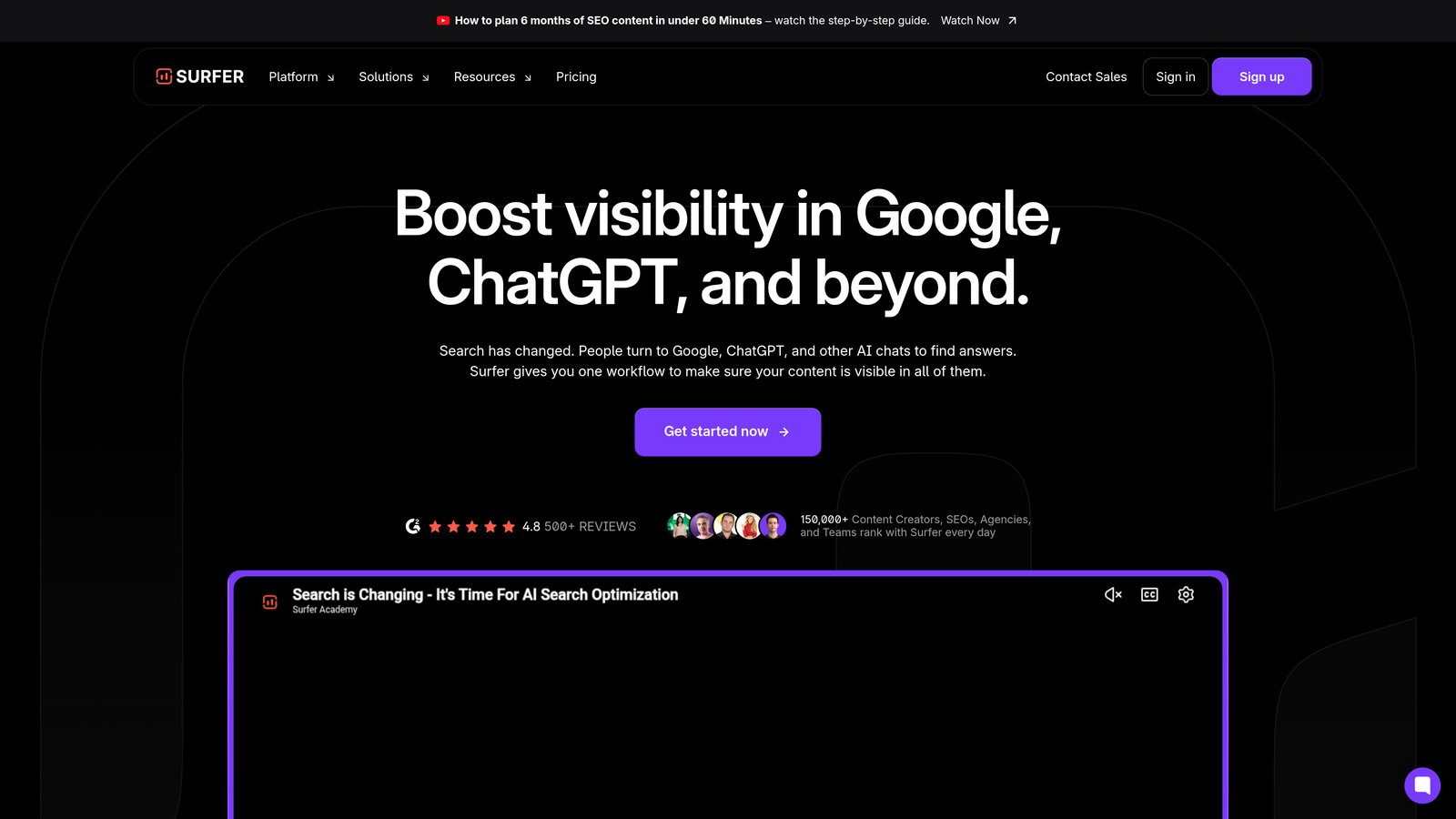
Surfer SEO is a content optimization tool that analyzes top-ranking pages and provides real-time scoring for SEO-focused content creation.
Where This Tool Shines
Surfer takes the guesswork out of SEO content. You enter your target keyword, and the platform analyzes the top 50 ranking pages to identify patterns in word count, keyword usage, heading structure, and semantic terms. The Content Editor then scores your draft in real-time as you write.
The keyword clustering feature helps startups with limited resources prioritize content. Instead of writing 20 separate articles, you discover which keywords can be combined into comprehensive pieces that rank for multiple terms. This dramatically reduces the content volume needed to build topical authority.
Key Features
Content Editor with Live Scoring: Real-time feedback on SEO optimization as you write, with specific suggestions for improvement.
SERP Analyzer: Competitive insights showing exactly what's ranking for your target keywords and why.
AI Outline Generator: Automatically creates content structures based on top-ranking pages for your keyword.
Keyword Clustering: Groups related keywords to identify content consolidation opportunities and reduce redundant articles.
Google Docs and WordPress Integration: Write directly in your preferred environment with Surfer's optimization sidebar.
Best For
Startups where organic search is the primary acquisition channel and you need every piece of content to rank. Most valuable when you have limited content resources and can't afford to publish articles that don't perform.
Pricing
Essential plan starts at $89/month for 30 articles. Includes Content Editor, SERP Analyzer, and keyword research tools.
4. Buffer
Best for: Simple social media scheduling with startup-friendly pricing
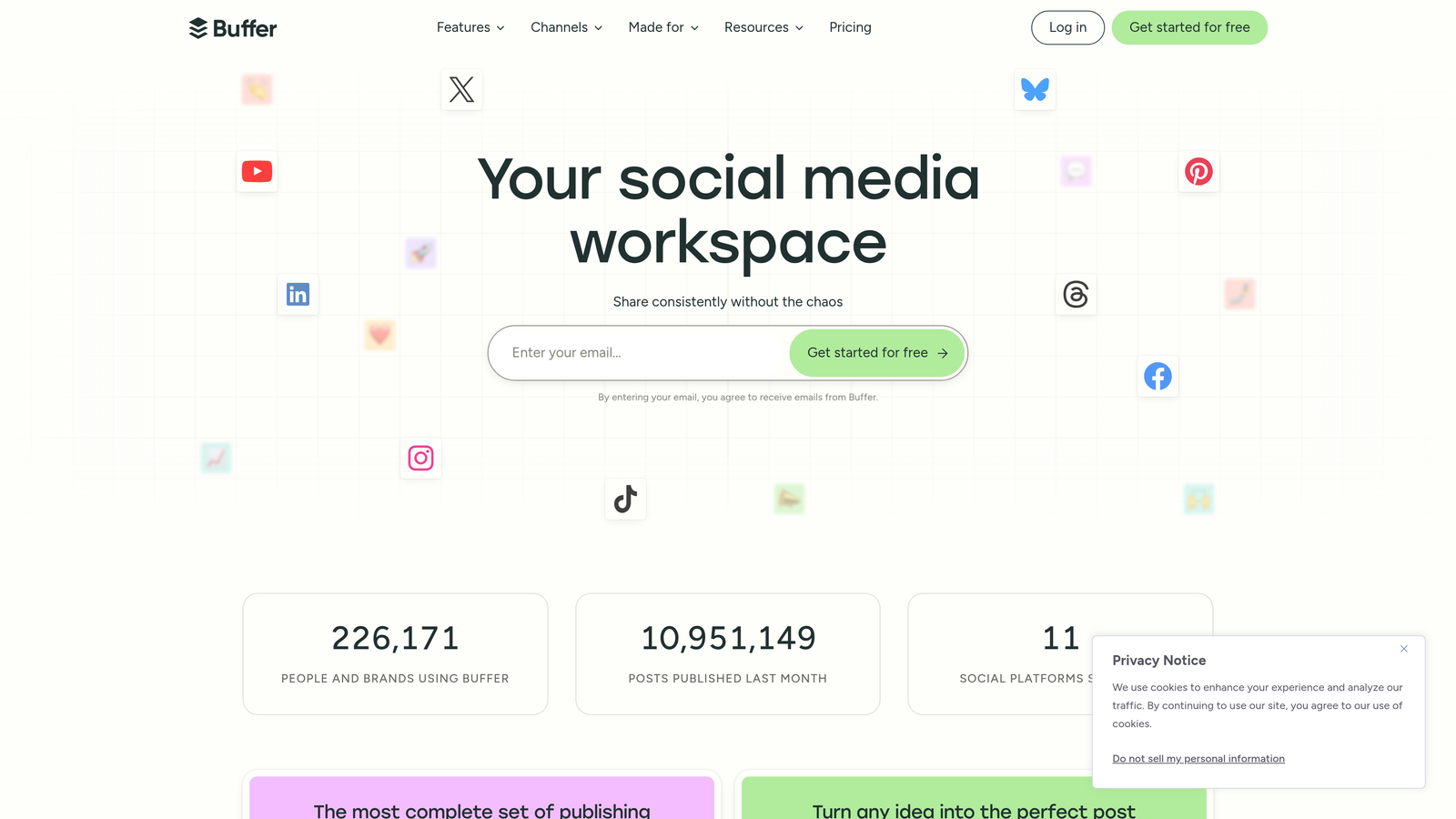
Buffer is a social media scheduling and analytics platform built for simplicity, offering intuitive content calendar management across multiple platforms.
Where This Tool Shines
Buffer's strength is its refusal to overcomplicate social media management. You get a clean calendar view, drag-and-drop scheduling, and straightforward analytics without the enterprise bloat of tools like Hootsuite or Sprout Social. For startups, this means zero learning curve—your team is productive on day one.
The AI Assistant feature generates caption variations and suggests optimal posting times based on your audience engagement patterns. This matters when you're repurposing blog content across platforms and need platform-specific copy quickly. The link-in-bio landing pages also eliminate the need for separate tools like Linktree.
Key Features
Multi-Platform Scheduling: Manage Instagram, X, LinkedIn, Facebook, TikTok, and Pinterest from one calendar.
AI Assistant: Generate caption variations, hashtag suggestions, and post ideas based on your content.
Engagement Analytics: Track reach, engagement, and click-through rates with visual dashboards.
Link-in-Bio Pages: Create customizable landing pages for Instagram and TikTok bio links.
Team Collaboration: Assign posts, leave comments, and manage approval workflows for distributed teams.
Best For
Startups with active social presence across multiple platforms who need consistent posting without dedicated social media managers. Works particularly well for content-driven companies repurposing blog posts and thought leadership.
Pricing
Free plan available for basic scheduling. Paid plans start at $6/month per social channel, making it accessible for bootstrapped startups testing channel fit.
5. Notion AI
Best for: Teams already using Notion who want AI writing integrated into existing workflows
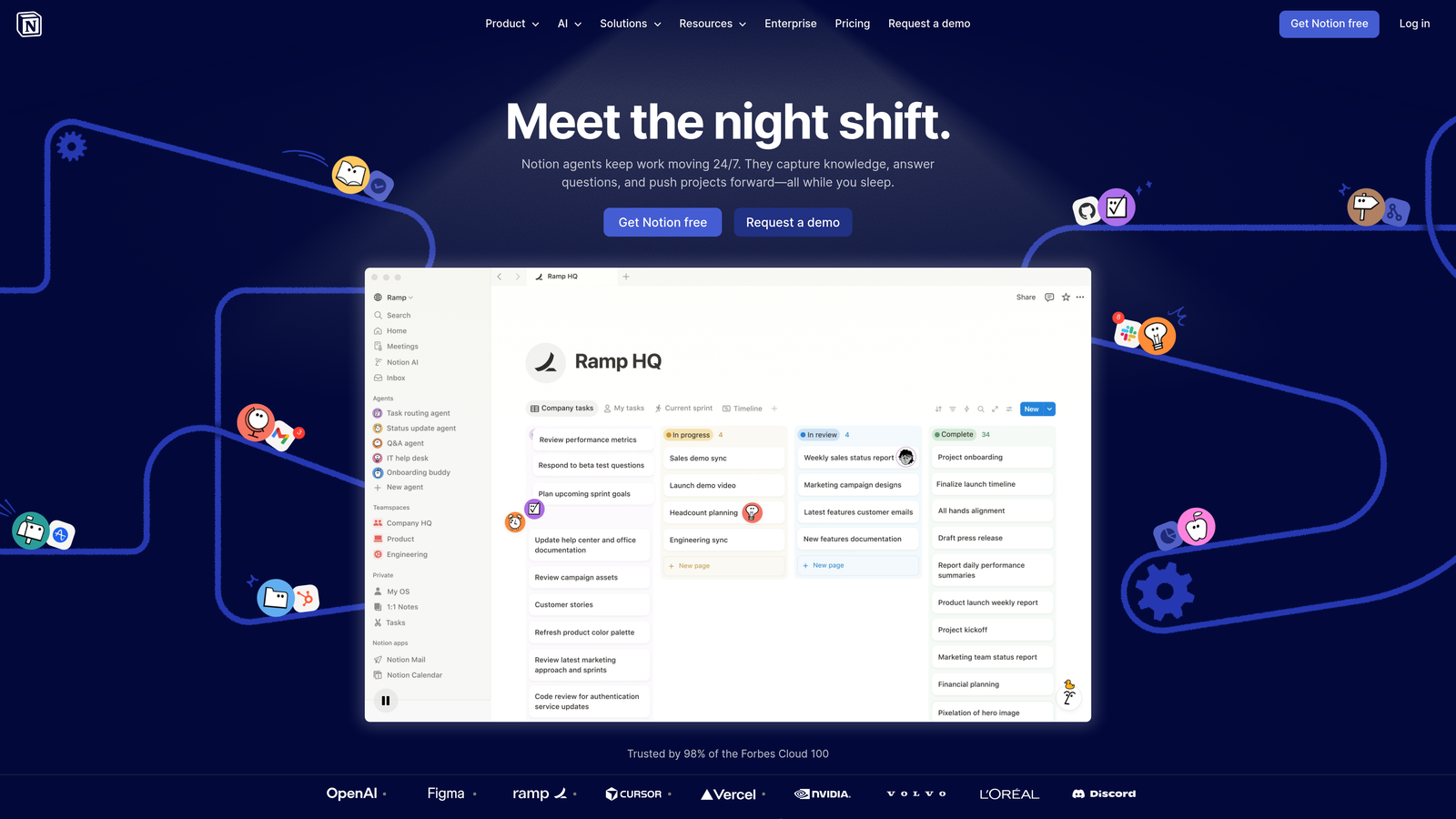
Notion AI provides AI writing, editing, and summarization capabilities built directly into Notion workspaces.
Where This Tool Shines
If your startup already runs on Notion for documentation, project management, and knowledge management, Notion AI eliminates context-switching. You're drafting content in the same workspace where you store research, manage editorial calendars, and track content performance. The AI can reference information from other pages in your workspace, creating coherence across your content ecosystem.
The summarization feature is particularly valuable for startups drowning in information. Meeting notes, research documents, and competitor analysis can be condensed instantly. You can also use it to generate different versions of the same content—turning a detailed product update into a blog post, email announcement, and social copy without leaving Notion.
Key Features
AI Writing and Editing: Draft, rewrite, improve, and adjust tone for any text block in your Notion workspace.
Content Calendar Templates: Pre-built database templates for managing editorial workflows and publication schedules.
Workspace Integration: AI can reference and summarize content from other pages in your Notion workspace.
Collaborative Editing: Real-time comments, mentions, and version history for team-based content creation.
API Access: Build custom automations connecting Notion to other tools in your content stack.
Best For
Startups that have already standardized on Notion for internal operations and want to add AI capabilities without adopting another platform. Most effective when your entire content workflow—ideation, research, drafting, editing—happens in Notion.
Pricing
Notion AI is an add-on at $10/member/month on top of your existing Notion plan. Free Notion accounts can add AI for the same per-member rate.
6. Copy.ai
Best for: High-volume short-form marketing and sales copy generation
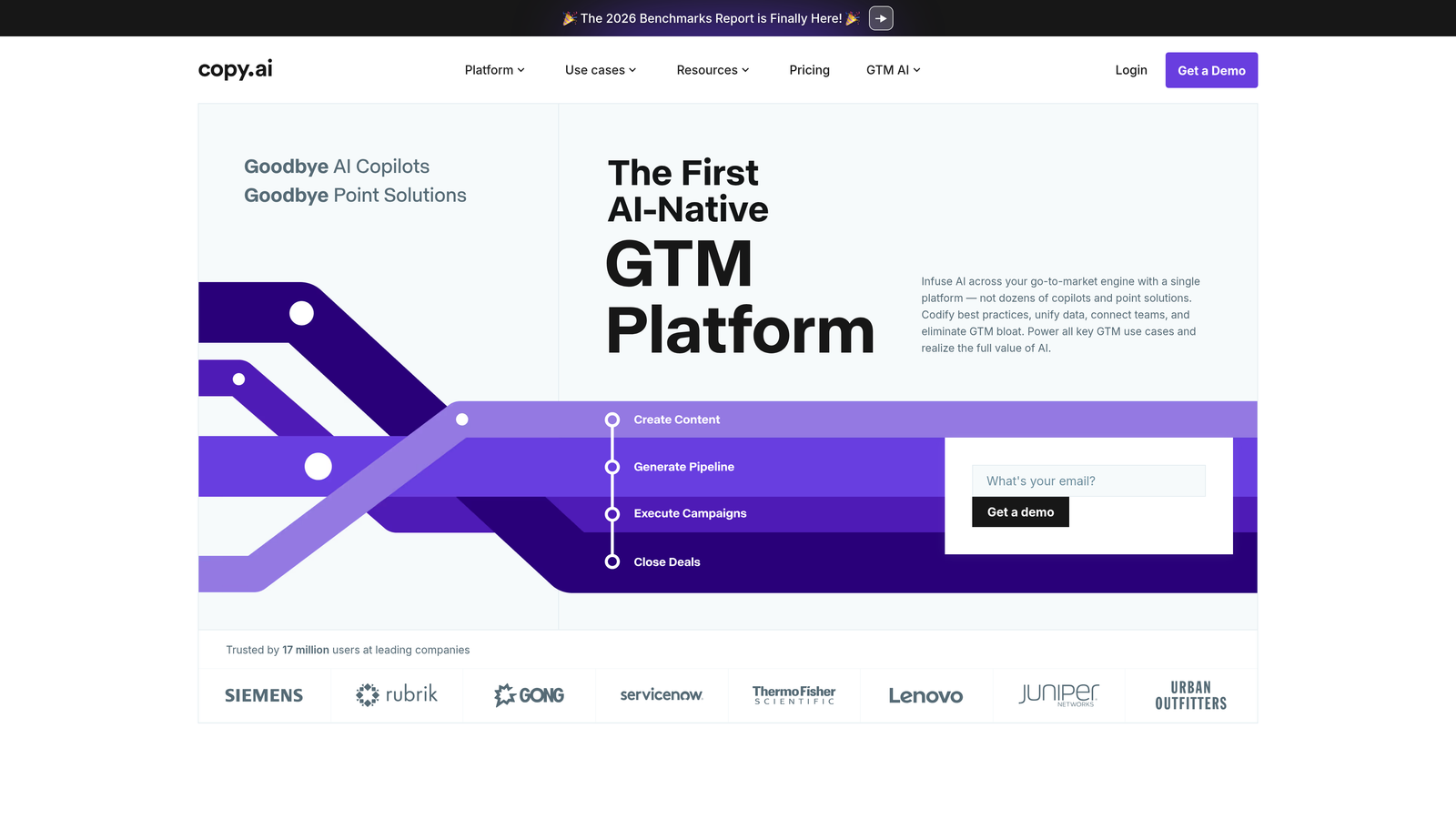
Copy.ai is an AI content platform focused on marketing and sales copy, offering pre-built workflows for common content types.
Where This Tool Shines
Copy.ai excels at the repetitive marketing copy that drains startup resources—email sequences, ad variations, product descriptions, social posts. The workflow system automates multi-step content creation processes. For example, you can build a workflow that takes a product feature list and generates landing page copy, three email variants, and five social posts in one execution.
The Infobase feature solves a common AI writing problem: generic output that doesn't reflect your specific product or market. You upload company information, product details, customer personas, and competitive positioning, then the AI references this knowledge base when generating copy. The result feels tailored rather than templated.
Key Features
Pre-Built Workflows: Automated sequences for common tasks like blog-to-social repurposing or email campaign creation.
Brand Voice Customization: Train the AI on your specific tone, terminology, and messaging preferences.
Infobase: Upload company knowledge, product details, and brand guidelines for AI to reference when writing.
API Access: Integrate Copy.ai into custom applications or connect it to other tools in your stack.
90+ Copywriting Tools: Specialized generators for headlines, CTAs, value propositions, and other marketing copy elements.
Best For
Startups running paid acquisition campaigns or email marketing programs that require constant copy variations. Particularly useful for e-commerce companies with large product catalogs needing descriptions at scale.
Pricing
Free plan available with limited credits. Pro plan starts at $49/month for unlimited words and access to all features.
7. Zapier
Best for: Connecting content tools with no-code automation workflows
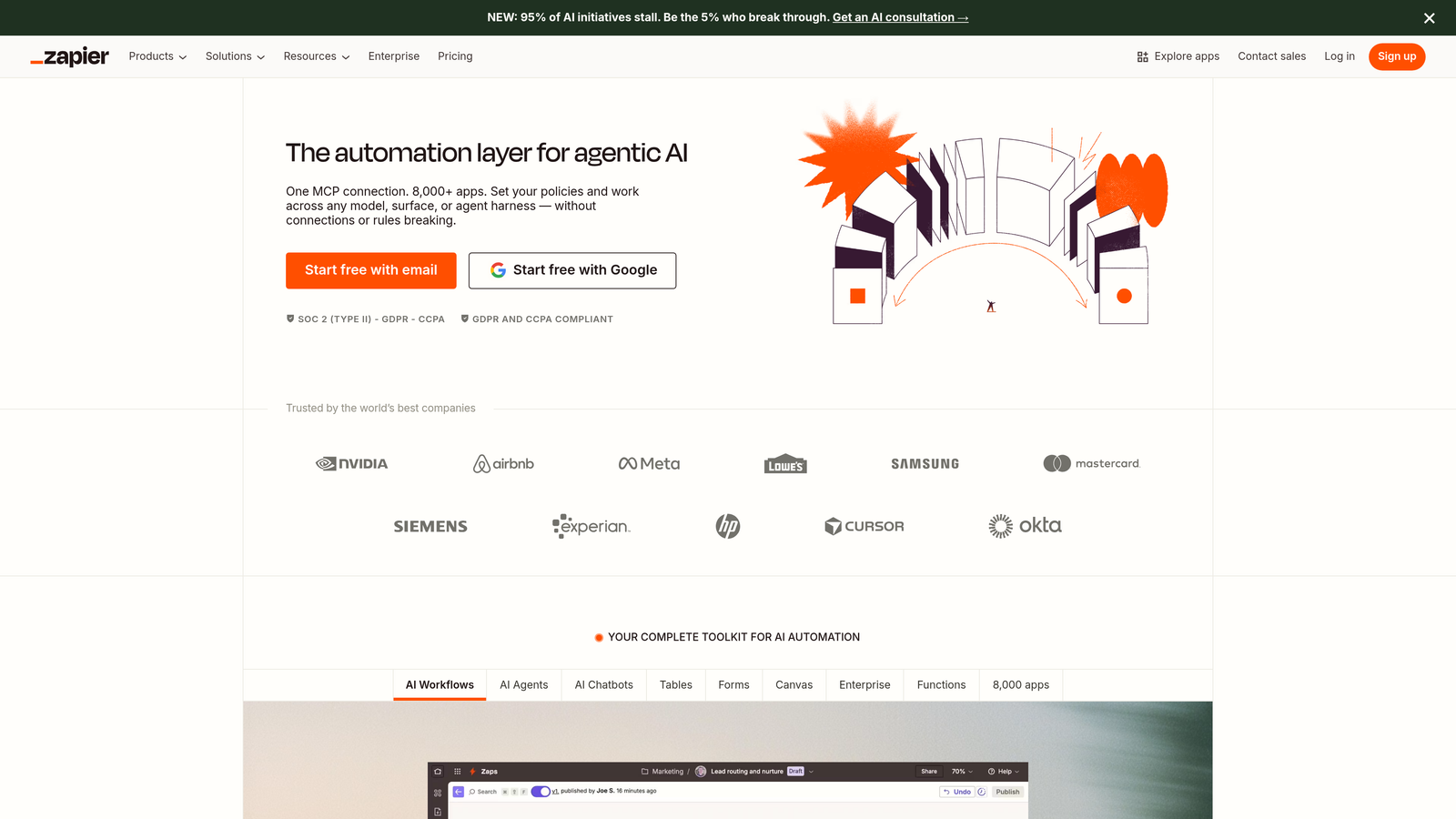
Zapier is a no-code automation platform that connects content tools and enables custom workflows between apps without developer resources.
Where This Tool Shines
Zapier's value isn't in content creation—it's in eliminating the manual busywork between your content tools. When you publish a blog post, Zapier can automatically share it to social media, add it to your email newsletter queue, update your content calendar, and notify your team in Slack. These multi-step workflows (called Zaps) run continuously without human intervention.
The platform's 6,000+ integrations mean you can connect virtually any tool in your content stack. For startups with lean teams, this multiplies productivity. One person can manage complex content distribution workflows that would typically require a dedicated operations role. The built-in AI actions also let you add content transformation steps—summarizing articles, generating social captions, or extracting key points—without separate AI tools.
Key Features
6,000+ App Integrations: Connect content tools, social platforms, CMS systems, analytics, and communication apps.
Multi-Step Workflows: Create complex automation sequences with conditional logic and branching paths.
Conditional Logic and Filters: Set rules for when automations should run based on specific triggers or data conditions.
Built-in AI Actions: Add AI-powered steps like text summarization, sentiment analysis, or content generation within workflows.
Tables: Lightweight databases for storing and managing data used in your automations.
Best For
Startups with established content workflows who want to eliminate repetitive manual tasks. Most valuable when you're using multiple specialized tools and need them to work together seamlessly without custom development.
Pricing
Free plan available for basic automations. Starter plan at $29.99/month includes 750 tasks and multi-step Zaps, which covers most startup content automation needs.
8. Canva
Best for: Visual content creation without a dedicated design team
Canva is a design platform with AI-powered features for visual content creation, offering brand consistency tools and multi-format export.
Where This Tool Shines
Canva democratizes design for startups without graphic designers. The template library covers every visual content need—social media graphics, presentation decks, infographics, video thumbnails, email headers. The Magic Resize feature is particularly valuable: create one design, then automatically adapt it to every platform's dimensions with one click. This eliminates the tedious work of manually reformatting graphics for Instagram, LinkedIn, X, and Facebook.
The Brand Kit feature ensures visual consistency even when multiple team members create graphics. Upload your logo, define brand colors and fonts, then every design automatically adheres to these guidelines. For startups scaling content production, this prevents the visual fragmentation that happens when everyone uses different colors or styles.
Key Features
Magic Resize: Automatically adapt designs to different platform dimensions and aspect ratios with one click.
Brand Kit: Store logos, colors, fonts, and templates for consistent visual identity across all content.
AI Image Generation: Create custom images from text prompts when stock photos don't fit your needs.
Video Editing: Edit short-form video content for social media with transitions, text overlays, and audio.
Team Templates: Create approved design templates that team members can customize without breaking brand guidelines.
Best For
Startups producing high volumes of visual content across multiple platforms without dedicated design resources. Especially valuable for social-first companies or content marketers who need graphics for every blog post.
Pricing
Free plan available with basic features. Pro plan at $15/month per person unlocks Brand Kit, Magic Resize, background remover, and premium templates.
9. Grammarly Business
Best for: Quality control and style consistency across distributed content teams
Grammarly Business is an AI writing assistant that enforces style guides and maintains consistent tone across all content output.
Where This Tool Shines
As startups scale content production beyond the founder, quality becomes inconsistent. Different writers have different styles, some make grammatical errors, and tone varies wildly. Grammarly Business solves this by acting as a real-time editor for everyone on your team. The custom style guide feature lets you define specific rules—preferred terminology, banned phrases, tone preferences—then Grammarly flags violations as people write.
The tone detection is particularly valuable for startups with strong brand voices. If your content should be conversational but someone drafts something overly formal, Grammarly catches it before publication. The analytics dashboard also reveals team-wide writing patterns, helping you identify training needs or areas where your style guide needs clarification.
Key Features
Custom Style Guides: Define company-specific writing rules, terminology preferences, and tone guidelines.
Tone Detection: AI analyzes how your writing sounds (formal, casual, confident, etc.) and suggests adjustments.
Plagiarism Detection: Check content against billions of web pages to ensure originality.
Team Analytics: Dashboard showing writing quality metrics, common errors, and style guide adherence across your team.
Cross-Platform Integration: Works in Google Docs, Microsoft Word, Slack, email clients, and most web-based writing tools.
Best For
Startups with multiple content creators who need to maintain consistent quality and brand voice. Most valuable when you're scaling from one or two writers to a larger distributed team producing customer-facing content.
Pricing
Starts at $15/member/month with a minimum of three members. Includes custom style guides, brand tone preferences, and team analytics.
Making the Right Choice
The right content automation stack depends on your startup's current priorities. If AI visibility and organic search are your focus, start tracking your AI visibility today with Sight AI for end-to-end content generation, visibility tracking, and automated indexing in one platform. For social-first strategies, Buffer offers the simplest path to consistent posting across platforms.
Startups with established workflows benefit most from Zapier's connectivity, eliminating manual tasks between your existing tools. Teams already running on Notion should add Notion AI rather than adopting another platform. If you're producing high volumes of marketing copy, Copy.ai or Jasper will accelerate output while maintaining quality.
The key is starting with one or two tools that address your biggest bottleneck, then expanding as you scale. Most offer free trials or startup-friendly pricing—test before committing to annual plans. Pay attention to integration capabilities: tools that connect well with your existing stack multiply their value.
Consider your team's technical comfort level. Tools like Zapier and Notion AI require some learning investment but offer deeper customization. Platforms like Buffer and Canva prioritize simplicity and immediate productivity. Match the tool complexity to your team's bandwidth for learning new systems.
Track concrete metrics before and after adopting automation tools. Measure content velocity (pieces published per week), time from draft to publication, organic traffic growth, and team hours saved. These numbers justify continued investment and help you identify which tools deliver real ROI versus those adding complexity without results.