Managing a consistent content publishing schedule across multiple platforms shouldn't feel like a full-time job. Yet for many marketing teams, the manual process of creating, formatting, and distributing content across websites, social channels, and email platforms consumes hours that could be spent on strategy and optimization.
The best automated content publishing services solve this problem by handling the technical heavy lifting, from content generation and scheduling to CMS integration and search engine indexing. We evaluated these tools on four critical factors: automation depth (how much manual work they eliminate), CMS integration breadth (which platforms they support), scheduling flexibility (how granularly you can control timing), and indexing speed (how quickly published content gets discovered by search engines).
Because publishing is only the last step of a longer pipeline, we also cover the research, briefing, optimization, and quality-gating tools that pair with these services. If you are trying to automate everything from keyword research and briefs to WordPress publishing and answer engine reporting, see the pipeline section after the list.
Here are the top automated content publishing services that deliver real efficiency gains in 2026.
1. Sight AI
Best for: End-to-end content automation from AI generation to instant search engine indexing
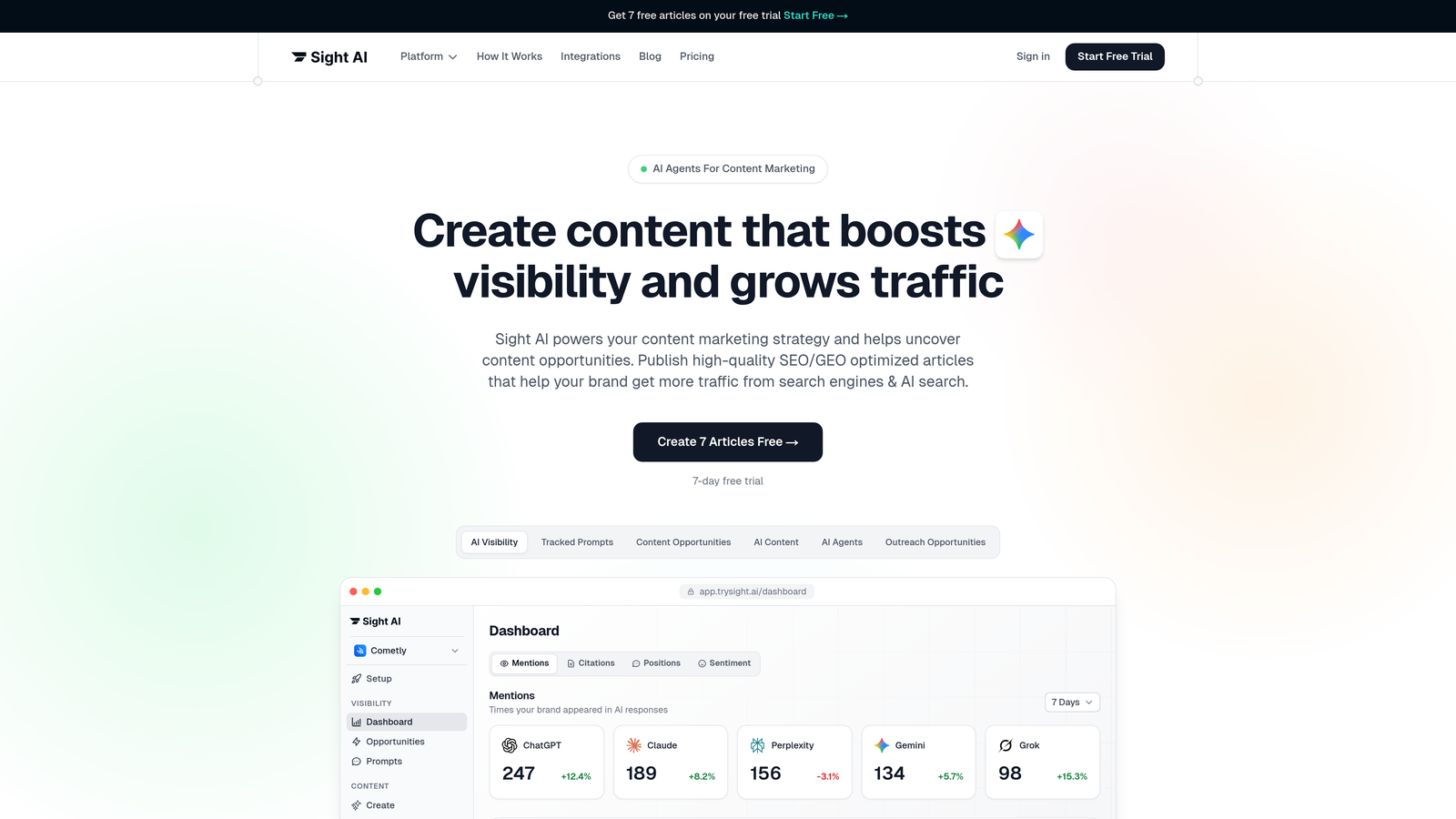
Sight AI combines AI-powered content creation with automated publishing and rapid indexing, addressing the complete content lifecycle in one platform.
Where This Tool Shines
Unlike tools that only handle scheduling or distribution, Sight AI generates SEO-optimized content using 13+ specialized AI agents, then automatically publishes to your CMS and notifies search engines via IndexNow integration. Your content goes from concept to indexed article without manual intervention.
The platform's strength lies in its integration of content creation with distribution. The multi-agent architecture splits the work into specialized roles: research agents gather data, writing agents draft, SEO agents optimize for search and AI extraction, and fact-checking agents verify claims. Autopilot Mode runs that sequence from research to published draft, including the often overlooked indexing step that determines how quickly content appears in search results.
Key Features
13+ AI Content Agents: Specialized agents for different content types (listicles, guides, explainers) generate SEO/GEO-optimized articles tailored to your brand voice.
Multi-CMS Auto-Publishing: Direct integration with WordPress, Webflow, and Shopify eliminates manual copy-paste workflows.
IndexNow Integration: Automatically notifies search engines (Google, Bing, Yandex) the moment content publishes, accelerating discovery.
Automated Sitemap Updates: Keeps your XML sitemap current without manual intervention, ensuring search engines always have the latest content map.
AI Visibility Tracking: Monitors how AI models like ChatGPT, Claude, and Perplexity mention your brand, with sentiment analysis and prompt tracking, revealing content opportunities that drive AI search visibility.
Best For
Marketing teams and agencies that want to automate the full content pipeline, from ideation through indexing and answer engine reporting, while maintaining SEO quality. Particularly valuable if you're publishing frequently and need content discovered by both traditional search engines and AI platforms quickly.
Pricing
Contact for custom pricing based on content volume and feature requirements.
2. WordPress with Jetpack
Best for: WordPress users seeking native scheduling with social distribution
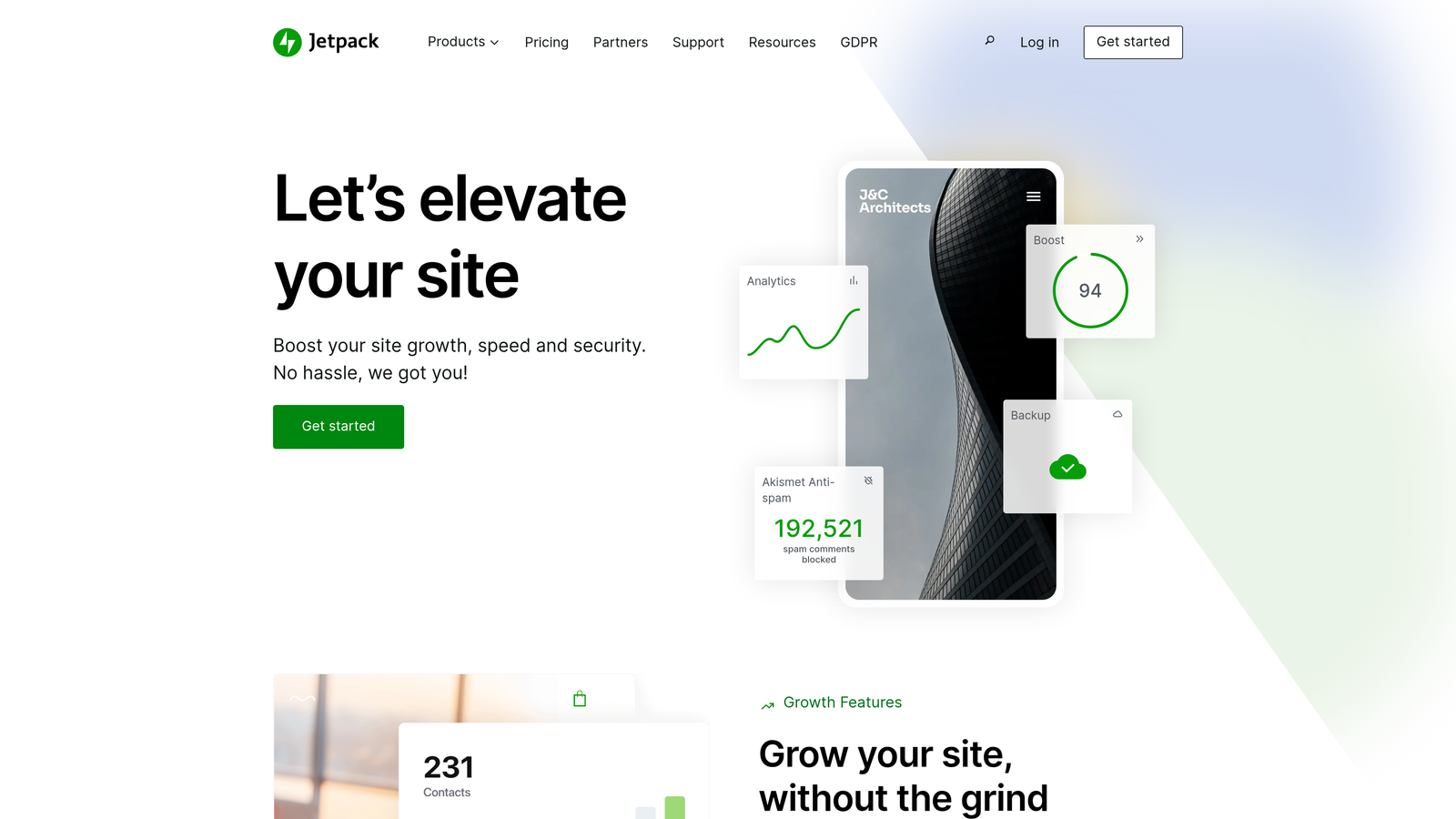
Jetpack is a WordPress plugin that extends the platform's built-in publishing capabilities with automated social sharing and performance optimization.
Where This Tool Shines
If you're already using WordPress, Jetpack provides the simplest path to automated publishing without learning a new platform. The native integration means no authentication headaches or sync delays—everything happens within your familiar WordPress dashboard.
The social media auto-sharing feature automatically distributes new posts to connected platforms the moment they publish. This eliminates the separate step of manually posting to social channels, which often gets delayed or forgotten during busy periods.
Key Features
Built-in Post Scheduling: Schedule posts weeks or months in advance using WordPress's native editor with calendar view.
Social Media Auto-Sharing: Automatically posts new content to Facebook, LinkedIn, and Tumblr when published.
Site Performance Optimization: Includes CDN and image optimization to ensure published content loads quickly.
Downtime Monitoring: Alerts you if your site goes offline, preventing scheduled posts from publishing to an inaccessible site.
Security Scanning: Monitors for malware and vulnerabilities that could disrupt automated publishing workflows.
Best For
Small to medium-sized businesses running WordPress sites who want straightforward scheduling and social distribution without complex external tools. Ideal if you value simplicity and staying within the WordPress ecosystem.
Pricing
Free tier includes basic features; Premium plans start at $9.95/month with advanced social sharing and security features.
3. HubSpot Content Hub
Best for: Enterprise teams needing CRM-connected content workflows
HubSpot Content Hub is an enterprise content management platform that connects publishing workflows directly to customer relationship data.

Where This Tool Shines
The integration between content publishing and CRM data creates powerful automation possibilities. You can trigger content publication based on customer lifecycle stages, personalize content delivery by contact properties, and measure how published content impacts pipeline metrics.
For organizations with global audiences, the multi-language content management system handles translation workflows and regional publishing schedules from a single interface. This prevents the chaos of managing separate systems for different markets.
Key Features
CRM-Connected Workflows: Trigger content publication based on contact lifecycle stages, deal properties, or custom events in your CRM.
Multi-Language Management: Coordinate translation workflows and regional publishing schedules for global content strategies.
Built-in SEO Recommendations: Receive optimization suggestions as you create content, before publishing.
A/B Testing: Automatically test different headlines, CTAs, or content variations to optimize performance.
Lead Capture Integration: Embed forms and CTAs that connect directly to your marketing automation workflows.
Best For
Enterprise marketing teams already using HubSpot's CRM who need sophisticated content workflows tied to customer data. Most valuable when you're coordinating content across multiple regions or want to personalize publishing based on audience segments.
Pricing
Professional tier starts at $800/month, with Enterprise plans available for larger organizations requiring advanced governance features.
4. Buffer
Best for: Social-first teams managing multiple platform accounts
Buffer is a social media scheduling platform that simplifies cross-platform publishing with a unified calendar and analytics dashboard.

Where This Tool Shines
Buffer's strength is making multi-platform social publishing feel effortless. The calendar view shows your entire content schedule across all connected accounts in one place, making it easy to spot gaps or avoid over-posting on specific days.
The browser extension deserves special mention—it lets you queue content from anywhere on the web with a single click. When you find an article worth sharing, you don't need to open Buffer, copy the URL, and manually create a post. The extension handles it instantly.
Key Features
Cross-Platform Scheduling: Publish to Instagram, Facebook, Twitter, LinkedIn, Pinterest, and TikTok from one interface.
Content Calendar View: Visualize your entire posting schedule across all platforms in a drag-and-drop calendar.
Engagement Analytics: Track performance metrics for each post and identify top-performing content types.
Team Approval Workflows: Route scheduled posts through approval chains before they publish.
Browser Extension: Queue content directly from any webpage without opening the main Buffer interface.
Best For
Social media managers handling multiple brand accounts who need a clean, focused tool without enterprise complexity. Works well for agencies managing client social presence or brands with active multi-platform strategies.
Pricing
Free tier supports basic scheduling; Essentials plans start at $6/month per social channel.
5. CoSchedule
Best for: Marketing teams coordinating blog, social, and email in one calendar
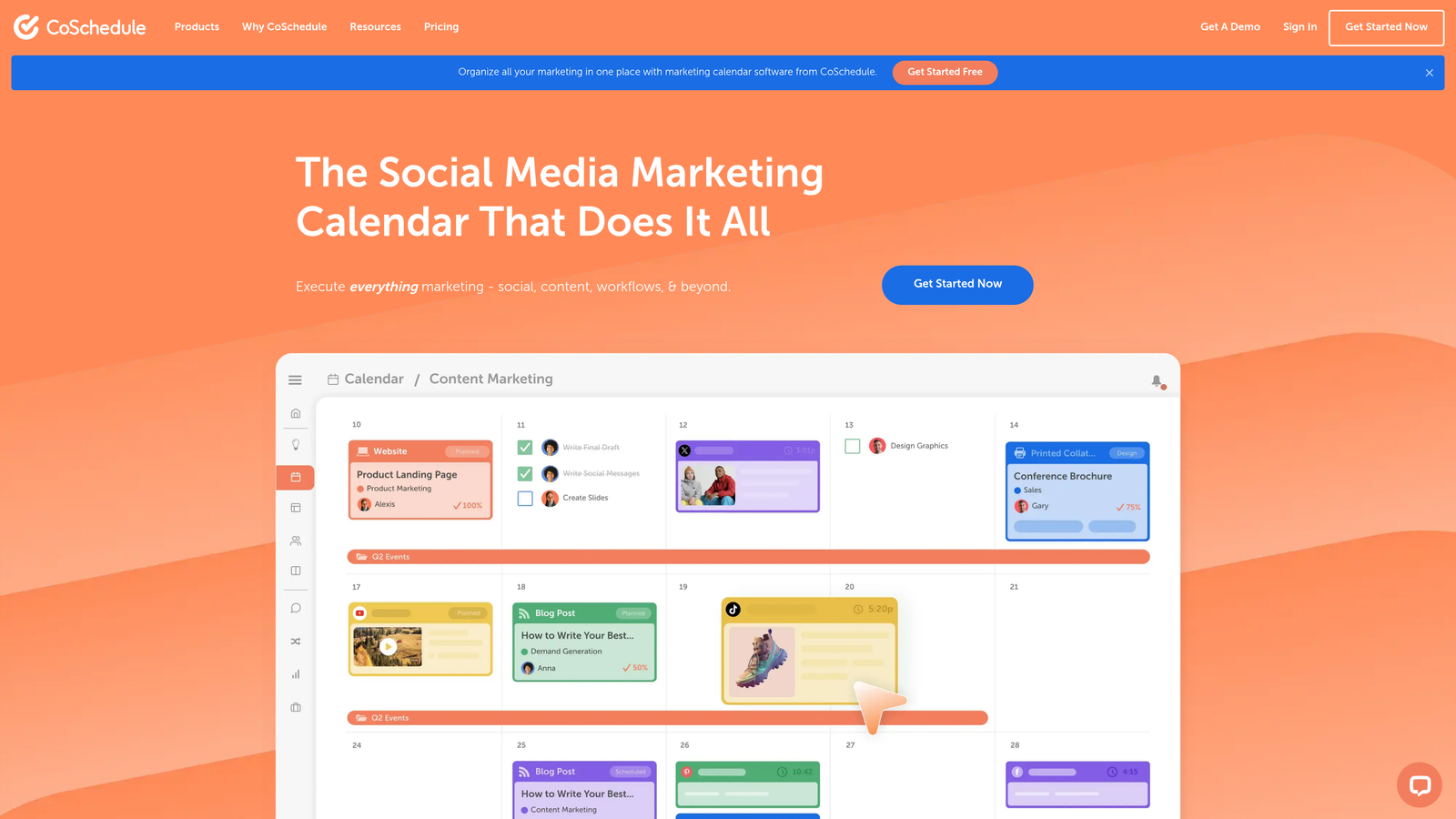
CoSchedule is a marketing calendar platform that unifies content publishing across multiple channels into a single planning view.
Where This Tool Shines
CoSchedule solves the coordination problem that happens when blog posts, social campaigns, and email newsletters live in separate tools. The unified calendar shows how all your marketing activities align, making it easier to coordinate launches and avoid channel conflicts.
The ReQueue feature automatically recycles your best-performing evergreen content, filling gaps in your social calendar without manual intervention. This keeps your social presence active even during periods when you're not creating new content.
Key Features
Unified Marketing Calendar: View blog posts, social media, email campaigns, and events in one master calendar.
WordPress Integration: Schedule and publish WordPress posts directly from the CoSchedule interface.
Social Media Scheduling: Plan and automate social posts across major platforms with optimal timing suggestions.
Team Workflow Management: Assign tasks, set deadlines, and track project progress within the calendar.
ReQueue: Automatically reshare evergreen content to fill calendar gaps and maintain consistent posting frequency.
Best For
Marketing teams running integrated campaigns across multiple channels who need visibility into how all pieces fit together. Most valuable when coordinating product launches or seasonal campaigns that span blog, social, and email.
Pricing
Calendar plan starts at $29/month for basic scheduling; Marketing Suite with advanced features available at higher tiers.
6. Contentful
Best for: Omnichannel publishing with API-driven content delivery
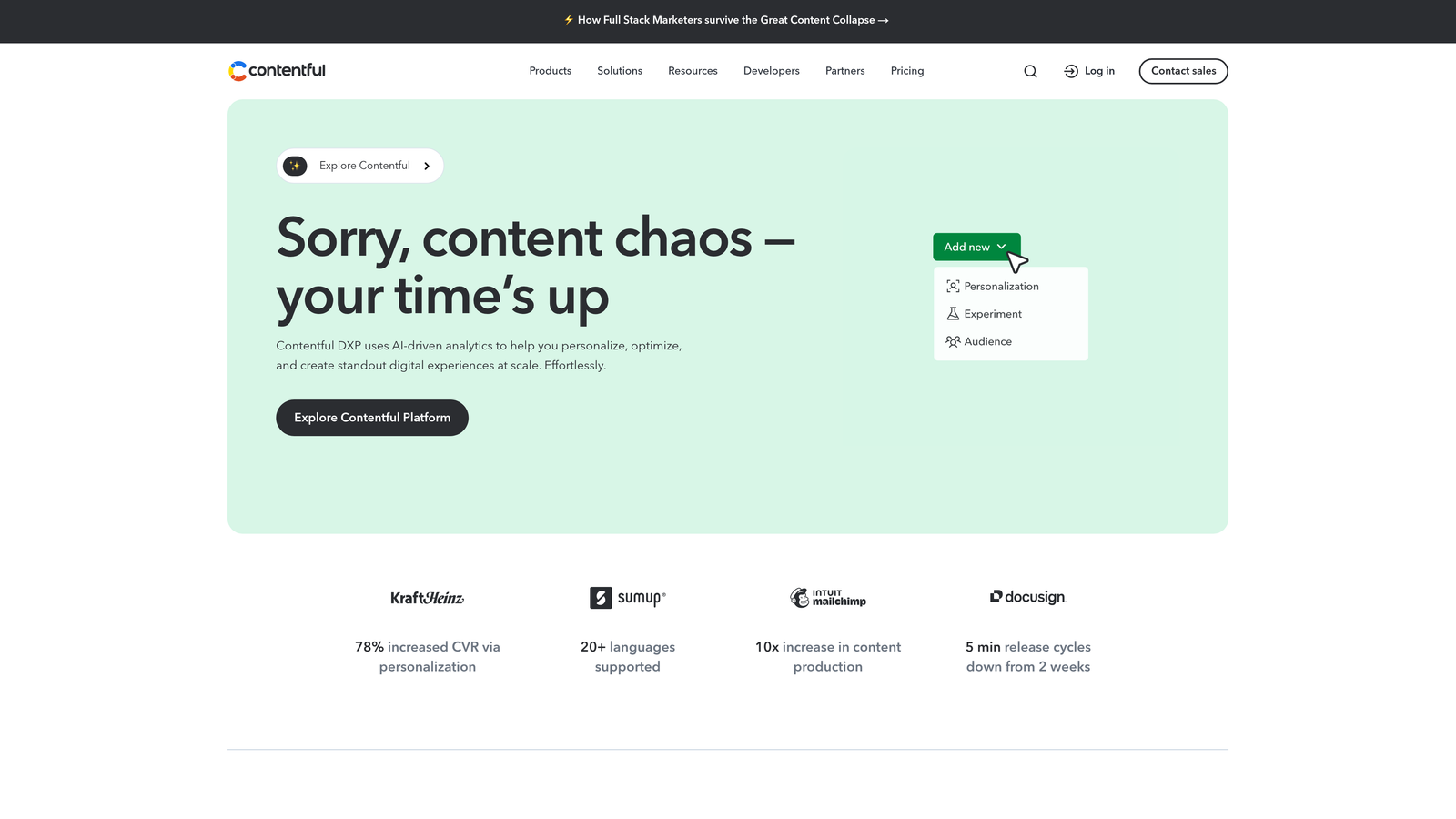
Contentful is a headless CMS that separates content management from presentation, enabling automated delivery to any digital channel via API.
Where This Tool Shines
Traditional CMS platforms tie your content to specific templates or presentation layers. Contentful's API-first approach lets you create content once and automatically deliver it to websites, mobile apps, digital signage, IoT devices, or any other endpoint that can consume an API.
This architecture becomes invaluable when you're publishing the same content across multiple touchpoints. Update the source content in Contentful, and all connected channels automatically receive the changes without manual republishing.
Key Features
API-First Architecture: Deliver content to any platform or device through RESTful and GraphQL APIs.
Omnichannel Delivery: Publish simultaneously to websites, mobile apps, smart displays, and custom applications.
Workflow Automation: Build custom publishing workflows with approval stages, scheduled releases, and conditional logic.
Content Modeling Flexibility: Define custom content structures that match your business needs without template constraints.
Integration Ecosystem: Connect to 100+ tools including analytics platforms, DAMs, translation services, and e-commerce systems.
Best For
Development teams building omnichannel experiences or organizations that need to deliver content to multiple platforms beyond traditional websites. Requires technical resources to implement but provides unmatched flexibility for complex publishing scenarios.
Pricing
Free tier available for small projects; Team plan starts at $489/month for production use.
7. Zapier
Best for: Custom automation workflows connecting disparate content tools
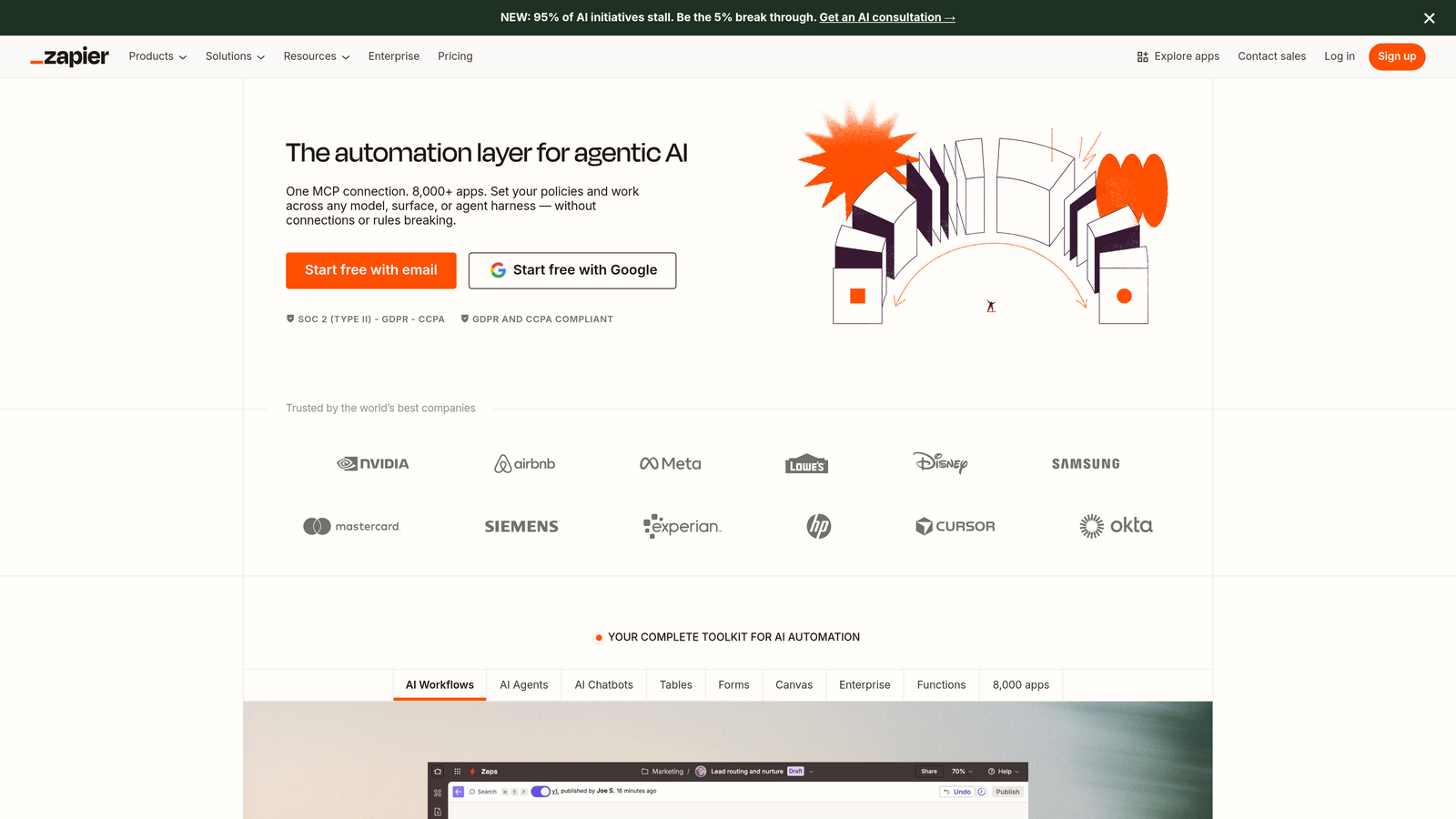
Zapier is a no-code automation platform that connects 6,000+ apps to create custom publishing workflows without programming.
Where This Tool Shines
When your ideal publishing workflow involves tools that don't natively integrate, Zapier bridges the gap. You might want to automatically publish new Google Docs to WordPress, share new blog posts to Slack, or add published content URLs to a tracking spreadsheet—Zapier makes these connections possible without custom development.
The conditional logic capabilities let you create sophisticated workflows that adapt based on content type, author, tags, or any other metadata. This means you can route different content through different publishing paths automatically.
Key Features
6,000+ App Integrations: Connect virtually any content creation tool to any publishing platform.
Multi-Step Workflows: Chain multiple actions together—publish to WordPress, then share to social, then notify team in Slack.
Conditional Logic: Create if/then rules that route content differently based on properties like category, author, or custom fields.
Scheduled Triggers: Run automations on specific schedules to batch-process content or publish at optimal times.
No-Code Builder: Create complex automations through a visual interface without writing code.
Best For
Teams with unique publishing workflows that span multiple specialized tools, or organizations that need to connect legacy systems to modern publishing platforms. Works well when you have specific process requirements that off-the-shelf solutions don't address.
Pricing
Free tier includes basic automations; Starter plan begins at $19.99/month for more tasks and multi-step workflows.
8. Sprinklr
Best for: Enterprise-scale publishing with governance and compliance
Sprinklr is an enterprise unified customer experience platform that handles content publishing, governance, and compliance across 30+ digital channels.
Where This Tool Shines
Large organizations face publishing challenges that smaller teams don't encounter—regulatory compliance, brand governance across global teams, legal review workflows, and coordination across dozens of regional accounts. Sprinklr is built specifically to handle this complexity.
The AI-powered content governance features automatically flag posts that might violate brand guidelines, regulatory requirements, or platform policies before they publish. This prevents costly mistakes and reduces the manual review burden on compliance teams.
Key Features
AI-Powered Governance: Automatically detect potential compliance issues, brand guideline violations, or policy conflicts before publishing.
Global Team Coordination: Manage publishing across hundreds of regional accounts with role-based permissions and approval hierarchies.
Compliance Management: Built-in workflows for industries with strict regulatory requirements like financial services and healthcare.
30+ Channel Support: Publish to major social platforms, messaging apps, review sites, and custom digital properties.
Enterprise Security: SOC 2 Type II certified with advanced data protection and audit logging.
Best For
Enterprise organizations with complex governance requirements, global teams, or strict regulatory compliance needs. Most valuable in highly regulated industries or brands managing hundreds of social accounts across multiple regions.
Pricing
Custom enterprise pricing based on number of users, channels, and required features. Contact sales for quotes.
9. Publer
Best for: Budget-conscious teams needing bulk scheduling with AI assistance
Publer is a social media scheduler that combines affordability with AI-powered caption generation and bulk upload capabilities.
Where This Tool Shines
Publer delivers features typically found in premium tools at a fraction of the cost. The bulk scheduling capability lets you upload dozens of posts via CSV or through the interface, then distribute them across your calendar—a workflow that saves hours when planning monthly content.
The AI caption generator helps overcome writer's block when creating social posts. Feed it a topic or image, and it suggests caption variations you can customize. While not a replacement for strategic copywriting, it accelerates the process of creating engaging social copy.
Key Features
Bulk Content Scheduling: Upload multiple posts at once via CSV or batch interface, then distribute across your calendar.
AI Caption Generation: Generate social media caption suggestions based on topics, images, or brief descriptions.
Canva Integration: Design graphics directly within Publer using Canva's editing tools.
Link in Bio Pages: Create custom landing pages that house multiple links for Instagram and TikTok bios.
Post Recycling: Automatically reshare evergreen content at specified intervals to maintain posting consistency.
Best For
Small businesses, solopreneurs, or agencies managing client social media on tight budgets. Works well when you need solid scheduling functionality without enterprise complexity or pricing.
Pricing
Free tier available with limited features; Professional plan starts at $12/month for expanded scheduling and AI features.
Building a Full Pipeline: From Keyword Research to Publishing and Reporting
Most publishing services above start working once a finished draft exists. If your goal is a pipeline that runs from research and briefs through publishing and answer engine optimization (AEO) reporting, you either need an end-to-end platform or a stack of specialized tools. The table maps each stage to the tools that cover it.
| Pipeline stage | What gets automated | Tools that cover it |
|---|---|---|
| Keyword research and planning | Topic clustering, content gap analysis, prioritization by ranking difficulty | MarketMuse (from $149/month), Surfer SEO keyword clustering, Sight AI |
| Briefs and outlines | SERP-based outlines, questions to answer, headings to cover | Frase (from $15/month), MarketMuse brief generator, Surfer outline builder |
| Drafting | Format-specific long-form generation in brand voice | Sight AI agents, Jasper (from $49/month), Writesonic, Copy.ai |
| Optimization and review | Real-time content scoring, NLP term coverage, readability, style rules | Surfer SEO (from $89/month), Clearscope (from $189/month), Writer (from $18/user/month) |
| Publishing | CMS push, scheduling, social distribution | Sight AI, Jetpack, CoSchedule, HubSpot, Contentful, Zapier |
| Indexing | IndexNow pings, sitemap updates | Sight AI |
| Reporting and AEO tracking | Brand mentions, citations, and sentiment across ChatGPT, Claude, Perplexity | Sight AI, Writesonic, Frase GEO scoring |
A stitched stack works, but every handoff (brief to doc, doc to CMS, CMS to analytics) is a place where work stalls or formatting breaks. Zapier can bridge some gaps, for example pushing approved Google Docs into WordPress. End-to-end platforms remove those handoffs entirely, which is why they suit teams publishing at volume.
Pre-Publish Gating: Quality Checks Before Content Goes Live
Automated publishing is only safe if something stops weak or non-compliant content before it ships. The strongest gating setups combine three layers:
- SEO completeness: Surfer's real-time content score compares a draft against the top-ranking pages, while Clearscope's A–F grade gives a simple ready/not-ready signal and flags readability problems that come from over-optimization.
- Brand and compliance rules: Writer enforces custom style guides, approved terminology, and regulatory rules for healthcare, finance, and legal content. Sprinklr applies similar AI governance to social posts.
- Human approval: Buffer, CoSchedule, Contentful, and HubSpot all support approval stages, so nothing auto-publishes until a reviewer signs off.
For AI-generated articles, add a factual layer: multi-agent systems with dedicated fact-checking agents (as in Sight AI) or citation-backed generators such as Writesonic's Article Writer reduce the verification load on editors.
Automated Content Refreshes and Answer Engine Tracking
Publishing new content is half the job; keeping existing pages accurate and visible is the other half. Refresh frequency is generally driven by monitoring signals rather than a fixed calendar:
- Frase sends daily alerts when a page's performance declines, so refreshes happen when rankings slip.
- MarketMuse audits your full content inventory and recommends which pages to update, consolidate, or expand to build topical authority.
- Contentful propagates any source update to every connected channel instantly, and CoSchedule and Publer recycle evergreen posts at set intervals.
- Sight AI and Writesonic track how AI models cite your brand and where citation gaps exist, pointing to the pages that need updating to win answer engine mentions.
That last layer matters more each year. When buyers get answers from ChatGPT or Claude instead of clicking search results, rankings alone no longer measure visibility. Pairing your publishing workflow with AEO tracking shows whether published content actually gets referenced.
Finding Your Publishing Solution
The right automated publishing service depends on where you need the most help. If you're looking for end-to-end automation that handles content creation, publishing, and rapid indexing in one platform, Sight AI delivers the most complete solution—particularly valuable when you're publishing frequently and need content discovered quickly by both traditional search engines and AI platforms.
For teams already invested in WordPress, Jetpack provides the simplest path to automated publishing without learning new tools. Enterprise organizations with CRM-connected workflows will find HubSpot's integration between content and customer data invaluable for personalized publishing strategies.
Social-focused teams have solid options at multiple price points. Buffer offers clean, focused social scheduling for teams managing multiple accounts, while Publer delivers similar capabilities at a lower cost with AI-assisted caption generation. CoSchedule makes sense when you need to coordinate blog, social, and email in one unified calendar view.
Technical teams building omnichannel experiences should evaluate Contentful's headless architecture, which enables content delivery to any digital touchpoint via API. For unique workflows that span multiple specialized tools, Zapier's integration platform creates custom automation without development work.
If you are assembling a stack instead, start with your biggest bottleneck: research time (Frase, MarketMuse), optimization quality (Surfer, Clearscope), brand governance (Writer, Jasper), or publication delays (the publishing tools above).
The publishing landscape has evolved beyond simple scheduling. Today's best tools don't just automate when content publishes—they handle creation, distribution, indexing, and performance tracking in integrated workflows that eliminate manual bottlenecks.
Stop guessing how AI models like ChatGPT and Claude talk about your brand—get visibility into every mention, track content opportunities, and automate your path to organic traffic growth. Start tracking your AI visibility today and see exactly where your brand appears across top AI platforms.