Publishing content at scale has become a non-negotiable for marketing teams competing in saturated digital landscapes. Whether you're managing multiple client blogs, running a content agency, or scaling an in-house content operation, manually publishing articles one by one is a productivity killer. Bulk content publishing tools automate the tedious parts—scheduling, formatting, distributing across platforms—so you can focus on strategy and quality.
Here are the top tools for bulk publishing in 2026, covering everything from AI-powered content platforms to specialized WordPress automation solutions. We've evaluated each based on publishing speed, CMS integrations, automation capabilities, and value for teams of different sizes.
1. Sight AI
Best for: Teams scaling AI-generated content with automatic publishing and indexing
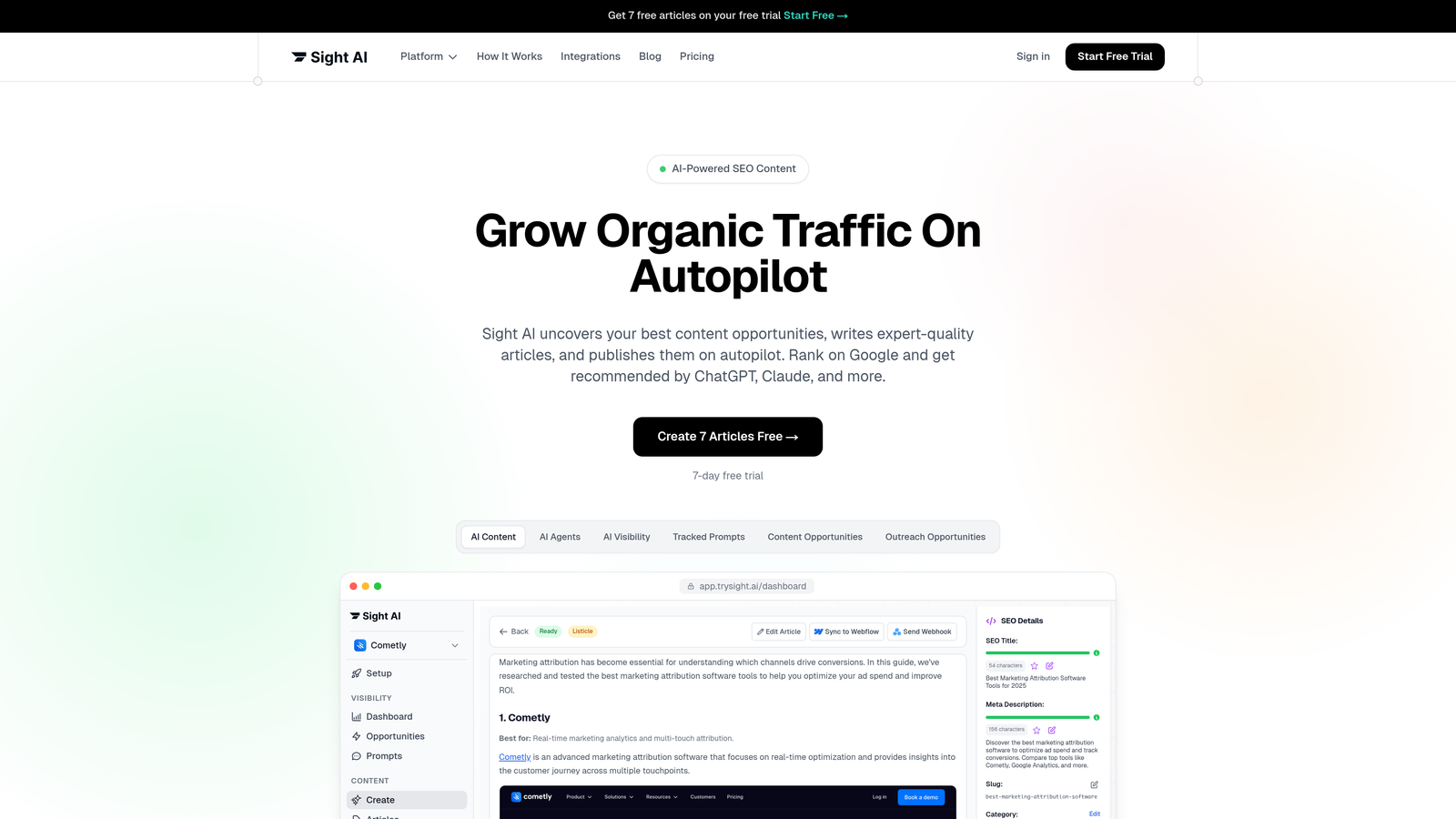
Sight AI is an AI-powered content platform that handles everything from content creation to automated publishing and search engine notification.
Where This Tool Shines
Sight AI solves the entire content pipeline problem in one platform. Instead of juggling separate tools for writing, publishing, and indexing, you get 13+ specialized AI agents that generate SEO/GEO-optimized content, then automatically publish it to your CMS and notify search engines via IndexNow integration.
The Autopilot mode is particularly valuable for teams running consistent content schedules. Set your parameters once, and the system generates and publishes articles without manual intervention—perfect for maintaining publishing velocity during busy periods.
Key Features
CMS Auto-Publishing: Direct integration with WordPress and other platforms eliminates manual copy-paste workflows.
IndexNow Integration: Automatically notifies search engines when new content goes live for faster discovery and indexing.
13+ AI Agents: Specialized agents for different content types—listicles, guides, explainers—ensure format-appropriate output.
Autopilot Mode: Hands-off content generation and publishing based on your content calendar and parameters.
AI Visibility Tracking: Monitor how ChatGPT, Claude, and Perplexity mention your brand across AI search results.
Best For
Marketing teams and agencies that need to produce high volumes of SEO-optimized content while tracking their visibility across AI platforms. Particularly valuable if you're trying to get your brand mentioned in AI model responses and need both content creation and distribution in one system.
Pricing
Contact for pricing; free trial available to test the platform with your content workflow.
2. ContentStudio
Best for: Multi-channel marketing teams coordinating blog and social content
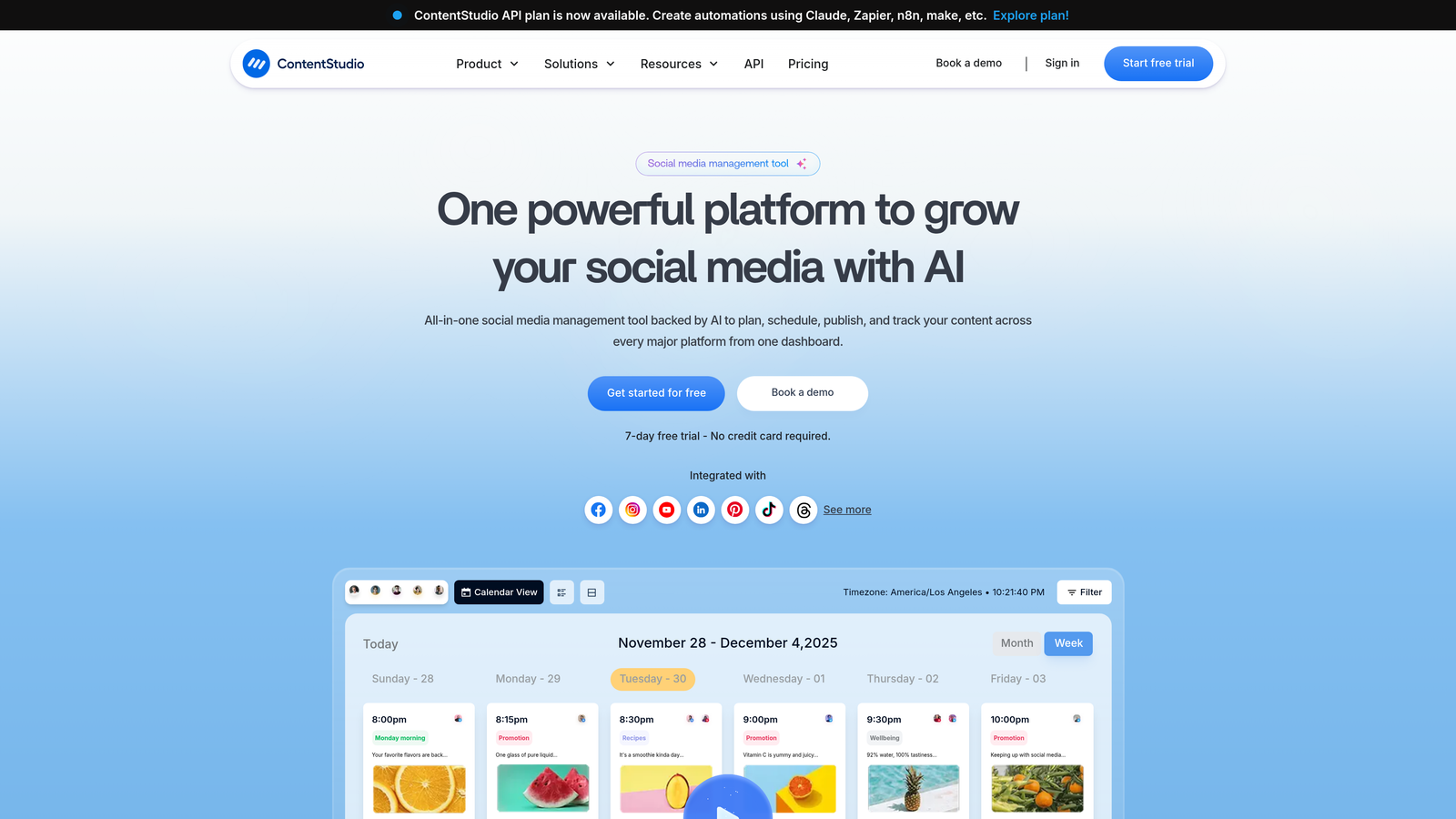
ContentStudio is a unified workspace that combines blog publishing, social media scheduling, and content discovery tools.
Where This Tool Shines
ContentStudio excels when you're managing content across multiple channels simultaneously. The platform treats blog posts and social updates as equal citizens in your content calendar, making it natural to plan integrated campaigns.
The content discovery engine helps you find trending topics and curate relevant content from across the web, which is particularly useful for agencies managing diverse client portfolios who need fresh ideas consistently.
Key Features
Bulk Scheduling: Queue up dozens of posts across blog and social channels in a single session.
Drag-and-Drop Calendar: Visual interface makes rescheduling and planning intuitive for non-technical team members.
AI Caption Generation: Automatically generate social captions and hashtags for blog content you're promoting.
White-Label Reports: Client-ready analytics and performance reports for agency workflows.
Best For
Agencies and marketing teams that need to coordinate content publishing across blogs and social media from a single dashboard. Especially valuable if you're managing multiple brands or clients and need white-label reporting capabilities.
Pricing
Starts at $25/month for individual users; agency plans scale with team size and client count.
3. Publer
Best for: Social-first teams needing CSV bulk upload for mass scheduling
Publer is a social media scheduling platform with robust bulk upload capabilities via CSV files.

Where This Tool Shines
Publer's CSV import feature is the standout for teams with existing content databases or spreadsheet workflows. You can prepare hundreds of posts in a spreadsheet, then upload everything in minutes—no manual entry required.
The auto-scheduling feature analyzes your audience engagement patterns and suggests optimal posting times, which removes the guesswork from timing decisions when you're scheduling content in bulk.
Key Features
CSV Bulk Upload: Import spreadsheets with hundreds of posts for instant scheduling across platforms.
Auto-Scheduling: Algorithm suggests best posting times based on your audience's engagement history.
Approval Workflows: Team collaboration with client or manager approval before content goes live.
Browser Extension: Quick-share content from anywhere on the web without switching to the main dashboard.
Best For
Social media managers and agencies working with spreadsheet-based content calendars who need to upload and schedule large batches of posts efficiently. The free tier makes it accessible for small teams testing bulk workflows.
Pricing
Free tier available with basic features; Pro plans start at $12/month for expanded scheduling and analytics.
4. WP Sheet Editor
Best for: WordPress sites needing spreadsheet-style bulk post editing
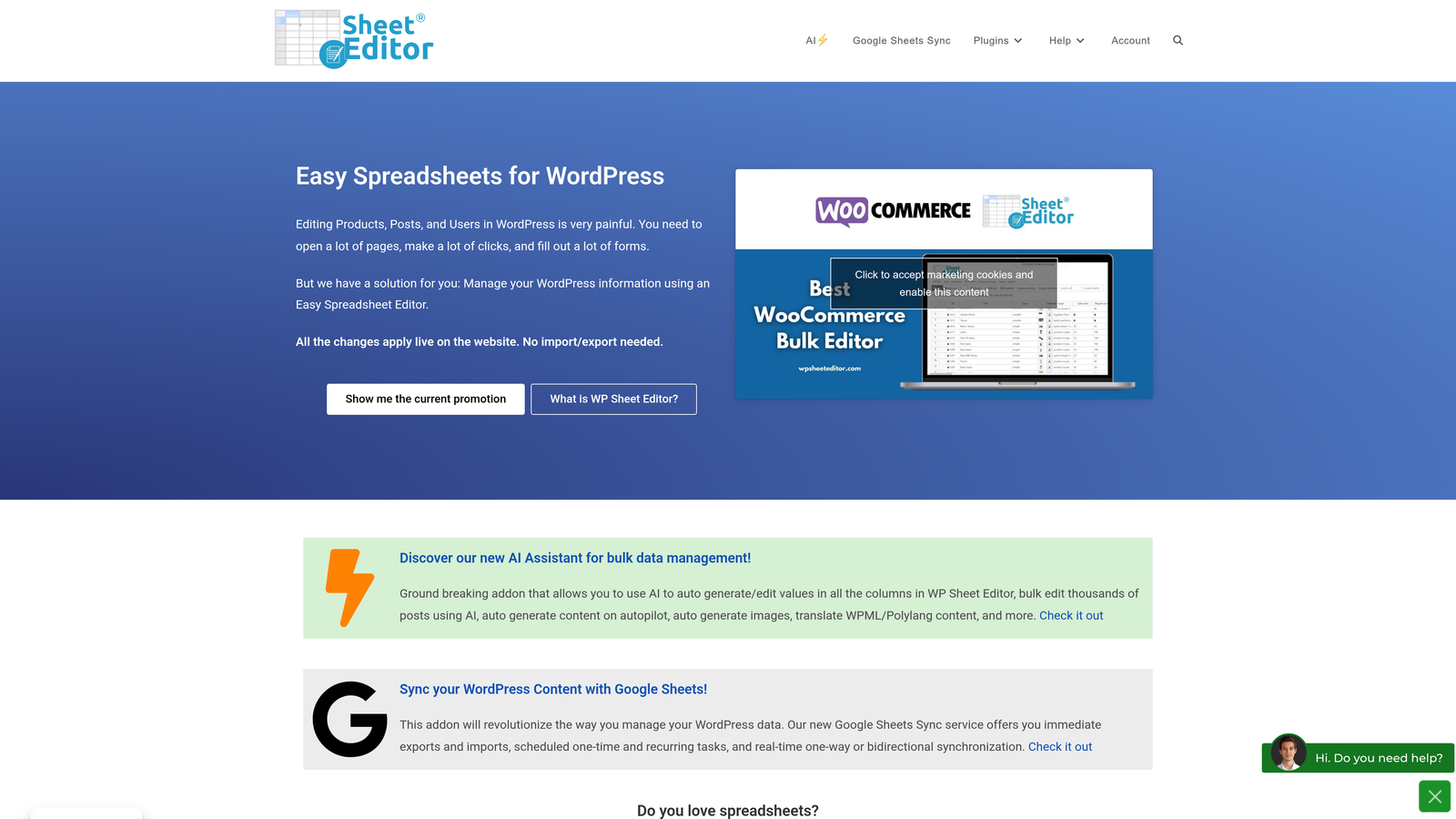
WP Sheet Editor is a WordPress plugin that transforms your admin dashboard into a spreadsheet interface for mass content management.
Where This Tool Shines
WP Sheet Editor brings Excel-like functionality directly into WordPress, which dramatically speeds up bulk operations. Instead of clicking through individual post screens, you can edit titles, content, categories, and custom fields in a familiar spreadsheet layout.
The CSV import capability is particularly powerful for content migrations or when you're publishing large batches of pre-written content. Upload a spreadsheet and watch hundreds of posts appear in your WordPress site within minutes.
Key Features
Spreadsheet Interface: Edit posts, pages, and custom post types in a grid view directly in WordPress.
CSV Import: Bulk upload content from spreadsheets with automatic post creation and scheduling.
Bulk Status Changes: Switch multiple posts from draft to scheduled or published in one action.
Custom Field Support: Edit custom fields and taxonomies across multiple posts simultaneously.
Best For
WordPress-heavy operations that need to manage large volumes of posts, especially useful for content migrations, bulk updates to existing content, or teams working with writers who deliver content in spreadsheet format.
Pricing
Free version covers basic bulk editing; Pro version starts at $49/year for advanced features and unlimited posts.
5. CoSchedule
Best for: Marketing teams coordinating content with broader campaign workflows
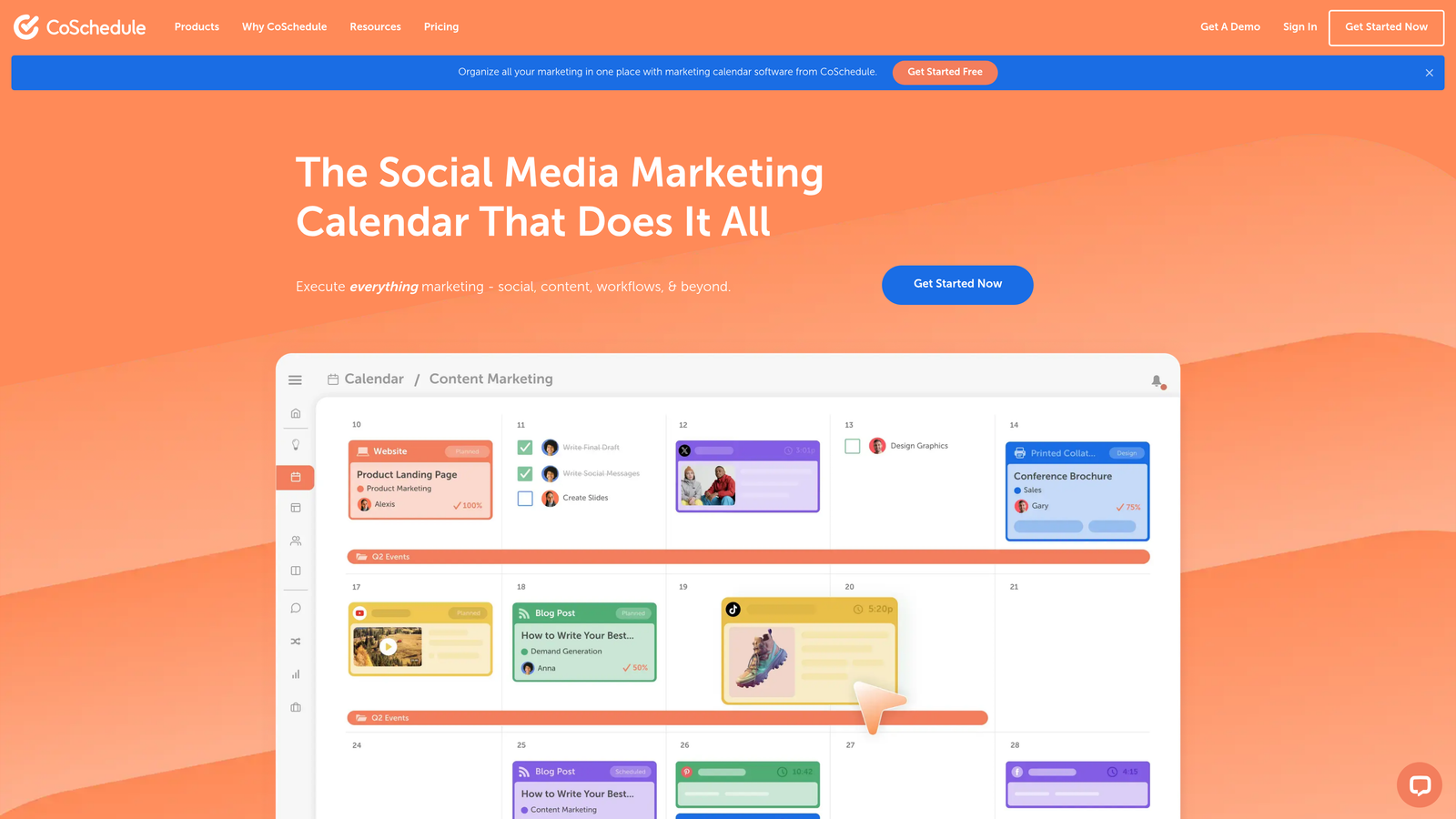
CoSchedule is a marketing calendar platform that unifies content, social media, and campaign planning in one visual dashboard.
Where This Tool Shines
CoSchedule treats content as part of a larger marketing ecosystem rather than an isolated activity. The unified calendar shows blog posts alongside email campaigns, social promotions, and product launches, making it easier to spot conflicts and coordinate timing.
ReQueue is a standout feature for evergreen content strategies. It automatically recycles your best-performing content into your social schedule, ensuring your library continues generating value without manual intervention.
Key Features
Unified Marketing Calendar: See all content, social, and campaign activities in one color-coded view.
Bulk Rescheduling: Drag-and-drop interface lets you move multiple items across your calendar instantly.
Task Workflows: Assign team members to content tasks with deadlines and approval gates.
ReQueue: Automatic evergreen content recycling based on performance metrics.
Best For
Marketing teams running integrated campaigns where content publishing needs to coordinate with email, social, and other marketing activities. The visual calendar is particularly helpful for teams that struggle with cross-channel timing coordination.
Pricing
Free calendar available for basic planning; Marketing Suite pricing available on request based on team size.
6. Wordable
Best for: Teams writing in Google Docs who need one-click WordPress publishing
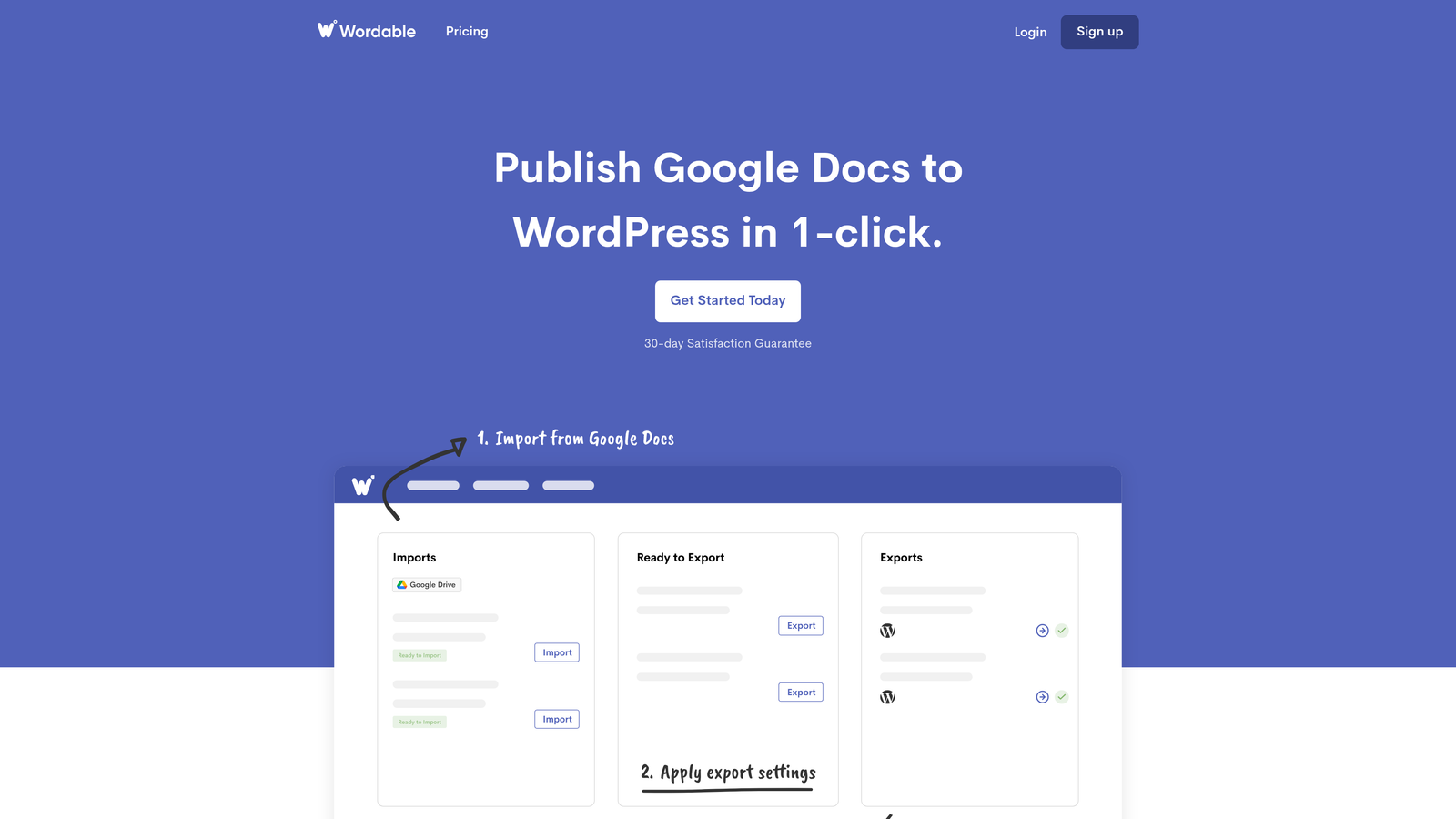
Wordable is a specialized tool that exports Google Docs to WordPress, HubSpot, and Medium while preserving all formatting and images.
Where This Tool Shines
Wordable eliminates the formatting nightmare that typically comes with copying content from Google Docs to a CMS. Headers, bold text, links, and images all transfer perfectly—no manual cleanup required.
The batch export feature is where bulk publishing becomes effortless. Select multiple Google Docs from your Drive, and Wordable publishes them all to your CMS in a single action, complete with automatic image compression and upload.
Key Features
One-Click Export: Publish Google Docs to WordPress, HubSpot, or Medium without losing formatting.
Batch Export: Select and publish multiple documents simultaneously from Google Drive.
Automatic Image Handling: Compresses and uploads images from Docs directly to your media library.
Custom Templates: Create formatting templates that apply consistent styling across all exported content.
Best For
Content teams that write and collaborate in Google Docs but publish to WordPress or HubSpot. Particularly valuable for agencies with writers who aren't comfortable working directly in CMS editors.
Pricing
Starts at $50/month for individual users; team plans available with volume discounts for agencies.
7. Jetpack
Best for: WordPress sites needing essential publishing and social sharing on a budget
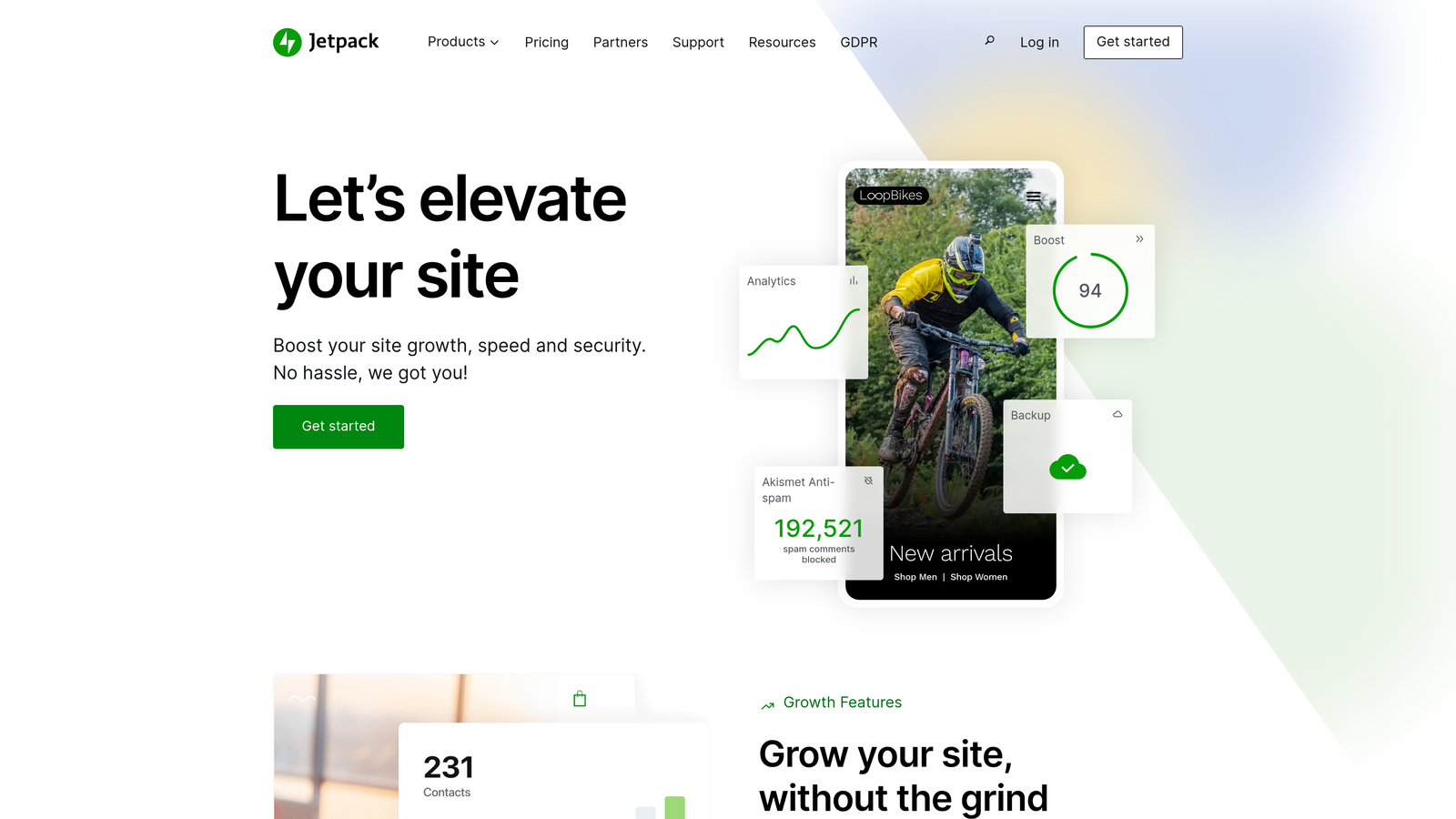
Jetpack is a comprehensive WordPress plugin suite that includes social sharing, scheduled posting, and site management features.
Where This Tool Shines
Jetpack's free tier covers the essentials for bulk publishing workflows without requiring a paid subscription. The auto-share feature automatically posts to social media when you publish new content, eliminating a manual step from your distribution process.
For WordPress-only operations, Jetpack provides a surprisingly robust feature set that integrates seamlessly with the native WordPress editor. The scheduled posting works directly within WordPress's familiar interface, reducing the learning curve for new team members.
Key Features
Auto-Share to Social: Automatically post to connected social accounts when you publish new WordPress content.
Scheduled Posting: Native WordPress scheduling with enhanced reliability and timezone support.
Site Stats: Built-in analytics showing traffic and engagement without external tools.
Security Features: Includes backup, spam protection, and security scanning in premium tiers.
Best For
Small teams and solo marketers running WordPress sites who need reliable publishing and social sharing without complex workflows or budget for specialized tools. The free tier makes it accessible for testing before committing to paid features.
Pricing
Free tier covers essential publishing features; premium plans start at $10/month for enhanced security and backups.
8. Planable
Best for: Agencies managing multiple brands with visual approval workflows
Planable is a collaboration-first content planning platform designed specifically for agency workflows and multi-brand management.

Where This Tool Shines
Planable's visual approval system is built for the reality of agency work—multiple stakeholders, client feedback cycles, and the need to show exactly what content will look like before it goes live. The preview mode displays posts as they'll appear on each platform, reducing approval-stage surprises.
The multi-brand workspace structure keeps client content completely separate while allowing your team to switch between accounts seamlessly. No more logging in and out of different platforms or worrying about posting client A's content to client B's account.
Key Features
Visual Approval System: Show clients exactly how content will appear with platform-specific previews.
Multi-Brand Workspaces: Manage unlimited client accounts with strict content separation.
Bulk Scheduling: Queue up weeks of content across multiple brands from a unified calendar view.
Client Collaboration: Invite clients to review and approve content without granting CMS access.
Best For
Agencies and freelancers managing multiple client brands who need streamlined approval workflows and client collaboration tools. The visual preview system is particularly valuable for clients who struggle to envision how content will look on different platforms.
Pricing
Free plan covers up to 50 posts; paid plans start at $33/month for unlimited posts and advanced collaboration features.
9. Zapier
Best for: Custom bulk publishing workflows connecting disparate systems
Zapier is an automation platform that connects apps and services to create custom publishing workflows without writing code.
Where This Tool Shines
Zapier is the ultimate flexibility tool for teams with unique workflows that off-the-shelf solutions don't address. You can connect virtually any content source—Airtable, Google Sheets, Notion, RSS feeds—to any publishing destination, creating custom automation that matches your exact process.
The trigger-based system means you can set up workflows that publish content automatically when specific conditions are met. New row added to your content spreadsheet? Zapier publishes it to WordPress. New item in your RSS feed? It posts to social media. The possibilities scale with your creativity.
Key Features
Universal Connectivity: Connect any content source to any CMS with over 5,000 app integrations.
Trigger-Based Automation: Set up workflows that activate when conditions are met—new rows, new files, scheduled times.
Multi-Step Workflows: Chain multiple actions together for complex publishing sequences.
Conditional Logic: Add if/then rules to route content differently based on categories, tags, or custom fields.
Best For
Technical teams with custom workflows that don't fit standard publishing tools, or organizations using less common CMS platforms that lack native bulk publishing solutions. Also valuable for connecting legacy systems to modern publishing platforms.
Pricing
Free tier covers basic automation; paid plans start at $19.99/month with increased task limits and premium app access.
Making the Right Choice
Selecting the right bulk publishing tool depends on your content workflow and scale. For teams prioritizing AI-generated content with automatic publishing and indexing, Sight AI offers the most integrated solution—handling everything from content creation to search engine notification in one platform.
Agencies managing multiple client accounts will find Planable or ContentStudio more suited to their approval workflows and multi-brand management needs. The visual preview systems help streamline client feedback cycles that often bottleneck bulk publishing schedules.
WordPress-heavy operations benefit from WP Sheet Editor or Wordable for seamless CMS integration. WP Sheet Editor excels when you're managing existing content at scale, while Wordable shines for teams writing in Google Docs who need formatting to transfer perfectly.
For custom workflows connecting disparate systems, Zapier remains the most flexible option. If your content lives in Airtable, Notion, or custom databases, Zapier can build the bridge to your publishing platforms without requiring development resources.
Start by mapping your current bottlenecks—whether that's content creation, scheduling, or distribution—then choose the tool that addresses your biggest friction point first. Many teams find success using multiple tools in combination: Sight AI for content generation and publishing, plus Planable for social distribution and client approvals.
The trend toward AI-generated content has fundamentally changed what "bulk publishing" means in 2026. It's no longer just about scheduling pre-written content—it's about creating, optimizing, publishing, and tracking content performance across both traditional search and AI platforms. Start tracking your AI visibility today and see exactly where your brand appears across top AI platforms like ChatGPT, Claude, and Perplexity.